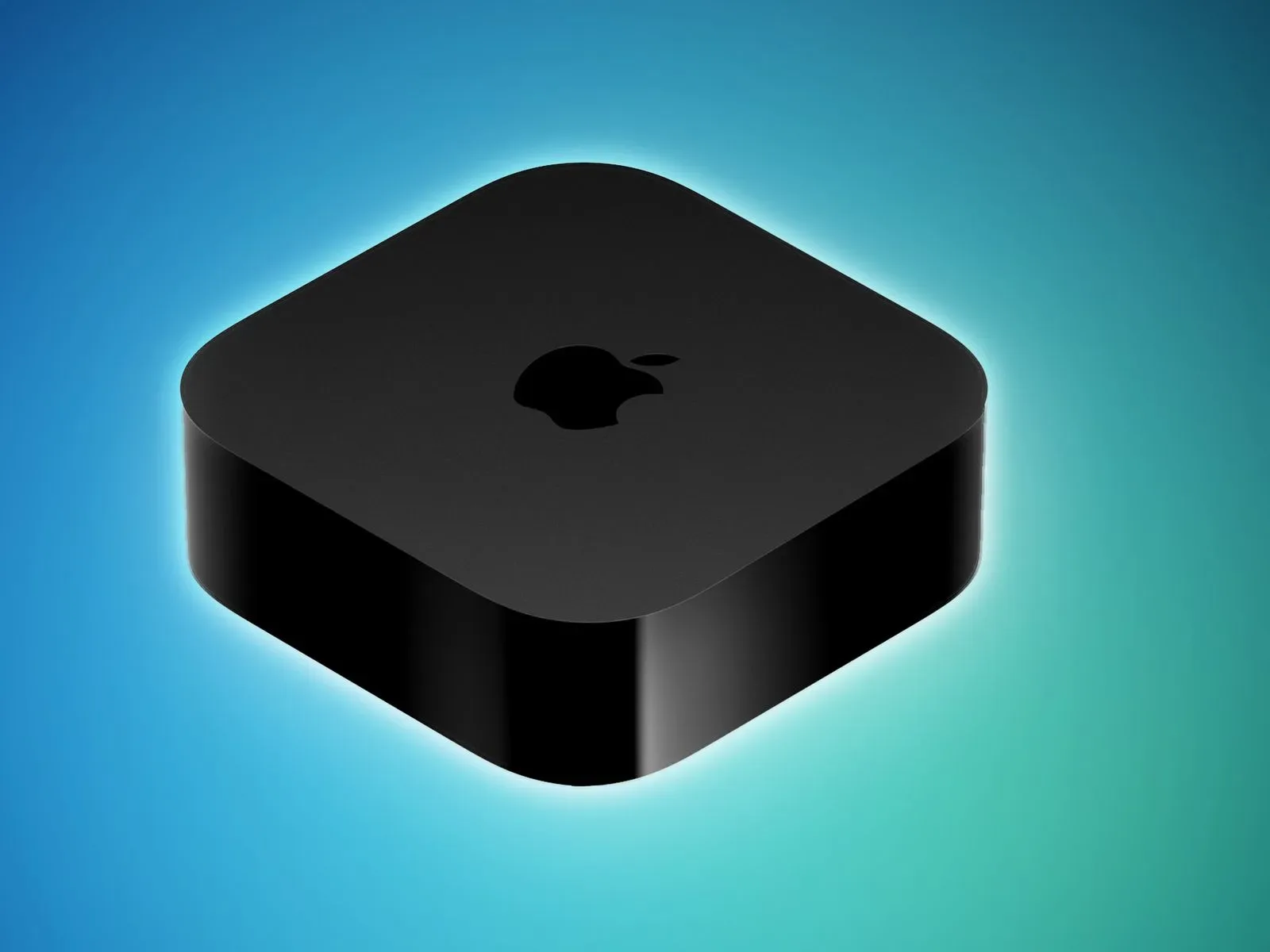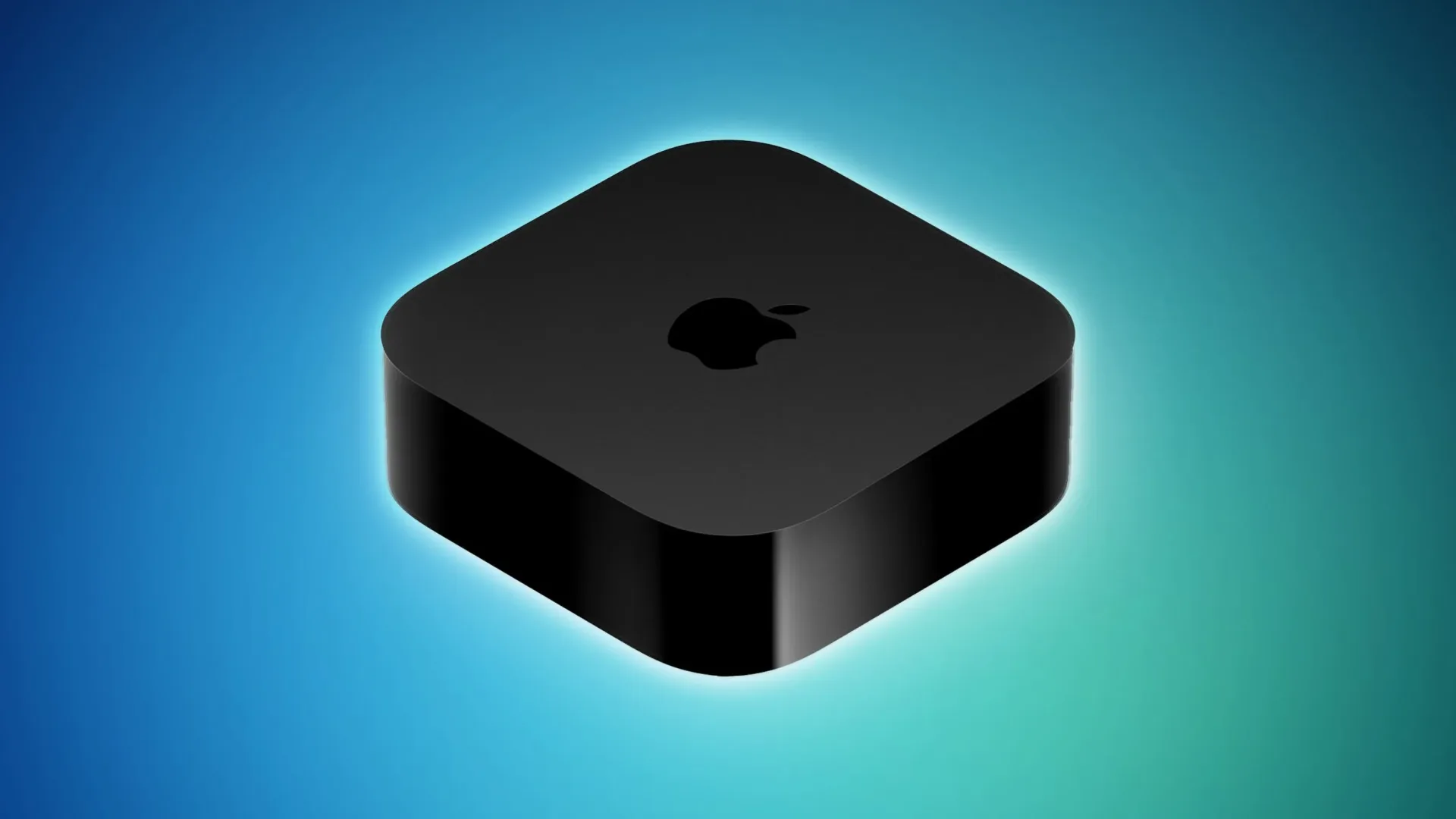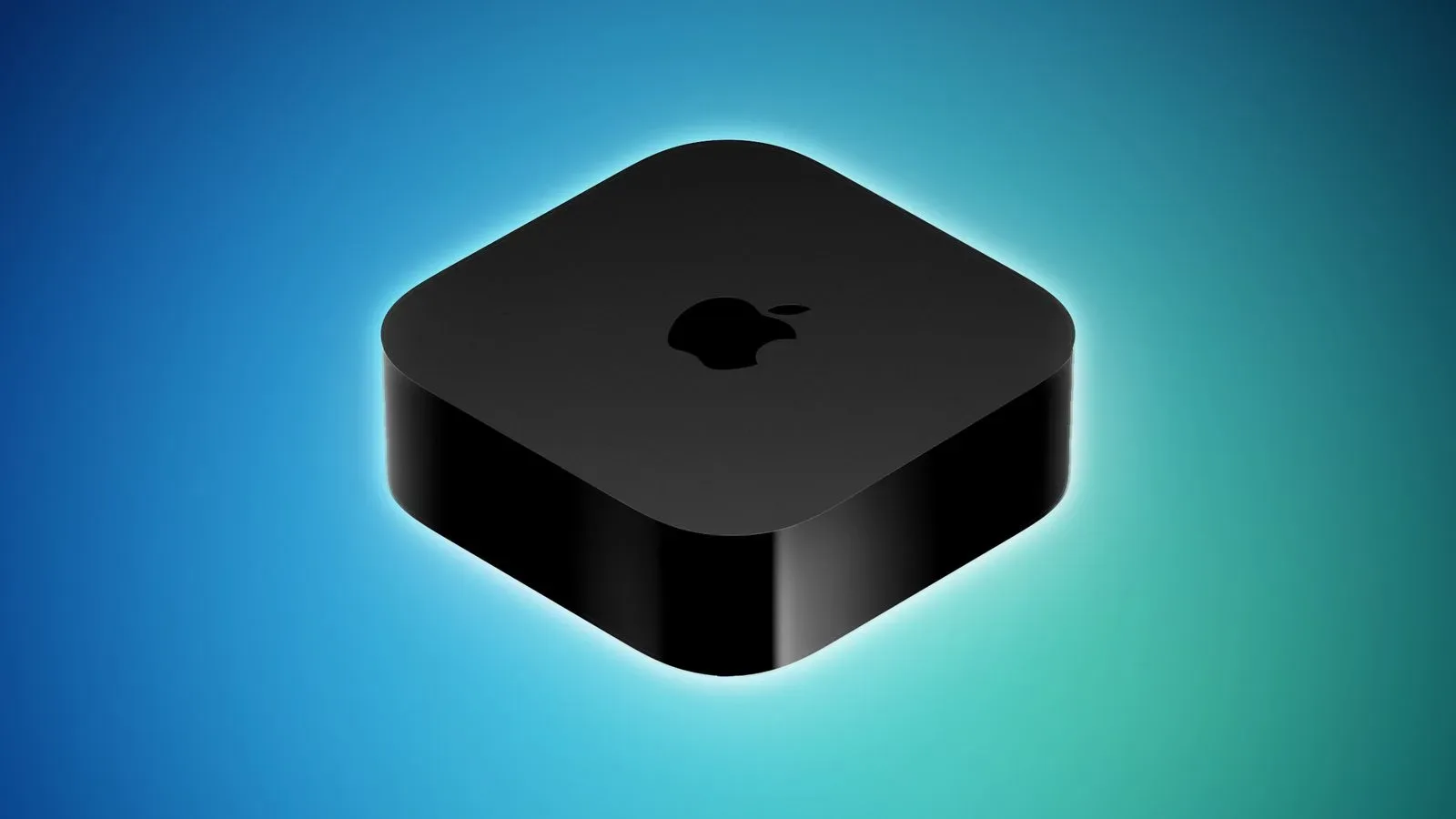
Apple has published the fuller feature rundown for tvOS 27, putting the details of its Apple TV update in one place after the software arrived on September 14. The list is especially useful because Apple TV does not present release notes inside the Settings app when an update is installed. Instead, the company updates its online support documentation separately.
The update applies to Apple TV 4K hardware beginning with the second-generation model. Its headline changes are spread across music playback, podcasts, wireless sharing, accessibility and household controls rather than centered on a major redesign. That makes tvOS 27 a practical update: several of its additions address the everyday moments when an Apple TV is used as a shared living-room device rather than simply a streaming box.
What tvOS 27 adds to Apple TV
- Hi-Res Lossless support in Apple Music: Apple describes this as a studio-quality listening option.
- AutoMix in Apple Music: a continuous-playback feature that uses time stretching and beatmatching to move between songs in a DJ-like fashion.
- Video podcasts: shows with video can now be watched through the redesigned Podcasts app on the television.
- AirPlay performance improvements: Apple says sharing photos, video and music from an iPhone, iPad or Mac should connect more quickly and respond faster.
- Transcribed audio: text intended to help users follow content when conventional captions or subtitles are unavailable.
- Dynamic Text: an Accessibility setting for choosing a preferred text size across supported apps.
- Individual app controls: Settings can be used to prevent users from launching particular apps.
- Bug fixes and security updates.
Music gets the most conspicuous new playback tools
For Apple Music users, tvOS 27’s two named audio additions have very different purposes. Hi-Res Lossless is about fidelity: “lossless” generally refers to audio that is not reduced through lossy compression, while “Hi-Res” denotes a higher-resolution tier. Apple’s notes characterize the result as studio quality. The notes do not spell out setup requirements, compatible audio equipment or which tracks qualify, so users should not assume every Apple Music song or every TV-connected speaker arrangement will behave identically.
AutoMix, meanwhile, is about flow. Rather than leaving a clean gap between tracks, it is designed to transition from one song into the next. Apple specifically says it uses time stretching and beatmatching. Time stretching changes a track’s duration or tempo while aiming to preserve its pitch; beatmatching aligns the rhythmic pulse of two tracks. Together, those techniques are familiar building blocks of a DJ-style mix.
The practical appeal is straightforward for people who use Apple TV for parties, background listening or long music sessions: a queue can feel more continuous than a standard track-by-track handoff. It should not be confused with a promise that every pair of songs will produce a seamless creative mix. Apple’s description establishes the general behavior, not a guarantee about how any particular genre, recording or playlist will transition.
Video podcasts make the TV screen a more direct destination
tvOS 27 also brings video podcasts to the redesigned Podcasts app. This is a meaningful distinction from treating podcasts solely as audio: a show built around interviews, demonstrations, visual jokes or studio conversation can now be followed on the biggest screen in the room through the native app.
The change fits a broader shift in how television screens are used. A device that plays films, series, music and photos can also become the place for episodic talk shows and creator-led programming. That matters for households that want a less fragmented experience than beginning a video on one device and then deciding whether to send it elsewhere. For another example of how screen storytelling can travel across entertainment spaces, see our look at “Forgotten Island” and its emotional map of friendship, distance and Filipino memory.
Apple’s release notes only confirm support for video podcasts in the app. They do not identify particular shows, platforms, regional availability or controls beyond the redesigned Podcasts experience, so those specifics remain outside the published feature list.
AirPlay improvements target a small but familiar source of friction
AirPlay is Apple’s system for sending media from devices such as an iPhone, iPad or Mac to Apple TV. In this update, the focus is performance: Apple says sharing photos, videos and music should yield faster, more responsive connections.
That may sound modest, but responsiveness is central to whether wireless casting feels convenient. When a user chooses an image or video on a phone, the expected result is immediate appearance on the TV. A faster connection can make the feature more useful for showing guests a photo album, putting a clip on the screen, or moving music from a personal device to the room’s audio setup without breaking the moment.
Importantly, this is phrased as a performance improvement, not a detailed promise about connection speeds, network range or fixes for every possible AirPlay issue. Home Wi-Fi conditions, the originating device and the media being shared can all shape the real-world experience, but the published notes do not quantify the improvement.
Accessibility additions address both text and uncaptained audio
The accessibility work in tvOS 27 takes two complementary forms. Dynamic Text lets a person set a preferred text size in Accessibility settings, with that preference working across apps that support it. The qualifier matters: the setting is not described as a universal override for every app on Apple TV. Still, making the preference available at the system level can reduce the need to repeatedly hunt through individual app menus.
For viewers who find interface copy difficult to read from sofa distance, text-size consistency can be as consequential as any visual refresh. TVs are shared devices, and one person’s comfortably readable menu can be another person’s frustratingly small wall of labels.
Transcribed audio addresses a different accessibility need. Apple says the feature helps people follow along when standard captions or subtitles are not provided. Captions traditionally represent spoken dialogue and may include relevant sound cues, while subtitles are commonly used to display translated dialogue or written dialogue in the program’s language. A transcript is text derived from audio. Apple’s wording does not establish that transcribed audio is equivalent to professionally authored captions, but it potentially supplies a text-based fallback in situations where no standard caption or subtitle track exists.
Per-app blocking is a focused household-control option
tvOS 27 adds the ability to block users from opening individual apps through Settings. This is narrower and more direct than treating access as an all-or-nothing question for the entire Apple TV: a household can restrict a specific app while leaving the device otherwise usable.
That has obvious relevance for shared screens. Parents and guardians may want to limit entry to an app, while other households may simply want clearer boundaries around which services are available to particular users. The release notes do not describe the authentication method, age ratings, profiles or any app-by-app exceptions, so it is best understood as a new launch restriction rather than a fully detailed parental-controls overhaul.
Compatibility and why the delayed notes matter
The published compatibility line is clear: tvOS 27 supports Apple TV 4K, second generation and later. Owners of earlier Apple TV hardware should not infer eligibility from the feature list.
There is also a practical lesson in the delayed documentation. Since Apple TV’s Settings app does not display software-update release notes, a completed update can leave users unaware of capabilities that have already been installed. In tvOS 27, that could mean overlooking a new music transition mode, never checking the Podcasts app for video shows, or missing a text-size preference and individual app-blocking control that would make the device better suited to a particular household.
For compatible Apple TV 4K owners, the most sensible next step is to look through Apple Music, Podcasts, Accessibility and app-control settings rather than expecting every new option to announce itself. tvOS 27 is not presented as one giant new mode. It is a collection of targeted improvements, and its value depends on which parts of Apple TV a household actually uses.