Grand Theft Auto 6 players on PlayStation 5 are reporting crashes associated with error CE-108255-1, with the most serious accounts describing a game that closes repeatedly or fails at the same point in the story. The reports include both standard PS5 and PS5 Pro hardware, but the available information does not establish whether the underlying problem sits with the game, the console software, particular installations, or some combination of those factors.
The immediate practical issue is progression. A crash in an open-world game is irritating under any circumstances; a crash that occurs during a loading sequence or appears attached to a mission interaction can prevent a player from advancing at all. Some affected players say the failure happens before they can properly enter the game, while others say they can play briefly before being returned to the PS5 home screen.
What CE-108255-1 actually tells players
CE-108255-1 is Sony’s broad error label for a game or application error. In plain language, it confirms that the application has failed, but it does not identify a single cause. It is not, on its own, proof of a damaged console, a defective game disc, an account problem, or a specific GTA 6 bug.
That distinction matters because players naturally look for a one-step remedy when an error code appears. A general application-crash code is more like a symptom label than a diagnosis. Two players can encounter the same code for different reasons, and one person’s successful workaround may do nothing for another person whose crash occurs in a different circumstance.
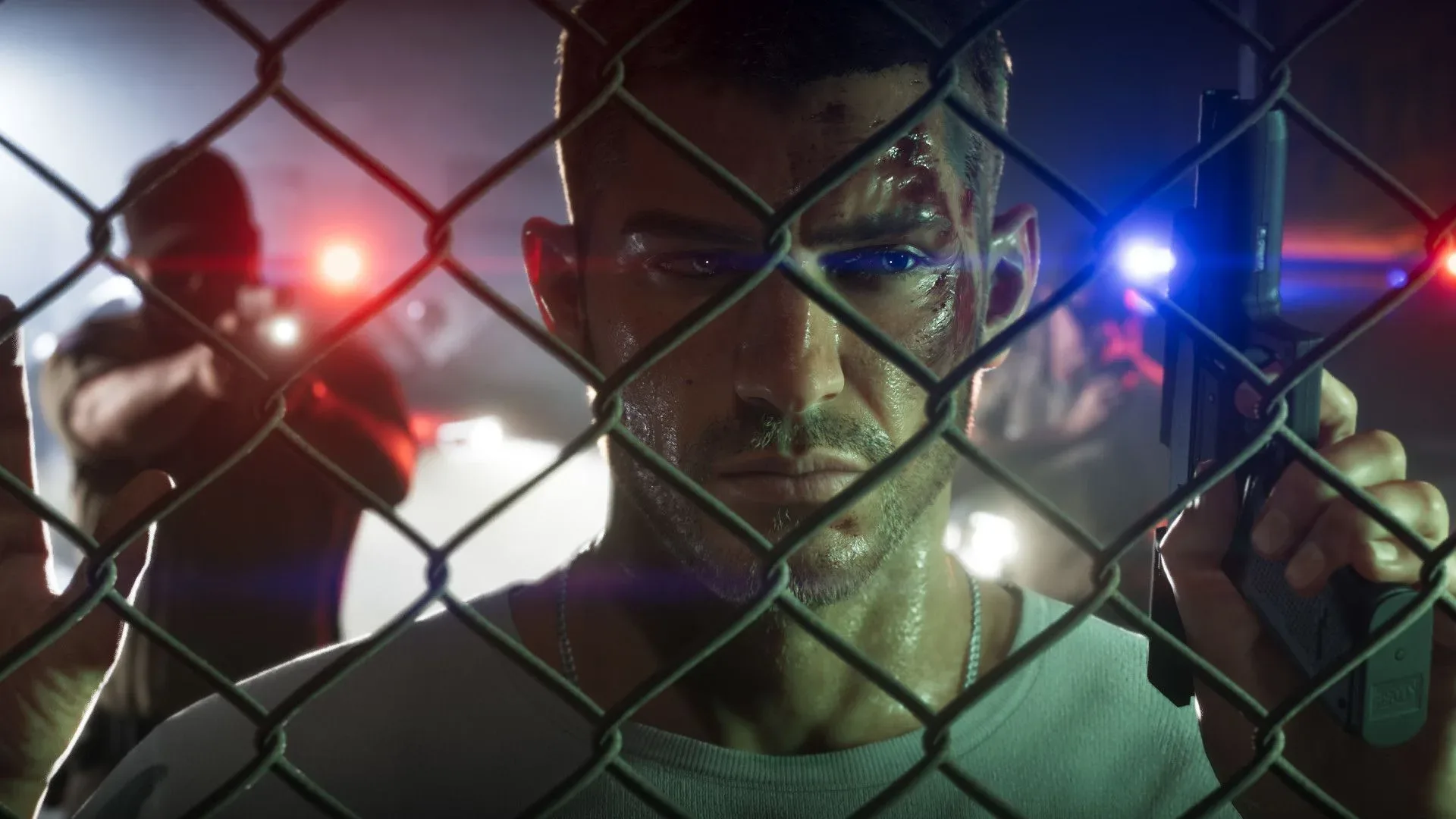
Reports around GTA 6 illustrate that uncertainty. One player described a freeze on Jason’s loading screen followed by the error, effectively stopping access to the game. Others have reported crashes after a few minutes of play. At least one report links the failure to using a plunger during the Pipework mission. These accounts are useful indicators of a possible pattern, particularly when several players describe the same code, but they do not yet demonstrate a confirmed mission-wide trigger.
Why the story-progression reports are the most concerning
A random crash can be disruptive without being a complete blocker if a player can restart, reload, and continue. An apparent repeatable crash at a loading screen, cutscene, or required interaction is more consequential. If the game fails every time a player reaches a particular point, retrying does not create a route around the issue.
Players have also raised concerns about GTA 6’s autosave behavior. Autosave is the system that records progress automatically rather than requiring the player to manually create a save at every moment. When it is perceived as less frequent or less generous, an unexpected application closure carries a greater risk of lost time. That does not mean every CE-108255-1 crash corrupts progress or destroys saves; the reports support frustration over abrupt interruptions and potential lost play, not a confirmed widespread save-data failure.
The contrast between affected and unaffected consoles is equally important. One player reported extensive troubleshooting on a launch-era PS5 with a disc drive while friends using the same broad console configuration played without a problem. That type of account weakens any simple claim that every original PS5, every disc installation, or every display setting is responsible. It instead points toward an issue that may depend on variables that have not been publicly isolated.
Reported troubleshooting steps: sensible checks, not a guaranteed cure
Players who have sought assistance describe being directed between PlayStation support and Rockstar support, a frustrating outcome when the responsible layer is still unclear. Some users say they have had at least some success with familiar troubleshooting measures. Those steps are reasonable first checks, but none should be presented as a confirmed fix for all affected GTA 6 players.
- Install the latest PS5 system software and GTA 6 update. This ensures the console and game are using their currently available versions. It cannot resolve a defect that has not yet been patched, but it prevents an outdated build from complicating diagnosis.
- Close the game completely and restart the console. This is a basic way to clear the current application session. It is a low-risk first response to an isolated crash, though repeated failures in the same place need more than a simple relaunch.
- Restore game licenses. License restoration checks the account’s digital-entitlement information. It may be relevant to access or ownership verification problems, but CE-108255-1 is described as an application error, so this is not evidence of a universal crash solution.
- Reinstall the game. Removing and reinstalling can replace local game files. Several players have tried it, and some report improvement; others say it did not end the crashing. Anyone considering this route should be careful not to remove save data unintentionally.
- Document the failure point. Note the mission, action, loading screen, time of crash, version information, and whether the problem happens every attempt. Specific reproduction details are more useful to support teams than a general report that the game “keeps crashing.”
Other reported attempts have included clearing cache, rebuilding the PS5 database, changing HDR settings, lowering output resolution, freeing console storage, and even cleaning hardware. The fact that players continue to report crashes after trying long lists of changes is the key takeaway. These steps may help in isolated cases, but the available reports do not justify telling players that they will solve the GTA 6 problem.
Technical terms in context
HDR, or high dynamic range, is a display format intended to expand contrast and color range on supported televisions and monitors. Turning it off changes the video-output path, which is why players sometimes test it during stability troubleshooting. However, a crash persisting across HDR and standard display configurations would suggest HDR is not the sole explanation for that player.
Rebuild Database is a PS5 maintenance option that reorganizes system storage information. It is not the same as reinstalling a game, and it is not a targeted GTA 6 repair tool. Similarly, clearing cache removes temporary data. Both can be sensible general maintenance actions, but neither identifies the cause behind an application crash code.
Restoring licenses refreshes the console’s recognition of content associated with a player’s account. That is conceptually separate from repairing local game code. It may be worth attempting when access and ownership are in question, yet it should not be mistaken for proof that a crash is license-related.
What affected players should avoid assuming
At this stage, there are several conclusions the reports do not support. It is not established that GTA 6 is broadly unstable for the majority of PS5 owners. It is not established that PS5 Pro is immune, since reports include that model. It is not established that standard PS5 hardware is the sole culprit, since the code is tied to a game/application failure and players describe different crash circumstances. Nor is there a confirmed public fix that reliably clears a potentially story-blocking crash.
That uncertainty is particularly visible in the variation between accounts. A player unable to get beyond a character loading screen may not be experiencing the same issue as someone who crashes during a single mission action. Both may see CE-108255-1 because it is the same high-level error category, while the route to that result differs. Treating every report as one identical bug could send players into ineffective troubleshooting loops.
For players currently encountering the error, the best immediate approach is measured rather than destructive: make sure updates are installed, preserve save data, try a limited set of standard checks, and record exactly where the failure occurs. Repeatedly changing multiple system settings at once makes it harder to know whether any one change affected the result. More importantly, drastic measures such as deleting data should not be undertaken casually when the reports do not show a dependable benefit.
A launch problem occurring at enormous scale
GTA 6 launched for PS5 and Xbox Series X/S on November 19. Rockstar reported $3.79 billion in revenue during its first 24 hours, while parent company Take-Two Interactive said pre-orders reached 32.5 million copies. Exact unit sales beyond that pre-order figure have not been disclosed.
Those numbers explain why even a problem affecting a minority of users can rapidly become highly visible. A launch at that scale produces a huge number of hardware setups, display configurations, account states, installation histories, and points of progress through the game. It also means that a cluster of severe crashes can have a real impact on a substantial number of players without proving that the problem affects everyone.
The more pressing question is whether a future game or system update will address a reproducible GTA 6 crash pattern on PS5. For now, reports support a narrower, more careful conclusion: some PS5 and PS5 Pro players are encountering frequent CE-108255-1 application crashes, some believe those crashes are tied to story progress, and existing troubleshooting has delivered inconsistent results. Until a clearly identified cause or an update emerges, affected players should treat any claimed fix as a workaround to test—not a promise.