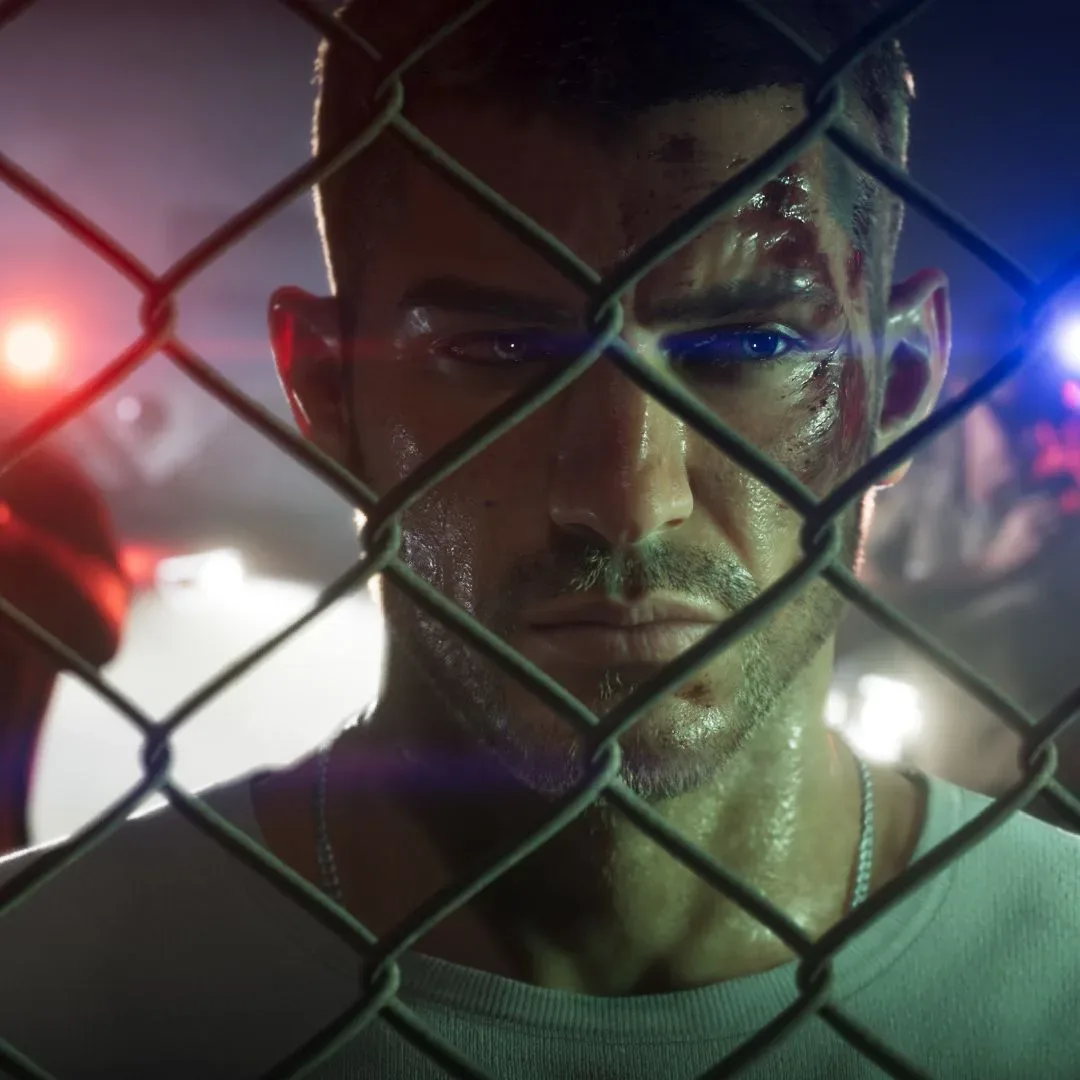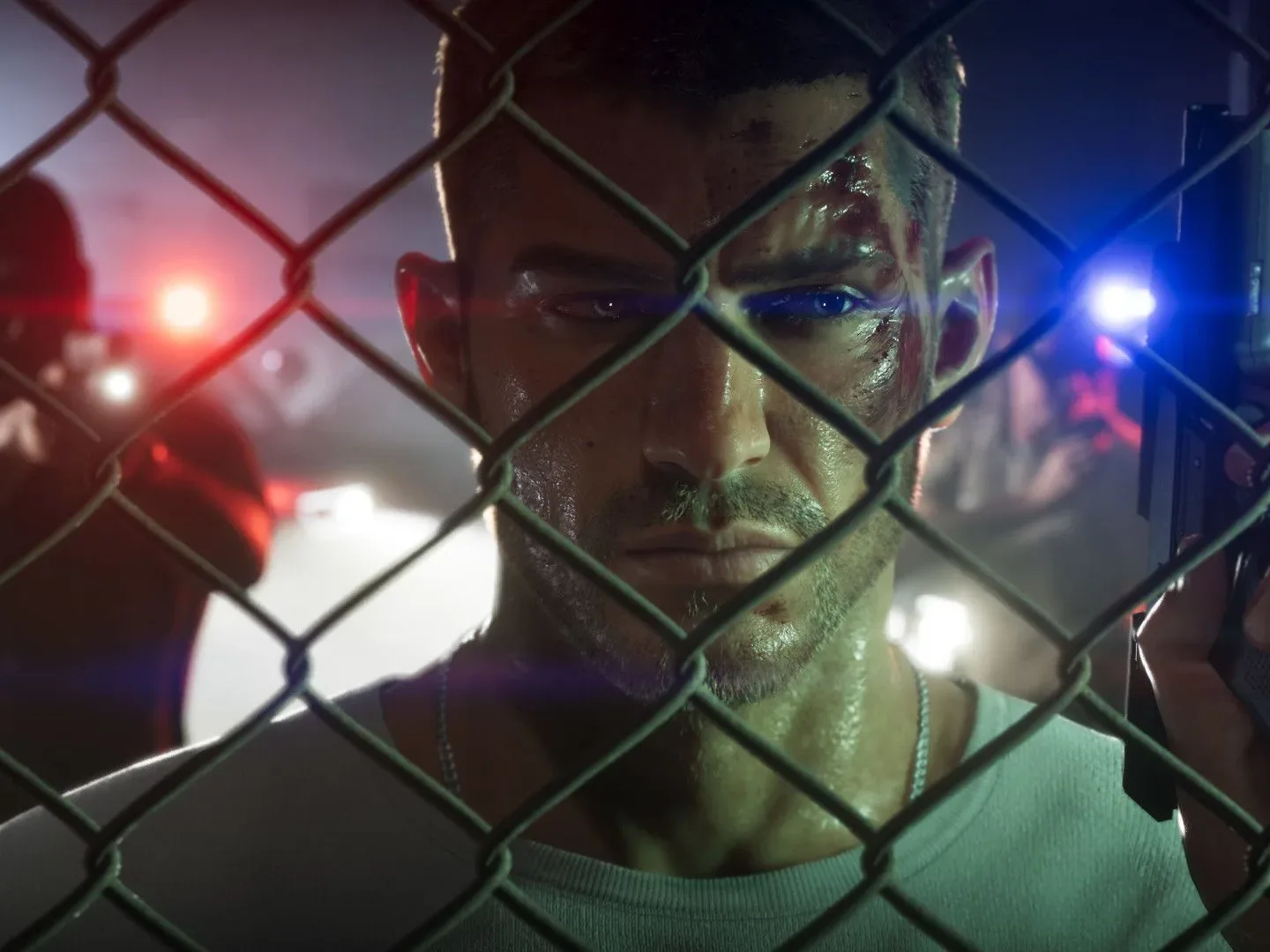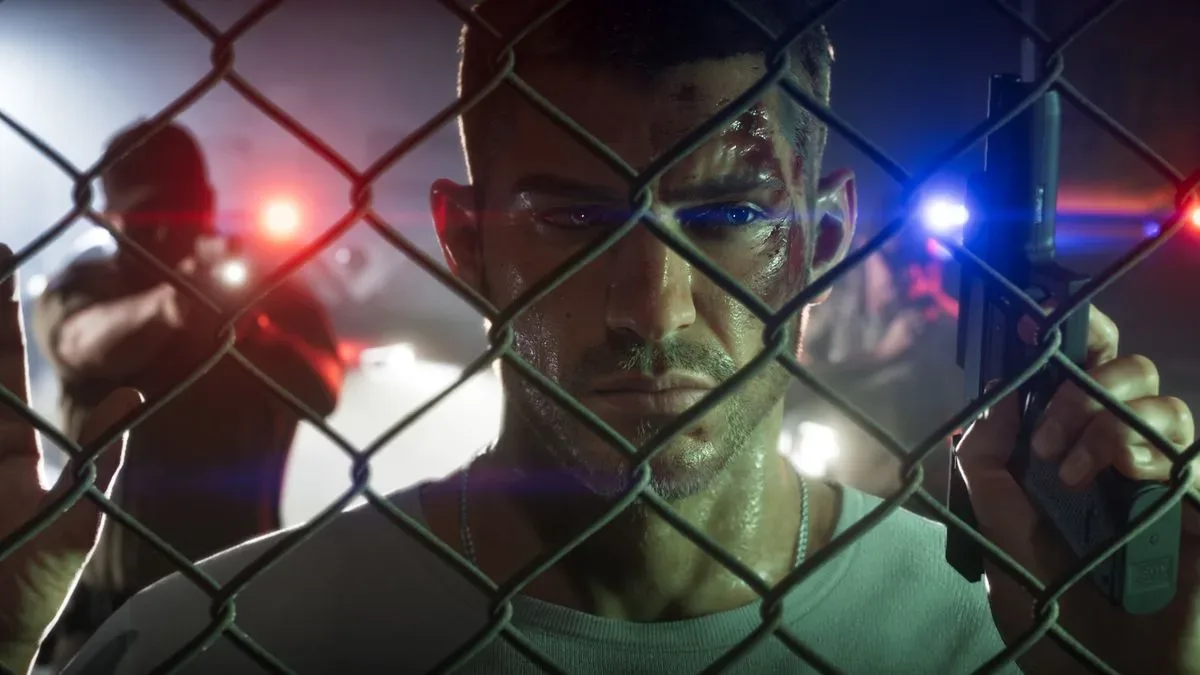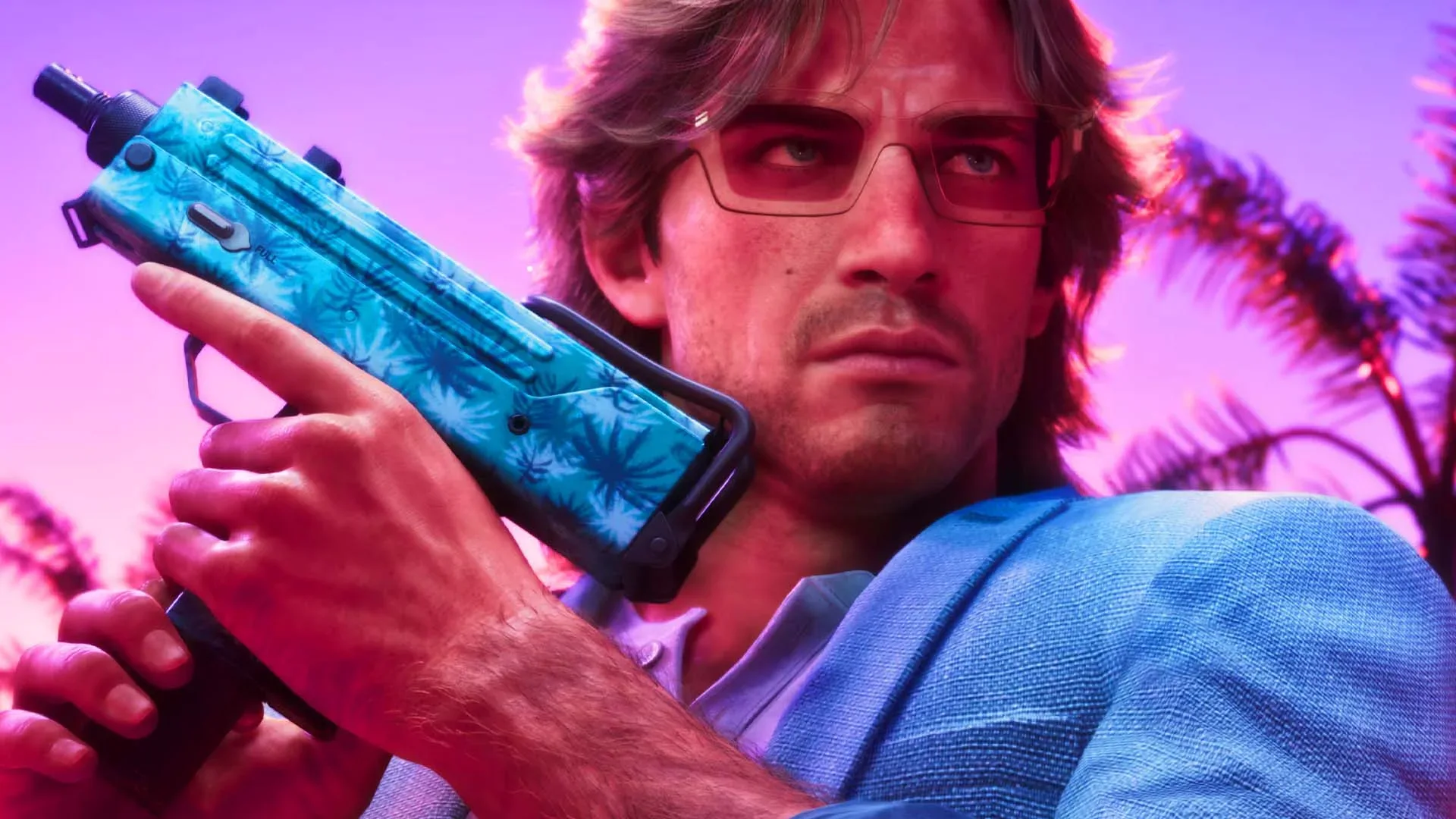
Some Grand Theft Auto 6 players are reporting a particularly frustrating problem on PlayStation 5: a repeatable crash that appears around early story sequences and stops them from progressing. The code cited in player reports is CE-108225-1. While it has been described elsewhere with a slightly different number, CE-108225-1 is the code consistently attached to the accounts examined here.
The reports are significant because this is not merely a crash after several hours of free-roam chaos. Players describe the game shutting down during, or immediately following, an opening cutscene. In some accounts, skipping that scene does not resolve the issue; the game freezes or crashes shortly afterward. When a failure occurs at the same point every time, it turns what might otherwise be an intermittent stability annoyance into a potential progression blocker.
There is not enough evidence to call this a universal GTA 6 problem on PS5. Social-media posts, even a sizeable cluster of them, cannot establish how many consoles or copies are affected. But the consistency of the reports warrants attention, particularly because players say common repair steps have failed to change the outcome.
What players say is happening
Accounts of the issue point to mid-game or cutscene-adjacent crashes associated with CE-108225-1. One player said they could not get beyond the opening cinematic, while another said the crash persisted even after skipping it. The reported pattern is important: a fixed failure point may suggest the game is encountering trouble with a particular sequence, save-state transition, or local installation state. That is analysis, not a confirmed diagnosis; neither Rockstar nor Sony has provided a specific public cause in the information available.
Players reporting the error mention base PS5 systems as well as Digital Edition and Slim hardware. On its own, that does not prove the fault is spread across every PS5 model, nor does it rule out factors such as a specific game build, a damaged installation, account licensing, or circumstances that have not yet been identified. It does mean there is no clear evidence from these reports that simply owning one particular PS5 model explains the crashes.
The available accounts also make GTA 6 look like the common denominator. Recent reports tying this same issue to other games were not identified in the supplied material. That still falls well short of proving that every CE-108225-1 occurrence is a game-side defect. Error codes are useful clues, not final diagnoses. They describe a failure reported by the system, but they do not necessarily tell a player whether the underlying cause is the game, its installation, the console software, storage, or something else.
The standard remedies have not produced a confirmed answer
Players say they have already worked through a substantial checklist: clearing the console cache, rebuilding the database, reinstalling the game, checking for updates, and restoring licenses. None has emerged as a reliably successful solution for the recurring GTA 6 crash reports.
Those terms can sound interchangeable, but they tackle different categories of problem:
Related coverage includes PS5 Players Report GTA 6 Crashes Linked to CE-108225-1 Error.
- Clearing cache removes temporary console data. It can help when temporary files are behaving badly, but it does not replace game files or guarantee a fix for a reproducible crash.
- Rebuilding the database is a PS5 maintenance action that reorganizes the console’s content database. It may be useful when the system’s indexing is affected, but it is not the same as repairing an individual game’s code.
- Reinstalling replaces the local game installation. This is a logical step if game files were incomplete or corrupted, though repeated reports of failure after reinstallation mean it cannot currently be treated as a dependable cure.
- Restoring licenses refreshes the console’s recognition of digitally owned content. It is most relevant to access and entitlement issues, rather than a crash tied to a specific scene.
The practical takeaway is not that these tools are useless. They are standard, non-destructive troubleshooting steps. The more limited conclusion is that players should be cautious about promises that any one of them will definitely solve this particular GTA 6 problem. The reports supplied do not support that claim.
Why “update the game” is not enough right now
General PlayStation guidance for CE-108225-1 advises players to update the game and, if that does not work, visit PlayStation Repairs. Updating is normally sensible advice: a patch can resolve a known software bug or improve compatibility. The problem for affected GTA 6 players is that the information provided indicates no game update is presently available to download.
That leaves a mismatch between broad support guidance and the immediate reality of a player who has the current version, has retried the usual console-side steps, and still cannot pass an early story moment. A repair referral may also feel premature when reports span multiple PS5 versions and the apparent failure is confined to one title. One player said a repair enquiry resulted in a quoted cost of £300, although that single account cannot establish a standard price or establish that repair is necessary for this error.
For now, the absence of a confirmed workaround is the key issue. A player should not assume a hardware repair is the correct response merely because a generic error page lists it as an option—especially when the problem appears linked to one game and no official cause has been supplied.
What affected players can do without overpromising a fix
There is no source-supported magic sequence to recommend. However, a careful approach can make any eventual support request more useful and helps avoid confusing an attempted workaround with a verified solution.
- Check that GTA 6 and the PS5 system software are current. This is basic triage, not a guarantee. If a patch becomes available, install it before repeating the problem sequence.
- Record the exact error code and point of failure. Note whether the crash occurs during a cutscene, immediately after it, or after choosing to skip it. A short video or screenshot can preserve details that are easy to forget.
- Keep a clear list of completed steps. If cache clearing, database rebuilding, reinstalling, and license restoration have already been attempted, write that down. It prevents duplicated advice and gives support a more precise starting point.
- Avoid treating unverified social-media fixes as established. A workaround that changes the timing of a crash once is not necessarily a solution. Repeatability matters.
- Watch for official game or platform guidance. A targeted acknowledgement, patch note, or support update would be more meaningful than a broad instruction to update software when no update exists.
It is also worth separating a crash report from a claim about overall performance. GTA 6 has drawn attention for its 30 frames-per-second presentation, but frame rate and a hard crash are different technical questions. Frames per second, usually shortened to fps, measures how often the game produces a new image. A crash is an application or system failure that closes, freezes, or otherwise prevents normal play. One does not automatically explain the other.
What the reports do—and do not—tell us about the PS5 version
The reports give affected owners a valid reason to seek a response, but they do not establish prevalence. There may be many unaffected PS5 players, and the available accounts cannot indicate a failure rate. Nor is there evidence here that PS5 Pro ownership changes the situation. Any claim that a more expensive console is a fix for CE-108225-1 would be speculation.
Likewise, the reports do not identify a permanent workaround, a recall-level hardware issue, or a confirmed patch schedule. The most defensible reading is narrow: some PS5 owners report repeatable GTA 6 crashes bearing the same code, routine troubleshooting has not consistently resolved them, and publicly available generic guidance does not yet answer the specific progression-blocking scenario.
That uncertainty matters because GTA 6’s launch conversation is already expansive, from viewership records to its in-game culture. The reported scale of GTA 6’s Flash FM and V-Rock track lists is one example of how much attention the game is receiving. In a release of that profile, a small number of highly visible failure reports can quickly feel universal. They may be important without being representative of everyone’s experience.
For players locked at the opening scenes, the distinction offers little comfort: a rare crash is still a total blocker when it happens every time. The next meaningful development would be a precise acknowledgement from Rockstar or Sony explaining whether CE-108225-1 has a known GTA 6-specific cause, which PS5 configurations are affected, and whether a software update is planned. Until then, the responsible advice is to document the issue, keep software current, and resist expensive or irreversible steps that have not been shown to address this particular crash.