One letter separates disc from disk, but in technology that letter can quietly describe the kind of storage in front of you. A game in a console case, a Blu-ray movie, a music CD, an old floppy disk and a computer’s hard drive can all be called round-ish media in casual conversation. The usual technical spelling, though, points to two different families: optical media and magnetic storage.
The quick version is easy to remember. A disc, spelled with a C, commonly means an optical format: CDs, DVDs, Blu-ray releases and physical video games that use comparable optical media. A disk, spelled with a K, generally refers to magnetic storage, including floppy disks and traditional mechanical hard drives.
That convention is useful rather than merely fussy. The media can both hold files, but they do not work in the same fundamental way. Knowing the distinction makes product packaging, PC terminology and conversations about physical games a little clearer—particularly when a modern solid-state drive is described as a “disk” despite not being a traditional disk at all.
The short answer: disc is optical; disk is magnetic
A disc is normally an optical storage medium. “Optical” means the format is associated with reading data using light. A compact disc is therefore a CD, not a compact disk. The same C spelling is standard in the names and packaging language associated with DVDs and Blu-ray. When a physical game is inserted into a compatible console, it is generally a disc.
A disk generally belongs to the magnetic-storage side of the vocabulary. Floppy disks are the most obvious older example. Conventional mechanical hard drives are another. A computer may use terms such as disk or disks when referring to its storage, reflecting that long-standing convention.
Both sorts of media have the broad job of holding data. Files can live on a computer’s storage; game, video or music data can live on a physical optical release. That shared purpose is why the words can feel so close. The key distinction is not simply that one is used with a PC and the other with a console. It is the underlying storage category traditionally indicated by the spelling.
What “optical storage” means in this context
Optical storage is the category tied to the word disc. CDs, DVDs, Blu-ray releases and many physical video game releases fit here. In ordinary use, this is the spelling most players encounter on a game case, in a console’s disc-drive description or on a movie package.
The practical gaming example is straightforward: placing a physical game into a console’s optical drive means using a disc. The same applies when a DVD goes into a DVD player or a Blu-ray goes into a compatible player. The spelling matches the medium, even if the software, movie or music stored on it has a very different purpose.
Related coverage includes Disc vs. Disk: Why One Letter Matters in Tech Storage.
This does not mean every use of “disc” has to be a lesson in hardware. Most people saying “game disc” are simply identifying the physical version of a game. Still, the term communicates something useful: this is a piece of optical media, not a hard drive or flash-based storage device.
Examples that normally use “disc”
- Compact discs, better known as CDs
- DVDs
- Blu-ray releases
- Physical video games on optical media
The spelling also helps with product language. A Blu-ray case calling its contents a disc is not choosing a decorative alternative to disk; it is using the form associated with optical media. Likewise, a music CD expanding to “compact disc” follows the same convention.
What “magnetic storage” means in this context
The K spelling—disk—is most closely associated with traditional magnetic storage. Floppy disks and older mechanical hard drives are the clear examples. A floppy disk may be a retro-computing artifact now, but its name remains a useful clue to the terminology. A mechanical hard drive also belongs to this traditional disk category.
For a PC user, this is the language that may appear in operating systems and storage discussions. You might transfer downloaded files to a disk, use one disk for storage and another for a different task, or encounter a reference to hard disks while managing a computer. These uses draw on the established association between disks and magnetic storage.
The physical forms can make this seem confusing. A floppy disk does not look like a bare circular hard-drive component, and a hard drive is enclosed in a drive housing rather than handled like a CD. Yet the vocabulary groups them by the kind of storage they represent, not by whether they resemble a music disc on a desk.
Examples that normally use “disk”
- Floppy disks
- Traditional mechanical hard drives
- Computer-storage references using “disk” or “disks”
It is also worth separating this terminology from a file-transfer method. Downloading data from the internet is not itself “using a disk” in the physical-media sense. But once those files are saved to a computer’s storage, they are being written to the machine’s disk storage in the conventional vocabulary.
Why SSD terminology muddies the neat rule
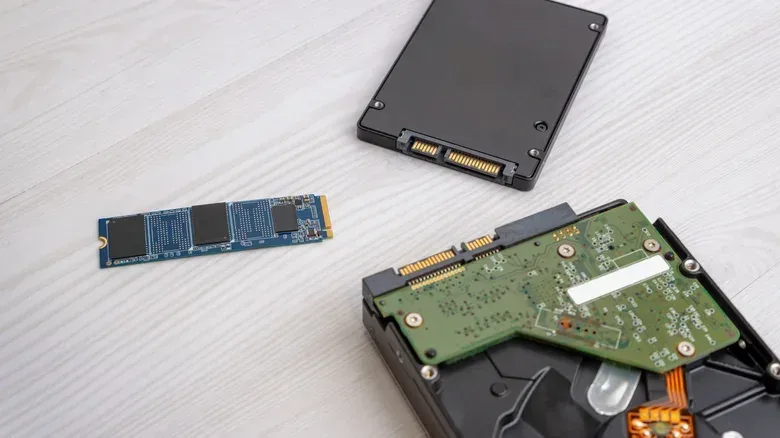
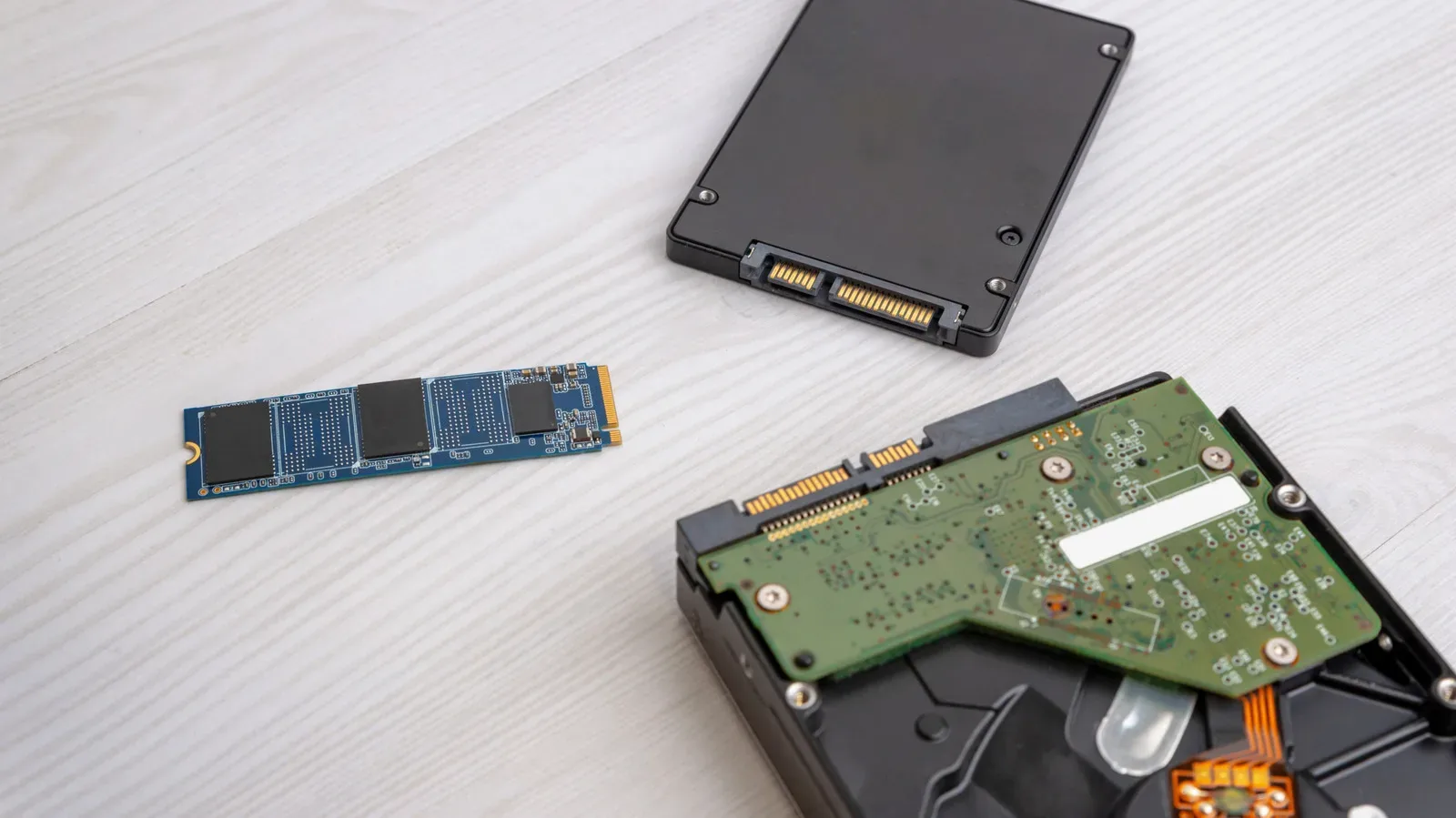
The modern exception—or, more accurately, the modern terminology wrinkle—is the SSD, short for solid-state drive. SSDs are commonly identified using the word “disk” in computer interfaces and everyday language. However, they are not disks in the traditional magnetic, mechanical sense.
The important distinction is that most SSDs use NAND flash memory instead of moving mechanical parts. NAND flash memory is the storage technology named in the supplied technical distinction; it is not the same thing as the mechanical approach associated with older hard disks. So when a computer calls an SSD a disk, it can be read as familiar storage terminology rather than proof that the SSD contains a conventional magnetic disk.
For players, this is especially relevant when discussing a gaming PC’s storage. Someone might say a game is installed on a disk even when the machine uses SSD storage. That statement is understandable in everyday computing language, but it should not be mistaken for a description of the SSD’s physical construction. The same computer-language label can cover storage devices that work differently inside.
This is a useful reminder that technical vocabulary does two jobs at once. Sometimes it identifies a precise mechanism; sometimes it carries forward as a broad label because users and software interfaces already recognize it. “Disk” is an established computer-storage term, while “SSD” identifies a different kind of underlying storage from a mechanical hard drive.
Why the distinction matters to physical game buyers and players
For someone choosing between a download and a boxed game, “disc” identifies the physical optical medium included with the release. It does not automatically say anything about how much data a game will need, how a particular console handles installation, or what other requirements may apply. It simply identifies the media type in the case.
That is still meaningful. A disc-based game, a Blu-ray movie and a CD are all physical optical formats, so their shared spelling reflects a real technology category. Meanwhile, the storage inside a console or PC may be discussed as a disk even if it is an SSD using NAND flash memory. One setup can therefore involve both words: a player inserts a game disc, while the system uses internal storage conventionally labeled a disk.
That pairing is likely the clearest everyday illustration of the difference. The disc is the optical media brought to the device. The disk is the computer-storage terminology associated with the device’s internal storage, historically rooted in magnetic hard drives and still often used around SSDs.
Physical media also makes the wording more visible than it is in many other technology categories. “CD” explicitly derives from compact disc. Blu-ray packaging uses disc. Video game cases and console drives commonly use disc. By contrast, a person managing computer files may see “disk” in software without ever opening a machine or seeing the storage hardware.
A practical wording guide
When precision is helpful, use the spelling that matches the medium:
- Say game disc for a physical optical game.
- Say Blu-ray disc, DVD disc or compact disc for those optical formats.
- Say floppy disk and hard disk for traditional magnetic-storage examples.
- Say SSD when the distinction between solid-state flash storage and a mechanical hard drive matters.
- Use disk storage with care around SSDs: it is common computing language, but it does not make an SSD a conventional magnetic disk.
In casual conversation, people will often understand either spelling. The point is not to turn a one-letter slip into a courtroom objection. The value is clarity. If a discussion is about a physical game, disc is the specific and conventional word. If it concerns floppy media or older mechanical hard-drive storage, disk is the stronger fit. If it concerns an SSD, naming the SSD directly avoids implying moving mechanical parts.
The takeaway for game and PC terminology
The distinction is best treated as a technology shorthand. Disc usually signals optical media: CD, DVD, Blu-ray and physical games. Disk usually signals magnetic storage: floppy disks and traditional mechanical hard drives. SSDs sit beside that old language as a modern complication, because they are often called disks while relying primarily on NAND flash memory rather than mechanical components.
That small spelling difference can make a sentence more accurate without making it less accessible. It also explains why a console game, a Blu-ray and a music CD belong together linguistically, while a floppy disk and a mechanical hard drive belong in a different group. For another useful primer on a separate piece of PC infrastructure, see how fiber-optic cable distance affects signal loss.