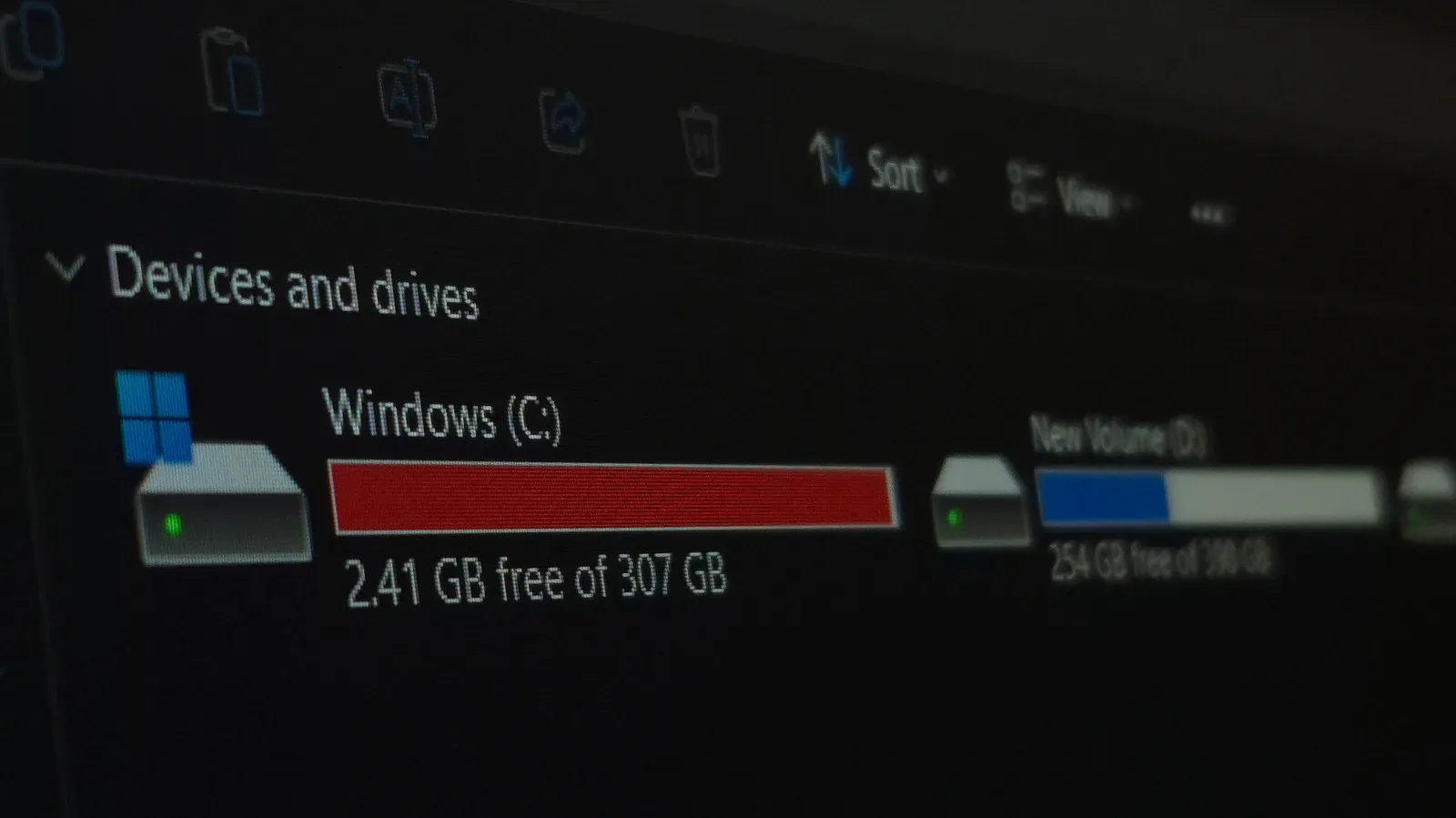
A new hard drive can feel like the most reassuring purchase in a gaming setup: plenty of empty capacity, a clean destination for installs, captures, mods, save backups and years of downloaded patches. But empty space is not the same thing as safety. Recent large-fleet figures paint a familiar, inconvenient picture of hard-disk drives: they remain extremely useful for high-capacity storage, yet they are mechanical devices with a meaningful chance of failing early and an ability to fail with little or no warning.
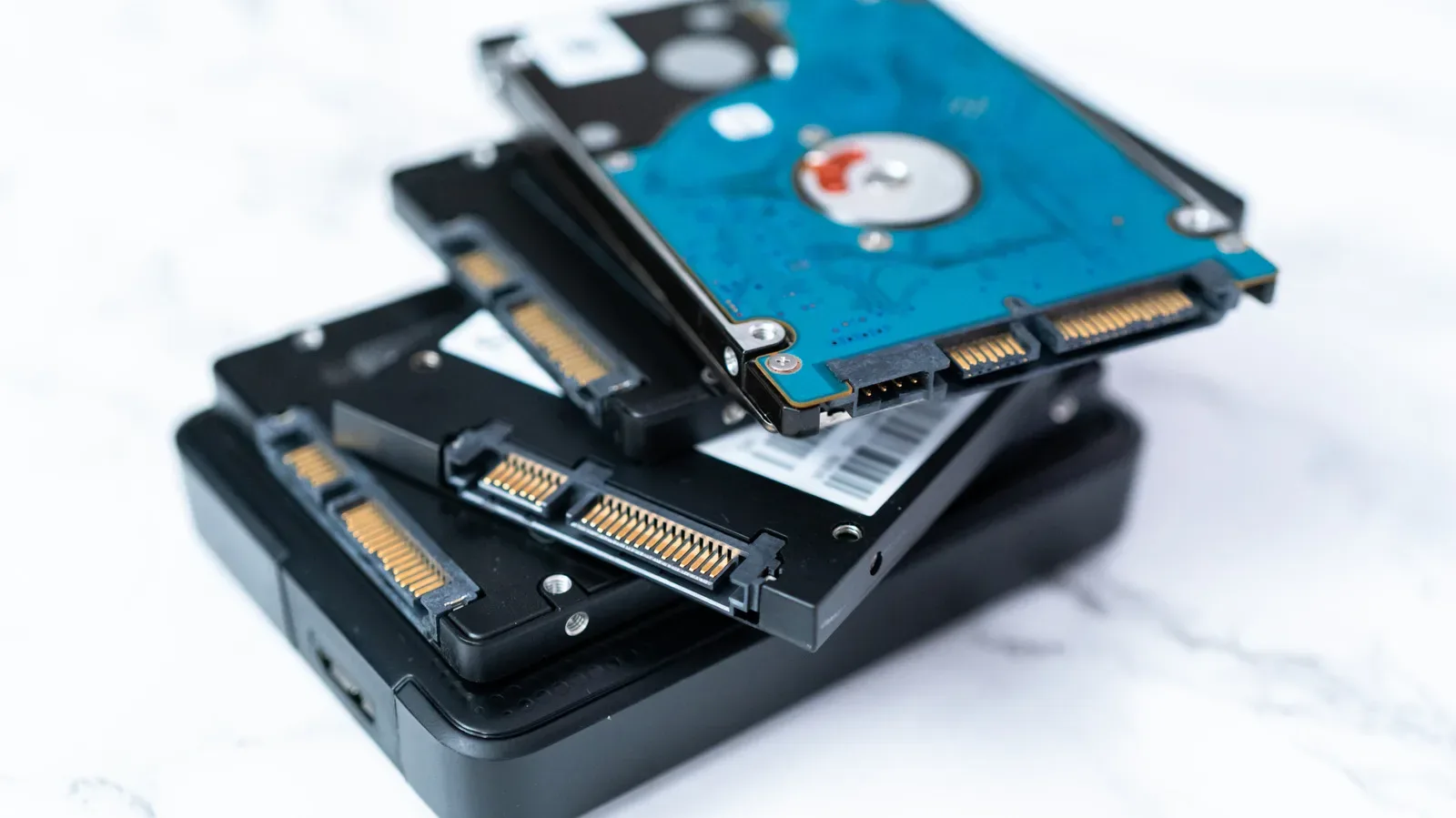
The headline figure is not that every HDD is doomed. It is that a sensible storage plan must assume any single drive can be. Data gathered from a fleet of more than 350,000 drives puts the overall HDD failure rate at roughly 1.5%, with nearly half of the failed drives doing so during their first year. Around 30% of failed drives reportedly gave no warning before breaking down.
For anyone treating an external drive, desktop HDD or NAS box as the sole home for a game collection or personal archive, that last detail is the important one. Monitoring can be useful, but it is not a substitute for another copy. A drive that cannot provide a useful warning cannot be rescued by a reminder to check its condition next weekend.
The numbers need context, but not dismissal
Failure-rate statistics are easy to read in the least helpful way. An overall failure rate around 1.5% is not a prediction that an individual drive has exactly that chance of dying on a particular day, and it does not mean that a newly purchased HDD is automatically bad hardware. It describes a pattern observed across a very large installed fleet. The useful takeaway is risk management: failures happen, they can happen unusually early, and drives become more failure-prone with age.
A separate recovery-focused report arrives at a similar broad view of failure rates and cites an average lifespan of 807 days. That lifespan figure deserves a major qualifier: it reflects drives that had already failed and reached a data-recovery business. It is therefore not an average service life for every HDD someone can buy or owns. Healthy long-lived drives are not represented in the same way. The figure is still a reminder that a failed-drive sample will include both early casualties and drives that did not survive as long as their owners expected.
The large-fleet data also indicates a connection between drive age and failure, with drives becoming more prone to trouble after seven years. That makes an age-based replacement plan reasonable where stored data matters. It does not mean a seven-year-old unit instantly becomes unusable, nor that a newer one deserves blind trust. The first-year failures are precisely why the best time to establish redundancy is when the drive is new, not once it starts behaving oddly.
Why HDD failures can be abrupt
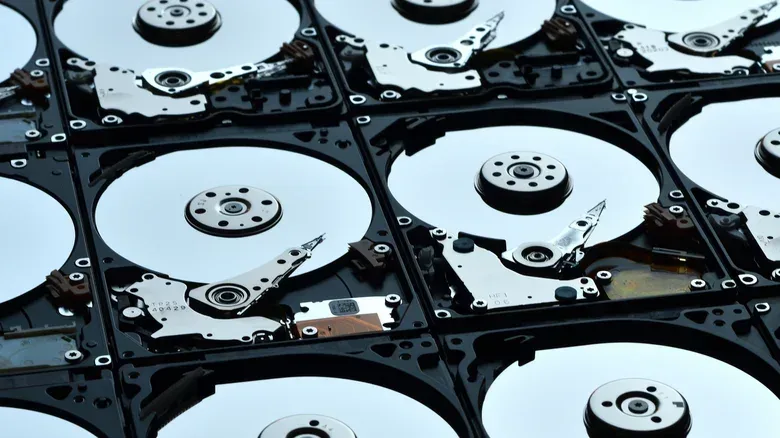
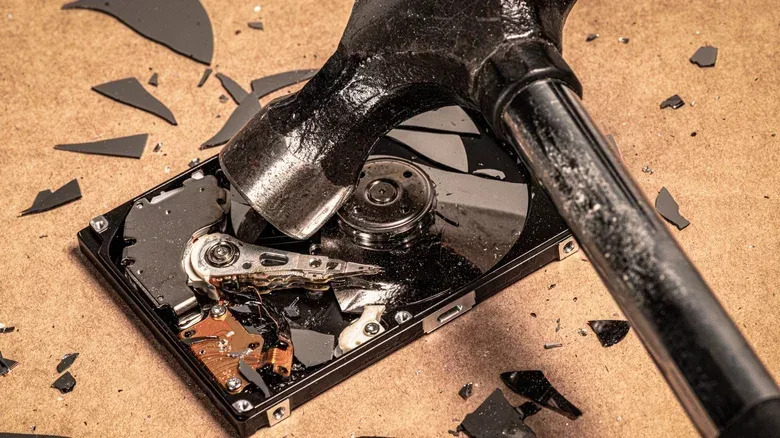
An HDD stores data on spinning disks and uses moving internal components to read and write it. Those mechanics help explain both its value and its vulnerability. Possible causes cited for failures include production issues such as head misalignment or seized motors, physical accidents including drops and power surges, and damage to the drive’s internal operating system.
That list also explains why “it was working yesterday” is not strong evidence that data is protected today. A drop or electrical event is an obvious danger, but a manufacturing defect may reveal itself very early in a drive’s life. At the other end of the timeline, wear and age can raise the risk even after a drive has served reliably for years. The lack of warning in a portion of failures makes the situation more frustrating: a drive can be functioning normally right up until it is not accessible.
Related coverage includes New HDDs Can Fail Early, So Storage Plans Need Redundancy.
There is a practical distinction worth keeping clear. Drive health concerns the state of a particular piece of hardware. Backup resilience concerns whether a hardware failure can take your only copy with it. The former may be watched; the latter is designed. The second is the better defense against silent or sudden failure.
HDDs are still compelling for large game and media archives
None of this makes HDDs obsolete. Their continuing advantage is cost per gigabyte, especially at higher capacities. That value proposition is increasingly noticeable while demand from AI data centers places pressure on SSD pricing. An SSD, or solid-state drive, has no comparable moving disk mechanism and is much faster than an HDD, making it better suited to workloads that need to work rapidly with very large datasets. The relative durability of SSDs compared with HDDs was also part of why SSD storage gained ground in consumer devices.
But speed and capacity economics are separate questions. A high-capacity HDD can still be a practical place for game installers, clips, screenshots, mod archives and less frequently played titles when an all-SSD solution would cost substantially more. For a player who wants fast loading or is actively playing a title, SSD storage can make far more sense. For cold storage—the data kept primarily for retention rather than constant use—HDD capacity can be the sensible choice.
That is also why the productive response to the failure data is not “throw out every hard drive.” It is to avoid assigning one affordable drive an irreplaceable job. The same capacity advantage that makes HDDs attractive can make it feasible to keep another copy elsewhere.
The wider storage question is also relevant for anyone wondering whether every device needs huge internal capacity. Our look at whether mobile gamers really need 2TB of storage reaches a related practical point: the size of a library changes the calculation, but capacity alone does not solve organization or data-protection problems.
RAID helps availability, but it is not automatically a backup
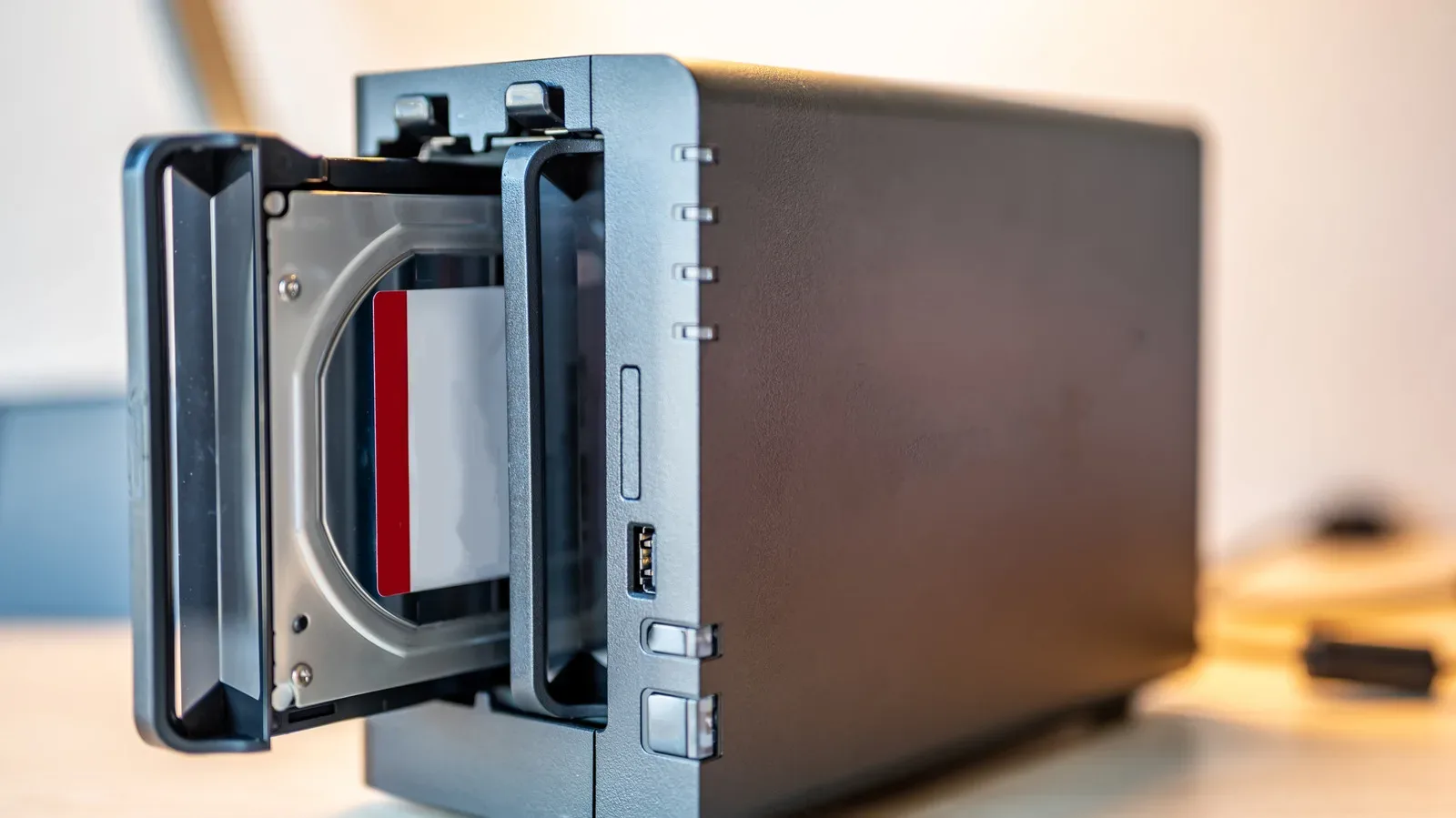
HDDs are commonly combined in RAID, short for Redundant Array of Independent Disks. At a basic level, RAID is a way of arranging multiple disks so a system can pursue capacity, performance, redundancy, or some mixture of those goals. Because hard drives are comparatively inexpensive per GB, a multi-drive HDD setup can cost less than a single high-capacity SSD.
Redundancy is valuable, especially when a system is intended to continue operating after a drive fails. However, RAID should not be casually equated with a complete backup plan. A RAID arrangement can protect against certain drive-failure scenarios, but it does not inherently create an independent historical copy of files. If the aim is to protect game saves, original captures, personal projects or a carefully maintained library from hardware failure, accidental loss, theft or fire, an additional copy in another location remains important.
The supplied data explicitly points toward combining local, cloud and off-site storage to cover mechanical failure as well as theft and fire. The exact mix depends on what is worth protecting and how much capacity it needs. The principle is clearer than any particular product choice: avoid putting every copy in the same drive, and avoid putting every copy in the same physical place.
A practical storage plan for a gaming archive
A good plan does not require pretending every file carries equal value. A reinstallable game download is different from a personal save file, a custom mod setup, an edited video project or footage that exists nowhere else. Start by separating data into categories, then make sure the irreplaceable category has more than one copy.
- Keep active workloads where performance matters. SSDs are the natural fit when fast access is the priority. HDDs remain useful for larger archives where cost and capacity matter more than speed.
- Do not let the only copy live on one HDD. This applies especially to saves, captures, documents, mod configurations and projects that cannot simply be downloaded again.
- Make one copy physically separate. A local duplicate can help with a single-drive failure, while cloud or another off-site option can address risks that affect the whole room or home.
- Treat a new drive as unproven. Nearly half of the reported failures occurred in year one. A new purchase is not the period to postpone backup habits.
- Plan for older hardware. The observed age relationship suggests reviewing aging drives instead of waiting for a seven-year-plus unit to become a crisis.
- Respond carefully to accidents. Drops and power surges are cited failure causes. A drive involved in either should not be regarded as the only safe holder of important data.
These steps are deliberately mundane because storage reliability is mundane until it becomes urgent. The most expensive recovery, emotionally and financially, is often the one attempted after an unprotected collection is already inaccessible.
Brand results are a clue, not a guarantee
Brand-level results are useful only when treated as a starting point. In the April-to-June 2026 period covered by the fleet data, Seagate was reported as the most mechanically reliable brand, but reliability varied by model. Similar failure-rate discussions often put drives from Hitachi, Seagate and Western Digital toward the front. That should not be read as a guarantee that every drive from one manufacturer will outlast every drive from another.
Model differences matter, usage differs, and any individual mechanical product can still arrive defective or suffer an accident. Buying decisions can reasonably consider model-specific reliability information, but a storage plan that depends entirely on selecting the “right” logo has missed the core lesson. Redundancy is what turns a failed drive from a potential data-loss event into a replacement task.
New recording approaches have not changed today’s advice
Most current HDDs rely on CMR, or Conventional Magnetic Recording, which is associated with predictable performance. Emerging approaches being monitored include SMR, Shingled Magnetic Recording, and HAMR, Heat-Assisted Magnetic Recording. The latter uses laser heating as part of its recording process. Those technologies show that HDD development continues, but the available fleet information does not support treating them as a present-day answer to mechanical uncertainty: the large operator discussed here was monitoring them and was not using them.
For buyers and archivists, the immediate decision remains simpler than the acronyms suggest. Choose storage based on the capacity, speed and budget a job needs. Then build around the assumption that devices can fail early, fail late or fail without a courteous warning. HDDs still earn their place in a cost-conscious archive. They just should not be asked to be the archive’s only line of defense.