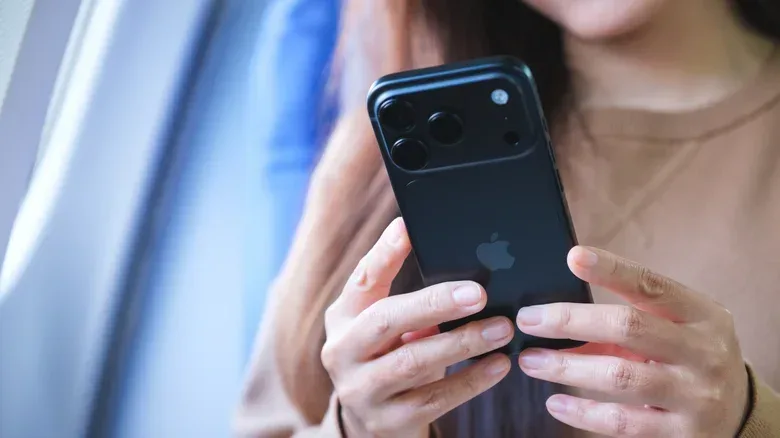
A phone with 2TB of built-in storage sounds excessive—and for most mobile players, it is. Streaming has reduced the need to keep entertainment downloads permanently on a device, cloud photo backups can shrink the size of a personal media library, and plenty of people rotate through only a small number of games at a time. A 128GB or 256GB handset can therefore remain perfectly practical for everyday apps, photos, music, a couple of games and the occasional offline download.
But storage needs become very different once a phone is treated as a serious gaming device rather than a communications device that happens to run games. Individual mobile titles can occupy roughly 20GB to 40GB. A small group of such games can consume more than 100GB, before counting the operating system, social apps, screenshots, captured clips, downloaded shows, music and the inevitable temporary files that accumulate during normal use.
That does not automatically make 2TB the sensible target. The more useful question is not “what is the biggest option?” but “how much installed software do I need to keep available without constantly managing it?” For a great many gamers, 512GB is the practical middle ground. A 1TB or 2TB model is chiefly a choice for people who combine a large game library with substantial video work, RAW photography, offline media or a preference for keeping files local rather than using cloud storage.
Storage capacity is not the same as usable game space
When shopping by capacity label, it is easy to imagine every advertised gigabyte as empty room for games. In practice, a phone has to accommodate much more. The operating system and essential applications take space; photos and videos grow over time; apps may retain downloaded resources and cache data; and game updates can temporarily require extra headroom during installation.
That is why a 256GB phone can feel roomy on day one yet restrictive later for someone who wants several large games installed indefinitely. Four 20GB games use around 80GB. Four 40GB games use around 160GB. Either example leaves materially less room for everything else, and the latter can turn a nominally large 256GB device into a machine that requires regular uninstalling.
This is not an argument that every player must keep four massive games at once. It is an argument for planning around behavior. Someone who completes one game, deletes it and downloads another has a very different storage profile from a player who wants a permanent library of competitive games, single-player titles and games reserved for travel or poor connectivity.
Why game updates complicate the decision
Game size is not static. Large games receive patches, additional content and revised asset files. Even when an update does not permanently double a game’s footprint, installation can still be awkward when a device is already near capacity. Leaving free room is less glamorous than buying the maximum configuration, but it can be the difference between downloading an update immediately and spending time deleting files first.
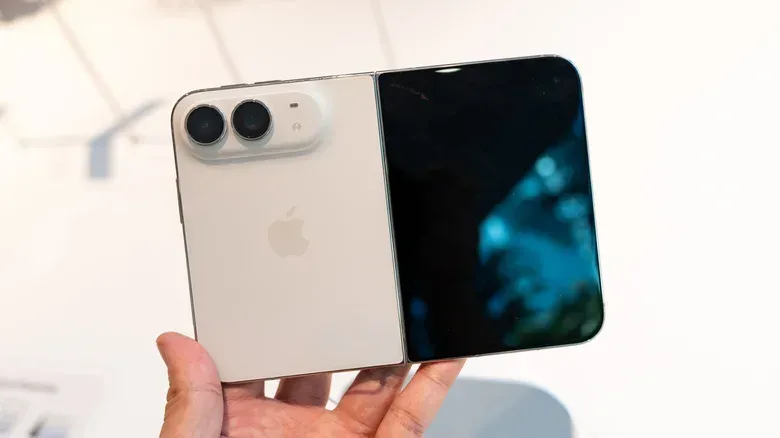
For players who dislike that friction, stepping from 256GB to 512GB can be more meaningful than leaping straight to 2TB. It gives a library room to breathe while avoiding the steepest storage premium. The supplied pricing examples illustrate how dramatic that premium can become: the 256GB iPhone 18 Pro starts at $1,199 while its 2TB version costs twice as much, and the 256GB iPhone Duo is listed at $1,999 compared with $3,199 at 2TB. In both examples, the move to 2TB represents an additional $1,200.
For most players, $1,200 is difficult to justify solely to avoid a little library management. It becomes easier to defend only when that capacity also supports a professional or intensive creative workflow.
Who should consider 128GB, 256GB, 512GB, 1TB or 2TB?
Capacity tiers are best viewed as comfort levels, not status symbols. The right one depends on the number and size of games someone keeps installed, their media habits and whether their phone also serves as a camera or editing workstation.
- 128GB: A reasonable option for light users who play a couple of games, mostly stream video and music, and do not maintain large local downloads. It has the least margin for people who record lots of video or regularly install larger titles.
- 256GB: A solid mainstream choice. It suits people who take photos daily, use a normal selection of apps, stream most entertainment and keep a modest game rotation. It can become tight for gamers who want a number of 20GB-to-40GB games installed simultaneously.
- 512GB: The most logical upgrade for enthusiastic mobile gamers and power users. It provides much more flexibility for a sizable installed library without treating 2TB as a default necessity.
- 1TB: Better suited to people whose games share space with extensive local media, RAW photos or frequent high-quality video capture. It is also a sensible buffer for creators who need files available locally before transferring them.
- 2TB: A specialist configuration. It makes the strongest case for professional creators shooting high-data-rate formats, editors handling projects directly on a phone, people maintaining large local photo and video libraries, and players who also refuse to prune a large collection of sizable games.
The key distinction is that gaming alone can justify moving beyond entry-level storage, but it rarely proves that 2TB is essential. A player needs either an unusually expansive game library or several overlapping storage-heavy habits before the maximum configuration stops looking like an expensive luxury.
Creators have the clearest case for 1TB and 2TB
The strongest reason to buy huge internal capacity is video production, not gaming. ProRes RAW is a high-data video format intended to preserve substantial image information for editing. That fidelity has a straightforward cost: extremely large files. A minute of full-sensor ProRes RAW at 30 frames per second can exceed 10GB, while ProRes RAW HQ can exceed 15GB per minute. A 10-minute take can therefore approach or exceed 100GB.
That figure matters because real projects rarely consist of one successful take. Multiple takes, clips and edits multiply the amount of local storage required. Capturing footage also happens before it can be uploaded or moved elsewhere. Cloud storage can protect and archive files, but it does not replace the local capacity necessary at the moment of recording. In remote locations or places with unreliable connectivity, an uploader cannot simply clear the phone between takes.
RAW photography creates a similar pressure. RAW files preserve more data than compressed JPEG images, and can be up to ten times larger. A photographer retaining an active library of originals, or an editor working on a vlog, documentary or short film from the device, has a more credible reason to prioritize 1TB or 2TB. For that buyer, a big game library may be a welcome extra benefit, rather than the main reason for the upgrade.
Cloud storage helps, but it is not an instant substitute
Cloud backups are one reason many people no longer need enormous phone storage. Photos can be uploaded automatically, and streaming services can reduce the number of films, shows and albums stored locally. These are meaningful advantages for routine use.
However, cloud storage is not a magic extension of a phone’s internal drive. Recording a high-data-rate video still requires local space first. Uploading requires connectivity and time. A traveler without dependable Wi-Fi may choose to download movies and shows in advance instead; one film can occupy roughly 3GB to 4GB, and several films plus television episodes add up quickly.
Gaming has a comparable limitation. A game only needs to be downloaded once—until an update, a reinstall or a deliberate library swap is needed. Players who expect to have reliable internet and do not mind reinstalling can buy less storage with little consequence. Players who travel, spend time away from reliable connections, or want multiple games ready at all times have a stronger argument for more internal capacity.
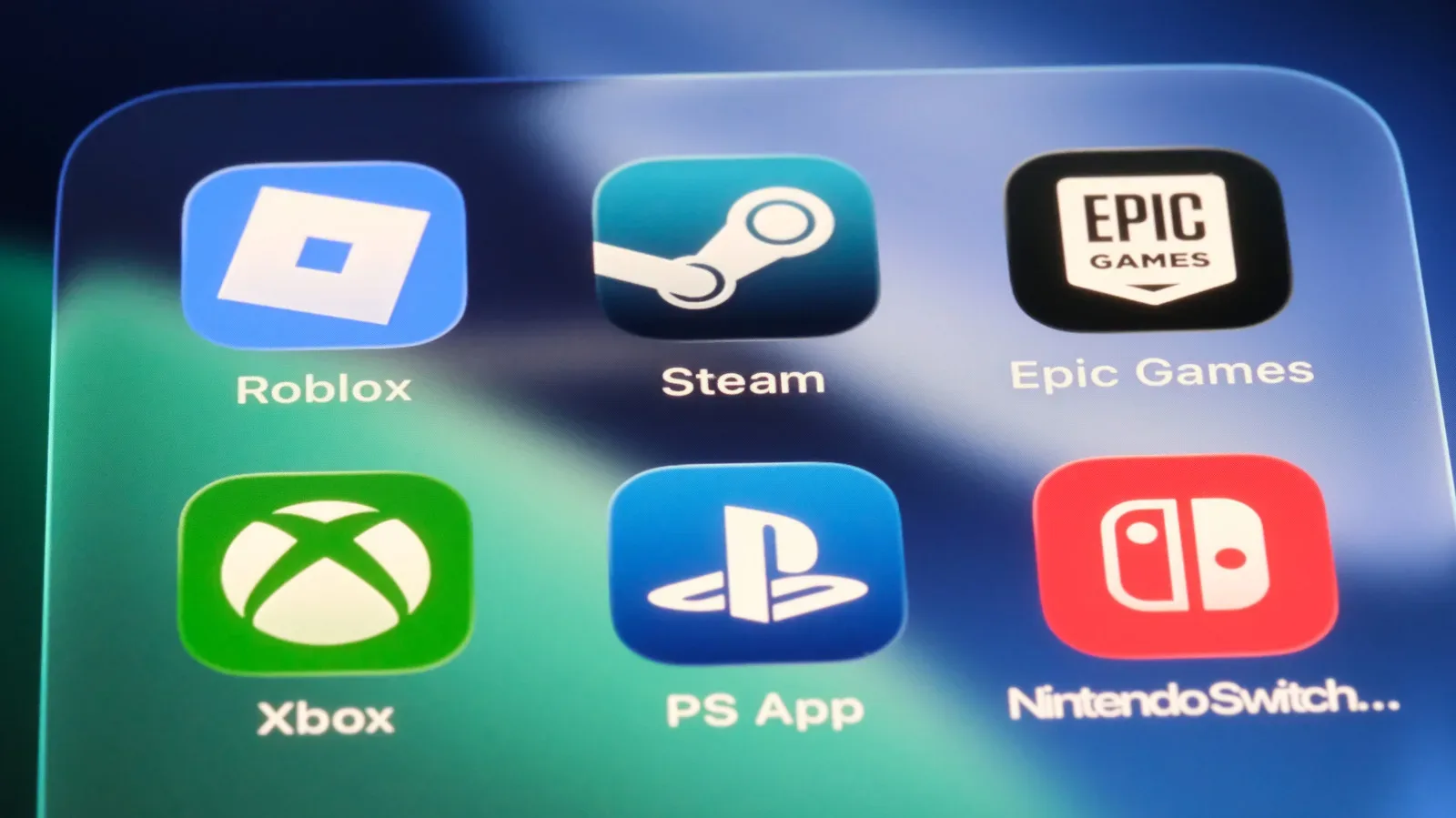
For more ways the broader console ecosystem can complement play away from a TV, see our guide to using the PlayStation App as a PS5 sidekick away from the sofa.
Expandable Android storage has important limits
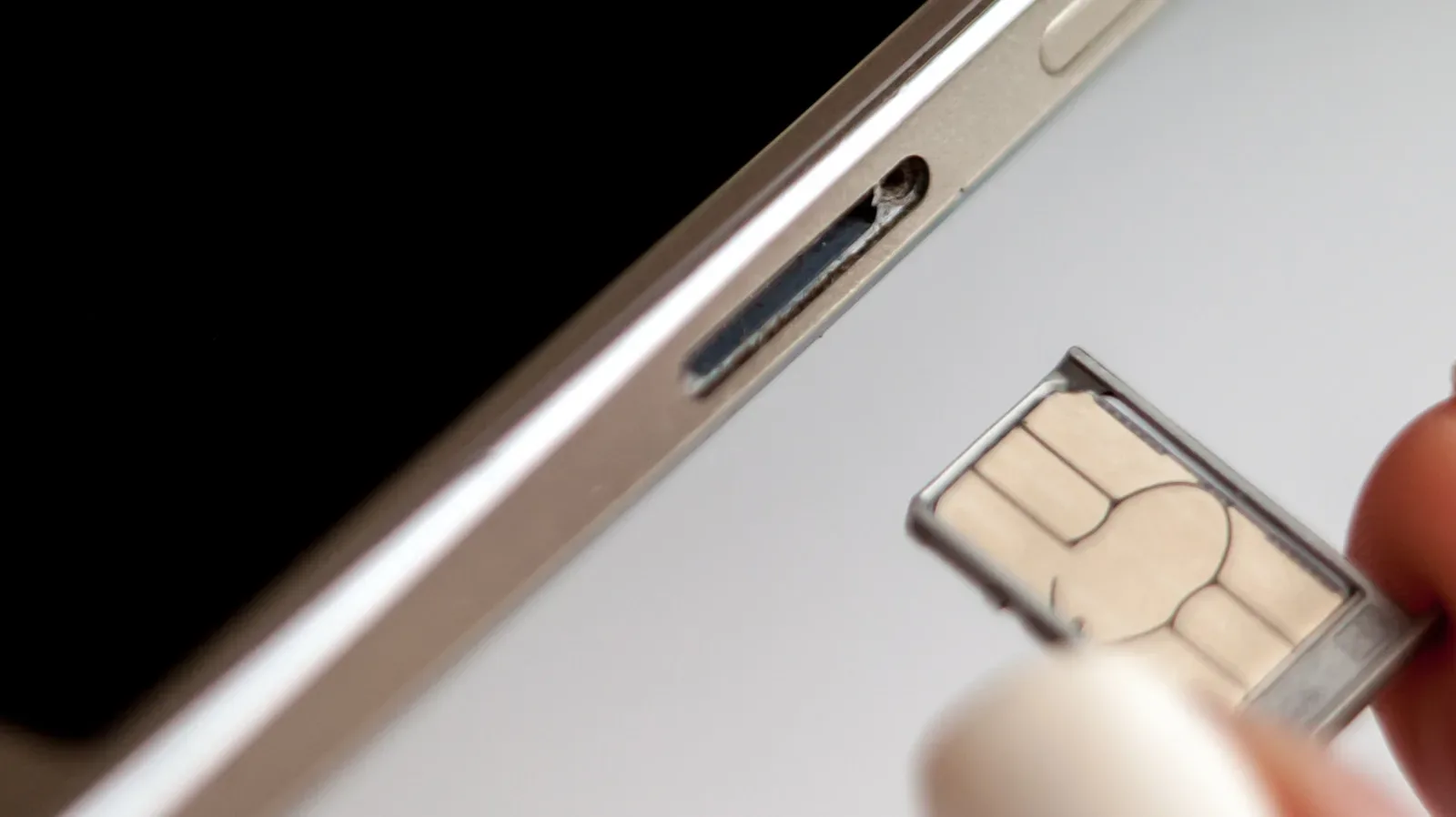
Built-in 2TB storage is presently an iPhone-focused discussion. Some Samsung and Sony phones support microSD expansion up to 2TB, creating a potentially cheaper route to carrying large amounts of media. But expansion is not identical to internal storage: most apps cannot be moved to the microSD card. The card is consequently most useful for files when the default save location is changed, rather than as a universal place to install an entire application library.
That limitation matters especially for gaming. If the games a player wants remain tied to internal capacity, a huge microSD card does not solve the core installed-library problem. It may still be valuable for video, photos and other media, but buyers should separate those needs before assuming that card support eliminates the need for sufficient built-in storage.
A practical buying checklist for players
Before paying for a larger capacity tier, examine the phone already in use. The goal is not to predict every future download perfectly, but to identify whether current storage pressure is temporary or routine.
- Check what currently uses space. Separate games, photos and videos, offline downloads, apps and miscellaneous files. A full device caused by unreviewed video clips calls for a different solution than one filled by active games.
- Count the games you genuinely keep installed. Do not base a purchase on a theoretical library. Consider the titles that must remain ready at the same time.
- Allow room beyond today’s total. Storage that is almost full is inconvenient when games update, video is recorded or a trip prompts offline downloads.
- Decide whether reinstalling is acceptable. If deleting and later re-downloading games is no bother, a lower tier may work. If it is a recurring irritation, more built-in storage has practical value.
- Factor in creative work separately. High-quality video and RAW photography can outweigh every other category. Buyers recording ProRes RAW should plan for the capture workload, not merely their game library.
- Price the upgrade against the problem it solves. A $1,200 jump to 2TB should answer a real, frequent need. If 512GB removes the pain point, maximum capacity is unlikely to be good value.
The sensible default remains 128GB or 256GB for casual phone use, and 512GB for players who want a generous installed game selection. One terabyte and 2TB are valuable where local professional footage, RAW image libraries, editing workloads and large game collections overlap. Storage is useful precisely when it removes an ongoing constraint—not when it merely produces the largest number on a specification sheet.