GM has begun rolling out digital vehicle-key support for selected Cadillac, Chevrolet and GMC models, allowing owners to place a compatible vehicle key in Apple Wallet, Google Wallet or Samsung Wallet. The initial schedule starts with three Cadillac models during September and October 2026, then broadens in December to several full-size SUVs.
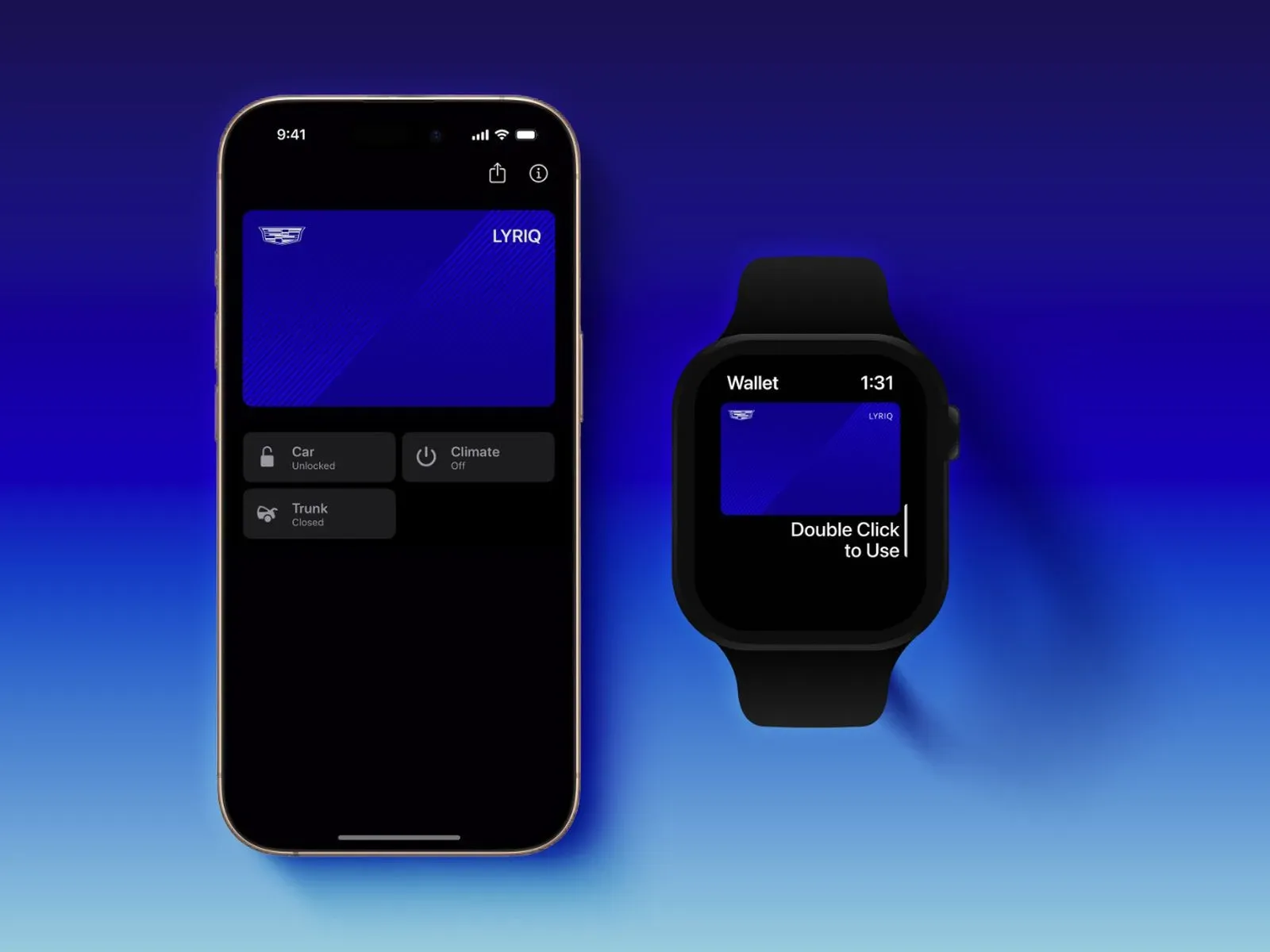
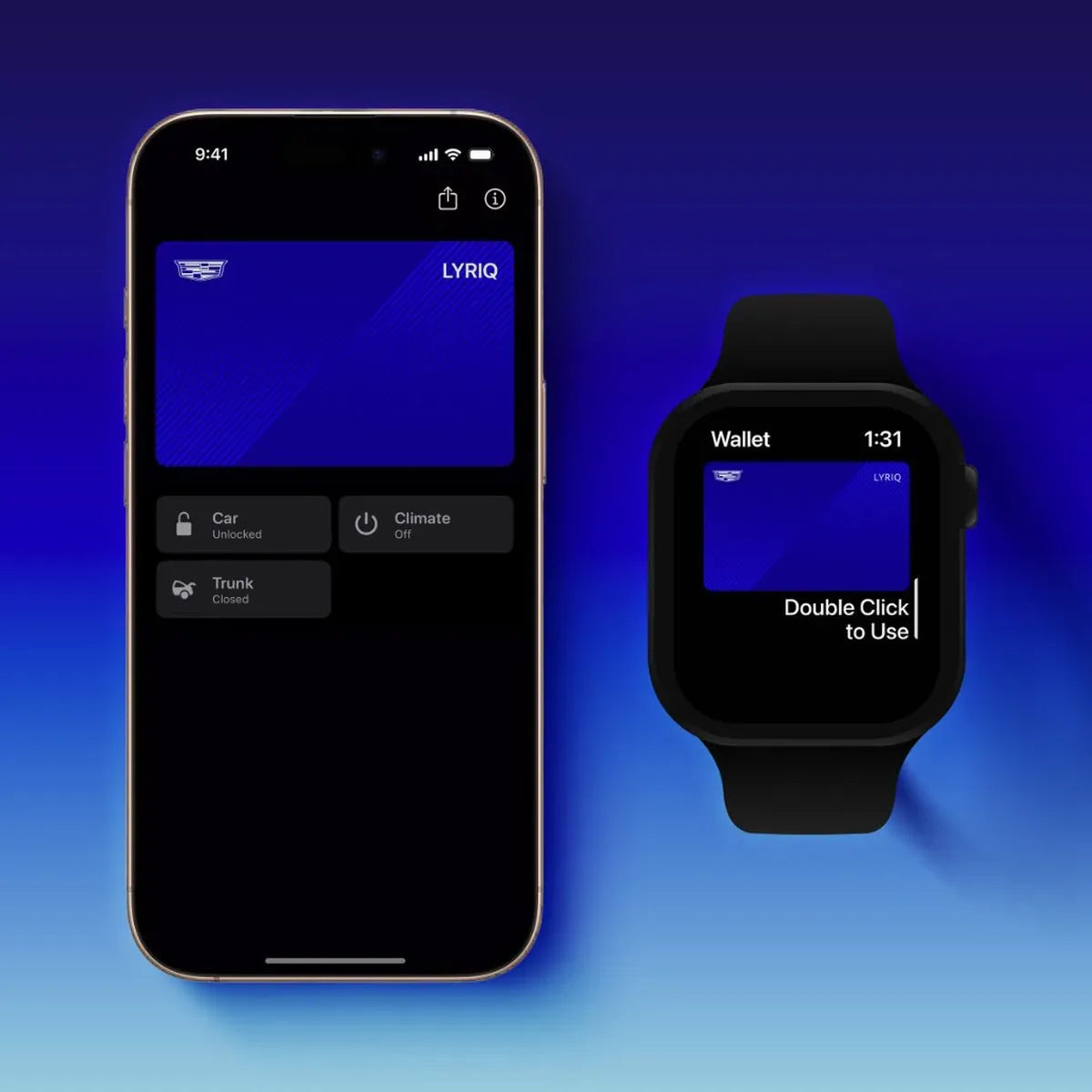
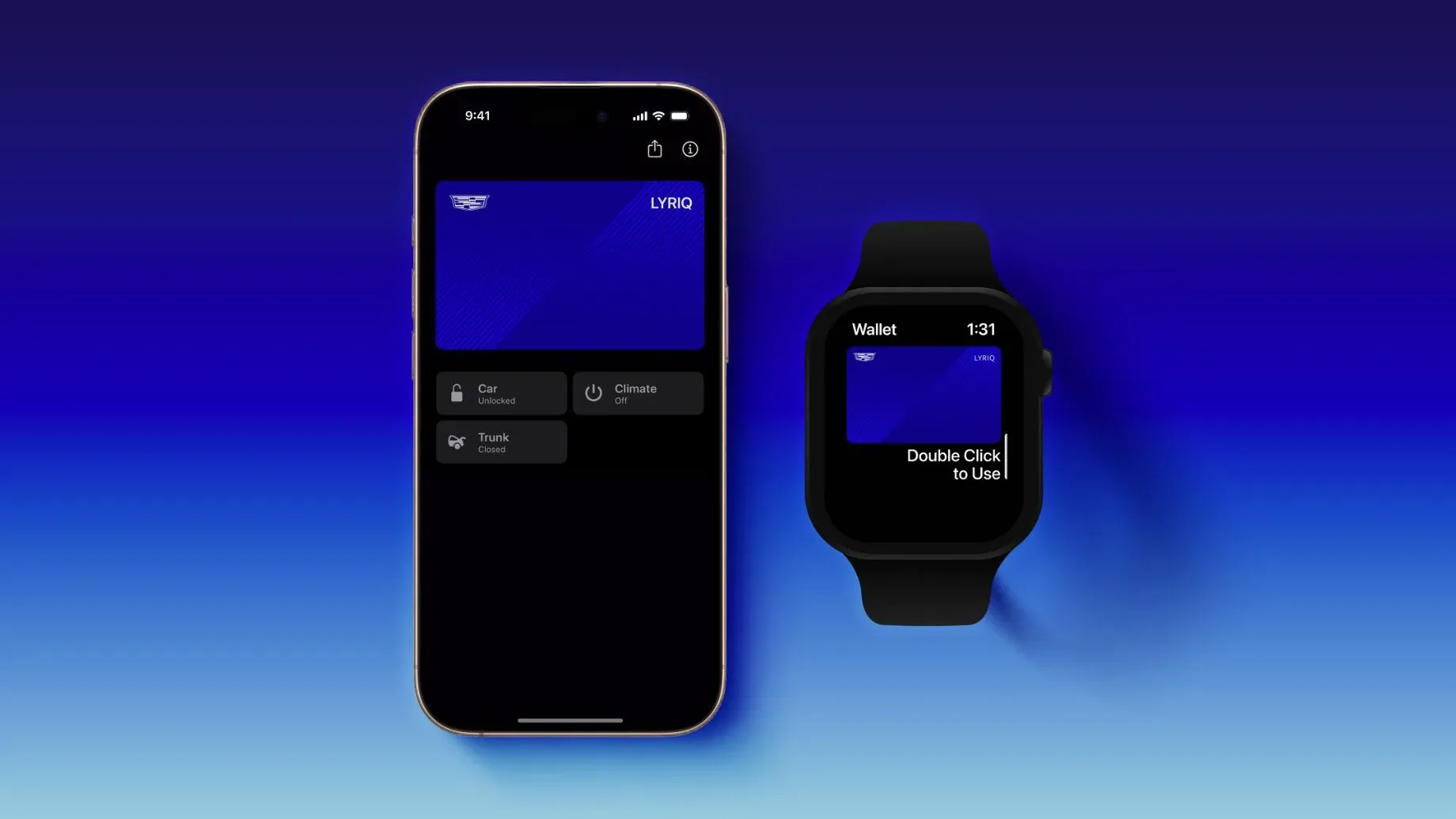
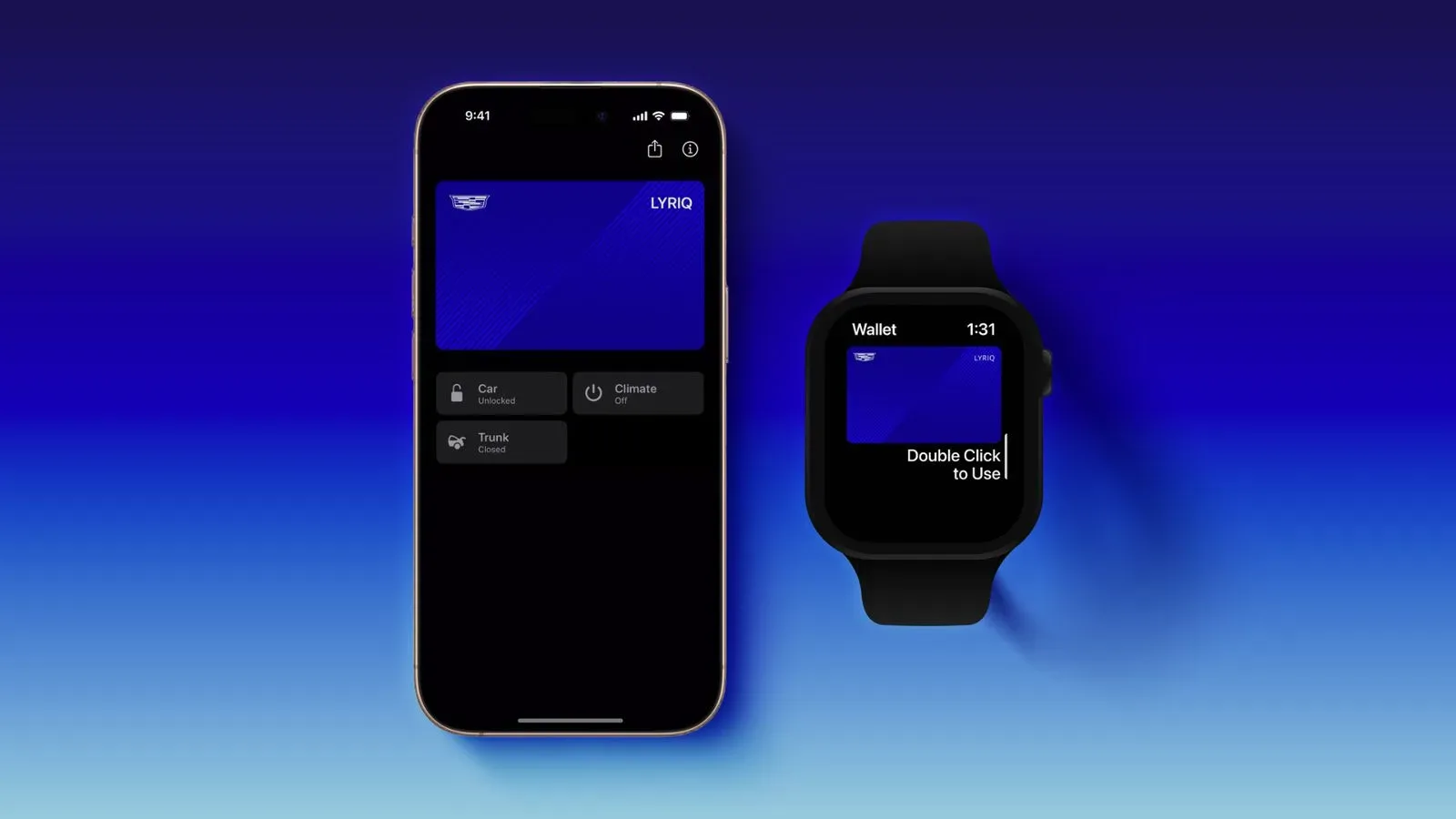
For owners, the headline is straightforward: a compatible smartphone or smartwatch can act as a vehicle key after setup. GM says supported vehicles can unlock when the owner approaches, lock when they walk away, and permit certain vehicle controls through Apple Wallet. Those controls include opening the trunk and switching climate control on or off.
It is a useful convenience feature, but the important qualifier is supported. The rollout is tied to specific vehicle models and model years, and owners should wait for their vehicle’s companion app to indicate that the feature is available rather than assuming every vehicle in a named lineup is ready immediately.
GM digital car key rollout schedule
September–October 2026
- Cadillac Vistiq (2027)
- Cadillac Optiq (2026–2027)
- Cadillac Lyriq (2025–2027)
December 2026
- Cadillac Escalade (2027)
- Cadillac Escalade IQ and Escalade IQL (2027)
- Chevrolet Suburban (2026–2027)
- Chevrolet Tahoe (2026–2027)
- GMC Yukon (2026–2027)
- GMC Yukon XL (2026–2027)
GM has said further models will follow over time, but no wider list or timetable is included in the current rollout details. That makes the listed model years particularly important for anyone shopping, leasing, or trying to determine whether an existing vehicle will receive the option.
What a digital car key means in practice
A digital car key is a credential stored in a digital wallet rather than a physical object kept in a pocket, purse or keyring. In this rollout, the credential can be added to a compatible wallet after the owner verifies access through GM’s vehicle app. It does not mean every phone can automatically control every GM vehicle; both the vehicle and the wallet device must be compatible.
GM describes several practical functions for Apple Wallet car keys:
- Unlocking the vehicle automatically as the owner approaches.
- Locking it automatically as the owner walks away.
- Opening the trunk from Apple Wallet.
- Turning climate control on or off from Apple Wallet.
The approach-and-departure behavior is the most immediately visible change. Rather than pressing a button on a fob, an owner of a supported vehicle may be able to arrive and leave with their device handling those lock actions automatically. The trunk and climate functions also bring a few commonly used controls into the wallet interface.
GM’s announcement specifically describes these functions for Apple Wallet. It also says Google Wallet and Samsung Wallet will be supported, while separate Samsung material identifies the United States and Canada as available markets. The supplied details do not establish that every listed action will work identically in every wallet, on every compatible device, or in every region. Owners should therefore treat their vehicle app’s setup flow as the definitive indication of which functions are enabled for their individual vehicle.
How owners will know support has arrived
GM says availability will be surfaced in the “What’s New” section of the relevant vehicle mobile app. This notification matters because the rollout is staged. A vehicle can appear on the schedule while its owner still needs to wait for the app to present the digital-key option.
Once the feature is offered, GM’s stated setup sequence is:
- Download the vehicle’s mobile app and sign in.
- Be inside the OnStar-connected GM vehicle.
- Keep the physical key fob nearby.
- Follow the in-app prompts to add a digital key to a compatible wallet.
Those requirements show that the conventional key fob remains part of the enrollment process. In other words, this is not presented as an anonymous, walk-up pairing process. The vehicle, signed-in mobile app and physical fob are all involved when establishing the new digital credential.
Terms worth knowing before setup
Digital wallet
A digital wallet is an app or platform that stores digital credentials. In this case, the credential is a car key rather than a payment card. GM’s rollout covers Apple Wallet, Google Wallet and Samsung Wallet, giving owners a choice that depends on which compatible phone or watch ecosystem they use.
Compatible device
“Compatible” is doing real work in the announcement. Apple Wallet car key use is described for compatible iPhone and Apple Watch devices, while the Android-facing options are Google Wallet and Samsung Wallet. The rollout details do not provide a device-by-device compatibility chart. A current phone or watch should not be presumed eligible solely because it can run a wallet app.
OnStar-connected vehicle
GM’s setup instructions specify an OnStar-connected vehicle. This is a stated enrollment condition, not incidental wording. If an owner cannot reach the setup prompts, checking the vehicle app, account sign-in and connection status is a sensible first step before assuming their vehicle has been omitted from the rollout.
Why the staggered list matters
The first wave is heavily weighted toward Cadillac electric vehicles: the 2027 Vistiq, 2026–2027 Optiq and 2025–2027 Lyriq. December’s additions then extend the feature to Cadillac’s Escalade family and the Chevrolet and GMC full-size SUV range listed above.
That order has practical consequences for households with multiple GM vehicles. A driver with a qualifying Lyriq may see digital-key support before another household vehicle, even if both use the same mobile platform and wallet. Conversely, an owner of a Tahoe, Suburban, Yukon or Yukon XL should watch for the December phase and their app’s notification rather than trying to force enrollment early.
The model-year boundaries are equally significant. Cadillac Lyriq support begins at the 2025 model year, for example, while the listed Escalade support is for 2027 vehicles. The names alone are not enough to determine eligibility; owners should match both model and model year against the schedule.
Convenience, not a reason to discard the fob
The central benefit is reducing friction around normal arrivals and departures. A phone or watch is often already on hand, and automatic lock and unlock behavior can remove one small repeated task. Wallet-based controls may also be helpful when a driver wants to access the trunk or start or stop climate control without navigating through the broader vehicle app.
However, the supplied setup process explicitly calls for the physical fob to be nearby. That is a strong reminder that the fob remains relevant, at minimum for initial setup. GM has not stated here that the digital key replaces every situation in which a physical key is useful, nor has it detailed device-loss procedures, sharing rules, battery contingencies or region-by-region feature differences. Those are questions owners should address through the wallet and vehicle app guidance available during enrollment.
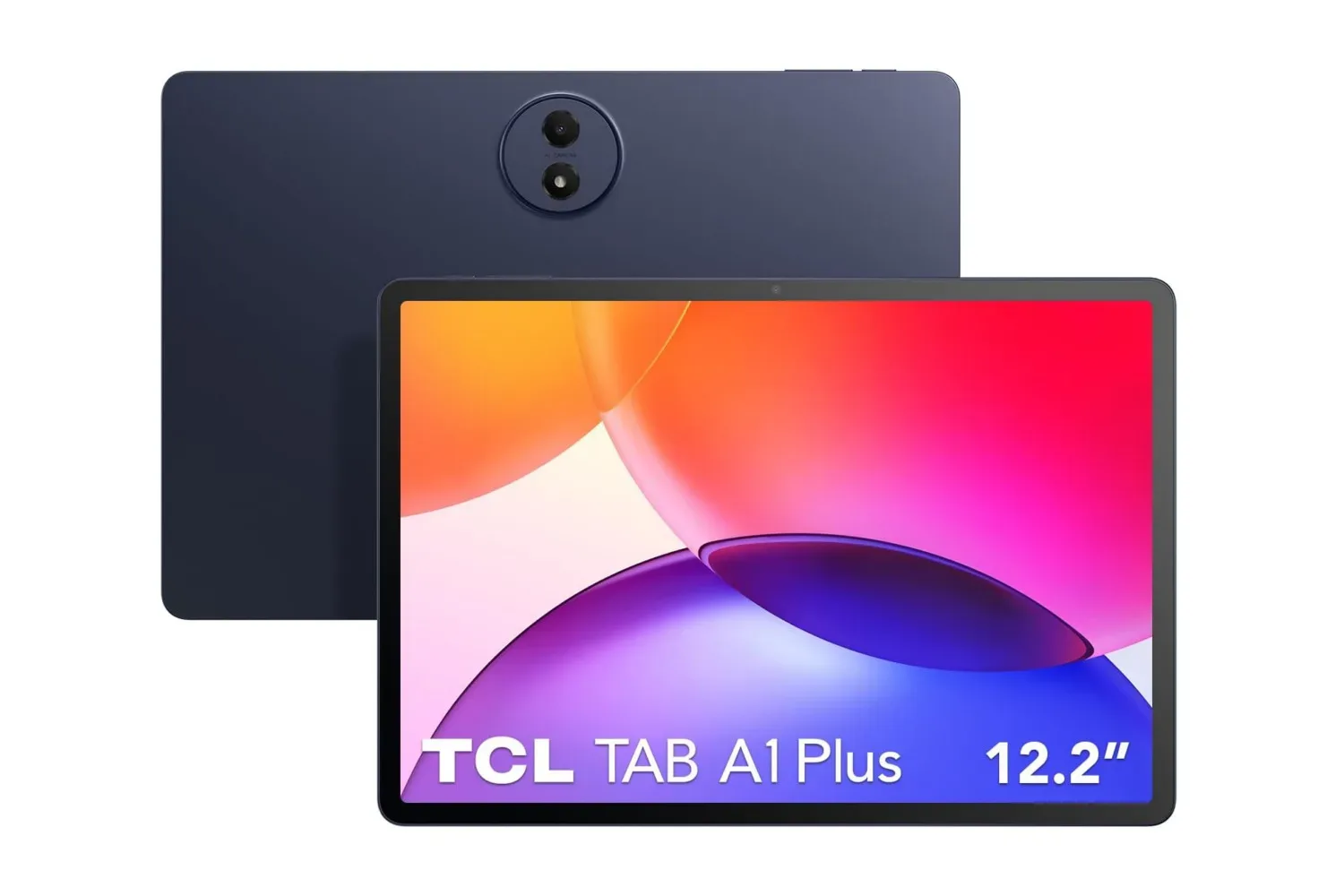
For now, the actionable advice is simple: confirm the exact model year, make sure the vehicle is OnStar-connected and the GM app is signed in, keep the fob available, then look in “What’s New” for the digital-key prompt. The rollout is also a reminder that a mobile device has become a more central piece of daily hardware—a role reflected in other device news, including this TCL Tab A1 Plus offer, though GM’s car-key feature itself is described for compatible phones, watches and supported wallet platforms.
GM’s expansion gives eligible Cadillac, Chevrolet and GMC owners a clearer path to wallet-based access across Apple, Google and Samsung ecosystems. The real checkpoint is not the brand name on the grille or the wallet app on the phone, but the combination of an eligible model year, a connected vehicle, a compatible device and the in-app availability notice.