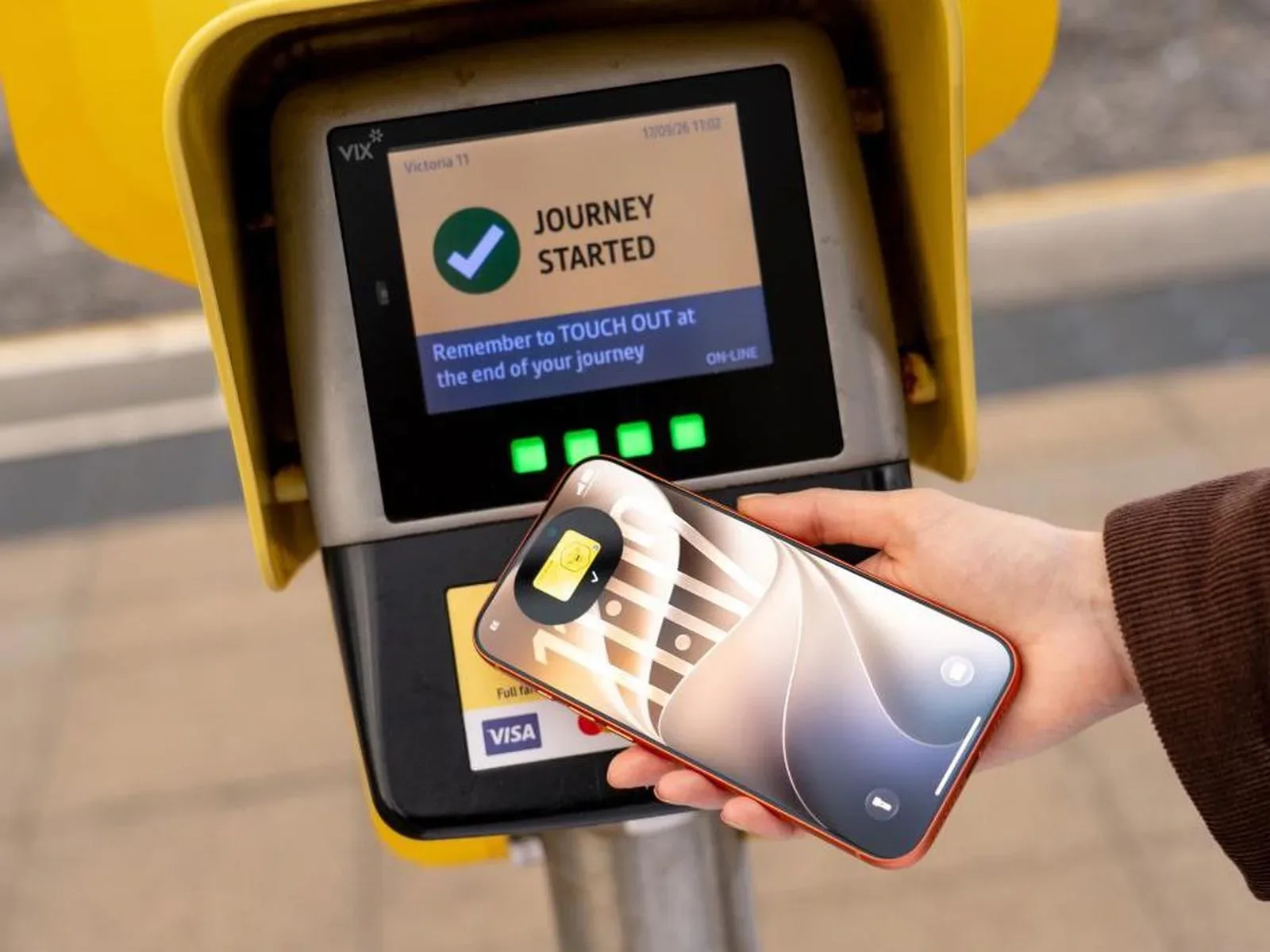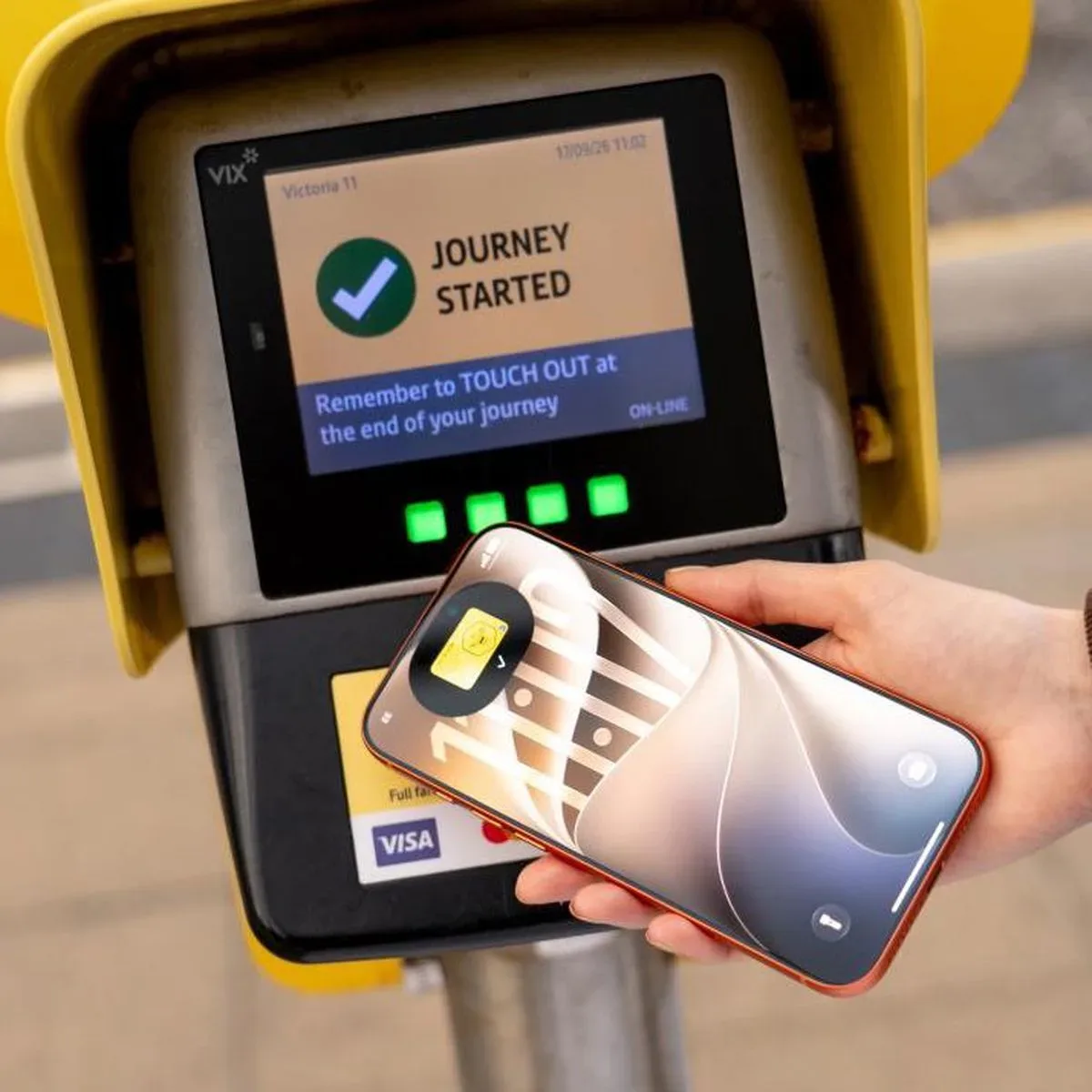
Greater Manchester’s Bee Card is now fully supported in Apple Wallet, allowing riders to add a virtual card to an iPhone or Apple Watch and use it with every type of Bee Network ticket. The change expands an earlier rollout that was limited to younger passengers using free or discounted Our Pass tickets.
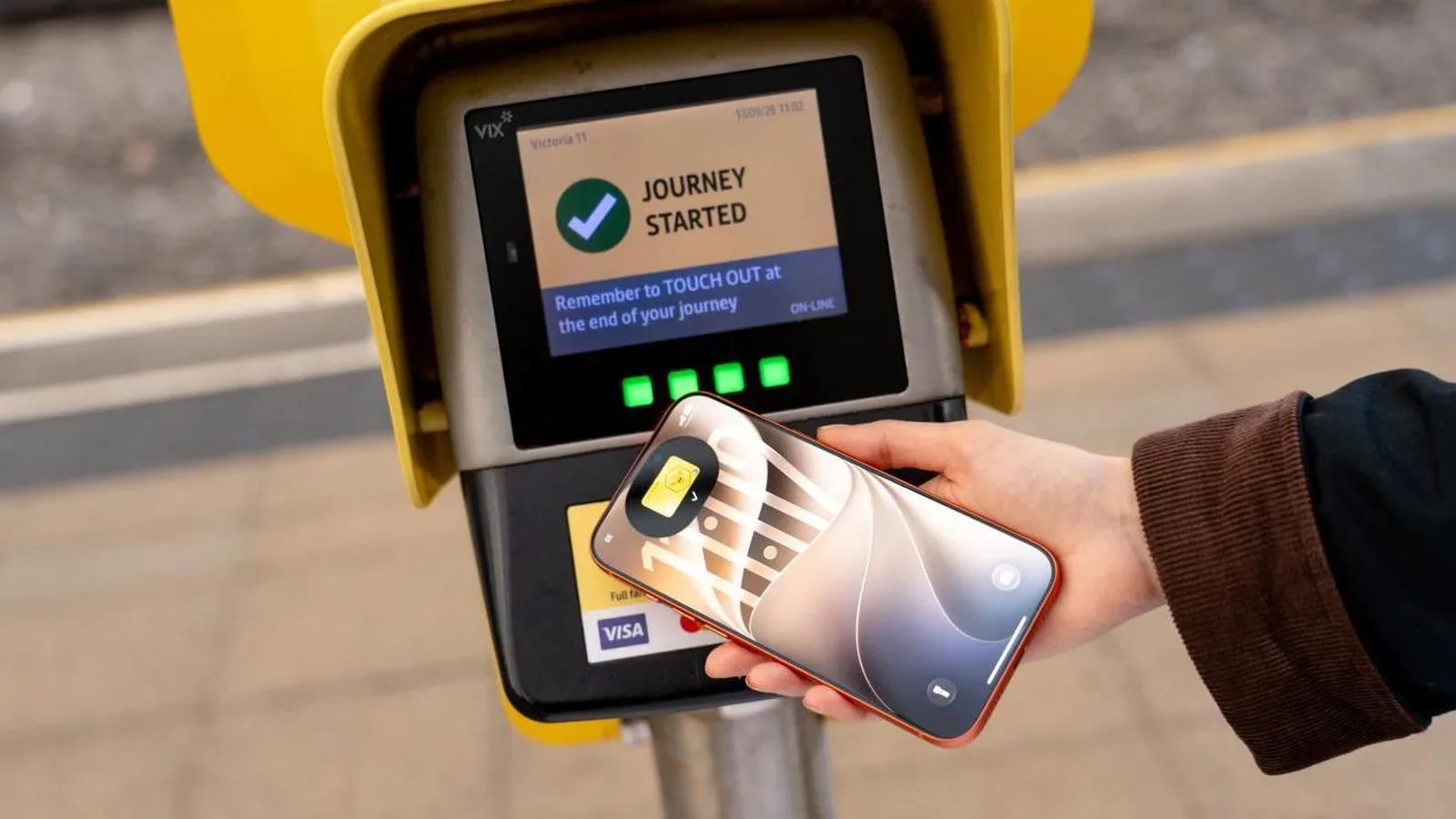
The practical pitch is straightforward: instead of relying on a separate physical travel card, eligible riders can keep a Bee Card in Apple Wallet, purchase bus and tram tickets there, and tap their phone or watch on a Bee Network card reader when travelling.
What has changed for Bee Card users
Bee Card support first arrived in Apple Wallet in August, but its scope was narrow. At that point, the digital card was available only to younger riders using Our Pass fare products, including free or discounted tickets. The latest expansion removes that restriction: Apple Wallet support now covers all Bee Network ticket types.
That distinction matters because adding a card platform is only useful when it works with the tickets a passenger actually needs. With broader support in place, the Apple Wallet version is no longer confined to one youth-focused group of travellers. A rider using the Bee Network’s supported bus and tram tickets can store those purchases on the virtual Bee Card and present the device at the reader.
The update applies to Apple’s iPhone and Apple Watch, giving passengers a choice between carrying their phone or using the watch already on their wrist. It is a small convenience improvement on paper, but transit journeys are exactly where small reductions in friction can be noticeable: getting through a gate or boarding a vehicle is usually a moment when people want the fare method ready immediately, not buried in an app or wallet.
How to add a Bee Card to Apple Wallet
Adding the card starts in the Wallet app. The available instructions are:
- Open Apple Wallet on a compatible iPhone or Apple Watch.
- Tap the plus button in the upper-right corner.
- Select Travel Card. Some users may see this labelled Transit Card instead.
- Scroll to the United Kingdom section.
- Choose Bee Network.
Once the Bee Card has been added, tickets for bus and tram travel can be bought directly in Apple Wallet and saved onto that virtual card. At a Bee Network card reader, the iPhone or Apple Watch is then tapped against the reader to pay the fare.
The naming difference between “Travel Card” and “Transit Card” is worth flagging because it can otherwise look like a missing option. It does not indicate a different Bee Card feature; it is simply the label some users may encounter in Wallet while setting up the card.
Express Mode explained
Apple Wallet’s transit-friendly feature here is Express Mode. When enabled, it lets a rider hold the iPhone or Apple Watch near the card reader without first waking or unlocking the device.
In everyday terms, Express Mode is designed to make a digital travel card behave more like a dedicated contactless pass. The rider does not need to stop, authenticate, open Wallet manually, or hunt for the Bee Card at the point of tapping. They bring the device to the reader and the fare interaction can proceed.
That does not change which tickets are available or make every travel issue disappear. It is an interaction shortcut. Its value is in reducing the number of actions needed at the reader, particularly when boarding a bus or moving through a busy transit environment.
For Apple Watch wearers, it also creates a particularly direct option: the ticket can be carried on the wrist rather than requiring a phone to be taken from a pocket or bag. For iPhone users, the benefit is still meaningful, since unlocking a handset is one less task immediately before tapping in.
Software requirement: iOS 27
There is one key compatibility requirement: iOS 27 is required to add the Bee Card to Apple Wallet. Riders whose iPhone is not running that version will need to update before attempting the setup process.
This requirement applies specifically to adding the Bee Card. Before treating the Wallet menus as a fault or assuming Bee Network is unavailable, it is sensible to check the phone’s software version. Keeping the operating system current can also matter when newer Wallet functions and regional travel-card integrations are introduced.
People using an Apple Watch will also want to make sure their paired-device setup is current enough to support the Wallet flow, though the stated requirement is iOS 27 for adding the Bee Card. The supplied information does not detail separate watchOS requirements, so riders should avoid assuming an unsupported watch can be made compatible merely by adding the card to an iPhone.
What the Apple Wallet version does—and does not—mean
The virtual Bee Card is best understood as a digital version of the card within Apple Wallet. It gives riders a place to buy and store supported Bee Network bus and tram tickets, then use an iPhone or Apple Watch at a reader.
It is not described as a general replacement for every transport payment system, nor does the available information establish new ticket prices, new fare rules, extra travel zones, or new modes beyond bus and tram ticket purchases. The meaningful change is support: all Bee Network ticket types can now use the Bee Card in Apple Wallet, whereas the initial launch covered only a limited Our Pass audience.
That precision is useful for passengers deciding whether to switch. The rollout expands the ways a supported ticket can be carried and presented; it should not be read as an announcement of changed fares or a newly described ticket catalogue.
Why this is useful for regular riders
For commuters and frequent local travellers, keeping a Bee Card alongside other Wallet items can make transit less dependent on remembering an additional physical card. The phone or watch becomes the item presented at the reader, while ticket buying and ticket storage happen in the same Wallet environment.
There is also a consistency benefit. Apple Wallet is already where many people keep payment cards, passes and other digital credentials. Bringing a regional transit card into that space may make it easier to find, manage and use during a journey. The ability to buy bus and tram tickets directly there is central to that convenience; a card that only displayed a previously purchased ticket would be a much more limited proposition.
For riders who prefer a watch-based setup, Express Mode is the detail that makes the experience feel purpose-built for travel rather than simply adapted from ordinary phone payments. A quick tap is the goal, and removing the wake-and-unlock step gets closer to it.
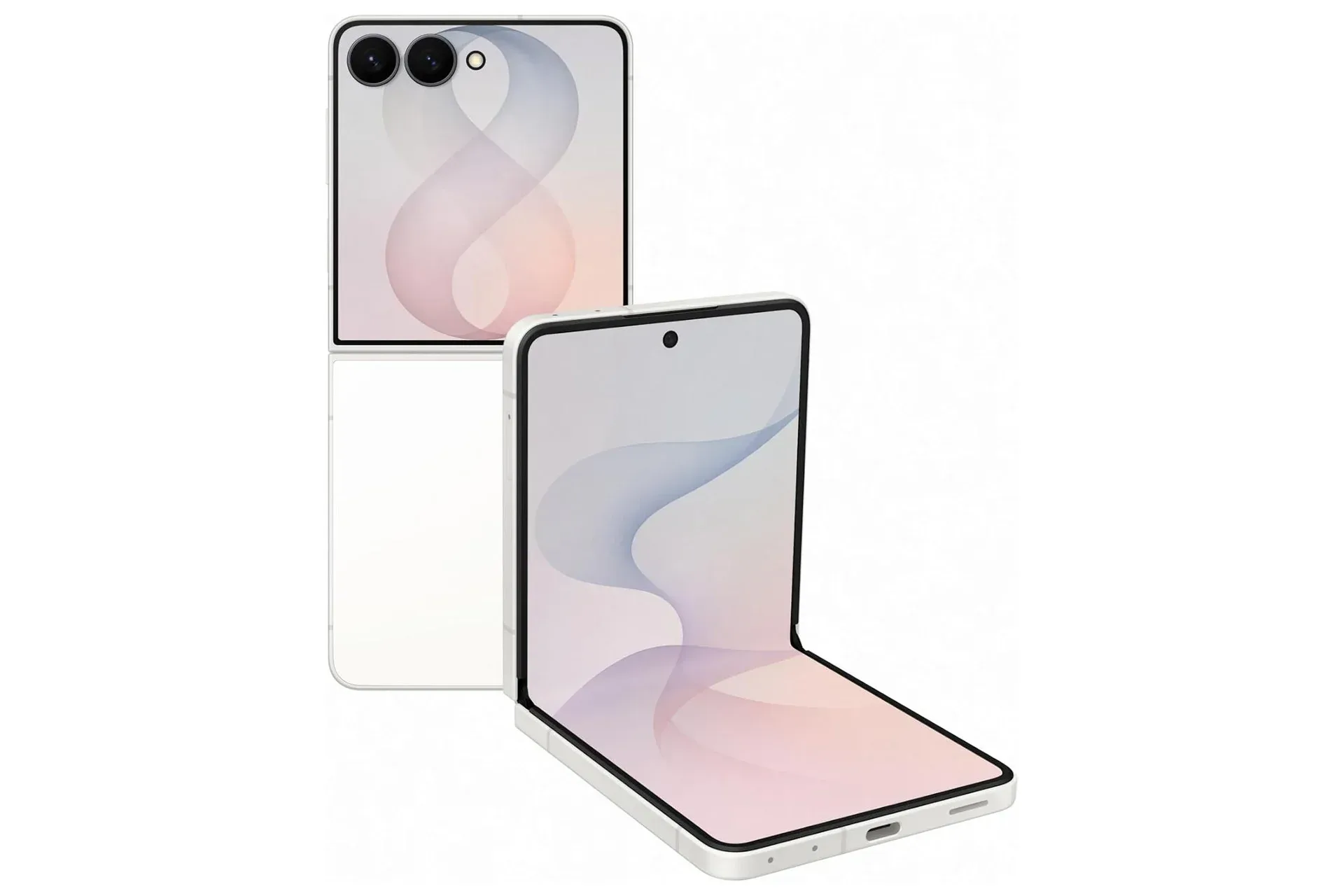
Mobile-wallet options are increasingly part of the practical value people weigh when choosing a handset or wearable, alongside hardware and price. That broader phone-shopping context is visible in coverage such as this look at a Samsung Galaxy Z Flip8 offer, though Bee Card’s newly expanded Wallet integration is specifically an Apple feature for iPhone and Apple Watch users.
A quick checklist before travelling
- Confirm the iPhone is running iOS 27.
- In Wallet, use the plus button and look for Travel Card or Transit Card.
- Choose Bee Network under the United Kingdom section.
- Purchase the required supported bus or tram ticket in Apple Wallet and store it on the virtual Bee Card.
- Consider enabling Express Mode if the goal is to tap without waking or unlocking the iPhone or Apple Watch.
For Greater Manchester riders who were previously outside the Our Pass-only launch, the important news is simply that the option is now open to all Bee Network ticket types. The Bee Card can move from a physical-card routine to a Wallet-based one, with a tap from an iPhone or Apple Watch handling the moment that matters at the reader.