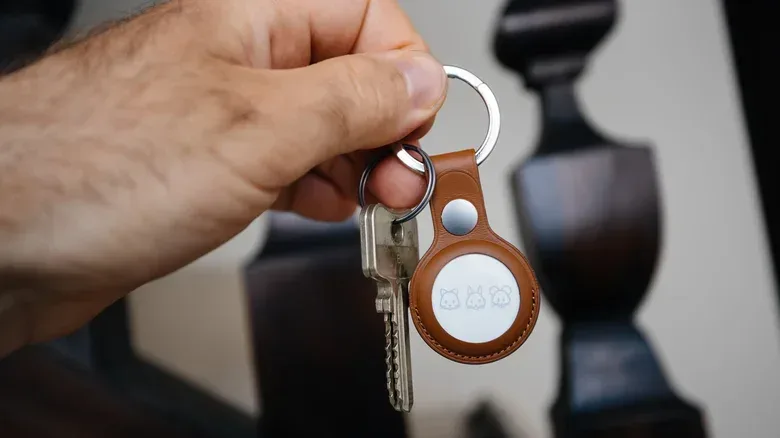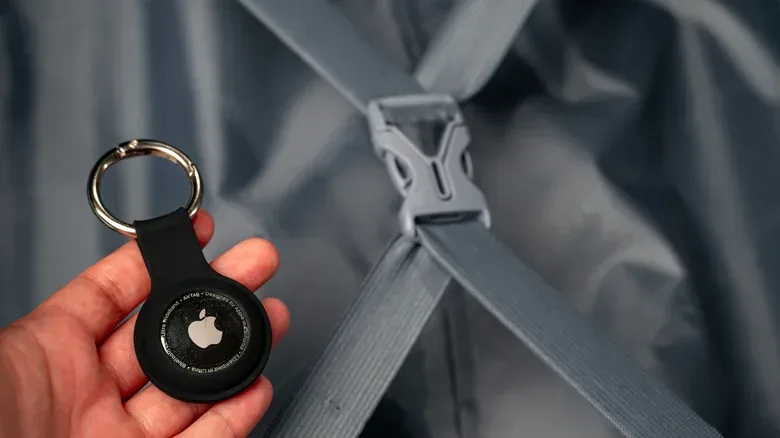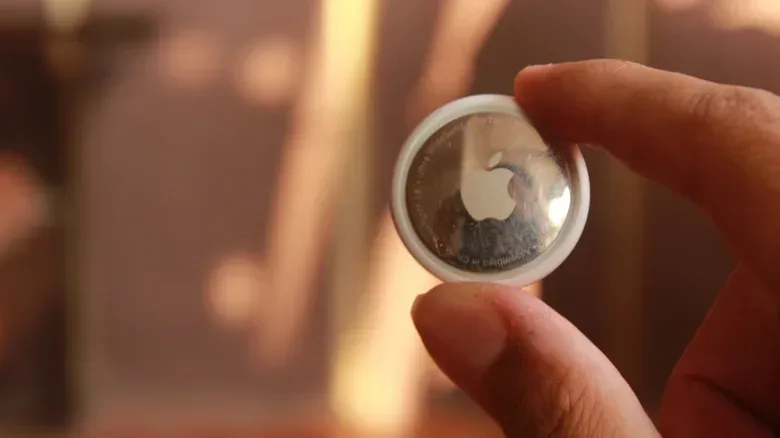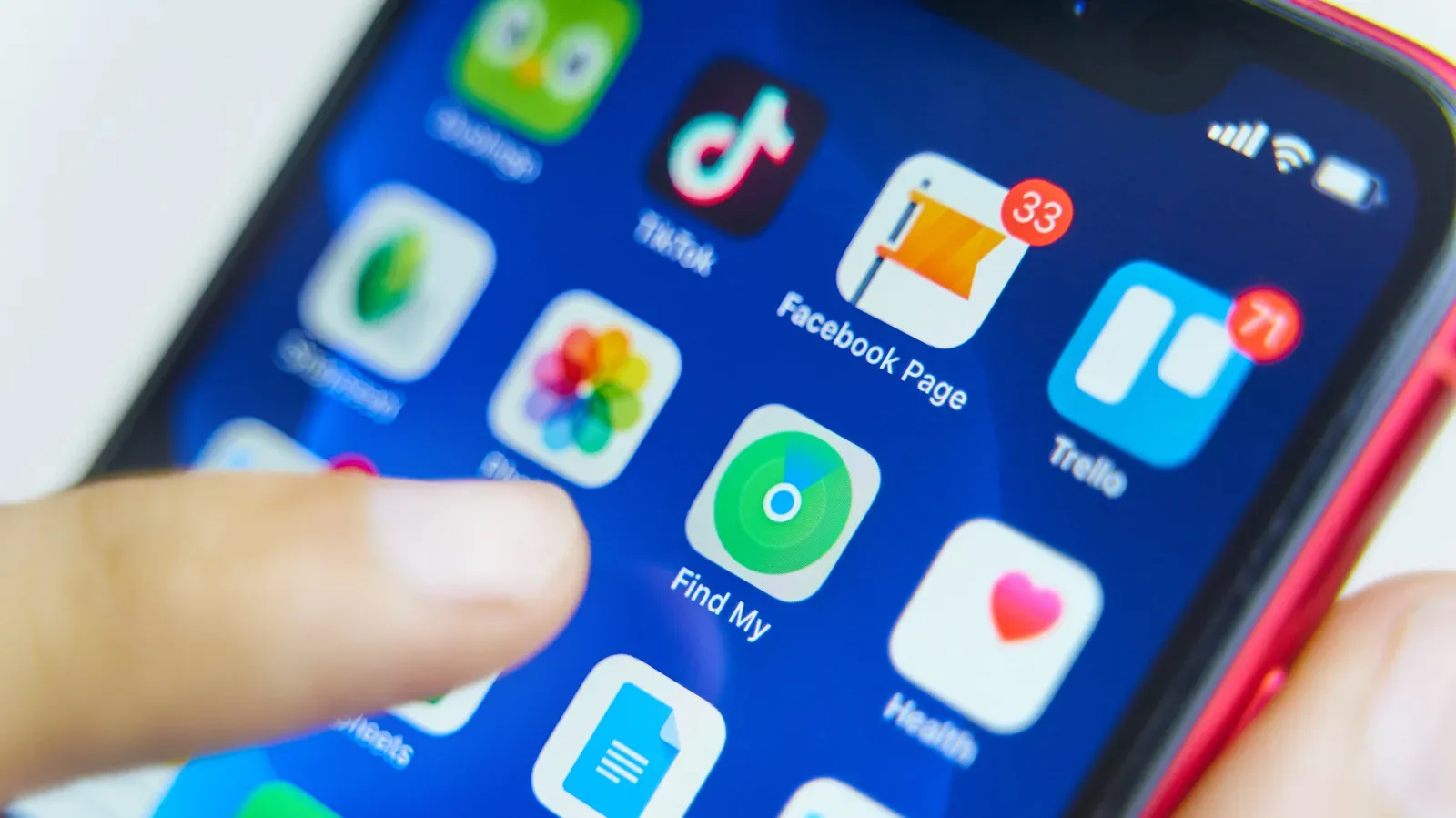
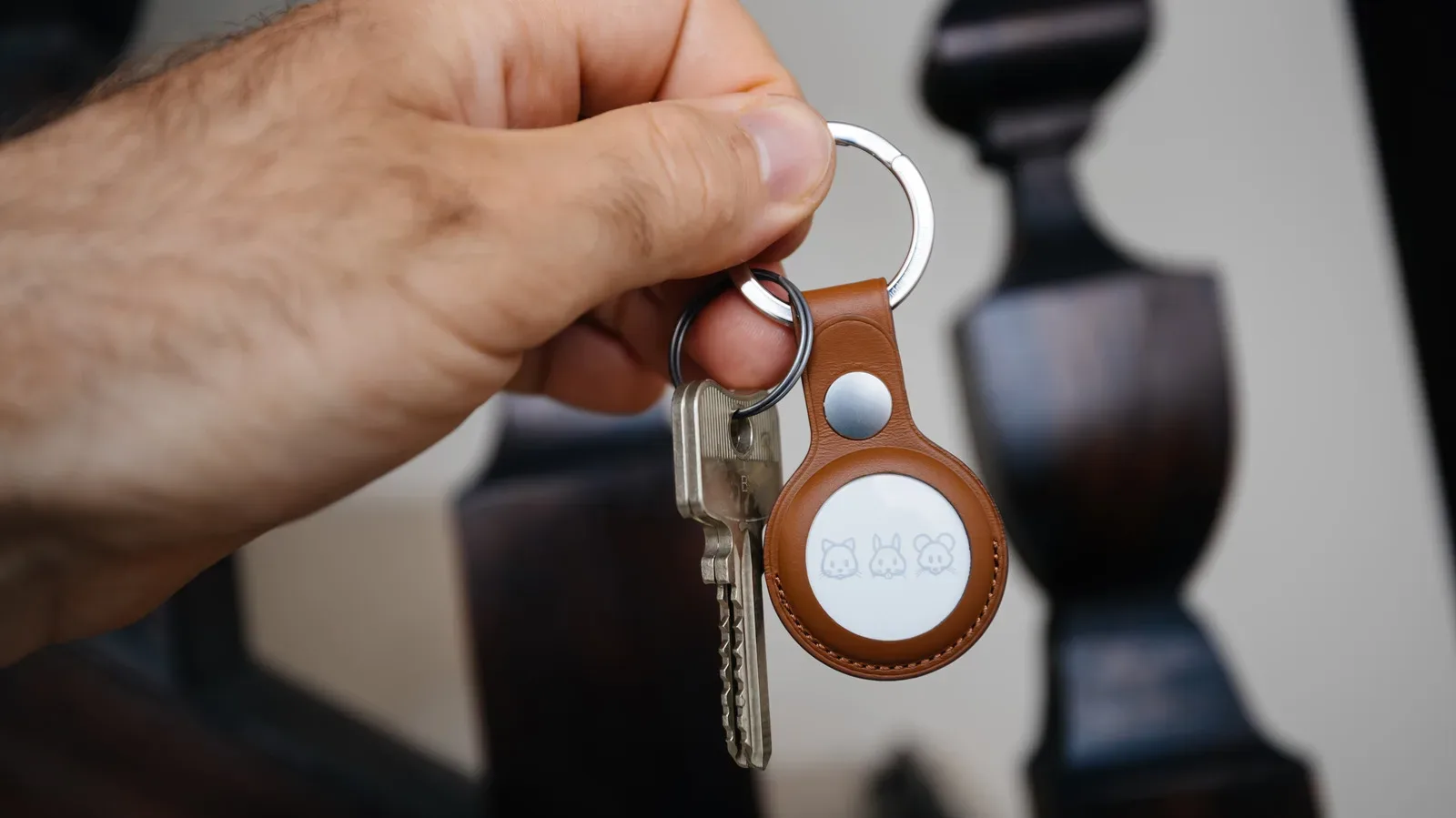
The arrival of a newer AirTag does not automatically turn the original into e-waste. Apple’s first-generation tracker, introduced in 2021, is no longer sold by Apple after the company introduced its first updated model earlier this year. Yet the older AirTag still works with the Find My app, which is the part that matters most when the goal is simply recovering a misplaced belonging.
That creates a sensible hand-me-down path: reserve the new AirTags for belongings that matter most or that are most frequently on the move, then redeploy the older ones to possessions that are easier to overlook. The original model is not equivalent to the new one on every specification, but it does not need to be. A tracker assigned to a box of holiday decorations, a spare key ring or a rarely used bag is solving a different problem than one assigned to a daily wallet or set of keys.
The useful question is not whether the first AirTag is the newest option. It is whether it remains a dependable fit for a particular item, phone and routine.
What the newer AirTag changes
The updated AirTag brings a second-generation ultrawideband chip, an upgraded Bluetooth chip, a louder speaker and an expanded finding range. Its Precision Finding capability is described as working from up to 50 percent farther away than before. Those are meaningful improvements for items that need the quickest possible recovery: everyday keys, a primary bag, a wallet or another object whose loss can disrupt the day.
Precision Finding is the feature that helps direct a user toward a nearby AirTag rather than merely indicating that the tracker is somewhere in the vicinity. A longer effective range and louder audible alert can reduce the time spent searching. That is a practical upgrade, not just a specification-sheet flourish, particularly in a crowded house, a garage or an airport-luggage scenario.
However, better is not the same as mandatory. The first-generation AirTag retains its place in Find My, and its speaker and standard finding functions can still be enough for many lower-priority assignments. Moving an older tracker to a secondary item also means the upgraded device does not have to be transferred constantly between bags, cases and accessories.
Build a primary-and-secondary tracker plan
A simple hierarchy prevents a collection of trackers from becoming a collection of tiny, forgotten circles. Start by deciding which belongings would cause the greatest inconvenience if lost, then give those items the newest hardware. Put the original AirTags on objects that are less urgent but still annoying or time-consuming to locate.
- Primary items: daily keys, wallet, purse, a child’s backpack, or an often-carried bag.
- Secondary everyday items: a dressy clutch, headphones case, spare keys, a home-office filing-cabinet key or a remote that routinely disappears into one room.
- Seasonal and storage items: holiday decorations, a garage toolbox or another container that spends long stretches in a cluttered attic, closet or storage space.
- Travel support: luggage, where an AirTag can serve as an additional way to locate a bag that has been misplaced.
This approach plays to the remaining strength of the older tracker: it can reduce friction around possessions that are not used every day. A clutch that comes out for special occasions is an especially clear example. Leaving an original AirTag inside means there is no need to remember to move the newer model from the daily bag before leaving the house.
The same principle applies to household searches. The newer model’s extended range may be preferable for the gear that goes everywhere, but the original can still be a practical answer for locating spare keys or a small remote somewhere at home. A tracker does not have to be the best available model to be valuable when the alternative is searching through storage bins or several rooms.
Phone compatibility can make the original the sensible choice
The newer model’s upgraded Precision Finding benefits require an iPhone 15 or newer. That limitation matters for anyone using an iPhone 11 through iPhone 14. Standard Precision Finding works with those phones, so an original AirTag can remain a particularly logical fit rather than an interim compromise.
In other words, hardware upgrades are only useful when the rest of the setup can use them. A household with different iPhone generations may have a more efficient distribution plan than simply giving every older tracker to the nearest drawer. Someone with an iPhone 11 through 14 can still make use of an original AirTag for a purse, wallet, eyeglasses case or another object they frequently misplace. That can make the earlier model a worthwhile hand-me-down to a family member or friend with an older compatible phone.
This is also a reminder to separate two ideas that are often blurred together: support and feature parity. The original tracker remains supported in Find My. It does not receive the new model’s expanded Precision Finding benefits. For ordinary recovery tasks, continued support may be the more important point; for high-priority daily gear, the newer hardware may justify the swap.
Battery maintenance is the real long-term test
The original AirTag uses a replaceable CR2032 battery, with a lifespan of about a year under normal usage and conditions. That replaceable power source is a major reason an older AirTag can continue doing useful work. Its future usefulness is not solely tied to the age of the tracker itself; it also depends on whether its battery is maintained.
A practical routine is to note where each AirTag is assigned and give the lower-priority units an occasional check. This matters most for items that are rarely handled. A tracker in an everyday key ring may reveal its needs quickly, while one stored in a holiday-decorations box might sit unnoticed for months. Replacing a battery before relying on a tracker for a trip or storage move is a more dependable plan than discovering the issue after an item goes missing.
An older AirTag with a fresh battery can also serve as a backup tracker for important gear. The point is not to duplicate every device without thought. It is to identify the few possessions where a second layer is worth the extra management. A bicycle is one example raised by the available guidance: one tracker could be positioned beneath the seat and another placed elsewhere on the bike, such as beneath the bottle cage or inside a bell. If one device is found and removed, the other may remain.
That is a risk-reduction measure rather than a guarantee. Trackers are useful recovery tools, but their presence does not make an item theft-proof, and owners should remain mindful of local rules and personal safety when dealing with suspected theft.
Use location tools responsibly
Item trackers should be assigned to belongings you own or manage, and any use involving another person should be transparent and consensual. It is especially important not to treat an AirTag as a substitute for a conversation, an agreed family safety plan or appropriate location-sharing settings. The technology is most straightforward when it helps find an object: a bag, a car key, a tool case or luggage.
For families, that means thinking carefully about the difference between keeping track of property and monitoring people. A tracker in a child’s backpack can help locate the backpack if it is lost, while the broader question of location sharing should be handled openly and with attention to the needs of the family. Similarly, placing a tracker in a vehicle may help locate the vehicle or support recovery after theft, but it should not be used covertly to follow someone.
This distinction does not diminish the tracker’s practical value. It makes the use case clearer. A well-labeled tracker assigned to a specific belonging, with its battery checked and its role understood, is a more useful device than one placed impulsively and forgotten.
Keep, hand down or sell?
For a functioning first-generation AirTag, keeping it is likely the simplest option if there is an untracked secondary item in the home. The shift from a primary assignment to a storage, travel or spare-item role extends the device’s usefulness without pretending it has the newer model’s range or louder speaker.
Handing it down is another sensible route when the recipient has an iPhone 11 through 14 and can use standard Precision Finding. An eyeglasses case, a purse or a wallet can be better candidates than an object that is rarely misplaced; the best assignment is one that solves a real recurring annoyance.
Selling is possible in some places as well, though Apple does not accept AirTags for trade-in. Buyback services in certain countries, including Sell Techs in the UK and BuyBackWorld, may purchase older AirTags. The value of that option will depend on location and the individual device, but it provides an alternative for anyone who has no remaining use for a tracker.
For owners who do keep their original units, the practical takeaway is uncomplicated: let the new AirTag handle the demanding jobs, and let the old one take over the easily forgotten assignments. That division makes the upgrade more useful while avoiding the needless retirement of hardware that remains supported.
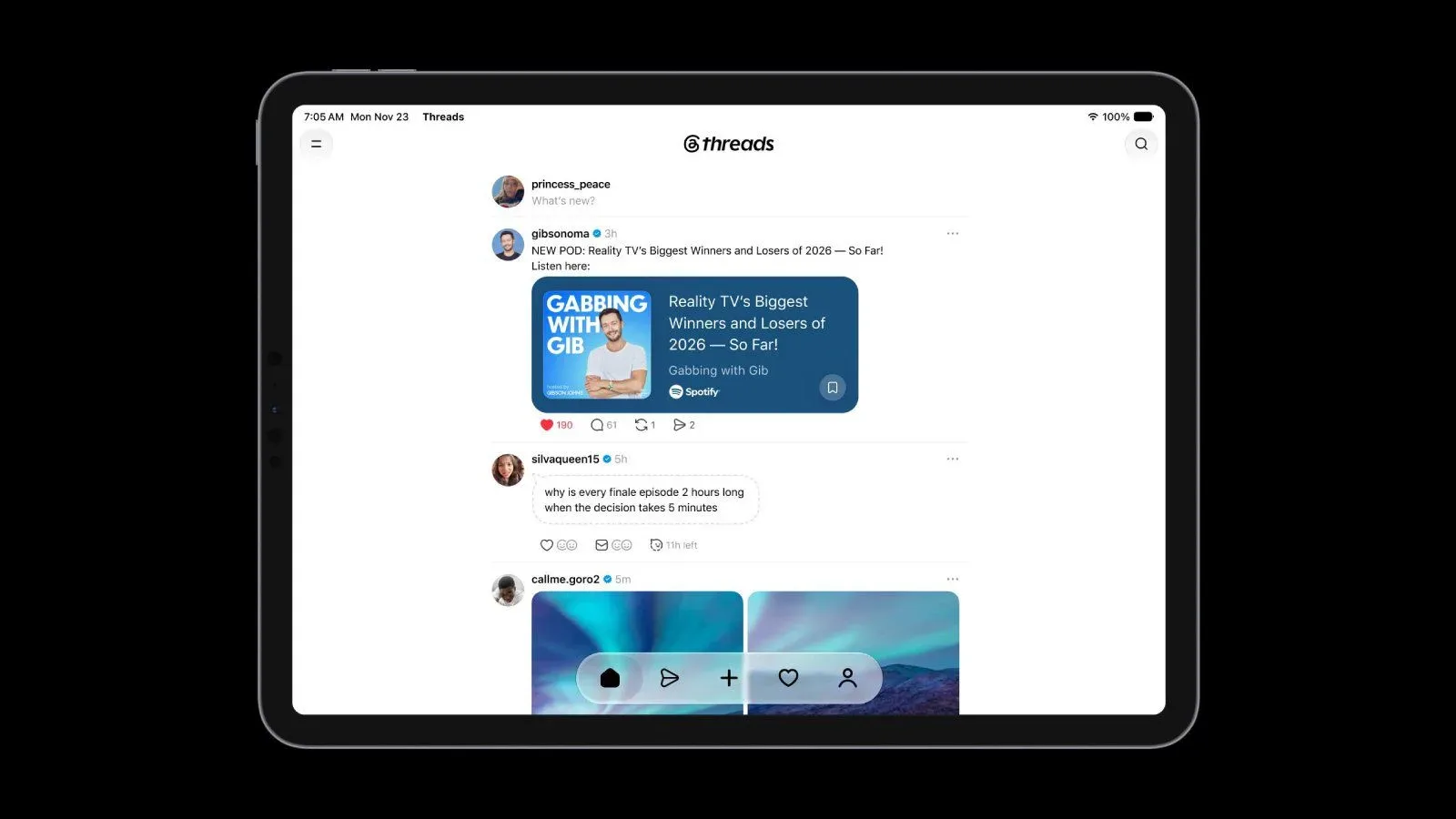
For more Apple-adjacent big-screen app news, see our look at Threads preparing an iPad app.
Shop the products
Check current price, model and availability at the retailer.