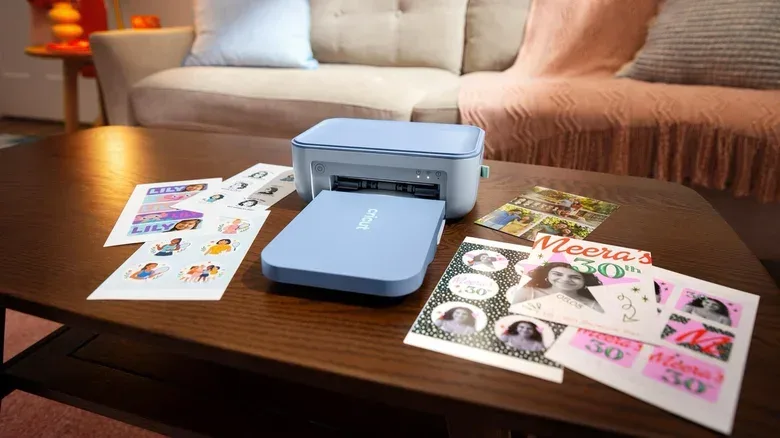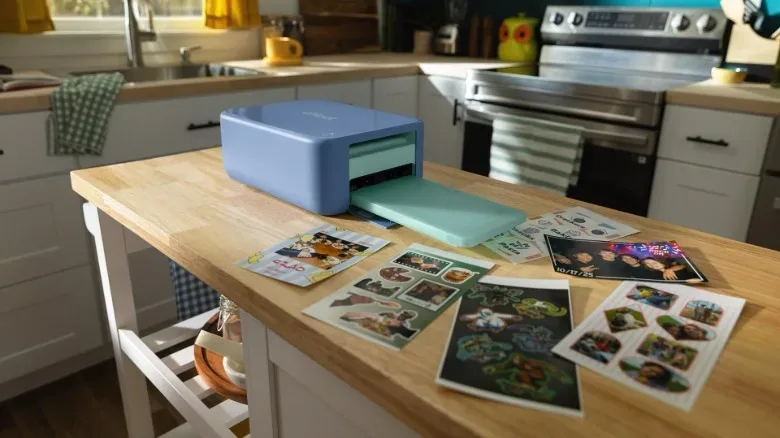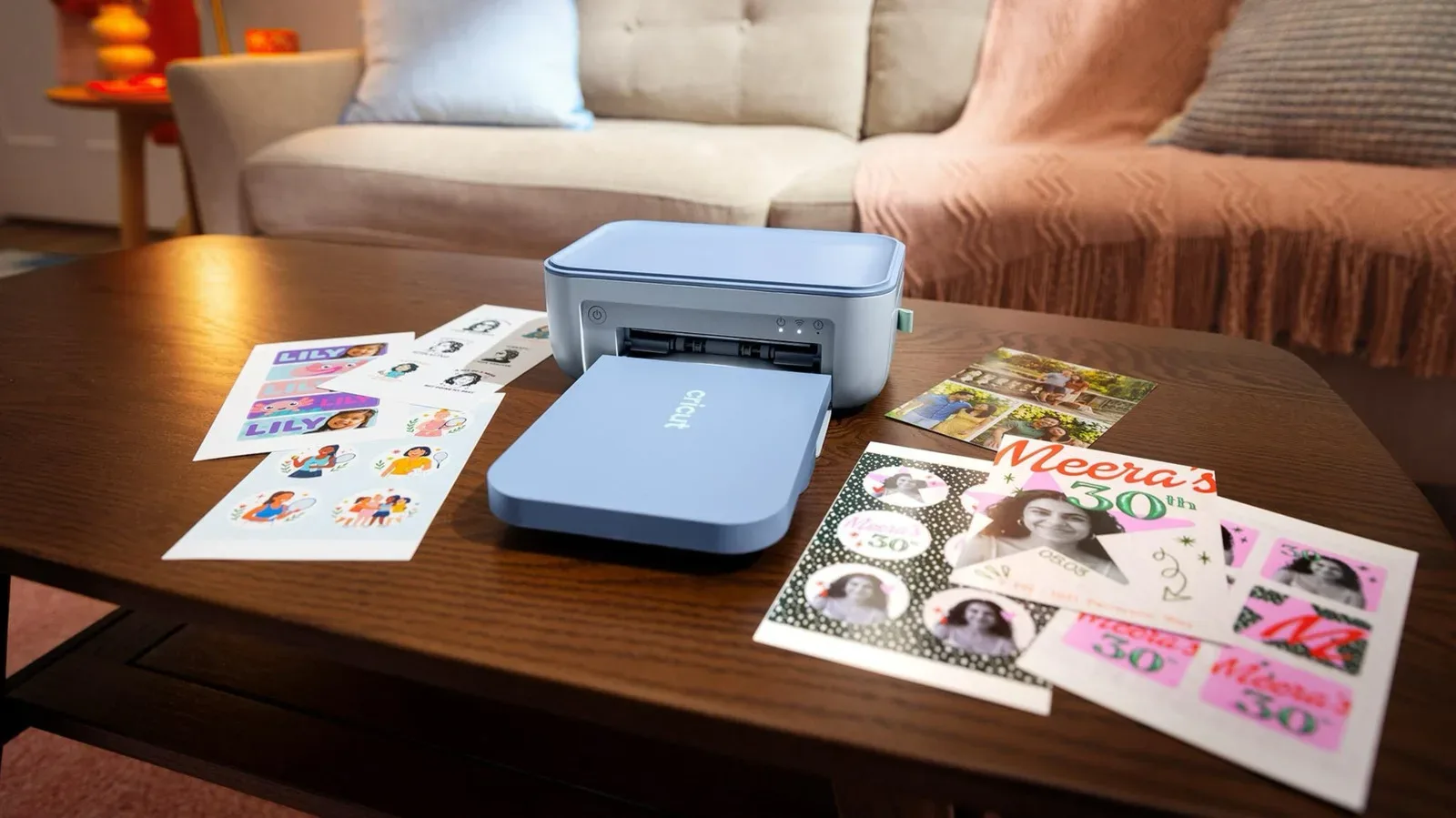
Cricut is narrowing its focus to one of the most immediately gratifying corners of home crafting: making a tiny image, turning it into a sticker, and applying it to approximately every available flat surface before good judgment catches up. The new Cricut StickerPix Print and Cricut StickerPix Print + Cut are compact machines designed to produce custom stickers and photos, with the higher-priced model also adding built-in cutting.
That distinction matters. Cricut is known for machines that cut, emboss or support heat-transfer projects, but the StickerPix range is positioned as a more self-contained route to small-format printed stickers. Both devices use dye-sublimation printing and add a laminate layer intended to make the finished output water-, scratch- and fade-resistant. The Print + Cut goes further by pairing that printing system with cutting technology, so users are not confined to the fixed outlines of pre-cut sticker sheets.
The StickerPix Print starts at $169, while the StickerPix Print + Cut starts at $299. Both are available now and include sticker sheets, photo paper and an ink cartridge in the box.
What separates the two StickerPix machines
The simpler Cricut StickerPix Print measures 7.8 by 5 by 3.5 inches. It can print on 4-by-6-inch photo paper or on Cricut’s pre-cut sticker sheets. Its appeal is straightforward: it occupies relatively little space and is tailored to compact prints rather than a broader craft-machine workflow.
The Cricut StickerPix Print + Cut measures 8 by 11.3 by 4.1 inches. It supports 4-by-7-inch sticker sheets as well as 4-by-6-inch photo paper. Its defining feature is the ability to cut the printed work. That opens up more control over the outer shape of a sticker, rather than requiring every design to live inside the predetermined forms supplied on a pre-cut sheet.
- StickerPix Print: 7.8 x 5 x 3.5 inches; works with 4 x 6-inch photo paper and Cricut pre-cut sticker sheets; starts at $169.
- StickerPix Print + Cut: 8 x 11.3 x 4.1 inches; works with 4 x 7-inch sticker sheets and 4 x 6-inch photo paper; adds cutting; starts at $299.
In practical terms, the decision is less about whether someone wants stickers and more about how much shape freedom they need. A creator happy with the outlines supplied by pre-cut sheets has a lower-cost entry point. Someone who wants a custom silhouette around a mascot, controller icon, game-inspired logo or illustrated character has a clearer reason to consider the Print + Cut.
Dye-sublimation, explained without turning the craft desk into a chemistry lecture
Both StickerPix machines use dye-sublimation. Here, heat transfers dye directly onto the material being printed. In this lineup, the process is used for both photographs and stickers, then followed by a laminate layer.
The important takeaway is not simply that this is a different printing label. It is that Cricut is combining several functions aimed at durable, small-format output: printing, heat-based dye transfer and surface protection. The added laminate is meant to help the prints withstand water, scratches and fading.
That is a notably more consolidated setup than the route required by other Cricut machines for comparable sticker results. Those existing machines rely on an inkjet printer and special laminate sheets. For a household that only wants to make photos or stickers, a dedicated StickerPix may therefore reduce the number of separate devices and materials involved.
There is a useful boundary to keep in mind: this does not make either StickerPix a general-purpose large-format printer, nor is the supplied information a promise about every material or sticker use case. The supported formats are compact photo paper and sticker sheets. Its strength is focused convenience, particularly for projects that suit those small dimensions.
Kiss-cut stickers are not the same as individual die-cuts
The Print + Cut name could lead shoppers to assume it creates loose, individually separated stickers. That is not what Cricut describes here. Both StickerPix machines make kiss-cut stickers.
A kiss-cut passes through the sticker layer while leaving the backing sheet intact. The result is a sheet containing separate peelable designs. By contrast, a die-cut sticker is cut through its backing as well, creating an individual piece separated from the surrounding material.
This is a small production detail with a large effect on expectations. The Print + Cut can give a design a custom outline on its sheet, but it does not turn each one into an individually backed handout. People planning sticker sheets, labels, sets of small decoration pieces or organized batches may see that as entirely suitable. Anyone specifically seeking separate die-cut pieces should recognize that this range is not described as offering that output.
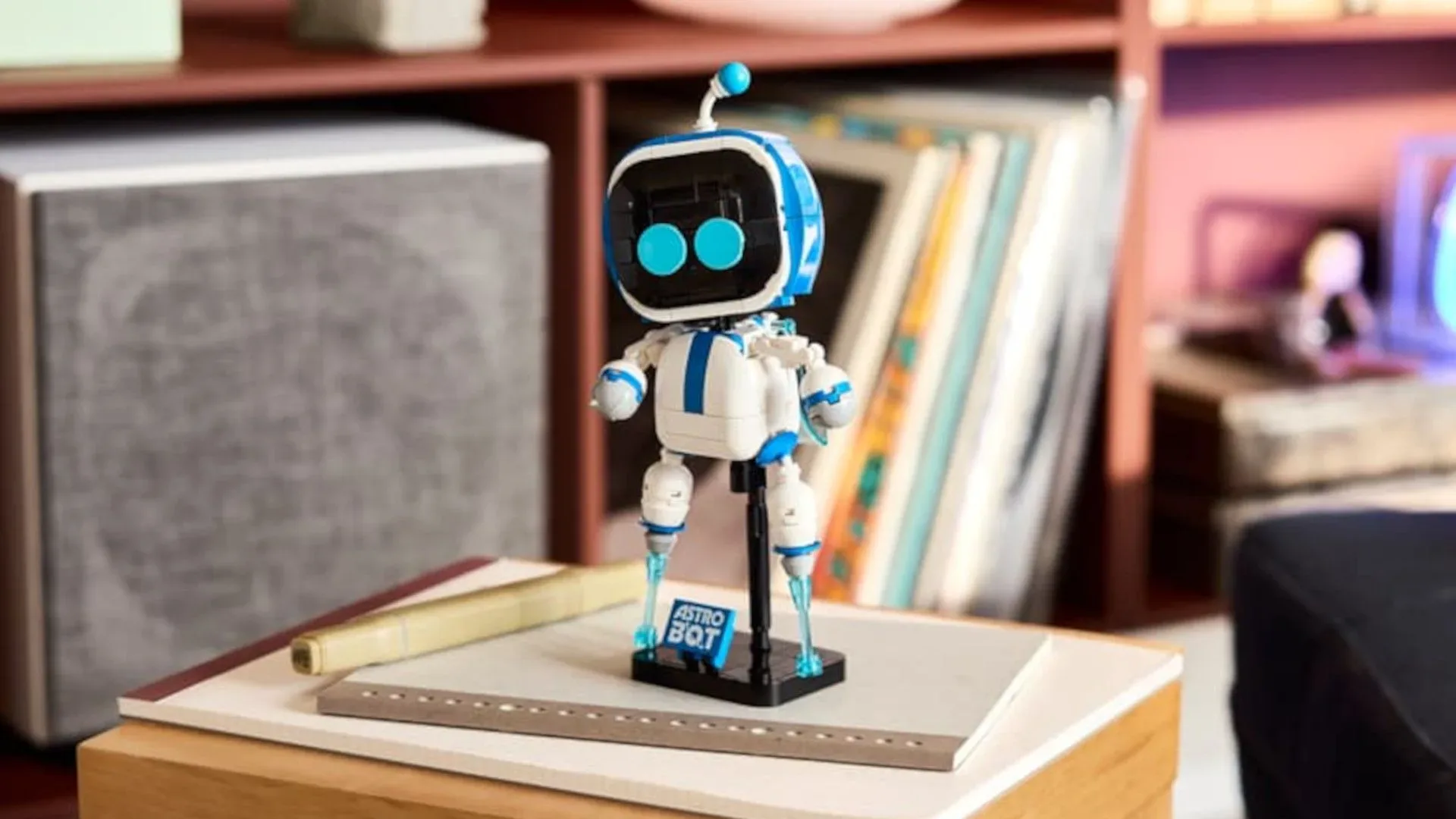
For game-room and collection display projects, kiss-cut output can still be useful. A sheet of matching labels can stay tidy until needed, while custom-cut art can add a more personal finishing touch to storage boxes, accessory organizers, binders or display signage. Fans looking at official collectible releases, such as the LEGO Astro Bot collectible, may also see the appeal of making their own non-official labels or themed display extras. The sensible line is to keep homemade additions clearly separate from an item’s original packaging and condition.
Software is part of the purchase
Neither StickerPix operates as an entirely stand-alone appliance. Cricut requires users to work through its Design Space software on a phone or computer. That is the same broad software ecosystem associated with the company’s other machines, and it is the route through which projects are prepared for printing or cutting.
It also means buyers should factor software into the experience, not just hardware dimensions and starting price. Cricut Access, the company’s subscription service, offers additional templates and discounts. The machines can be used through Design Space, while the subscription is the pathway to more of those design resources and offers.
For people who already use Cricut’s software, this may be a familiar arrangement. New buyers should distinguish between the physical device and the surrounding creative platform. A template library can be convenient when the goal is quick labels or ready-made layouts. On the other hand, a shopper whose priority is producing their own supplied artwork may care more about how comfortably their existing phone or computer fits into the Design Space workflow than about access to extra templates.
Who each model appears to suit
The StickerPix Print is the compact, preset-shape option
The lower-priced model makes the most sense for someone whose projects fit 4-by-6-inch photos and Cricut’s pre-cut sticker sheets. It is also the smaller machine, a meaningful advantage for a desk, dorm, shelf or craft corner already performing a convincing impression of a supply closet.
Its limitation is equally clear: if the desired sticker shape falls outside the forms offered by those pre-cut sheets, this model is not the one that supplies the answer. That does not make it a lesser tool for every user. It simply makes its intended workflow more defined.
The StickerPix Print + Cut is the flexibility option
The $299 Print + Cut earns its price difference through built-in cutting and support for 4-by-7-inch sticker sheets. That custom cutting is the relevant feature for a creator who wants the border of a design to follow the design itself rather than a preset geometry.
It remains a kiss-cut system, however. The increased flexibility is about shaping artwork on a backing sheet, not creating separated die-cut stickers. Buyers choosing between models should treat that as the central technical fact, rather than assuming the word “cut” covers every kind of sticker finishing.
A focused addition to Cricut’s broader craft range
Cricut already makes cutting, embossing and heat-pressing machines for home crafters. StickerPix occupies a narrower lane: printed photos and stickers in compact formats, with a laminating step built in and, in one case, cutting included. That focus could be especially appealing to someone who does not need a more expansive craft toolchain and would rather avoid pairing an inkjet printer with separate laminate sheets.
The two models do not erase the value of broader Cricut equipment for users with wider ambitions. They instead present a more specific proposition: use Cricut Design Space, load the appropriate photo paper or sticker media, and make small durable prints without assembling a multi-device workflow.
For $169, the StickerPix Print is the streamlined choice for compact photos and predetermined sticker shapes. For $299, the StickerPix Print + Cut introduces custom-shaped kiss-cuts and a slightly larger sticker-sheet format. The shared dye-sublimation and laminate process is the common foundation. The cut, the sheet format and the $130 price gap are what divide the two.