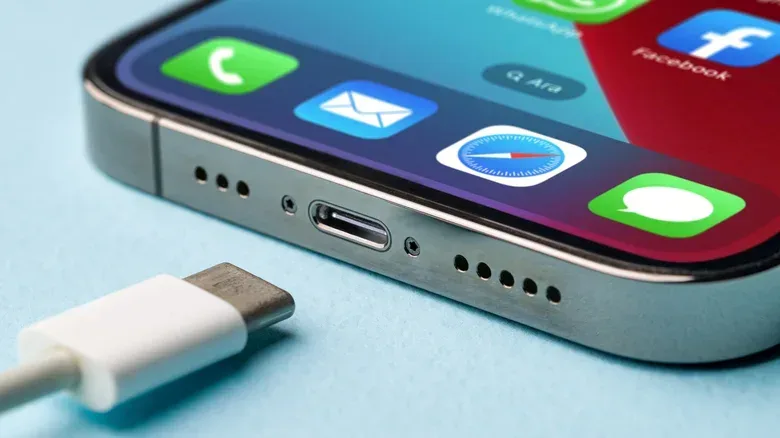
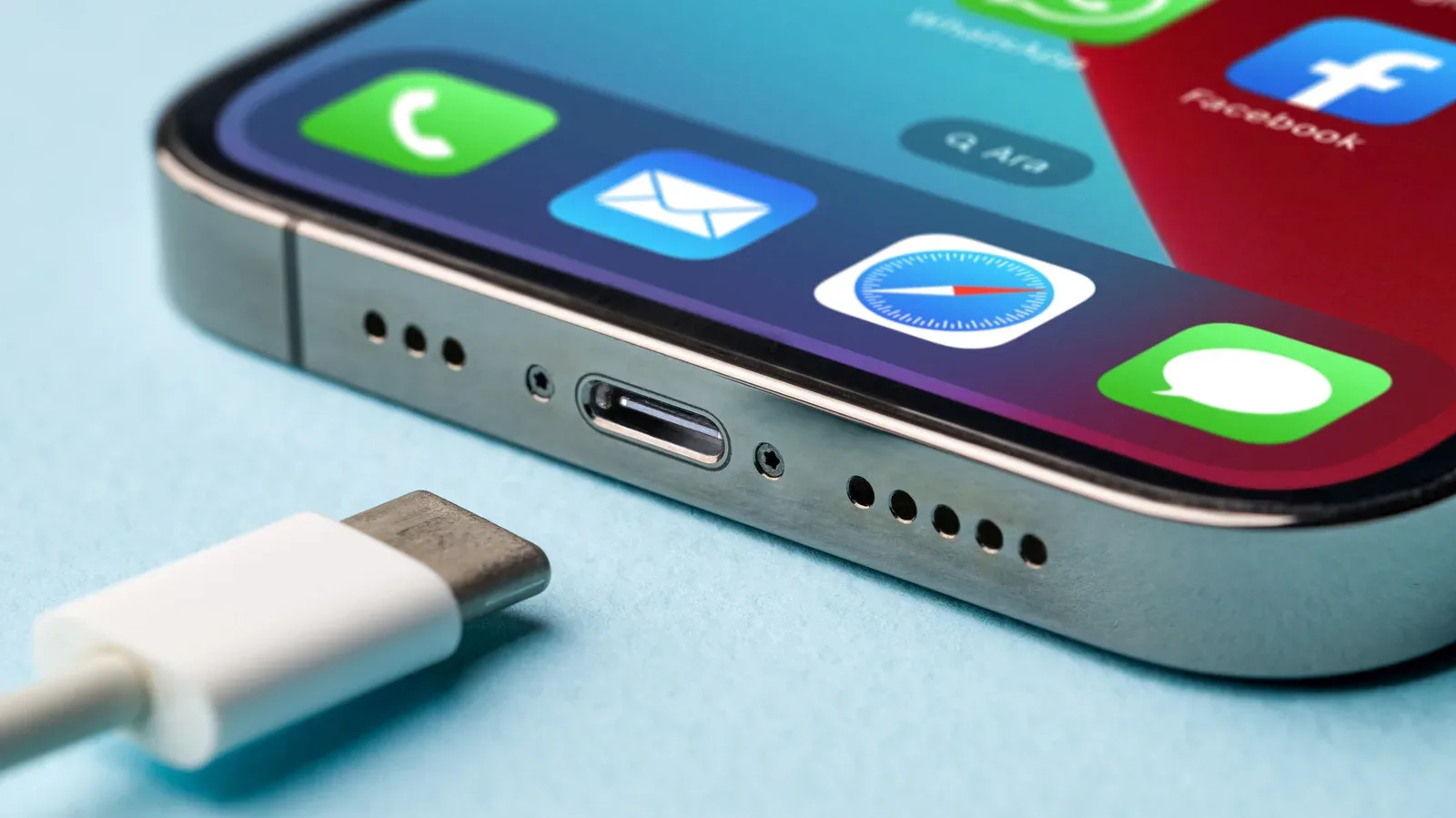
A 140W USB-C charger can be used with an iPhone without making the phone suddenly gulp down 140 watts like it has a speedrun category to finish. The important distinction is between the maximum power a charger can offer and the power a phone is designed to accept. They are not the same figure.
In normal USB-C Power Delivery use, a compatible device and charger negotiate a suitable power level. An iPhone draws what it supports rather than being forced to take the charger's headline wattage. Even the iPhone 18 Pro is described as topping out at 52W, leaving a vast gap between its ceiling and a 140W adapter's capacity.
That makes a 140W adapter potentially convenient if it is already part of a desk or travel setup—especially one shared with a power-hungry laptop or several devices. It does not make it a faster option by default. Once an iPhone reaches its own charging limit, additional advertised wattage is spare capacity, not a bonus multiplier.
The short version: charger capacity is not delivered power
Think of charger wattage as an upper limit. A 140W adapter is capable of supplying up to that amount under the right conditions, but the connected device determines what it requests. The iPhone's charging hardware, its battery state, the cable, and the supported USB-C charging protocol all matter.
This is why a large charger can be safe while still being unnecessary for an iPhone-only purchase. The phone is not improved merely because the brick has a much bigger number printed on it. For a single handset, buying capacity far beyond the handset's supported input is mainly about flexibility: charging another device later, sharing the adapter, or reducing the number of chargers carried around.
There is also a useful practical takeaway for anyone who sees a powerful laptop charger and wonders whether it is off-limits to a phone. A compliant USB-C Power Delivery charger is meant to communicate with compatible devices. The meaningful question is not simply, “Is 140W too much?” It is, “Is this charger and cable trustworthy and appropriate for USB-C PD?”
USB Power Delivery, explained without the alphabet soup
USB Power Delivery, usually shortened to USB PD, is the USB-C charging standard that allows compatible hardware to negotiate higher power levels than basic USB charging. Rather than every port supplying one fixed amount of power, a PD charger and a connected device work out a supported charging profile.
The newer upper tier is called Extended Power Range, or EPR. USB PD historically reached 100W in the standard range; EPR expands the specification to as much as 240W and includes 28V, 36V, and 48V options. That sounds alarming if the device on the other end is a phone, but those higher options exist for equipment that actually needs them, such as high-performance laptops.
Related coverage includes Can You Safely Use a 140W Charger With an iPhone?.
EPR also includes a protective communication behavior. In EPR mode, a device must send a keep-alive message every half second. If the charger stops receiving it, it falls back to 5V. An iPhone's charging needs sit well below the EPR threshold, so the existence of an EPR-capable 140W charger does not mean an iPhone has to operate anywhere near those higher-voltage modes.
In plain terms: the charger having a very large menu of possible outputs is different from the iPhone ordering the biggest item on it.
What iPhone models actually need for fast charging
The useful wattage target depends on the iPhone generation. A buyer looking for the fastest charging their particular phone can support should match the adapter to that model's requirements rather than treating 140W as a universal answer.
- iPhone 17, iPhone 17 Pro, and iPhone 17 Pro Max: A 40W-or-higher adapter can bring these phones to 50% in roughly 20 minutes.
- iPhone Air and iPhone 17e: A 20W adapter is sufficient for approximately 50% charge in around half an hour.
- iPhone 15, iPhone 16, and older Lightning-equipped models such as iPhone 14: An 18W-or-greater USB PD adapter is needed for fast charging. Lightning models require a USB-C-to-Lightning cable.
- iPhone 18 Pro models and iPhone Duo: The fastest listed setup is a 60W adapter supporting Adjustable Voltage Supply and USB PD 3.2, paired with a USB-C cable rated for at least 60W.
Adjustable Voltage Supply, or AVS, is a USB PD feature that permits more finely controlled voltage selection within supported ranges. For the iPhone 18 Pro line and iPhone Duo, it is part of the specified fastest-charging combination. It is not a reason to assume every 60W charger will behave identically, nor does it mean a 140W charger is inherently faster.
These figures also illustrate the wider point: no iPhone requirement listed here comes close to 140W. A 60W-capable setup may be the relevant ceiling for the fastest configuration described for the newest higher-end phones, while many other iPhones have much lower needs.
The cable is part of the charging system
Charging conversations often focus on the brick and overlook the cable, which can be the component that limits the setup. Standard USB-C cables are rated for 3A and reach up to 60W. Cables intended for 100W use employ an e-marker: a small embedded chip that tells the charger what the cable can safely handle. EPR cables cover power levels above 100W.
For an iPhone, a cable rated to handle 60W or more is relevant to the 60W AVS and USB PD 3.2 setup described for iPhone 18 Pro devices and iPhone Duo. More broadly, using a cable whose rating is suitable for the charger and device helps the USB-C system negotiate safely.
A 140W brick paired with a cable that is only appropriate for lower power does not turn that cable into an EPR cable. The charger’s top capacity and the cable’s rating are separate specifications. That is especially important for anyone using one charger across a laptop, phone, handheld accessories, and other USB-C gear.
Safety is about quality and compliance, not just wattage
The real caution around a high-output charger is generally the charger itself, not the fact that its maximum rating is higher than an iPhone's. Third-party charging gear that fails to meet safety standards can be dangerous. A reputable, standards-compliant adapter and cable are the sensible baseline.
That does not require buying one particular brand. It does mean avoiding the logic that every cheap charger with a confident wattage label is functionally identical. The advertised number alone says little about build quality, compliance, thermal management, or whether a product properly supports the protocols it claims.
If a charger is intended to handle expensive phones, laptops, controllers, or a shared household charging station, reliability is a more useful criterion than chasing the largest wattage number. This is the same kind of device-permission mindset that matters elsewhere on a phone: check what the hardware or app is actually capable of, then choose trusted options. For more on making those everyday phone decisions with less risk, see this guide to safer phone permissions.
Why a USB port may feel painfully slow
Not every USB port offers USB PD, and the older basic USB standards supply comparatively modest power. A standard USB 2.0 port provides 5V at 500mA, which is 2.5W. USB 3.0 and USB 3.1 increase that to 900mA, or 4.5W. Battery Charging 1.2 ports can reach 1.5A, or 7.5W.
That explains why charging from a desktop PC, console-adjacent setup, or older laptop can feel glacial compared with a wall adapter. Port colors are not a dependable universal shortcut either. Some Intel NUC systems, for example, rate orange ports at 1.5A and blue ports at 900mA, while black ports are often USB 2.0 with a 2.5W default. Those are examples of a particular setup, not a color code that applies everywhere.
USB-A is particularly limiting for newer iPhones: iPhone 15 and later are capped at 7.5W from a USB-A charger. USB-C provides a major step up even without Power Delivery, supporting 15W at 5V and 3A. With USB PD, the potential ceiling rises dramatically—up to 100W in Standard Power Range and 240W in EPR—though, again, an iPhone will only use its supported portion.
How to tell whether your current setup is the problem
There are a few straightforward checks before replacing anything. Apple prints the wattage on the top or bottom of its power adapters, and its 40W units carry a Dynamic Power Symbol. That gives owners a quick starting point for identifying the charger already in the drawer.
iOS can provide a more direct hint, too. On iOS 18 and later, a Slow Charger message can appear on the Lock Screen and in Settings under Battery. iOS 26 adds an alert for an incompatible charger that is not charging the iPhone. These prompts are more actionable than guessing based on a port’s appearance or assuming that any USB-C connection delivers the same performance.
For most people, the rational choice is simple: use a reputable USB PD charger matched to the iPhone’s fast-charging needs, with a properly rated cable. A 140W charger is safe to use when it is compliant and paired sensibly, but it is best understood as a versatile shared-power tool—not an iPhone turbo button.