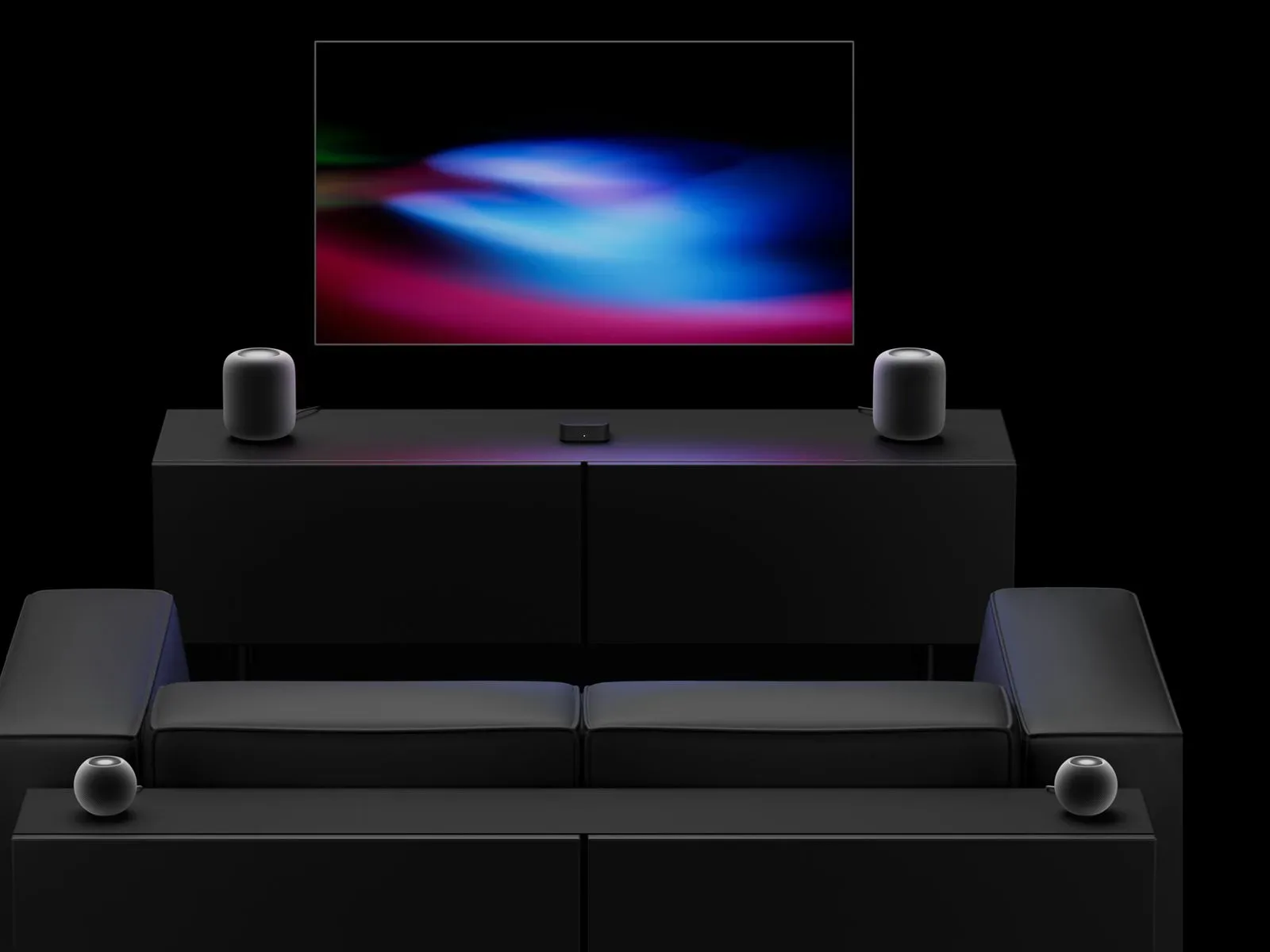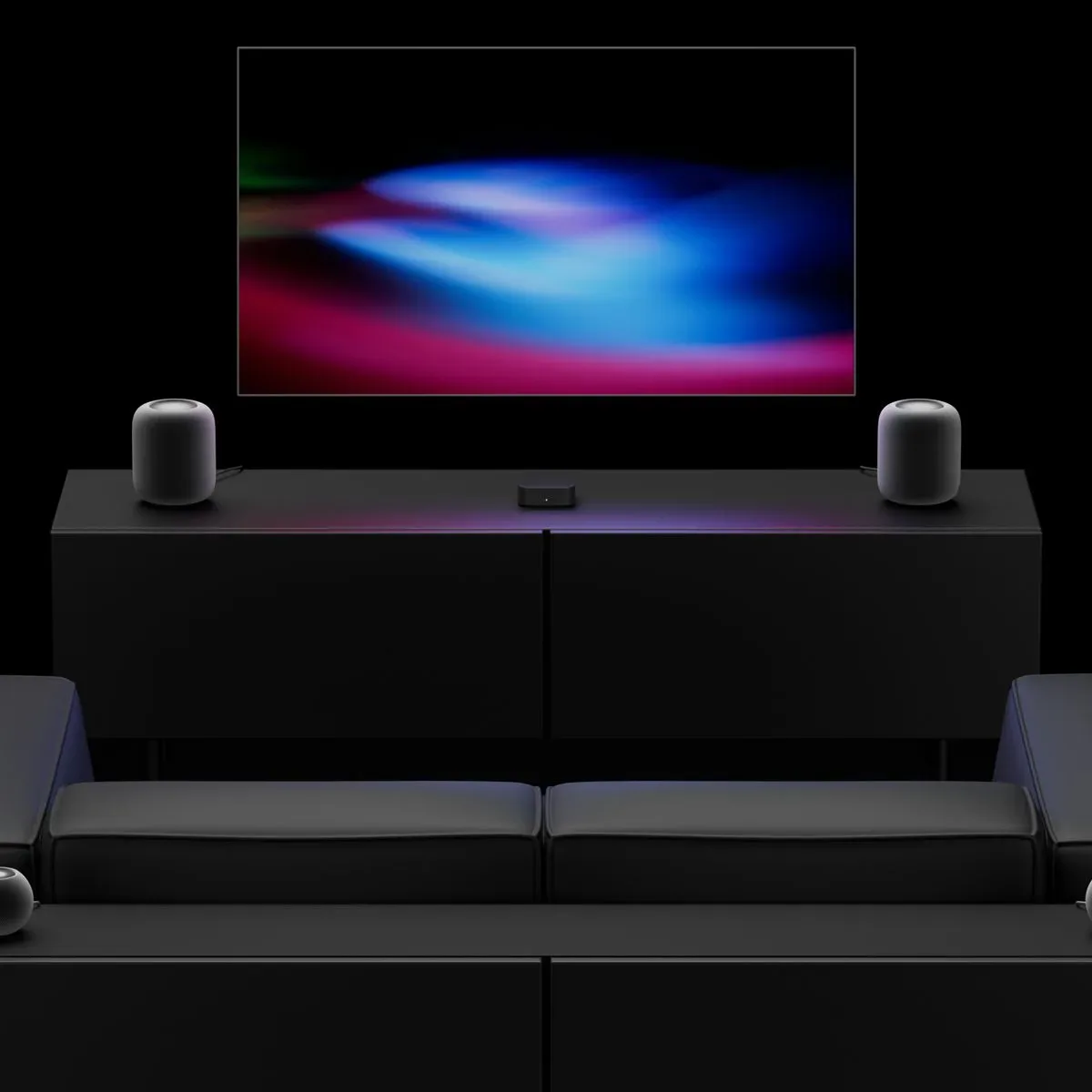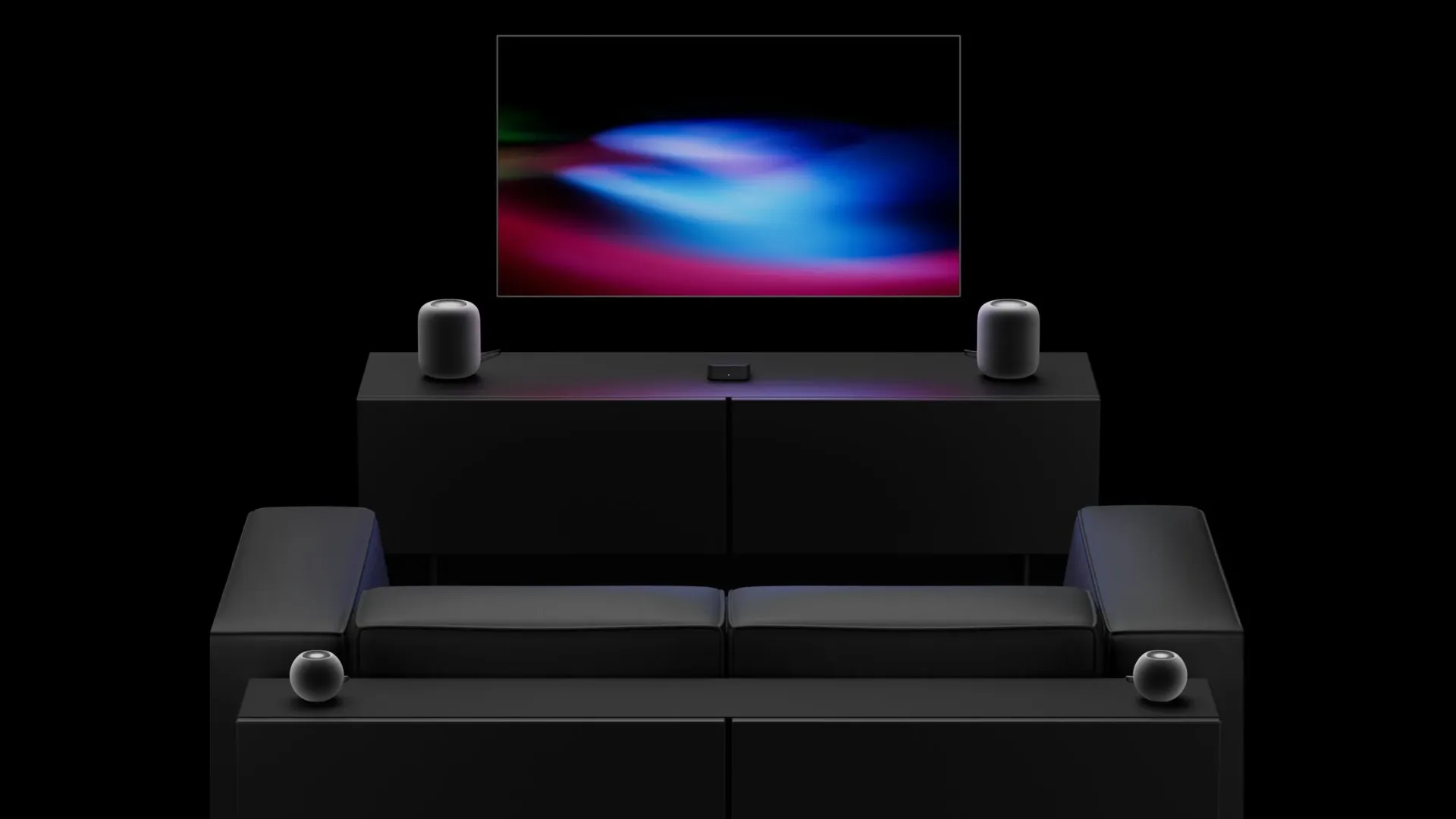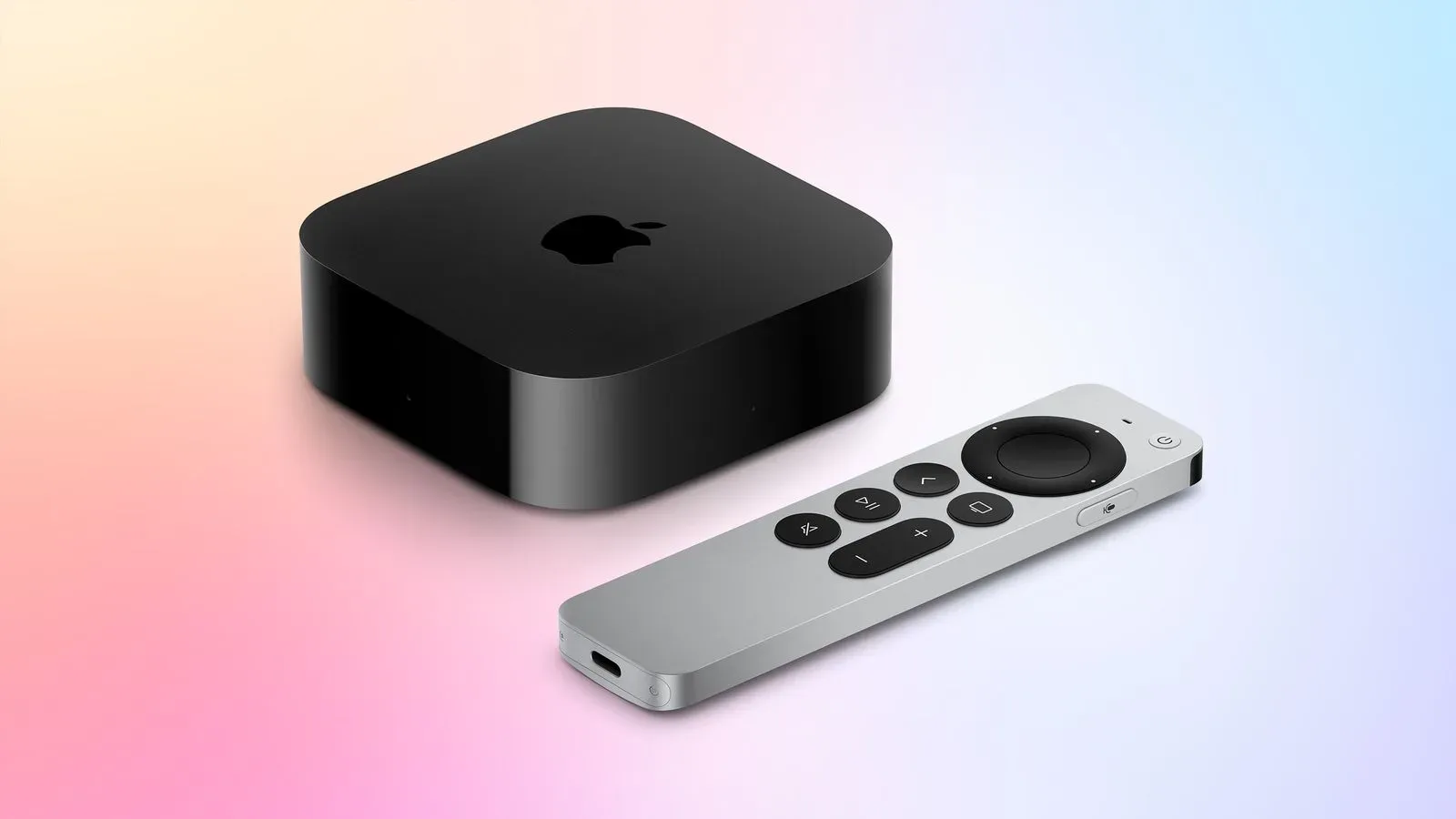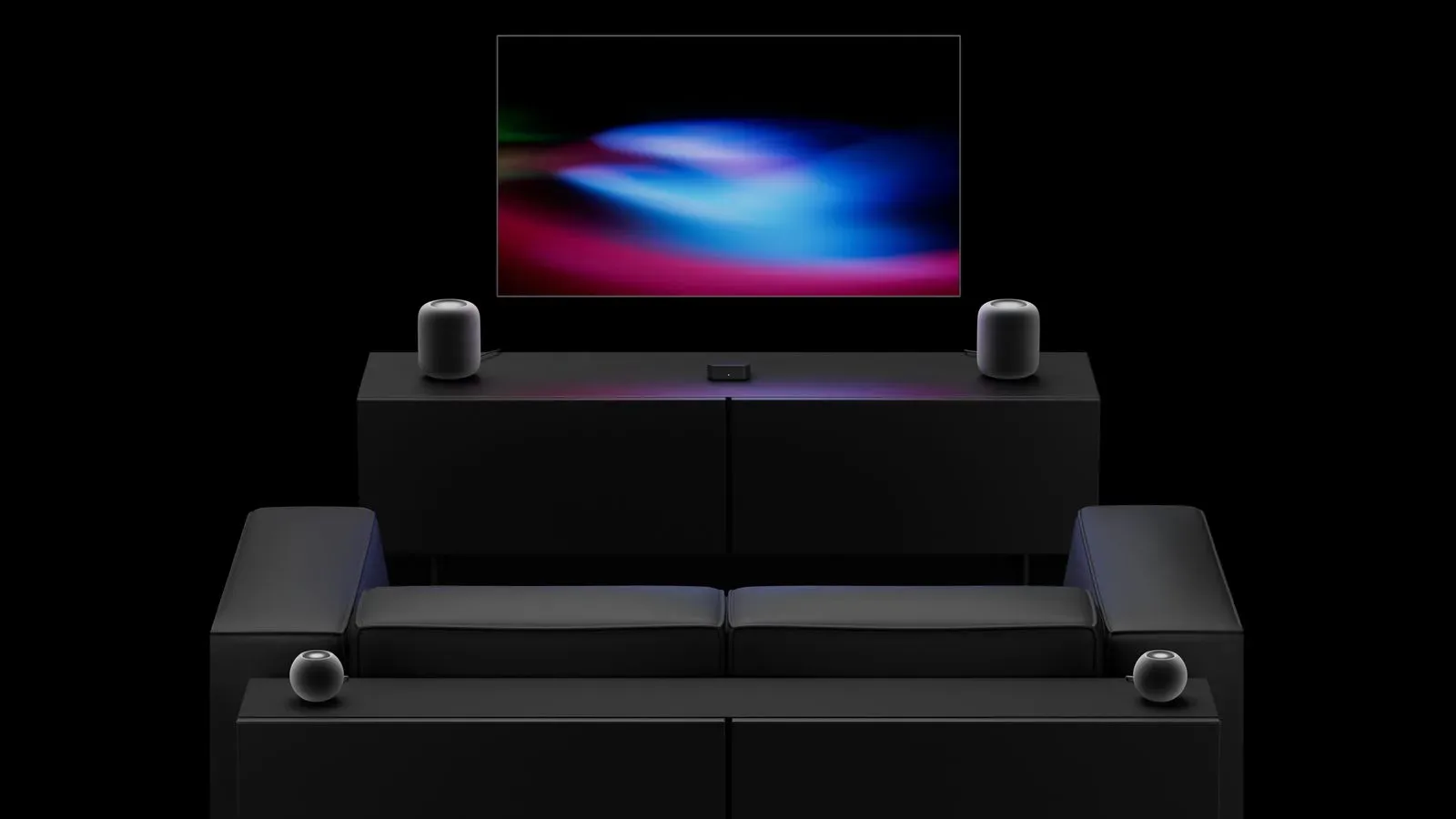
Apple’s fourth-generation Apple TV 4K is set to expand the HomePod’s role in a living-room setup from a two-speaker stereo arrangement to a four-speaker system. The headline capability is a conventional surround configuration: one speaker each at front-left, front-right, rear-left and rear-right. But a second mode, Whole Room Audio, may be the more interesting option for a crowded lounge, a watch party, or the sort of game-day gathering where nobody stays planted in the ideal seat.
Whole Room Audio is intended to spread audio evenly across four HomePods instead of focusing on directional effects. Apple describes it as a setting for music and sports commentary that should remain clear no matter where someone is standing or sitting in the room. It was previously referred to in rumors as “Party Mode,” but Whole Room Audio is the name attached to the feature now.
For gaming and TV setups, that distinction matters. Surround sound is designed around positions: audio can be assigned to the front, rear, left or right to create a more directional soundfield. Whole Room Audio appears to prioritize broadly distributed listening instead. In practical terms, it is not necessarily the mode for emphasizing a sound approaching from behind in a game. It is the mode aimed at making the audio easier to follow while people are moving around, chatting, grabbing snacks, or watching from less-than-perfect spots.
Two four-speaker modes, two different jobs
Four speakers can serve very different purposes depending on how their output is managed. The new Apple TV 4K is expected to present Surround Sound and Whole Room Audio as separate choices in the audio settings of tvOS 27.2 when four compatible HomePods are connected.
That separation is important because the two modes solve different room problems.
- Surround Sound uses designated speaker positions—front-left, front-right, rear-left and rear-right—to build a home-theater layout. Its value is positional presentation: the arrangement can place elements around the listener.
- Whole Room Audio distributes sound across all four speakers more evenly. Its stated goal is consistent, intelligible audio throughout the room rather than a seat-focused surround effect.
For a solo game session or a film where the audience is settled into a central viewing position, the surround option is the logical one to investigate. The front/rear placement gives the Apple TV 4K a more complete all-Apple speaker arrangement than earlier models could provide.
For a multiplayer hangout or sports stream, Whole Room Audio could be the more sensible pick. A sports broadcast is often as dependent on commentary as it is on crowd noise, and the feature is explicitly pitched around clarity across the room. Likewise, a social gaming session can be less about pinpoint audio placement than ensuring everyone hears dialogue, menus, music and match callouts without a single corner of the room becoming the bad seat.
There is a useful limit to keep in mind: the available information identifies the intended behavior, not the full technical method. It does not specify how the mode balances volume, handles room acoustics, or treats different kinds of content. “Spreads sound evenly” should therefore be read as Apple’s stated aim, rather than as a promise that every room and every seating position will sound identical.
The compatible speaker combinations
The four-speaker setup works with the new HomePod mini 2 and HomePod 2, with an important pairing rule. Owners can use four HomePod mini 2 units, or they can combine the mini and full-size models as matched pairs. The front pair must match each other, and the rear pair must match each other.
That allows configurations such as two HomePod 2 speakers at the front and two HomePod mini 2 speakers at the rear. It does not mean any four HomePods can be freely arranged in a mixed collection. The matching requirement applies separately to the front and rear positions.
It is a relatively straightforward rule, but it has a practical consequence for anyone planning a gradual upgrade. Someone starting with a matched pair of HomePod 2 speakers could potentially make those the front pair and add two HomePod mini 2 units as the rear pair. Conversely, a buyer considering four minis has a direct route to a uniform setup. What the supplied details do not establish is whether other combinations, generations, or additional speaker models will be supported, so prospective buyers should not assume compatibility beyond the stated HomePod mini 2 and HomePod 2 arrangements.
The distinction between front and rear pairs also reveals that this is more than simply sending the same output to four devices. The Apple TV 4K is treating the speakers as a layout with defined locations, even when Whole Room Audio is selected. That is the foundation that enables both the surround-oriented setup and the room-filling alternative.
Why it is a notable change for Apple TV setups
Previous Apple TV 4K generations are limited to two HomePods for stereo audio. The new model changes the ceiling from a left-and-right pair to a four-speaker arrangement. For people who want to keep a television area inside Apple’s speaker ecosystem, that is the core upgrade: a supported front-and-rear layout rather than a stereo pair doing all the work.
“Stereo” refers to audio split into left and right channels, generally represented here by two speakers. It can provide a broad front soundstage, but it does not add discrete rear positions. “Surround sound” refers to a multi-speaker layout capable of putting sound in more locations around the listener. The announced four-HomePod arrangement uses four positions, with two at the front and two at the rear.
Whole Room Audio does not replace surround sound; it gives the same speaker count another purpose. That flexibility is especially relevant in a room used for several things. A player might favor the surround setting for an evening game, then switch to Whole Room Audio when friends arrive to watch a live event. The value is not that one mode is universally superior, but that the room can be set up around the occasion rather than locked into a single listening priority.
That “game day” angle is also why the feature deserves attention beyond home-theater enthusiasts. A four-speaker arrangement can otherwise sound like a specialist purchase intended only for cinematic immersion. Apple’s description instead frames Whole Room Audio around coverage and clarity in a shared space. The feature is designed for the moments when a room is full and the best listening spot is not the only listening spot.
What buyers should know before treating it as a simple upgrade
The capability is tied to the new fourth-generation Apple TV 4K. Existing Apple TV 4K hardware remains limited to two HomePods for stereo sound. Owners of an earlier Apple TV 4K should therefore not expect the four-speaker feature simply by adding more speakers.
The HomePod side matters just as much. The stated supported options are the new HomePod mini 2, the full-sized HomePod 2, or a combination that keeps each front or rear pair matched. A plan built around four speakers should account for placement as well as quantity, because the system recognizes front-left, front-right, rear-left and rear-right positions.
There is also a timing wrinkle. The new HomePod mini 2 is scheduled to launch Friday, October 30, while the new Apple TV 4K is scheduled for Friday, November 13. Both are available to pre-order. Those dates mean the smaller speakers are due first, but the four-speaker Apple TV experience itself depends on the later Apple TV 4K release.
The software-setting detail points to tvOS 27.2, where the two modes are expected to appear separately with four HomePods connected. That is useful guidance for understanding how the feature may be organized, but it is not a substitute for confirmed operational details. The supplied information does not spell out setup steps, whether settings will be exposed in every playback app, or how transitions between the two modes work. Those are sensible questions for buyers, particularly for anyone building a system specifically around games and live sports.
A more flexible audio option for shared screens
The most compelling aspect of Whole Room Audio is that it acknowledges a basic reality of living-room entertainment: people do not always consume it in a carefully calibrated listening position. A game can turn into a local gathering; a sports broadcast can pull people into the kitchen and back; music can become the background to everything else happening in the room. A mode that favors even distribution is tailored to that use rather than asking the audience to stay in one spot.
For players refining a wider entertainment corner, it is another reminder that the room matters alongside the display and controller. Accessories can shape the social side of that space too, from speaker placement to themed peripherals such as Razer’s translucent-green Xbox anniversary gear. Apple’s new audio approach is different in function, but it rests on the same idea: hardware choices influence how a shared game or broadcast feels in the room.
For now, the firm points are clear. The new Apple TV 4K supports up to four qualifying HomePods; it supports defined front and rear positions; and it offers a distinction between a directional surround setup and a room-wide audio mode intended for clear, evenly spread sound. The remaining questions are about the finer behavior of the feature in real homes. But as a concept, Whole Room Audio gives the four-HomePod system a role that is broader than merely adding rear channels.