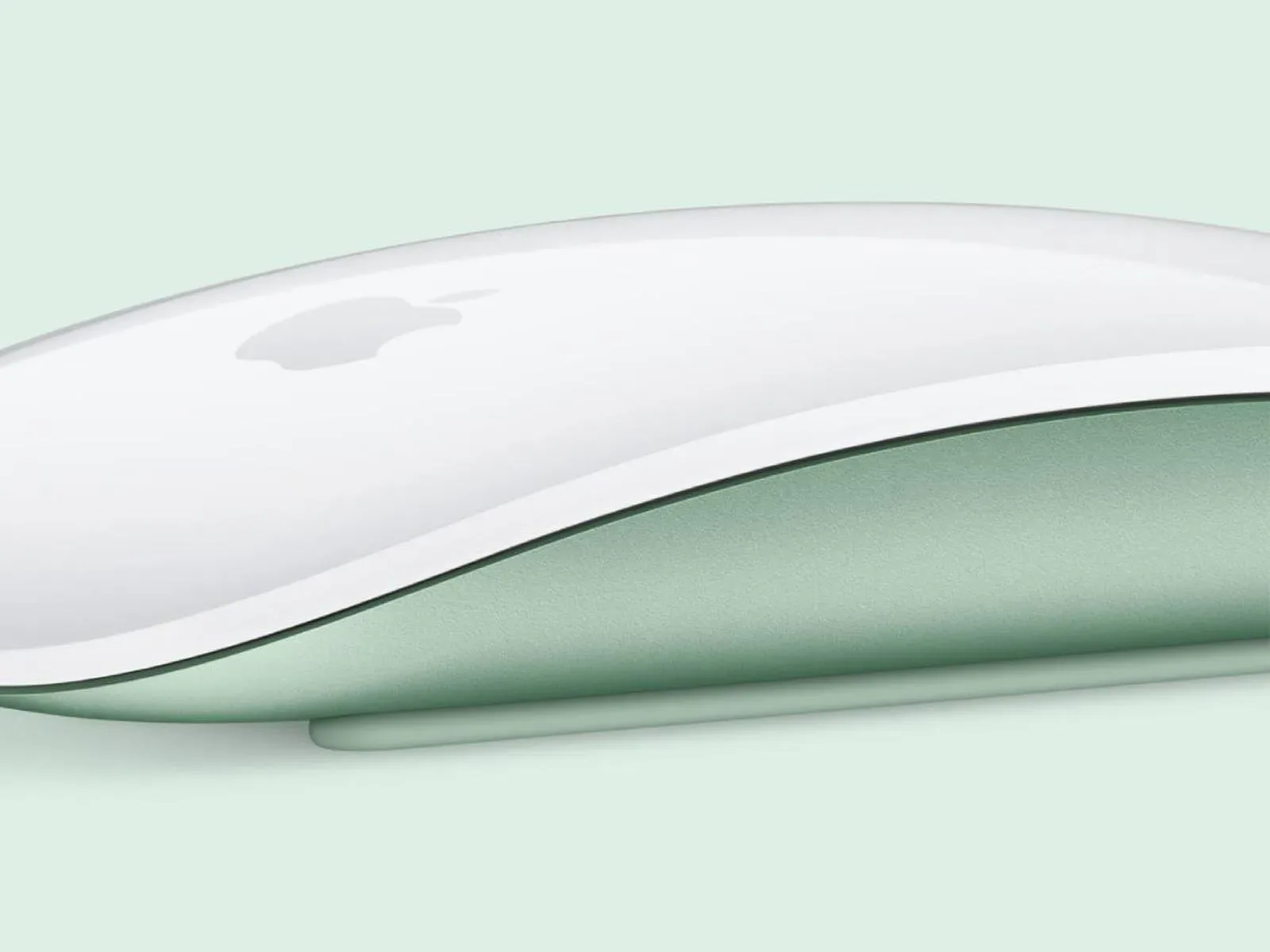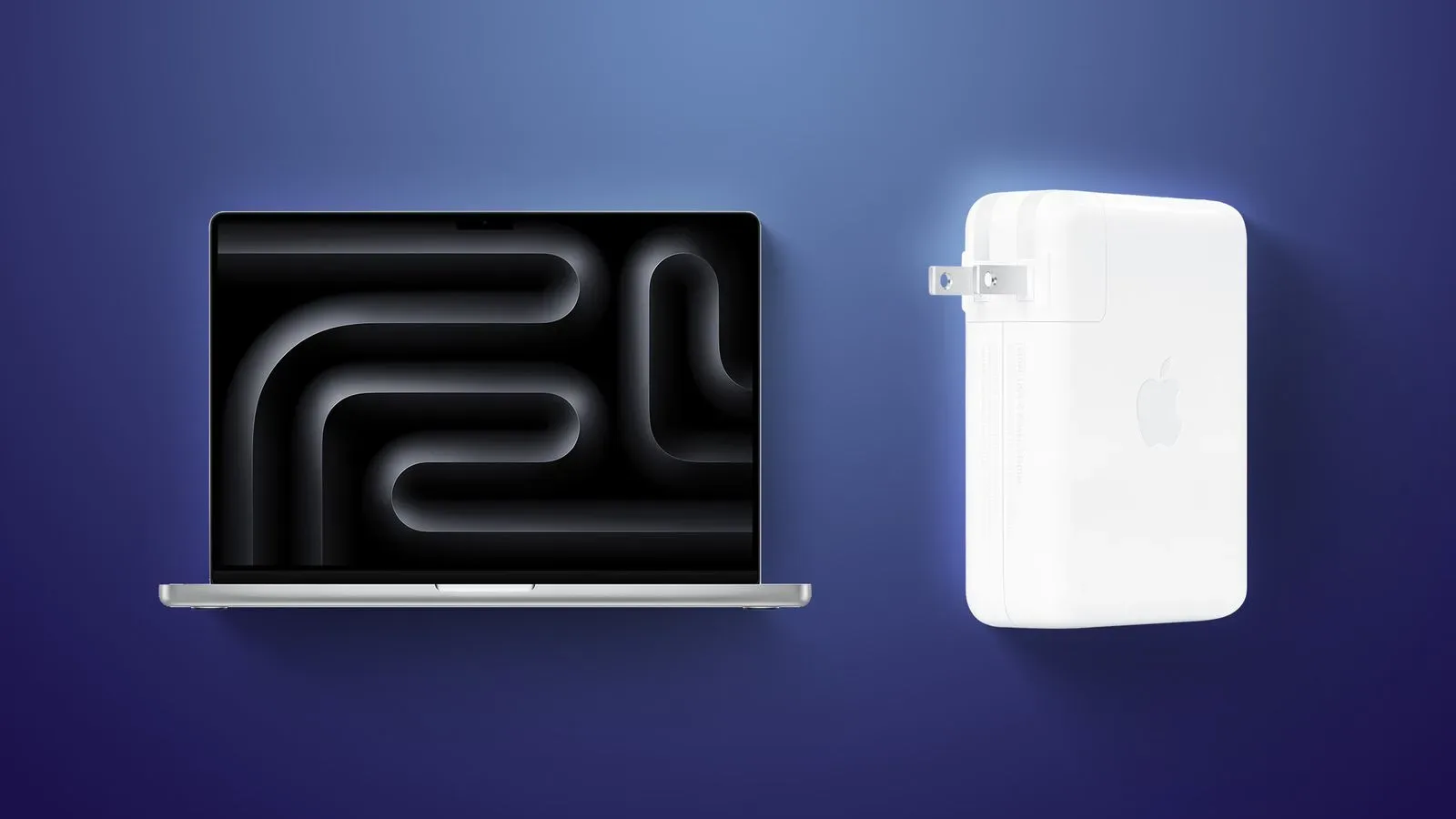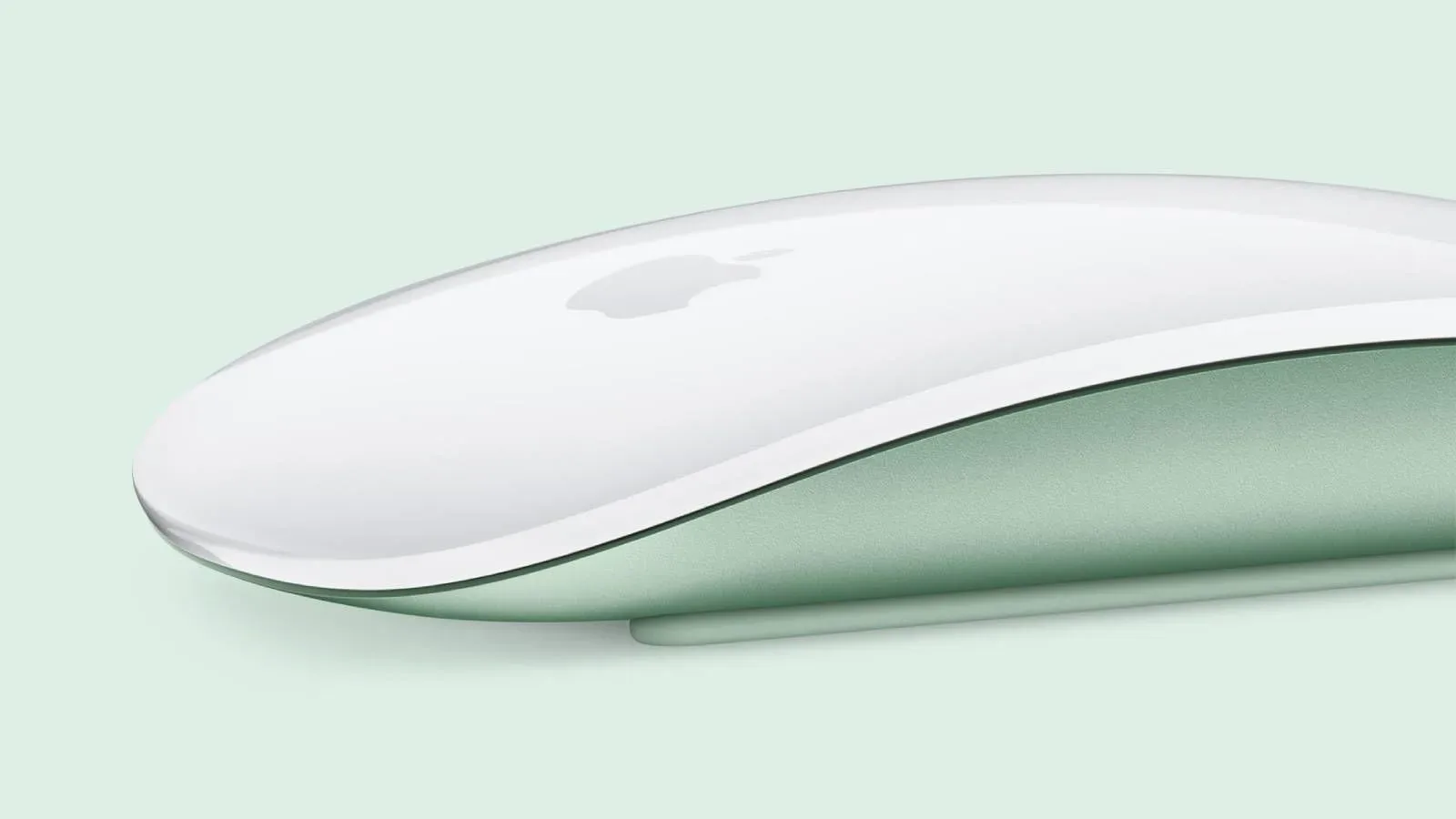
Apple’s compatibility pages for the Magic Mouse and Magic Trackpad have been revised to list Apple silicon Macs while omitting Intel-based Macs. The change appeared around August 25, and related technical-specification pages were updated this week to match.
That is notable because it is a documentation change, not an identified hardware failure. Magic Mouse and Magic Trackpad accessories still work with Intel Macs. As things stand, the pages create a distinction between what remains functional and what Apple now formally lists as compatible.
No explanation has been provided for the revised wording. That absence matters: a compatibility list is commonly read as a purchasing and support signal, not merely a snapshot of which machines happen to operate an accessory today.
What changed—and what did not
The narrow fact here is easy to lose in a broader discussion about aging Macs. Apple removed Intel Mac models from the compatibility lists for two input accessories: Magic Mouse and Magic Trackpad. It also brought certain associated specification pages into line with that change.
The available information does not establish that Apple has blocked the accessories on Intel machines, that a software update has ended their operation, or that owners must replace working hardware. On the contrary, the accessories continue to work with Intel Macs.
It also does not establish why Apple made the list change. It may reflect a shift in the products Apple chooses to actively document and support, but that is an interpretation rather than a confirmed policy. Until Apple clarifies its reasoning, it should not be presented as proof of an imminent technical cutoff.
Compatibility is not the same as functionality
The difference is mostly administrative on the surface, but it can have practical consequences. Functionality means a device can connect and be used. Listed compatibility means the manufacturer explicitly says a configuration falls within the products it recognizes for that accessory.
Those categories often overlap, but they are not identical. A peripheral may continue to pair, track movement, register gestures, and charge normally on an older computer even after that computer disappears from a current product page. Conversely, a configuration may be listed as compatible yet later encounter a software-specific issue. The first is a statement about present behavior; the second is a statement about the vendor’s published support position.
For a shopper with an Intel Mac, the distinction can affect confidence more than day-to-day use. Someone deciding between accessories may reasonably regard the omission as a warning that future documentation, troubleshooting, or feature validation could focus on Apple silicon systems. It is not, however, evidence that a working Magic Mouse or Magic Trackpad needs to be discarded.
Why input devices make the wording especially confusing
Mice and trackpads are foundational accessories. Unlike a specialized production tool with demanding processor requirements, these products are used for basic navigation and system interaction. When the devices still work but older Macs disappear from compatibility tables, people can understandably wonder whether a change is imminent or whether the list has simply been narrowed to the company’s current Mac platform.
That ambiguity is the central issue. A plain statement distinguishing “currently supported in documentation” from “no longer works” would give owners, buyers, and businesses a clearer basis for decisions. Without it, a compatibility list can be interpreted more aggressively than the evidence warrants.
The revised pages may also complicate second-hand or workplace purchasing. An Intel Mac owner looking at a Magic Mouse or Magic Trackpad could see no Intel entry on the official list and assume it will not function. A seller who knows it works might make the opposite claim without explaining that Apple no longer lists the setup. Neither side benefits from a support label that does not spell out the practical status of existing use.
What Intel Mac owners should do now
For people already using either accessory successfully with an Intel Mac, the sensible immediate move is simple: keep using the equipment if it meets their needs. There is no supplied indication that the documentation edits themselves alter pairing, charging, pointer control, clicking, or trackpad use.
For people buying an accessory specifically for an Intel machine, a more careful approach is appropriate. The current published lists no longer provide the same explicit reassurance they once did. Confirm the return terms of the retailer and preserve any relevant product-page information if a formal compatibility representation is important to the purchase.
- Existing owners: A working accessory remains working; the revised web listing alone does not change the device’s behavior.
- New buyers with Intel Macs: Treat the omission as a support-documentation consideration, rather than assuming either guaranteed support or guaranteed failure.
- Organizations: Inventory Intel Macs before standardizing on peripherals whose current pages only name Apple silicon systems.
- Support staff: Separate observed operation from official listed compatibility when advising users, since the two no longer align cleanly here.
Apple silicon is the stated compatibility baseline now
Apple silicon refers to Apple-designed processors used in newer Macs. Intel-based Macs use Intel processors instead. In the revised Magic Mouse and Magic Trackpad compatibility material, Apple silicon Macs are now the named baseline, while Intel Macs are absent.
That framing is relevant to people maintaining older desktop setups, including game libraries, creative tools, and other workflows tied to an existing Mac. Accessories are often the least exciting part of a setup until a support page changes around them. The useful takeaway is not that every Intel Mac peripheral arrangement has suddenly broken. It is that the official paperwork has moved on before the underlying accessory behavior has visibly done so.
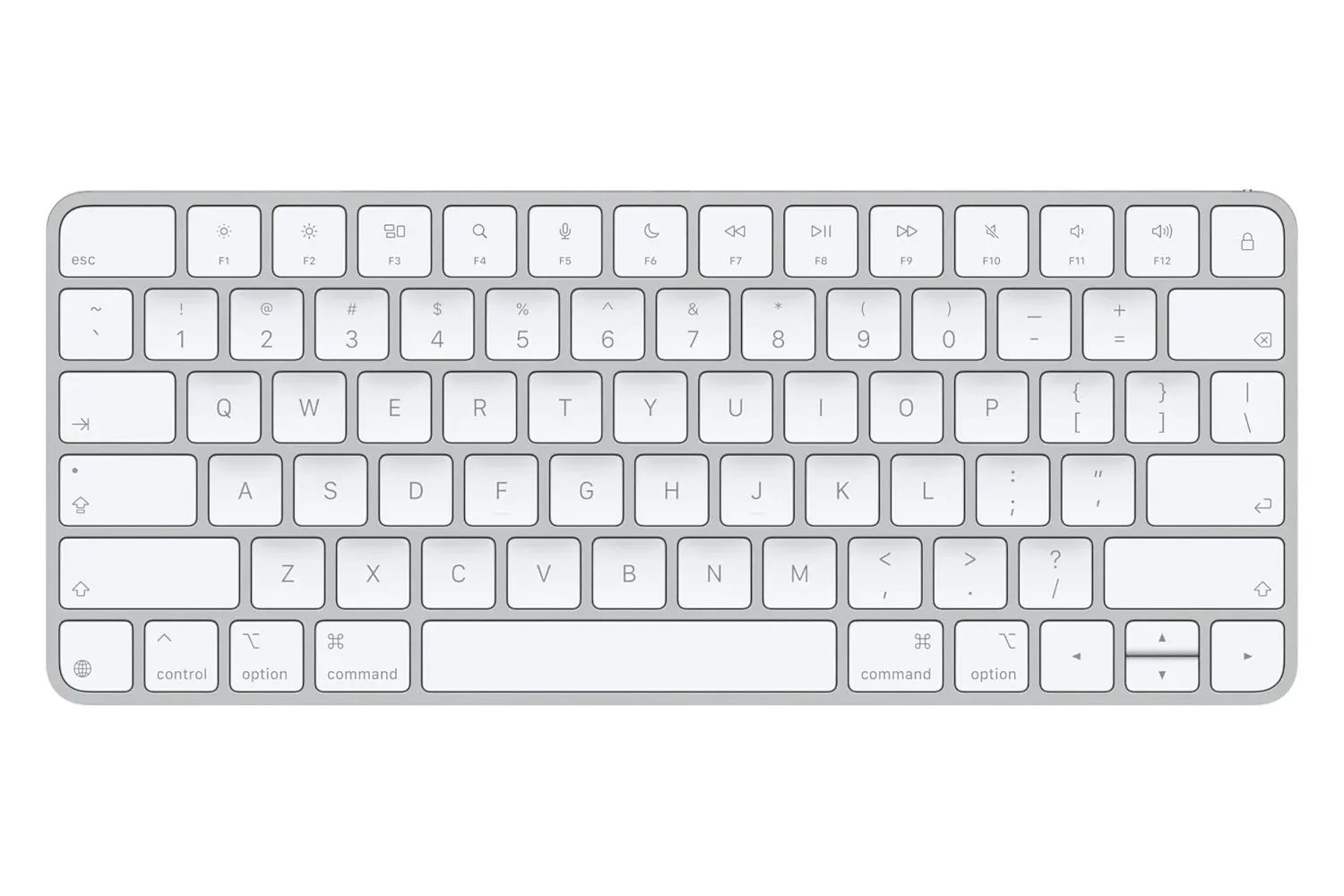
Those watching Apple’s wider hardware direction may also want to separate confirmed documentation edits from broader product speculation. A recently listed Magic Keyboard price change, for example, is a separate retail matter and does not answer the compatibility question surrounding Magic Mouse and Magic Trackpad.
The unanswered question is support, not usability
At present, the strongest conclusion is deliberately limited. Apple has removed Intel Macs from Magic Mouse and Magic Trackpad compatibility lists and updated related technical details; the accessories still function with Intel Macs; and the reason for the discrepancy has not been explained.
Owners should avoid treating a revised compatibility table as a retroactive failure notice. At the same time, prospective buyers should recognize that Apple’s official guidance now centers Apple silicon Macs. The missing explanation is what turns an otherwise routine product-page edit into a meaningful support question.