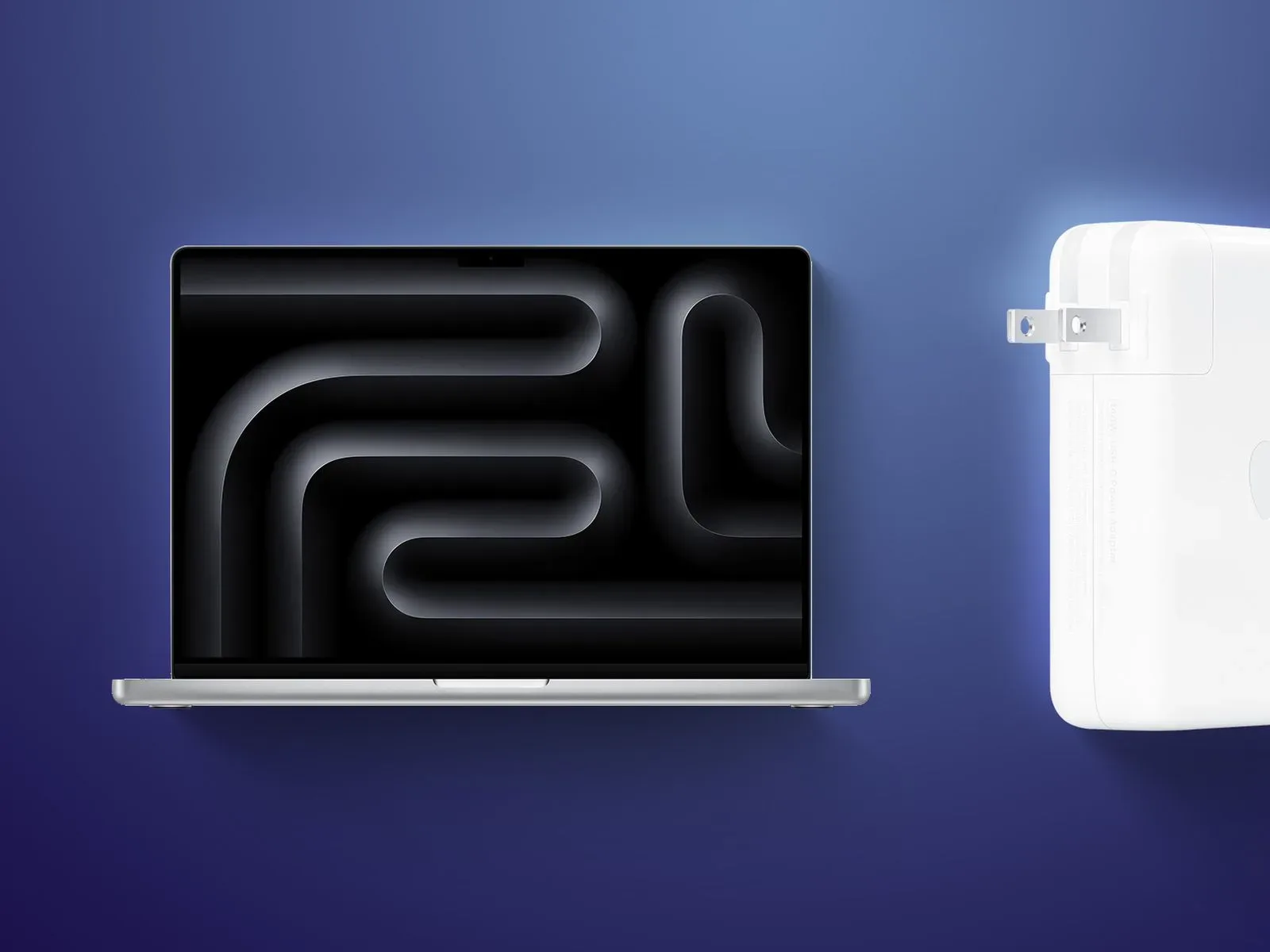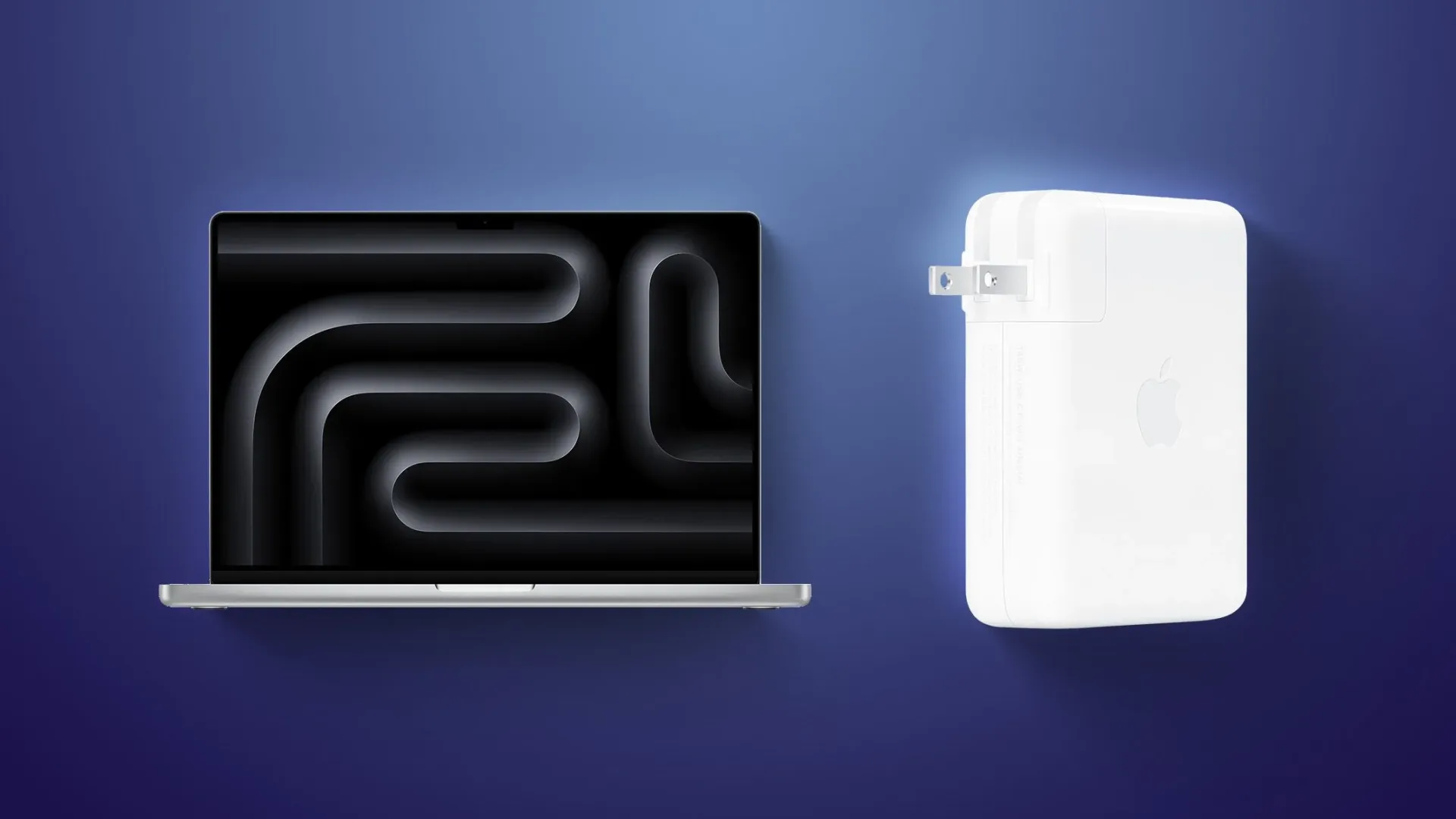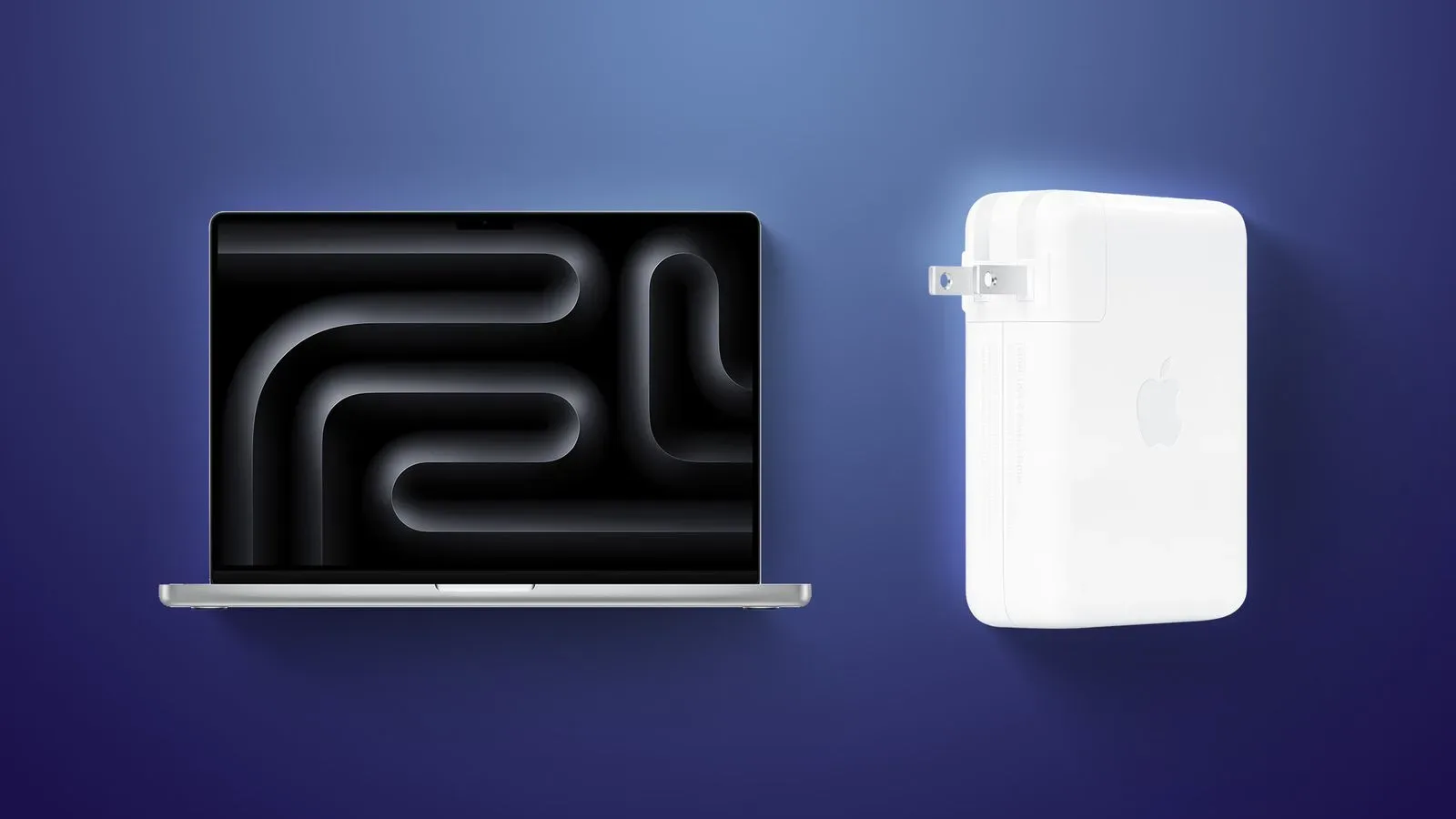
Apple has released firmware version 1.4.90 for its 140W USB-C Power Adapter, giving one of the most powerful chargers in its current accessory lineup a behind-the-scenes software refresh.
There is one immediate catch for anyone hoping to decode the update: Apple has not published release notes explaining what firmware 1.4.90 changes. That leaves the purpose of the new version unconfirmed. It could concern charging behavior, device communication, compatibility, reliability, or another internal adjustment, but none of those possibilities has been specified.
The practical news is straightforward. Owners do not need to download a file, navigate an updater, or press an update button. The firmware is designed to install automatically over time when the 140W USB-C Power Adapter is plugged in and connected to a Mac or another device. Apple does not provide a manual way to trigger the process.
A charger update that mostly stays out of the way
Software updates are usually discussed in terms of operating systems, games, applications, or hardware with screens. A power adapter is an easy item to overlook because its job appears wonderfully uncomplicated: connect it, supply power, and let the device get on with its day.
Yet the arrival of firmware 1.4.90 is a reminder that some modern charging hardware is not purely passive. The adapter can receive an update without requiring a visible setup process, and its firmware can therefore change while the accessory continues to serve its familiar role at a desk, in a bag, or beside a bed.
For most people, that should make the update feel refreshingly uneventful. There is no special maintenance routine to follow and no reason to interrupt normal charging merely to chase a version number. Keep using the 140W adapter in its normal connected state, and the update is intended to arrive on its own schedule.
That same simplicity also means there is little for users to actively verify from the information available. Apple has not provided a feature list, a bug list, or a timetable beyond the automatic installation behavior. Firmware 1.4.90 is therefore best treated as a quiet maintenance update rather than a release with a confirmed new capability for customers to try.
What firmware version 1.4.90 does—and does not—tell us
The confirmed detail is the version number: 1.4.90. That identifies the newly released firmware for the 140W USB-C Power Adapter. It does not, by itself, reveal whether the revision addresses a particular issue, improves a specific charging scenario, or changes how the adapter works with any individual Mac or other connected product.
It is tempting to read an update like this as evidence of a major change. In this case, that would go beyond the available facts. Without release notes, there is no supported basis to promise faster charging, broader compatibility, a fix for a known problem, or any other concrete benefit. The sensible position is that the firmware exists, it is newer than the prior version, and its contents have not been publicly explained.
That ambiguity is not a call to panic or to start treating a charging brick like a mystery loot box. It simply sets expectations. If an owner has not noticed a problem with their adapter, there is no documented action required. If someone is troubleshooting a charging concern, firmware 1.4.90 may eventually be relevant, but Apple has not connected this release to any particular symptom or resolution.
Firmware 1.4.90 is available for Apple’s 140W USB-C Power Adapter, installs automatically over time while connected to a Mac or other device, and cannot be manually applied.
No manual install means patience is part of the process
The lack of a manual updater is probably the most important operational detail. People accustomed to checking for updates on a phone, console, or computer may look for a menu, a button combination, or a companion utility. For this adapter, there is no user-facing route to force firmware 1.4.90 onto the hardware.
Instead, the adapter needs to be plugged in and connected to a Mac or another device, after which the update will install automatically over time. “Over time” matters: the information provided does not set a precise window, and users should not assume the revision appears the instant the charger is connected.
In other words, normal usage is the prescribed path. The adapter does not need to be taken out of rotation, mailed anywhere, paired through an elaborate process, or turned into a weekend project. For an accessory whose entire appeal is often convenience, an invisible update process makes a certain amount of sense—even if it offers very little visibility into when the work is done.
Why this matters to Mac owners and desk setups
The 140W USB-C Power Adapter belongs in the part of a setup that users tend to rely on without thinking about it—until it is missing. It may live permanently by a workstation, travel between rooms, or get packed alongside a Mac for a work session, a trip, or a late-night gaming detour. An automatic firmware update means the device supporting that routine is not necessarily frozen in the exact state in which it was purchased.
That does not mean users need to change cables, replace equipment, or alter their normal charging habits. Nothing in the firmware notice indicates a new requirement for owners. The relevant behavior remains simply connecting the adapter to a Mac or another device and allowing time for the automatic process to occur.
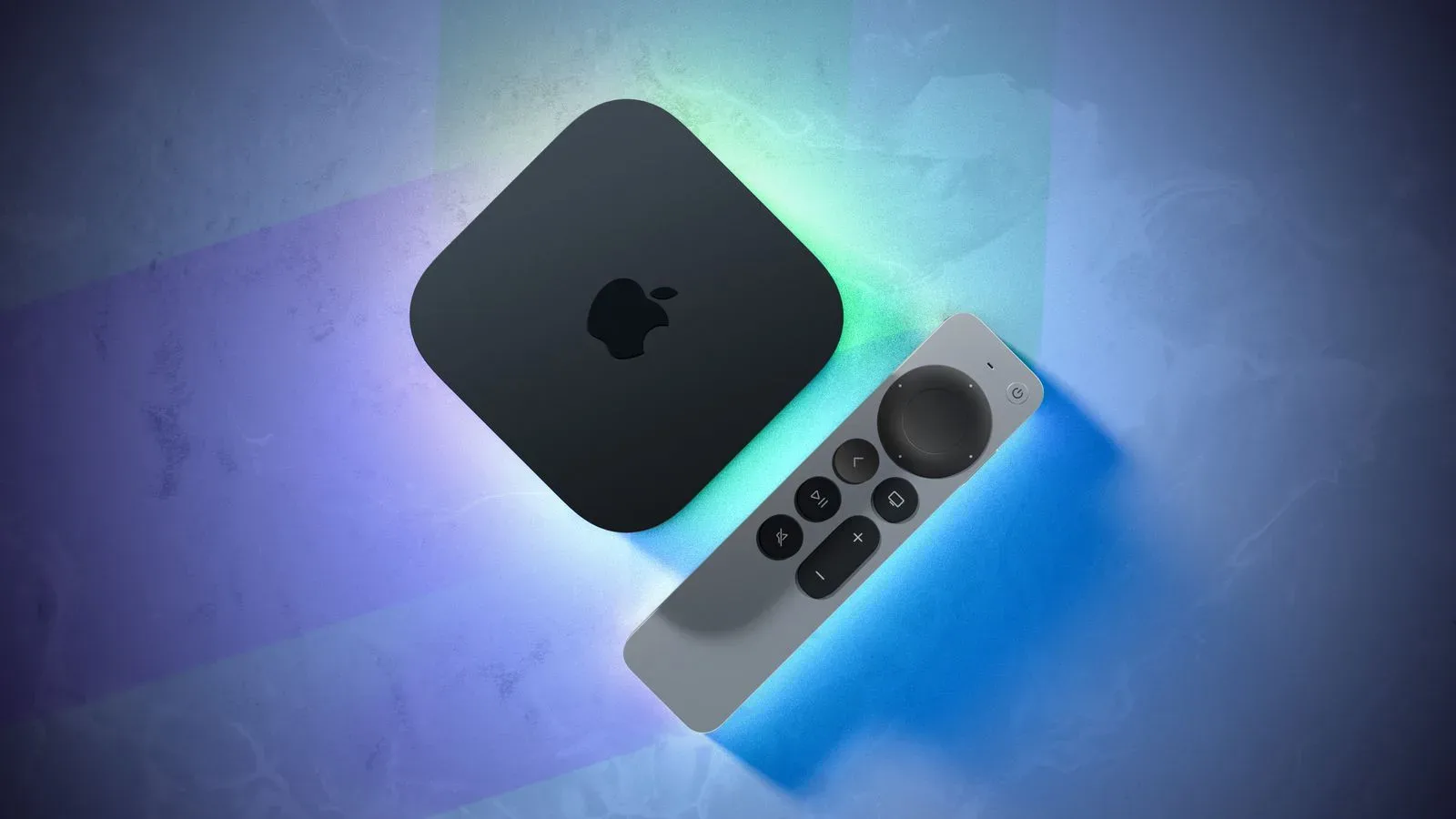
It also provides a small point of context for anyone watching Apple’s wider hardware ecosystem. Accessories increasingly sit beside products that receive regular software attention, even when the accessory itself does not have a display, a traditional settings app, or a conspicuous update prompt. For another Apple-focused hardware story, see the report on the Apple TV 4K leak and its suggested A19-class chip, memory, and Wi-Fi 7 possibilities.
What owners should do now
There is no special checklist because Apple has not made one necessary. Still, the currently known details create a simple, low-pressure set of expectations:
- Make sure the accessory in question is Apple’s 140W USB-C Power Adapter.
- Use it connected to a Mac or another device as normal.
- Allow time for the automatic firmware installation to take place.
- Do not expect a manual installation option, because Apple does not offer one.
- Do not assume a particular fix or feature is included, as no release notes have been published.
That last point is worth keeping in view. Firmware updates can inspire a kind of detective work, particularly among people who enjoy tracking hardware revisions and comparing how devices behave. For version 1.4.90, there is currently no official change list to anchor that investigation. Any claim about exactly what Apple adjusted would be speculation.
A small release with a deliberately small footprint
Apple’s new 1.4.90 firmware makes the 140W USB-C Power Adapter a little more current, though the company has kept both the process and the details quiet. The update is real, automatic, and tied to having the adapter plugged in and connected to a Mac or other device. Beyond that, its contents remain undisclosed.
For owners, the takeaway is less dramatic than the word “firmware” can make it sound. Continue using the adapter normally and let the background process handle itself. Until Apple offers more detail, version 1.4.90 is best understood as an unelaborated maintenance revision for a piece of hardware that is designed to spend most of its time doing its work without demanding attention.