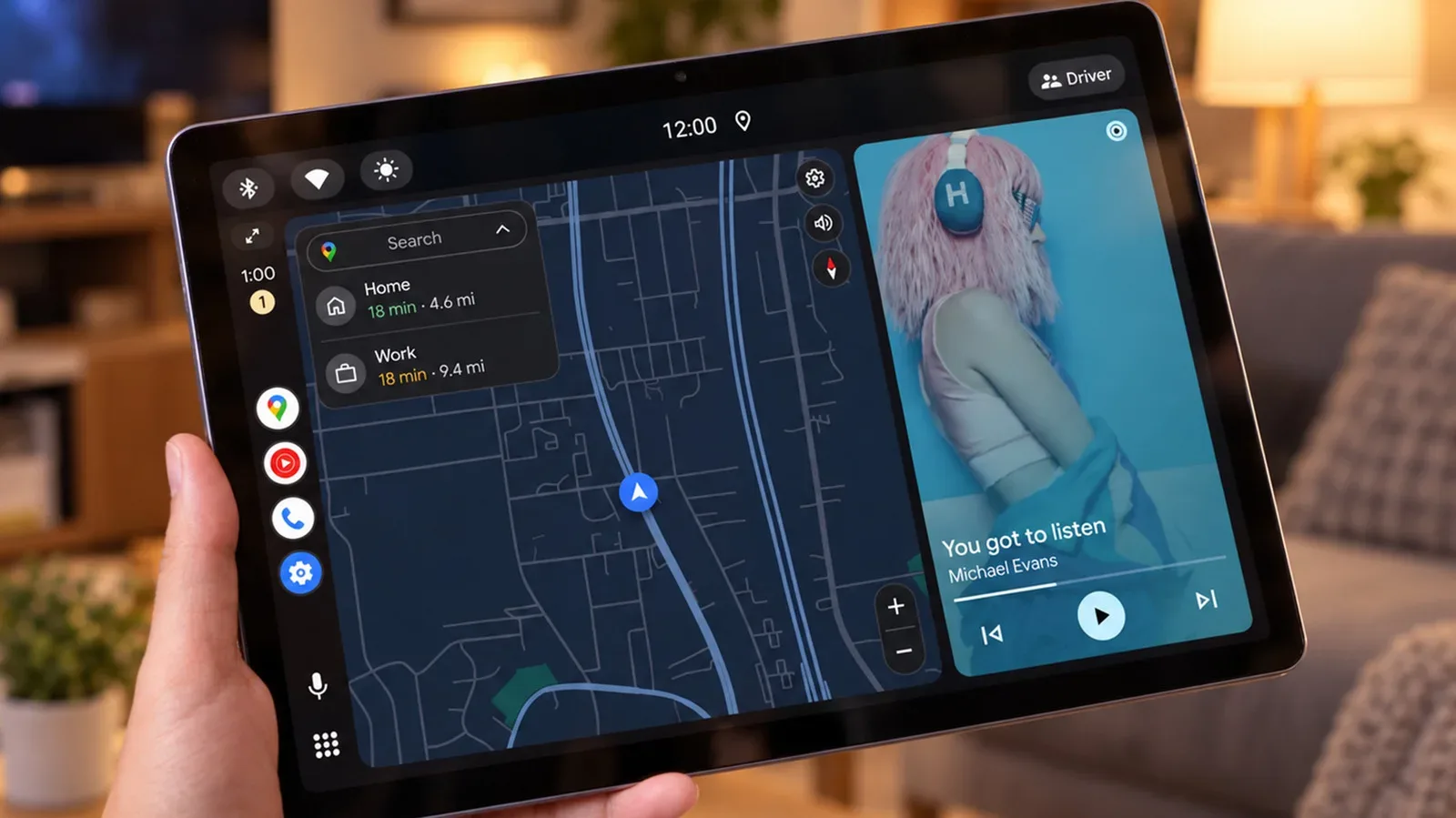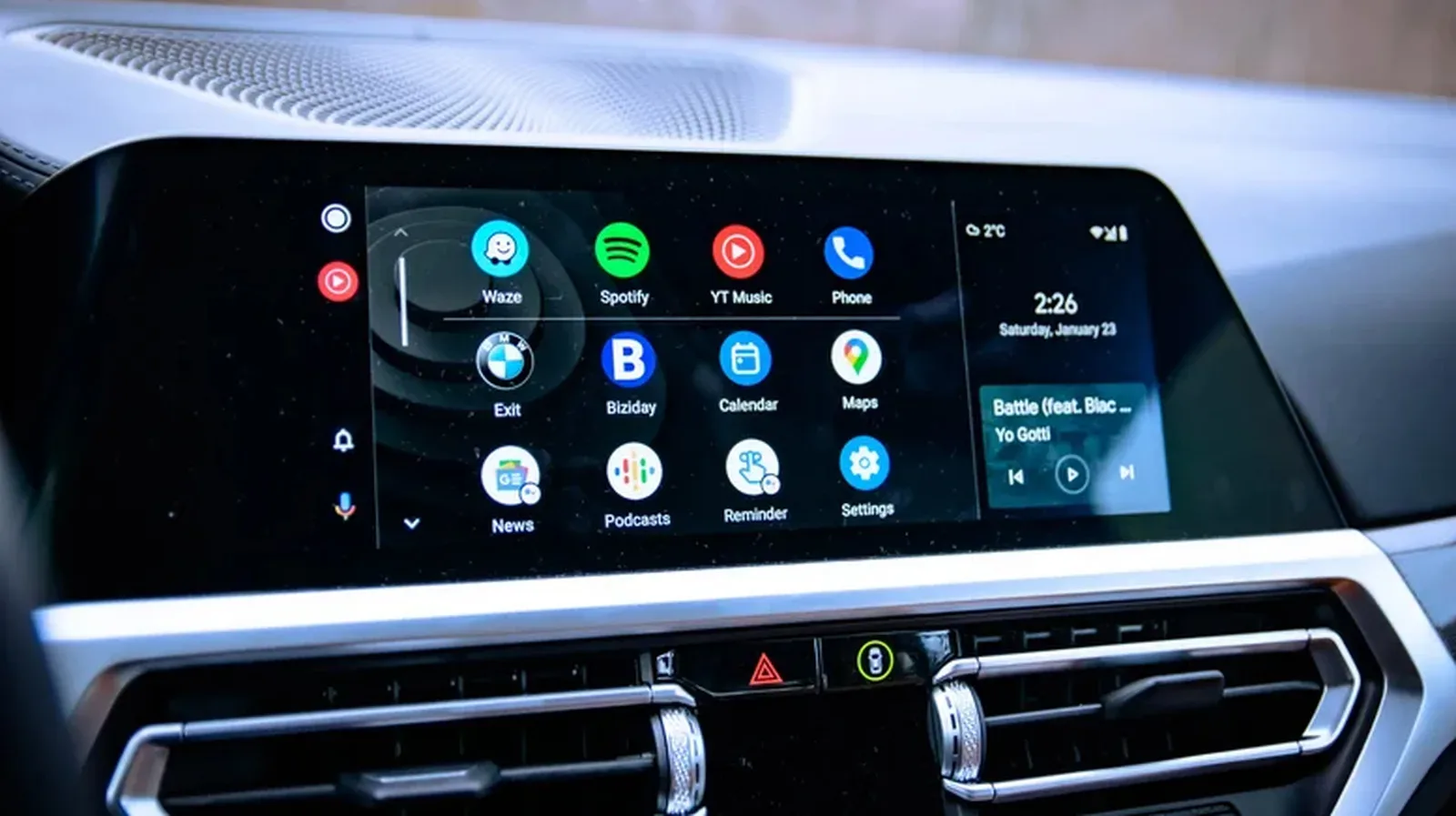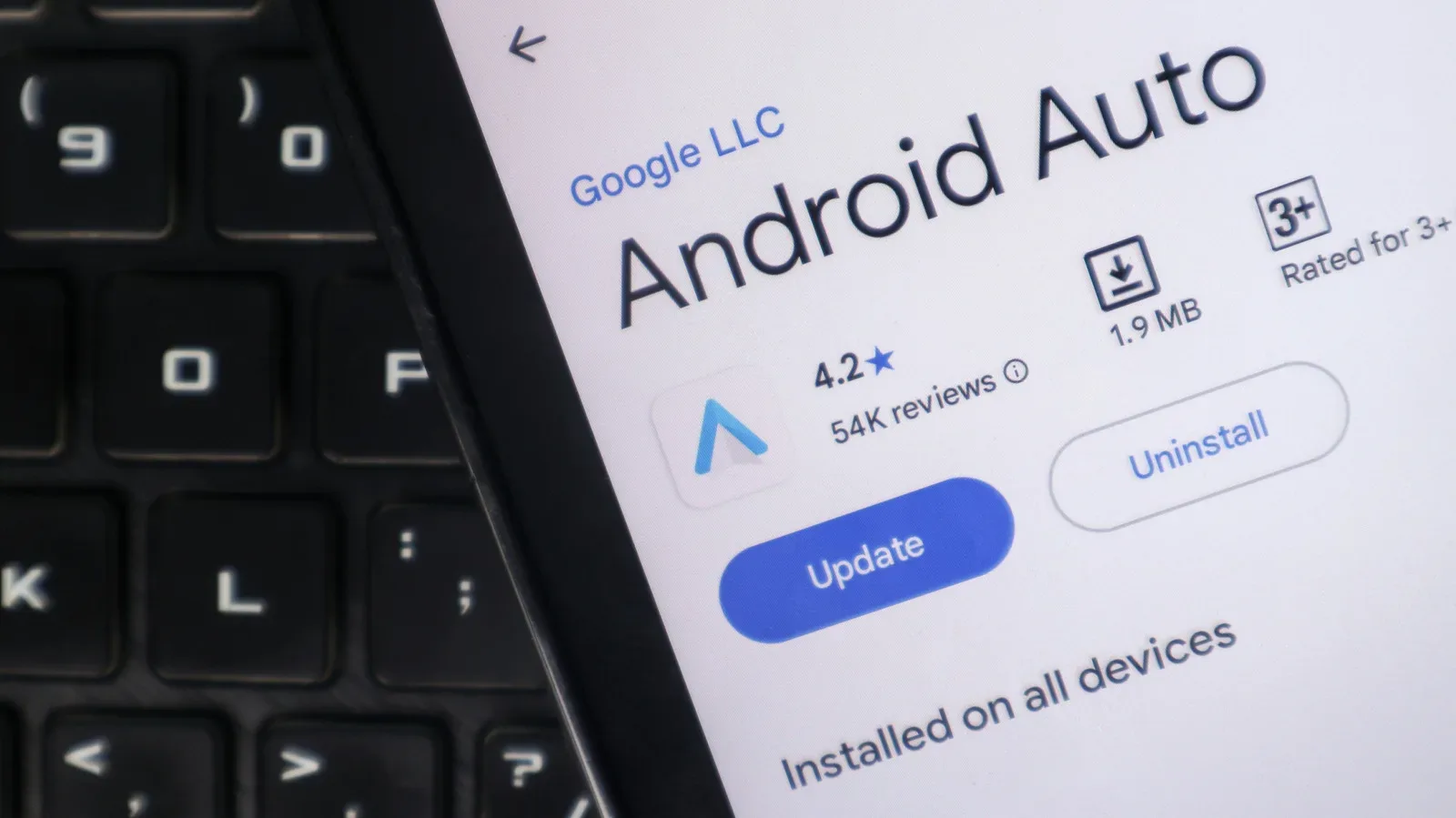
Android Auto may eventually gain a more explicit way to deal with employer-managed apps during a commute. A hidden Work Mode tile has been found in Android Auto version 18.0.664204, complete with a briefcase indicator over the app drawer when enabled. That is an intriguing clue, but it is not a usable feature at present: activating the tile reportedly produced no further action.
The distinction matters. The tile is evidence that Google may be exploring Android Auto controls connected to Android’s Work Profile system, not confirmation of a rollout, a timetable, or a list of supported work apps. Google has not publicly detailed what the experimental control is meant to do. It has not been demonstrated launching work applications, surfacing work calendars, or pausing work notifications.
Still, the idea addresses a real gap for people who use a managed phone profile. Work calls and meeting information can behave differently in Android Auto depending on whether an app sits in a personal space or a managed Work Profile. A dashboard-level control could ultimately make those boundaries easier to understand—or, from another perspective, make it easier for the office to occupy the drive between appointments.
What a Work Profile actually is
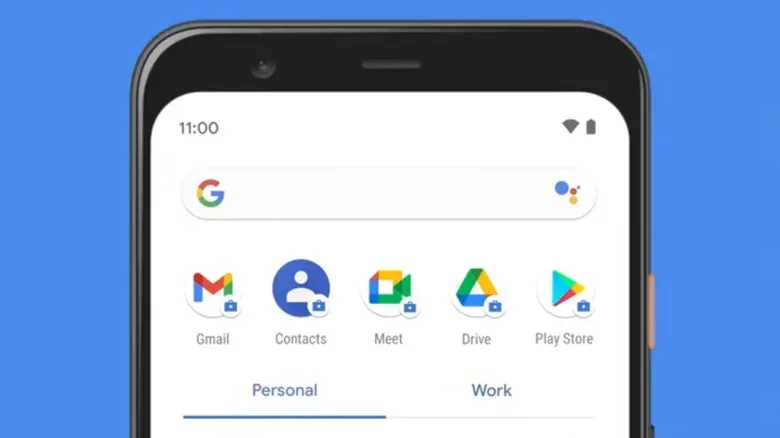
An Android Work Profile is not simply another signed-in account. It is a separate, employer-managed area on a phone, intended to keep work apps and their associated data apart from the owner’s personal apps and data on an employee-owned device. Apps in that managed area are identified with a small briefcase badge.
That separation is important because management policies apply to the work side rather than automatically extending to the personal side. It also explains why an app installed under a Work Profile may not act like the same app installed personally. Android Auto has its own driving-focused app rules, while an employer can decide what is available in the managed profile. The two sets of limits can overlap.
People trying to establish whether this is relevant to their own phone can look in the app drawer for separate Personal and Work tabs, or for apps marked by the briefcase symbol. Android’s Settings app also offers a place to inspect accounts under Passwords and accounts. If neither work-specific tabs nor badged apps appear, a Work Profile is less likely to be configured.
This is worth checking before blaming every absent dashboard app on corporate management. Android Auto’s launcher can be customized, so an app may simply have been hidden from the launcher. A failure to connect or a broader Android Auto malfunction is also a separate issue. Neither diagnosis says anything, by itself, about Work Profile support.
Why calls reveal the present limitation
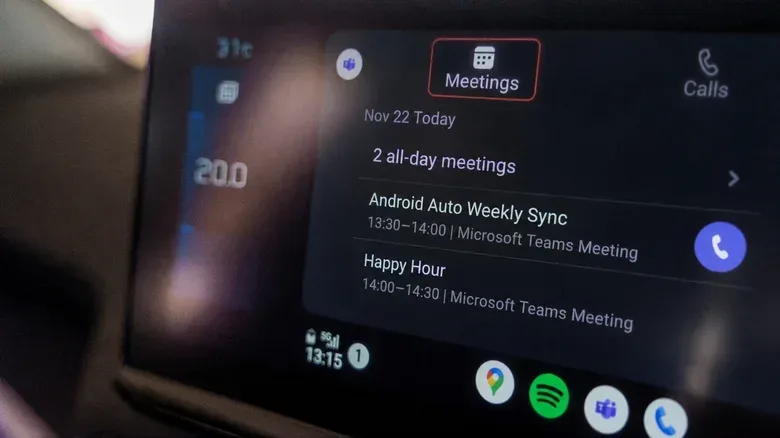
Video-conferencing services show how complicated this can be. Microsoft Teams supports audio calls and meetings through Android Auto, but that integration does not work when Teams is installed inside a managed Work Profile. In practice, a person may have Teams on the phone yet find that its work-managed instance is not available through the car interface.
Related coverage includes Android Auto Work Mode Tile Hints at Better Work Profile Controls.
Google Meet’s behavior is different rather than fully open. An active call from a Work Profile can appear on the dashboard, but upcoming meetings and call history from that profile do not show there. That leaves a potentially awkward split: the car can recognize a meeting once it is underway, while the information a driver might use to locate or join the next meeting is not exposed through Android Auto.
Those examples should not be read as a promise that Work Mode will remove all barriers. Android Auto is designed to restrict app functionality while driving, and even a future Work Profile integration would operate within those safety-oriented limitations. Meanwhile, company administrators retain control over which applications are allowed in a managed profile. A Work Mode switch cannot automatically make every employer app appear in a vehicle display.
For drivers who mainly care about navigation, this may be less disruptive. Google Maps remains a central part of the Android Auto experience, and nothing about the discovered Work Mode tile establishes a change to personal navigation apps. The more consequential question is whether work communications can be made visible—or deliberately quiet—without affecting the personal side of the phone.
A useful control could work in two directions
The strongest practical case for a dashboard Work Mode control is not necessarily expanding work access. It may be giving the driver a clearer boundary. On Android phones with a configured Work Profile, users can already pause work apps from the Work tab in the app drawer or, on supported devices, from a work tile in Quick Settings. Pausing stops work apps and their notifications while leaving personal apps alone.
If Android Auto eventually provides a comparable switch, it could offer a quick way to stop work alerts during the trip home while retaining personal calls and navigation. That would be especially useful when a phone is connected to the car and the driver does not want to dig through the handset interface to alter work status.
But the same concept has an opposite implication. Better Work Profile compatibility could make it easier to join employer-related calls while traveling from one appointment to another. For some people, that is convenient continuity. For others, it can make a commute feel less separate from the workday. The hidden tile alone does not tell us which of these priorities Google intends to emphasize.
Existing scheduling is not a complete substitute
Some Android devices with a Work Profile can schedule working hours through Digital Wellbeing. That can help automate when work apps are active, although Samsung’s implementation has not offered this scheduling option. There is also a notable limitation in Google’s scheduling behavior: it cannot keep work apps paused for consecutive days, such as an entire weekend.
That makes the manual pause control meaningful even for users who have access to scheduling. A dashboard control could be useful as a situational tool: work is active during a trip between appointments, then paused for an evening drive. At this stage, though, there is no indication that Android Auto’s dormant tile will mirror the phone’s pause function, offer scheduling, or do anything beyond display a work-state marker.
Management rules remain part of the equation
Work Profiles are designed around the idea that an employer can manage the work environment. On company-owned Android devices, IT administrators can also place limits on how long a Work Profile may remain paused. If a user exceeds that pause period, access to personal apps and data may be suspended.
That is a major practical caveat for anyone imagining a simple universal “off duty” dashboard button. The same label could have different consequences depending on device ownership and an organization’s configuration. A personally owned phone with a Work Profile and a company-owned device are not necessarily governed the same way, even if both show work-badged apps.
It also means a potential Android Auto feature should be judged on more than whether it can show an app. A good implementation would need to make the work state legible to the driver without encouraging attention away from the road, while respecting the policies attached to managed apps. The currently discovered tile offers no answers on either point because it does not yet perform a visible action.
What drivers can do now
There is no reason to wait for an unreleased Android Auto control to troubleshoot the current experience. Users with a Work Profile can take a few straightforward steps:
- Check whether the relevant app has a briefcase badge or appears under a Work tab.
- Use the Android Work tab or supported Quick Settings work tile to pause work apps and their notifications when desired.
- Review Android Auto launcher settings if an expected app is absent; it may have been hidden rather than blocked by the Work Profile.
- Treat general Android Auto connection problems separately from app-profile restrictions.
- Remember that an employer’s managed-app policy may limit what can appear or operate through Android Auto.
For Teams and Meet users, expectations should remain tied to the current stated limitations. Teams audio integration does not extend to the app when it is installed in a managed Work Profile. With Meet, an active Work Profile call can be represented on the dashboard, but its upcoming meetings and call history are not displayed there. The appearance of Work Mode does not yet alter either behavior.
Analysis: a promising clue, not a feature announcement
The briefcase overlay is a logical visual fit for Android’s existing Work Profile language, so its presence suggests that the experiment is related to managed work content rather than a general driving mode. Even so, that is the limit of what the evidence supports. A hidden interface element can be incomplete, changed, or never released. Its inactive state is precisely why drivers should avoid treating it as an available Android Auto option.
The more interesting long-term possibility is a single control that recognizes the reality of mixed personal and work phone use. Today, the driver may need to understand several separate systems: Android’s Work Profile separation, an employer’s policies, Android Auto’s app restrictions, launcher customization, and an individual conferencing app’s support. A thoughtfully designed dashboard toggle could make one small portion of that arrangement clearer.
Whether that becomes a convenience feature, a notification boundary, or merely an indicator remains unknown. Until Google explains the tile and enables a working implementation, the safe reading is modest: Android Auto version 18.0.664204 contains an experimental Work Mode element, but its purpose, controls, support, and release status have not been confirmed.