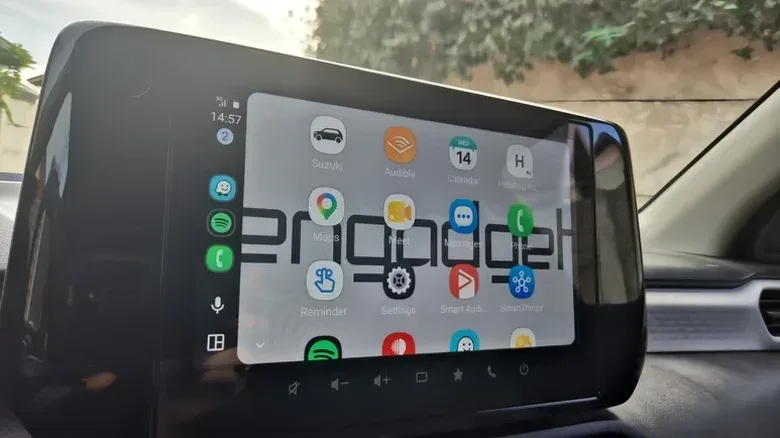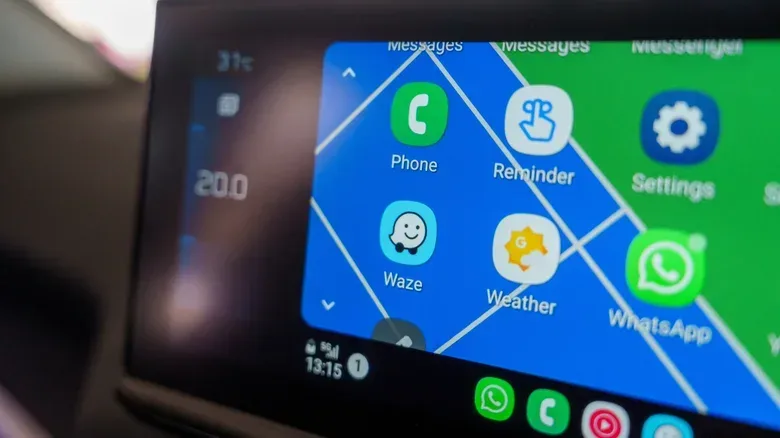
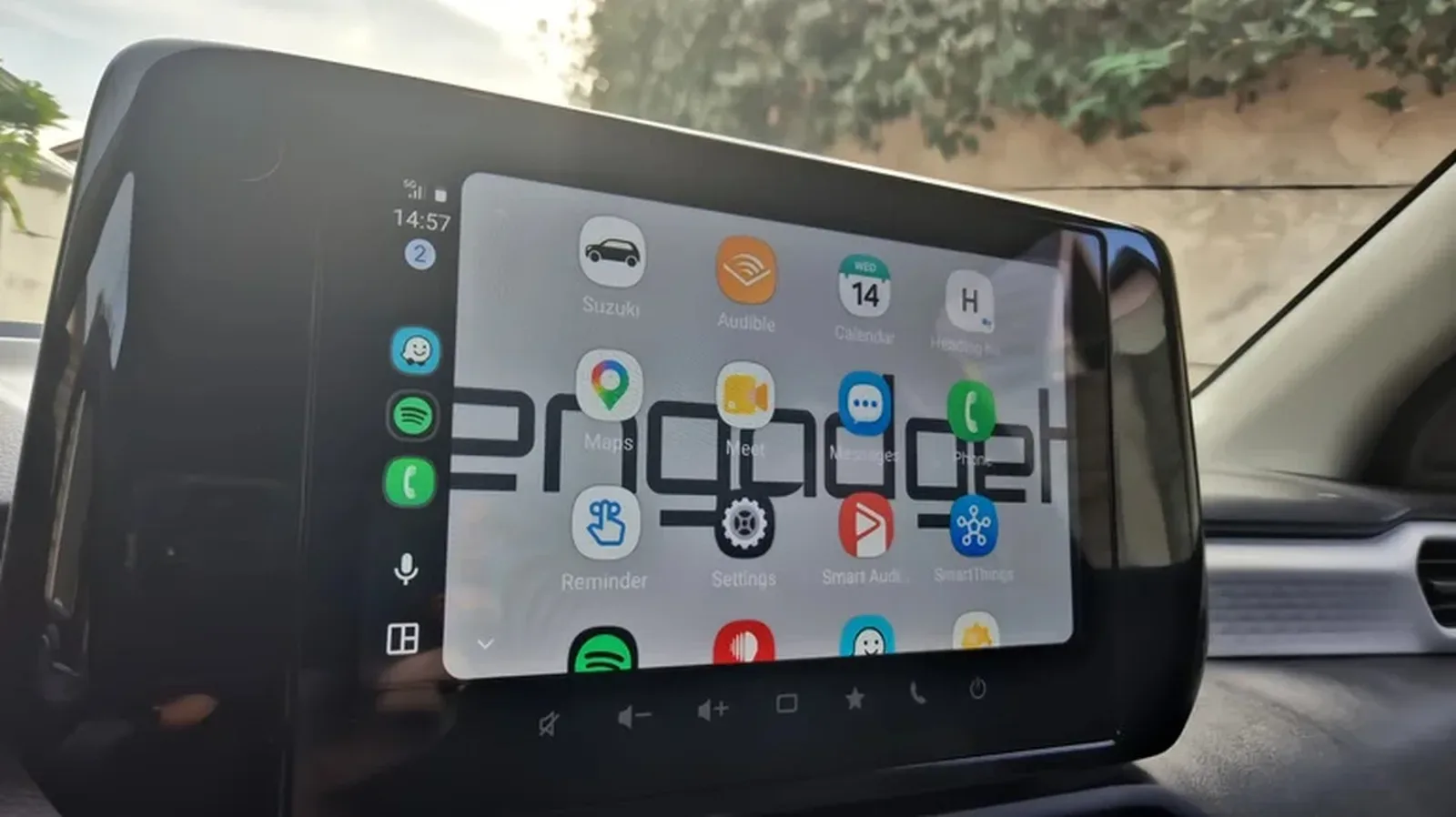
Android Auto is easy to treat as a two-app appliance: navigation on one side, music on the other, with the occasional message read aloud between directions. That is a perfectly reasonable setup, but it also hides a broader compatible-app library built around the less glamorous parts of being in a car: scheduling, operating costs, charging availability and mobile-data limits.
Four apps illustrate how much wider the platform can go. Google Meet can put upcoming work calls within reach in an audio-only form. Fuelio focuses on the running cost of a petrol-powered car. PlugShare adds community reports to the often unpredictable task of finding an EV charger. HERE WeGo offers downloadable maps for drivers who need to navigate without continuously leaning on cellular data.
None of these should turn a moving car into a second office or a settings playground. The practical rule is simpler: set up what you need before driving, keep the launcher limited to the tools you genuinely use, and rely on voice interaction where it is available. Android Auto is designed to present compatible functions through the vehicle display, but a screen being in the dashboard does not make prolonged attention to it risk-free.
Google Meet and the audio-only commute
For drivers whose day includes travel between appointments, Android Auto compatibility can make meeting software more visible than it normally would be in a car. Google Meet can show upcoming meetings on the display and let a user join with one tap. Calls run in audio-only mode, an important distinction: this is not an invitation to watch a video meeting while navigating traffic.
The same basic category extends beyond Google’s service. Zoom, Cisco Webex and Microsoft Teams can also handle audio-only conference participation through Android Auto. Microsoft Teams can display a calendar and place calls from the car interface, while Google Meet can surface scheduled meetings.
What “audio-only” means here: the conference is joined for its sound rather than its video feed. That can be useful for a check-in that overlaps with a necessary journey, but it also changes the nature of the meeting. Anything dependent on slides, screen sharing, visual demonstrations or reading a crowded chat is inherently a poor match for driving. Even an audio call can be distracting, particularly when the conversation becomes complex or urgent.
There is another limitation that may surprise employees: a work app installed on a phone is not automatically an Android Auto app. Some organizations place business software inside an isolated Android Work Profile, a separate managed space intended to keep corporate material apart from personal use. In that situation, Android Auto may not show the app or may not synchronize its calendar. A Work Mode is in development for Android Auto, but it is not a present-day workaround to assume will solve every employer policy.
The best use case, then, is narrowly practical. If a meeting is genuinely appropriate to take as audio while on the move, the calendar integration reduces the need to fumble through a phone. If the call needs concentration or visual participation, waiting until parked is still the sensible move.
Related coverage includes Android Auto Apps That Go Beyond Maps and Music.
Fuelio turns fill-ups into running-cost records
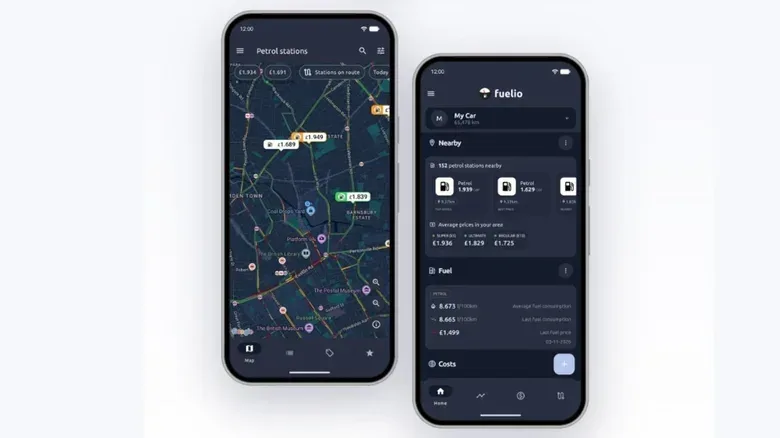
Fuelio is aimed at a different concern: knowing what a conventional vehicle actually costs to operate. It records fill-ups, odometer readings and fuel prices, then uses that history to calculate average fuel economy and cost per mile over time.
Fuel economy is the relationship between distance traveled and fuel consumed. Cost per mile goes one step further, connecting the distance traveled to the money spent on fuel. Those figures can be more useful than a single station’s displayed price because they create a running picture of how the vehicle is performing and what it is costing its owner.
Fuelio also offers station filtering, including filters for locations updated within the previous day and stations appreciated by users. It can present information about fuel type and distance as part of the decision about where to stop. That gives it a more specialized role than a general map app that merely identifies nearby stations and may display current prices.
The implication is not that every fill-up must become a spreadsheet event. It is that drivers who are trying to understand recurring costs have a tool designed for that question. A record over time can make individual trips, changing prices and average consumption easier to compare. It can also help separate the nearest station from the station that better fits the car’s fuel requirements or the driver’s budget.
Fuelio is free to use with Android Auto, though it also has a paid premium version. The source material does not specify what the premium tier adds, so prospective users should not assume a particular paid feature before checking the app’s own listing.
PlugShare adds lived-in detail to EV charging stops
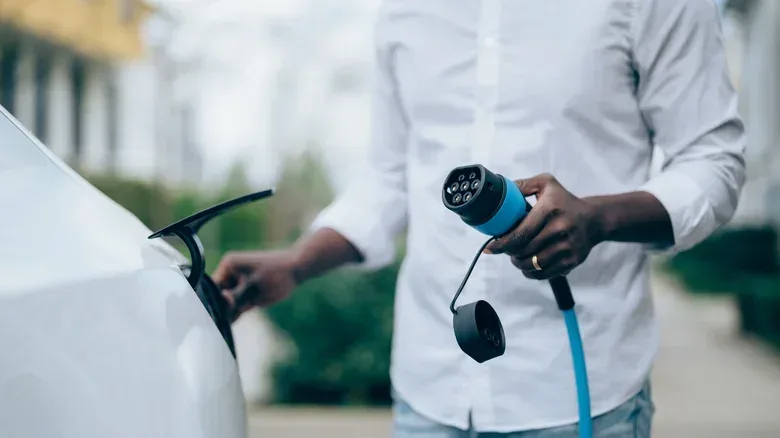
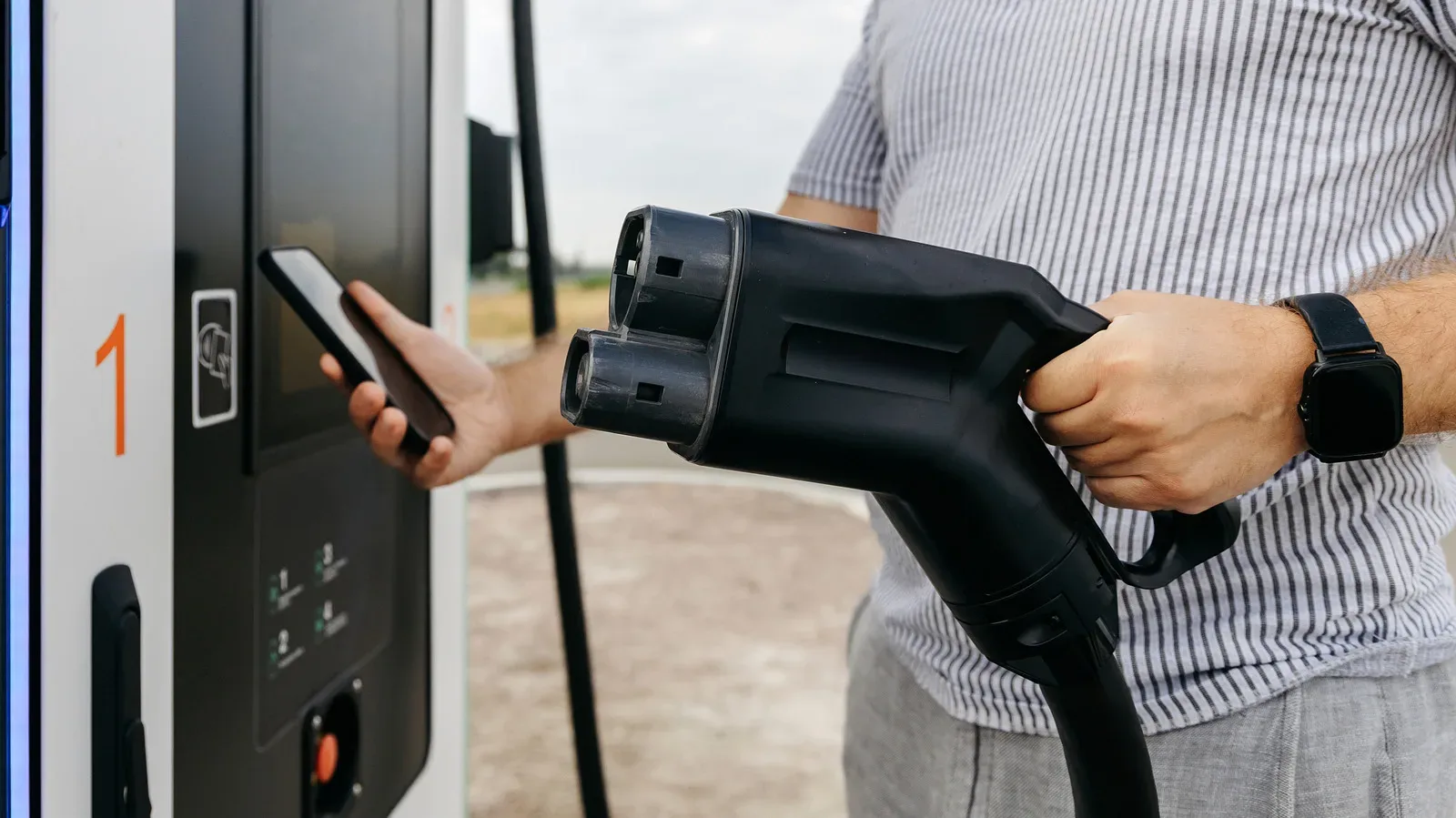
For EV drivers, the question is rarely just whether a charging pin exists on a map. The more pressing issue is whether that particular charger is usable right now, supports the right connector and has enough nearby amenities to make a stop manageable. PlugShare approaches that uncertainty with a crowd-sourced map of charging stations.
Crowd-sourced means the information is supplemented by contributions from users rather than relying only on a centrally maintained listing. PlugShare users can leave feedback, upload photographs of a charger layout, report broken plugs and check in after charging. That can give an approaching driver context that a basic location listing cannot: a station may be listed, but recently reported failures could make it a poor bet.
The app includes filters for plug type, charging speed and network, plus nearby features such as restrooms or coffee. It can also recommend charging stops on a longer trip based on the range of a particular EV model. In this context, range anxiety is the concern that a vehicle will not have enough charge to reach a functioning, suitable place to recharge. Better route planning cannot eliminate every uncertainty, but charger-specific information can make a route feel less like a blind gamble.
There is a caveat built into the very feature that makes PlugShare useful. Community data is only as current and complete as the people contributing it. A less-traveled area may have fewer recent reports, and an older report does not guarantee a station’s present condition. It is best understood as decision-support information: useful evidence for planning, not a promise that a charger will be available on arrival.
PlugShare is free, while a paid version removes ads. The strongest value is likely for a driver who wants to check the practical condition of a stop before committing to a detour, especially on a longer journey where a broken connector can disrupt the entire route.
HERE WeGo is the option for downloaded maps
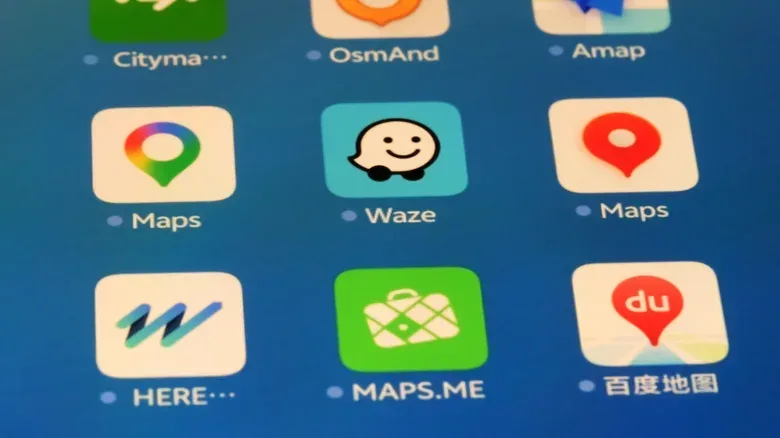
HERE WeGo addresses a problem that can appear on international travel, in poor-coverage areas or anywhere a driver wants to conserve mobile data. It supports offline navigation through downloaded maps. Maps can be downloaded for entire countries; in some cases, a country also offers selected regional downloads. Germany, for example, can offer separate Berlin and Hamburg maps. In the United States, downloads are available by state rather than individual city.
Offline navigation means route guidance can use map data that was stored on the phone beforehand rather than requiring the app to continually retrieve map information through a data connection. The trade-off is preparation: the relevant maps need to be downloaded while a suitable connection is available, such as home Wi-Fi, before the trip begins.
HERE WeGo offers settings for fuel type and metric or imperial units, and can point out parking spots and rest areas along a route. Its avoidance settings include tunnels and U-turns, alongside the more familiar idea of excluding certain route types. It can also use visual references in directions, such as directing a turn at a traffic light or a landmark.
That last capability is more than decorative phrasing. A direction tied to something visible can be easier to understand than a bare distance prompt, though drivers should still prioritize road signs and real conditions over any instruction from an app. The offline angle remains the defining feature: it offers a route-planning fallback when mobile-data costs are a concern.
Messages can be handled by voice, with a proofreading problem
Android Auto’s messaging role extends past ordinary SMS. WhatsApp can have messages read aloud and accept voice replies, with Gemini transcribing the response. Signal offers similar read-and-reply behavior, as do Facebook Messenger, Microsoft Teams and Google Chat.
This is potentially useful when a driver needs to stay reachable without picking up a phone. But voice transcription is not the same as a perfectly accurate assistant. Names, punctuation, slang and noisy cabins can all produce mistakes. A short reply is lower risk than a long dictated explanation, and any sensitive or consequential message deserves extra care.
There is a larger judgment call as well. “Hands-free” does not necessarily mean distraction-free. Keeping replies brief, avoiding emotionally demanding conversations and postponing anything that needs revision are practical boundaries. If a message really is an emergency, a voice response may be valuable; if it merely feels urgent because it arrived, it can probably wait.
How to keep the launcher useful rather than cluttered
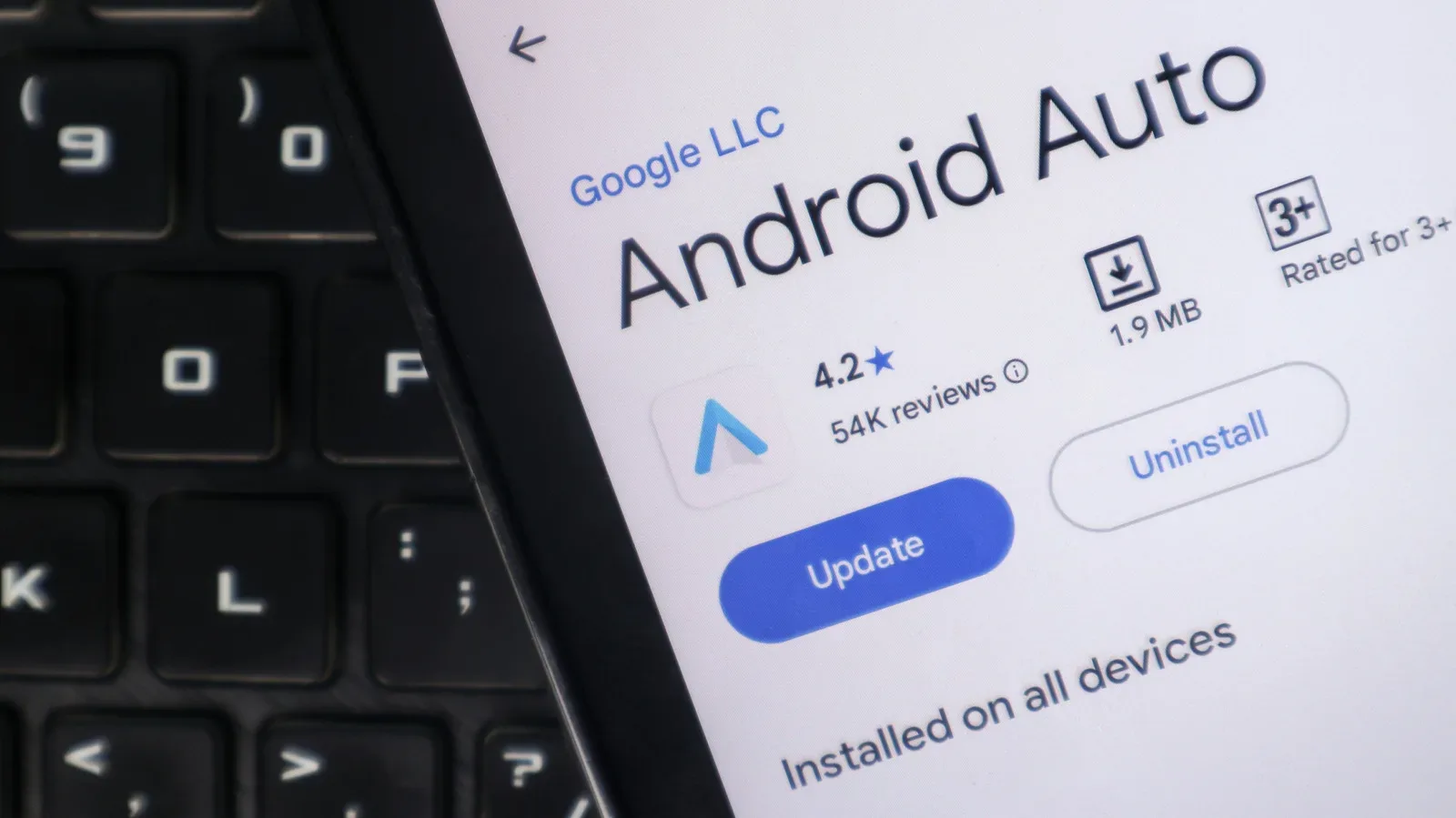
Getting compatible apps into Android Auto is straightforward: install them through Google Play on the phone and they can appear in the Android Auto launcher. The launcher can then be reorganized in Android Auto settings, allowing frequently used apps to be easier to reach.
A compact setup is likely better than installing every compatible service. One navigation app, one audio app, the appropriate fueling or charging companion, and perhaps a preferred messaging platform may cover most needs. The right mix depends on the vehicle and the journey:
- Frequent work travel: Google Meet, Microsoft Teams, Zoom or Webex may be useful for audio calls, subject to workplace profile restrictions.
- Drivers tracking vehicle expenses: Fuelio offers logs and calculations focused on fuel use and cost per mile.
- EV road trips: PlugShare’s connector, network and community-report filters can help evaluate possible charging stops.
- International or data-conscious travel: HERE WeGo’s downloaded maps provide an offline navigation option.
- Drivers who need to stay reachable: WhatsApp, Signal, Messenger, Teams and Google Chat can support read-aloud messages and voice replies.
In other words, Android Auto can be more than a map-and-playlist shortcut, but its best upgrades are the boringly useful ones. A cheaper fuel stop, a recent charger-status report, a saved offline map or a safely handled message can matter much more than adding another icon to the dashboard. Drivers who are also thinking about recording the road can explore a separate practical use for old action cameras in this guide on turning an old GoPro into a dash cam or webcam.