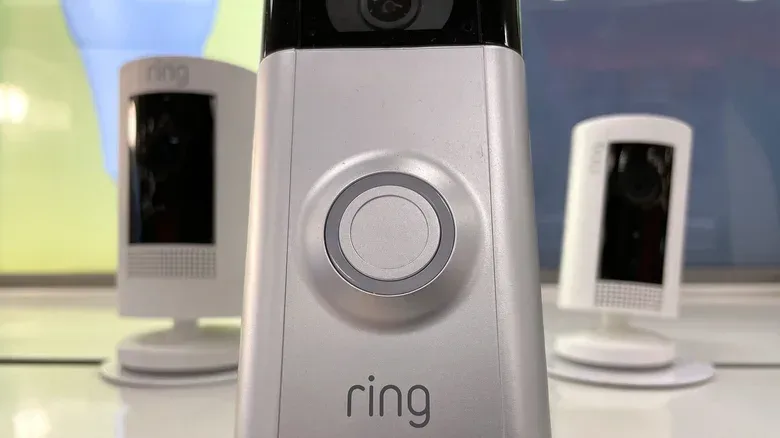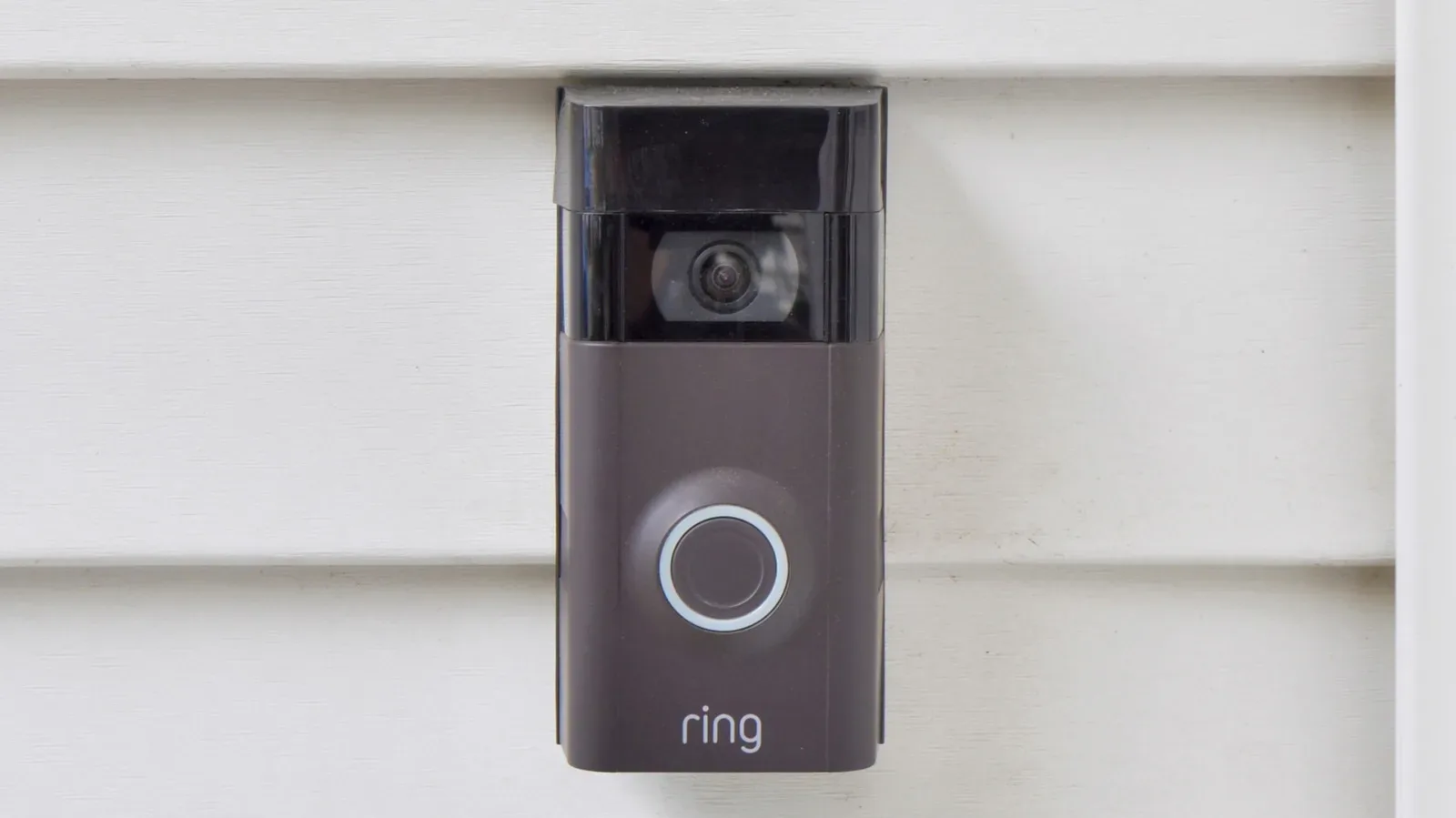
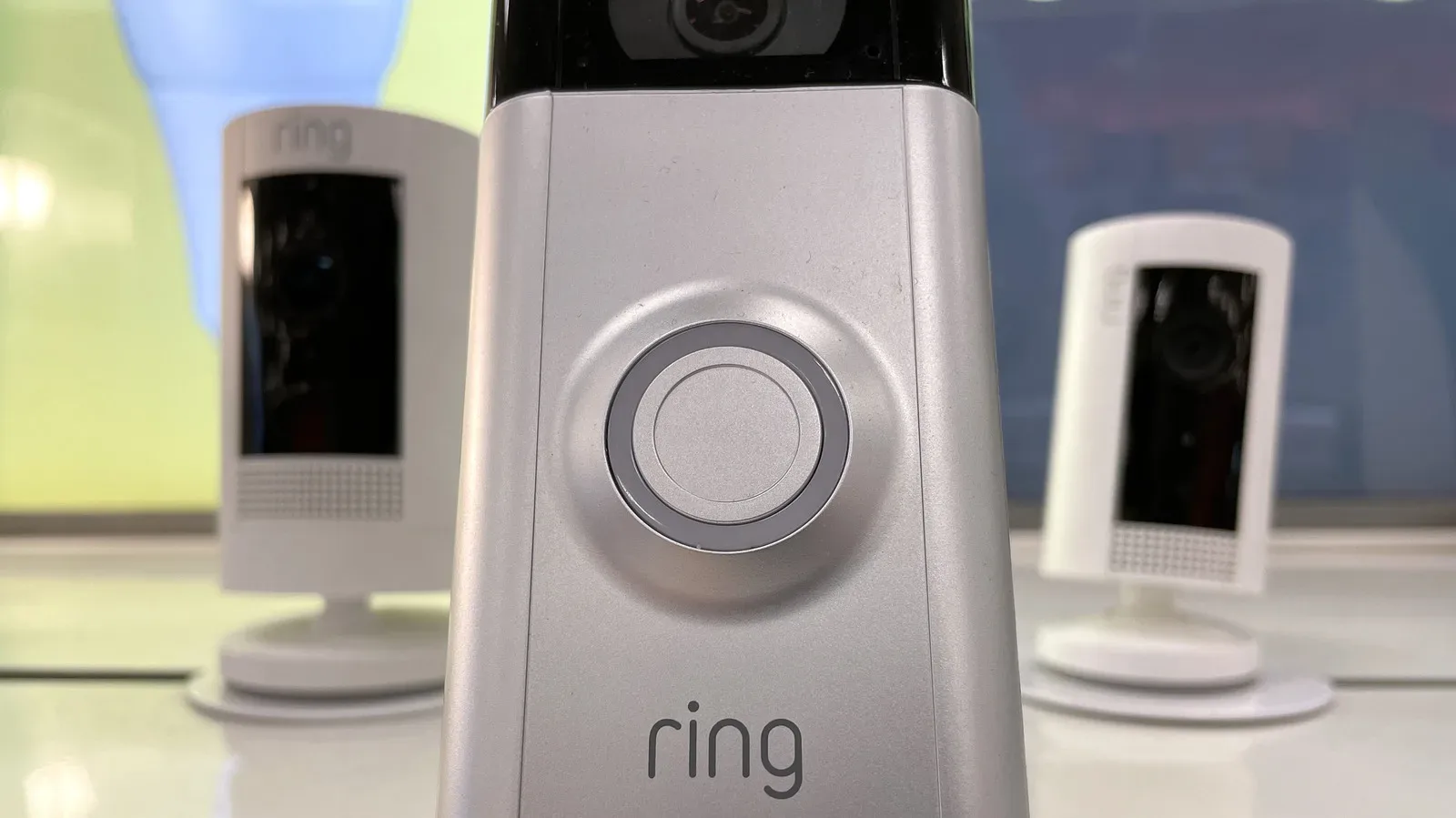
A video doorbell starts with a straightforward job: show who is at the entrance and let the homeowner respond. Ring’s wider device ecosystem turns that single screen at the door into something closer to a home-status dashboard. The useful question is not simply whether another gadget is “smart,” but whether it can share practical control, alerts or video access with the Ring app.
Ring doorbells support familiar functions including Live View, Two-way Talk, night vision, 3D Motion Detection and, on certain models, video resolution up to 4K. Those features matter most at the doorstep, but compatible devices can extend visibility to other areas of a property, add detection for doors and windows, make exterior lighting respond to motion, and put simple controls for locks or a garage door in the same general place.
There is an important caveat before turning a doorbell into the command center for everything with a plug: compatibility is not one thing. Some products connect directly in the Ring app. Others require a Ring Alarm Base Station, Ring Alarm Pro Base Station, an Alexa setup, SmartThings, or the gadget maker’s own app. A setup can be useful even with those boundaries, but the boundaries determine whether a device appears as a native control, an indirect shortcut, or merely a separate system with a related feature.
Here are 11 device types worth considering, with the practical role each can play.
For more context, explore Five Baseball Legends Whose Cards Look Cheap Next to Their Peers.
1. Extra indoor and outdoor security cameras
A doorbell camera answers a very specific question: what is happening in front of the door? It cannot see a side gate, driveway, backyard, garage, hallway or another entry point. Adding cameras is therefore the most direct way to expand the system’s usefulness without changing its basic purpose.
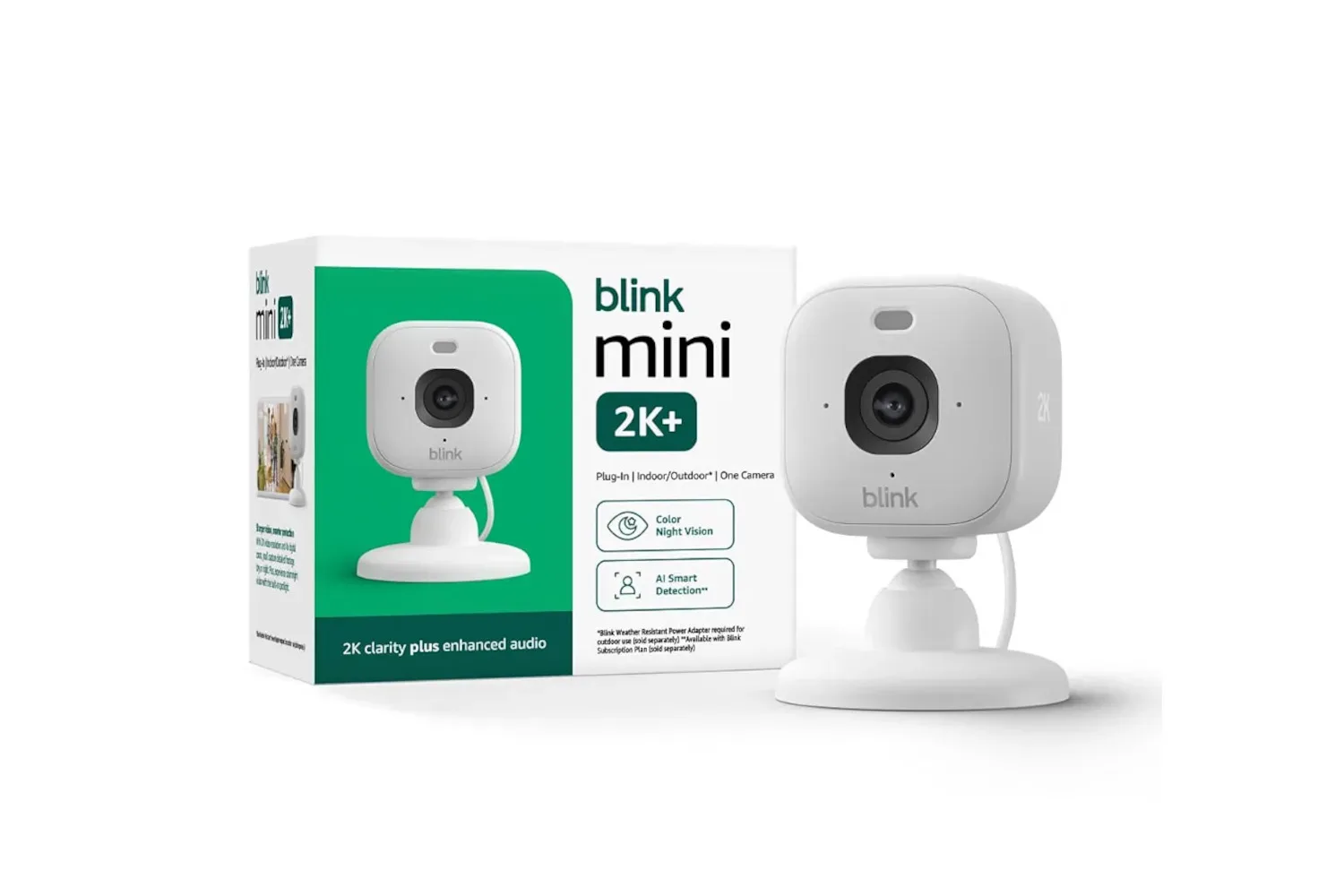
Ring offers more than two dozen cameras, including wired and wireless options and models with spotlights or floodlights for outdoor coverage. The distinction matters. A spotlight or floodlight camera combines imaging with illumination, while an indoor camera is aimed at rooms and interior entrances. Choosing among them should start with the location that needs coverage rather than with the number of feeds one can fit onto a dashboard.
There is also a path for certain cameras not made by Ring. Ring Alarm Pro Base Station and Ring ONVIF support can enable connections with compatible third-party cameras. ONVIF is a set of interoperability standards used by network video products; in practical terms, ONVIF compatibility is the qualification to check, not an assumption that every network camera will work. The resulting option is broader camera choice, but it also makes verifying compatibility before purchasing especially important.
2. Door and window sensors
Video shows an event; a contact sensor can identify a change at the point of entry. Ring-compatible window and door sensors add another kind of alert to the system, covering openings that are usually outside a doorbell camera’s view.
This is a useful example of why a mixed setup can be more informative than a camera-only setup. A front-door feed gives context when someone approaches. A sensor at another entrance indicates that the opening itself has changed state. The two functions are not interchangeable, and a dashboard that includes both can provide a clearer picture of what needs attention.
Some accessories require the Ring Alarm Base Station to connect with the Ring app. Treat that hub requirement as a design constraint, not fine print: determine which sensors work directly with an existing setup and which need a base station before building around them.
3. Glass-break sensors and panic buttons
Glass-break sensors and panic buttons bring event-focused controls into the same ecosystem. A glass-break sensor is designed to listen for the relevant sound pattern, while a panic button is an immediate manual control. Neither replaces cameras or entry sensors. Each handles a different type of situation: one is designed to detect a possible breakage event, and the other gives a person a way to trigger an alert.
The practical benefit is consolidation. Instead of treating a doorbell as a standalone camera and every sensor as an unrelated island, compatible devices can be monitored through the Ring app. As with the door and window sensors, check whether a Ring Alarm Base Station is needed for the particular accessory.
4. Smoke, carbon monoxide, sump-pump and air-quality monitors
Not every home alert is about a visitor or possible intrusion. Ring-compatible accessories also include smoke and carbon monoxide listeners, sump-pump monitors and air-quality monitors. They broaden the kinds of home conditions a Ring setup can surface.
A smoke and carbon monoxide listener is distinct from a camera: its role is to listen for alarms rather than provide visual coverage. A sump-pump monitor focuses on the pump-related risk that can matter during water-management problems. Air-quality monitoring adds another category of household information to the app. These devices are reminders that a connected-home setup can be about noticing conditions, not merely watching a video feed.
Again, hub needs vary. The most sensible approach is to make a short list of the risks or blind spots that matter at a particular home, then check the app and product compatibility information rather than buying accessories solely because they appear in the same brand family.
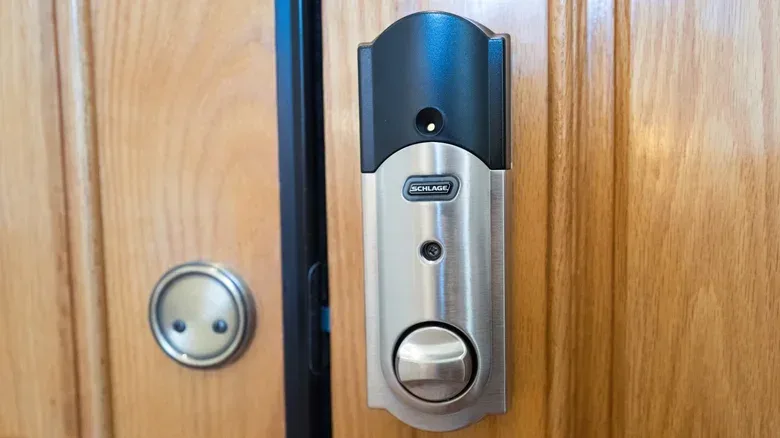
5. Smart locks
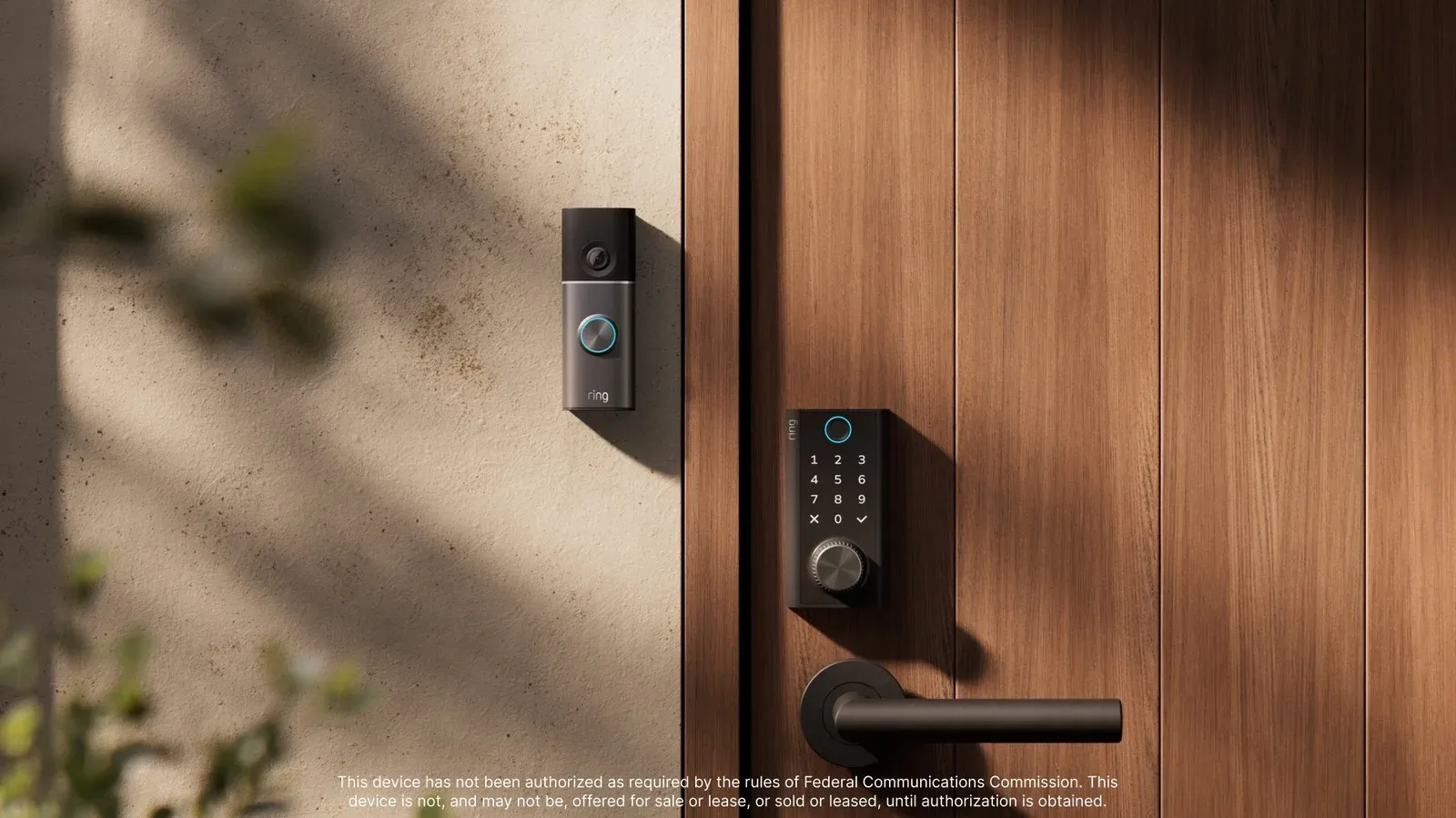
A compatible smart lock can allow locking and unlocking through the Ring app, as well as through a PIN or conventional key. That retains a physical-key option while adding app-based control.
Some locks connect directly to Ring. The Ring Alarm Base Station expands the pool of lock options because additional manufacturers use Z-Wave, a radio-frequency wireless technology used by compatible smart-home devices. Put simply, Z-Wave is the communication route that lets eligible locks connect through the base station; it is not a blanket promise that any smart lock will appear in Ring.
This is one area where compatibility checks deserve extra care because a lock affects physical access. Confirm whether a particular model is a direct Ring connection or needs the base station, and keep track of which actions are available in the app, by PIN and with a key. The payoff is convenience, but the system should remain understandable to everyone who uses the door.
6. Outdoor lighting
Outdoor spotlights, steplights, floodlights, wall lights and path lights can do two jobs: make routes and entrances easier to see, and add light for camera footage. More available light can improve what an outdoor camera can capture, while motion-based lighting can make activity around a defined area more visible.
Ring’s lighting controls can also be arranged into zones, switched when the household is away, and set to illuminate when motion is detected. The term lighting zone is practical rather than mysterious: it means organizing lights around an area so they can be controlled together instead of individually.
For existing landscape lighting, the Ring transformer can connect that lighting to the Ring system for app control. This is a different path from using standalone wireless smart bulbs. Third-party wireless bulbs and other lighting accessories do not directly connect through the Ring app, so a homeowner should not presume that any bulb branded “smart” is automatically part of the setup.
7. Outdoor smart plugs for ordinary lights
For lights that are not smart on their own, an outdoor smart plug can be a simpler route. Plug an ordinary exterior light, holiday display or inflatable into the compatible plug, then control power in the Ring app. The device does not change what the connected item is; it gives the outlet a controllable on/off layer.
That makes the smart plug a particularly accessible workaround where replacing fixtures or rebuilding landscape lighting would be unnecessary. It also helps clarify the difference between direct compatibility and a practical adapter: the plug is the connected device, while the lamp or decoration gains app control through that plug.
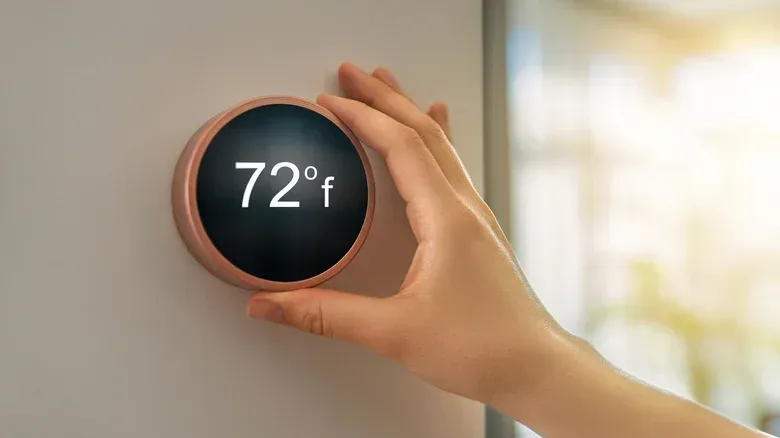
8. Compatible smart thermostats
Ring integration is not confined to outdoor security. A compatible smart thermostat can be connected to the Ring app, placing climate controls on the Ring dashboard. It is a modest feature with an obvious convenience angle: the person already checking a doorbell or camera feed can also reach a supported thermostat from the same app.
That does not mean a thermostat is an essential doorbell accessory. It is best understood as dashboard consolidation. If climate control is already managed satisfactorily elsewhere, there may be no reason to reorganize it. But for households that prefer fewer separate controls, it is one of the indoor categories that can fit into the broader Ring view.
9. Fire TV and newer Samsung Smart TVs
A phone is convenient, but a television can be a more comfortable place to see a front-door video feed. With Amazon Fire TV or a Fire TV Stick and the Alexa app, a voice command through an Alexa remote can bring up the front door. Fire TV also supports picture-in-picture behavior when the doorbell button is pressed, placing the camera view over current viewing.
Newer Samsung Smart TVs offer another route through the SmartThings platform. The SmartThings app can connect a Ring doorbell and allow the camera to be opened manually on the TV’s SmartThings dashboard. The workflow is less seamless than the Fire TV approach described above, but it still creates a large-screen option for checking the entrance.
The choice here is less about raw video quality than how a household wants alerts to arrive. Picture-in-picture is designed for an interruption that is visible without immediately abandoning the show or game. Manual opening is a deliberate check. Both solve slightly different problems.
10. Smart water valves
A smart water valve is among the less obvious devices that can complement a Ring-centered home setup. Its purpose is remote water shutoff after a leak, helping limit flooding risk. That is a materially different kind of protection from camera monitoring, and it is potentially one of the most consequential integrations in this list.
Installation is not just an app pairing exercise. A smart water valve must be plumbed into the home’s main water line, then set up through the Moen Smart Water app in the example described here. Ring also integrates with some third-party Z-Wave smart water valves. Because the installation involves a main water line, prospective buyers should account for that physical requirement before treating it like a simple plug-in accessory.
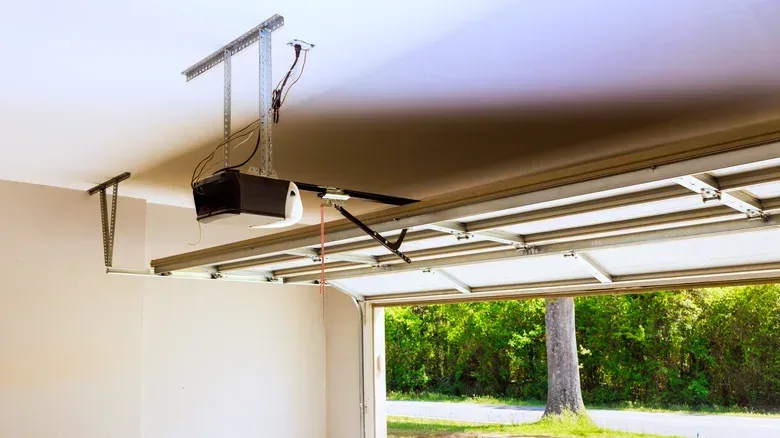
11. Vehicle devices and compatible garage-door openers
Ring’s scope can extend beyond the house. The dual-facing Ring Car Cam mounts on a dashboard and watches surroundings when the vehicle is parked or moving. The Ring Car Tracker and Alarm connects through an OBD-II port, the diagnostic port found in compatible vehicles. It can send push notifications for disturbances including impact, a forced-open door or towing, and it provides GPS tracking through the Ring dashboard.
For the home garage, compatible openers from several major brands can be integrated so their status is visible alongside doorbell and camera feeds. The Ring app can also provide controls to open and close the garage door rather than requiring a separate garage app for those actions. The integration additionally enables Amazon Key in-garage delivery, where delivery drivers can place packages in the garage and close the door afterward.
These are adjacent rather than identical use cases. Car devices extend the app’s monitoring reach to a vehicle; the garage integration keeps an access point at home close to the doorbell view. Both are most valuable when a person wants status and controls collected in one familiar interface.
Alexa as the bridging layer
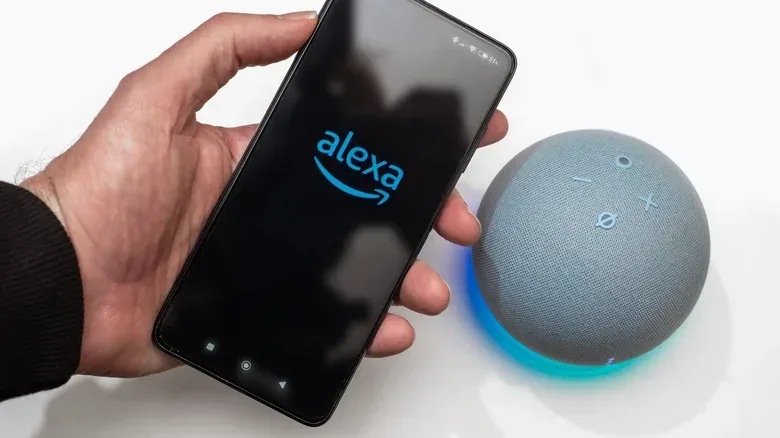
Amazon owns Ring, which explains why Echo Show, Echo Dot, Fire TV and Alexa fit naturally into the experience. Syncing the doorbell with an Alexa-controlled device can provide visitor announcements, voice requests to display the front-door stream, and two-way communication through Alexa speakers without reaching for a phone.
Alexa can also serve as a bridge for some third-party gadgets that do not directly connect to Ring, including smart lights and bulbs, plugs and switches, thermostats, locks and TVs. That is useful, but it is worth retaining the distinction: an Alexa-mediated connection is not necessarily the same as a direct Ring integration. Setup may involve the Alexa app, and the available controls can depend on the device category and platform.
For a compact overview of the same device categories, see this rundown of smart devices that can extend a Ring doorbell setup.
Build around a problem, then verify the path
The strongest Ring expansion is usually not the biggest one. Start with a specific goal: cover a blind spot, light a walkway on motion, check an entry sensor, control a compatible lock, view the doorbell on a TV, monitor an opening garage door, or add remote water shutoff capability. Then identify the connection method—direct Ring compatibility, Ring Alarm Base Station, Ring Alarm Pro with ONVIF support, Z-Wave, Alexa, SmartThings, or a dedicated companion app.
That small amount of planning prevents a common smart-home frustration: owning a collection of capable products that do not present their controls or alerts where expected. A Ring doorbell can be the front door to a broader home system, but the best result comes from understanding which doors actually connect.