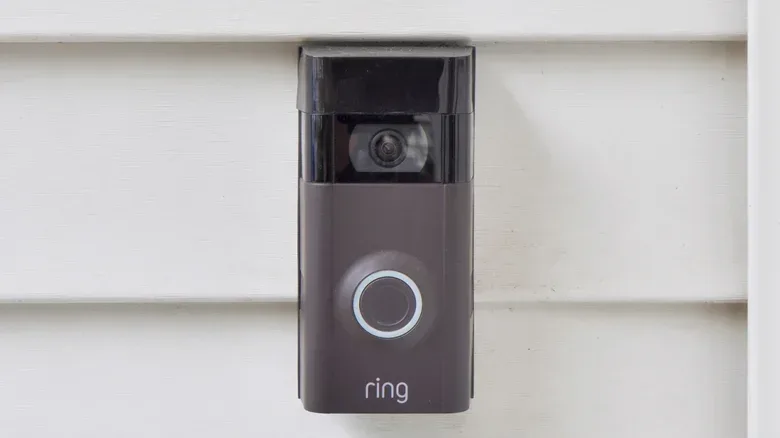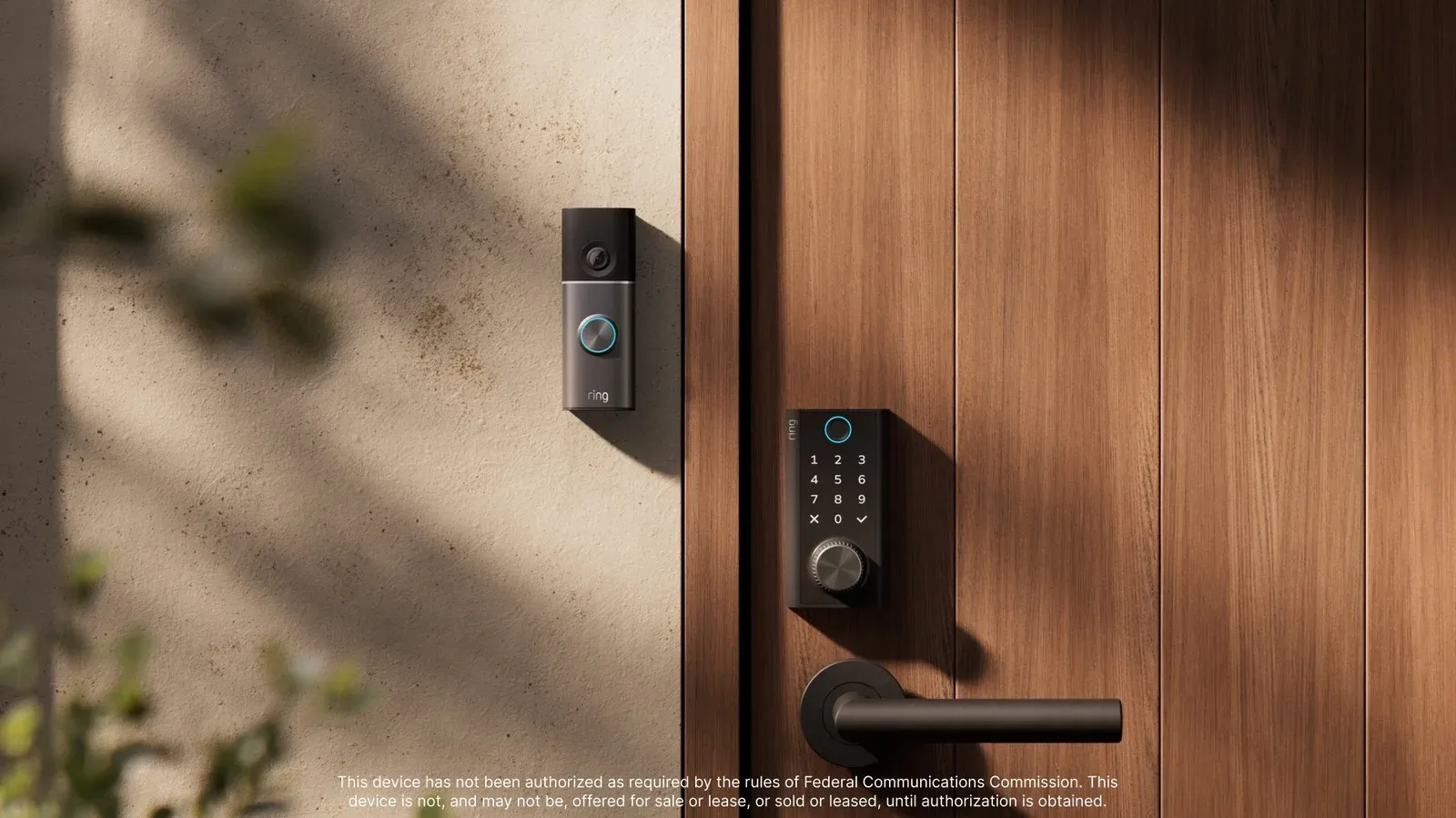
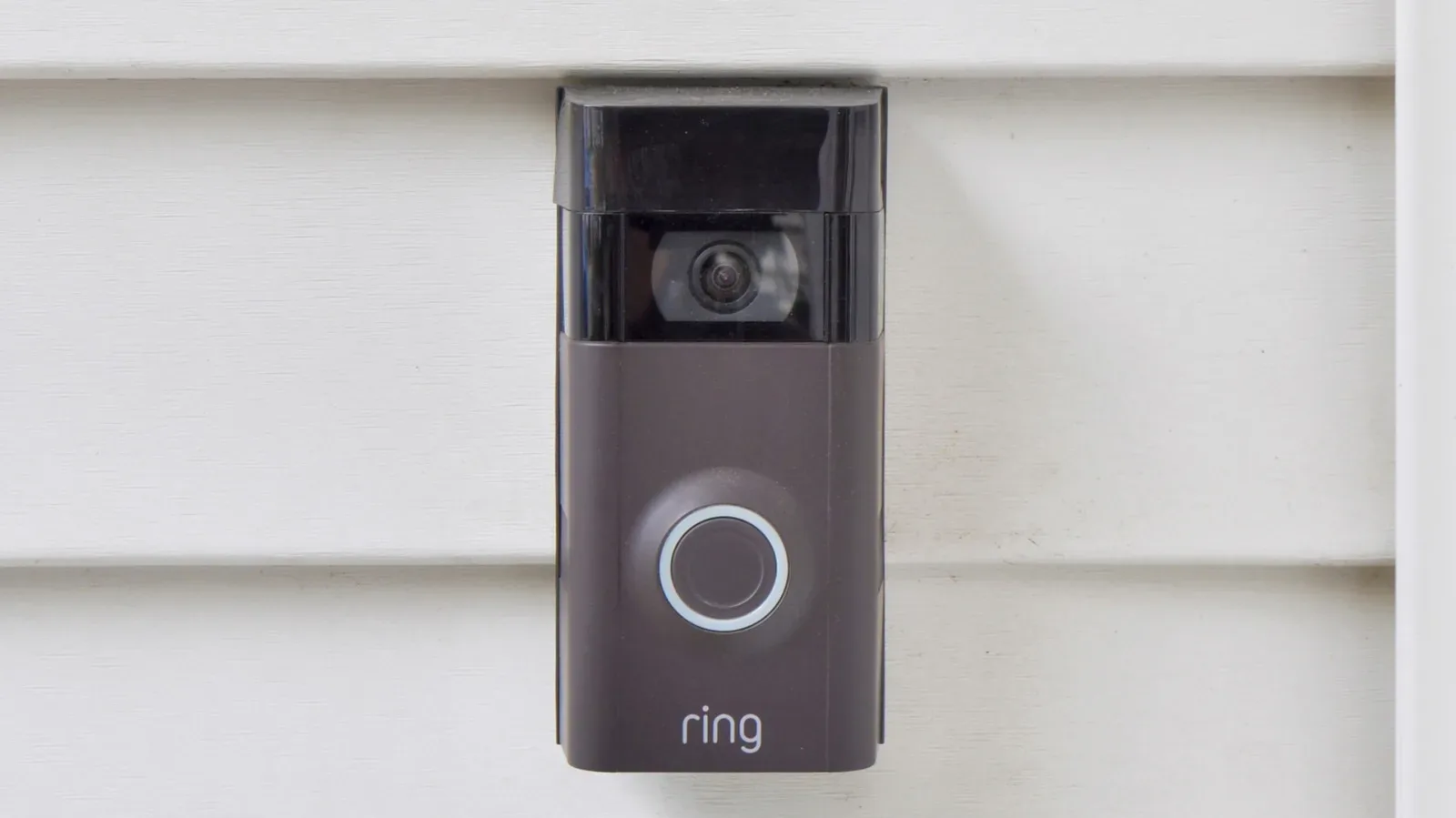
A video doorbell is useful, but it is not a complete home-security strategy by itself. It sees the space in front of the door; it may not see a side passage, a gate, a fence line, a rear entrance or another route someone could use to reach the property. A more effective Ring setup begins with a simple shift in thinking: the goal is not to put a camera in every conceivable place. It is to create reliable visibility around the routes that matter, while avoiding a notification system so noisy that its warnings become easy to ignore.
That balance matters because cameras are only one part of the equation. Placement determines what can be seen. App settings determine which movement becomes an alert. Battery power, Wi-Fi coverage and household power determine whether the camera can keep doing its job when conditions are less than ideal. Lights and entry sensors can add another layer of awareness without simply duplicating the same camera view.
Ring can be a practical choice for households that use Alexa, though prospective buyers should account for privacy concerns and the fact that some capabilities rely on a subscription. Recording footage requires a Ring subscription, and Smart Alerts also require one. Those ongoing requirements should be part of the plan before a system is built around features that may later be unavailable without paid service.
Start with entry routes, not a shopping list
The first task is to identify every plausible point of entry. Front and back doors are obvious, but they should not end the survey. Look for side alleys, gates, accessible windows, fence lines and less-visible doors. A person could potentially enter through a side route and avoid a doorbell camera entirely, so the critical question is not “Do I have a camera by each door?” It is “Can an approach to the home happen outside the views I have?”
Outdoor cameras should ideally have overlapping views. In practical terms, that means one camera’s useful coverage meets or partially covers another camera’s coverage rather than leaving a clean blind strip between them. Overlap is not about recording the exact same patch of driveway from several angles for its own sake. It helps preserve visibility if a person approaches from an unusual direction or if one viewpoint is partially obstructed.
For outdoor cameras other than doorbells, installation at around nine feet high offers two advantages described by the available guidance: a wide field of view and more protection against tampering. A low-mounted device may be easier to reach, smash or interfere with. Height should not make the camera invisible, however. A visibly installed camera can contribute to deterrence because a person approaching the property can see that the area is monitored.
Why wide coverage is not the same as useful coverage
It is tempting to judge a system by how much of a yard, street or driveway fits inside a live view. But the widest picture is not automatically the most valuable picture. A useful camera view is one that watches the approach and entrance routes relevant to the property. A view dominated by public traffic, moving vegetation or a neighboring area can create a stream of motion events without improving awareness of the home’s actual access points.
This is why coverage should be planned around movement paths. Consider how someone reaches a door, climbs past a fence, walks down a side passage or crosses from a driveway to an entrance. Then decide where a camera can see that journey. The aim is efficient placement, not maximum hardware.
Related coverage includes How to Set Up a Ring Camera System for Better Home Coverage.
Indoor cameras are optional for intrusion coverage
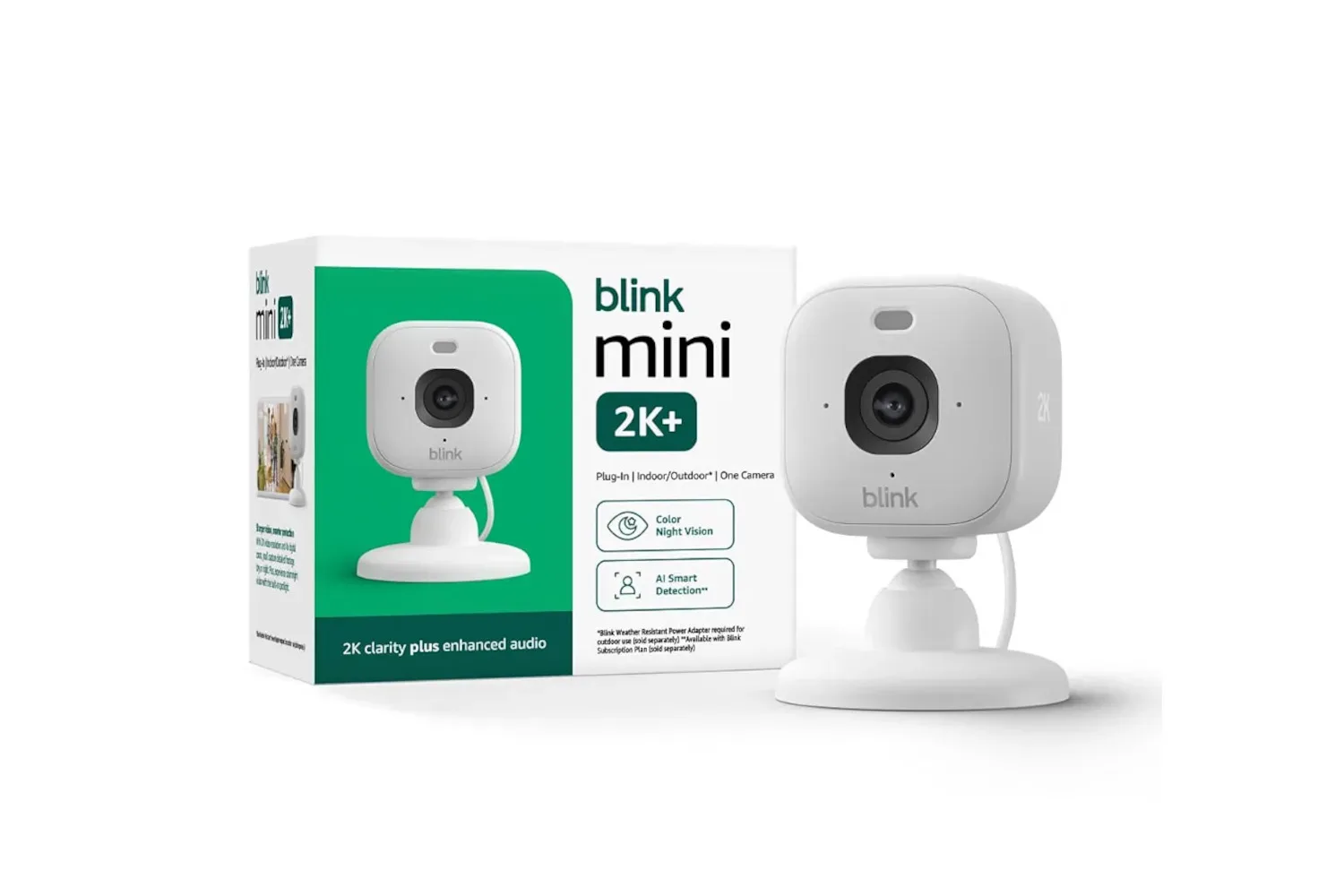
Indoor cameras can be useful when the household wants to check in on children, pets or guests. They are not necessarily essential to a perimeter-focused setup. If someone has already entered the home, an indoor camera may create more evidence, but it has not prevented that person from getting inside.
For those who do choose indoor coverage, a high corner position can provide a broader view of the room. The most useful angle should still prioritize entryways. That is the point where a camera is most likely to document movement into the monitored space rather than merely collecting a broad view of ordinary activity.
The decision is therefore about purpose. Monitoring a pet or child is different from documenting access through a door. Keeping that purpose explicit can prevent unnecessary purchases and can make every camera’s role easier to explain.
Turn raw motion into alerts worth reading
After installation, the Ring app’s motion controls deserve deliberate attention. A camera can detect movement, but not every movement should demand the same response. Passing cars, pedestrians outside the property and branches moving in the wind can all generate activity that has little to do with an entry route.
Motion Zones are selected areas within the camera’s view where motion should matter for detection. Customizing them can reduce triggers from areas such as a road or a tree. The practical benefit is not merely fewer notifications. It is making the remaining alerts more meaningful. A warning that appears only when someone enters a relevant portion of the view is easier to treat as actionable than one produced by routine street traffic.
If a supported camera offers it, Advanced Motion Detection is another setting worth enabling. The supplied guidance also places particular emphasis on Smart Alerts, which can narrow notices to people, packages and/or vehicles. That category filtering is useful because it distinguishes a potentially significant event from undifferentiated movement.
There is an important cost consideration: Smart Alerts require a subscription. A household should not assume that its desired alert filtering is included without that ongoing service. Likewise, a plan that depends on recorded footage must account for the subscription requirement for recording. It is better to decide how much notification filtering and video retention matter before depending on them.
False alerts are a security problem, not just an annoyance
False alerts can seem like a minor irritation, but their effect is larger. If a phone vibrates repeatedly for harmless motion, the owner may stop looking promptly or disable alerts too broadly. In that sense, noisy configuration can weaken the real-world usefulness of a camera even if the device itself is functioning perfectly.
The most sensible tuning process is to begin with the places where people, vehicles or packages genuinely need to be detected, then exclude irrelevant movement as much as the available controls allow. Any change should be judged by whether it preserves awareness of approaches and entrances while reducing distractions. The right settings will differ by property because the sources of stray motion differ: a roadside home has different challenges from a home with trees near the camera or a narrow side alley.
Build redundancy before an outage exposes the gap
A security camera setup is dependent on more than the camera. It needs power and a stable network connection. Redundancy means having a backup path or spare component ready when one part fails. For cameras that use removable batteries, a charged spare battery is a straightforward example. Recharging can take hours, so waiting until a battery is empty can leave a coverage gap.
Spare cables and installation tools can also be useful. These are not glamorous additions, but a system is more resilient when a simple replacement or adjustment does not stall because a necessary cable or tool is missing.
Network reliability is even more fundamental. Video depends on Wi-Fi, so a camera positioned in a weak-signal area may not provide the uninterrupted feed expected of it. Test the network around the intended camera locations and look for weak spots or dead zones. Better router placement may solve some coverage issues. Where it does not, a mesh system is an option to consider.
A mesh Wi-Fi system uses multiple network points to extend coverage through a home and around difficult areas. The practical reason to consider one here is not brand loyalty; it is the need for a dependable signal at each installed camera. The guidance does not require Amazon eero hardware specifically.
For homes where avoiding downtime is especially important, routers with cellular backup are another consideration. Cellular backup can keep the network online through an internet interruption, though it comes with a monthly fee. This is distinct from power backup: a backup internet connection will not by itself solve a loss of household electricity. Whole-home power backup may be worth considering for some circumstances, but it can become expensive.
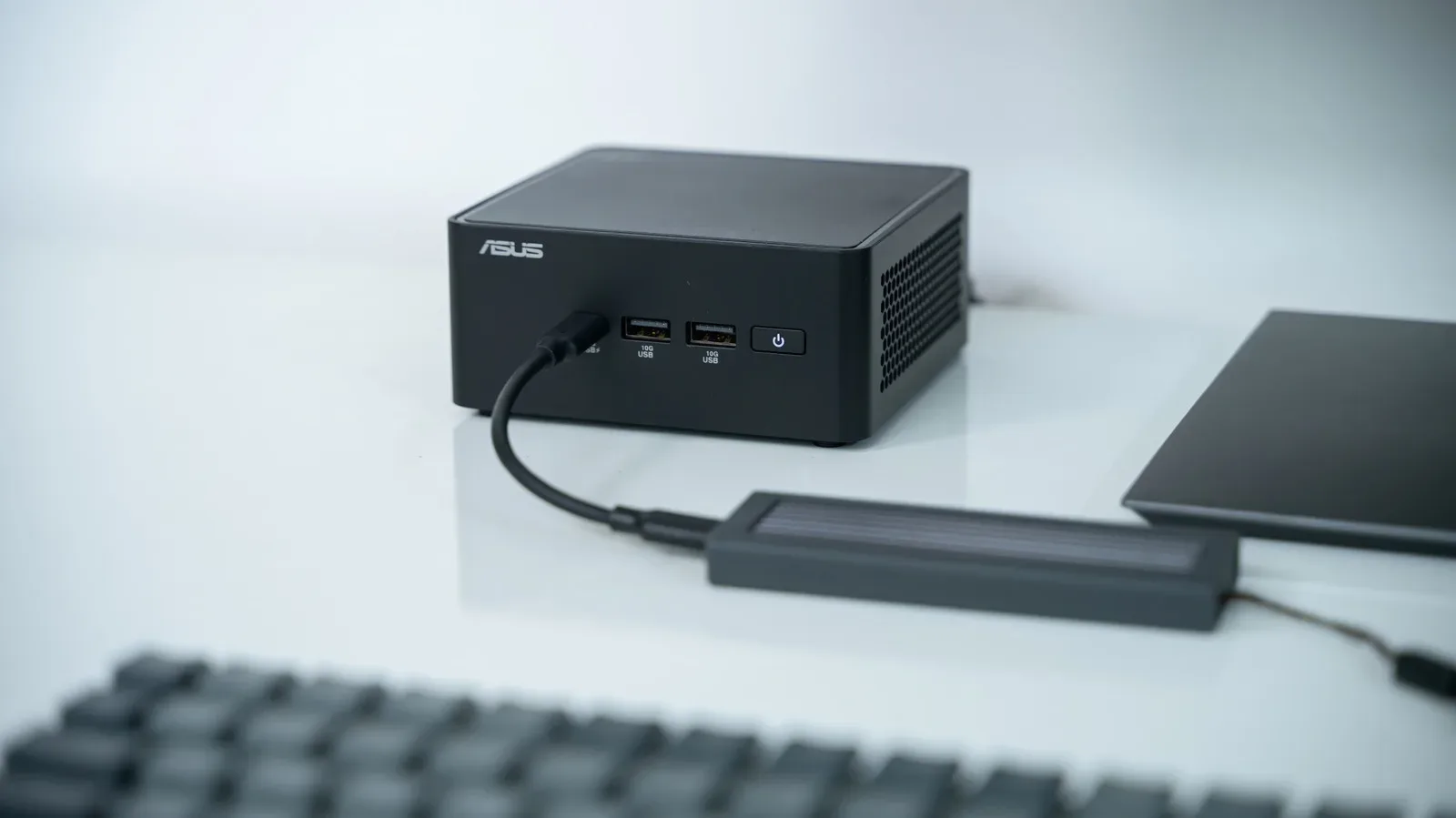
Device and network continuity are closely related to broader home-computing habits. The tradeoffs between powering down, sleeping and preserving access in a small computer setup are explored in this guide to Sleep, Shutdown and Hibernate on a mini PC; for camera systems, the equivalent lesson is to identify what must stay available and which failure points need a backup.
Add sensors and lighting where cameras need help
Cameras are stronger when they are not the only signal that something is happening. Door and window sensors connected to a Ring Alarm system can supplement video coverage. They focus on the opening points themselves, while cameras provide the visual context around approaches and movement.
Automatic lighting can be similarly complementary. Newer Ring cameras have night vision, but additional lighting can improve video clarity and make an intruder more visible to people nearby. It may also reinforce the visible deterrent effect of the camera system.
Lighting requires restraint. A light that shines into a neighbor’s windows creates an avoidable problem, and a light that triggers constantly from passersby repeats the false-alert issue in a more disruptive form. Aim the fixture carefully and set it up around the property’s relevant activity rather than the busiest public area in its view.
A practical Ring setup checklist
- Map doors, windows, gates, side routes and fence-access points before adding cameras.
- Place outdoor cameras around nine feet high where appropriate, while keeping them visibly installed and difficult to tamper with.
- Create overlapping outdoor views where realistic, with attention to routes rather than sheer viewing area.
- Use indoor cameras only where indoor monitoring has a clear purpose, and prioritize entryways in their view.
- Customize Motion Zones to avoid unnecessary triggers from traffic, trees and other irrelevant movement.
- Enable Advanced Motion Detection when supported, and weigh the subscription requirement before relying on Smart Alerts or recording.
- Keep a charged spare battery for removable-battery cameras, plus useful spare cables or installation tools.
- Test Wi-Fi at every camera location; improve router placement or consider mesh networking when coverage is weak.
- Consider cellular network backup and power backup only after accounting for their ongoing and potentially significant costs.
- Use door/window sensors and carefully aimed automatic lighting to reinforce, rather than duplicate, camera coverage.
The strongest Ring system is one that is designed around the property, maintained for the failures most likely to happen and configured so its alerts still command attention. More equipment can help, but thoughtful placement, clear motion filtering and dependable connectivity are what turn separate smart-home devices into a more coherent security setup.