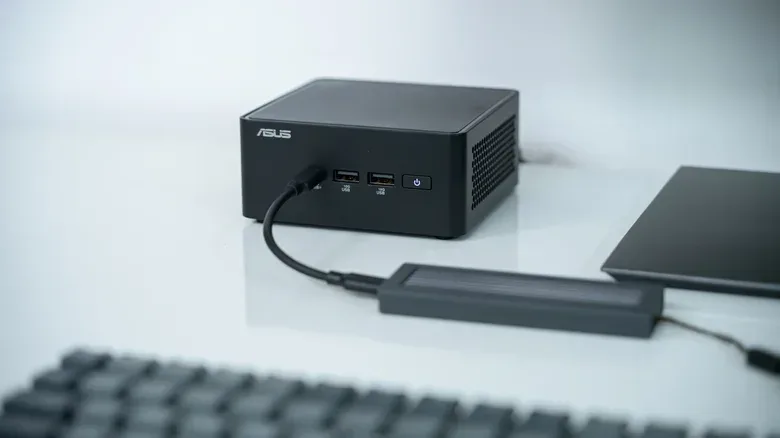
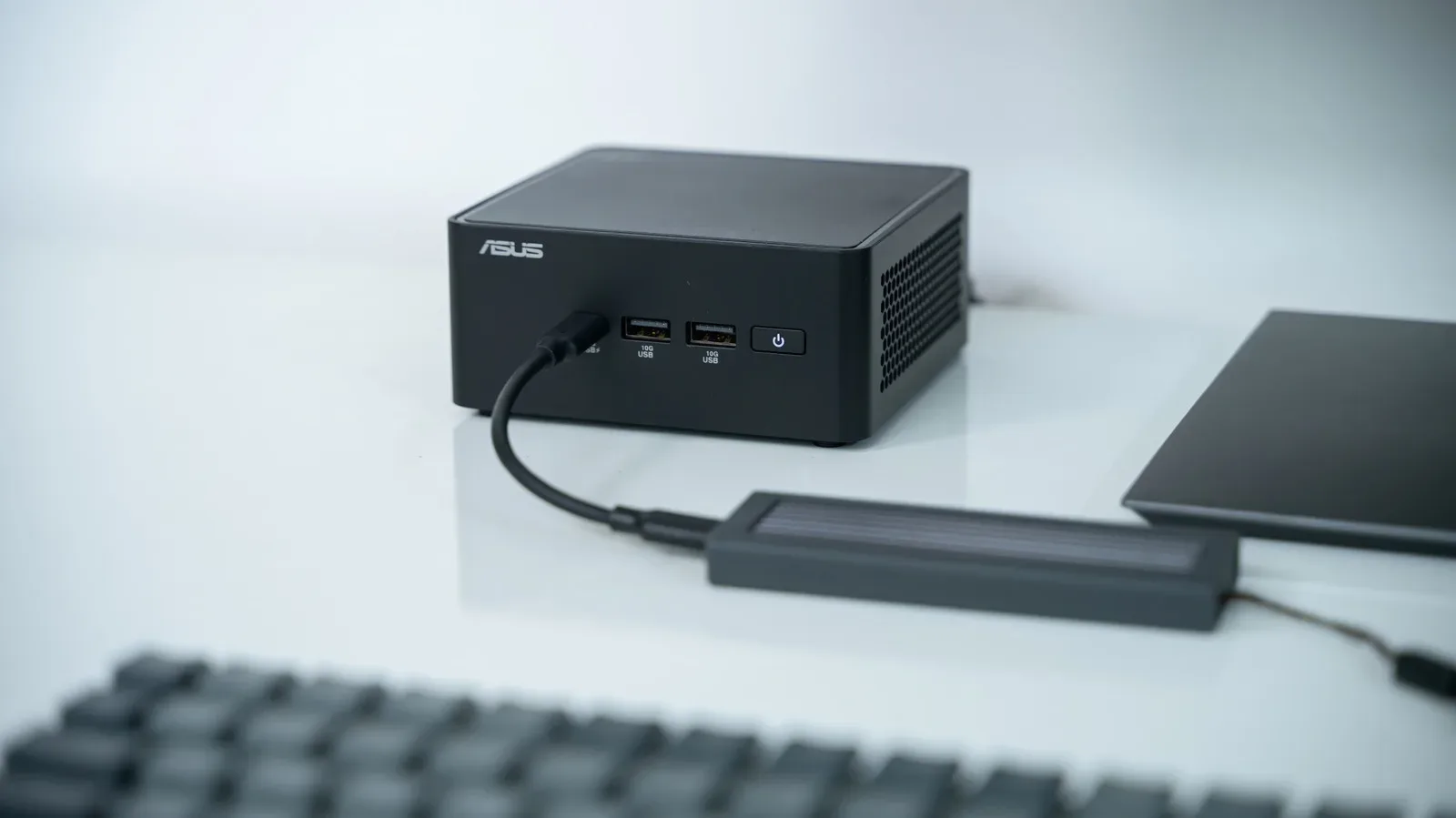
A mini PC creates a deceptively small end-of-day decision. There is no laptop lid to close, no obvious signal that the machine has been packed away, and no single power mode that makes sense for every setup. A compact computer under a TV, on a desk or tucked into a cabinet might be an ordinary daily PC one day and an always-ready media or smart-home machine the next.
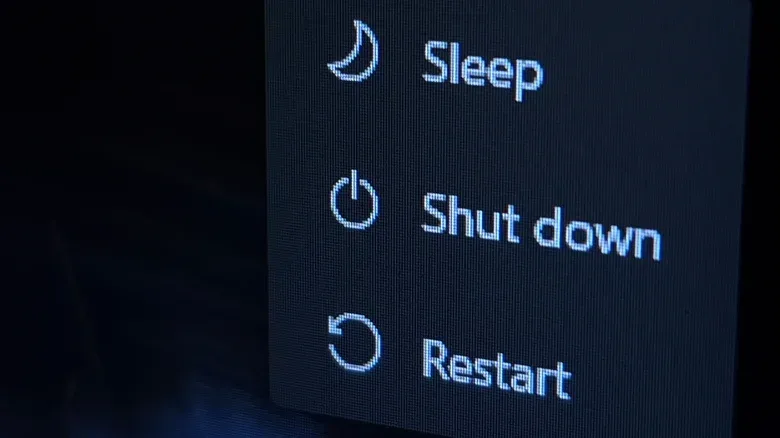
The practical answer is straightforward: use sleep when you expect to return and want a near-instant resume; use shutdown when you want the machine fully off and able to be unplugged; use hibernation when you want to preserve your open session without continuing to draw power. None of those choices is inherently “better.” They solve different problems.
That distinction matters especially for mini PCs. These systems often use laptop-class hardware but do not contain a battery. They also tend to have more substantial cooling than a laptop, which can help sustained performance. Their compact size and relatively efficient components make them useful as everyday computers, media centers and home servers, but their role determines whether power-saving convenience or uninterrupted availability should win.
What each power mode actually does
Sleep: pause the session, keep a little power flowing
Sleep is the convenience option. It leaves the current session available so the computer can wake and resume within seconds. Open applications and documents remain where they were, which is ideal for a short break, a meeting, dinner, or any situation where closing everything down would be more annoying than helpful.
The trade-off is that sleep is not the same as being off. A mini PC in this state still consumes electricity, although the cited range is modest: roughly one to four watts. In most homes that amount will barely show up on a power bill. The more meaningful benefit of sleep is not energy efficiency on its own; it is avoiding the disruption of restarting and rebuilding a working session.
For a game-related desk setup, that can mean the difference between returning to a browser, chat client, notes and other desktop tasks as they were, or waiting through a fresh start. Sleep is therefore the sensible default for a machine used intermittently throughout a day.
Shutdown: close the session and power down
A full shutdown closes applications and turns the computer off. It is the clearest choice when a mini PC needs to be disconnected from wall power, moved, or intentionally left inactive. It also provides a clean reset of the software session, which can be useful from time to time when a user simply wants a fresh start.
The cost is time and continuity. Even with modern solid-state drives, getting from a cold start back to the desktop can take a couple of minutes. Every application must be reopened, and any unsaved work would be gone. Shutdown is not a punishment for owning a desktop-style PC; it is simply the mode for situations in which preserving the present session is not valuable.
Related coverage includes Sleep, Shutdown or Hibernate: Which Mini PC Power Mode Fits Best?.
It may also appeal more in locations where electricity costs are high. Still, the small draw of sleep means it is worth keeping perspective: choosing shutdown over sleep should be about your routine and whether you want the PC physically disconnected, not anxiety over a tiny amount of standby power.
Hibernate: save the session, then turn off
Windows hibernation sits between those two approaches. Before powering down, the computer saves the current state of open programs and documents to its storage. When it is started again, that saved state is restored. In effect, hibernation retains the continuity associated with sleep while delivering the fully powered-down state associated with shutdown.
That means a hibernated mini PC can be unplugged. The compromise is a slower return than sleep: waking from sleep is faster than booting a hibernated system. For people who want their windows and work preserved overnight, but do not want the PC drawing standby power, that is a useful and easy-to-understand exchange.
For related PC basics, see our guide to what Fn Lock does and how to toggle it.
A simple choice based on how long you will be away
There is no need to turn this into a rigid ritual. A practical decision tree looks like this:
- Stepping away for minutes: choose sleep. The fast resume is the point.
- Returning later and wanting the same apps and documents open: sleep remains the easiest choice, provided keeping a small standby draw is acceptable.
- Leaving for a long period but wanting to resume exactly where you left off: choose hibernation.
- Done with the PC, planning to unplug it, or wanting a clean software restart: shut it down.
- Using the PC to provide a service that must stay reachable: leave it powered on rather than using any of the three inactive modes.
The key question is not “Which setting is safest?” It is “Does this computer need to retain a working session, remain reachable, or be completely disconnected?” Once that is answered, the correct mode is usually obvious.
Why an always-on mini PC can be reasonable
Sleep, shutdown and hibernation are all wrong choices for a machine with an active job. A self-hosted smart-home server needs to be ready when the household needs it. A mini PC serving a personal media library needs to remain available if someone expects a film to begin promptly, including when media is streamed from outside the home. In those cases, the purpose of the computer is availability, not quick resumption after inactivity.
Mini PCs are well suited to that role because their idle power use can be comparatively low. A modern mini PC at idle is estimated to draw around 10 to 15 watts from the wall, depending on its processor, memory and storage. “Idle” here means the system is powered on but not occupied with a performance-heavy workload. Power consumption generally rises as CPU load rises, and GPU load can add to that on a model equipped with a GPU.
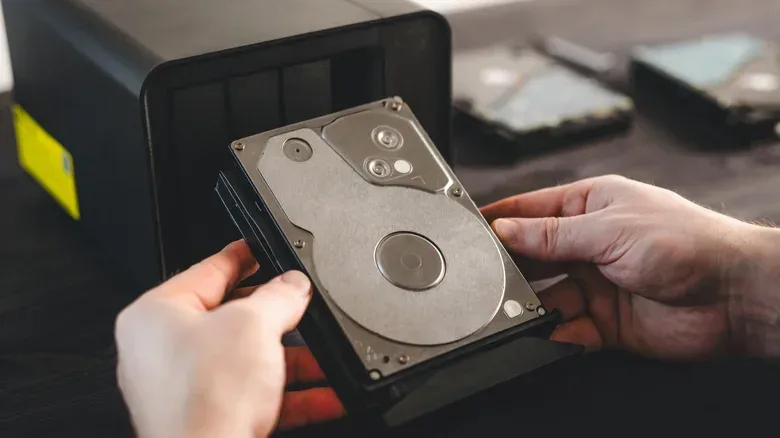
Storage configuration also matters. Adding SSDs can increase draw, and adding hard drives can increase it further, though the difference discussed here is still only a few watts. That is an important reminder that a mini PC is not a fixed power number printed on a box: its actual consumption depends on the components installed and what it is doing.
Putting 10 watts into annual terms
At an average idle draw of about 10 watts, a mini PC left on continuously would use just over 87 kilowatt-hours (kWh) in a year. A kilowatt-hour is the unit used on household electricity bills: it measures energy consumed over time, rather than the immediate power draw represented by watts.
Using a residential U.S. electricity rate of $0.18 per kWh, that works out to roughly $16 per year for that idle baseline. The real total rises when the system performs demanding work, and local electricity rates can be higher or lower. But the example explains why an always-on mini PC can be a practical option for media and smart-home use rather than an automatic budget disaster.
It does not mean every mini PC should run 24/7. An ordinary desktop machine with no services to provide gains little from staying active when no one will use it. The calculation simply shows that the decision can be based on convenience and purpose, rather than an assumption that continuous operation must be prohibitively expensive.
Does sleep damage a mini PC?
The concern that a sleeping computer is quietly wearing itself out is largely misplaced for modern hardware. The small amount of power present during sleep is not expected to cause major damage to internal components. Older ideas about electronics being especially vulnerable to constant power do not map neatly onto current systems.
There is one meaningful qualification: frequent brownouts or comparable electrical anomalies are a separate issue. A brownout is an abnormal drop in electrical voltage. That is not the normal, low-power behavior of sleep mode, and it should not be confused with it. If electrical supply problems occur frequently, the question is about those irregularities—not whether a mini PC was asleep rather than shut down.
So owners do not need to use full shutdown as a protective ritual after every session. Choose it because it fits the situation: you are unplugging the computer, you no longer need the session, or you want to reset it. Choose sleep because it gets you back to work quickly. Choose hibernation because it preserves your place without maintaining standby power.
The best setting depends on the job, not the form factor
Mini PCs are small enough to disappear into a media cabinet or drawer, yet versatile enough to act as a normal daily desktop. That flexibility is why there is no universal answer. A mini PC connected to a monitor for casual use will probably spend much of its life sleeping. A system that is being disconnected or deliberately refreshed will be shut down. A Windows user who wants the session retained without any wall-power draw has hibernation. And a box running home automation or personal media is often best left awake and idle.
The useful takeaway is liberating rather than restrictive: there is no need to obsess over choosing one mode forever. Let the machine’s current job decide. The tiny PC under the television, the desktop beside a keyboard, and the server hidden away at home may look similar, but their correct power settings can be completely different.