Amazon’s Prime Big Deal Days are scheduled for October 6 and 7, but discounts on compact desktop computers have appeared ahead of the event. The early offers put mini PCs in the spotlight: small systems that can serve as a practical work machine, a lighter gaming box, or a space-saving alternative to a full-size prebuilt tower.
The important caveat is that “mini PC” is a size category, not a performance promise. The deals span machines positioned for demanding creative workloads, lighter gaming, general office use and Apple’s compact desktop ecosystem. A large advertised discount can be useful, but it cannot turn every small computer into a high-end gaming rig. Buyers should start with the games and tasks they actually intend to run, then examine the stated memory, storage and connectivity rather than shopping by percentage alone.
The early deals at a glance
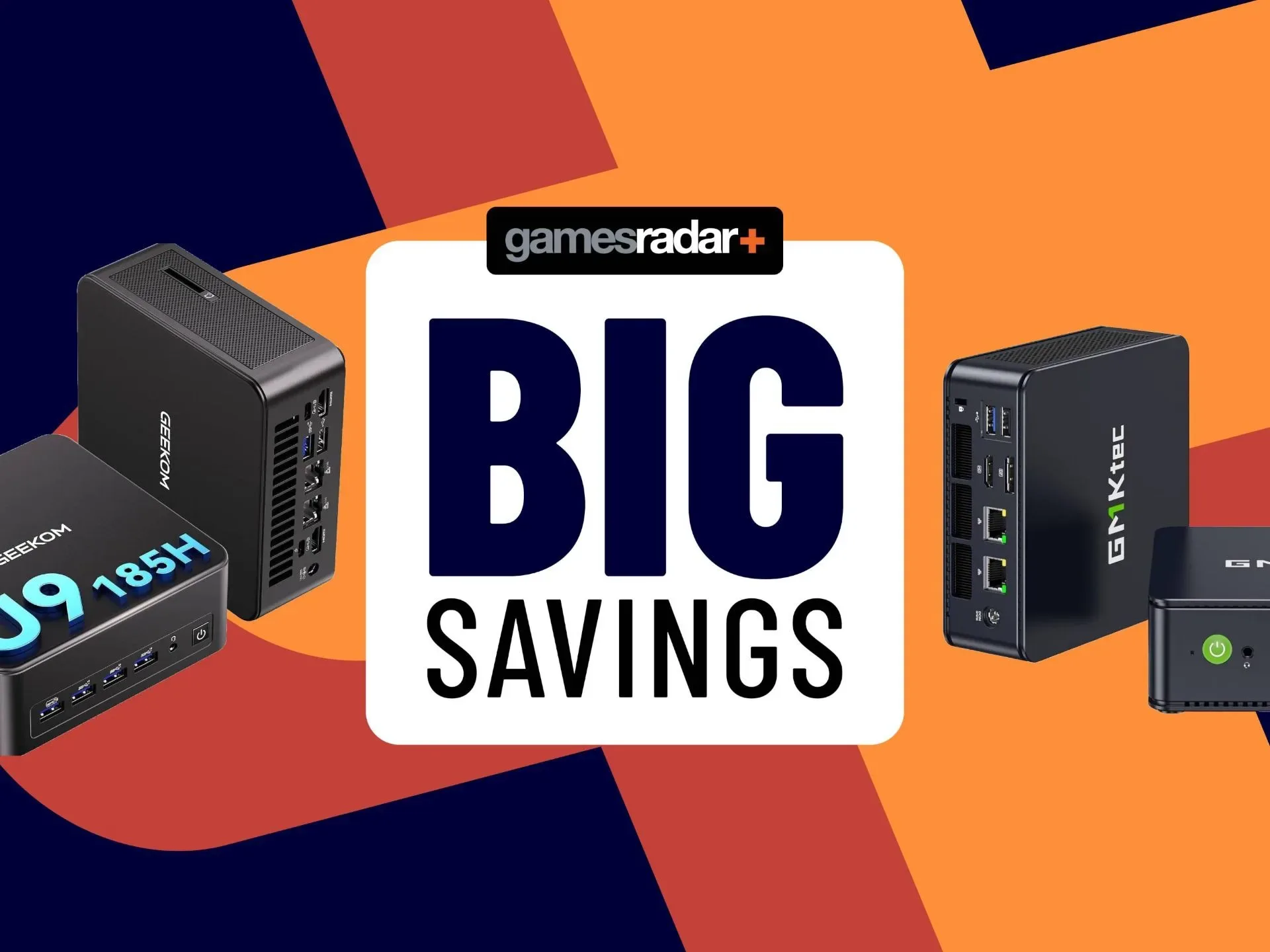
Among the notable early offers is the Geekom IT13 Max. It is described as a machine suited to AI workflows, video editing, graphic design and gaming, with the discount bringing it close to half price. Stock is described as limited, so anyone considering it should treat the listed price and availability as subject to change rather than an enduring baseline.
Acemagic’s M1 is positioned more clearly as a lighter-gaming option. Its listed configuration has 24GB of RAM and a 512GB SSD, and is discounted by a little more than 20%. That memory allocation is substantial for a compact system in the context of the available information, while the 512GB drive figure is the more immediate constraint for anyone building a sizable library of downloaded games.
Apple’s current compact desktop is also discounted by more than $100, with the reduced pricing applying to 16GB models only. It is framed as a work-oriented mini PC rather than a dedicated gaming buy. That distinction matters: a computer can be appealing for productivity while still being a less straightforward home for games, particularly where Mac compatibility is a concern.
Another discounted compact system, the M6 Ultra, combines 16GB of memory with a 1TB SSD. The reported saving is $200. Its price has been reached before, so the deal is better viewed as a solid current reduction than proof of a once-only low. The HP option in the roundup is similarly not designed specifically for gaming, though it may be capable of lighter workloads. Its appeal is its significant reduction and a port selection that includes two DisplayPort connections, four USB 3.1 ports and multiple 3.5mm connections.
For UK shoppers, the listed prices are £799 for the Geekom IT13 Max, £529.99 for the Acemagic M1, £823.97 for the discounted Apple configuration from a £899 reference price, and £559.96 for both the M6 Ultra and HP listings from £589.96 reference prices. Those figures identify the offers being discussed, not a guarantee that pricing will remain in place through the sale period.
Why mini PCs can make sense for gaming
The obvious advantage is physical footprint. A mini PC is intended to occupy far less desk space than a conventional desktop tower. That can be useful in a shared workspace, a compact bedroom setup, a living-room display arrangement or any situation where the computer needs to live beside a monitor rather than under a desk.
Related coverage includes Early Prime Big Deal Days Mini PC Discounts Put Compact Gaming Setups in Focus.
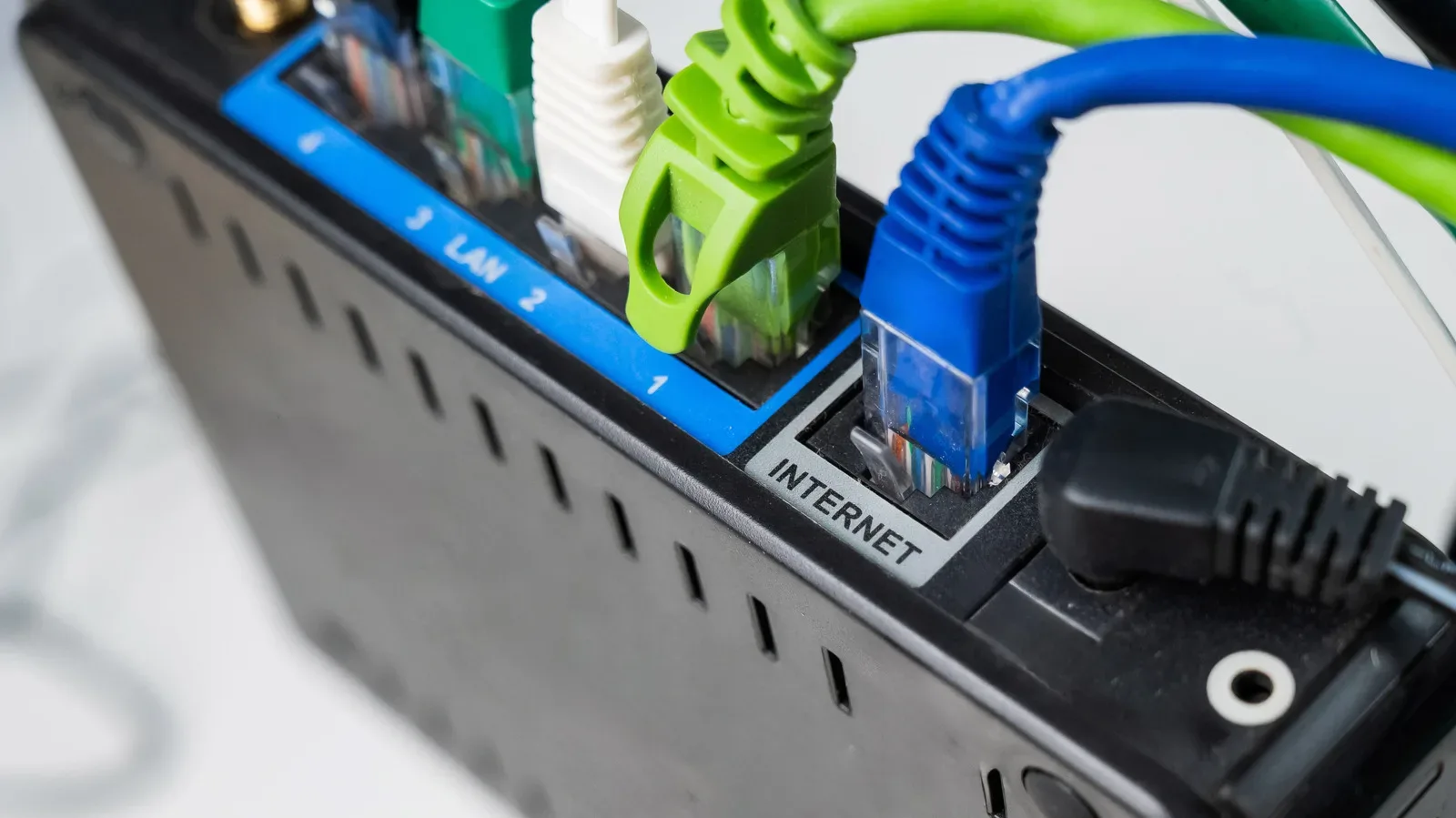
Small dimensions do not automatically mean a shortage of practical connections. The HP listing illustrates why buyers should inspect I/O, shorthand for input/output ports, before purchasing. Display outputs determine what monitors can be connected; USB ports accommodate controllers, keyboards, mice, storage and other peripherals; and 3.5mm ports can support wired audio equipment. A compact chassis may save space while still accommodating a workable desk setup, but the exact port mix varies by model.
Mini PCs can also be a simpler entry route than selecting every component for a self-built desktop. The systems discussed here arrive as complete machines, and their sale pricing may undercut some larger prebuilts. For a player who values a tidy setup and wants a single purchase rather than a parts list, that is a meaningful benefit.
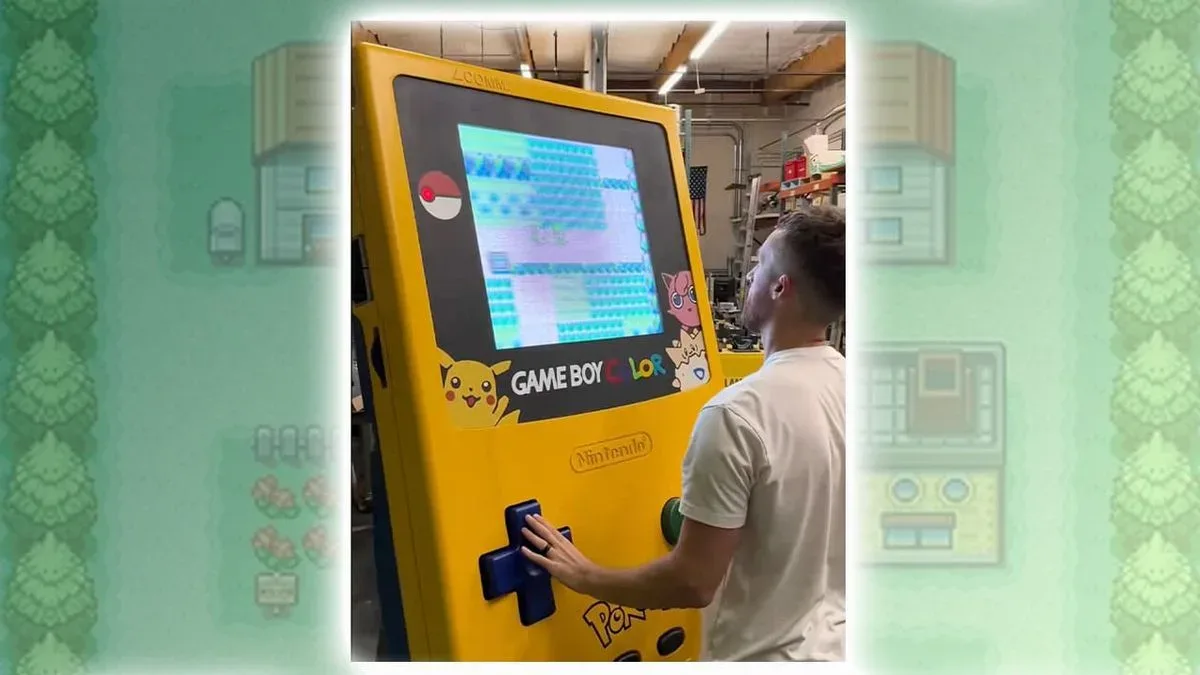
That makes the category particularly relevant for players whose expectations are modest and specific: indie games, older titles, less demanding releases or games played at settings appropriate to the hardware. A compact PC can be an appealing complement to a retro-gaming habit too, whether the interest is software or hardware projects such as this oversized Pokémon Yellow Game Boy Color build. The key is not to confuse a compact system’s convenience with a universal guarantee of performance.
What the specifications actually tell buyers
RAM: room for active work
RAM, or random-access memory, is the working space a computer uses while applications and games are running. The 24GB figure on the Acemagic M1 and the 16GB configurations mentioned for other systems are therefore relevant beyond a simple spec-sheet contest. Memory affects how much active software the machine can keep available at once, including the game, operating system and any background applications.
But RAM alone does not establish gaming performance. The supplied deal information does not provide processor or graphics specifications for the listed machines, and those omissions are important. A buyer cannot responsibly infer how a particular modern game will run from memory capacity and an SSD size alone. Anyone seeking to play demanding releases should verify the system’s graphics hardware and compare it with the game’s published requirements before checking out.
SSD capacity: useful, but not unlimited
An SSD is a solid-state drive, the internal storage used for the operating system, applications and installed games. The 1TB drive in the M6 Ultra is a practical selling point for people with a large collection of installed software. The 512GB capacity in the Acemagic M1 may still be entirely adequate, especially for someone who keeps a more selective library, but it leaves less room for accumulation.
Storage should be evaluated as capacity, not as a vague gaming-performance badge. A larger drive means more installed files can be retained locally. It does not, by itself, prove that the machine has the processing or graphics capability for every game stored on it. Before buying, shoppers should consider how many titles, creative projects or work files they expect to keep installed, and whether the specific model supports convenient future storage expansion. The latter detail is not established by the offers described here, so it is a point to verify on the product page rather than assume.
Ports: the overlooked part of a compact setup
Connectivity can be the difference between a mini PC that fits neatly into an existing setup and one that immediately demands adapters. The HP model’s two DisplayPort outputs are notable for multi-monitor workspaces, while its four USB 3.1 ports provide capacity for everyday peripherals. Multiple 3.5mm connections can be useful for wired headphones, speakers or microphones, depending on the configuration.
Players should count what they already use: monitor cables, a controller, keyboard, mouse, external drive, headset and any webcam or other accessories for work. A small computer with the right ports may be more convenient than a more powerful-looking alternative that requires a chain of hubs. Conversely, a buyer planning only one display and a wireless controller may have simpler needs.
The performance ceiling is still the central trade-off
Compact PCs should not be treated as automatic replacements for high-end gaming towers. The available information explicitly warns that, short of an expensive gaming-focused mini PC such as the Asus ROG GR70, buyers should not expect the very best specifications from this form factor. That is not a dismissal of mini PCs; it is the practical boundary that should guide the purchase.
For lighter gaming, a discounted mini PC can be a sensible and potentially economical choice. For workloads such as video editing, graphic design and AI workflows, the Geekom IT13 Max is presented as an option worth considering. For general work, Apple’s discounted 16GB compact desktop and the port-heavy HP unit may be more suitable starting points. Yet none of those role descriptions should be stretched into claims the provided specifications do not support.
In particular, buyers should be cautious about using the term “gaming PC” as if it describes one fixed performance tier. It can mean a device designed around gaming, or merely a machine capable of running some games. The Acemagic M1 is directly characterized for lighter gaming. The HP is not designed for gaming but may handle lighter loads. Apple’s compact desktop is useful for work, while gaming on Mac is described as potentially difficult. Those distinctions are more useful than treating all small desktops in a sale as interchangeable.
A practical buying checklist for these discounts
- Define the job first. Decide whether the system is for lighter games, demanding games, office tasks, creative work, or a mix. The answer changes which compromise is acceptable.
- Check graphics and processor details. They are essential to judging expected gaming capability, yet are not supplied for these offers.
- Match RAM to usage. The listed 24GB and 16GB configurations are concrete comparison points, but memory is only one part of overall performance.
- Plan storage realistically. A 1TB SSD offers more local room than 512GB; neither number alone describes game performance.
- Audit ports and displays. Confirm the number and type of monitor, USB and audio connections needed for the actual desk or living-room arrangement.
- Read platform compatibility carefully. A work-focused Mac mini may be compelling at its reduced price, but its gaming limitations should be part of the decision.
- Do not chase a discount without a reference point. The M6 Ultra has been offered at its current price previously, and limited stock can create urgency without changing what the hardware is worth to an individual buyer.
Early Prime Big Deal Days pricing makes this a good moment to compare compact systems, particularly for shoppers who want to reduce both desk clutter and upfront cost. The most convincing buy will not necessarily be the largest percentage reduction. It will be the model whose memory, storage, ports, operating-system fit and realistic gaming target line up with the setup the buyer actually plans to use.
Shop the products
Check current price, model and availability at the retailer.