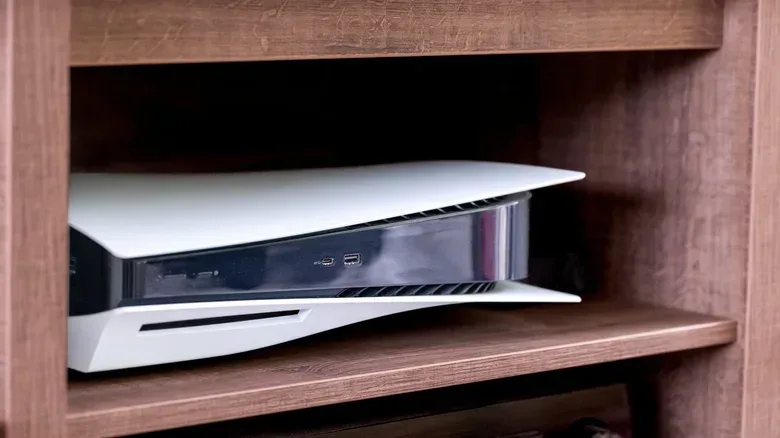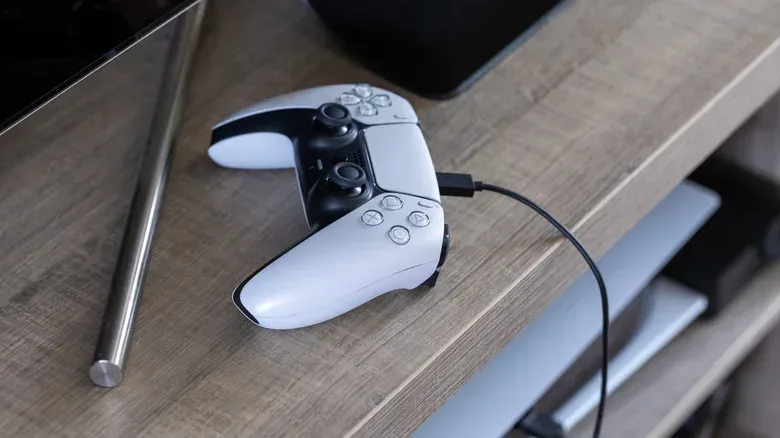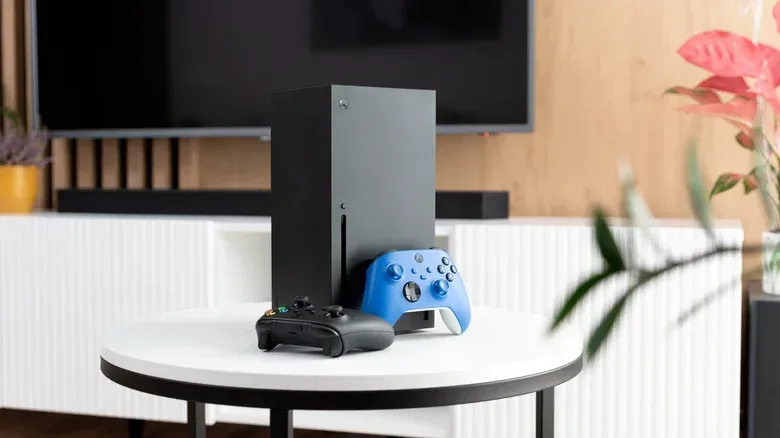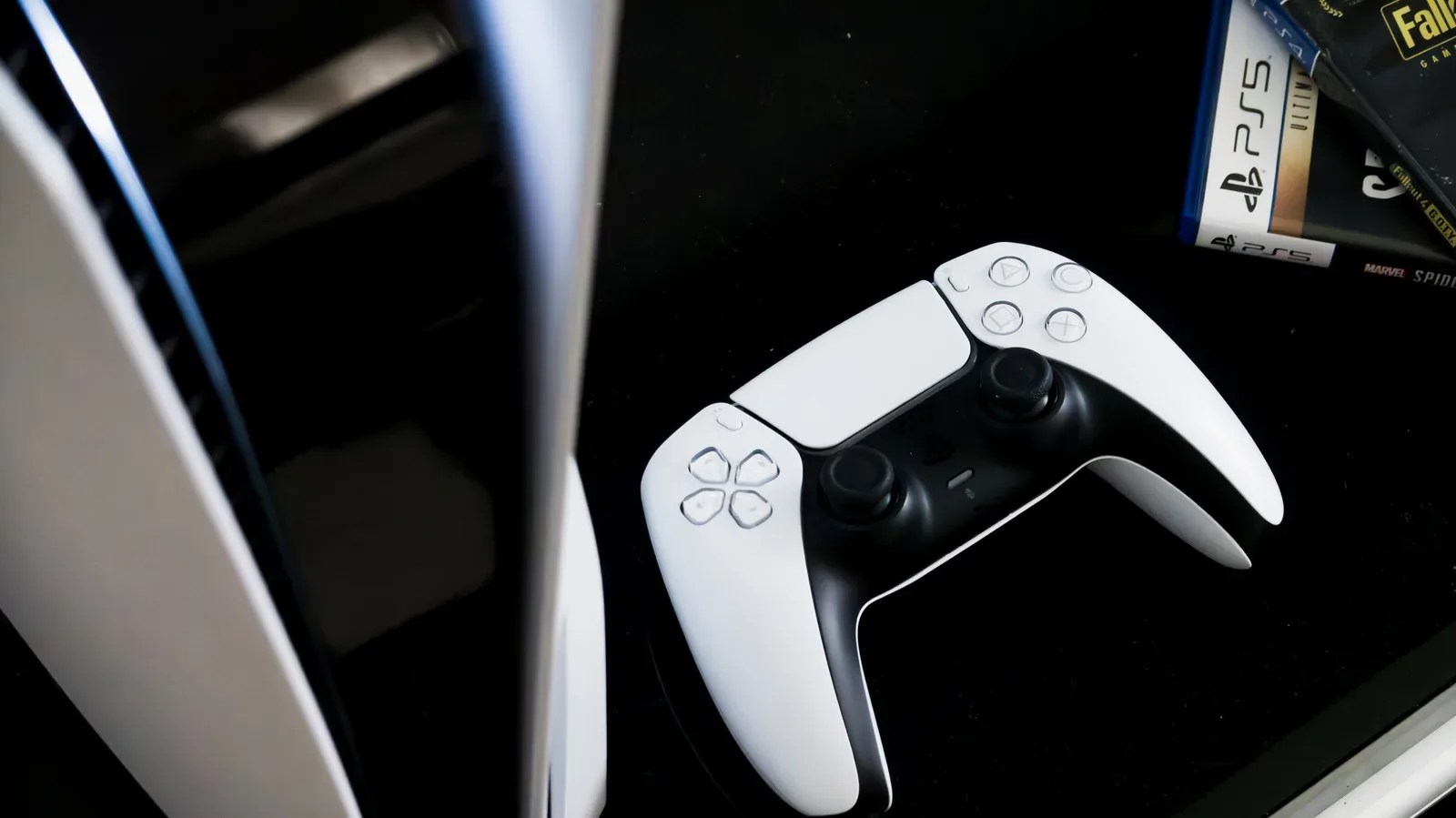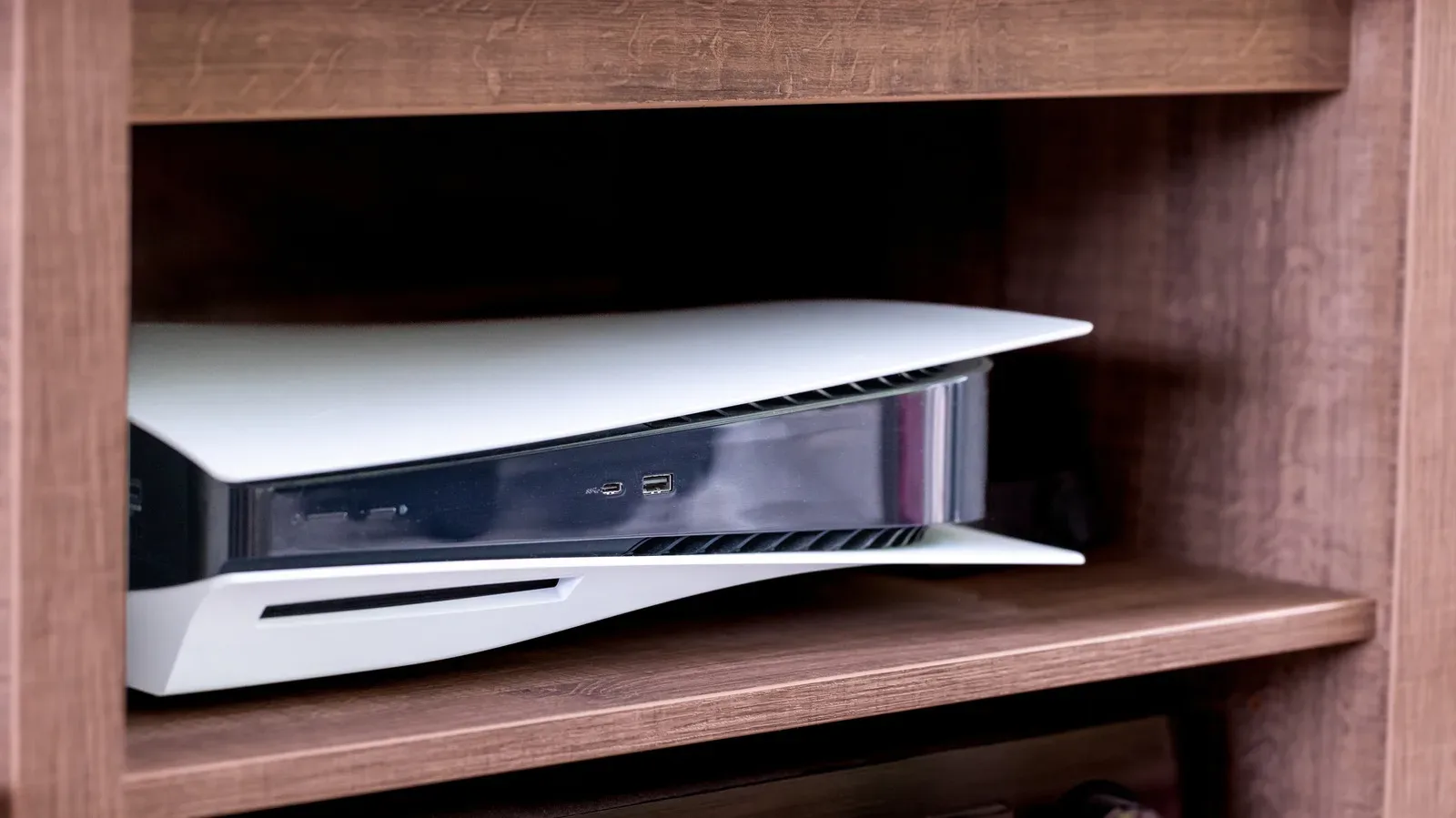
A tidy entertainment center is satisfying. Cables vanish, game cases stop colonizing every available surface, and the television becomes the focus rather than a shrine to black plastic boxes. Unfortunately, the same cabinet that makes a living room look orderly can make life much harder for a modern game console.
The problem is not that cabinets are inherently bad furniture. It is that a current console is doing substantially more work than much of the traditional AV equipment people associate with those shelves. While rendering real-time 3D graphics and physics, a standard PlayStation 5 can consume up to 220W during a game, with the Xbox Series X in roughly the same territory. By comparison, Panasonic’s UB820 Blu-ray player is not expected to exceed 32W. That gap matters when deciding what belongs in an enclosed space and how much breathing room it needs.
Put simply: a cabinet may conceal a console, but it does not make the heat produced by that console disappear. If the enclosure does not let fresh air move in and warmed air move out, the machine can end up repeatedly drawing in air that it has already heated. That creates an uncomfortable loop for hardware designed around intake vents, exhaust vents and fans.
Why a stylish closed cabinet becomes a heat trap
Gaming consoles use fans to push heat away from internal components and vents to bring cooler air through the system. Airflow is the useful movement of that air: cooler air must be available to enter, and warmer air needs a path out. A cabinet with limited open space can interfere with both parts of that process.
As warm air accumulates around the console, its fans have to work harder to keep internal temperatures within a safe range. That can mean more fan noise, but noise is not the main concern. A system may reduce performance to curb heat production, an action often described as thermal throttling. In practical terms, the console is deliberately pulling back rather than continuing at a heat level it cannot comfortably manage.
At the far end of the problem, excess heat can be associated with visual glitches or a temporary shutdown intended to prevent damage to components. Those protections are useful, but they should not be treated as a normal operating plan. A console turning itself off is not evidence that a cramped installation is acceptable; it is a warning that the environment is demanding more cooling than the system can achieve there.
This is why a cabinet designed for a cable box or disc player is not automatically suitable for a console. It may have been built to hold electronics, but electronics do not all generate the same amount of heat. “It fits on the shelf” answers only the physical-dimensions question. It does not answer the ventilation question.
Clearance is part of the console’s usable footprint
When measuring a setup, it is tempting to calculate only the width, height and depth of the hardware. That is incomplete. The space surrounding the hardware is part of the installation.
Sony recommends roughly 4 inches, or about 10 centimeters, of clearance around a PlayStation. Microsoft’s Xbox guidance is more generous: 4 to 6 inches, or up to 15 centimeters, on every side. Nintendo advises that a Switch 2 be docked in an open, ventilated area. Those recommendations are not decorative suggestions. They make room for air to circulate at and around the system’s vents.
For anyone trying to fit a console into a narrow media unit, that means the cabinet’s internal dimensions need to be assessed after allowing for this clearance—not before. A shelf can look roomy when empty yet become a poor home for a console once the machine, its cables and a few accessories occupy the available volume.
That concern is especially relevant in smaller homes, studios, shared spaces and carefully minimalist rooms, where every shelf is contested territory. Space constraints are real, and a console’s size has long affected how comfortably it fits into a home. But a compact-looking arrangement that puts heat management second can cost more in the long run than a slightly less tidy layout.
Dust does not stop being a concern inside furniture
An enclosed cabinet can seem safer because it keeps the console behind a door or within a compartment. It may block some outside material, but it can also make it harder for particles already in that space to escape. Dust is closely tied to the heat issue because enough of it can impede airflow through vents.
When dust builds up around an intake or exhaust area, the console has less ability to bring air in or send warm air out. The consequence is broadly the same as with a badly ventilated cabinet: fans must work harder, heat is harder to manage, and the hardware may not have the operating conditions it needs for the long term.
A sensible maintenance routine does not have to become a major project. Periodically clean the console’s exterior with a microfiber cloth, and use compressed air cautiously for dust around the outside. Hold a can of compressed air level and keep it several inches away from the hardware. Tilting or holding it incorrectly risks spraying liquid onto circuitry, which turns a simple cleaning job into a much worse problem.
There is also a low-effort preventative step: keep clutter off the console. Controllers, books, game cases and other objects can obstruct vents when placed on top of the machine. A console shelf is not a storage shelf, even if its flat upper surface looks like an invitation.
How to rethink a cramped console setup
Not every player has the luxury of placing a console in the middle of an open room with empty space on all sides. The useful goal is not perfection; it is avoiding the worst setup: a machine tightly enclosed by furniture, accessories and accumulated warm air.
Start by identifying where the particular console draws air in and sends it out. Each device has its own vent placement, so do not assume that the arrangement which worked for one system works for another. The core rule remains consistent: do not block those paths, and do not rely on a trapped compartment to disperse heat.
Next, consider orientation. PlayStation 5 and Xbox Series consoles can be positioned vertically or horizontally, giving owners more latitude to find an arrangement that provides room around the hardware. Changing orientation will not make a sealed cabinet ideal, but it may help a console fit on a more open surface or in a layout where its vents have clearer access to air.
If the only available location is constrained, increasing circulation is preferable to doing nothing. A small fan aimed toward the console can help move air through the surrounding space. It is not a substitute for clearance, open ventilation or keeping vents unobstructed, but it addresses the underlying issue more directly than simply shutting a hot device into furniture and hoping its internal fan can overcome the room around it.
Keep the console away from a separate heat source as well. The machine already produces heat during demanding games; placing it near equipment or an area that adds more warmth makes the cooling task tougher from the start.
A practical placement checklist
- Leave the recommended open space around the console: about 4 inches for PlayStation hardware, and 4 to 6 inches on all sides for Xbox hardware.
- Dock a Switch 2 only in an open, ventilated location.
- Do not place books, controllers, game cases or other items over console vents.
- Avoid positioning the system near another heat source.
- Use vertical or horizontal orientation, where supported, to find a more open placement.
- Clean exterior dust periodically with a microfiber cloth and carefully used compressed air.
- If space is genuinely limited, consider a small fan to improve circulation around the console.
The same rule applies beyond dedicated consoles
This is not exclusively a PlayStation, Xbox or Nintendo concern. PC-based gaming devices such as the ASUS ROG Ally X and Valve Steam Machine also depend on their own intake and exhaust designs. Their vents may be in different places, but the environmental principle is unchanged: a confined, stagnant space is a poor partner for hardware that needs to move heat away while it is working.
That does not mean every gaming device must live permanently on display. It means the display location needs to be chosen with the device’s operating needs in mind. A media setup can still look deliberate and uncluttered while giving the console visible, usable space. Open shelving, a more spacious section of an entertainment unit, or a carefully measured top surface may be a better compromise than a fully enclosed compartment.
There is a broader lesson in the difference between older and newer hardware. The NES drew 9W while players were using it for games such as Super Mario Bros. and The Legend of Zelda. Modern systems are far more demanding machines, and the furniture habits built around older, lower-power devices do not automatically translate. Nintendo’s present hardware and legacy both remain central to gaming setups, as seen in this look at what an Ocarina of Time remake could mean for Zelda’s next generation, but the physical space around today’s devices deserves just as much attention as what is on screen.
What players should take away
A hot console in a cabinet is not a mysterious hardware curse. It is usually a placement problem with a straightforward cause: too little opportunity for air to move. The warning signs and possible outcomes—harder-working fans, reduced performance, glitches and safety shutdowns—make the trade-off clear.
Before committing a PlayStation, Xbox, Switch 2 dock or PC-based gaming device to an entertainment center, measure the empty room around it, not merely the shelf it can occupy. Check that vents will stay clear, resist using the console as a platform for accessories, and make exterior dust removal part of normal upkeep. For a piece of hardware built to handle demanding games, a few inches of free space is not wasted space. It is part of the setup.