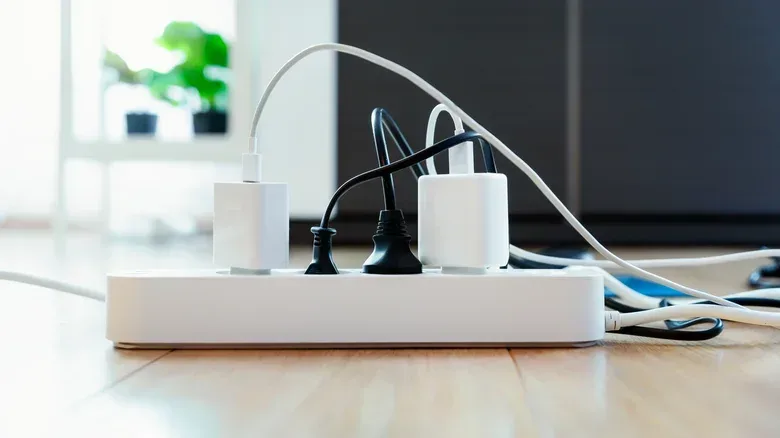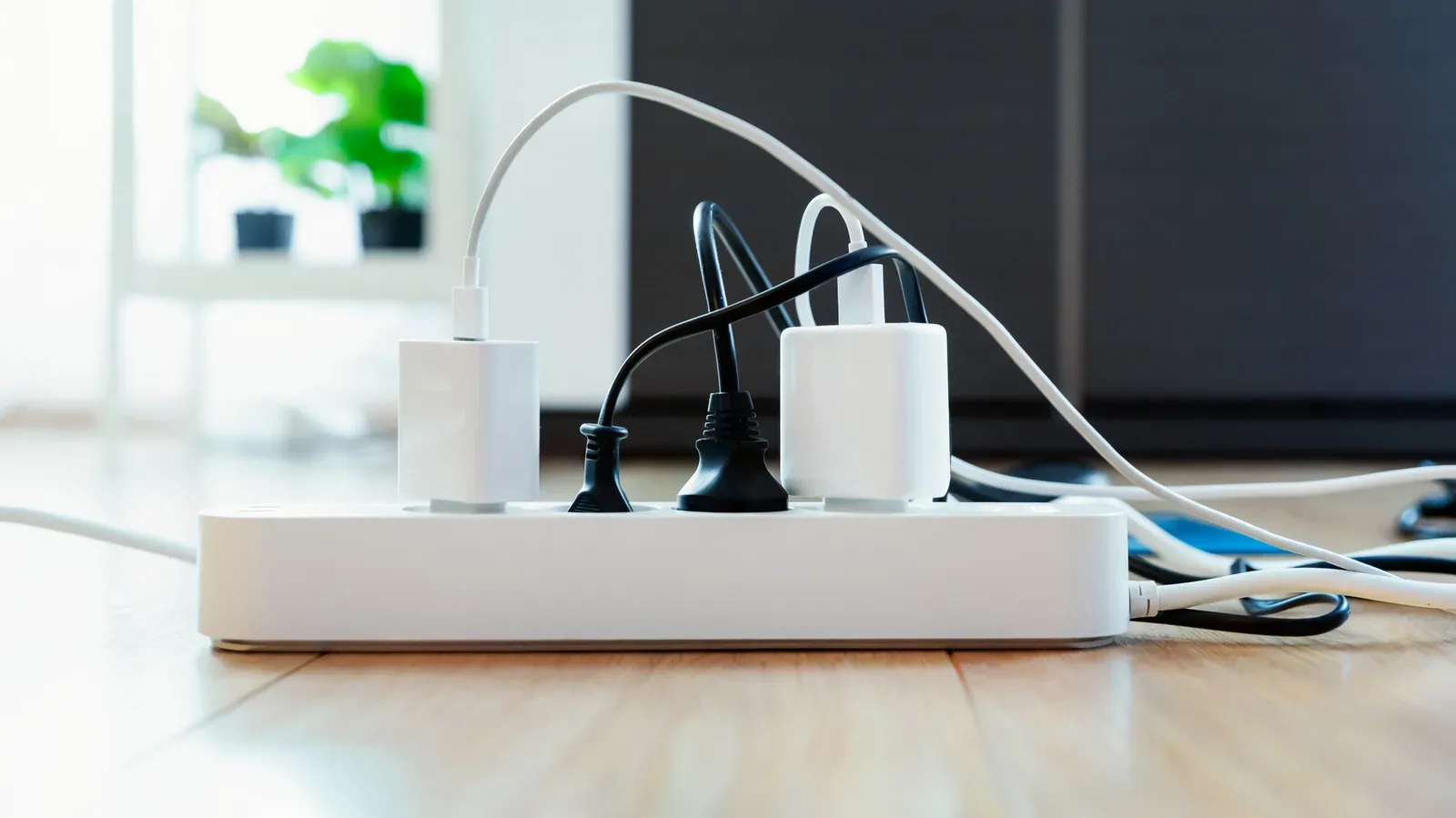
A surge protector is one of the least exciting pieces of a gaming setup—right up until a power spike puts a PC, monitor, console, router, external drive, or charging gear at risk. The awkward part is that a protector can keep delivering electricity long after its surge-defense hardware has lost much or all of its effectiveness. Working outlets do not necessarily mean working protection.
That distinction matters for anyone running a desk full of electronics. A strip may look perfectly normal after handling voltage events, with no obvious burn marks, cracks, or dramatic warning signs. Yet its internal protective components can gradually wear down with age and use. In other words, it is possible to have a functioning extension of wall outlets that no longer provides the extra safeguard it was bought for.
The practical message is not that every gaming setup needs panic-driven rewiring. It is that surge protectors should be treated as consumable protection devices rather than permanent furniture. Check what kind of strip you own, understand its status indicator, follow its model-specific instructions, and replace it when those instructions show that protection has failed.
A power strip and a surge protector are not automatically the same thing
Both products can be long plastic bars with multiple sockets, a switch, and perhaps a light. Their physical resemblance is precisely why it is easy to confuse them. A basic power strip primarily expands the number of available outlets. A surge protector also includes circuitry intended to deal with excess voltage.
For a PC gaming station, that difference can be significant. The equipment connected to one desk might include a desktop, one or more displays, speakers, a networking device, a console, chargers, and assorted peripherals. The point of a proper protector is not to make that cluster invulnerable; it is to provide a measure of defense against voltage spikes that could otherwise reach connected devices.
Before deciding whether an older strip is still fit for that role, first establish whether it is actually a surge protector. Look for a label or indicator that refers to protection. Common wording includes “Protected” and “Protection Present.” The label alone is not a universal decoder, though. Lights and switches do not mean the same thing across every model.
The instructions for the specific unit are the useful authority here. They explain what a lit or unlit indicator means, whether the outlets remain powered after protective circuitry is spent, and whether the strip is designed to cut power when protection is no longer available. If the paperwork is gone, locating the model number and checking the manufacturer guidance is the sensible next step.
Why protection fades without looking broken
Many common household surge protectors use components called metal-oxide varistors, usually shortened to MOVs. In simple terms, an MOV is a component intended to take the brunt of excess voltage and redirect it. That makes it central to the protector’s job—but it also means it is not an endlessly reusable shield.
MOVs degrade over time, even without a memorable major surge. Voltage spikes accelerate that process. A strip that has mitigated several surges may still look like an entirely ordinary strip, and it may still power every connected device. Depending on its design, however, the MOVs may no longer be doing their intended work properly.
This is the core misconception worth avoiding: electricity continuing to flow is not proof that surge suppression remains active. A surviving PC booting normally after a storm is not a diagnostic test for the protector. The strip may have passed power through just fine while its protective capacity has diminished.
Not every surge protector uses exactly the same approach. Some designs use TVS diodes, silicon avalanche diodes—also called SADs—or gas discharge tube components. Those terms refer to different kinds of hardware used in particular surge-protection designs. MOVs remain the most relevant example for typical household plug-in protectors because they are especially common there. For the buyer or owner, the key takeaway is broader than any one component: protective circuitry has a service life, and the device’s own status system and documentation should guide replacement.
The little protection light deserves more attention than the outlet light
Many setups are checked only when something loses power. That is understandable, but it focuses on the wrong question. An on/off light tells you whether the strip is supplying electricity. A protection-status light is intended to tell you something different: whether the surge-suppression portion is present and operating as designed.
Make the protection indicator part of a routine desk check, particularly after weather that may have brought electrical disturbances. The check takes seconds:
- Find the indicator labeled for protection, not merely power.
- Read the model’s instructions to learn its intended meaning.
- If the documentation says an unlit indicator means protection has failed, stop treating the strip as a surge protector.
- Replace it rather than assuming that powered outlets equal protected outlets.
Some products continue supplying power after their protective mechanism has failed. Others are designed to shut off their outlets instead. Neither behavior should be guessed at from appearance. A dark light can mean one thing on one model and something else on another, which is why the manual or official model information is more useful than a rule of thumb pulled from a different strip.
For a gaming corner that stays connected most of the day, it is also worth writing down the replacement date somewhere easy to find. A label, a note with setup documentation, or another practical reminder solves a simple problem: few people can accurately remember how long a nondescript strip has lived behind a desk, let alone how many voltage events it has encountered.
Visible damage means replacement, not troubleshooting
There are cases where interpretation is unnecessary. A surge protector that is smoking, showing scorch marks, or melting should be discarded and replaced. Those are clear signs of a product that should not remain in service.
A major lightning event is another point for caution. A standard plug-in surge protector is not a complete defense against a direct lightning strike. It should never be treated as a superhero-grade barrier for a gaming PC or any other valuable electronics. After a nearby lightning event or severe storm, checking the model’s protection indicator and instructions is especially important; if they identify failed protection, replacement is the appropriate move.
This limitation also puts the word surge in perspective. The device is intended to help manage excess voltage within the boundaries of its design. That is not the same as a guarantee that every connected device survives every electrical event. Buying a protector is sensible risk management, not a promise of total immunity.
Do not turn the strip into a heater accessory
Surge protectors are often positioned as an easy answer to an outlet shortage, but the connected equipment matters. Space heaters should not be plugged into surge-protector strips. Their load can cause a strip to overheat or degrade more quickly than usual.
For a gaming setup, this is a useful boundary to keep in mind when a room gets cold and every wall socket is already occupied. A PC, display, and networking equipment are one kind of desk load; an appliance intended to generate heat is another. Solving the outlet problem by adding a space heater to the same strip introduces a risk the strip is not meant to absorb.
The broader habit is straightforward: use the protector for the electronics it is intended to serve, rather than treating every spare socket as interchangeable. This is particularly relevant to packed rooms where gaming hardware, work equipment, chargers, lamps, and seasonal appliances all compete for power.
Is a three-to-five-year replacement rule enough?
Some manufacturers suggest considering replacement after three to five years. That can be a useful planning prompt, especially because owners rarely know how many spikes their strip has handled. It is not, however, a warranty that every protector remains effective for that entire interval.
Its lifespan depends on the design and on the number and severity of the voltage events it has faced. A premium unit is not automatically guaranteed to deliver protection for five years, and an older unit cannot be judged healthy simply because it has not reached a particular birthday. The date should be treated as a reminder to inspect and verify, not as permission to ignore a failed status light.
If the strip’s age is unknown and its protection status cannot be confirmed, replacement is the safer option. When buying the next one, favor a model with a clear protection-status indicator and learn what it means before it disappears behind a desk. Record the purchase date at the same time. That gives a future check something more reliable than guesswork.
What this means for gaming and enthusiast hardware
Gaming spaces often grow gradually: a new display here, a powered USB accessory there, then a console, capture gear, storage, or networking equipment. The result is a collection of electronics that may be worth far more than the unglamorous strip supplying them. That makes it worthwhile to think of surge protection as active setup maintenance, alongside cable management and keeping track of what is plugged in where.
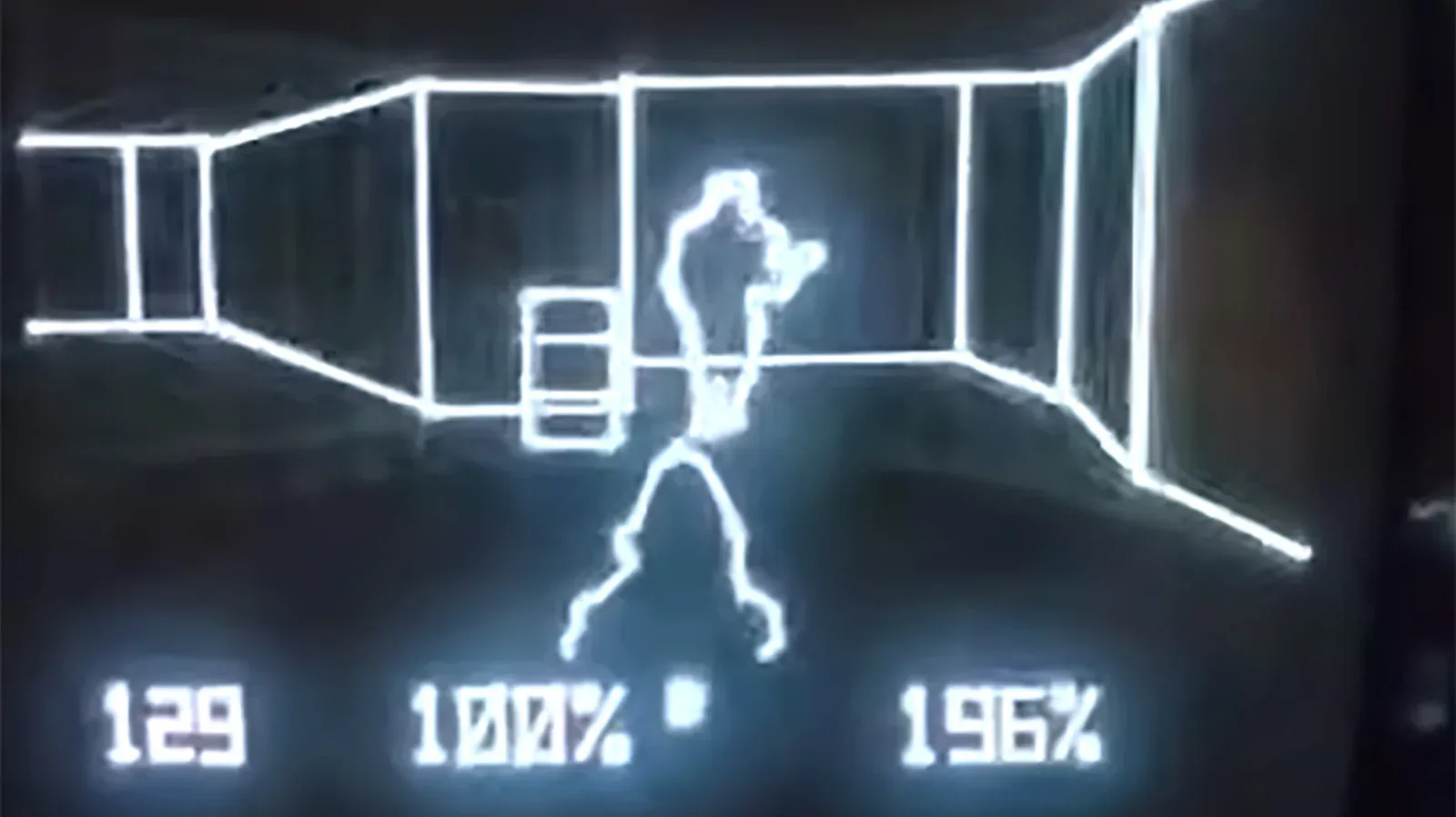
The same principle applies across the hobby’s hardware range, from a current desktop to specialty enthusiast machines and retro devices. Even a distinctive project such as a Doom demo running on Vectrex hardware is still hardware that depends on sensible power habits. The required response is not to assume every device needs the same arrangement; it is to recognize that the power strip underneath any setup deserves occasional scrutiny.
A practical maintenance checklist is short:
- Confirm that the product is a surge protector, rather than only a power strip.
- Identify the protection-status indicator and read the model-specific explanation of it.
- Replace the unit if its instructions say the protective circuitry has failed.
- Replace it immediately if there is smoke, melting plastic, or scorch damage.
- Do not connect space heaters to the strip.
- After serious storm activity, check its status rather than assuming the protector is unchanged.
- Record when the replacement was bought, and use three to five years only as a review prompt—not a guarantee.
None of this requires an elaborate electrical project. It requires noticing that a surge protector has two separate jobs: supplying outlets and suppressing harmful excess voltage. The first can continue even after the second has faded. For a desk supporting expensive gaming and computing equipment, that is a small distinction with unusually large consequences.