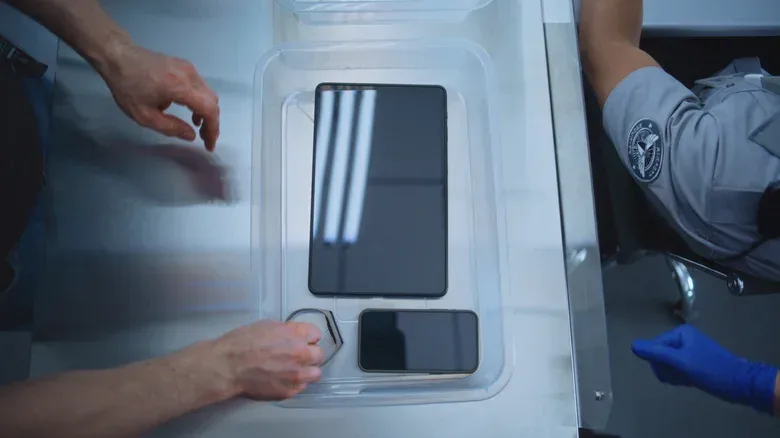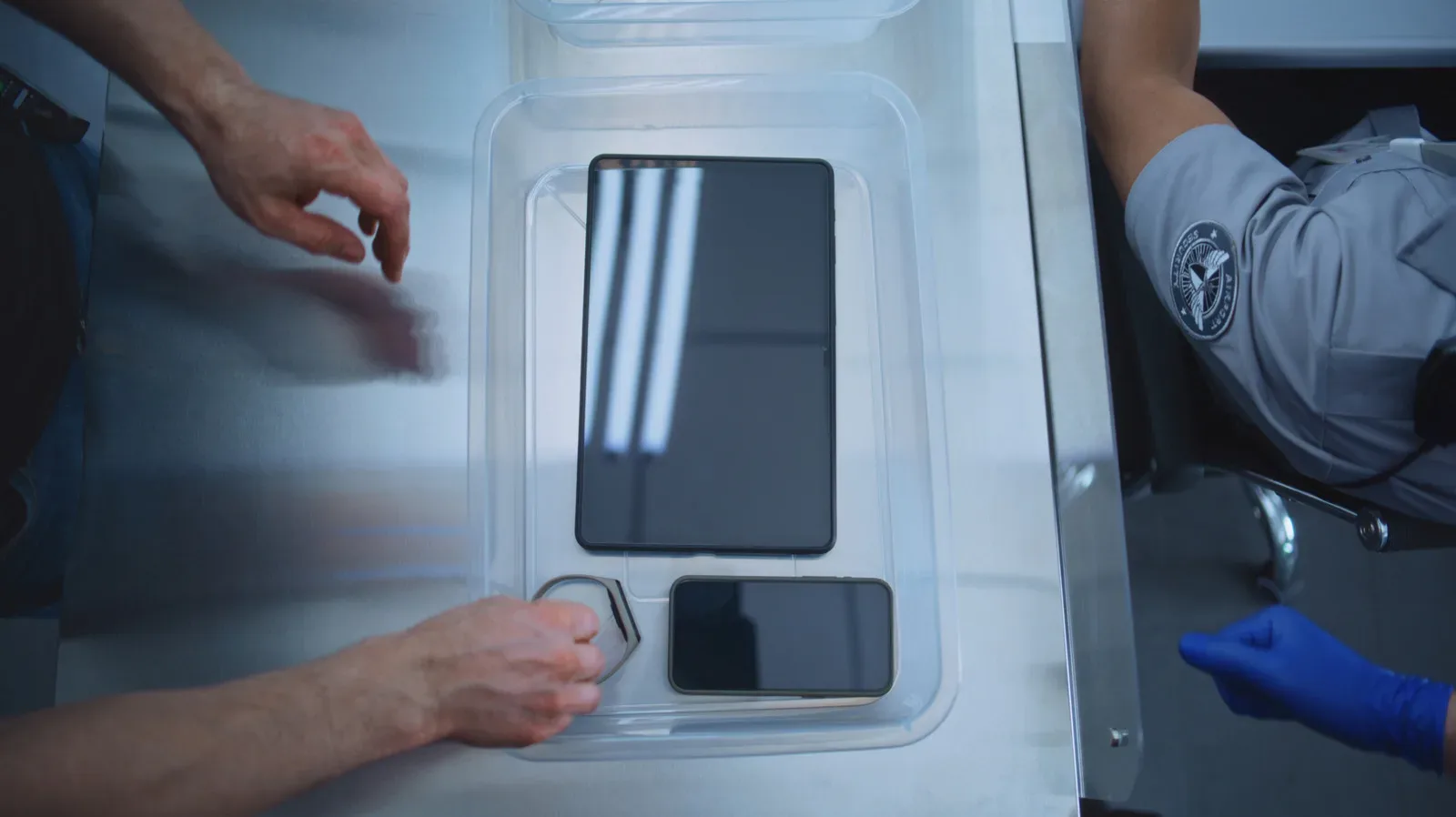
For travelers carrying a handheld console, tablet, laptop and phone, airport security has a familiar rhythm: unload the bag, separate the devices, find a tray, then attempt to rebuild the whole setup while putting shoes and a belt back on. It is a small moment of chaos with an outsized chance of leaving something behind.
The simplest improvement is also one that does not require buying a new organizer or mastering a complicated packing system: do not place a loose phone directly in a security tray. Keep it in your carry-on instead, or leave it in the pocket of a jacket that goes into the tray. The same approach works for loose essentials such as keys and a wallet.
That is not a claim that a phone must be treated as a separate security problem. It is a practical way to keep a frequently handled, face-adjacent device from making direct contact with a surface used by a long sequence of strangers, shoes and personal belongings. It also gives the phone one consistent home during the most rushed part of an airport journey.
Why the phone is the item worth protecting first
A phone is unusually easy to misplace at screening. Unlike a laptop or a handheld gaming system, it is small enough to disappear beneath a jacket, wallet or paperwork in a tray. It is also the item people are most likely to immediately reach for after collecting their belongings—often while moving away from the conveyor and trying to check a gate, boarding information or a message.
Placing it inside a bag removes one loose object from the tray-retrieval scramble. Rather than mentally accounting for phone, keys, wallet, headphones and a game system as separate pieces, a traveler can collect the bag and know the phone is already accounted for. That matters when the line behind is moving and the priority becomes getting out of the way quickly.
There is a hygiene argument as well. Security trays are touched by many people, can hold shoes and carry a changing mix of personal equipment. Studies have indicated that such trays can harbor viruses and bacteria. It is reasonable to regard direct contact with them as something to minimize, particularly for a device that is repeatedly held in the hand and brought close to the face.
This is not an invitation to panic about every shared surface. It is a straightforward reduction in unnecessary contact. A phone that remains in a carry-on, or in a jacket pocket, avoids one exposure point altogether without slowing down the line.
A low-friction packing routine
The useful part of this advice is that it can happen before the X-ray machine. Do not wait until a tray is in front of you to decide where every small object belongs. Set up one place for the small items before reaching the screening area.
- Choose a phone location in advance. A carry-on pocket or a jacket pocket is the key decision. The location should be easy to remember and secure enough that the phone will not become a loose item while moving through the line.
- Group the other loose essentials. Put the wallet and keys in the same bag or in the jacket pocket rather than scattering them across the tray. The goal is not perfect organization; it is reducing the number of individual objects that require attention on the other side.
- Use the jacket as a buffer when needed. If a jacket must go in a tray, keeping the phone in its pocket means the phone is not sitting directly against the tray. The jacket becomes a physical layer between the device and the shared plastic surface.
- Repack after clearing the screening area. Once belongings are collected, move on before reorganizing cables, controllers and pockets. That makes it easier to check that everything is present without blocking people who are still retrieving their own gear.
- Clean hands after screening. Washing hands or using hand sanitizer after security is a sensible final step, especially after touching trays or items that may have touched them.
The routine is deliberately modest. It does not assume a particular bag brand, a particular airport layout or special equipment. It simply treats loose electronics and loose essentials differently: keep the small items contained; deal with the larger devices as the checkpoint requires.
What changes for laptops, tablets and handheld consoles
The phone solution does not eliminate every tray-contact problem. Larger devices can be harder to keep inside a bag because many checkpoints still require laptops, tablets and handheld game consoles to be taken out and placed in a separate bin. In that situation, travelers may have little control over whether the device enters a tray.
There is one important exception mentioned in the screening guidance: a lane with a CT scanner may allow electronics to remain in the bag. CT, short for computed tomography, refers here to scanner technology that can inspect bag contents without requiring every device to be removed. The practical takeaway is not to assume every line works the same way. Watch the instructions for the specific lane and follow them.
Where removal is required, a case is the useful protective layer. A case is not merely for bumps in transit; it can also keep a laptop, tablet or handheld console from resting directly on the tray. For gamers, that means the carrying case is part of the travel setup rather than an optional extra that gets discarded to save space.
That distinction is worth making because a handheld console is often handled differently from a phone. It is bigger, may need to come out at screening, and can have accessories attached or packed nearby. Its case gives it a defined place when it must be removed, which makes the security process easier to follow and makes it less likely that an accessory will be separated from the system.
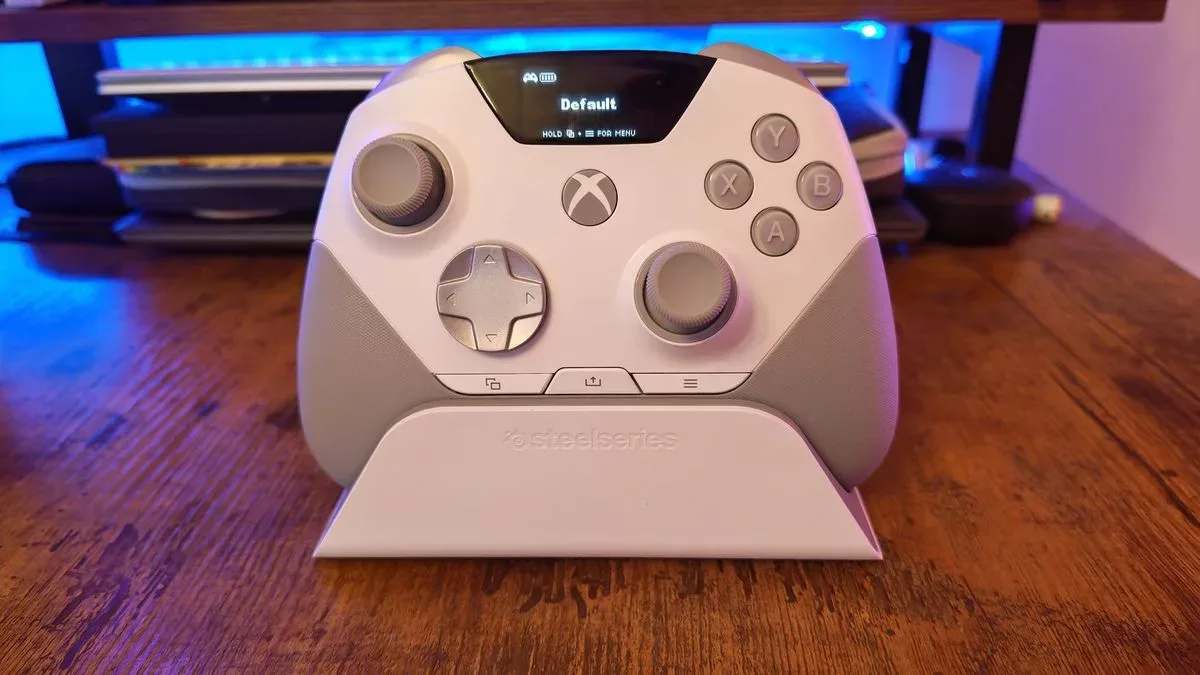
Anyone traveling with compact controllers should apply the same containment principle. Small gaming peripherals can be easy to overlook among cables and chargers. The wider conversation around compact hardware, including this look at the Xbox Nano Controller’s tiny form factor, is a reminder that portable gear may be convenient in a bag while becoming deceptively easy to lose when it is spread across a screening tray.
Separate the hygiene concern from the security instructions
Airport screening instructions take priority. If a checkpoint directs travelers to remove an item, remove it. If a CT-scanner lane permits belongings to remain in the bag, leaving them packed can reduce the number of items that need to be handled at all. The key is to avoid inventing a personal procedure that conflicts with the lane’s requirements.
Within those instructions, there is still room for smarter handling. Keeping a phone in the carry-on or jacket pocket is a choice that usually does not complicate the process. Keeping electronics in cases where possible is another. Neither requires treating the checkpoint as sterile, and neither guarantees a device will remain clean. They simply limit direct contact where a practical alternative exists.
Contamination, in this context, means the transfer of material from one surface to another. A tray can be handled by many people and can hold shoes and personal possessions; a phone can then be touched repeatedly or placed close to the face. A barrier such as a jacket pocket or a case reduces direct surface-to-surface contact. Handwashing or sanitizer addresses the hands after the interaction.
That is why the phone deserves special attention even for travelers who are not especially concerned about shared surfaces. It is the device most likely to be used immediately after security, and one of the easiest belongings to lose in the rush. Keeping it packed solves both problems in one move.
Build a travel kit around containment, not tray space
The tray is a temporary screening tool, not a good organizational system. Treating it as a place to empty every pocket makes the departure side of security more complicated. Treating a bag and device cases as the organizational system makes the tray phase shorter and more legible.
- Phone: carry-on or jacket pocket, rather than loose in the tray.
- Wallet and keys: contained with the phone or in another dedicated bag pocket.
- Laptop, tablet and handheld console: remove only if the lane requires it; keep each in a case when possible.
- Jacket: a useful layer for small belongings that need to go into a tray.
- Hands: wash or sanitize once security is complete.
For a traveler with several devices, the benefit is less about achieving a flawless airport ritual and more about creating fewer moments where something important is loose, exposed and competing for attention. You may still have to take out a laptop, tablet or handheld console. You may still need a tray. But your phone does not need to be another bare object in it.