Gaming desks have quietly become charging stations. A phone needs a cable between matches. Wireless earbuds need their case topped up. A handheld system, tablet, controller accessory, watch or laptop can join the queue soon after. The result is familiar: a strip of individual power adapters taking over outlet space, with cables crossing behind a monitor or piling up on a nightstand.
Anker’s Prime 250W charging station is currently listed for $100, a $50 reduction from its usual $150 price. That is a 33% discount, and the listing describes it as a limited-time offer. The appeal is straightforward: one desktop unit with six USB ports rather than a collection of separate wall chargers.
For a gaming setup, the important caveat is that this is a charging hub, not a dock. The supplied details describe power delivery and a display for monitoring that power; they do not establish video output, data connectivity, or any particular compatibility beyond the ports and their stated output limits. Buyers should treat it as a way to centralize charging, then confirm that their own cables and devices support the charging arrangement they want.
Six ports, with USB-C doing most of the heavy lifting
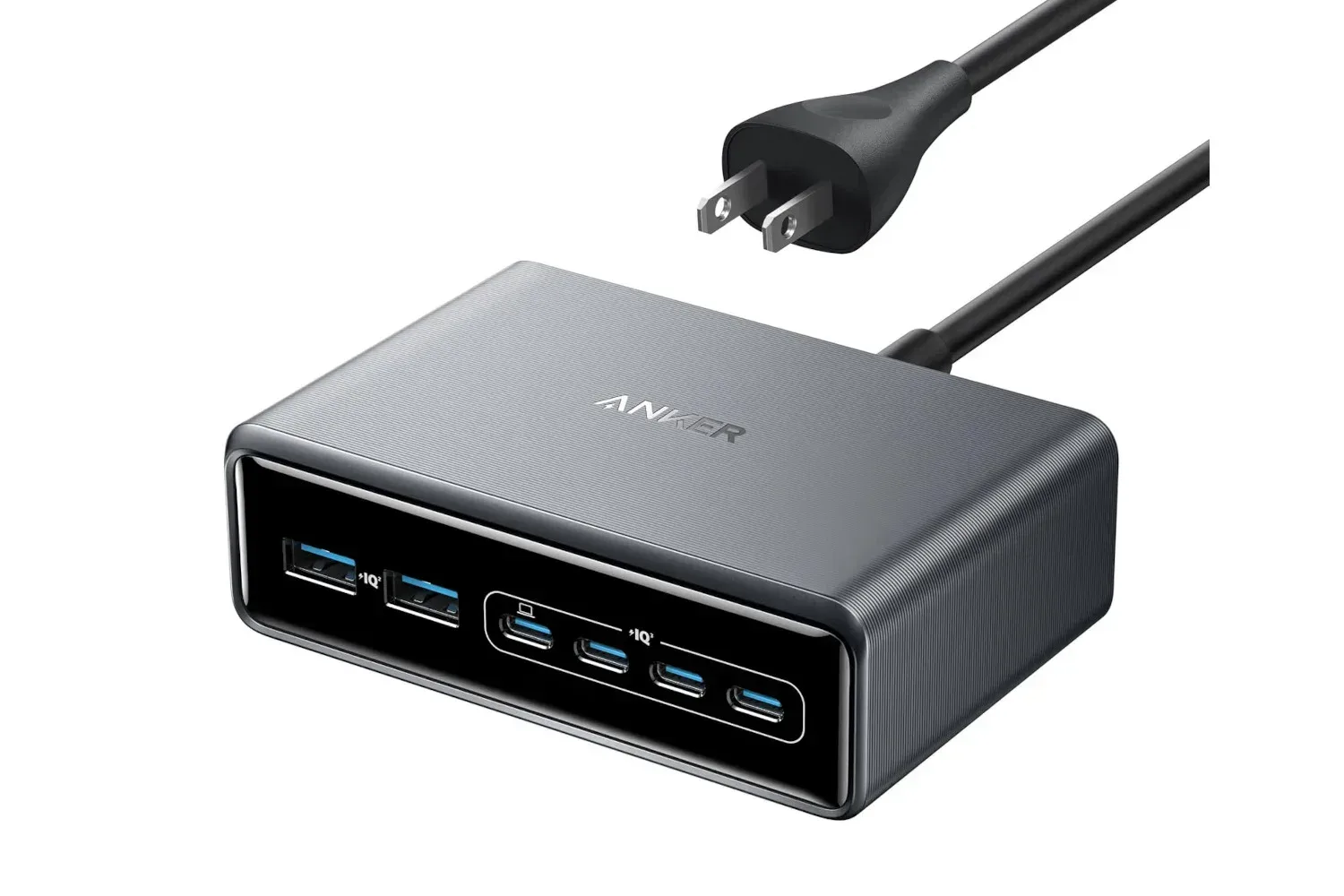
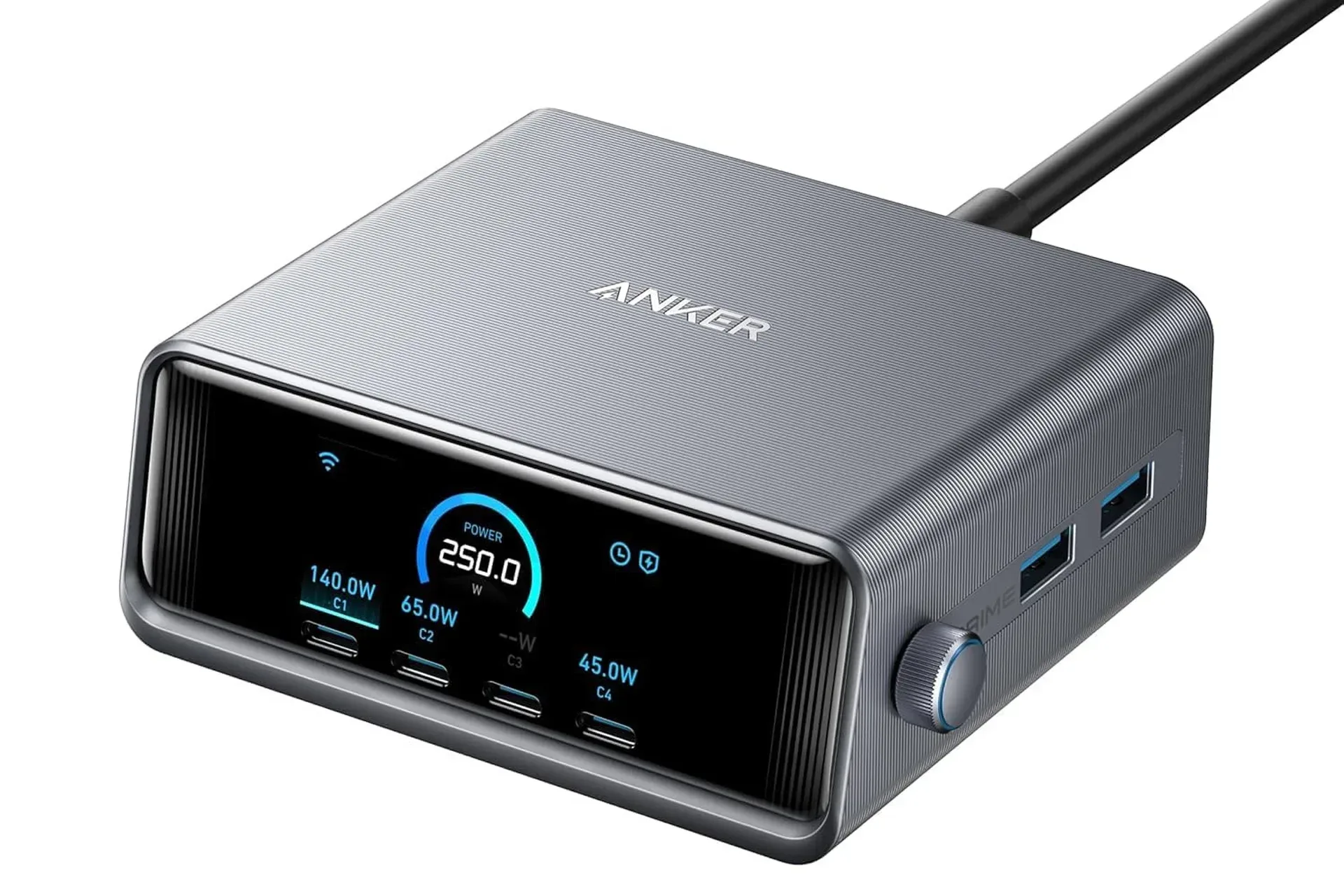
The Anker Prime station has four USB-C ports on its front face and two USB-A ports on its right side. That split makes its intended role clear. USB-C is the main option for newer phones, tablets, handhelds and laptops, while the USB-A connections provide room for older cables and smaller accessories that still use the previous rectangular connector.
Its headline specification is 250W total output. “Total” matters. It describes the maximum amount of power the unit can distribute across its USB ports, rather than a promise that every connected device receives its individual peak power at the same time.
When used alone, the leftmost USB-C port, identified as C1, can supply up to 140W. Each of the remaining three USB-C ports can provide up to 100W individually. The two USB-A ports are rated for up to 22.5W each when used individually.
Those figures frame the station as a flexible shared charger rather than a one-size-fits-all solution. A single high-demand device can use C1’s stated 140W ceiling, while the other USB-C ports can each serve a device that benefits from a lower maximum. Meanwhile, the USB-A ports preserve a place for legacy charging leads without consuming one of the more capable USB-C connections.
What changes when every port is occupied
As soon as several devices are drawing power, the station has to divide its 250W budget. With all six ports in use, the provided distribution is 100W to C1, up to 45W to each of the other three USB-C ports, and up to 15W combined across the two USB-A ports.
- C1 USB-C with all ports active: up to 100W
- Other three USB-C ports with all ports active: up to 45W each
- Two USB-A ports with all ports active: up to 15W combined
That allocation is the detail worth considering before buying. The individual-port numbers are useful for a lightly populated setup, but the all-ports figures are more representative of a desk where everything gets plugged in at once. Someone planning to charge a laptop alongside several other devices should focus on the shared-use configuration, not only the 140W label.
There is no indication here that every gadget needs a large amount of power. In practice, a mixed desk contains devices with very different demands, which is why a multi-port station can be more practical than six identical adapters. The point is not necessarily to send the maximum possible wattage to every device; it is to give several devices a place to charge without turning every nearby outlet into an adapter parking lot.
Port priority is the feature that makes the wattage layout more useful
Anker says users can manually assign different treatment to each port by setting a priority. In simple terms, port priority lets the owner decide which connected device matters most when the station is splitting its available output.
That could be useful in a gaming-room routine. Perhaps a laptop needs to be ready for work or streaming, while a phone, earbuds and a handheld can replenish in the background. Or maybe the handheld is the one device needed for a trip, and the rest can wait. Instead of relying entirely on an automatic allocation, the station offers a means to direct emphasis to the port that matters in that moment.
The supplied information does not detail the interface for configuring priority or the exact behavior under every combination of connected devices. But the concept fits the product’s purpose: a shared charger is more valuable when its limited total capacity can be directed deliberately rather than treated as six completely independent outlets.
A front display helps make shared charging less opaque
The charging station includes a smart display on its front. It shows how much power is being distributed through each port, giving the user a direct view of what the charger is doing. When the unit is idle, the display can also show the time.
That readout is more than a cosmetic addition for a desk device. Multi-device charging can otherwise be difficult to interpret at a glance. A cable may be connected, but it is not always obvious how the total power budget is being shared as devices are added or removed. Per-port power information gives the owner a way to see the distribution the charger is reporting.
For a nightstand, the clock function may make the charger feel less like a loose accessory and more like a permanent fixture. For a desk, the display gives it a practical monitoring role. Neither function changes what the ports can deliver, but both are relevant to a product designed to remain visible and accessible instead of disappearing behind furniture.
Who this setup makes sense for
The strongest case for this charging station is a person with a cluster of battery-powered devices that regularly charge in the same place. The six available connections can cover a mixture of newer USB-C gear and equipment that still relies on USB-A, while the adjustable priority provides some control when all of those connections are populated.
It is particularly suited to people trying to reduce outlet competition at a gaming desk or beside a bed. Handheld systems and tablets are explicitly part of the broader device pile this sort of product addresses, alongside phones, laptops, earbuds and smartwatches. Bringing their charging cables to one central unit can make the setup easier to organize, even though the devices still require their own appropriate cables.
It may be less compelling for someone who only charges one or two low-demand devices at a time. The value proposition comes from capacity, port variety and visibility: four USB-C ports, two USB-A ports, a 250W shared ceiling, power monitoring and prioritization. If those capabilities would sit unused, a smaller charger could be enough.
Practical buying checks before treating it as a desk upgrade
The $100 price makes this an easier proposition than its usual $150, but a few checks are still sensible. Start with the cables already in use. The station supplies USB-C and USB-A ports, but the devices on a desk may use different cable ends. Confirm that the required leads match the port types available, especially if older accessories are part of the plan.
Next, map the devices that are likely to charge simultaneously. A setup centered on one laptop and several smaller devices may benefit from making C1 the priority connection. A setup that mostly cycles through a phone, handheld, tablet and accessories may put more emphasis on having enough accessible ports than on the highest single-port number.
Finally, distinguish peak ratings from everyday needs. “Up to” is a maximum, and the available output changes when multiple ports are active. The clearest expectation comes from the stated all-six-port distribution: 100W for C1, up to 45W for the remaining USB-C ports, and up to 15W across both USB-A ports.
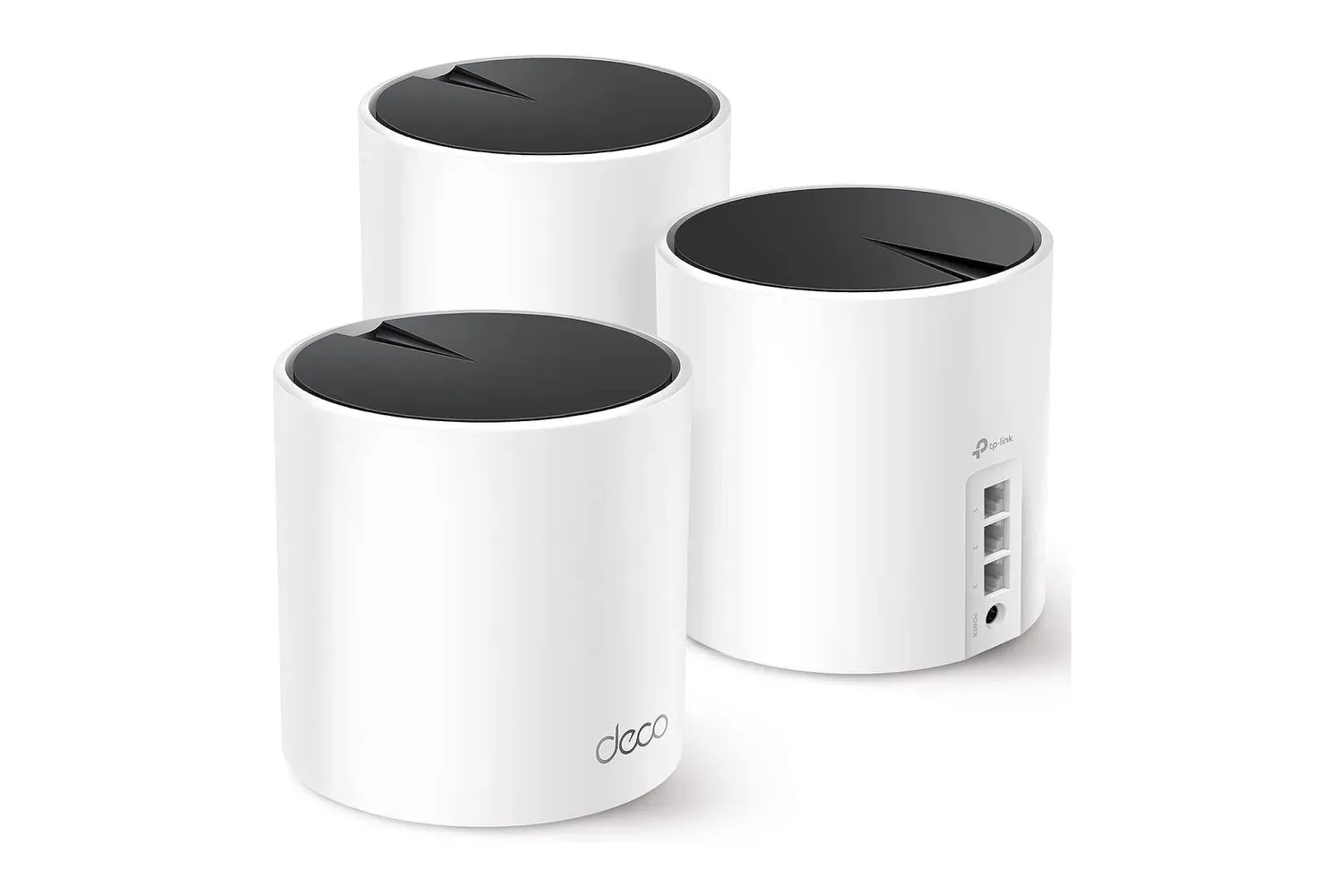
For readers tuning a broader desk setup, our look at the TP-Link Deco X55 Wi-Fi 6 mesh 3-pack covers another way to think about the infrastructure surrounding a home gaming space.
At its current $100 listing, the Anker Prime 250W charging station’s pitch is less about adding another gadget and more about consolidating the gadgets already in use. Its useful differentiators are clear in the specifications: six ports, substantial shared capacity, manually adjustable priority and a display that shows per-port power. The final decision should rest on whether a desk genuinely has enough devices—and enough cable clutter—to justify making one charger the center of the setup.
Shop the products
Check current price, model and availability at the retailer.