Wireless charging is one of those phone conveniences that feels almost purpose-built for gaming breaks: set the handset down, grab a drink, and let the battery climb without hunting for a cable. It is not inherently bad for a smartphone battery, and a properly certified Qi system includes safeguards meant to manage charging heat. But if the question is strictly about efficiency, speed and the least stressful route for a lithium-ion battery, wired charging has the advantage.
The central reason is not that wireless power is mysterious or unsafe. It is that getting electricity from a wall outlet into a phone through a charging pad involves an extra transfer step. That step loses more energy than a cable connection, and the lost energy becomes heat. Heat is the part worth paying attention to, particularly for anyone who expects a phone to handle long gaming sessions as well as everyday messaging and media.
A sensible routine is therefore a mixed one: use a reliable wireless charger for convenient daytime top-ups, then rely on a cable when speed and efficiency matter most, including longer charging sessions. The practical aim is not to panic whenever a phone feels warm. It is to avoid avoidable heat, use compatible hardware, and let the phone’s own battery-management features do their job.
Why a wireless charger produces more heat
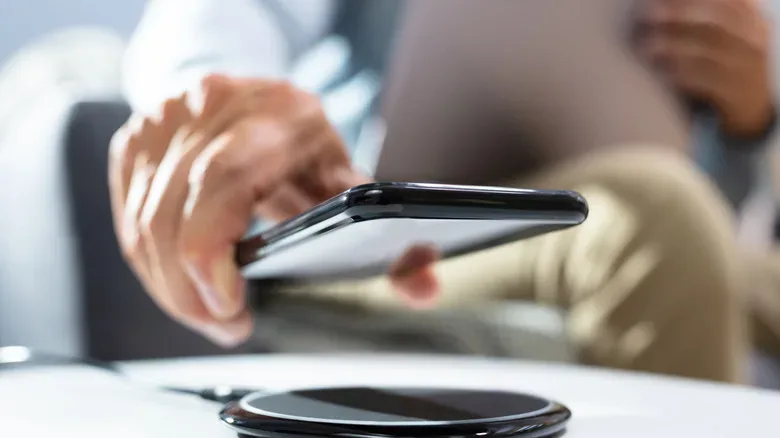
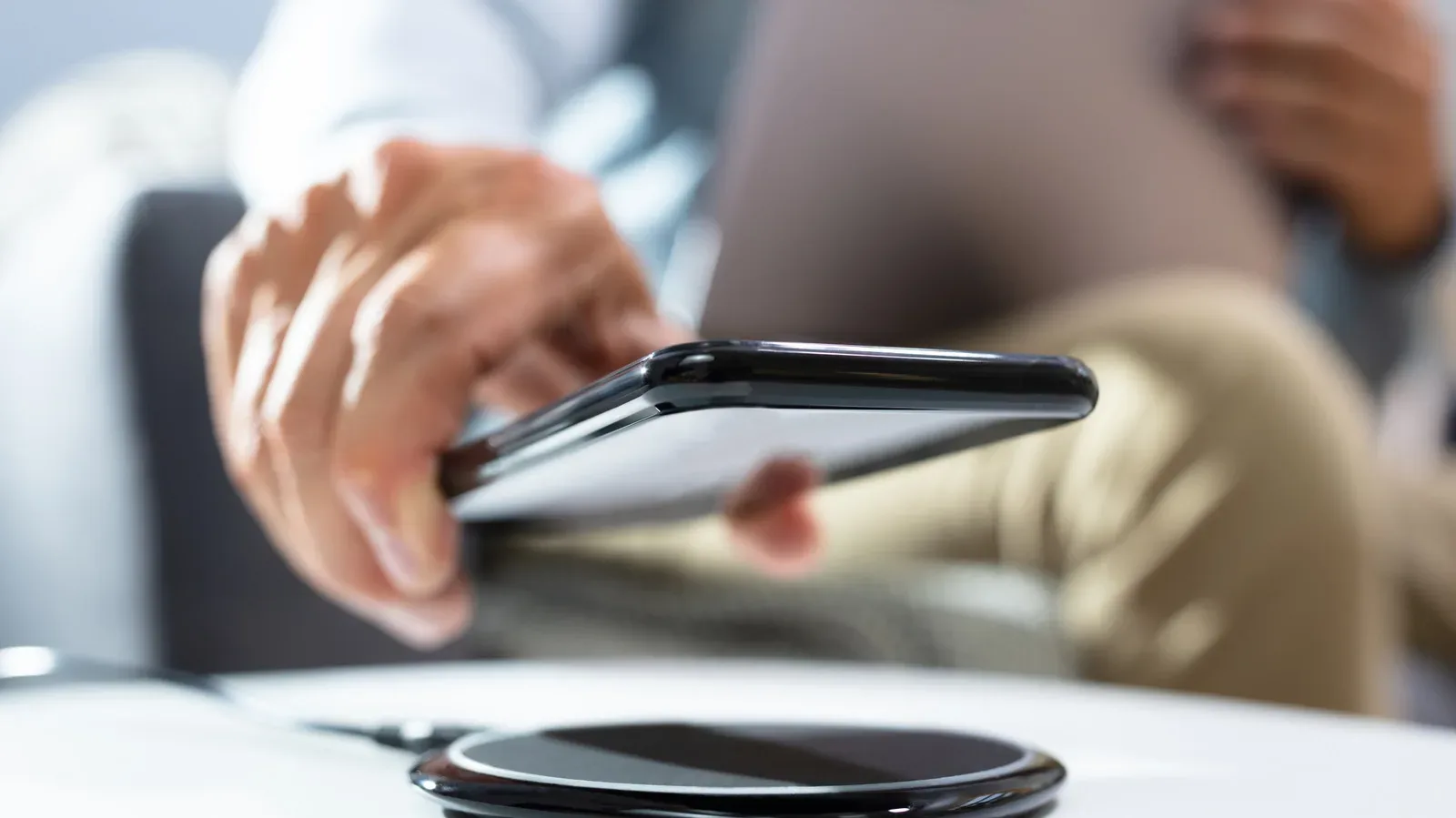
With wired charging, power travels from the outlet through the power adapter and cable directly into the phone. Wireless charging has to bridge a physical gap. A pad sends electricity through an internal coil, creating an electromagnetic induction field. A corresponding coil inside the smartphone receives that energy and converts it for the battery.
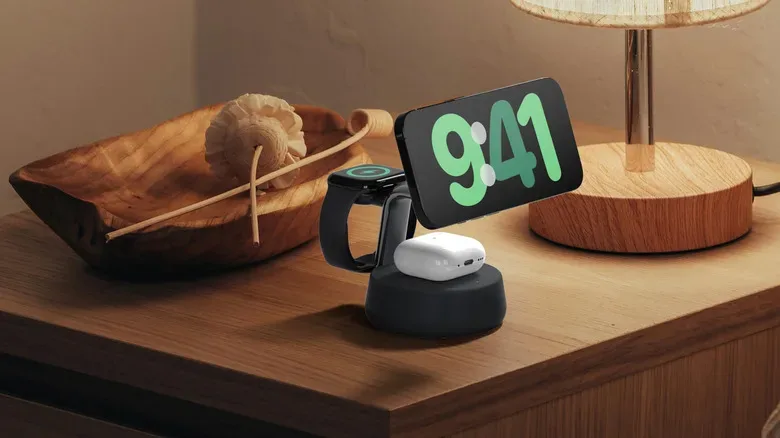
That coil-to-coil transfer is the technical meaning of inductive charging. It is the basis of Qi and Qi2 systems. It is also why placement matters: the two coils need to line up well enough for energy to transfer effectively.
Qi2 charging systems approved by the Wireless Power Consortium can be up to 30 percent less efficient than charging by cable. In plain terms, a greater portion of the electricity drawn from the wall does not make it into the phone’s battery. It has to go somewhere, and it is dissipated as heat in the charger and handset.
That does not mean a warm phone automatically signals damage. Smartphones designed for Qi charging communicate with compatible charging gear and can adjust current and voltage as they charge to limit unsafe heat accumulation. Manufacturers also limit the amount of power their devices accept wirelessly, and phones can reduce the charging rate when they become too warm. Those measures are protective throttles, not necessarily evidence that something has gone wrong.
Still, heat is relevant over the long term. The supplied figures indicate that heat associated with charging can reduce battery capacity by up to 12 percent across two years, and by up to 25 percent in hot environments. Those are potential outcomes rather than a guarantee for every handset; conditions, alignment and equipment quality all matter. The useful takeaway is simpler: keeping charging temperatures down gives battery health a better chance.
Battery health: what actually wears down
Modern smartphones use lithium-ion batteries. A battery’s lifespan is often described in charge cycles, meaning the equivalent of using and replenishing its full capacity. The provided range is roughly 1,000 to 2,000 cycles. As those cycles accumulate, battery performance gradually declines.
That gradual wear is why battery-health advice often recommends staying broadly between 20 and 80 percent where practical. The point is not that a phone cannot be charged to 100 percent or allowed below 20 percent; it can. Rather, avoiding the extremes as a constant habit can help preserve the finite pool of useful cycles.
Wireless charging does not rewrite that reality. Whether power enters through a USB-C cable or a charging pad, the battery still experiences charge cycles. The wireless difference is its lower energy efficiency and greater potential for heat. A well-aligned phone on a quality pad in a moderate environment is a very different situation from a device that is repeatedly hot, poorly positioned and enclosed in a case that is not designed for charging.
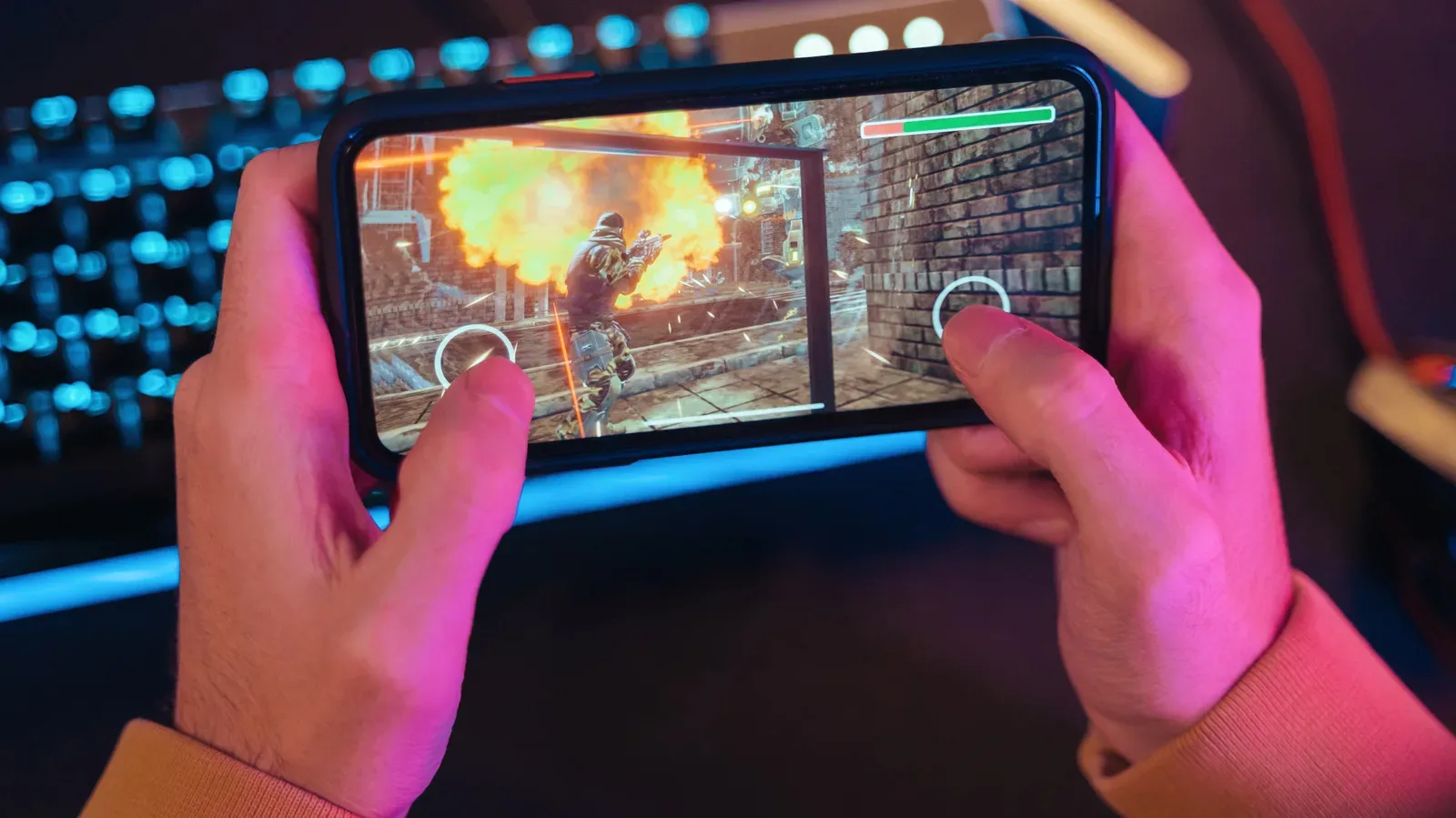
For mobile players, the distinction is especially useful. A phone may already become warm under demanding workloads. Adding a less-efficient charging method can add another source of heat, so it makes sense to think of charging as part of the device’s overall thermal load rather than a completely separate concern. The source material does not establish a special gaming-only rule, but the general principle is clear: a cooler charging situation is preferable to a hotter one.
Speed is another reason the cable remains useful
Wattage is a measure of charging power. More available wattage can mean a faster charge, provided the phone, cable, adapter and charger all support it. It is not enough to own one high-wattage component. The power chain is constrained by what each part can supply or accept.
For example, connecting a 25W charger through an older 5W power brick will only result in a slow 5W charge. Likewise, an older 10W wireless system takes longer than a current 25W fast charger. Older phones may be limited to 15W charging and are not built to take advantage of the higher rates available on more recent hardware.
The difference can be substantial. An iPhone 18 Pro can reach up to 50 percent in 15 minutes with a 60W-capable adapter and USB-C cable, while reaching the same level takes 30 minutes on a Qi2 wireless charger. That does not make a Qi2 pad unusable; 30 minutes may be perfectly adequate at a desk. It does show why a cable is the better tool when a quick turnaround is the priority.
That distinction also helps separate convenience from battery care. Wireless charging excels when a user wants a frictionless top-up: place the phone down and pick it up again later. A cable is generally the stronger choice when less wasted energy, less charging time and lower heat are the goals.
How to make wireless charging less stressful
If wireless charging is part of a daily setup, a few habits directly address the factors that matter.
- Choose Qi-certified equipment from a trusted manufacturer. Poorly made or noncompliant systems can overheat. Certification matters because compatible Qi devices are designed to manage current and voltage together during charging.
- Check the phone’s position. Misalignment weakens the magnetic connection between the pad and the phone. Less energy reaches the device, while more becomes heat. Place the handset carefully rather than dropping it vaguely onto the pad.
- Use a compatible case, or remove an incompatible one. Some cases are made to work with wireless charging and some are not. If a case is not compatible, taking it off can improve the transfer and reduce unnecessary heating.
- Pay attention to the adapter as well as the pad. Charging speed depends on the whole system. A fast-rated pad cannot overcome an underpowered power source.
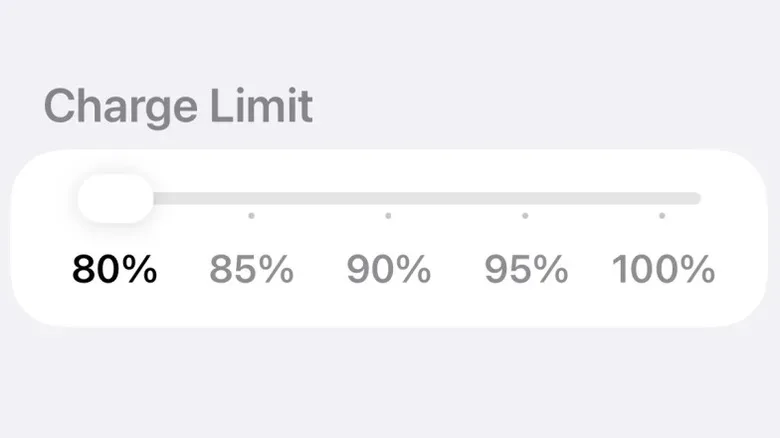
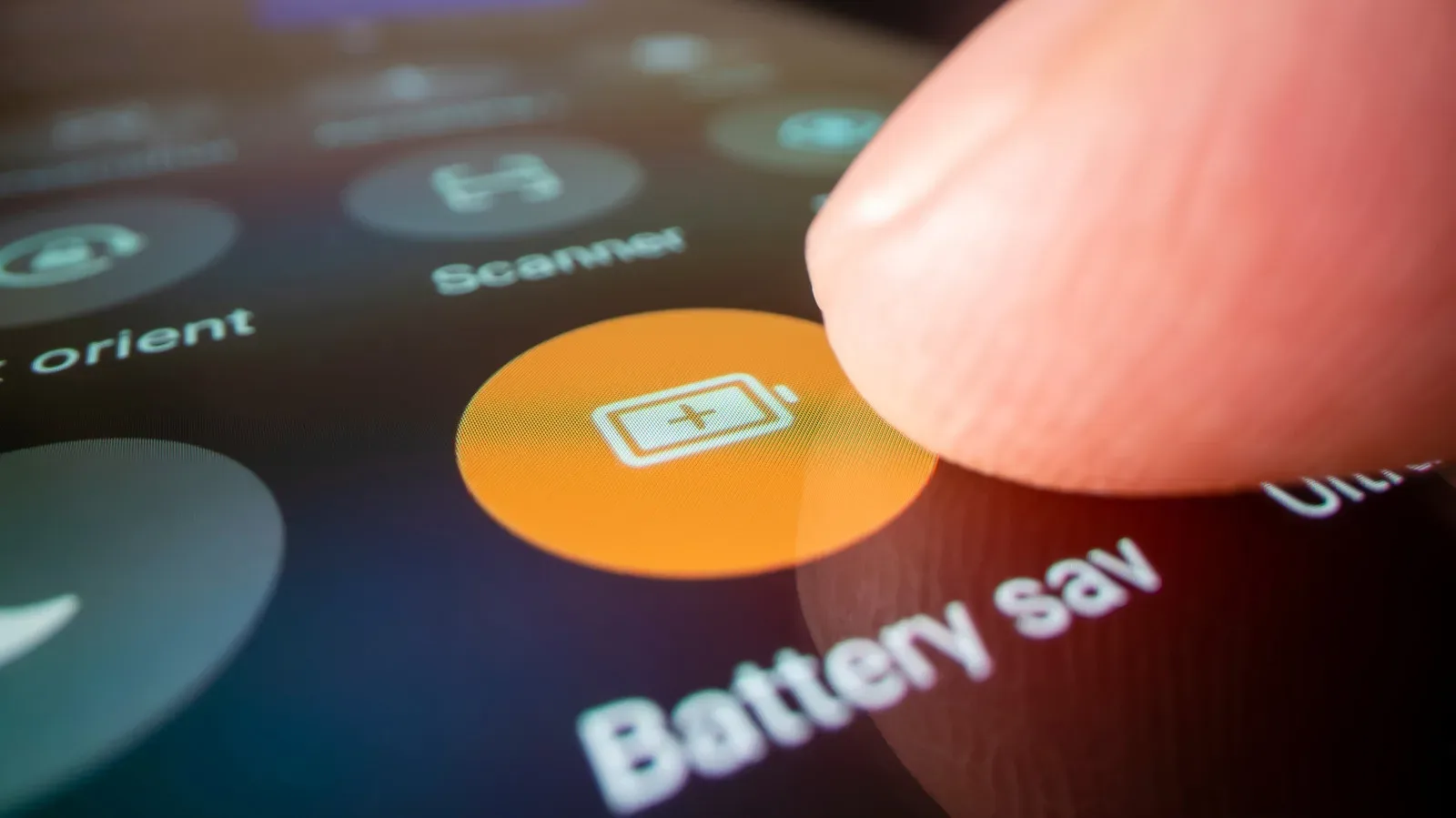
- Use charging limits when available. Apple and Samsung include charging-management tools intended to keep the battery in the roughly 20-to-80-percent range. On iPhone 15 and later, the relevant controls are in Settings > Battery. On Samsung phones, look in Settings > Battery > Battery protection.
There is a useful practical nuance here. A phone’s protective behavior may make wireless charging look inconsistent: it may slow as the handset warms. That slowdown is an intentional response to temperature, not necessarily a faulty charger. However, recurring heat, a charger that becomes excessively warm, or unreliable charging are good reasons to reassess alignment, case compatibility and the quality of the charging hardware.
Can a phone stay on a charger overnight?
Modern smartphones with competent power management can safely remain connected to power overnight, whether that connection is wired or wireless. This is not a reason to ignore heat or compatibility, but it does mean ordinary overnight charging is not automatically a battery-health disaster.
For the most battery-conscious approach, the balance presented here favors a cable for extended charging and wireless pads for smaller daytime refills. A wired setup is more efficient, faster and produces less wasted energy. Meanwhile, battery-protection settings can help users avoid treating every overnight session as a race to hold the phone at a full charge.
That recommendation should not be mistaken for a ban on overnight wireless charging. A Qi-certified pad, correctly aligned phone and compatible case give the phone safeguards to work with. The cable simply remains the more efficient option if battery longevity and charging speed outrank convenience.
The practical verdict for everyday and gaming use
Wired charging is better for battery health in the narrow comparison because it gets more power into the phone with less waste and less heat. Wireless charging is not bad by default. Its trade-off is convenience versus efficiency, and that convenience clearly has value: 88 percent of smartphone users report satisfaction with their Qi2 charging device.
The right choice does not need to be absolute. A wireless pad can be an excellent low-effort place to maintain charge during a workday or between sessions. A cable is the better choice when the phone needs power quickly, when thermal conditions are already less than ideal, or when the priority is minimizing energy loss over time.
For people weighing a handset’s broader gaming suitability, charging should sit alongside the other hardware considerations rather than replace them. Gaming-phone specs beyond the label remain important, but the charging habit is one of the few areas users can refine every day. Use certified accessories, align the phone properly, avoid incompatible cases, enable the battery tools your device provides, and reserve the cable for moments where speed and efficiency are most valuable.