Replacing an aging Android phone can feel inevitable: the battery empties faster, apps take longer to open and an occasional freeze starts to make every minor task feel like an argument with a tiny glass rectangle. But a sluggish handset is not always a dead handset. Before committing to an upgrade, it is worth separating problems caused by a worn battery, preventable physical damage and outdated software from limits that genuinely cannot be repaired.
That distinction matters more when new devices are costly. Forecast data cited by IDC puts the average smartphone price above $580 in 2026, nearly 28% higher than the prior year, amid memory shortages and resulting price pressure. Carrier promotions can lower the apparent upfront cost, but they may be connected to financing arrangements or more expensive service plans. “Free” deserves a careful reading before it becomes a multi-year commitment.
For players, an older phone can still have value even if it is no longer ideal for demanding new games. It may remain a dependable device for messaging, music, streaming, emulation where appropriate, cloud gaming, two-factor authentication or a backlog of lighter Android titles. The useful question is not whether a newer phone would be faster. It obviously might be. The question is whether a relatively small intervention can make the current one reliable enough for the way it is actually used.
Start with the battery, not the upgrade cart
Battery degradation is one of the clearest reasons a phone can seem older than it is. A lithium-ion battery loses capacity with use, meaning it stores less energy than it did when new. A worn battery can also struggle with short bursts of power demanded by the processor during more intensive tasks. The visible result can be reduced battery life, slower loading, lag and, in tougher cases, freezes.
That does not mean every performance issue is a battery issue. An older processor and limited memory can still be the fundamental bottleneck, particularly after major operating-system changes. But battery condition is a sensible first suspect when a phone’s decline is accompanied by much quicker drain or noticeably weaker charging performance.
Replacement may be considerably cheaper than a new handset. Phones with a removable rear cover can be simpler cases. Replacement lithium-ion batteries for Samsung Galaxy models, for example, can be found in the roughly $10 to $20 range. Sealed phones are more involved: a DIY repair kit may cost $60 or less, while a local professional replacement is often said to cost no more than $80. Those are broad estimates rather than guarantees for every device, battery or repair provider, so checking the exact model and repair terms remains essential.
A battery replacement is not a universal rescue spell. If the device has several unrelated hardware failures, cannot run the applications a person needs or is no longer receiving the support needed to use it safely, spending money on repair may not be the right call. Still, where battery wear is the central problem, it can change the economics of keeping a phone in service.
Battery-saving tools are about reducing unnecessary work
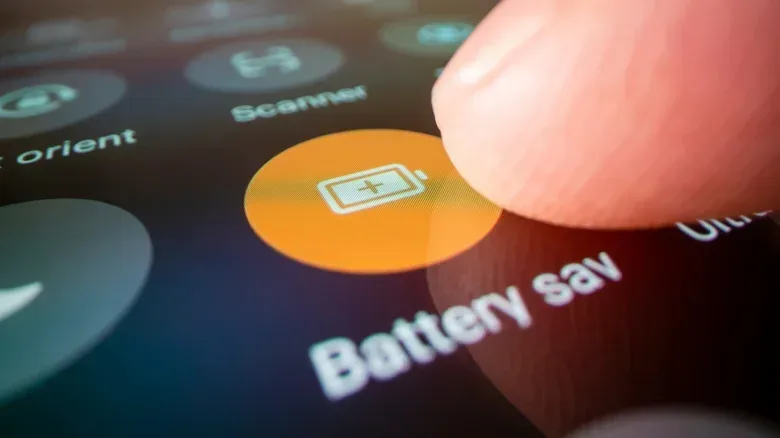
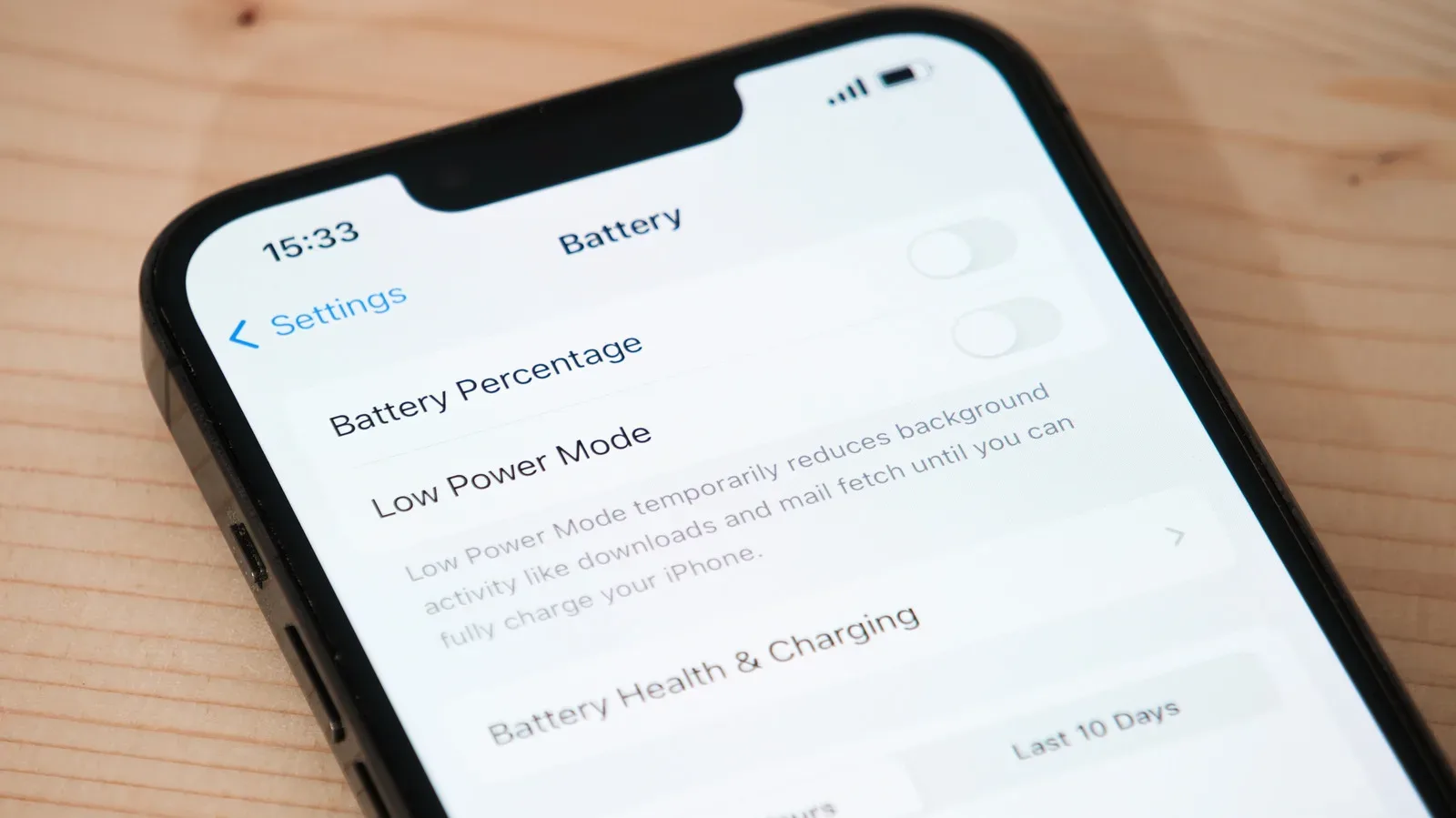
Most Android phones include a battery-saving mode. In simple terms, it reduces energy use by changing or limiting some behavior, including display brightness. The exact settings differ by device, but the underlying idea is straightforward: less work means less power drawn from the battery.
Some Google Pixel phones also offer battery optimization and Adaptive Battery. Adaptive Battery learns which applications are used less frequently and limits how long they run. Samsung devices offer comparable app-management options that can put infrequently used apps to sleep. These features are useful because background activity can consume power even when a person is not actively looking at the screen.
There is a practical trade-off. Restricting a rarely used app may delay its background activity or notifications. That may be perfectly acceptable for an old game, a shopping app or a service checked once a month. It may be less acceptable for an app that needs timely alerts. Optimization should therefore be selective rather than treated as a switch to flip without considering what each app does.
Charge habits can reduce chemical stress
Another low-cost measure is avoiding the habit of keeping the battery at 100% all the time. LiTime says maintaining a charge between 20% and 80% reduces the battery’s exposure to chemical stress and can extend its life substantially compared with consistently charging to full. That is a manufacturer claim, not a promise that every phone battery will last a specific number of extra years, but it points to a useful principle: limiting time spent at the extremes may be gentler on the battery.
In day-to-day terms, this can mean charging before the phone becomes critically low and unplugging once it reaches a level that will comfortably cover the next part of the day. It applies overnight as well. Convenience still counts, of course. A user who needs a full charge for travel, long shifts or accessibility reasons should prioritize having a working phone. The goal is a sustainable habit, not turning charging into another full-time side quest.
A protective case is boring—until it saves the phone
A case and screen protector lack the excitement of a new handset, but they address one of the most final forms of device decline: physical damage. A sturdy rubber or silicone case can improve grip and absorb some shock when a phone falls. A screen protector adds another layer between the display and the hazards of daily life.
The compromise is obvious. A protected phone may not look as thin or sleek as a naked flagship in a product photograph. For an older device, though, a little bulk may be a very good trade. A modestly priced case is easier to justify than replacing a phone after a shattered screen has made it difficult or impossible to use.
This is particularly relevant for a device being kept longer on purpose. The longer its intended service life, the more chances it has to meet a pavement, tile floor or desk edge. Physical protection does not guarantee survival from every fall, but it changes the odds in a sensible direction.
Keep software current, while recognizing the hardware limit
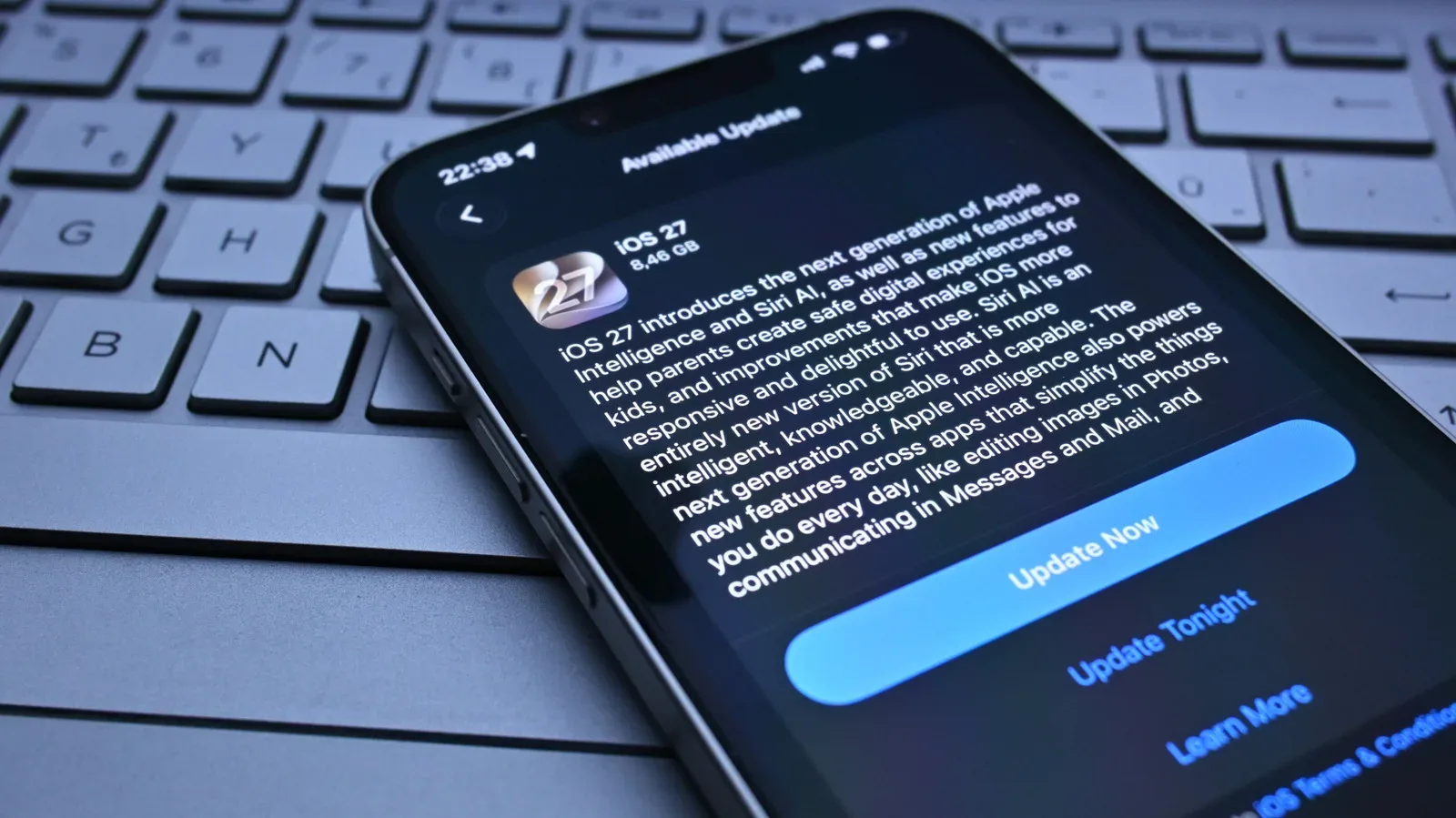
Installing available operating-system updates remains one of the most important maintenance tasks. Updates commonly include security patches, which address vulnerabilities that could otherwise be exploited. Compatibility matters too: applications may require newer Android versions to keep working fully.
Security patches are fixes for known weaknesses in software. They are not cosmetic extras. A phone used for accounts, messages and personal information benefits when those fixes are available and installed. If an update is offered for an older phone, it is generally worth assessing and applying rather than indefinitely postponing it.
There is an unavoidable tension, however. Newer operating-system versions are built with newer hardware in mind. An older processor may take longer to handle the work asked of it, while limited memory can make switching among apps feel slower. Memory here refers to the working space a device uses while applications are running, not simply the storage space available for photos and downloads. When that working room is tight, a phone can feel less responsive under a newer, heavier software load.
That can make updates feel counterintuitive: a patch may be valuable for security and app compatibility, while the updated system may also expose the performance limits of aging components. There is no one answer for every handset. The sensible approach is to weigh the short-term performance cost against security and the need to keep essential apps functional.
Anyone assessing an upgrade should also look beyond the sticker price. Hardware costs and supply pressures can ripple outward through the devices people use to play and work; the broader relationship between component pressures and gaming hardware pricing is explored in this look at AI, gaming hardware prices and developer jobs. For a phone owner, that wider context does not make an aging device faster, but it does reinforce why extracting more life from working tech can be a rational decision.
Know when maintenance has done all it can
Extending a phone’s life is not the same as insisting it last forever. A replacement becomes more compelling when the device can no longer meet essential needs, when performance has become consistently unworkable, or when available software support no longer keeps the phone and its apps viable. A new battery cannot transform an old processor into a new one, and a case cannot cure software incompatibility.
But those hard limits should come after diagnosis, not before it. If the phone’s chief problems are reduced endurance, a vulnerable exterior and neglected available updates, the repair path may cost far less than a new purchase. Battery-saving settings, app optimization, more cautious charging, a case, a screen protector and current software are modest measures individually. Together, they can turn “this phone is done” into “this phone can keep doing the job for a while.”
That is not a glamorous upgrade cycle. It is, however, a practical one: spend where the device’s specific condition calls for it, protect what still works, keep security in view and reserve a full replacement for the point at which it is genuinely necessary.