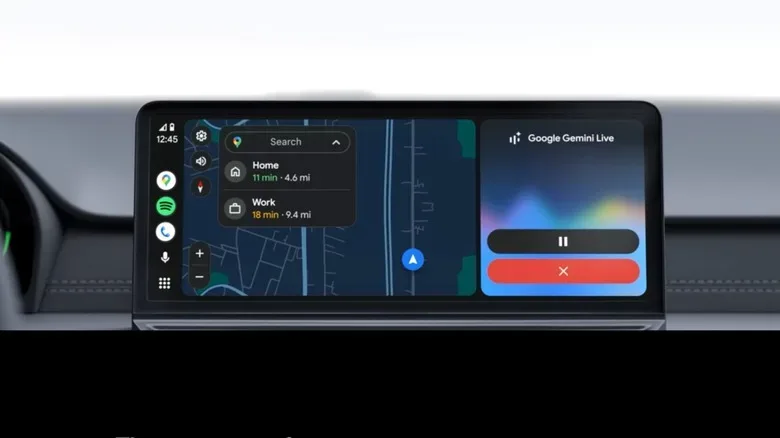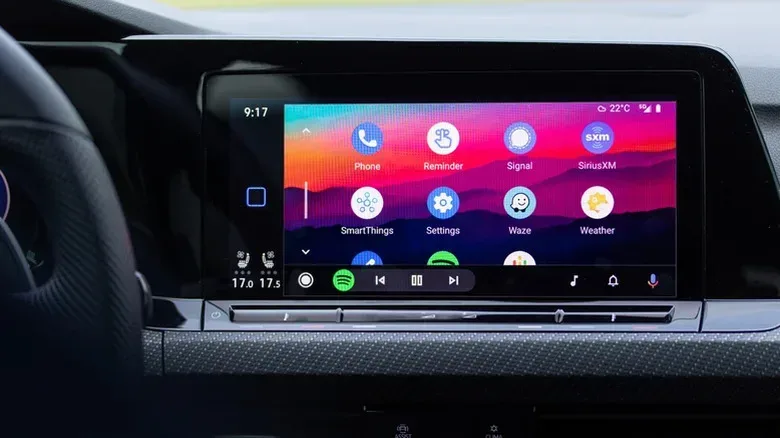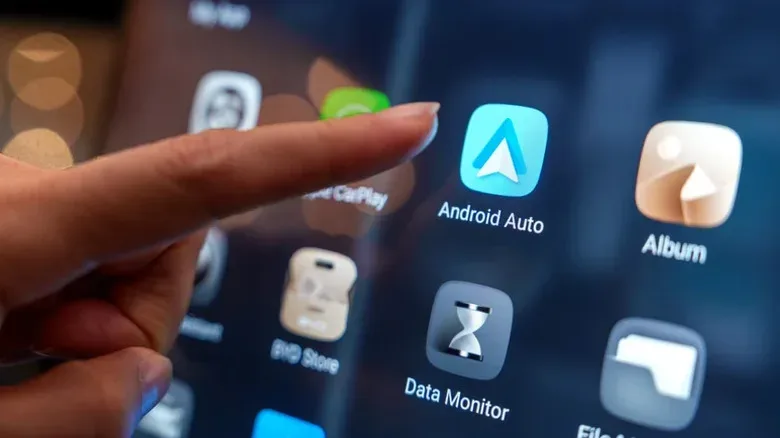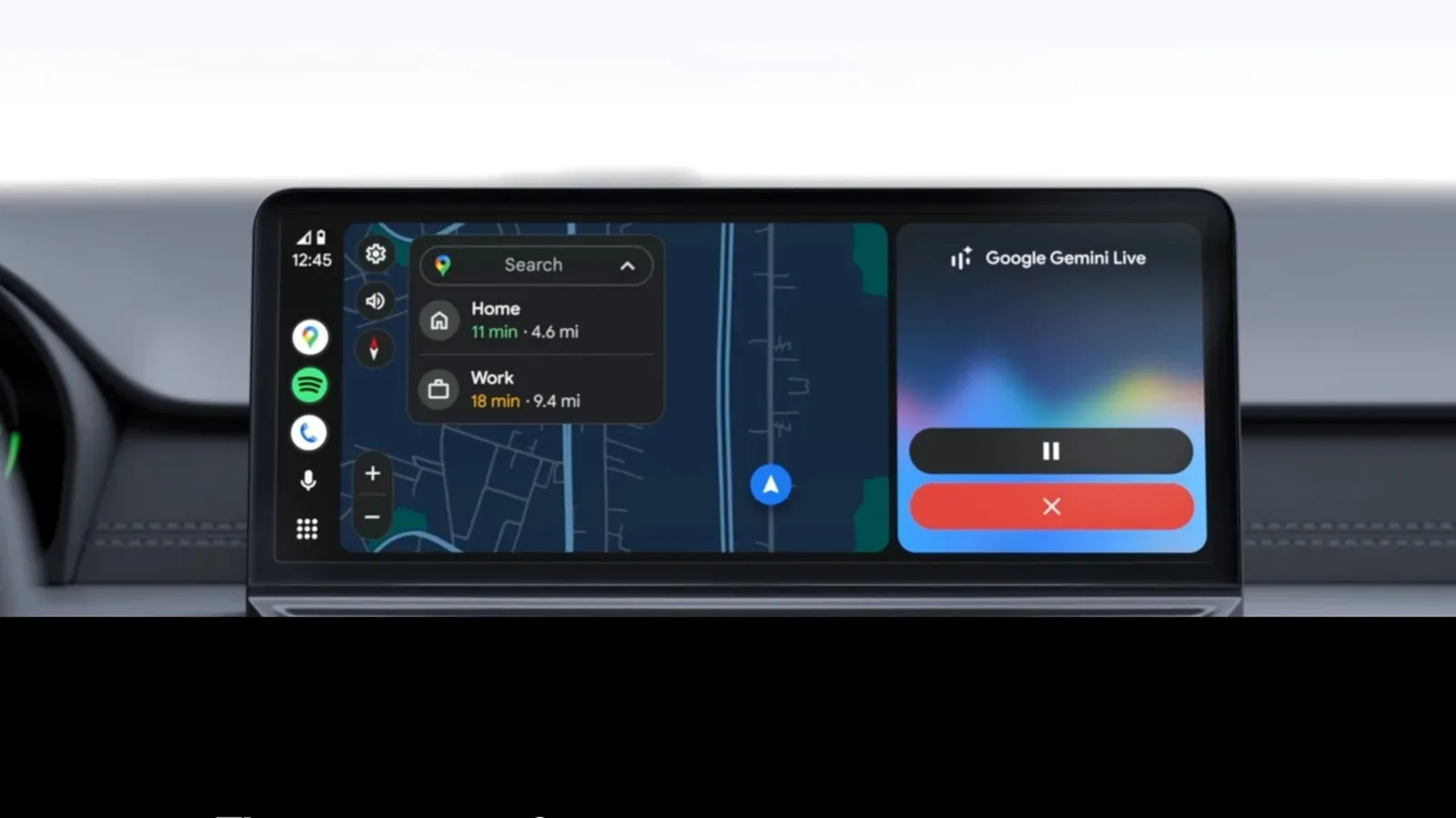
Wireless Android Auto can make a car feel as though it has finally joined the modern world. Get in, start the vehicle, and the navigation, music and hands-free controls can appear without the familiar ritual of finding a USB lead, untangling it from the center console, and hoping its connector is facing the right way. It is a small quality-of-life upgrade, but it can be a genuinely meaningful one for people who use their phone every time they drive.
That convenience is not free. A wireless connection asks more of the phone than a wired Android Auto session, and the difference is especially relevant when navigation is running for hours, temperatures are high, or the handset is a few generations old. Battery drain, heat and occasional connection hiccups are the price of a dashboard with fewer cables.
The right setup is not simply “wireless good, wire bad.” It depends on the car, the phone, the usual trip length and whether the driver has a practical way to keep the phone cool and charged. Think of wireless Android Auto as the fast-travel option: terrific for routine trips, but perhaps not the loadout to bring for every marathon journey.
What wireless Android Auto is doing behind the scenes
Wireless Android Auto does not rely on Bluetooth alone. Bluetooth begins the relationship between the phone and vehicle, handling the initial pairing and authentication process. Once that step is complete, the heavier stream of information moves to a Wi-Fi Direct connection.
That Wi-Fi link is tasked with carrying the data that makes the interface feel like an extension of the phone: map information, audio, touchscreen interactions and voice-command activity. Bluetooth continues to have a role in hands-free calling. Both radios therefore need to remain active while using the system; switching off either Bluetooth or Wi-Fi can end the session.
There are hardware and software requirements as well. The phone needs Android 11 or later and support for 5 GHz Wi-Fi Direct. Many newer cars offer the feature natively, while an older vehicle with wired Android Auto may be able to add it through a wireless adapter connected to its existing USB port. Some phones may also need wireless functionality enabled through the Android Auto developer menu before the option becomes available.
That combination of requirements is worth checking before anyone buys an adapter in hopes of banishing cables forever. A vehicle’s USB port may supply an adapter, but that does not automatically mean every Android phone and every in-car system will behave identically.
The part that feels great: less fuss at the start of every drive
The strongest argument for wireless Android Auto is wonderfully unglamorous: it removes a repetitive chore. After a phone has been paired, it can connect automatically when the vehicle starts. A driver can leave the handset in a pocket, bag or cup holder rather than fishing for a cable before moving off.
For short, frequent drives, that difference adds up. Maps can be ready quickly, music can resume without plugging in, and communications tools are available through the car’s interface. There is also less wear from continually connecting and disconnecting a cable, although the central advantage remains speed and simplicity rather than any promise about long-term device durability.
A tidier cabin has practical value
Removing a dangling cable does more than improve the photo-ready state of the console. There is no lead snaking around the shifter, catching while a seat moves, or vanishing under a passenger’s bag. The car’s available ports may also be freed for other needs, such as charging earbuds, a smartwatch or a passenger’s device.
For households where more than one person drives the same vehicle, saved pairings can be convenient too. Wireless Android Auto can remember multiple phones. If competing devices try to take center stage, the simplest peacekeeping tactic is for the non-driver to turn off Bluetooth. The driver should have control of navigation and audio; otherwise the cabin risks becoming a multiplayer lobby with no host.
The phone battery is the real boss battle
Wireless Android Auto places several sustained demands on a phone at once. The handset maintains Bluetooth and Wi-Fi connections while often running GPS navigation and streaming or playing audio. That workload can consume roughly 10% to 15% of the battery per hour of driving.
Exact drain will vary by phone, signal conditions, navigation use and background activity, but the broad lesson is straightforward: an uncharged phone and a long drive are not an ideal match for a cable-free session. Someone commuting for a relatively brief period may barely notice. Someone beginning a long trip with a partly depleted battery could arrive with a phone that is much less useful once they leave the car.
It is tempting to treat a wireless charging pad as a total answer. It can help maintain the battery, but it does not erase the workload placed on the phone. Charging itself can add heat, which makes placement and cabin temperature more important rather than less.
Heat can turn a convenience feature into a problem
Battery use is only one side of the equation. Continuous wireless operation and GPS use can warm a phone, particularly older models. Put that phone in a hot cabin during summer, perhaps in direct sunlight or on a warm charging surface, and the conditions become less forgiving.
At elevated temperatures, performance may suffer. Map rendering can become sluggish, and audio interruptions can become an irritation. At the extreme end, a phone can shut down to protect its hardware. Wireless Android Auto is not solely responsible for every hot phone, of course, but it can be another sustained task in an already demanding environment.
A sensible approach is to avoid leaving the phone in direct sun, use a mount or placement with some airflow where practical, and reserve a wired connection for trips where continuous navigation and charging matter most. The vehicle’s climate controls are for people first, but the pocket computer serving as a navigator will appreciate the assist.
Why a cable still earns its spot in the car
Wired Android Auto is less elegant, yet the cable delivers two useful advantages at once: a stable data connection and charging. A physical USB link is generally the more dependable option for low-latency media controls and avoiding random disconnections. It also provides the more battery-efficient setup because the phone is not relying on a constant high-bandwidth wireless connection in the same way.
That does not make wired the automatic winner. It makes it the dependable fallback—and, for some drivers, the default for road trips. Keeping a known-good USB cable in the vehicle is still wise even for people who love wireless Android Auto. It functions as both a charging option and a recovery tool if the wireless connection gets temperamental at an inconvenient moment.
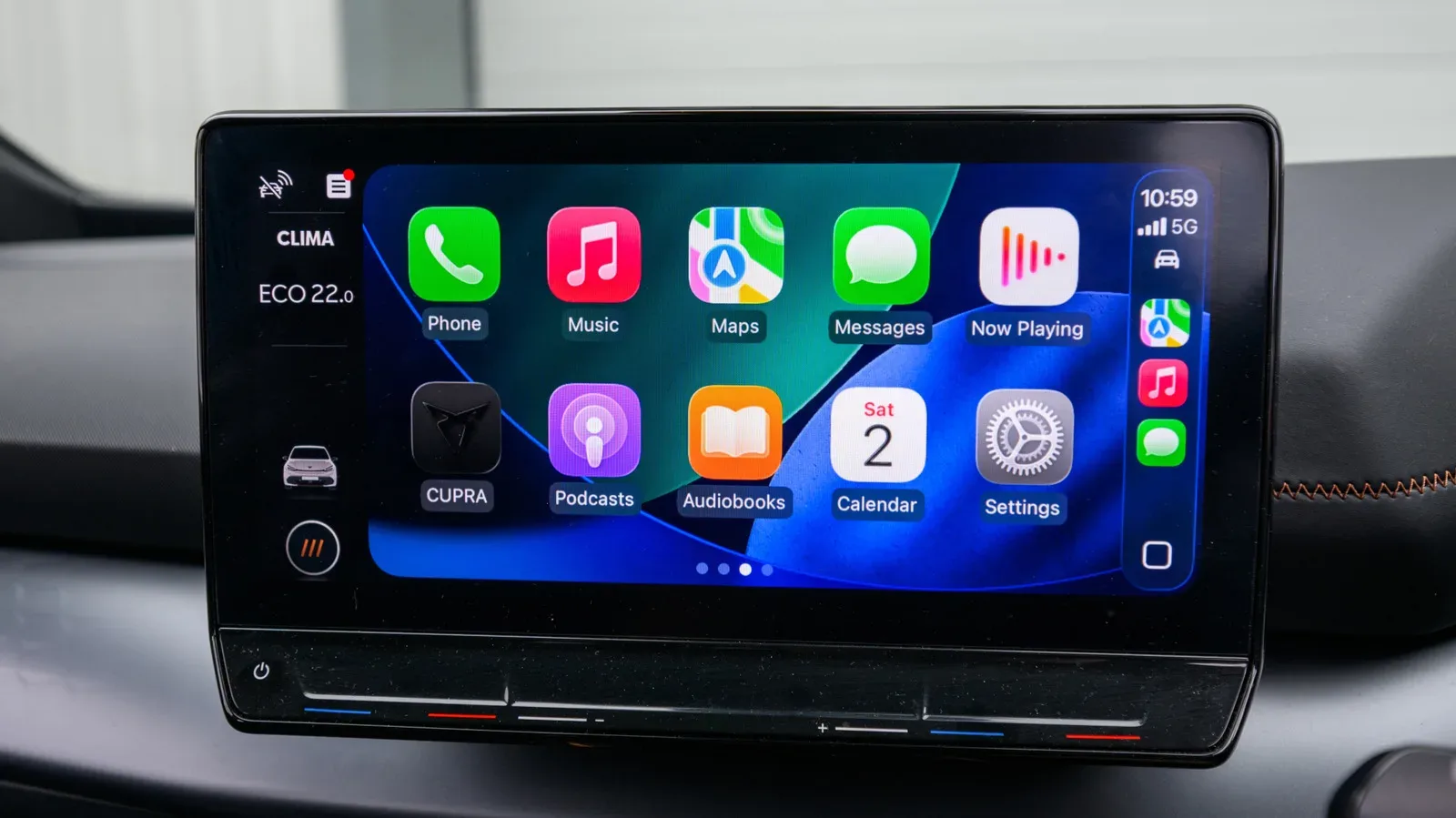
Drivers considering broader in-car phone upgrades may find useful overlap in this guide to portable Apple CarPlay screens and the checks to make before buying. The platform differs, but the underlying questions—compatibility, placement, power and day-to-day convenience—are familiar.
Who should use wireless Android Auto?
Wireless Android Auto makes the most sense for the everyday commuter who values an immediate, automatic connection and typically spends a modest amount of time in the car. It is also a strong fit for drivers who dislike cable clutter or whose routine involves many short stops. In those situations, repeatedly plugging in can be more annoying than the additional battery use is costly.
It is less compelling as the only plan for drivers who regularly cover long distances with navigation active throughout the journey. Those trips amplify its downsides: more battery consumption, greater likelihood of heat buildup and more time for a minor stability issue to become frustrating. The wired connection remains a useful alternative precisely because it addresses all three.
A practical split strategy
- Use wireless for ordinary commutes, errands and short trips where automatic connection is the main benefit.
- Use wired for long-distance navigation, hot-weather travel or any drive that begins with a low phone battery.
- Check compatibility before assuming a car or adapter supports every Android handset that meets the basic requirements.
- Keep a cable in the car even if wireless is preferred, since it remains a reliable charging and troubleshooting backup.
- Watch phone placement during warm weather, especially when GPS, wireless connectivity and charging are all in play.
The cable-free experience succeeds because it eliminates friction at precisely the moment drivers want to get moving. But its convenience is best understood as a choice, not a universal replacement for USB. Wireless Android Auto is ideal when saving a few steps matters most; wired Android Auto is the steadier companion when power, thermals and reliability become the priority.