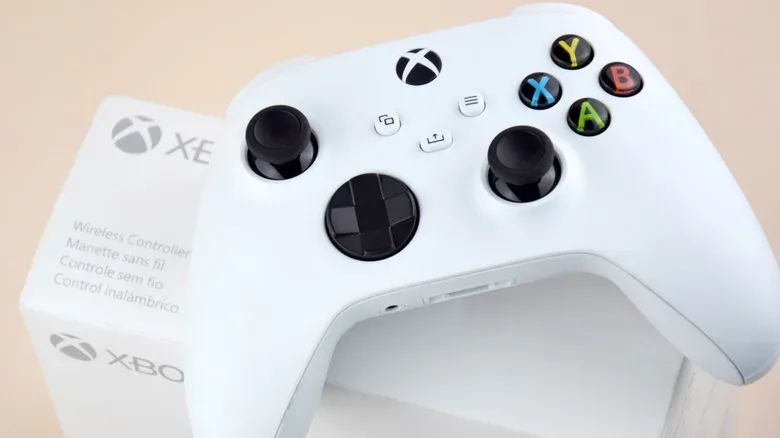
Choosing between a wired and wireless Xbox controller can sound like a straightforward performance decision: cable equals speed, wireless equals convenience. In practice, it is mostly a question of where and how someone plays. A controller used at a desk has very different demands from one passed around a living room during split-screen, and a PC connected over Bluetooth is not the same situation as an Xbox console using its native wireless connection.
The central trade-off is refreshingly ordinary. A wired pad has continuous power, does not need to be paired and cannot unexpectedly run out of charge. A wireless pad lets players sit where they like, keeps the floor clearer and is easier to share across a room. Neither choice automatically solves every concern around responsiveness, cost or long-term controller wear.
That distinction matters because controller advice often compresses several different kinds of delay into one word: lag. A cable may be a sensible troubleshooting step for a connection that is behaving poorly, particularly on PC Bluetooth. But it is not a magic shortcut that removes every delay between a button press and an action appearing on screen.
Wired does not automatically mean dramatically faster
Polling rate is one useful technical term in this debate. It describes how often a controller reports its current inputs to the device it is connected to. A higher rate means more frequent updates. Measurements cited for Microsoft Xbox controllers place both USB use and the Xbox Wireless Adapter at roughly 125Hz. Put simply, that is about one update every eight milliseconds at most.
Eight milliseconds is a very small interval. At 60 frames per second, a single frame lasts around 16.7 milliseconds, so the maximum delay implied by that update interval is about half a frame. That does not mean every input reaches the game in exactly eight milliseconds, and it does not describe the entire journey from finger to display. It does show why the assumption that a cable must produce a night-and-day advantage over Xbox wireless does not hold up neatly.
The Xbox Wireless Adapter is important context for PC players. It uses the same proprietary wireless protocol used by Xbox consoles rather than ordinary Bluetooth. That makes “wireless” too broad a category for useful comparisons: an Xbox controller on the adapter and an Xbox controller paired to a PC over Bluetooth are both cable-free, but they are not using the same connection method.
Bluetooth can add an estimated four to eight milliseconds in this comparison, with real-world results affected by a player’s environment, including nearby wireless devices. That does not condemn Bluetooth; for many games and setups it may feel entirely fine. It does give a PC player a practical first response when controls seem inconsistent or slow: try USB before blaming the game, the monitor or the controller itself.
There is a further complication. What people call input lag includes more than the controller connection. The game’s own performance, its frame rate and the display all influence when an action becomes visible. On Xbox Series X and Series S, Dynamic Latency Input is designed to send the freshest button presses just before the game needs them, reducing avoidable delay within the system. A wired connection therefore cannot be evaluated in isolation from the software and screen in use.
What this means for competitive play
Players who value consistency have a sensible reason to prefer a cable, especially on a PC where Bluetooth is their alternative. A wired connection eliminates one possible source of wireless variability and avoids pairing problems. But a player moving from native Xbox wireless to USB should not presume a transformative response-time gain based on the connection alone. The available comparison suggests the two are very close in polling rate.
The more useful question is whether there is an actual problem to solve. If a controller feels reliable and responsive on an Xbox console, a cable may add clutter without a noticeable gameplay benefit. If Bluetooth performance is questionable, or a match cannot afford a battery interruption, USB is a sensible practical option. That is a more grounded decision than treating wires as an automatic competitive upgrade.
Power is the wired controller’s clearest victory
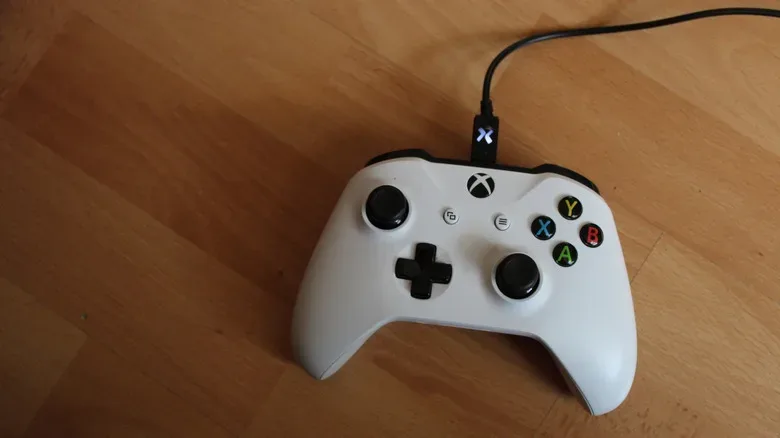
A wired controller receives power over USB. No AA batteries, battery packs or charging schedule are required. For players tired of seeing a low-battery warning at the worst possible moment, that simplicity is substantial. It also makes a wired controller particularly useful as a spare: a guest controller can sit unused for months and still be ready once a suitable data cable is connected.
Wireless controllers ask for a little planning. Microsoft estimates up to 40 hours of play from AA batteries in a standard controller, but that figure varies with the batteries and with attached accessories such as a headset or plug-in keyboard. “Up to” is the key phrase. It should be treated as an estimate, not a promise that every setup will deliver the same duration.
Rechargeable AA batteries are a straightforward compromise. Keep a charged pair available, swap when necessary and carry on playing. The drawback is that the batteries require a separate charger and someone has to remember to put them in it. It is not difficult maintenance, but it is maintenance.
The Xbox Rechargeable Battery takes a different approach. It replaces the usual AA cells and charges through its included nine-foot USB-C cable. When the charge is running low, the cable can reach from the console to the controller for continued play. This preserves the everyday freedom of a wireless controller while offering a wired fallback during a long session.
That option illustrates an overlooked point: wired versus wireless is not always a permanent identity. A standard Xbox controller can be used wirelessly when that is convenient and connected by USB when power is low or a connection needs troubleshooting. Someone deciding between controller types may instead be deciding how often they want to use the cable.
Your play space should drive the decision
At a desk, the argument for wireless is less overwhelming. The console or PC is often within easy reach, the cable route is short and few people are crossing the space. A cable is unlikely to become a trip risk, get wrapped around furniture or be pulled by a child walking past. In this setting, the always-powered, plug-in-and-play character of a wired controller can be appealing.
A living-room layout changes the calculation. Distance is not only the measurement from the console to the sofa. A comfortable cable needs extra length for natural movement, and excess slack has to live somewhere. It can catch around furniture, become an obstacle when someone stands up, or simply make the room feel untidy. Routing along a baseboard or beneath a rug may reduce that problem, but neither option works in every home.
Wireless makes seating flexible. Players can choose a comfortable position based on the screen rather than the cable’s reach, and swapping pads among friends or family is simpler. That is the convenience that wireless-by-default controllers are built around. It does not show up in a latency number, yet it can matter more than a tiny difference in input timing.
Before buying, it helps to answer a few mundane questions honestly:
- Will the controller usually be used at a desk or from across a room?
- Will people, pets or children regularly cross the cable path?
- Is the device an Xbox console, a PC using the Xbox Wireless Adapter, or a PC using Bluetooth?
- Would a low-battery interruption be more annoying than managing a cable?
- Is this a primary controller, or an occasional extra for local multiplayer?
Those answers identify the better fit more effectively than a blanket claim that one connection type is superior. The broader hobby is full of small design details that inspire close inspection—see, for example, the attention paid to Mario’s updated Nintendo renders—but controller buying works best when the unglamorous details of a room and routine get the same attention.
Wired third-party pads can offer a different value proposition
Wired support is common among lower-cost third-party Xbox controllers. For a player looking for an affordable backup rather than a daily-use gamepad, that can be a meaningful advantage. There is no battery compartment to maintain and no risk that the controller’s first use in months begins with a hunt for fresh AAs.
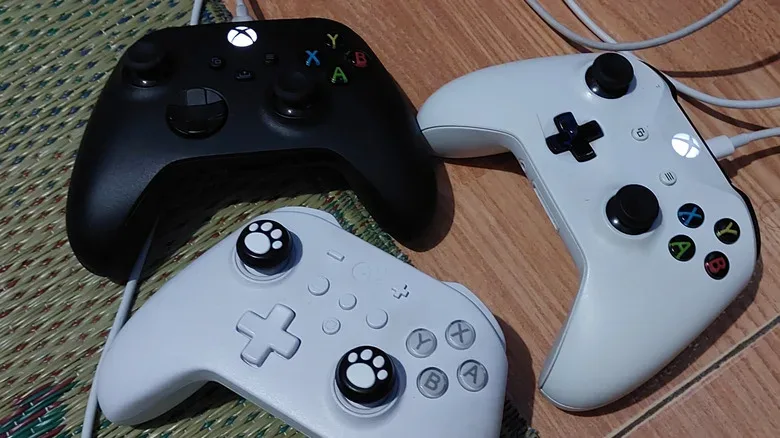
Third-party wired controllers can also vary from Microsoft’s standard layout in useful ways. Some include additional customizable rear buttons. These can be assigned to actions that would otherwise require a player to remove a thumb from a stick, which may suit certain control preferences. Their value is personal rather than universal: extra inputs are only helpful when a game and player’s habits make use of them.
The GameSir G7 SE is one cited example with Hall effect thumbsticks. Hall effect refers here to magnetic sensing rather than the conventional thumbstick mechanism. Conventional sticks can develop drift over time, meaning they register movement even when untouched. Magnetic sensing is presented as an alternative aimed at avoiding that kind of wear-related issue. It is a feature worth recognizing, but it should not distract from the broader compatibility question.
An Xbox-style button layout is not a guarantee that every function works the same way on every device. Some controller models may support wireless use on PC while requiring a USB connection on an Xbox console. Buyers should verify compatibility with the exact platform they own before treating a controller’s physical design or marketing language as proof of full support.
A practical way to choose
Choose a wired controller when dependable power, a short cable run and minimal setup are the priorities. It is especially logical for a desk, a PC affected by Bluetooth behavior, or an occasional local-multiplayer pad. The lack of batteries and synchronization concerns is not flashy, but it is a genuine quality-of-life benefit.
Choose wireless when the controller normally lives in a shared or spacious room, movement and seating freedom matter, and battery management is an acceptable trade. On Xbox consoles, the small connection-delay figures discussed here are unlikely to be the deciding factor for most people. Keeping rechargeable AAs or a rechargeable battery solution ready turns the main wireless inconvenience into a manageable routine.
The sensible middle ground is to use wireless as the default where the room benefits from it, then keep a USB data cable accessible. That preserves the cable-free setup most of the time while providing a quick path around a low charge or a troublesome wireless link. The best Xbox controller connection is not the one with the most dramatic talking point; it is the one least likely to interrupt the way a person actually plays.