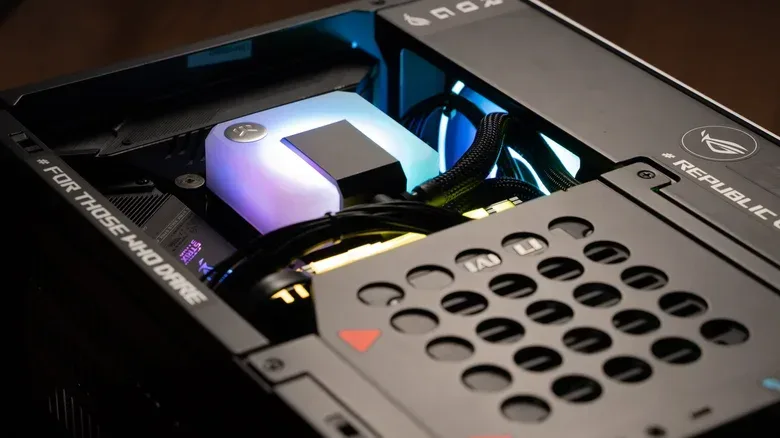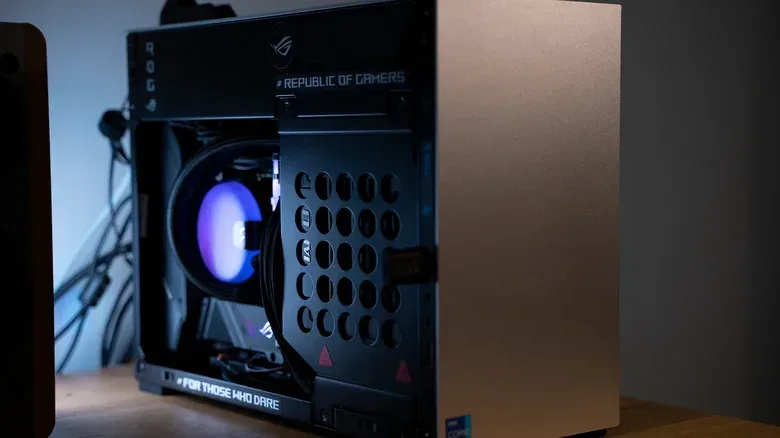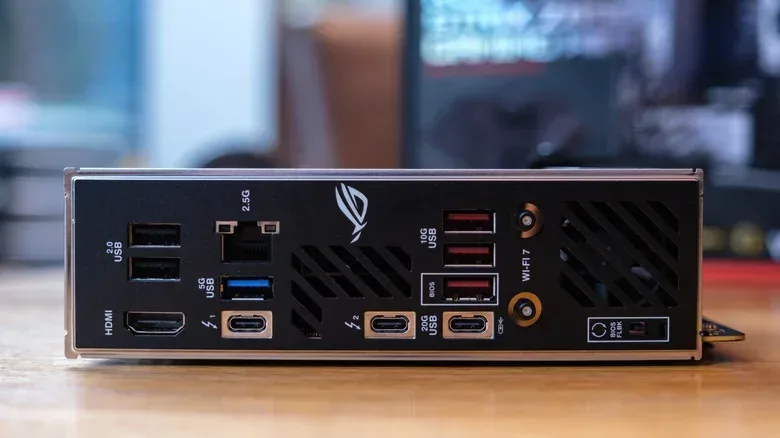
A custom PC can be one of the most satisfying pieces of hardware to put together. The appeal is obvious: choose the case, decide where performance matters, and turn a collection of components into a machine that is distinctly yours. But shrinking that project into a mini PC changes the job in a meaningful way. A small case does not simply make a normal build shorter. It makes planning, compatibility checks and installation order part of the core design.
That is the central trade-off behind a small-form-factor, or SFF, PC. The result can be a compact system with a considerable amount of capability, but the builder has less spare space to solve mistakes. In a larger tower, unused room can make cable routing easier, leave more breathing room around components and allow a builder to revise the assembly order. In a mini PC, dimensions and clearances can dictate nearly every decision before a screwdriver comes out.
For someone approaching a compact build for the first time, the useful mindset is not “which powerful parts can fit?” It is “which set of parts is designed to coexist in this enclosure?” The distinction matters because the case influences motherboard size, graphics options, cooling room, power-supply selection and the sequence in which those pieces can be installed.
The case is a specification, not just a shell
Mini PCs are commonly built in Mini-ITX or microATX cases. These labels matter because they describe the motherboard formats a case is intended to accept. A Mini-ITX case will generally only take a Mini-ITX motherboard. A microATX case is somewhat larger on average and can accommodate either a microATX board or a Mini-ITX board.
That compatibility rule is simple, but it should be settled first. A compact case may look like an ideal fit for a desk or entertainment setup, yet the choice of enclosure can immediately narrow the field of usable components. A builder cannot assume that a motherboard, cooler, graphics card or power supply will fit merely because it is marketed as compact. The case’s stated dimensions and compatibility limits are the final constraints.
Mini-ITX enclosures also come in many designs. Some may appear inexpensive compared with bigger cases, while others add distinctive features or styling that raise the cost. Compact does not automatically mean cheap, then; small cases are their own segment with their own range of designs and pricing pressures.
This is also why comparisons should be precise. A “mini PC” can refer to a commercial computer or a custom small-form-factor build, but the two do not necessarily share the same architecture. Mainstream compact machines such as Apple’s Mac mini and some ASUS NUC models use a system-on-a-chip, or SoC. An SoC combines a CPU and GPU in one package, and RAM may be soldered directly to the motherboard. That tightly integrated approach is not something a typical custom builder can readily reproduce with off-the-shelf parts, even if a commercial compact enclosure can achieve a similarly space-conscious result.
Compatibility needs to be checked as a complete system
In a conventional ATX build, a roomier chassis can conceal small mismatches in planning. That flexibility is much reduced in a mini PC. The smaller internal volume makes every measurement consequential, from the motherboard form factor to the physical size of a discrete graphics card.
Related coverage includes Why Building a Mini PC Demands More Planning Than a Standard Tower.
A discrete GPU is a separate graphics card. It is different from an APU, a processor that combines CPU and GPU functions. The choice has practical implications in a compact case: using a separate graphics card adds another substantial component to an already limited space. That can intensify clearance and airflow concerns compared with a setup that relies on a combined processor-and-graphics design.
None of this means compact cases are empty shoeboxes. Many are surprisingly roomy for their footprint. The important qualifier is that their room is deliberately defined rather than broadly flexible. A case can hold plenty of hardware while still requiring a particular shape, length or arrangement for each item. It is capacity with rules.
The safest practical move is to compare a prospective component list against the official case specifications before buying. Compatibility-planning tools such as PCPartPicker can also help identify whether components fit together. Those checks are most valuable when performed early, because replacing one incompatible part late in the process can force changes elsewhere in a tightly balanced build.
A compact-build checklist before purchase
- Start with the enclosure: establish whether it is Mini-ITX or microATX and what it supports.
- Match the motherboard: Mini-ITX cases generally require Mini-ITX boards; microATX cases can support microATX or Mini-ITX.
- Confirm physical component limits: use the case specifications rather than broad product labels or assumptions.
- Decide on graphics early: a discrete GPU occupies more of the limited interior than a CPU/GPU-combined APU approach.
- Account for specialized hardware: SFF power supplies, motherboards, CPU coolers and GPUs may carry a price premium.
- Plan the assembly sequence: clearance constraints can make the order of installation important.
Airflow is a design constraint, not an afterthought
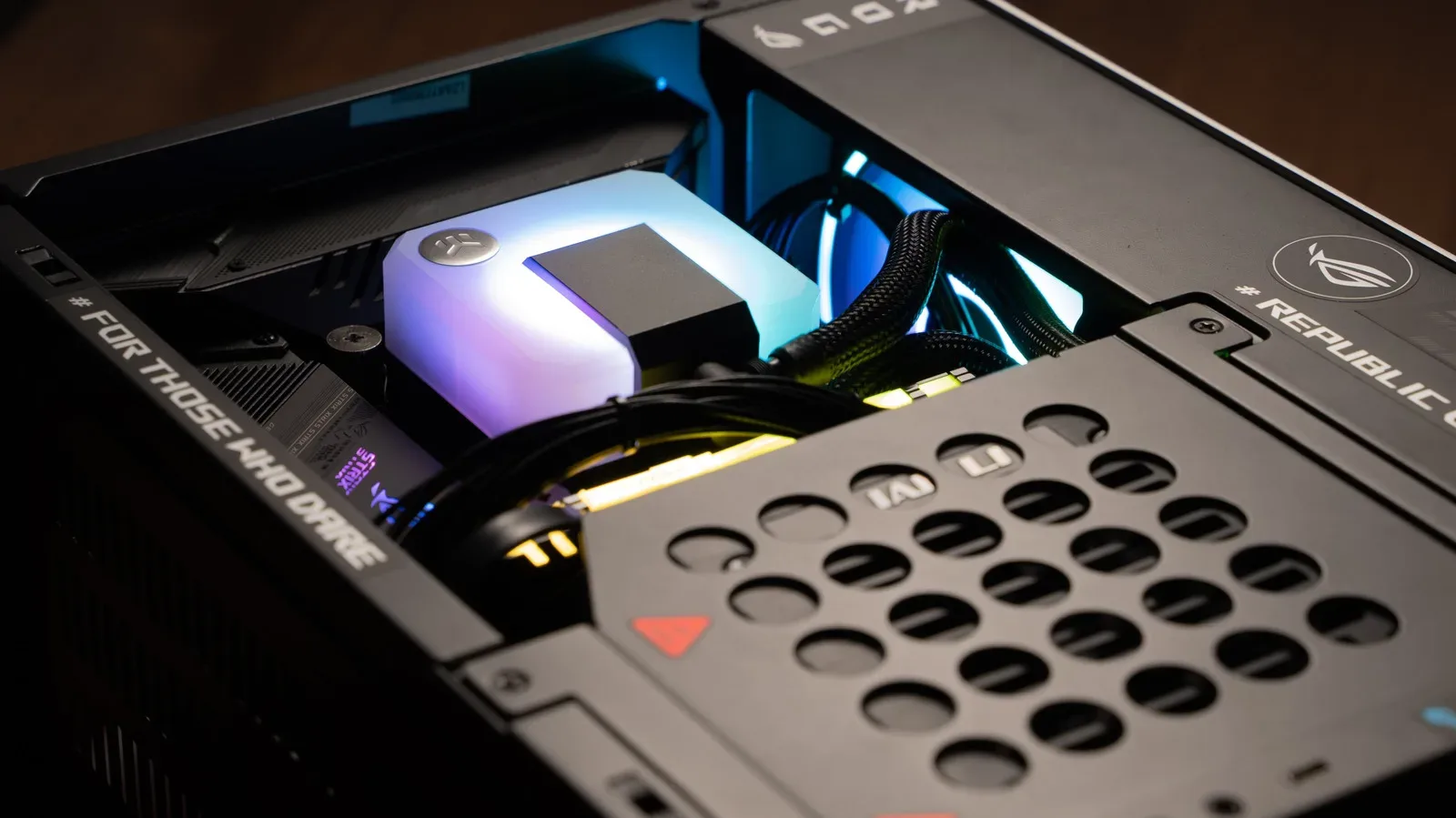
Airflow is among the clearest examples of why a mini PC is not merely a scaled-down tower. Components generate heat, and larger cases naturally provide more room for air to move through the system. Once the interior of a compact case is filled, there is much less open space around the hardware. The components have less room to breathe.
That issue becomes more pronounced with a discrete GPU, since it introduces another large component into the enclosure. The point is not that a small PC cannot be cooled. Rather, it is that cooling has to be treated as part of the initial component plan. A build that only barely accommodates every part leaves far less freedom for “frills” or late alterations than a mid- or full-size tower.
In practical terms, the compact-PC builder should resist treating a case’s external dimensions as the only measurement that matters. Internal organization matters just as much. The hardware arrangement has to leave the case operating within its stated compatibility boundaries while acknowledging that there is limited room once the system is assembled. This is the reason an apparently powerful list of parts can be a poor match for a particular SFF chassis: each part can be impressive alone, but the build has to function as an enclosed whole.
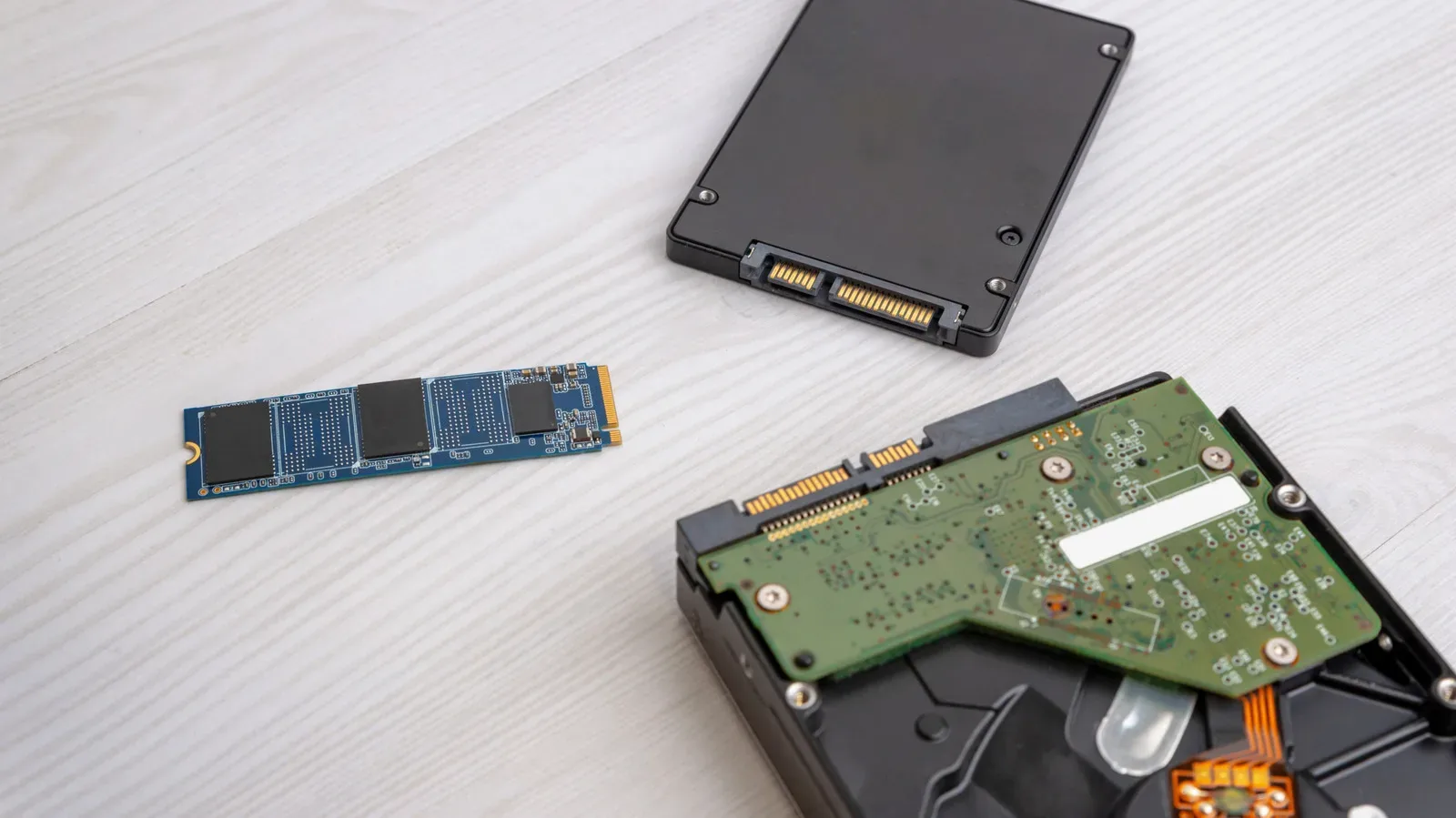
The same broader attention to PC terminology can help when researching parts and storage media. For instance, the distinction in disc versus disk is small in spelling but still useful in computing contexts. With compact systems, similarly small specification details can have outsized consequences.
Small-form-factor parts can change the budget
Space-saving hardware is not always the budget route. SFF power supplies, motherboards, CPU coolers and GPUs can all add noticeably to the final cost of a mini PC. That can make a standard ATX build more appealing for buyers who prioritize straightforward component availability and a lower-cost path to comparable internal capability.
This is not an argument that one form factor is universally better. It is a reminder to define the goal honestly. If the compact footprint itself is important, paying more for small-form-factor-compatible components may be a rational choice. If the aim is simply to assemble a PC with the fewest physical constraints, an ATX tower has advantages: more room, less demanding component fitment and a more forgiving build process.
The mini-PC value proposition is therefore about deliberate trade-offs. The case saves physical space, but the builder may spend more time validating parts and may encounter higher prices for components built around that space limit. A compact project rewards precision more than improvisation.
Assembly order becomes part of the build
The actual installation can be the hardest phase. Standard ATX systems can largely be assembled in a variety of orders because the chassis provides room to reach mounting points, route cables and reposition components. A mini PC offers less access after each major part goes in. A component installed too early may obstruct another component or make a needed connection difficult to reach.
That is what makes installation order so important. Before beginning, builders should consider which pieces need to occupy a particular area first and which cables or connections will become difficult to access later. The proper sequence will depend on the individual case and component selection, so there is no single universal order supplied by the form factor itself. What is universal is the need to think it through ahead of time.
This is also why a compact build benefits from an economical approach. “Economical” here is about spatial discipline as much as cost: every part should have a reason to be there, and every choice should respect the clearances of the enclosure. A larger PC may allow for experimentation during assembly. A smaller one calls for decisions that are mostly settled before assembly begins.
Who should choose a mini PC?
A mini PC makes sense for a builder who values a smaller physical package and is prepared to treat component research as a major part of the project. It can be a rewarding route for someone comfortable comparing manufacturer specifications, deciding early between discrete graphics and an APU-style approach, and working within a carefully planned component list.
It may be less suitable for someone who wants maximum component freedom, the most forgiving airflow situation, or the simplest first-time assembly process. A standard ATX build does not remove the need for compatibility checks, but it generally offers far more room to make adjustments and work around minor planning errors.
The compact PC’s challenge is ultimately inseparable from its charm. It asks a builder to turn limited volume into a coherent system without relying on empty space to smooth over compromises. Get the case, hardware dimensions, cooling considerations and assembly sequence aligned, and the result can deliver substantial capability in a notably small package. Skip that preparation, and the same small package can become the build’s biggest obstacle.