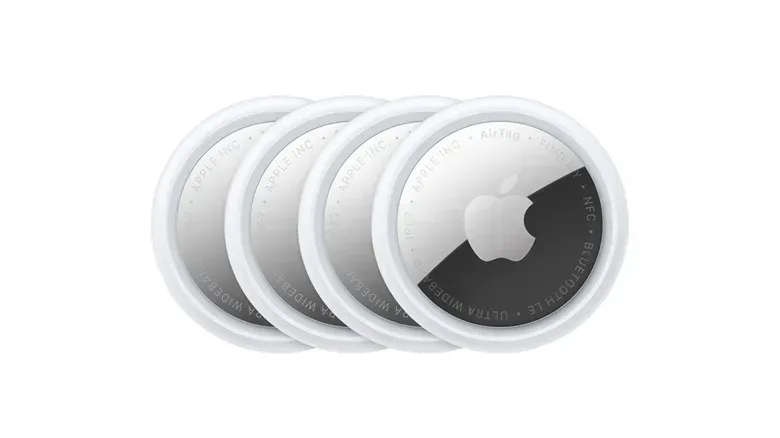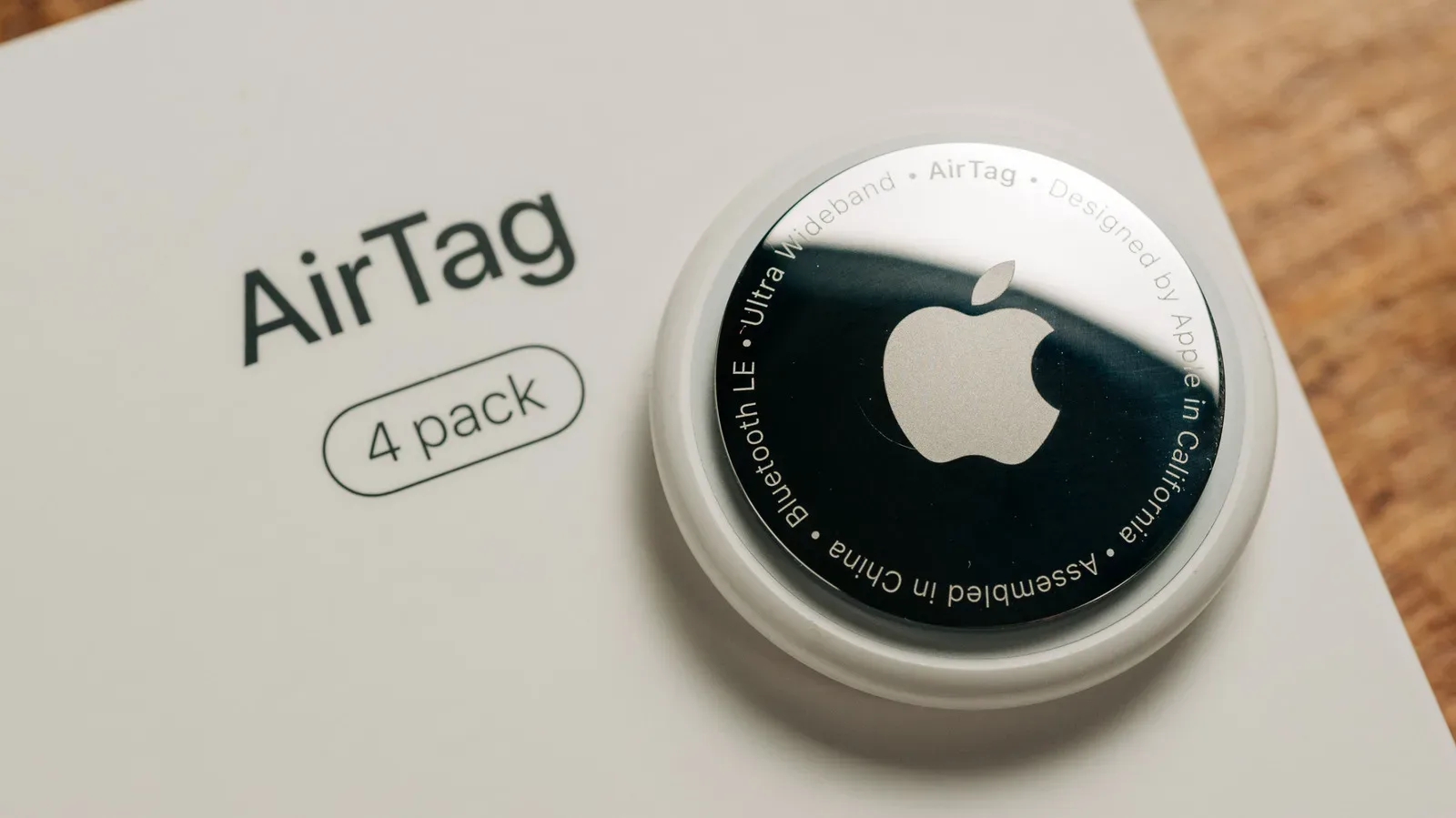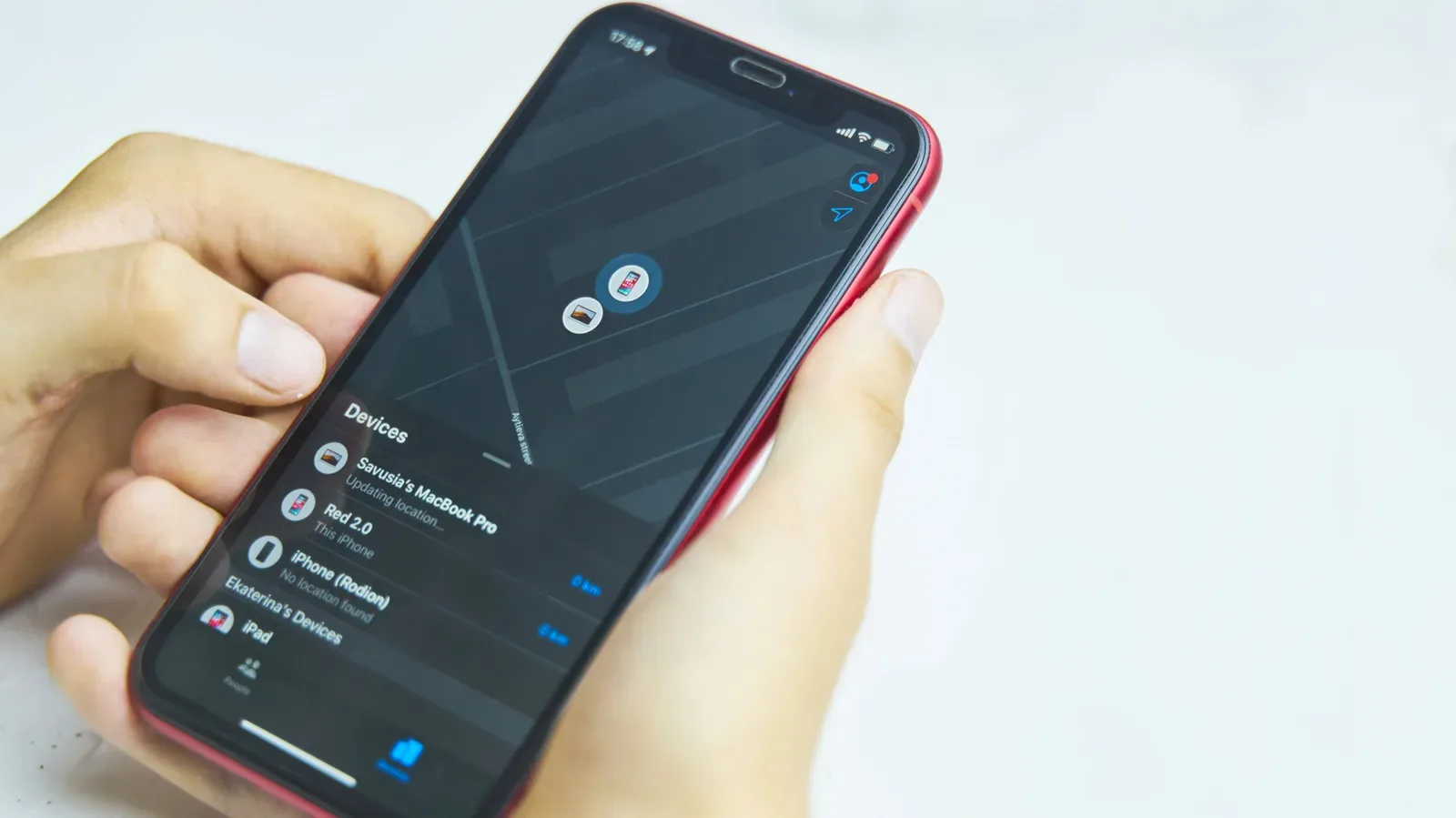
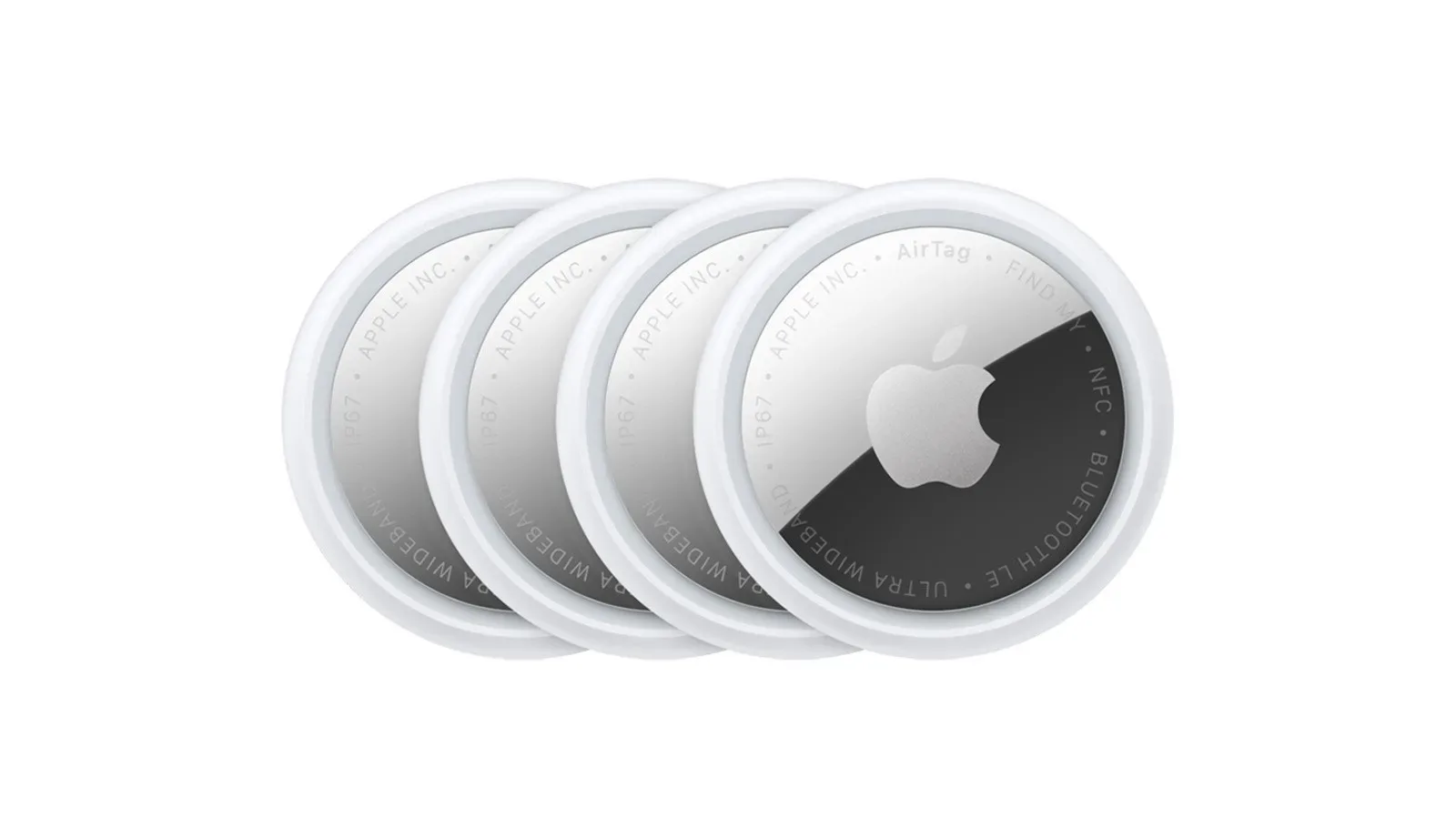
An Apple AirTag is supposed to be the quiet member of your everyday carry: attach it to a bag, case or other item, then use the Find My app when that item disappears into the chaos of a travel day, a convention floor or a particularly cluttered gaming setup. So when it chirps without anyone pressing a button, the noise can be alarming.
That sound does not automatically mean the tracker is broken. AirTags have several reasons to chime, and the useful first step is separating an intentional sound from one prompted by distance, movement, safety protections or battery status. A beep can be part of normal setup, a response requested through Find My, or a warning tied to the tracker no longer being connected to the iPhone it was paired with.
For people who keep gear organized—whether that is a backpack with handheld hardware, a controller case or a collection carried between events—the practical question is simple: is the AirTag asking for attention, or is it doing what it was designed to do?
First, rule out the sounds you requested
There are two straightforward ways an owner can intentionally make an AirTag play a sound. In the Find My app, selecting the Play control makes the tracker beep so it can be located nearby. Marking an AirTag as lost can also cause it to make a sound.
Those functions turn the little speaker into a close-range locating aid. They are helpful when the tracker is in the same general area but the item itself is hidden under furniture, mixed into bags or otherwise difficult to spot. The beep is not a precise map; it is an audible clue that directs you toward the AirTag.
AirTags also use distinct chimes during setup. One occurs as setup begins and another signals that setup has finished and the AirTag is ready to use. If the sound happens while pairing a new tracker, it is expected behavior rather than a fault.
It is worth checking whether someone with access to the paired iPhone used Find My before moving on to deeper troubleshooting. If no one triggered a sound and the tracker was already set up, connection and battery status become the more likely places to look.
A lost Bluetooth connection can lead to a later beep
A common explanation is that the AirTag has lost its Bluetooth connection to its paired iPhone. Bluetooth is the short-range wireless connection involved in the relationship between the tracker and the paired phone. When that connection is gone because the tag and iPhone are separated, the AirTag may make a sound after a few hours if it detects physical movement.
Related coverage includes Why your Apple AirTag beeps when you didn’t ask it to.
That timing matters. A tag left behind does not necessarily beep at the instant its owner walks away. The audible alert can occur later, after separation and movement. That can make the behavior seem random when it is really connected to where the AirTag has been and whether it has been moved.
If an AirTag begins beeping while it is near its paired iPhone, one basic step is to switch the iPhone’s Bluetooth off and then back on. This can re-establish the connection. It is a modest troubleshooting measure, not a promise that every beep has the same cause, but it directly addresses a likely connection issue.
The distinction between nearby and paired is useful here. An AirTag may physically be close to an iPhone, but its behavior is specifically related to the iPhone it was paired with. If the tag is separated from that paired phone, it can enter the circumstances that lead to an alert.
The beep is also a personal-safety feature
The most important reason an AirTag can sound on its own is anti-stalking protection. The tracker is designed to emit sounds after it has been disconnected from its paired iPhone for a period of time. The purpose is to make an unknown AirTag easier to notice if it is moving with someone.
On the iPhone side, Location Services and Tracking Notifications add another layer. With Location Services enabled and Tracking Notifications switched on in Settings, a device can alert its user when it detects a location tracker that does not belong to them and appears to be moving with them over time. The AirTag itself may also beep, helping the person locate it and get rid of it if it is not theirs.
This is why a surprise beep should not be dismissed solely as an accessory annoyance. If an AirTag is unfamiliar, treat it as potentially belonging to someone else. The sound is meant to aid discovery of the tracker. Do not assume that reconnecting Bluetooth on your own iPhone is the answer if the AirTag was never paired to that phone in the first place.
There is a useful ownership check built into the situation: a tracker you knowingly attached to your property and paired to your phone calls for routine troubleshooting; a tracker you did not place or recognize calls for closer attention to the tracking notification and to the physical AirTag.
Why AirTags are a poor fit for pet tracking
The separation-and-movement behavior creates a clear limitation for pet use. A pet can move away from the paired iPhone, and an AirTag that has been left behind in that sense may begin making sound after a few hours when movement is detected. That noise could startle the animal.
The key issue is not simply whether an AirTag can be attached to something that moves. It is how its safety behavior reacts when it is away from the paired phone. For a suitcase, bag or piece of equipment, an unexpected chime may be a useful signal. For an animal, it can be disruptive. The tracker’s audible safeguards therefore make it not always the best choice for tracking pets.
This is a broader reminder to match a tracker to its intended job. AirTags are useful for locating items through Find My and producing a sound when needed, but their behavior includes privacy protections that can be undesirable in situations involving regular independent movement.
Low battery is another likely culprit
A low battery can also make an AirTag sound. Unlike a connection issue that may depend on separation and movement, this is a maintenance problem: the tracker may need a replacement battery.
The good news is that the replacement process does not require special tools. The AirTag uses a CR2032 lithium coin cell battery. “Coin cell” describes the small, round battery format. To replace it, press down on the metal back cover and twist the cover counterclockwise. Remove the cover, take out the old CR2032 battery and fit a new one before closing it again.
- Press down on the AirTag’s metal back cover.
- Twist the cover counterclockwise.
- Lift off the cover.
- Replace the old CR2032 lithium coin cell with a new one.
If the beeping is tied to low power, replacing that battery addresses the underlying issue rather than merely silencing the symptom. It is sensible to confirm that the AirTag is yours and check its status in Find My before opening it, especially when the tracker turned up unexpectedly.
A quick way to interpret a surprise AirTag chime
- During pairing: setup chimes are normal and indicate that setup is starting or complete.
- After you used Find My: the sound may be the Play command or a result of marking the item as lost.
- After the AirTag was away from its paired iPhone: lost Bluetooth connection, followed by movement after some time, is a likely explanation.
- If it is not your AirTag: consider the anti-stalking function, check for a tracking notification and locate the tracker so it can be disposed of.
- If it is your AirTag and the noise persists: low battery is another possibility; replace the CR2032 cell using the twist-off metal cover.
The best response is therefore not to treat every beep as identical. Start with the context: Was the tracker just set up? Was a sound requested in Find My? Has it been separated from the iPhone it is paired to? Is it moving? Is it definitely yours? Those questions narrow the explanation without guesswork.
For more iPhone-focused practical tips beyond tracking accessories, see our guide to the iPhone camera as a utility menu for gaming nights, travel and better clips.