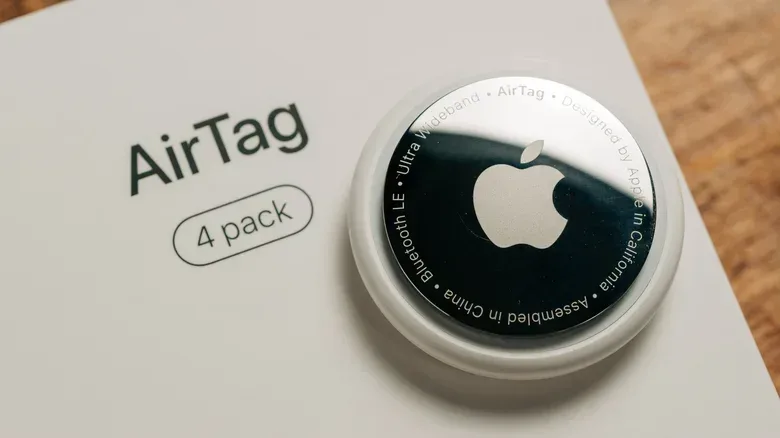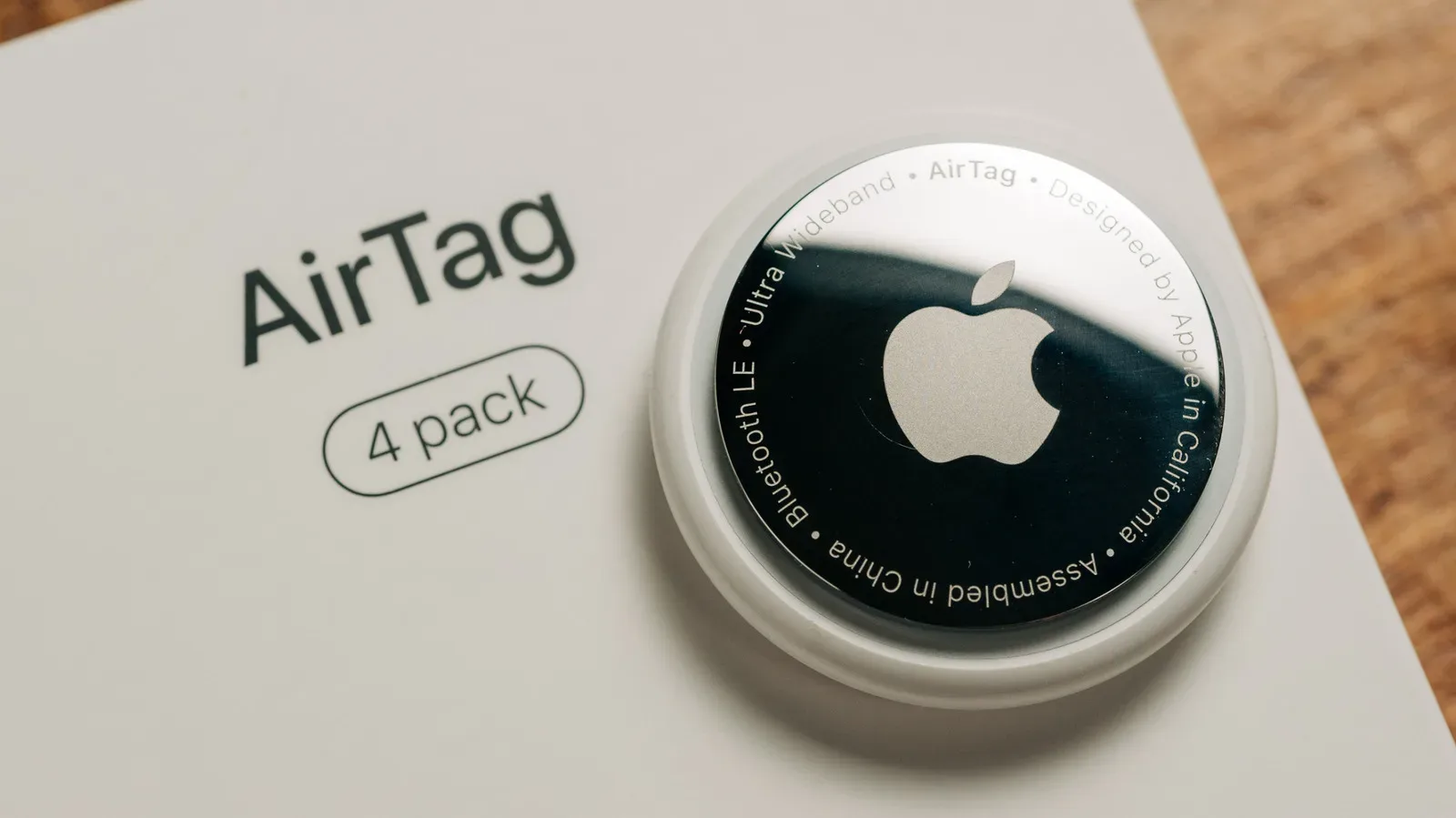
An AirTag has one job: quietly exist until the exact moment your keys, bag or other tagged possession decide to audition for a vanishing act. One of its conveniences is that it does not need a charging cable or a nightly spot beside a phone. It uses a replaceable CR2032 coin-cell battery instead.
Apple’s expectation is that an AirTag battery can run for more than a year. That is a useful baseline, not a promise that every tag will hit the same mark. A tag that spends its life attached to frequently moving property, repeatedly plays sounds, or is regularly used with Precision Finding may need a new battery much sooner. The second-generation AirTag retains the same battery performance expectation.
The practical rule is pleasantly unglamorous: use the locating features when they solve a real problem, fit a reputable compatible battery when replacement time comes, and do not leave a tracker in temperature extremes. That gives the small cell its best chance to spend its energy on finding lost things rather than supporting a personal demo loop.
The battery inside an AirTag: CR2032 explained
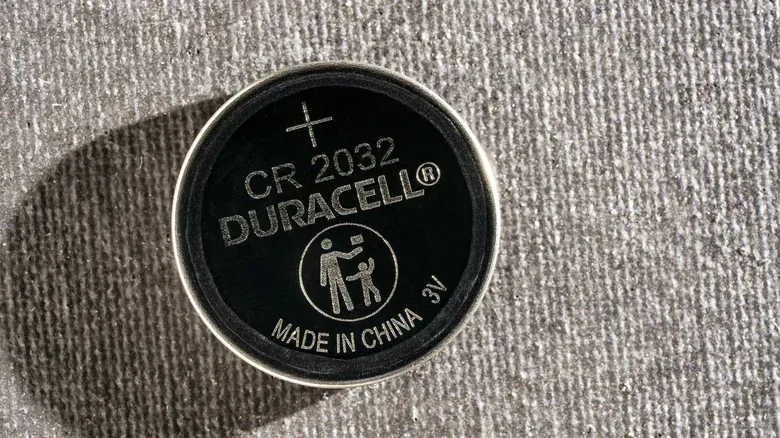
Every AirTag uses a CR2032, a 3V lithium coin-cell battery. The label is not an Apple-only part number; this is a common battery format also used in items such as watches and car key fobs. Its ubiquity is the key benefit. Replacing one does not involve sending the tracker away, buying a special charger, or retiring a device simply because its original power source has been exhausted.
Not all CR2032 batteries are necessarily a smooth fit for an AirTag, however. Apple recommends the Duracell 2032 Lithium Coin Battery, while some CR2032 cells with a bitterant coating may not work. Bitterant is a substance applied to discourage swallowing, but that coating can create a compatibility issue here. The practical takeaway is to check that a replacement is suitable for AirTag use rather than assuming every package bearing “CR2032” is interchangeable in practice.
Battery quality matters too. Generic cells may hold less charge than batteries from established brands. A low up-front cost can be less useful if it means a replacement arrives earlier than expected—particularly for a tag attached to something that is inconvenient to access or important to keep track of.
How to tell when replacement time has arrived
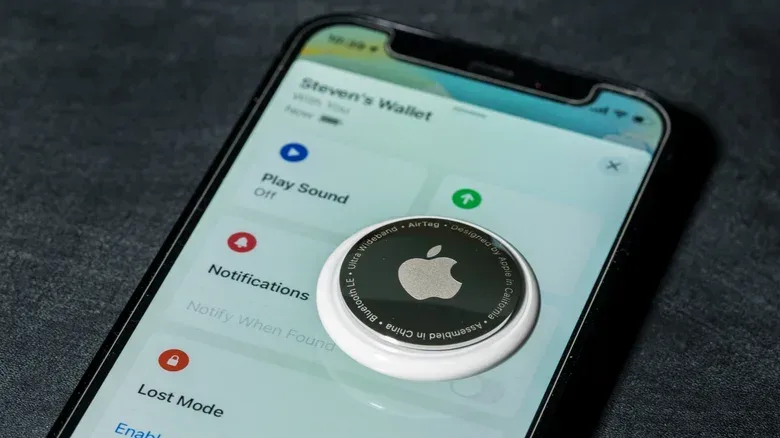
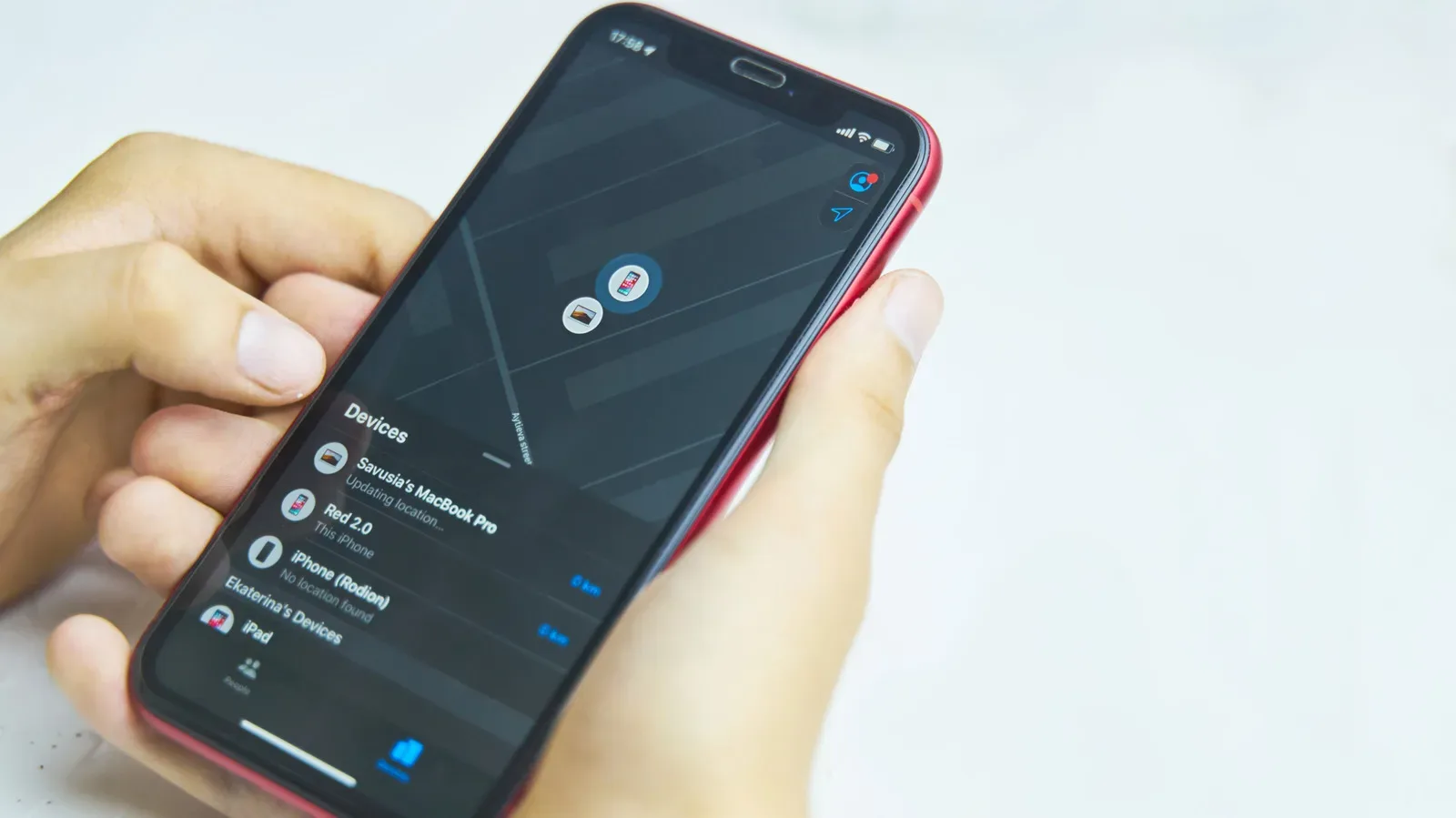
Find My is the place to check an AirTag’s status. On an Apple device, open the app and select the Items tab. An orange battery icon next to the AirTag indicates that the coin cell should be replaced. When the battery is healthy, no battery icon appears.
This may look less detailed than an always-visible meter, but it avoids the false precision of a percentage-style readout that cannot be relied on. Earlier versions of Find My displayed a battery indicator more consistently, but it was removed because it was often inaccurate. In other words, the orange warning is meant to be a service signal, not an invitation to obsessively inspect a tiny power bar.
A low battery also changes what the AirTag can do. To conserve remaining power, the device will not support Precision Finding or play sounds. That makes advance replacement worthwhile if the tag is about to travel with a suitcase, vehicle or another item where a dead tracker would be especially unhelpful. A simple calendar reminder set for roughly a year after each battery change is a low-effort safeguard.
Replacing an AirTag battery safely and simply
The battery swap itself is straightforward:
- Press down on the steel cover on the underside of the AirTag.
- Twist the cover until it comes off.
- Remove the old coin cell.
- Insert the new CR2032 battery with its positive side facing up.
- Replace the steel cover and twist it closed.
If the battery is installed correctly and the AirTag powers back on, it will make a short sound. That audible response is useful confirmation before the tracker goes back into a case, onto a key ring or wherever it earns its keep.
The easy-replacement design changes the maintenance calculation. Rather than attempting to stretch a genuinely low cell indefinitely, owners can keep a suitable spare available and replace it before a trip or other situation where access may be difficult. The goal is not to make battery replacement a hobby. It is to keep it from becoming a surprise side quest.
What drains an AirTag faster?
An AirTag has no on/off switch. It works by sending its location through nearby Apple devices, so its normal purpose involves ongoing activity. Yet several actions use more power than simply leaving a tag attached to an item.
Repeated sound alerts
Making the AirTag play a sound requires its speaker to operate. Using that sound to locate keys under a cushion or identify a bag in a pile is exactly what the feature is for. Repeatedly triggering it just to hear it, on the other hand, gives the battery a job without delivering much value. The same principle applies to any small battery-powered device: audible output is not free.
Precision Finding
Precision Finding is the close-range locating feature that uses the AirTag’s Ultra Wideband chip to communicate with an iPhone or Apple Watch in real time. Ultra Wideband is a short-range wireless technology that helps guide someone toward the tracker with greater directional accuracy than a basic location check. It is helpful when an item is genuinely nearby but not visible. It also consumes more energy than leaving the tag alone.
This is not a reason to avoid Precision Finding when it will quickly resolve a lost-item problem. It is a reason not to turn it into a regular curiosity check for a tag sitting in the next room. The feature exists for the moment when “somewhere in the house” needs to become “under that chair.”
Constant Find My checks
Repeatedly opening Find My to monitor an AirTag nearby can also contribute to faster battery drain. A location tracker is most useful when there is uncertainty to resolve. Checking it constantly while the tagged item is safely in the same room does not improve the item’s safety, and it can make the battery work harder.
That distinction is especially useful during travel. Check when there is a practical reason: confirming a bag’s position, locating it after a move, or responding to a real concern. Avoiding unnecessary refreshes helps preserve the device for the moments when its location information is actually needed.
Movement, temperature and the less obvious battery factors
A moving AirTag typically uses power faster than one that remains still because it is repeatedly reporting location. That means uneven battery life between tags is not automatically evidence of a fault. A tracker attached to a car may run down before one on a keychain, and that can be normal behavior given the difference in movement.
Temperature matters as well. Apple rates AirTag operation from −4°F to 140°F (−20°C to 60°C). Extremely cold or hot conditions can affect battery life, so an AirTag should not be treated as though it is indifferent to the environment. Leaving one in a particularly hot or cold part of a vehicle, including a trunk, is not ideal.
For people who use Apple devices while travelling or driving, this is one more reminder that wireless convenience has conditions. The same attention to compatibility and real-world use patterns applies to other phone-connected accessories; see our guide to what to check before using a wireless CarPlay adapter.
How to make a low battery last through a short-term pinch
Once an AirTag shows the low-battery warning, replacement is the best answer. But a spare may not be available immediately, particularly during a trip. In that situation, reducing feature use can extend the remaining time. Depending on how the tag is used while power is critical, it may continue for days, weeks, or up to a month.
- Do not trigger a sound unless it is necessary.
- Avoid using Precision Finding unless it is needed to recover the item.
- Limit location checks to meaningful moments rather than repeatedly refreshing the tag’s status.
- Replace the cell as soon as a compatible battery is available.
There is an important limitation: battery-saving behavior cannot restore the features that the AirTag restricts once its battery is low. Precision Finding and sound playback are unavailable in that state. Conserving power is a temporary measure meant to preserve basic usefulness until a replacement can be installed, not a substitute for one.
A realistic maintenance routine
The most effective AirTag plan is routine rather than elaborate. Keep a reputable compatible CR2032 available, react when the orange icon appears, and set a reminder after each swap so the next check does not rely on memory—the same faculty the AirTag may have been recruited to assist in the first place.
Use sound alerts and Precision Finding as tools, not toys. Expect tags on moving items to consume their batteries faster than stationary ones. Keep them within their rated operating temperatures where possible. These habits do not override the limits of a coin cell, but they do reduce unnecessary drain and make Apple’s year-or-more expectation more achievable in ordinary use.