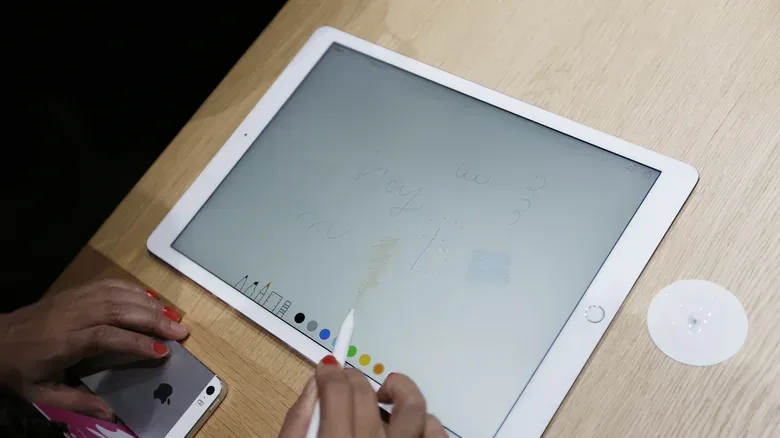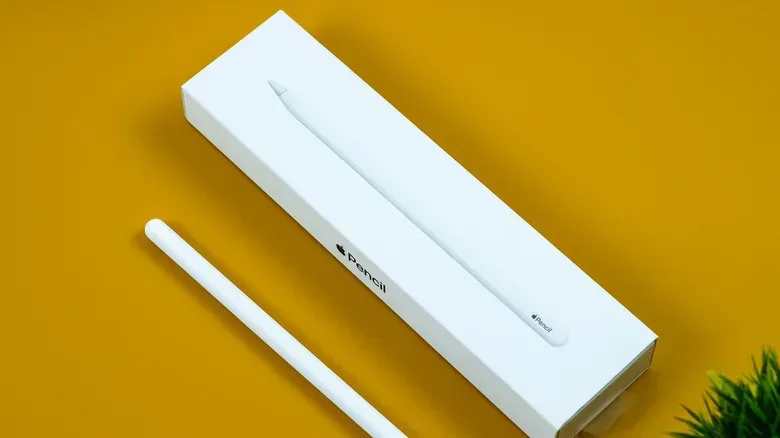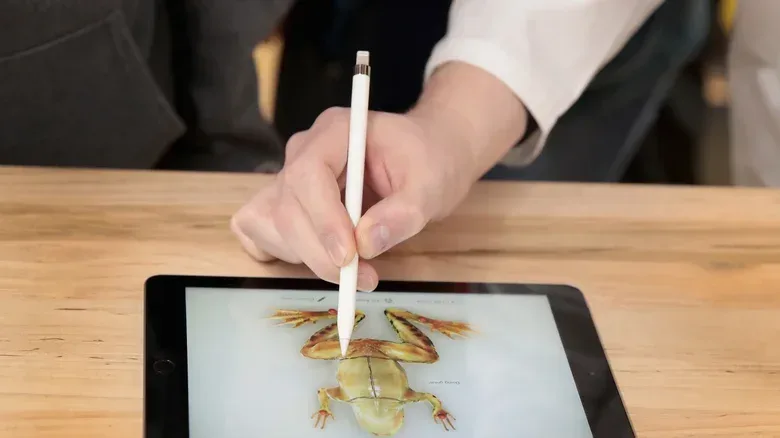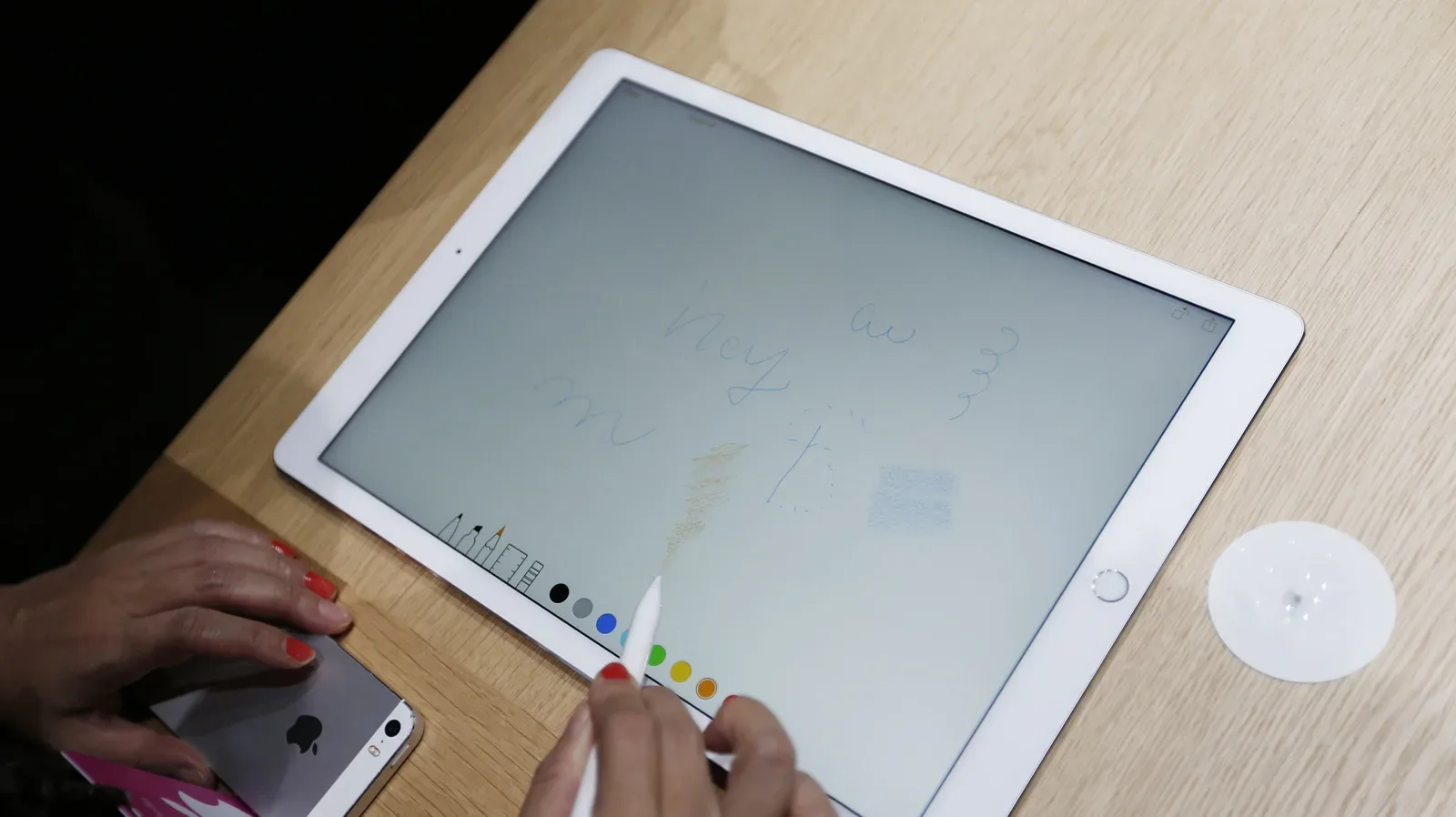
An Apple Pencil may be used on a glass display rather than a page, but its tip is still a consumable part. Every note, sketch, menu tap and carefully placed line puts the detachable nib in contact with the screen. The Pencil itself does not need sharpening, yet the material at its working end gradually changes shape with use.
That distinction matters because tip wear is easy to miss until writing or drawing no longer feels right. A worn nib can create extra drag, feel rough under a fingertip, and eventually contribute to inconsistent connection. Letting the damage progress all the way to exposed metal is a clear signal to stop using it and fit a replacement, rather than risk marking the display.
The useful approach is not to wait for one dramatic failure. Check the tip occasionally, pay attention to changes in resistance as it crosses the screen, and treat a sudden loss of smoothness or reliable input as a maintenance prompt. This applies across Apple Pencil generations and variants: while the products differ in features and positioning, a detachable tip is a shared, replaceable component.
What a healthy Apple Pencil tip should look and feel like
A fresh Apple Pencil tip has an even, rounded profile. That consistent roundness is the baseline for a quick visual inspection. With continued use, the point can wear into a less regular, more jagged shape. It may also feel rougher than a new tip when touched.
Wear is not just cosmetic. The rougher contact surface produces more friction against the display. Friction, in this case, simply means the resistance felt when the tip moves across the glass. A little resistance is part of the expected stylus-on-screen experience; a noticeable increase compared with the Pencil’s earlier feel is the important change.
For someone who uses an iPad mainly for occasional annotations or navigation, that change may arrive slowly. For frequent note-taking, illustration or detailed writing, it can become apparent much sooner. There is no need to guess from calendar age alone: compare the tip’s shape and texture with the Pencil’s normal behaviour.
A short inspection routine
- Look at the tip’s outline. Check whether the rounded end remains even or has developed an irregular, jagged appearance.
- Check the surface carefully. A tip that feels rougher than it used to is showing a practical sign of wear.
- Notice the glide. More resistance while writing or drawing can indicate that the contact point has changed.
- Watch for connection problems. Reduced or unreliable connectivity alongside physical wear is a stronger reason to replace the nib.
- Act before metal is visible. Once the metal beneath the tip is exposed, the replacement should not be delayed.
This is intentionally a simple checklist. The aim is to identify a replaceable part before its condition becomes a screen-risk issue, not to diagnose every possible stylus problem from a single missed stroke.
Why the metal-underneath stage matters
The most definitive warning sign is exposed metal. At that point, the protective tip material has worn away enough that the Pencil is no longer presenting its intended contact surface to the display. Continuing to use it can scratch the screen.
That is also why a tip should be treated differently from an accessory that merely looks aged. A scuffed case may be harmless; a degraded stylus tip directly meets the display during normal use. Replacing it once wear is obvious is preventive maintenance for the iPad as well as for the Apple Pencil.
Connectivity can offer another clue before the metal is visible. As the tip deteriorates, input may become less dependable. Since a connection issue can have more than one potential cause, the physical inspection remains valuable: when unreliable performance is accompanied by a rough, misshapen nib, replacing the tip is the sensible first maintenance step.
How often should the tip be changed?
A general replacement interval is about every two years. That is a useful planning point, not a guarantee. Heavy users may need a new tip in under a year, while lighter use may leave a tip serviceable for longer. The actual pace depends on how often the Pencil is used and the kind of screen contact it experiences.
For practical purposes, it makes sense to keep a spare rather than wait until the current tip reaches its last stage. A person who uses the Pencil routinely for work, study, art or long-form handwritten notes has more reason to inspect it often and to have replacements ready. That avoids a situation in which a rough or exposed tip is used simply because there is no alternative on hand.
It also helps to separate tip wear from the Pencil’s broader durability. Apple Pencil models have differing feature sets and price points, but their tips are the part most directly designed to be replaced as they wear. A declining drawing feel does not automatically mean the whole stylus has reached the end of its useful life.
Replacement options and compatibility
Apple sells replacement tips in packs of four for $19, with compatibility across Apple Pencil models. A multi-pack can therefore cover several future changes rather than just an immediate repair. For users who prefer the standard Apple Pencil feel, that is the straightforward route: remove the worn tip, replace it with a new one, then resume normal use.
Third-party tips are also available, and the differences are often framed around how the tip feels during a particular task. PenTips, for example, offers the PenTips Lite with an emphasis on drawing precision. Delidigi’s Fine Point is presented as a long-lasting alternative aimed at precision and a ballpoint-like writing feel.
Those descriptions point to an important choice: replacement is not solely about restoring function. It can also be about selecting a feel that suits the main use case. A person focused on sketching may prioritize the character of the drawing contact, while someone using the Pencil for written notes may prefer a more pen-like sensation. In either case, the core maintenance rule stays the same: a replacement tip must solve wear, not merely change texture.
Before choosing a different tip style
- Start with the condition of the existing tip. A visibly uneven, rough or metal-exposing tip needs replacement regardless of any preference for a different writing feel.
- Identify the activity that dominates your Pencil use: detailed drawing, general handwriting, occasional navigation, or a mixture of tasks.
- Remember that “precision” and “ballpoint feel” describe different priorities. They may be helpful descriptors, but they are not a substitute for monitoring wear.
- Keep the display in mind. The reason to replace a degraded tip promptly is to preserve a safe surface between the Pencil and the screen.
What this means for everyday iPad use
Stylus maintenance can feel easy to overlook because the results appear digitally: a line on a canvas, a handwritten note, or an edited document. But the interaction begins with a physical tip. When it stays rounded and smooth, it provides the expected contact experience. When it becomes rough and irregular, the change can be felt before it becomes a more serious problem.
That makes a quick check worthwhile whenever the Pencil starts feeling unusually draggy or less dependable. Do not confuse a worn point with an inevitability of digital writing. The tip is replaceable precisely so the stylus can return to normal use without replacing the entire device.
For people who combine handwritten notes with tablet productivity tools, routine hardware upkeep is part of keeping that workflow comfortable. The same attention to interface preferences that can make a mobile document setup easier—such as the options discussed in Google Docs’ mobile dark mode and web workaround—can extend to the small physical component that meets the screen.
The bottom line is simple: inspect the Apple Pencil tip for lost roundness, roughness, higher friction and connection trouble; replace it well before metal is exposed. A typical tip may last around two years, but frequent users should expect to check sooner and may need a replacement in less than a year.
Shop the products
Check current price, model and availability at the retailer.