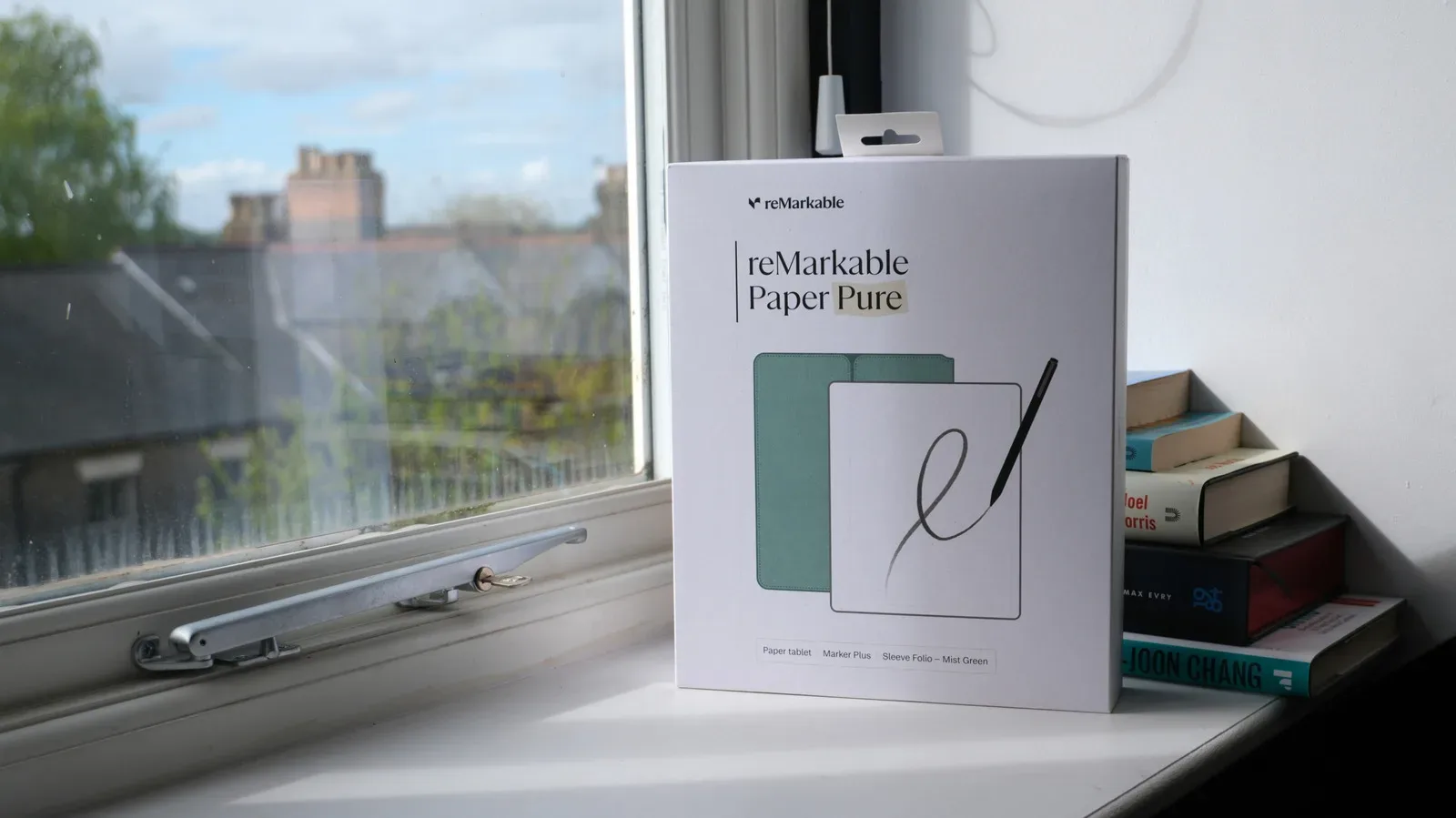
Tablets are often sold as do-everything screens: cinema, sketchbook, browser, handheld console, notebook, comic reader and social feed in one glowing slab. An E Ink tablet takes almost the opposite approach. It is most compelling precisely because it does less, more slowly, and with far less visual commotion.
That is not a dismissal. For someone whose tablet time is mostly books, long articles, handwritten notes or drawings, the limitations can be a feature rather than a compromise. E Ink’s restrained, paper-like presentation and low power use make it a serious alternative to an iPad for static, text-led work. But “alternative” is the crucial word: it is not a direct replacement for a conventional tablet if vivid color, video, quick browsing or fluid app switching matter.
What E Ink is doing differently
LCD and OLED screens are emissive displays. They create light and send it toward the viewer. E Ink is reflective: it uses external light to make its content visible. Rather than a conventional lit panel constantly refreshing the whole image, an E Ink screen changes its picture by electrically moving and orienting tiny physical particles.
This distinction explains most of the practical differences. Once an E Ink page is on screen, it requires very little power to remain there. Energy is principally needed when the display updates—such as turning a page, scrolling, opening a menu or changing a note. An iPad must continue powering its display while the screen is active, even if the user is simply reading a still page.
The result is a screen that resembles ink on paper more than the luminous glass used by mainstream tablets. Many E Ink tablets also use a matte surface instead of glossy glass. That can reduce the mirror-like reflections familiar to anyone who has tried to read on a shiny display near a window, and it gives stylus input a more paper-adjacent feel.
Where an E Ink tablet makes its best case
Reading is the obvious fit, but it is worth being precise about why. A novel, a saved article, a PDF intended mainly for text, a checklist and a set of notes are all mostly static. The screen does not need to perform a rapid stream of visual changes to make those activities work. E Ink can therefore lean into its strengths rather than repeatedly expose its weaknesses.
Its reflective nature is especially useful outdoors. Bright ambient light helps illuminate an E Ink display, whereas a backlit tablet can face glare and may need substantial brightness to compete with sunlight. Lower-end iPads can have a tougher time in direct sun for that reason. The iPad Pro is better equipped for the job through its high-brightness tandem OLED display, but that does not change the basic appeal of a reflective screen for daylight reading.
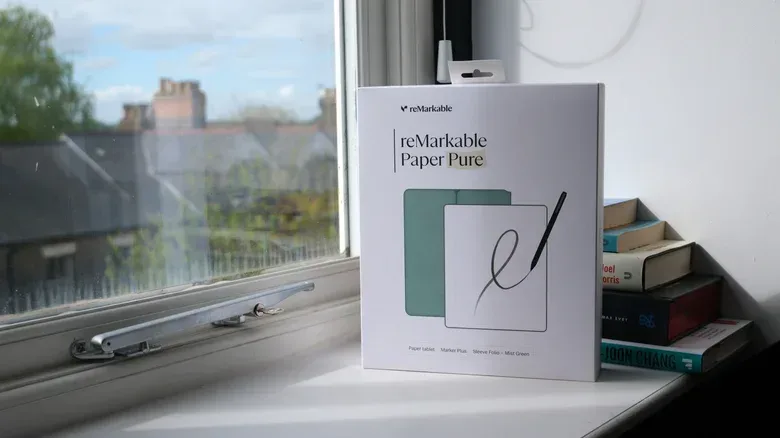
There is also an ergonomic angle. Lower power requirements can enable lighter hardware, and some devices, including the reMarkable Paper Pro, can deliver better active-use battery life than an iPad. Exact endurance will always depend on use, but the principle is straightforward: a device spending much of its day showing unchanging pages has less display work to do than one maintaining a bright, continuously powered screen.
For readers who find bright screens fatiguing over long sessions, E Ink may feel more comfortable. That is a personal-use consideration rather than a medical claim, but it follows from the design: the user is looking at a reflective surface instead of a bright display emitting light directly toward them. The benefit is less about declaring one screen universally “better for your eyes” and more about matching the device to an individual’s comfort and habits.
Writing and drawing benefit from deliberate hardware
Digital note-taking is another natural E Ink use case. A matte panel can make a stylus feel less slippery than glossy glass, and the visual simplicity may help a note device feel distinct from the app-filled tablet that also hosts messages, video and a bottomless web.
That distinction has practical value. An E Ink tablet can be a focused place for reading and writing because it is less suited to the distractions that make a conventional tablet so versatile. Slow animation, limited color and less capable hardware are drawbacks when the task is entertainment or multitasking. For someone trying to annotate documents or draft notes without bouncing to other apps, those same constraints can encourage a narrower workflow.
It is a familiar trade: specialization versus flexibility. An iPad can handle notes and drawing too, while also moving quickly between media, communication and a web browser. An E Ink tablet is most persuasive when the buyer actively wants the device to remain a reading, sketching or writing machine.
Color E Ink is progress, not an iPad substitute
Color E Ink panels have expanded what these devices can show, but they do not erase the category’s limitations. Even current color E Ink displays do not approach an iPad’s color volume or vibrancy. Color volume refers broadly to the range and intensity of colors a display can reproduce. In ordinary use, that difference means comics, photographs, illustrated web pages and colorful interfaces will generally look more accurate and more lively on an iPad.
This matters well beyond visual polish. Color is often functional: it separates layers in an illustration, clarifies a chart, highlights an interface control and distinguishes game-map markers or card effects. If the material depends on saturated color or fine visual nuance, a conventional tablet has the meaningful advantage.
The gap is even clearer for video. E Ink is built around physical particles shifting to form a new image. That process is fundamentally less suited to motion than the rapid refresh behavior people expect from LCD and OLED displays. Moving elements can leave a visible trail, commonly called ghosting, and the screen can flicker or show other update artifacts when the image changes. Video is therefore an extremely poor match for E Ink, not merely a slightly less premium experience.
Speed is part of the buying decision
Refresh rate is the number of times a display can update over a period of time, often discussed in updates per second. On a mainstream tablet, fast refresh behavior helps menus, gestures, scrolling and animation feel immediate. An E Ink display’s particles must physically reposition whenever the picture changes, so the response can be noticeably slower.
That latency changes the character of everyday use. Opening menus, hopping between applications and navigating a complicated webpage may feel more deliberate than on an iPad. Many E Ink tablets also use less powerful processors because they are not intended for graphically demanding apps or complex animated interfaces. The slower screen and modest processing hardware can compound each other, turning a task that is effortless on an iPad into a wait.
That does not make every E Ink tablet “slow” in a simple sense. It means speed must be judged against the intended task. A page turn can be entirely acceptable; an animated interface or dense website may not be. Buyers should think about their actual moments of use, not the idealized list on a product page. Do they mostly settle into a book for an hour? Or do they routinely open reference links, jump among apps, view images and play clips while reading? The answer points toward very different devices.
Creators should make the same distinction. A monochrome or lightly colored note workflow may be well served by E Ink. A workflow built around images, detailed color work, fast layer changes, web research and sharing will be better served by an iPad or another conventional tablet. The ability to draw with a stylus is not, by itself, proof that two tablet categories are interchangeable.
An iPad remains the better all-purpose screen
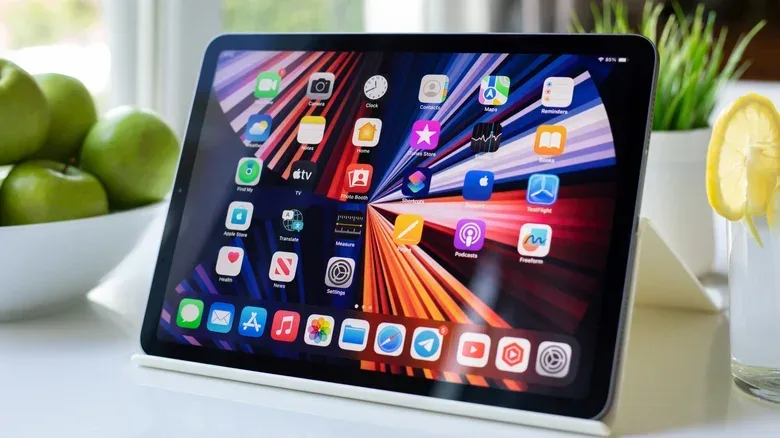
An iPad is the safer choice for people who want one portable device to cover many jobs. It offers responsive navigation, richer color, better suitability for web content and the kind of motion performance that makes video practical. It is also the better fit when reading is only one stop among streaming, browsing, images and general applications.
That breadth matters for modern visual tools, too. For example, services that turn photos into messaging assets are inherently image-centric and benefit from a conventional color display; see how ChatGPT Images can turn photos into sticker packs for iMessage and WhatsApp. An E Ink tablet may still open text-heavy material related to such work, but it is not the screen to choose for judging lively imagery or interacting quickly with visual tools.
The iPad Pro’s tandem OLED panel also demonstrates that “iPad” is not a single display experience. Its higher brightness makes it more capable in direct sunlight than lower-end models. Still, high brightness, strong color and motion clarity answer a different set of needs from E Ink’s reflective, static-page efficiency. The comparison should not be framed as old technology versus new technology. It is two designs optimized around different priorities.
A practical way to choose
Start with the activity that will occupy most of the device’s time, then be honest about the rest. An E Ink tablet is a sensible primary choice if the core routine is reading, handwritten notes, drawing or text-based reference material, particularly when outdoor legibility, a matte writing surface, lighter construction or active-use battery life are priorities.
- Choose E Ink first when static pages are the job, color is secondary and a focused device is desirable.
- Choose an iPad first when video, comics, photos, colorful web pages, quick app switching and responsive browsing are regular parts of the plan.
- Do not overvalue color E Ink if the real goal is a vibrant media tablet. Color capability is not the same as iPad-class color reproduction.
- Do not assume a stylus makes the categories equal. Consider the full workflow: display response, processor performance, color needs and how often files or pages must be navigated quickly.
The most useful way to view E Ink is not as a cheaper or slower iPad. It is a purpose-built digital paper device. For the right reader or note-taker, that narrower purpose can make it the more satisfying tool. For everyone expecting a tablet to be a vivid, speedy media hub, the iPad’s conventional display and stronger all-round performance remain far more appropriate.