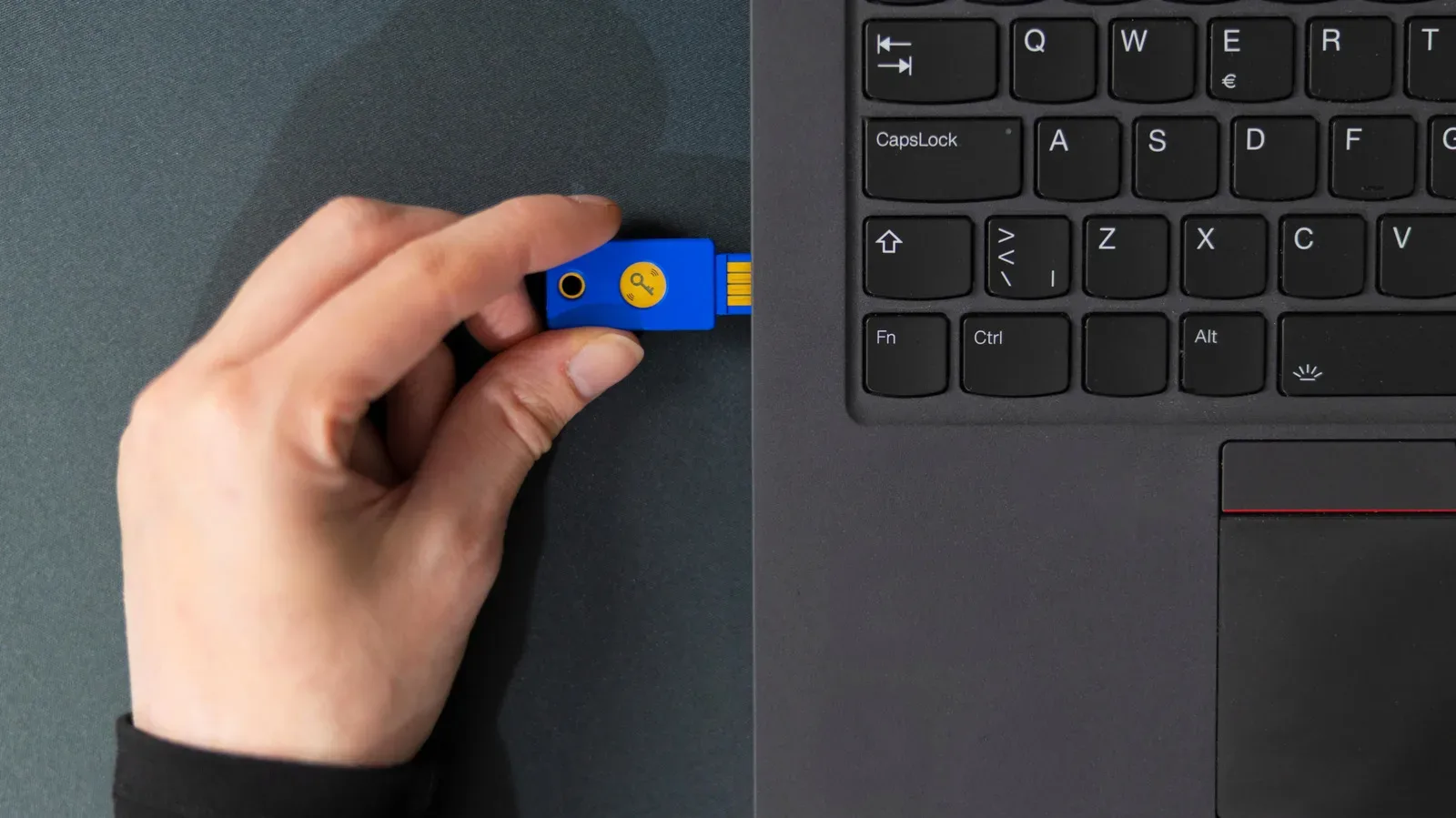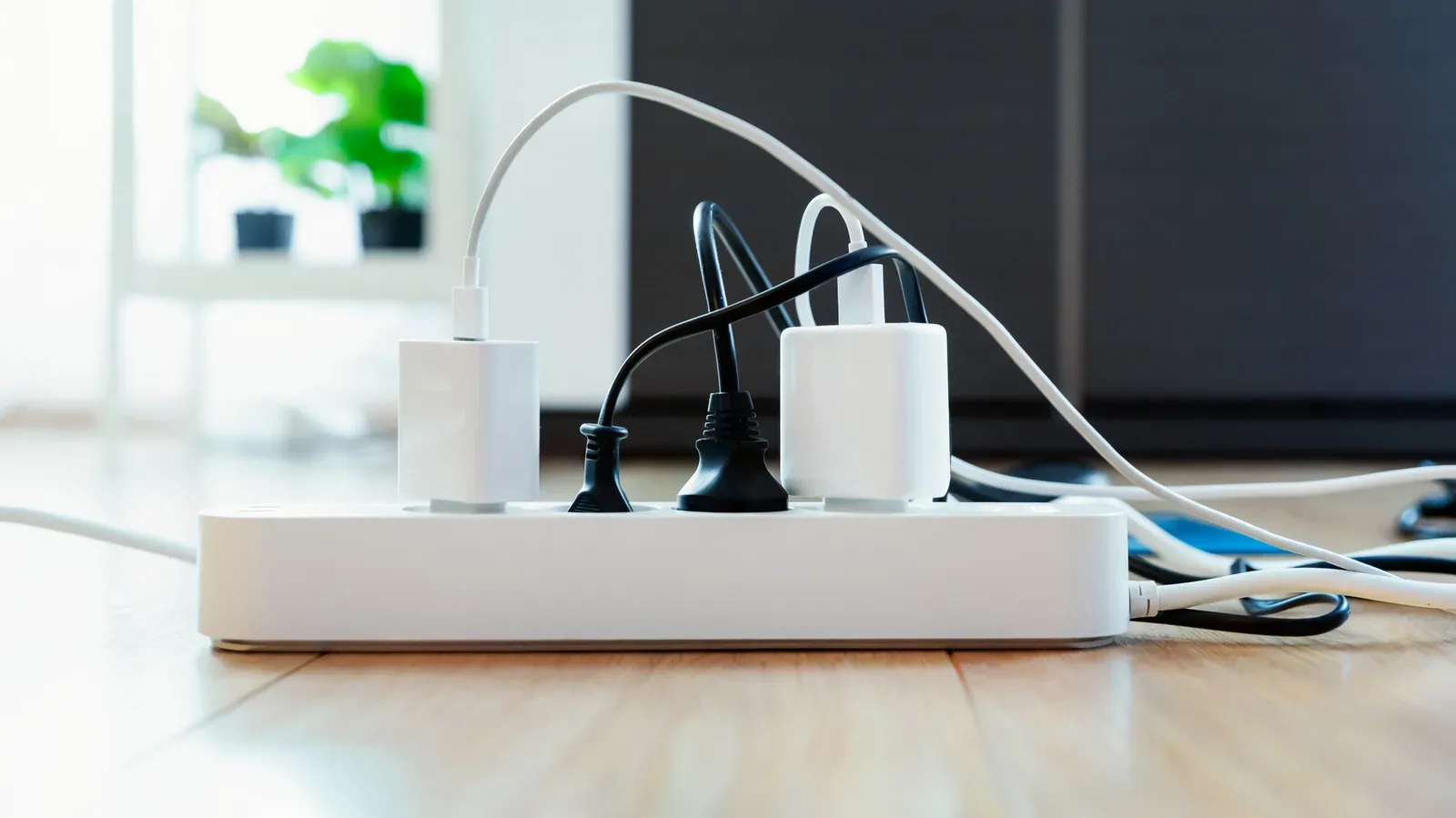
Laptop makers love a clean silhouette. Anyone trying to connect a monitor, keyboard, mouse, storage drive, webcam, headset dongle, controller, and charging cable at the same time may feel less affectionate about that design decision. A docking station is the familiar answer to the problem, but it is not the only answer—and it can be more hardware, expense, and permanence than a particular desk actually needs.
The more compact alternative is the USB-C hub. These small port expanders can bring back useful connections without turning a laptop bag into a cable-management dungeon. But a hub is not simply a tiny dock with a lower price tag. The distinction matters most when a setup includes demanding gear: fast external SSDs, high-definition webcams, multiple displays, or an external GPU. In those situations, the limits of available power and bandwidth can turn a promising little adapter into the weak link in an otherwise tidy gaming or work station.
For anyone deciding between the two, the sensible first question is not “Which has the most ports?” It is what needs to stay connected, how hard does each device work, and is the laptop moving around? The answers make the right choice considerably clearer.
A USB-C hub is the lightweight alternative
In everyday conversation, “hub” and “dock” are often used as if they mean the same thing. Both add connections to a laptop through a single USB-C link, and both can make a desk less chaotic. Their intended roles, however, are usually different.
A docking station is commonly the larger, more established desk fixture. It tends to offer a broader collection of ports and is designed to sit in one place, ready for a laptop to connect to the rest of a permanent setup. It can effectively make the laptop the removable brain of a desktop-like workspace.
A USB-C hub is generally smaller, lighter, and built around portability. It provides fewer connections, but that can be entirely sufficient for a travel kit, a shared workstation, a living-room setup, or a desk that only needs a few extras. If the goal is to add a mouse receiver, an external display connection, and a handful of basic ports without hauling a larger box everywhere, the hub’s smaller footprint is its major advantage.
That portable character also makes hubs appealing to players who switch between rooms, travel with a laptop, or regularly pack equipment away. A compact hub can go in the same pouch as a charger and a few cables. A dock usually asks for its own permanent piece of desk real estate.
Not every accessory needs the heavy-duty answer. The same logic that makes a simple wired backup useful in an otherwise wireless setup applies here; our look at Apple EarPods as a no-battery backup is a reminder that uncomplicated gear can be valuable when it directly solves a narrow problem. A hub can occupy that role for laptop ports.
Related coverage includes USB-C Hubs vs. Docking Stations: Which Laptop Port Solution Fits Your Setup?.
Power is the first major dividing line
Docking stations are often powered directly from a wall outlet. That external power lets the dock supply connected accessories rather than asking the laptop alone to carry the load. This is a meaningful advantage when the desk has several peripherals that expect consistent power.
Many USB-C hubs, by contrast, draw from the computer to which they are connected. Externally powered hubs do exist, but they are less typical. Some hubs also support power-delivery passthrough, which can allow charging through the hub, yet charging accessories this way may be slow unless the hub is purpose-built for the task.
This is why a shopping list should be translated into a power plan before a purchase. A basic keyboard and mouse are a very different proposition from an external drive, camera, and other demanding attachments all pulling from the same laptop connection. A hub may still connect them physically, but physical compatibility is not a guarantee that each device will receive the power it needs to behave reliably.
For a modest portable arrangement, that trade-off can be acceptable. For a desk that must be ready every day with several devices connected, an externally powered dock offers a more appropriate foundation.
Bandwidth decides which peripherals stay happy
The other central issue is bandwidth. A USB-C hub shares the bandwidth of the laptop port it occupies. A docking station has dedicated bandwidth of its own. In practical terms, a hub can be fine when it is spreading a relatively light workload among a few devices, but it may struggle once several high-demand accessories begin asking for data at once.
External storage illustrates the point especially well. An external hard drive—and particularly an SSD—may not receive enough power and bandwidth through a hub to work as expected. High-speed devices such as HD webcams and external GPUs are also poor candidates for a typical hub, because their demands can exceed what that shared connection can comfortably provide.
Display plans deserve equally close attention. Most USB-C hubs support only one external monitor, because the available bandwidth is limited. Someone who expects a laptop to drive a larger multi-monitor desk should treat that as an early warning sign rather than a surprise waiting at the checkout screen. A docking station is the better match for a setup where display expansion is a core requirement rather than an occasional convenience.
None of this means a hub is defective or lesser by default. It means it has a focused job. The trouble begins when a compact travel accessory is asked to become the central nervous system for a power-hungry battlestation.
Match the hardware to the way you use your laptop
A practical decision can start with an honest inventory. List every item that will connect through the port solution, then separate the must-have connections from the things that only come out occasionally. A hub makes the most sense when the essential list is short and relatively undemanding. A dock makes more sense when the connections are numerous, stay in place, or include peripherals that need steady power and data throughput.
A USB-C hub is likely the better fit when:
- You need a small port expander that can travel with the laptop.
- Your setup uses a limited number of accessories.
- You are connecting less taxing peripherals rather than high-speed storage, HD webcams, or an external GPU.
- One external monitor is enough for the intended workspace.
- You want to reduce cable clutter without committing to a permanent desk conversion.
A docking station is likely the better fit when:
- Your laptop regularly returns to the same desk and needs many accessories waiting for it.
- External power for connected devices is important.
- You depend on demanding devices such as external SSDs, HD webcams, or an external GPU.
- Multi-monitor support is a priority.
- You want the laptop to plug into a more established desktop-style arrangement.
There is also a middle ground: a hub for travel and a dock for home. That approach is only worthwhile when the laptop genuinely moves between distinct setups often enough to justify two solutions. Otherwise, buying the option that reflects the most common routine is usually the cleaner decision.
Portability brings wear-and-tear trade-offs
The very quality that makes hubs convenient—their ability to go anywhere—also exposes them to more abuse. A stationary docking station is less likely to be dropped, crushed in a bag, or repeatedly subjected to debris around its ports. A USB-C hub can face all of those hazards through ordinary travel and frequent handling.
That does not make a hub fragile by definition. It does mean its expected lifespan can be affected by how often it is carried and how roughly it is treated. Keeping it protected during transport, avoiding unnecessary strain on its cable and connectors, and keeping ports free of debris are sensible habits for any frequently used accessory.
For gamers, collectors, and general laptop users alike, the best port solution is the one that respects the actual limits of the setup. A USB-C hub is a strong alternative to a docking station when portability and a small number of connections matter most. A full docking station earns its larger presence when power, bandwidth, many peripherals, and a more permanent desk arrangement are non-negotiable. Choosing between them is less about chasing the biggest spec sheet than making sure the gear on the desk has enough room—and enough resources—to do its job.