Buying a bigger television is the easy part. Working out where to sit after it arrives is where living-room geometry begins quietly ruining everyone’s plans.
The commonly cited 30-degree rule is a practical baseline for TV placement: for general viewing, the picture should occupy at least 30 degrees of your field of view. Put into a much friendlier calculation, that means sitting roughly 1.6 times the TV’s diagonal measurement away from the screen.
It is not a commandment, and it is definitely not a reason to start relocating furniture by fractions of an inch. It is a useful target for people who want a screen to feel substantial without turning a relaxing game session or movie night into an exercise in scanning from one edge of the panel to the other.
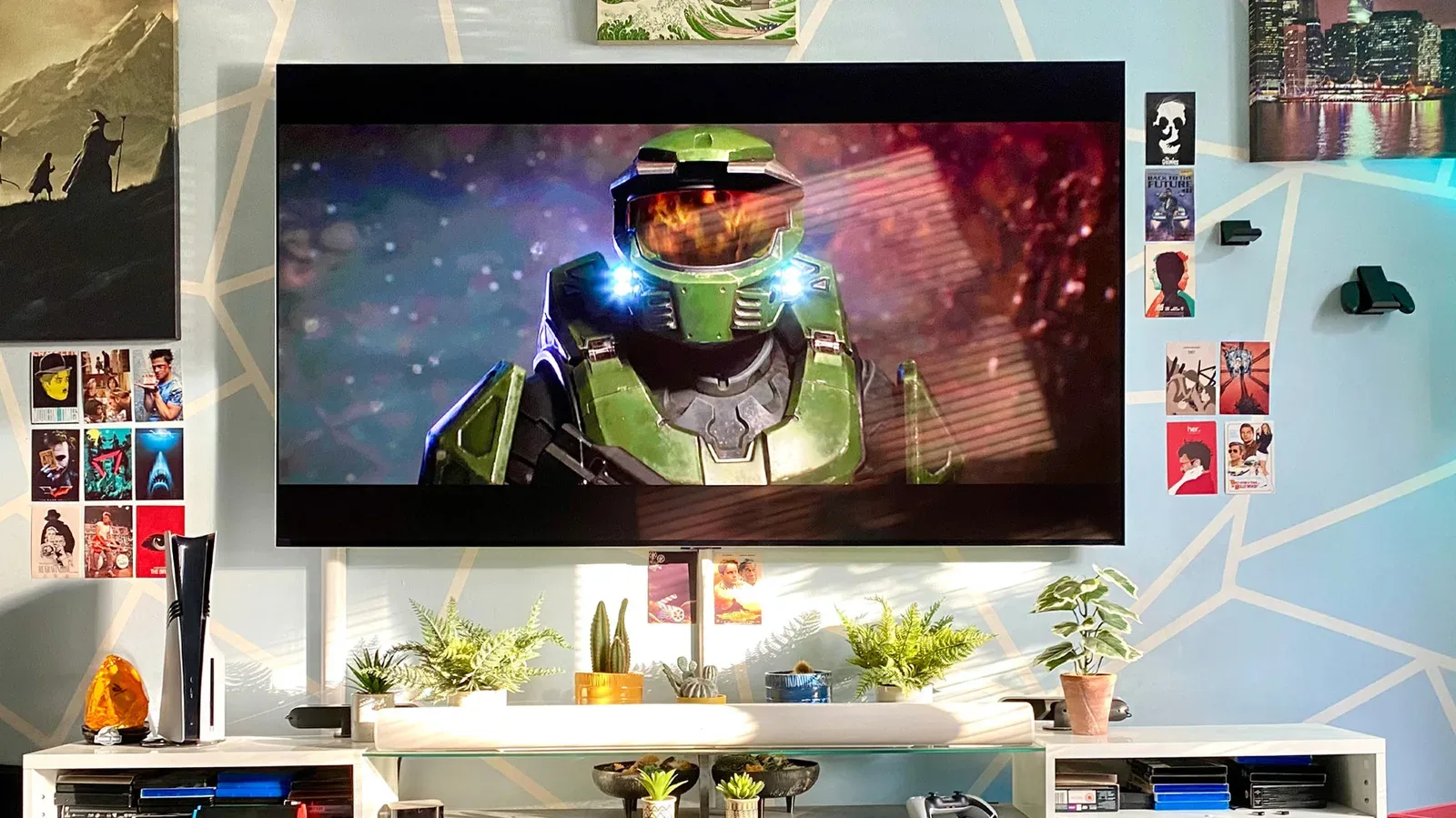
For gaming, the number is especially useful because the “right” distance is not solely about making the image big. Players also need to read interface text, track motion across the entire display, and remain comfortable during longer sessions. The ideal arrangement is usually a compromise between immersion, legibility, panel characteristics and the plain physical constraints of a room.
What the 30-degree rule actually measures
A field of view is the portion of the world visible to your eyes at a given moment. In this case, it describes how much of that view is occupied by the TV image. A larger field-of-view number means the screen appears bigger because you are seated closer, using a larger television, or both.
The Society of Motion Picture and Television Engineers is associated with the 30-degree recommendation for general viewing. The 1.6-times-diagonal shortcut makes it possible to use that guidance without doing trigonometry before launching a game.
These examples illustrate the approximate 30-degree distances:
- 55-inch TV: about 7 feet 4 inches away.
- 65-inch TV: about 8.7 feet away.
- 75-inch TV: about 10 feet away.
- 85-inch TV: about 11 feet 4 inches away.
“Diagonal” matters here. It is the advertised screen size measured from one corner of the visible display to the opposite corner, not the width of the TV cabinet. Measure your seating position to the screen itself rather than to a wall behind it or the outermost edge of a stand.
Related coverage includes TV Viewing Distance Explained: Using the 30-Degree Rule.
A 65-inch TV is identified as the most popular modern TV screen size in the US by sales figures, making it an especially useful reference point. At the 30-degree target, its approximately 8.7-foot distance is a sensible middle ground for a multipurpose room where the screen handles games, streaming and conventional television.
Want a larger image? The 40-degree option
The same guidance also supports a more immersive 40-degree field of view. Its simple distance equivalent is about 1.2 times the screen diagonal. That moves seating closer and makes the image command more of your attention.
For a 65-inch screen, the approximate 40-degree distance is 6.5 feet. On a 75-inch display, the same approach would naturally call for a closer seat than the 10-foot 30-degree target. The point is not that one setting is universally superior. The two numbers represent different experiences: 30 degrees is a general-use floor, while 40 degrees is intended to feel more cinematic and enveloping.
That distinction has a clear gaming angle. A closer setup may make small on-screen text easier to parse and can make a game’s world feel more immediate. It may appeal to players who spend time in HUD-heavy games, where maps, subtitles, inventories, objective prompts and tiny status indicators all compete for attention.
But “more immersive” does not automatically mean “more comfortable.” A display that dominates too much of your vision can require more eye movement as action, menus and information spread toward the edges. If you find yourself repeatedly shifting your focus around the panel instead of taking in the scene naturally, move back a little. The number exists to guide adjustment, not to overrule your eyes.
The extreme end: a 62-degree field of view
A 62-degree viewing angle is the aggressive option in this set of examples. With an 85-inch TV, it would mean sitting around 5.9 feet away. With a 65-inch display, the corresponding distance is about 4.6 feet.
That can produce a front-row, highly enveloping effect, but it is likely to be a niche preference rather than a universal living-room recommendation. At distances like these, the screen occupies a huge share of what you can see. Some people may enjoy that sensation for selected content; others may find it tiring or impractical, especially when a game demands frequent attention to elements positioned in the corners.
It also illustrates why screen size alone never tells the whole story. Saying that an 85-inch TV is “too big” or that a 65-inch TV is “small” skips the crucial variable: distance. A display that feels overwhelming at one seat can feel perfectly proportioned several feet farther back.
Why the rule matters for picture quality
Distance changes what flaws you can see. A compressed video can look acceptable from across a room yet less convincing when viewed up close, because compression artifacts become easier to notice. This matters on video platforms where footage may be heavily compressed, including 4K uploads. More resolution does not erase every artifact introduced by compression.
Artifacts are unwanted visual imperfections created as video is compressed and delivered. The practical takeaway is simple: if a stream looks messy, moving closer is unlikely to improve the experience. It can instead make blockiness and other unwanted details more obvious.
Panel behavior matters too. VA LCD televisions are noted for relatively narrow viewing angles. A viewing angle describes how the picture holds up when your eyes are off to the side of the screen’s ideal center position. With a narrow-angle panel, picture consistency can change more noticeably away from that sweet spot.
Backlight bleed and uniformity issues are among the flaws that can be more apparent in certain circumstances. Backlight bleed refers to unwanted light visible around portions of an LCD image, while uniformity concerns how consistent the panel appears across its surface. These are separate from the 30-degree calculation, but they reinforce the broader point: the best seat is not merely the one that produces the correct number on a tape measure. It should also be a position where the display looks even and comfortable to watch.
Comfort should outrank precision
The 30-degree rule is best treated as a starting position. Room dimensions, couch placement, chairs, media cabinets and other everyday obstacles will determine what is realistic. A setup that is nominally several inches off the estimate but feels good is preferable to a mathematically perfect configuration that forces awkward posture.
Long viewing sessions can make overly close seating unpleasant. The supplied guidance warns that watching at close range may lead to eye strain, dry or fatigued eyes, and in more serious cases blurred vision or headaches. Those are useful signals to pay attention to rather than obstacles to tough out for the sake of immersion. If discomfort persists, a health professional is the appropriate person to consult.
Audio can complicate perceived distance, too. Sometimes a viewer creeps forward because dialogue is hard to understand, when the underlying issue is sound configuration rather than screen size. Before reshuffling a room around a TV, consider whether the problem is visual, acoustic or both. For one straightforward streaming-audio troubleshooting step, see why switching from 5.1 to stereo can help when Netflix dialogue sounds muffled.
A practical way to use the numbers
- Find the TV’s advertised diagonal size. A 65-inch set uses 65 inches as the basis for the calculation.
- Multiply by 1.6 for the 30-degree baseline. This gives a general-viewing estimate.
- Use 1.2 for a 40-degree, more immersive alternative. This is useful as a comparison point, not an obligation to move closer.
- Measure from the screen to your normal eye position. Measure where you actually sit, not where you imagine an ideal chair might go.
- Try the result in real use. Read game text, watch a stream and play something with lots of edge-of-screen action. Adjust if you are straining, constantly scanning or noticing distracting picture flaws.
This approach avoids both extremes: treating TV distance as unknowable personal preference, or treating a recommended angle as rigid law. The math provides a defensible first estimate. Your room and comfort decide the final answer.
What gamers should take from it
A larger screen does not demand sitting inches away from it, and a closer seat does not inherently make games better. The best arrangement is one that gives the picture enough presence while preserving comfort and clear awareness of the full image.
For a 65-inch television, around 8.7 feet is the useful 30-degree benchmark. Around 6.5 feet shifts toward the more immersive 40-degree experience. Those distances bracket a range that many players can use to experiment intelligently rather than guessing whether a new TV is too large for a room.
Start at the 30-degree estimate, then move inward only if you genuinely want a bigger-feeling image and can comfortably take in the entire screen. If the picture reveals compression artifacts, panel inconsistencies or simply makes your eyes work too hard, back up. A good setup should make it easier to disappear into a game—not make you aware of the geometry every few minutes.