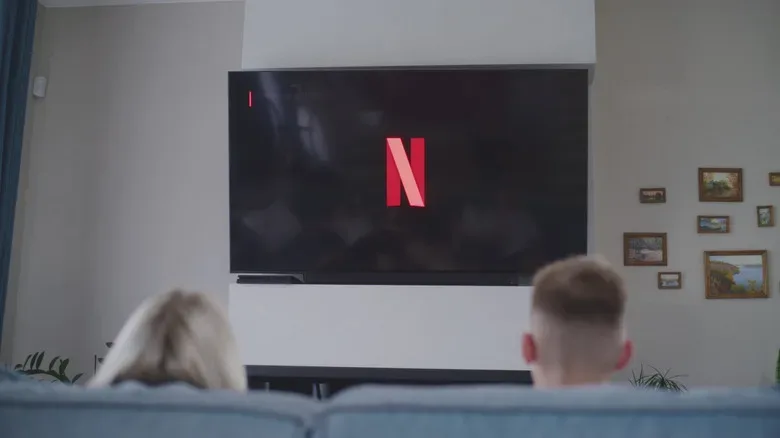
When Netflix dialogue suddenly seems quiet, cloudy or hard to follow, the instinct is to blame the television, the internet connection or the show’s sound mix. Those can be factors, but there is a much simpler setting worth checking first: the audio track selected inside the Netflix player.
Netflix can choose the highest-quality format it believes the connected equipment supports. On a setup reporting surround-sound capability, that may mean a 5.1-channel or Dolby Atmos track rather than ordinary stereo. That is ideal when a compatible surround system is actually doing the work. It can be far less successful when the final destination is a TV with only its built-in left and right speakers.
The practical fix is usually to open Audio and Subtitles during playback and select the standard track—for example, English [Original]—instead of an option marked 5.1. For viewers using only TV speakers, changing away from the surround version can restore clearer, more present dialogue without buying hardware or changing the entire home-theater setup.
Why a higher-spec audio track can sound worse
“Higher quality” is not automatically synonymous with “better on every device.” It means the stream carries a format with capabilities that must be properly handled by the equipment receiving it.
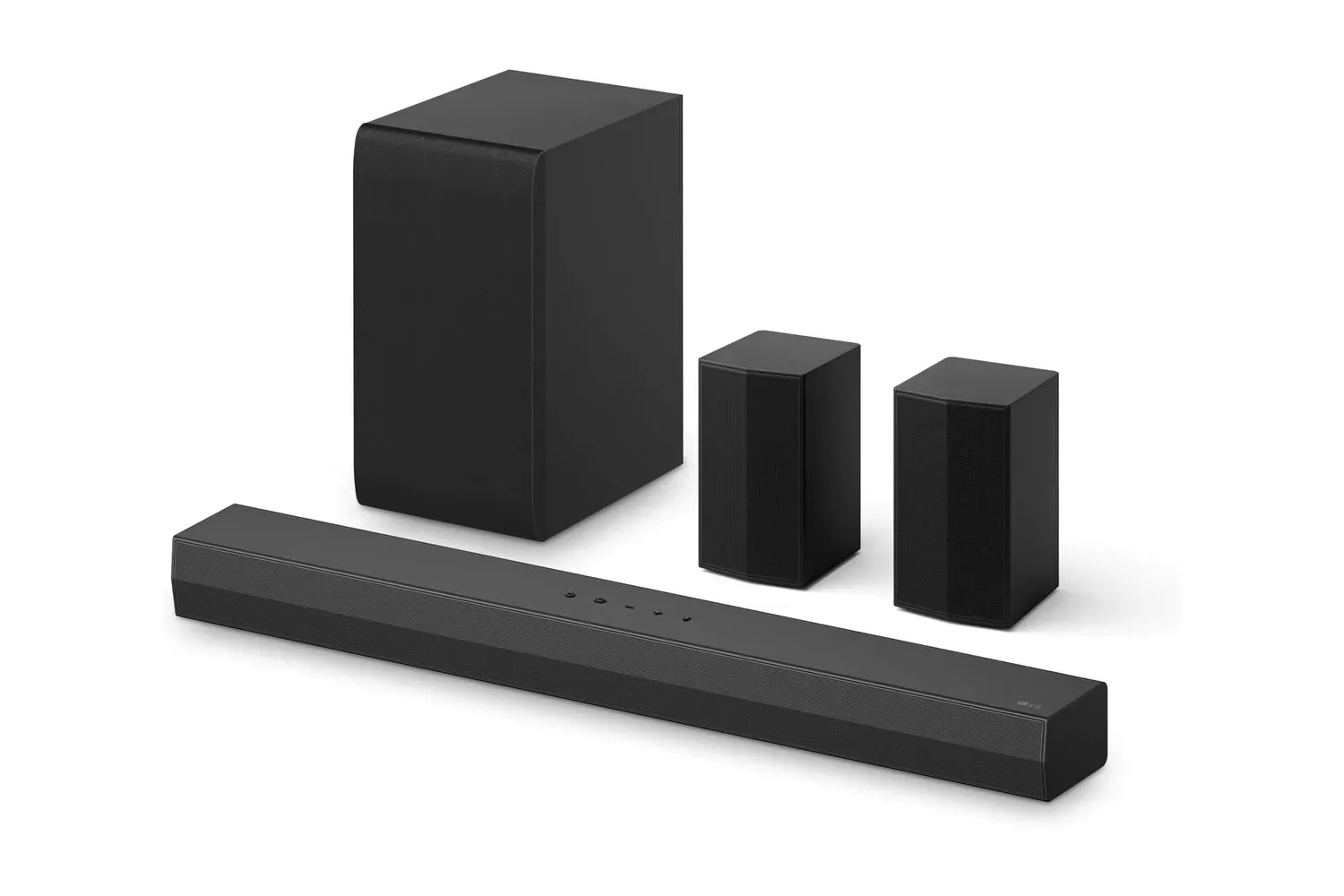
Stereo is designed for two audio channels, conventionally left and right. A television’s built-in speakers are often a stereo arrangement, so stereo playback has a direct and sensible destination. 5.1 surround sound uses six channels: front left, front right, center, surround left, surround right and a low-frequency effects channel. The center channel is especially important in this discussion because dialogue is commonly placed there.
Dolby Atmos is a more advanced spatial-audio format. In broad terms, it is intended to provide a more three-dimensional sound presentation on suitable systems. It is not inherently a cure for hard-to-hear voices; its results still depend on the playback chain accurately processing the format and delivering it through the appropriate speakers.
If a TV reports surround support but has only basic integrated speakers, it has to reduce, or “downmix,” that multi-channel soundtrack to the speakers available. A downmix is not necessarily bad—many devices do it capably—but an imperfect compatibility or processing situation can leave voices sounding subdued while other parts of the soundtrack feel disproportionately prominent. That is the mismatch the stereo-track test is designed to identify.
This also explains why the problem can appear inconsistent. A title with a stereo track may sound fine. Another title played in 5.1 or Atmos may expose the limitation or configuration issue, even though the TV, streaming device and room have not changed.
The first fix: choose the non-surround track
Start while the affected film or show is playing:
- Open the Netflix player’s Audio and Subtitles menu.
- Look for the currently selected language and audio format.
- If the chosen option includes a surround label such as 5.1, select the comparable standard option instead, such as English [Original].
- Resume playback and listen to a dialogue-heavy scene at the same volume.
For a TV relying on its own speakers, this is the most useful low-effort test because it changes one key variable: the format being sent to the TV. It is also reversible. If the standard track solves the issue, that points toward a format-and-speaker compatibility problem rather than proof that a cable, app or television is broken.
Netflix can retain the audio preference going forward, meaning the adjustment may not need to be repeated for every session. Still, menus and track choices vary by title, so it is worth confirming what is selected when a particular programme sounds wrong.
Do not confuse clearer dialogue with maximum surround capability
There is a trade-off, but it is a sensible one for many living-room setups. Selecting stereo gives up the potential benefits of a multi-channel or spatial mix. In return, it may produce a clearer, more predictable result from two built-in TV speakers. The right choice is not the label with the biggest number; it is the format the actual speaker arrangement can reproduce well.
That distinction matters for people who move between devices. A surround track may be the correct choice when watching through a properly configured external system, then be a poor fit when the same account is used directly through TV speakers. Audio preferences should follow the equipment in use, not a theoretical best-case setup.
For more setup ideas before spending money on replacement gear, see these home surround-sound checks.
If you use a soundbar or receiver, isolate the weak link
A standard stereo track remains a useful diagnostic step even with external audio equipment. If dialogue improves immediately after the switch, the surround path deserves attention. If it does not, the problem may lie elsewhere in the chain.
Work through the following checks one at a time:
- Inspect the HDMI connection. A loose or damaged HDMI cable can weaken or distort audio. Trying a different cable is a straightforward way to rule that out.
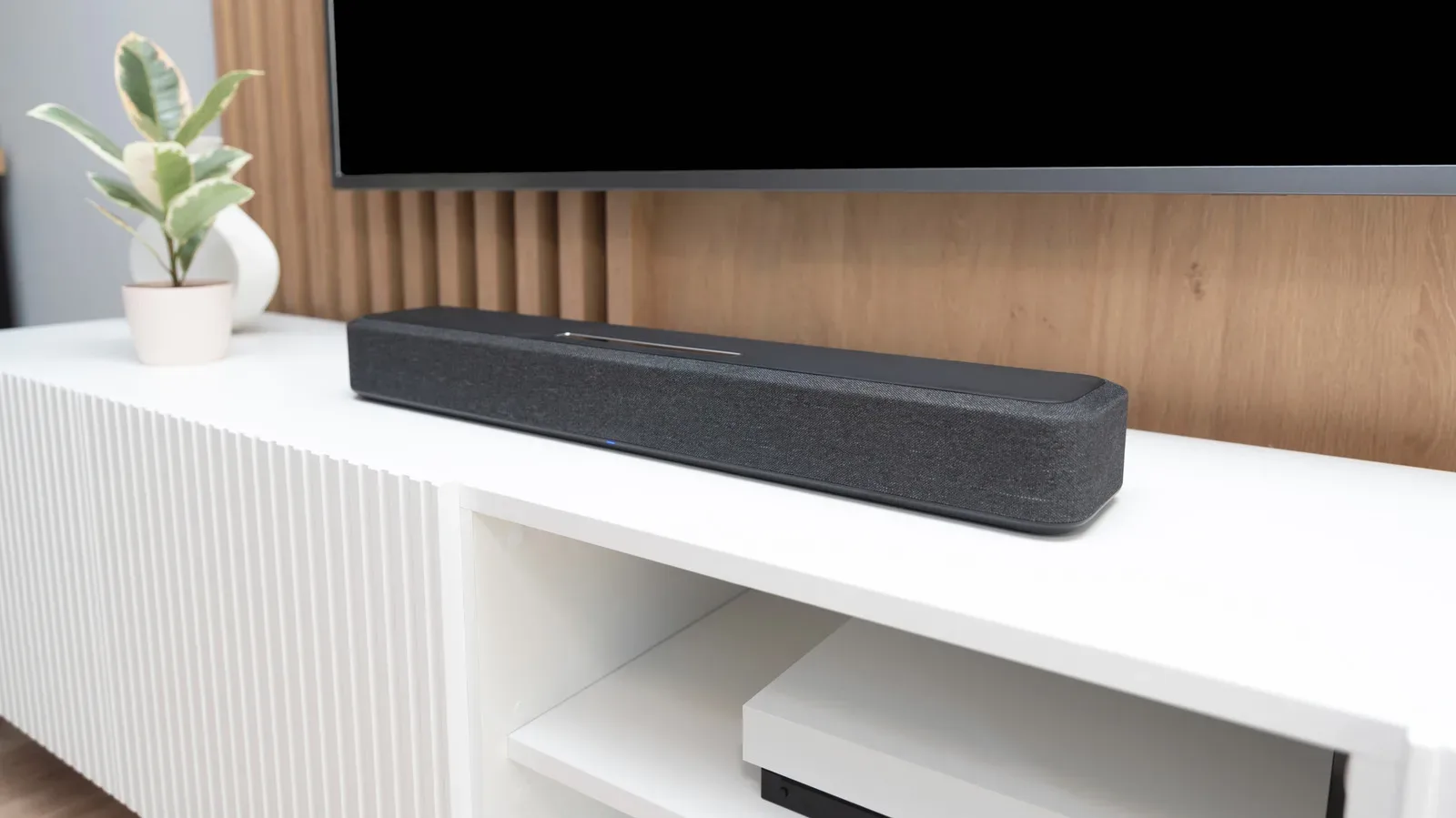
- Temporarily bypass external audio hardware. Play through the TV speakers to compare the result. If the sound becomes clear, the external sound system or its configuration is the more likely area to investigate.
- Check firmware updates. An out-of-date streaming device or television may not process audio as expected. External audio equipment can also require correct configuration to perform well.
- Compare like for like. Test the same section of the same title at the same volume after each change. Otherwise, a difference in scene loudness can be mistaken for a successful fix.
This process avoids replacing several pieces of equipment based on guesswork. It does not establish that every issue is caused by the audio-track selection: cable faults, firmware behavior and external-system configuration remain plausible causes when the simple track change makes no difference.
Playback quality is a separate setting
Netflix’s playback-quality controls are related to stream delivery, but they answer a different question from the stereo-versus-surround selection. In a web browser, viewers can go to the account page, choose Edit settings, then Playback settings, and set data usage per screen to High.
That setting enables the service’s highest audio bitrate for the applicable formats: up to 640 kbps for 5.1 and up to 768 kbps for Atmos. Bitrate refers to the amount of data used per second for the audio stream. More available data can support a higher-fidelity stream, but it cannot fix an unsuitable output format. A well-delivered surround stream can still sound unclear if it is being poorly reduced to a basic two-speaker arrangement.
The sensible order, then, is to make the speaker-format match first. If built-in TV speakers are the only output, try standard stereo. If there is a capable and correctly configured surround system, retain the surround option and then consider the High playback-quality setting.
High-fidelity spatial audio and Dolby Atmos require Netflix Premium. That subscription requirement is separate from whether Atmos is appropriate for a particular speaker setup. Paying for access supplies the possibility of the format; compatible hardware and correct configuration determine whether it is likely to help.
A quick decision guide for Netflix audio
- Using only TV speakers and voices are muffled: choose the non-5.1 standard audio track first.
- Using a soundbar or surround receiver: keep the surround track only if the system is configured correctly and dialogue remains clear; otherwise compare it with stereo.
- Problems remain on every track: inspect or swap the HDMI cable, bypass external devices, and look for firmware updates.
- You want the best stream your compatible system can receive: set playback data usage to High in the browser-based account settings, bearing in mind the listed bitrate limits and Premium requirement for spatial audio and Atmos.
The key is to treat muffled Netflix dialogue as a compatibility question before treating it as a hardware failure. One audio-menu change can reveal whether the service is sending a soundtrack better suited to a surround installation than to the speakers currently playing it.