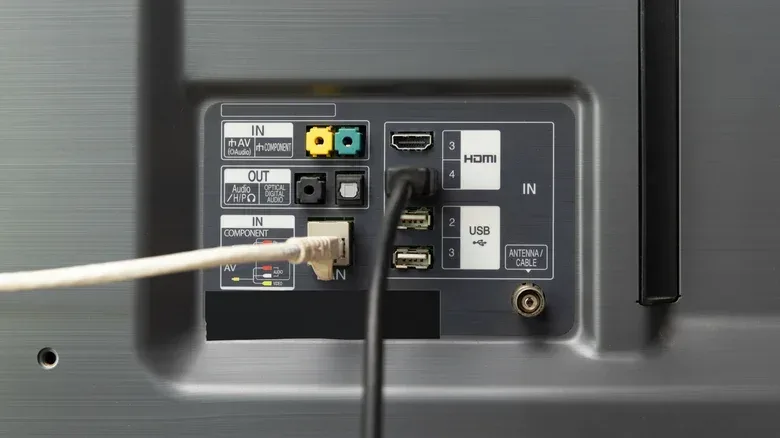
A smart TV setup can present a mildly absurd networking choice: use Wi-Fi, which may be technically faster than the TV’s Ethernet port, or use a cable that could be capped at 100 Mbps. The right answer is not automatically “pick the bigger number.” For movie nights, TV marathons and a console-connected living-room display, consistency often matters more than enormous unused capacity.
That distinction is important because a connection can be fast in a speed test yet occasionally unstable in the one moment it needs to sustain a stream. When that happens, the result is familiar: a spinning buffer icon, a sudden dip in picture quality, or an interruption that makes everyone look at the router as though it has personally betrayed them.
Wi-Fi and Ethernet each solve a different problem. Wi-Fi prioritizes convenience and can offer very high throughput on modern hardware. Ethernet provides a dedicated physical route that avoids many of the range and interference variables affecting wireless connections. Neither is universally best; the sensible choice depends on the TV’s hardware, the position of the router, wireless traffic in the home and—crucially—whether a cable can reach the setup without becoming a hallway hazard.
Start with what streaming actually needs
Bandwidth is the amount of data a connection can carry over time, usually measured in megabits per second (Mbps). It is the number people tend to focus on when comparing home internet plans and connection types. Streaming services commonly recommend at least 5 Mbps for 1080p video, while 4K HDR viewing generally calls for 25 Mbps or more.
Those recommendations put the numbers in perspective. A 100 Mbps Ethernet port is not state-of-the-art, but it still has far more headroom than a single 4K HDR stream typically requires. Even where a 4K subscription also includes compressed Dolby Atmos audio, the main point remains: watching one stream is not the same thing as constantly needing hundreds of Mbps.
4K refers to a resolution with four times as many pixels as 1080p. HDR, or high dynamic range, concerns the range of brightness and color a compatible display can reproduce. They are separate features, though they are frequently paired on premium streams. Both can increase the demands placed on a connection compared with a lower-resolution stream, which is why a marginal network can show its weaknesses more clearly during 4K HDR playback.
It is also worth separating the home’s internet speed from the route inside the home. Paying for a fast connection does not eliminate a local bottleneck. An old router can be one. So can a weak signal at the TV’s location, or a heavily used wireless network during a busy evening. Conversely, a very fast Wi-Fi link to the router does not mean every device receives that full rate at all times; the available capacity is shared across connected devices.
Why Wi-Fi can win the speed race
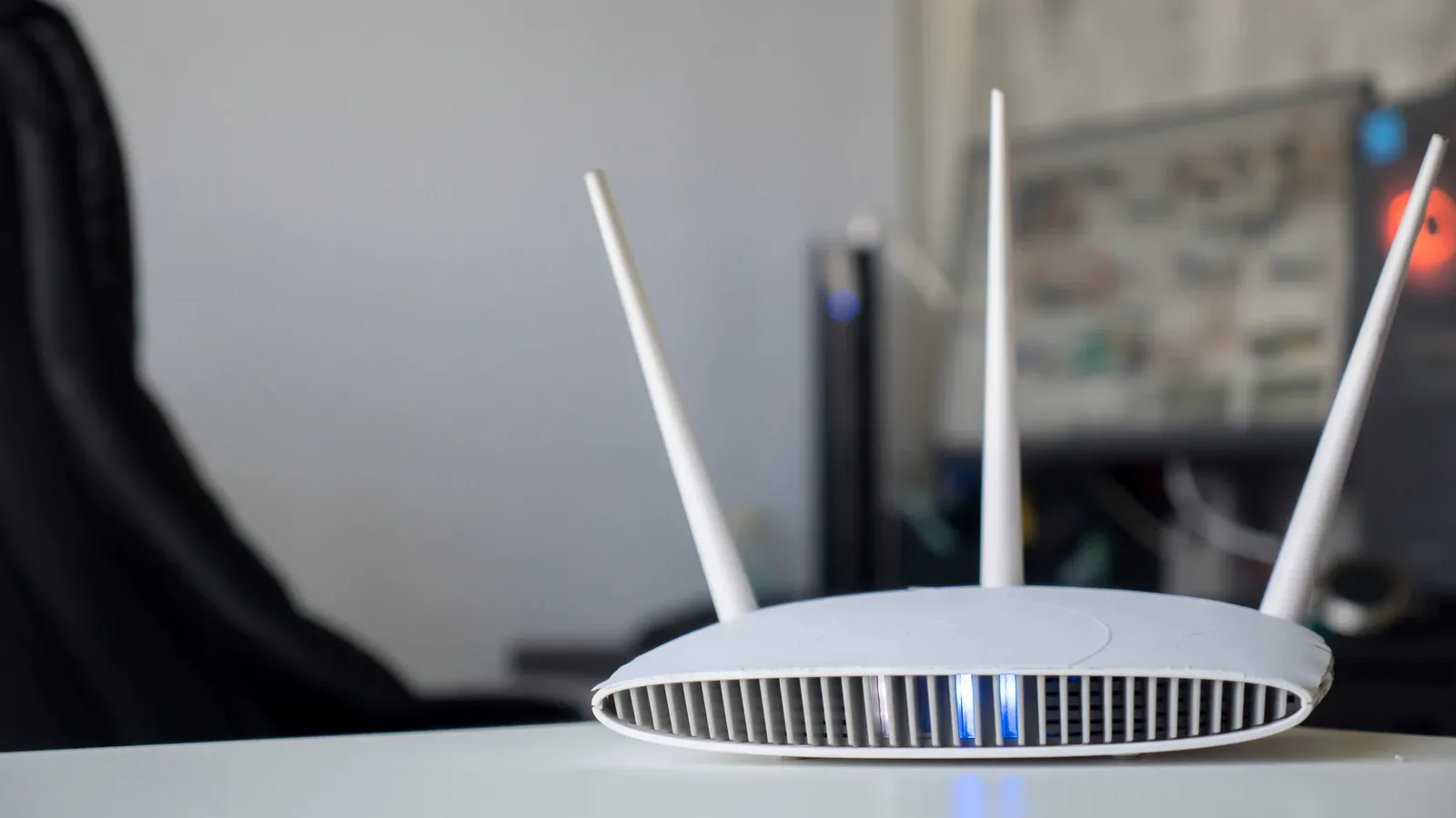
Many current televisions support Wi-Fi 6, which can exceed gigabit speeds under ideal conditions when it is paired with a compatible router. Older or lower-cost sets may use Wi-Fi 5, which can still offer more than enough throughput for video streaming. In homes with a strong nearby signal, wireless networking can therefore outperform the wired port built into the television.
Related coverage includes Smart TV Wi-Fi vs. Ethernet: Why Stability Can Matter More Than Speed.
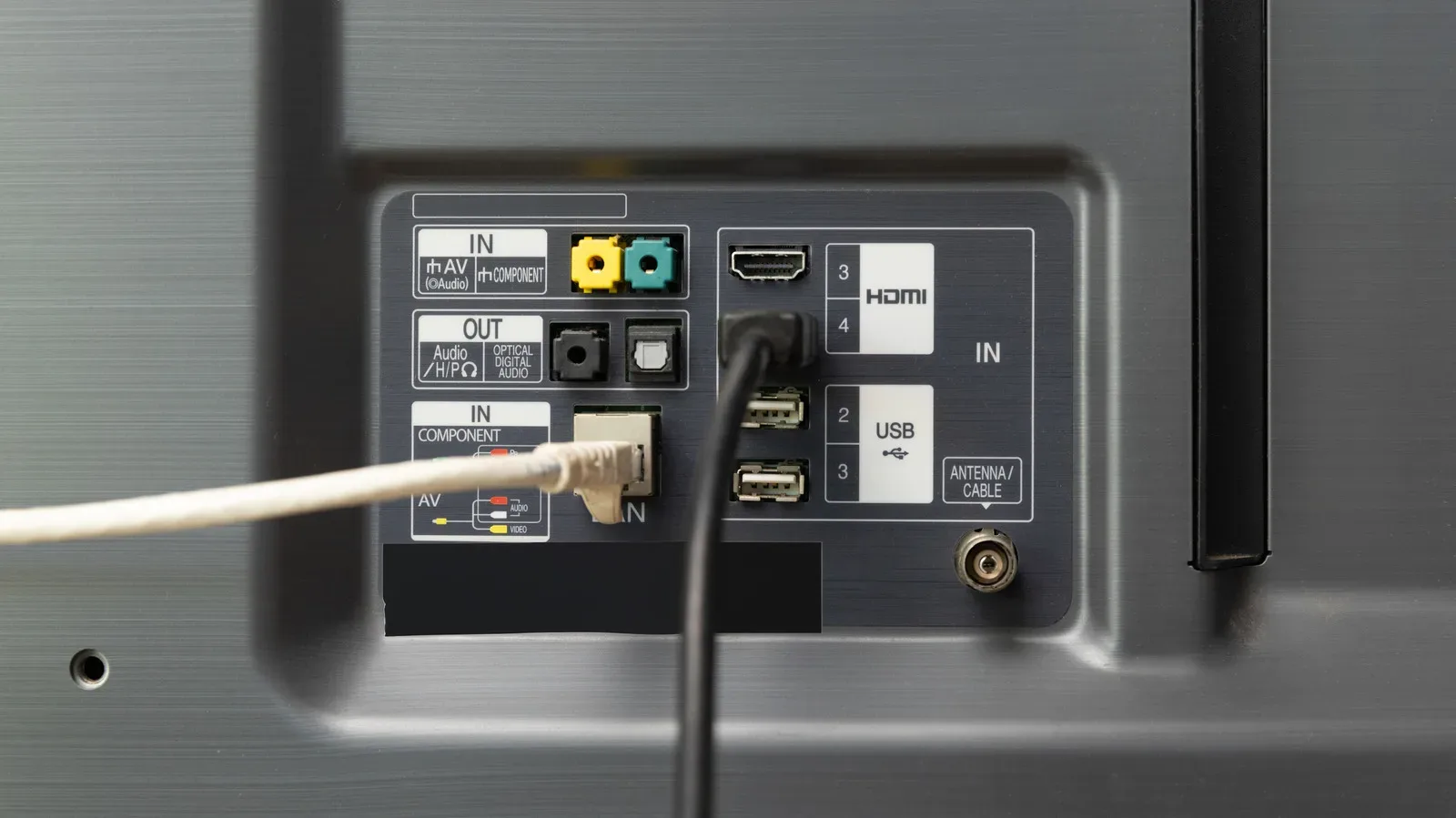
That apparent contradiction exists because many televisions and streaming devices still include Ethernet limited to 100 Mbps rather than gigabit Ethernet. Gigabit Ethernet has existed for decades, but a 100 Mbps port remains a cost-saving compromise on plenty of media hardware. The same general value calculation can be seen in televisions that continue to use HDMI 2.0 despite HDMI 2.1 having been available for years.
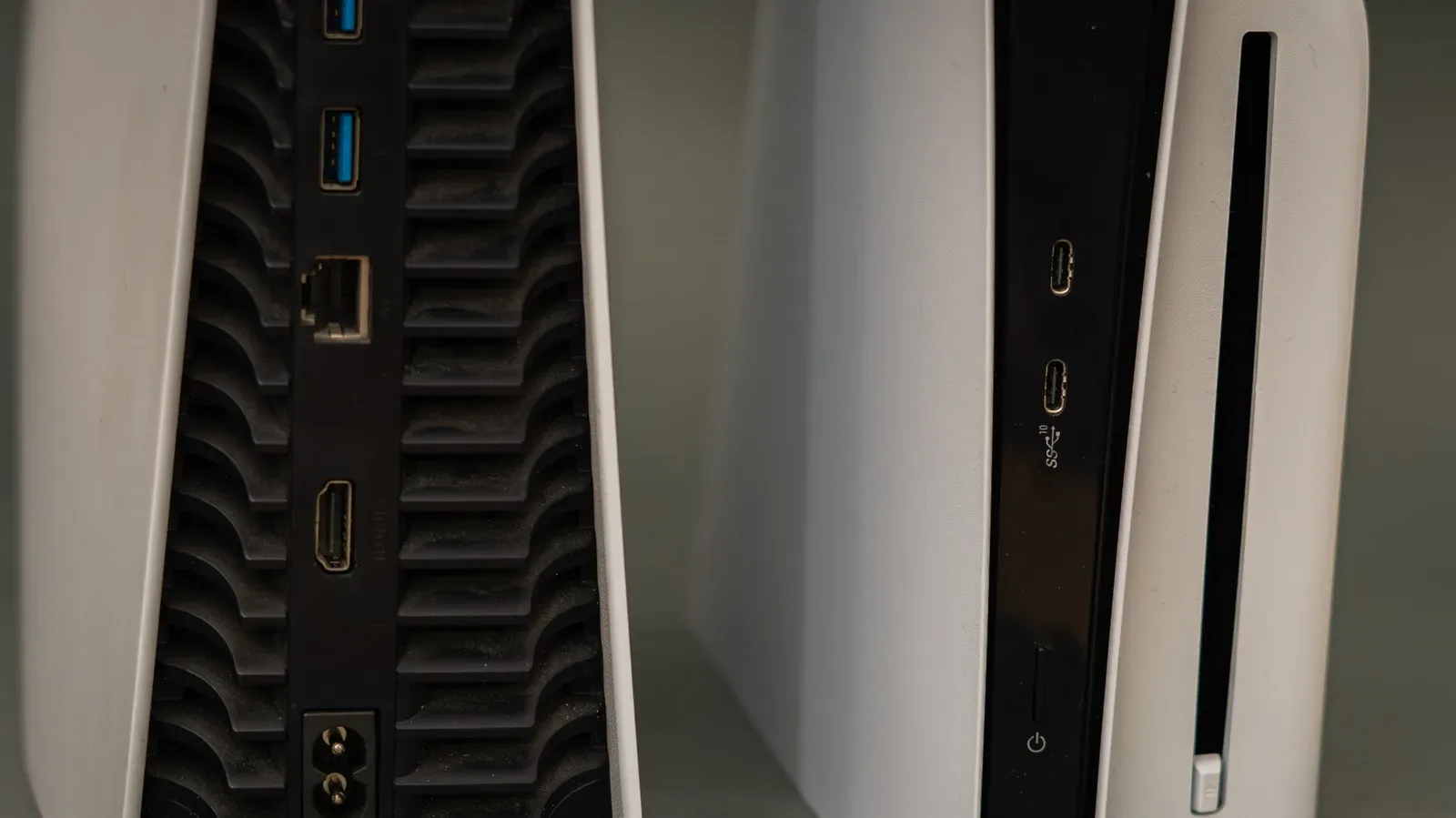
For people who care about a living-room gaming setup, it helps not to mix those separate connection questions together. The Ethernet-versus-Wi-Fi decision is about the display’s network connection and its apps. HDMI is the link between a console and the TV. A console can be connected by Ethernet while the TV uses Wi-Fi, or vice versa, because they are separate devices with separate networking hardware. For the display side of a PS5 setup, see this guide to checking the right HDMI port for 4K, 120Hz and VRR.
Wi-Fi’s practical advantages are equally straightforward. There is no cable to buy, conceal or route around doors and furniture. It also leaves the area behind the TV less crowded. If the signal is already excellent, wireless may be the more rational option, especially when the only major benefit of a much faster link is quicker downloads for occasional app or software updates.
Why Ethernet can still be the better streaming connection
The key advantage of Ethernet is not necessarily raw speed. It is stability. A properly shielded cable inside a typical home is not affected by distance, walls and wireless interference in the same way a Wi-Fi signal is. Each wired device has its own lane rather than competing for wireless bands.
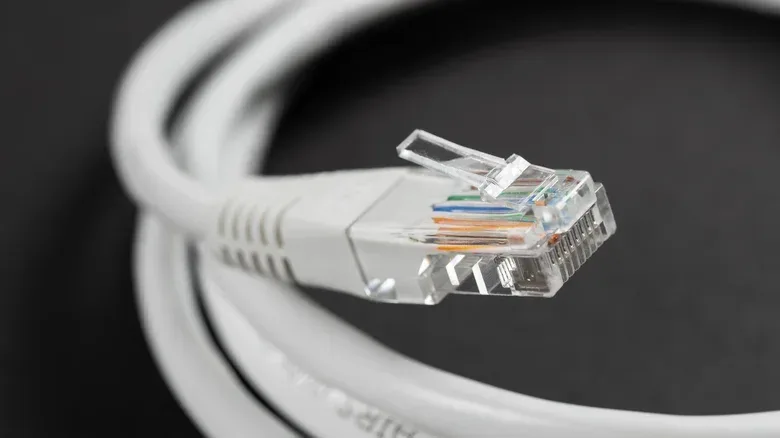
A Cat 6 Ethernet cable can carry 1 Gbps over runs of up to 100 meters, or 328 feet. That does not guarantee that every TV port can accept a gigabit connection—many cannot—but it illustrates the reliability and reach available from the cable itself. A Wi-Fi signal generally falls away much sooner unless the home uses a mesh system or an extender to carry coverage further.
This matters because streaming apps adapt to changing conditions. If sufficient data is not arriving consistently, an app may pause to re-buffer or shift down to a lower-quality version of the stream. A connection with a modest but dependable 100 Mbps path can be preferable to a much faster wireless link that repeatedly loses signal quality.
In other words, a 500 Mbps or 1 Gbps Wi-Fi connection can be impressive without producing a visibly better 4K stream than a stable 100 Mbps Ethernet connection. The stream cannot use bandwidth it does not need. That extra Wi-Fi capacity may still be useful elsewhere in the home or for downloads, but it is not a magic upgrade to the picture once the stream’s requirements are already met.
Interference, congestion and range in plain English
Interference means conditions that make a wireless signal less reliable. The router’s placement and obstacles between it and the TV can affect reach. Congestion is competition for a shared connection or wireless bands: several connected devices, or heavy activity around the same time, can reduce the capacity available to one device. A neighbor’s torrenting can contribute to an evening slowdown, while activity from devices in the home can also make Wi-Fi work harder.
Ethernet avoids the wireless-band portion of that problem for the device attached to the cable. It does not somehow create more capacity from the internet provider, and it does not repair an outdated router or a slow internet plan. What it can do is remove one variable between the router and television: the TV no longer needs to maintain a wireless signal across the room.
The cable is cheap; the route may not be
The complication is physical reality. A 10-foot Cat 6 cable can cost less than $10, but it is only an elegant fix when the router and home-theater setup are already close together. If the route runs across a living room or hallway, the cable can become unsightly, inconvenient or unsafe. Concealing it may turn a small connectivity tweak into a much larger project.
Flat Ethernet cables can sound like an easy answer for hiding a run, but they may not work as well. The practical lesson is not to treat wiring as automatically simple merely because the cable itself is inexpensive. A cable arrangement that disrupts the room is not necessarily worth it just to chase a theoretical networking advantage.
That makes Ethernet a particularly strong choice in two cases:
- The router is already near the TV, so a short wired run is easy and unobtrusive.
- The TV has meaningful Wi-Fi reliability problems, such as repeated buffering or quality drops, and a cable can reach it without creating an unreasonable installation job.
Outside those situations, good Wi-Fi is often good enough. Removing one wire from an entertainment center has real value, and TV software updates are generally uncommon and small enough that extreme download speed is not a major daily benefit.
Practical checks before buying or routing anything
Before assuming Ethernet is necessary, look at the wireless setup. Router placement is one of the simplest things to improve: keeping it off the floor, in an open position and away from obstacles can extend its reach. The goal is not aesthetic perfection; it is giving the signal a clearer path to the TV.
Next, consider whether other devices can take the wired connection instead. Connecting a laptop by Ethernet, for example, can free wireless bands for the television. This approach is useful when the TV cannot be wired conveniently but another frequently used device sits near the router.
Finally, evaluate the symptom rather than pursuing a headline speed number. If the TV reliably plays the desired quality level and does not routinely buffer, changing the connection may produce little noticeable improvement. If it struggles, identify whether the likely issue is weak Wi-Fi at the television, broad household congestion, an outdated router or the internet connection itself. Ethernet directly addresses the first of those most clearly.
A sensible decision rule for a smart TV
Use Ethernet when it is easy to route or when wireless instability is spoiling playback. A 100 Mbps port should not be dismissed simply because Wi-Fi looks faster on paper; it is ample for the streaming targets described here, and its predictability can be the thing that keeps a stream running smoothly.
Stick with Wi-Fi when the signal is strong, playback is reliable and a cable would mean clutter or a difficult concealment project. Wi-Fi 6 and Wi-Fi 5 both provide ample streaming bandwidth in favorable conditions, while the freedom from another visible wire is a real benefit.
The useful rule is wonderfully unglamorous: do not optimize for unused speed. Optimize for a stable connection that fits the room. If that is a short Cat 6 run, great. If it is well-positioned Wi-Fi with fewer devices competing for the bands, that is great too. The best setup is the one that lets the show continue without the network demanding its own dramatic subplot.