Choosing home internet for gaming is often reduced to a single giant number: download speed. That number matters, especially for installing large games, patches and updates, but it does not settle the fiber-versus-cable question on its own. The more useful comparison is about how each connection carries data, how it handles uploads, what happens when the neighborhood gets busy, and whether the network inside the home is quietly holding everything back.
Fiber is generally the stronger technical option when it is available at an acceptable price. It can offer substantially more bandwidth, equal upload and download speeds, and better consistency when demand is high. Cable remains a thoroughly viable choice, however: it is much more widely available and can deliver download speeds of 1 Gbps or more through hybrid fiber-coaxial networks. For many households, availability, plan pricing and actual needs will decide the issue long before a theoretical speed ceiling does.
For players, the practical takeaway is simple: a fast cable plan can be excellent for downloading games and playing online, while fiber is especially appealing for households that upload frequently, livestream, move large files to cloud storage, or have several people using the connection at once. Neither connection type can rescue a weak Wi-Fi setup by itself.
What physically separates fiber from cable?
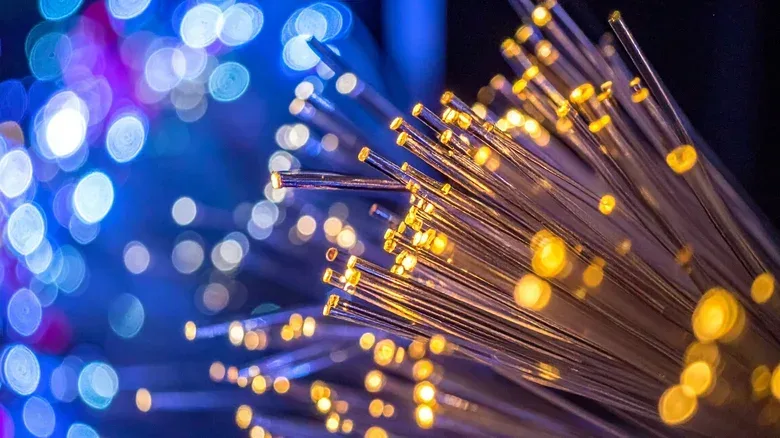
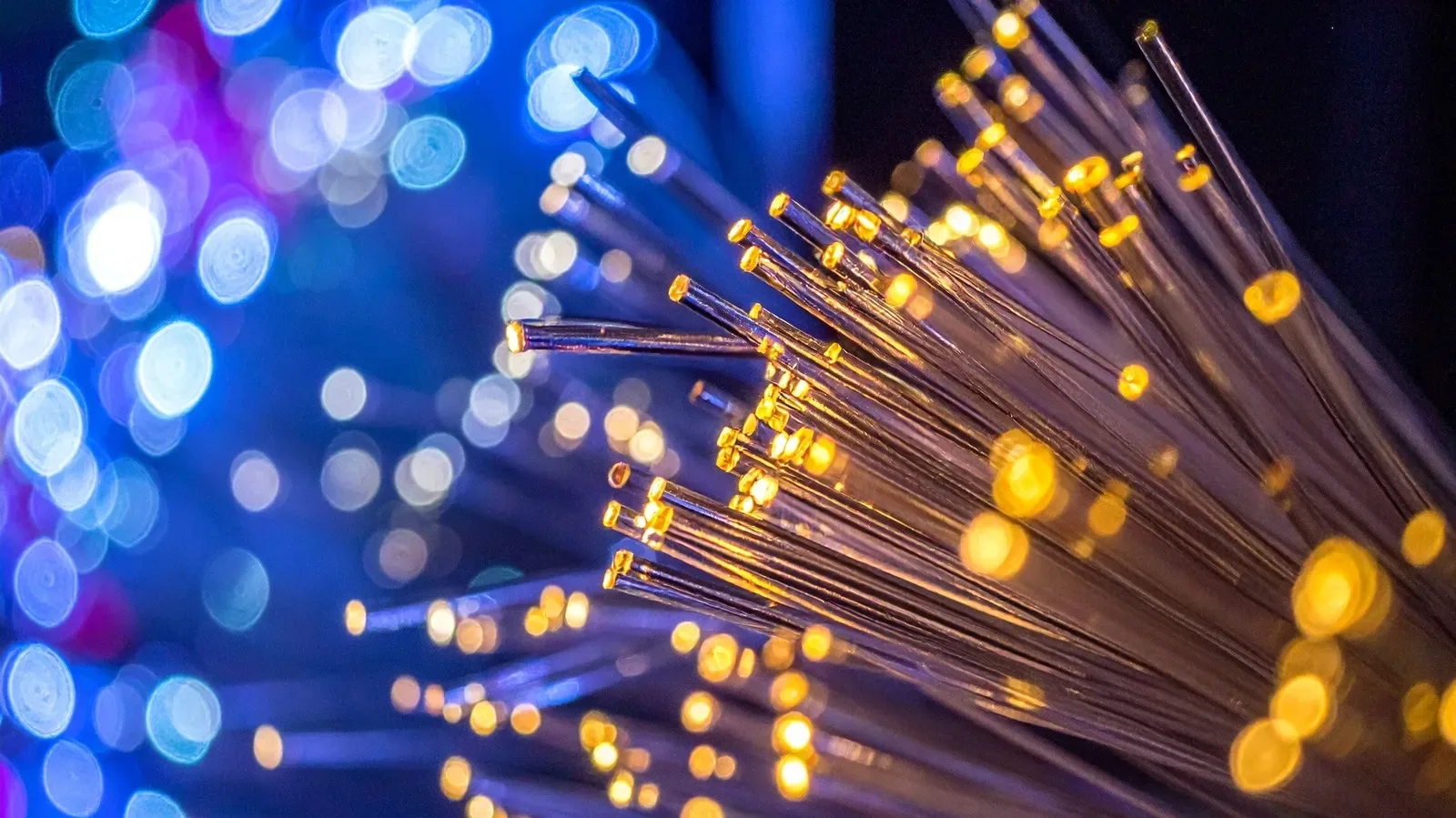
Fiber-optic internet transmits information as light through thin glass strands protected by plastic layers. Cable internet uses electrical signals through coaxial cable, built around a copper core with insulating metal and plastic layers. That basic difference affects the amount of data each can carry and its susceptibility to interference.
Cable has a major practical advantage: providers can use infrastructure associated with cable television service. It is consequently available to more homes. But transferring data electrically can leave coaxial connections more exposed to interference from moisture or severe weather.
Fiber has considerably higher bandwidth potential. Bandwidth is the capacity of a connection to move data. Think of it as the amount of traffic the line can accommodate, rather than a promise that every device always receives the maximum advertised speed. Greater bandwidth is useful when a home is doing several demanding things simultaneously: a game download, a video stream, a video call and file synchronization can all compete for the same connection.
The availability gap remains important. More than 60% of American households had access to fiber as of September 2025, while 96.9% of Americans had access to fixed broadband at 100 Mbps download and 20 Mbps upload. That means many people are not deciding between comparable fiber and cable offers; they are choosing among what can actually be installed at their address.
Why fiber’s symmetrical speeds matter
Most of the time, internet plans advertise download performance first. Downloads cover game installations, patches, streamed video and web browsing. Cable can be very fast in this direction. Hybrid fiber-coaxial service, where fiber serves a neighborhood before coaxial cable completes the final connection to a home, can reach download rates of 1 Gbps or higher.
The trade-off is upstream capacity. Cable’s available bandwidth is divided between separate paths for downloading and uploading, and upload speeds are lower. Fiber is symmetrical: its upload and download speeds are the same. A 1 Gbps fiber plan therefore means 1 Gbps in both directions, rather than a plan defined chiefly by a 1 Gbps download figure.
That distinction may have little impact on a player who mostly downloads games and plays online. It becomes much more meaningful for anyone who broadcasts gameplay, sends video, regularly uploads clips, or syncs large files. Uploads can also matter to an entire household even if only one person games. A busy upstream connection can make real-time communication feel worse while it is in use.
Fiber offerings can begin at 100 Mbps, though entry-level plans around 300 Mbps or 500 Mbps are more common. At the high end, the gap can become enormous. Ziply Fiber, for example, offers tiers from 2 Gbps to 50 Gbps. Those top tiers are far beyond what a single gaming device inherently requires, but they illustrate the capacity range fiber networks can support.
Latency, reliability and the evening slowdown question
Speed is not the same thing as latency. Speed describes how much data can move in a given amount of time. Latency is the delay before data completes its trip. In games, elevated or inconsistent latency can show up as delayed responses or an unsteady online experience even when a speed test reports plenty of download capacity.
Wired fiber and cable connections both generally outperform DSL and satellite on speed and reliability. Fiber has the stronger advantage in consistency because cable networks share bandwidth with nearby households. When more people are home and streaming, cable users can see slower performance during peak periods. Fiber is not subject to that same cable limitation and is better positioned to remain reliable when demand rises.
That does not make every cable connection unsuitable for multiplayer games. It means that a cable plan’s real-world behavior can depend more heavily on neighborhood usage. A household that sees trouble primarily in the evening should pay attention to this pattern rather than assuming a headline download figure tells the whole story.
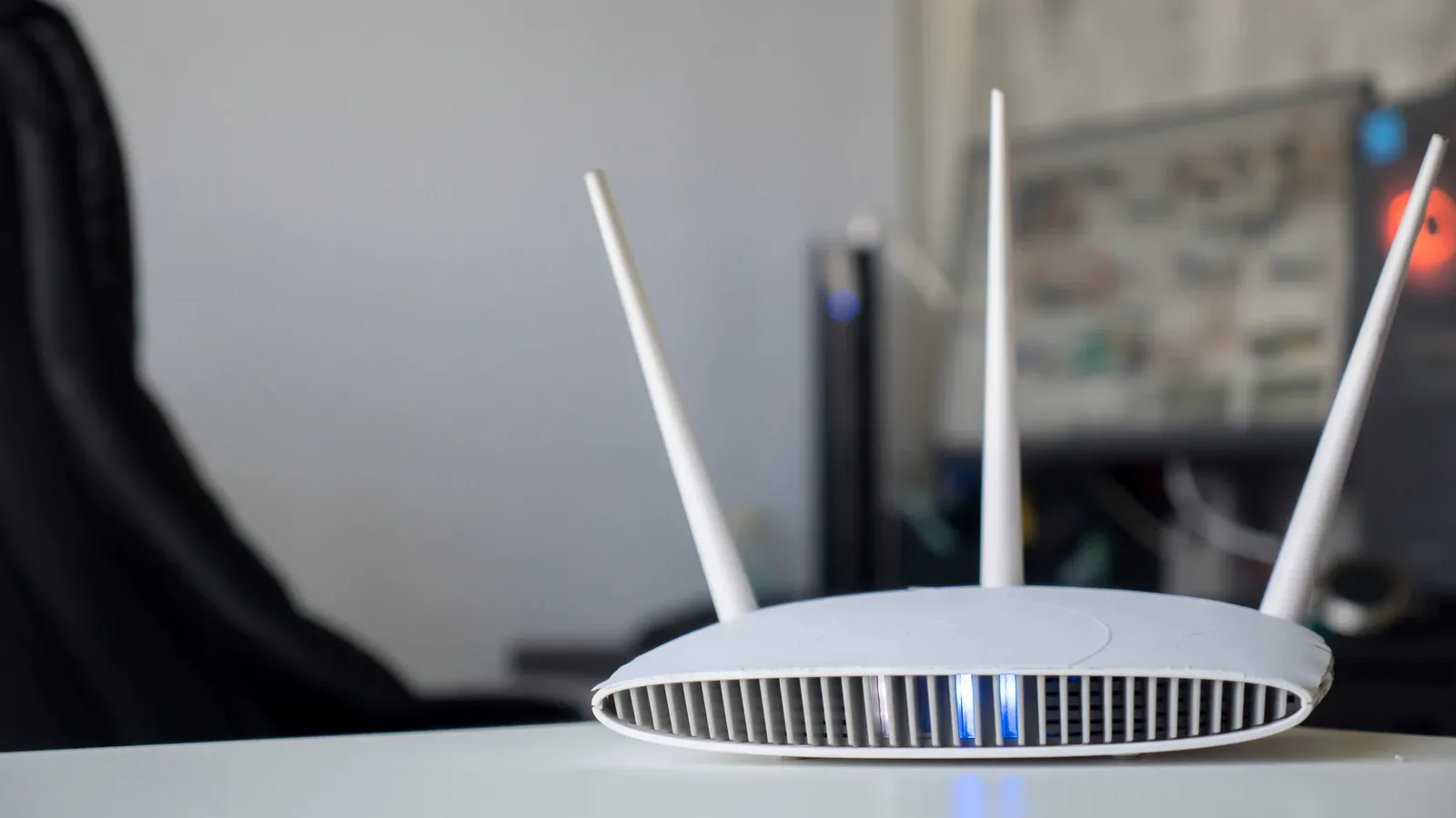
There is also an important distinction between the line entering the house and the connection between the router and a console or PC. Wireless interference inside the home can create lag or instability that looks like an ISP problem. For latency-sensitive gaming and video calls, Ethernet avoids Wi-Fi interference and can reduce latency. Before changing providers, it is sensible to determine whether the weak link is the broadband service or the local network.
Gaming downloads are only one part of the equation
A large game install is an obvious reason to want high download speed, and cable’s faster tiers can handle that job well. But a home connection is shared infrastructure. While one device downloads a game, others may be streaming video, working, attending calls or uploading files. The plan that feels adequate in an empty house may feel very different at the busiest time of day.
This is why fiber can be the more complete option for a household with overlapping demands. Its higher bandwidth and symmetrical design leave more room for upload-heavy activity alongside ordinary downloads. Cable can still be the better value if its available tier meets the household’s needs at a lower monthly cost, particularly for people who do not routinely upload large amounts of data.
Players should also separate online play from downloading. Online matches do not automatically demand extreme download speeds, but they do benefit from a stable path and lower latency. Meanwhile, downloading a major update is more directly shaped by download throughput. The “best” service is therefore not necessarily the most expensive multi-gigabit tier; it is the option that fits the home’s simultaneous use and behaves consistently when it matters.
Price comparisons need the fine print
Fiber is not automatically more expensive than cable. Offers differ by location and provider, but current examples show why comparing only the technology label can mislead. Google Fiber lists 1 Gbps service with matching upload and download speeds at $70 per month, 3 Gbps at $100 per month and 8 Gbps at $150 per month.
A hybrid cable example lists 300 Mbps download service at $45 per month, 500 Mbps at $60 per month and 1 Gbps at $70 per month. Those prices are locked for five years without a contract, then rise after that term. The cable tiers can be compelling for download-oriented use at lower prices, yet their upload performance is lower than an equivalent symmetrical fiber tier.
The useful comparison is therefore the monthly charge, the stated upload and download rates, the duration of promotional or locked pricing, and the equipment arrangement. Cable customers may use a provider-supplied all-in-one gateway or buy a separate modem and router. Fiber requires an Optical Network Terminal, usually shortened to ONT. The ONT performs a modem-like role for a fiber line and is commonly included by the provider.
Bundles can also complicate the decision. A household that still wants traditional television service or a home phone may find cable bundles attractive. Conversely, someone interested only in an internet connection should assess the broadband plan on its own merits rather than treating a bundle discount as automatically cheaper.
How to choose between fiber and cable
If both are offered at an address, start with the connection characteristics that affect daily use rather than choosing by branding or a single maximum speed number.
- Choose fiber first when: similarly priced fiber is available; the household livestreams, uploads video, syncs large files, or has many simultaneous users; consistent performance at busy times is a priority.
- Consider cable when: it is the best available wired option; its download tier fits the household’s needs; its price is meaningfully lower; or TV and phone bundles provide genuine value.
- Check upload speeds explicitly: do not assume that a 1 Gbps label means 1 Gbps upstream. Fiber’s symmetrical design is a central difference.
- Ask about price duration: an attractive monthly figure can change after a locked or promotional period ends.
- Use Ethernet where practical: a wired link to a gaming PC or console reduces Wi-Fi interference and is especially useful for real-time play and calls.
- Evaluate the router: inexpensive hardware or poorly optimized settings can make a fast ISP plan feel slow over Wi-Fi.
Wireless 5G home internet is another possibility where wired offerings are unsatisfactory, but it is usually slower and has higher latency than wired fiber or cable. For gaming and other real-time activity, that difference is worth considering before replacing a wired service.
Ultimately, fiber is the technical leader: higher potential bandwidth, equal upload and download rates, and greater resilience when the neighborhood is active. Cable’s reach and capable download speeds make it a practical answer for a large number of homes. The ideal outcome is not simply “get fiber” or “get a gigabit plan.” It is a stable wired service with suitable upload and download capacity, honest long-term pricing, and a home network that does not sabotage the connection after it reaches the front door.
That home-network discipline also applies beyond gaming. As connected entertainment, downloads and cloud services share the same router and Wi-Fi airspace, the connection is only as convincing as its weakest local link—whether the household is installing a new release or keeping up with games such as Palworld.