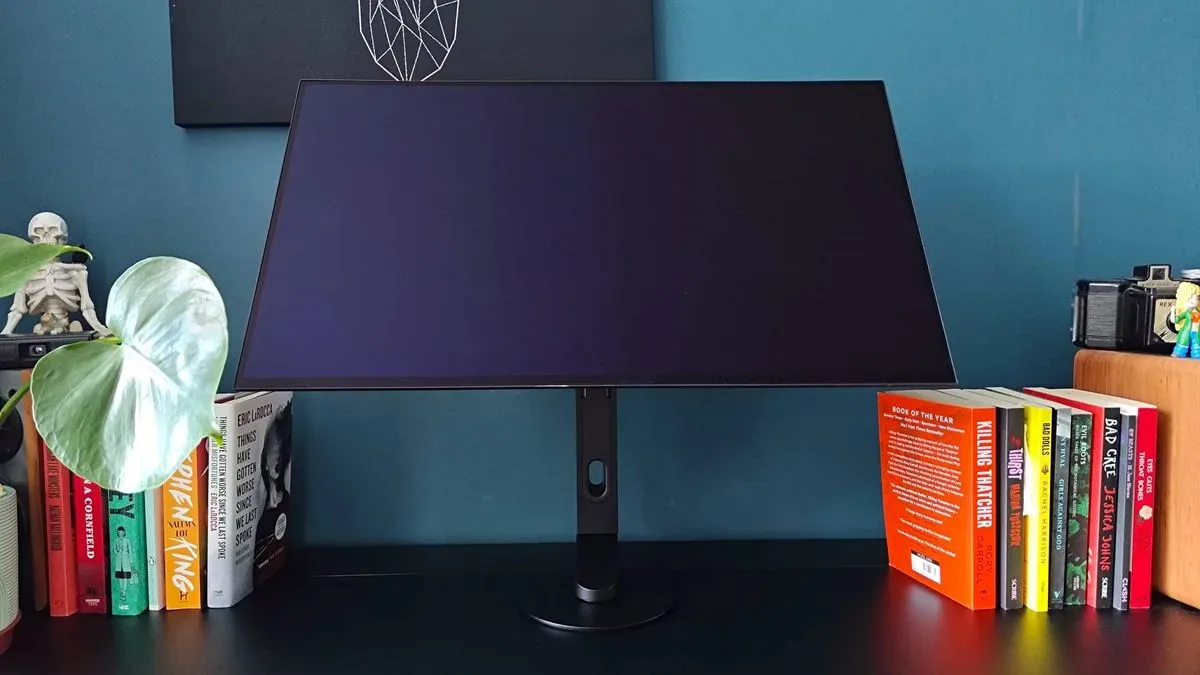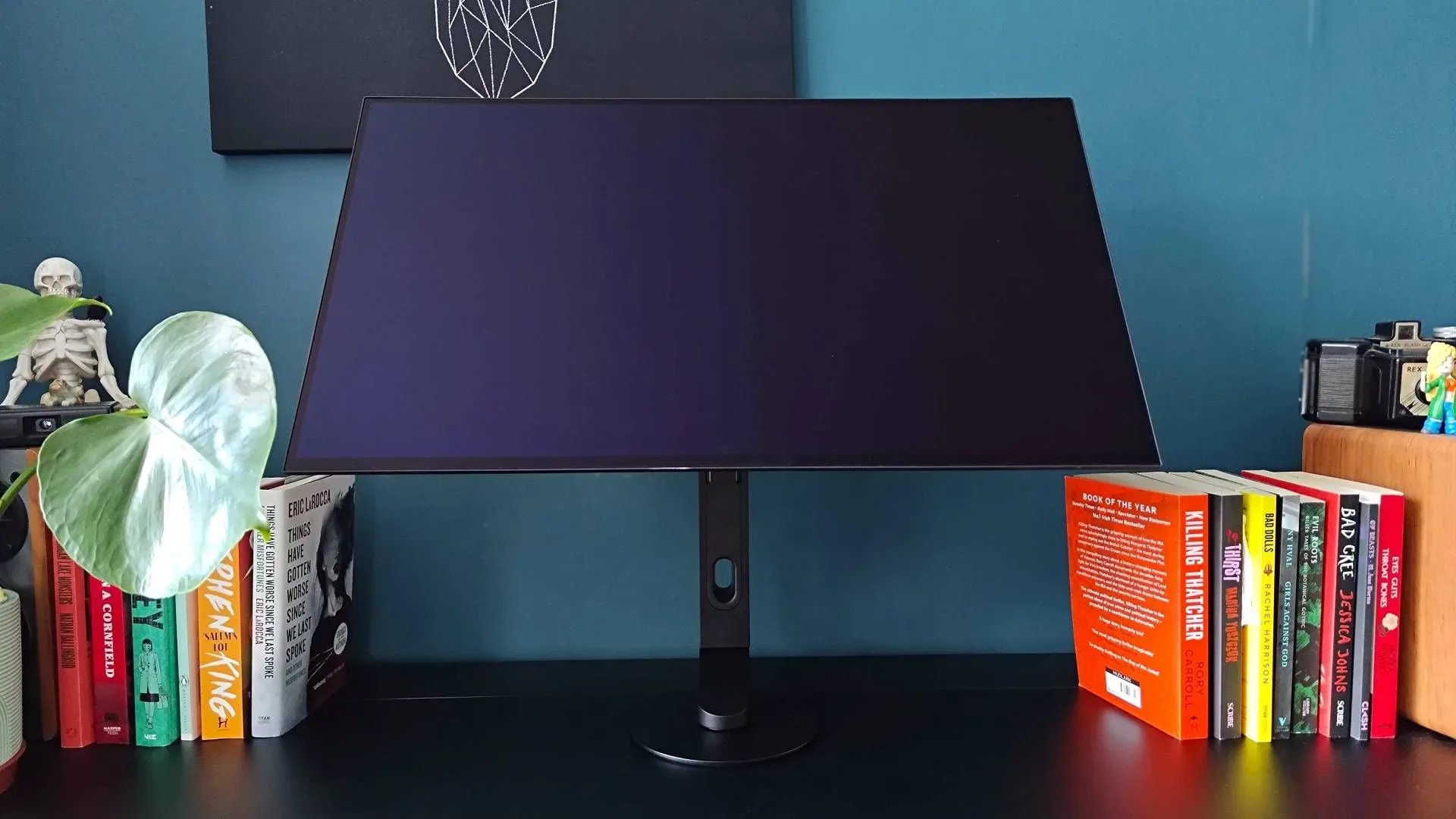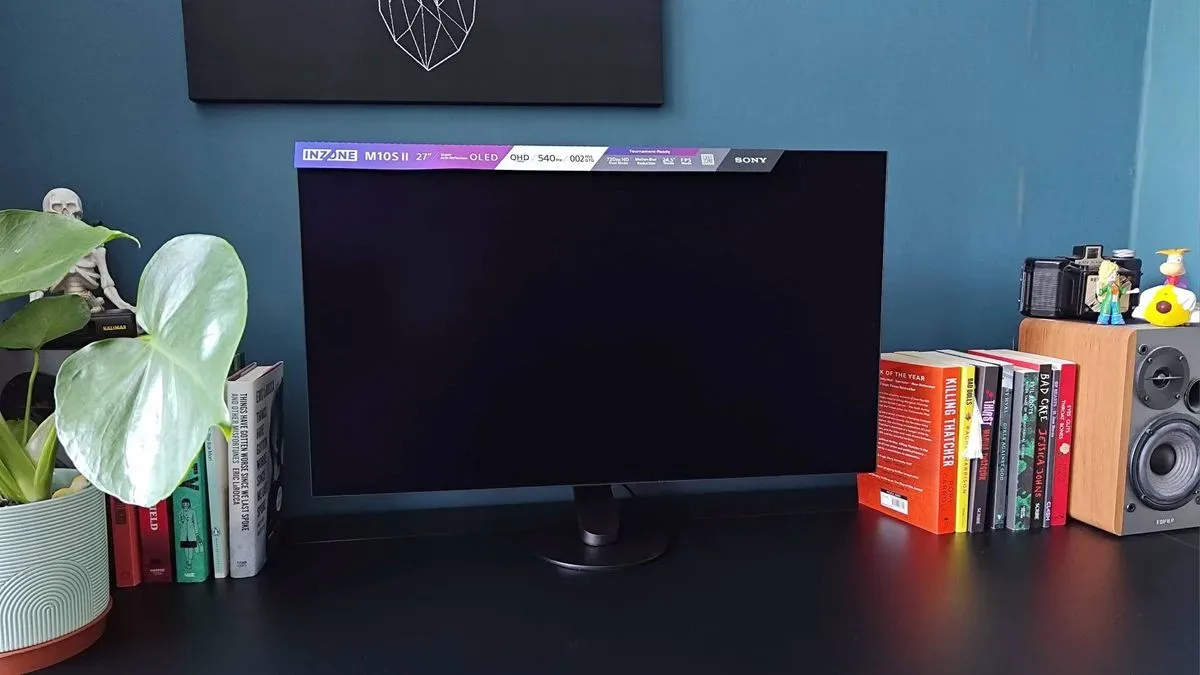
Sony’s Inzone M10S II is a very particular kind of premium gaming monitor: a 27-inch WOLED screen built around making fast first-person shooters feel as immediate as possible on a powerful PC. Its headline specifications are 2560 x 1440 at 540Hz, plus a dual-mode option that runs at 1280 x 720 and 720Hz. That is an extraordinary ceiling on paper, but it also explains why the display is not a universal recommendation despite its substantial $1,099.99 US / £1,199 MSRP.
The M10S II is best understood as a focused refinement of Sony’s earlier M10S rather than a wholesale reinvention. The newer model raises the prior 1440p refresh-rate target from 480Hz to 540Hz, adds the 720Hz dual mode, increases brightness, and brings a stronger anti-glare approach alongside extra competitive-oriented image tools. It retains the same core formula: 27 inches, 16:9, 1440p, OLED contrast, and an esports-first design philosophy. For players whose routine is dominated by games such as VALORANT, Counter-Strike 2, or Overwatch, that consistency may be exactly the point. For everybody else, the omissions matter just as much as the speed.
The specification sheet explains the target player
The panel is a WOLED, short for white OLED. OLED pixels can switch themselves on and off rather than relying on a separate backlight, which is why OLED displays are associated with deep blacks and strong contrast. Sony lists a 1,500,000:1 contrast ratio, 335-nit brightness, 178-degree viewing angles, and HDR-friendly color and black-level performance. The display’s basic resolution is 2560 x 1440, commonly called 1440p or QHD.
The major attraction is refresh rate. A monitor’s refresh rate is the number of times it can redraw an image per second. At 540Hz, the display can refresh up to 540 times per second; in its alternate mode, it reaches 720Hz. Those figures do not magically make a game produce equivalent frame rates. A PC needs to render frames at extremely high rates to take meaningful advantage of such a panel, and a game’s own frame-rate cap can impose another limit. Overwatch, for example, is noted as having a 600fps cap, so it cannot fully fill a 720Hz refresh window.
That distinction is important because the M10S II is not selling “more hertz” as a general-purpose visual upgrade. It is selling a very small timing advantage to people playing titles where frame rates can become exceptionally high and where reaction speed, target tracking, and motion clarity are central. In a slow-paced game, cinematic single-player release, or ordinary desktop workload, 540Hz and 720Hz may be far less consequential than resolution, screen size, connectivity convenience, or image quality in bright scenes.
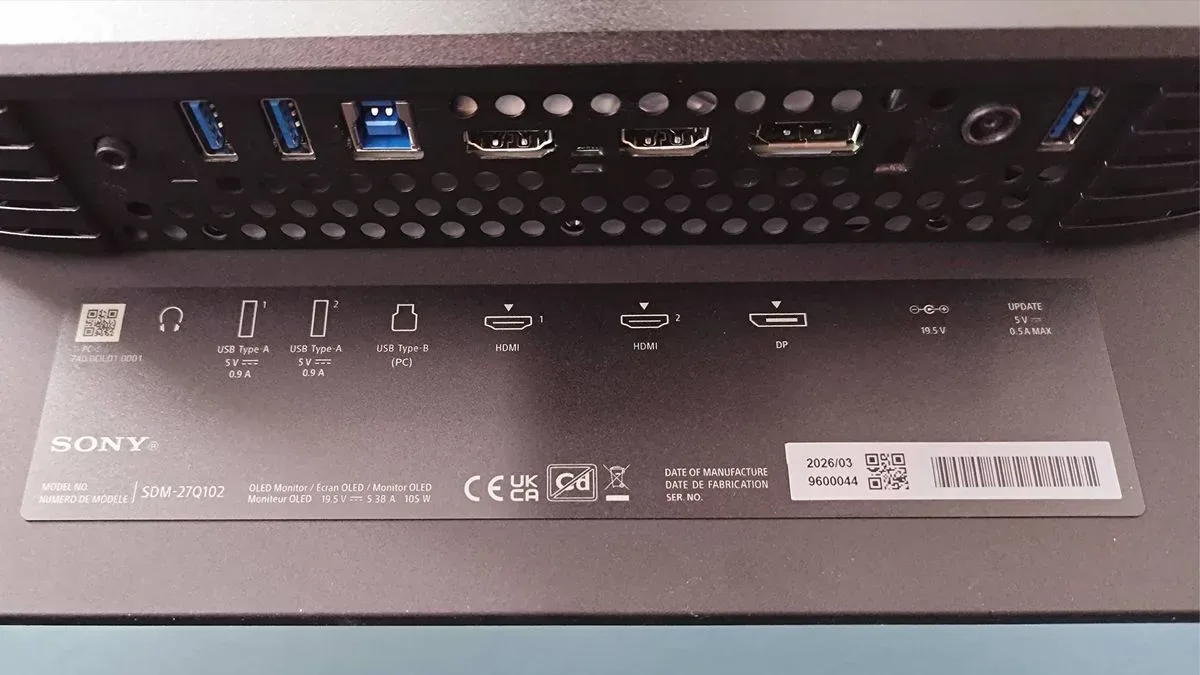
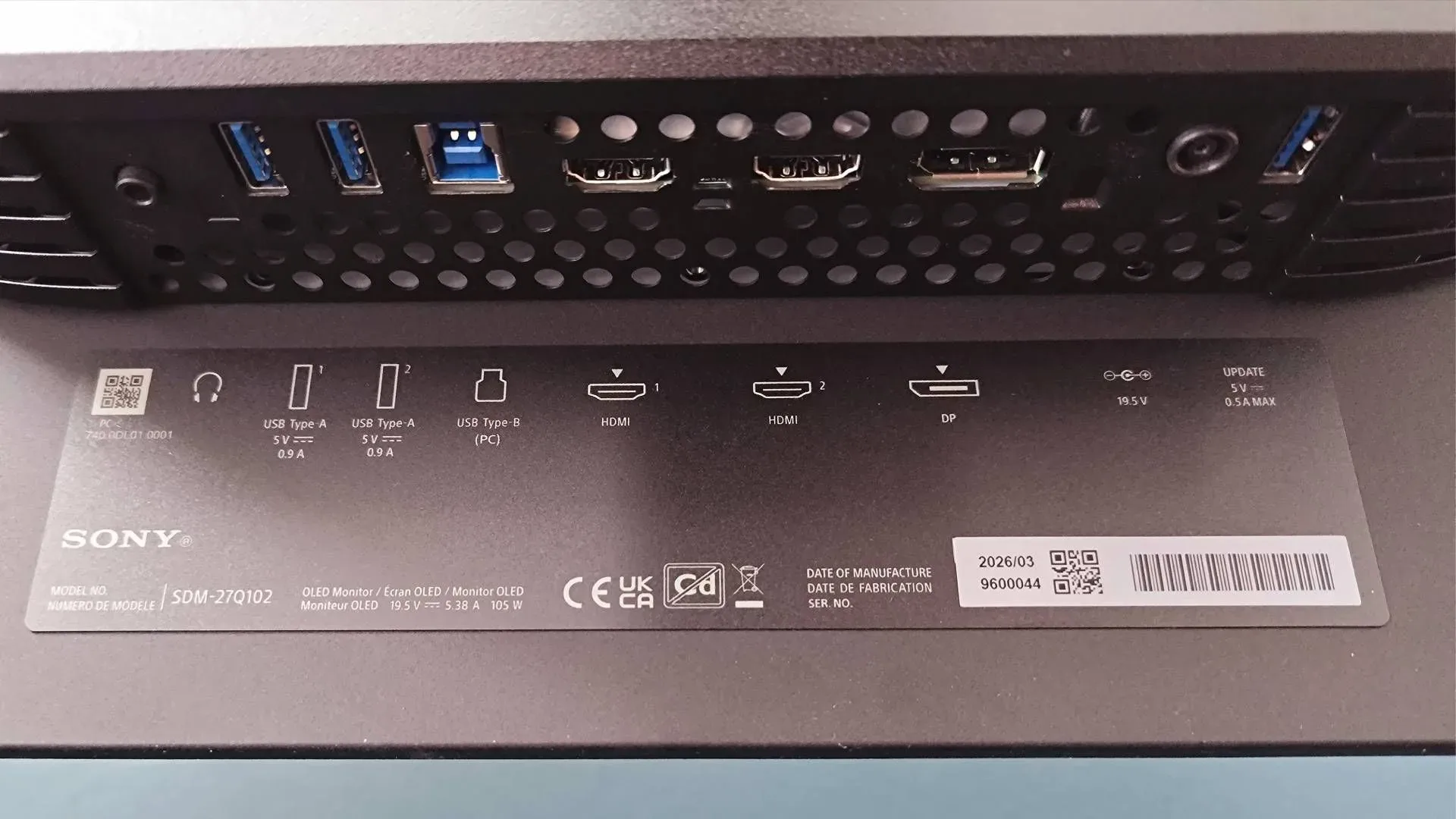
Its ports reinforce that PC-centered proposition: two HDMI 2.1 inputs, one DisplayPort 2.1a connection, two USB-A ports, one USB-B port, and a 3.5mm headphone jack. There is enough flexibility here for a multi-device desk, but the feature priorities are clearly about pushing a high-performance PC signal rather than transforming the monitor into an all-in-one entertainment hub.
What the 720Hz mode gives up
Dual mode is the M10S II’s defining new trick. Rather than presenting 720Hz at its regular 1440p resolution, Sony uses a 1280 x 720 mode and integer scaling. Integer scaling enlarges an image by whole-number multiples, avoiding some of the softness or distortion that can appear when a lower-resolution picture is stretched unevenly to fit a panel. In this case, it provides a more deliberate route to 720Hz than simply feeding an awkward low-resolution signal to a 1440p monitor.
But 720p remains 720p. It has dramatically less image detail and less desktop space than 1440p. The supplied evaluation found the ultra-high-speed mode responsive and smooth, while also identifying the resolution drop as the unavoidable compromise. That is why the mode is likely to appeal most to players treating the display as a competition tool rather than a general display. In a tightly controlled esports match, the aim is not to admire distant environmental detail; it is to read movement and react. In most modern PC games, however, image clarity and the full 27-inch canvas may be more valuable than the jump from an already exceptional 540Hz to 720Hz.
The 720p mode also reportedly presents a 24.5-inch screen area. That size has relevance in competitive gaming, where some players prefer a smaller active image, but it means buyers should not assume the alternate mode simply grants extra speed across every inch of the M10S II’s 27-inch panel. It is a specialized setting with a specialized audience.
A practical buying question follows: can a prospective owner’s system and preferred games routinely reach the necessary frame rates? Players should check their in-game frame-rate limits, graphics settings, CPU performance, GPU performance, and whether the games they actually play can approach 540fps or 720fps. Chasing an enormous refresh figure while playing games that sit far below it is not inherently bad—the monitor can still run normally—but it weakens the core reason to pay for this class of display.
Motion tools are more than menu decoration
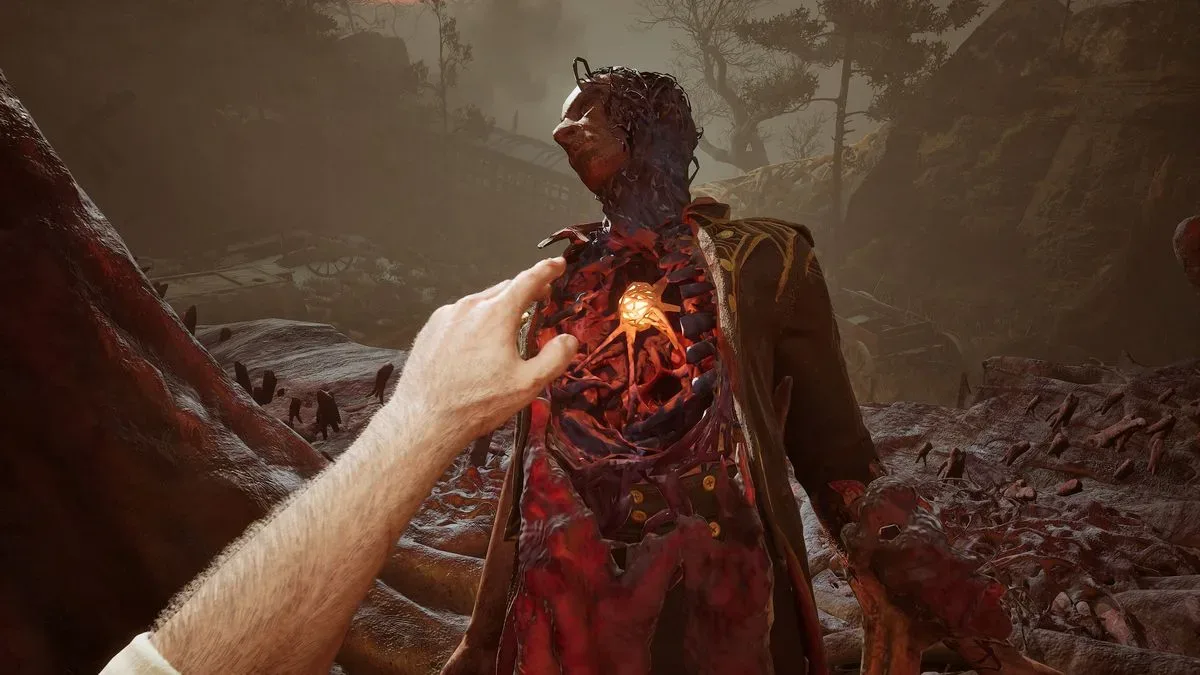
Sony has also added features designed to clean up fast-moving imagery. One is VRR Flicker Reduction. Variable Refresh Rate, or VRR, lets a monitor synchronize its refresh behavior with a game’s changing frame rate, helping avoid tearing and uneven motion. OLED screens can exhibit visible flicker in some circumstances when frame rates vary, particularly in dark scenes. Sony’s setting is intended to reduce strobing as the image moves between darker visuals, an obvious consideration in shadow-heavy shooters where visual noise can make a target harder to read.
The M10S II also includes Motion Blur Reduction controls, including black frame insertion. In simple terms, black frame insertion adds dark intervals between displayed frames to sharpen perceived motion and reduce the trailing effect often called ghosting. These modes can be helpful when motion legibility is the overriding concern, although they are not an automatic best setting for every game or person. The important point is that Sony is attempting to give competitive players options to tune clarity rather than only advertising a huge refresh-rate number.
Fnatic, the esports organization known for VALORANT competition, helped inform the display’s specifications and finer design choices. That relationship does not mean the monitor is only for professional players, but it helps explain the unusually narrow concentration on speed, responsiveness, and esports-style display controls. This is hardware designed around a high-level PC shooter use case, not a screen trying to accommodate every kind of game with equal enthusiasm.
A matte OLED that takes reflections seriously
The M10S II’s anti-glare coating is one of its more broadly useful upgrades. OLED’s deep blacks can be compelling, but bright rooms and nearby windows can undermine any display if reflections dominate the screen. The M10S II uses a matte finish, and the available assessment found reflections unusually well controlled even beside a bright south-facing window. That could matter as much as 540Hz for anyone whose desk cannot be positioned in a dark, carefully managed room.
There is a maintenance caveat. Coatings need care, and aggressive cleaning products may risk damaging or changing the surface treatment. A microfiber cloth is the cautious option mentioned for removing smudges. Buyers who want a monitor that can routinely be cleaned with whatever is on hand should account for that before treating “anti-glare” as a no-compromise feature.
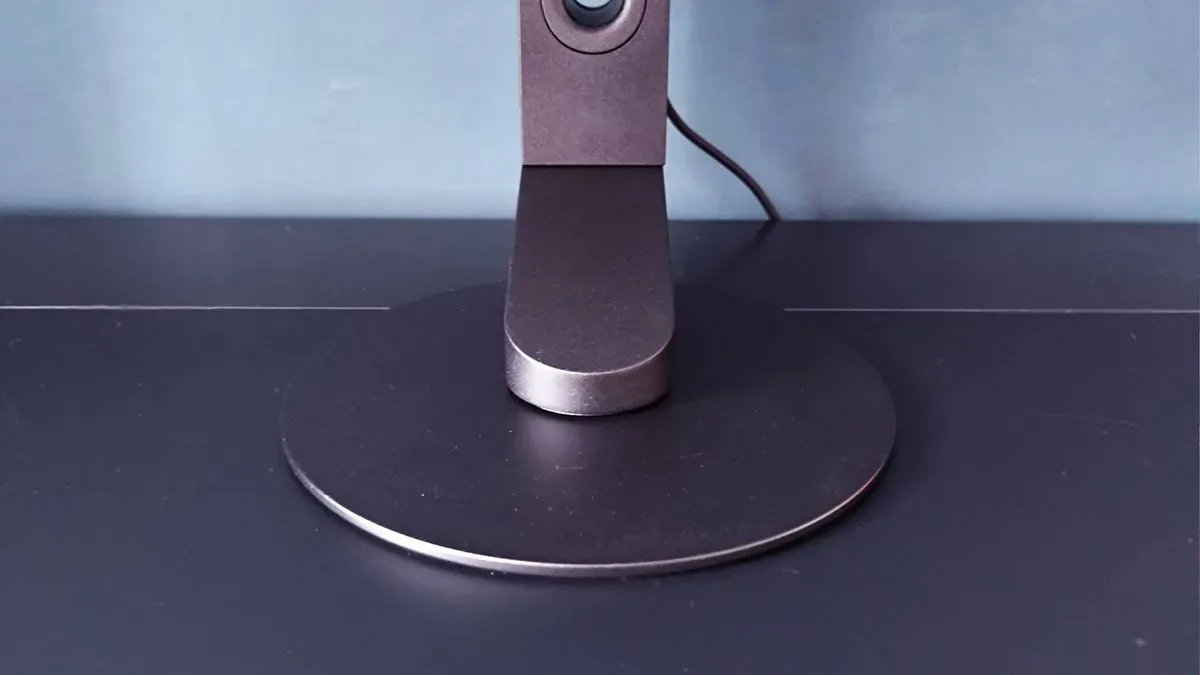
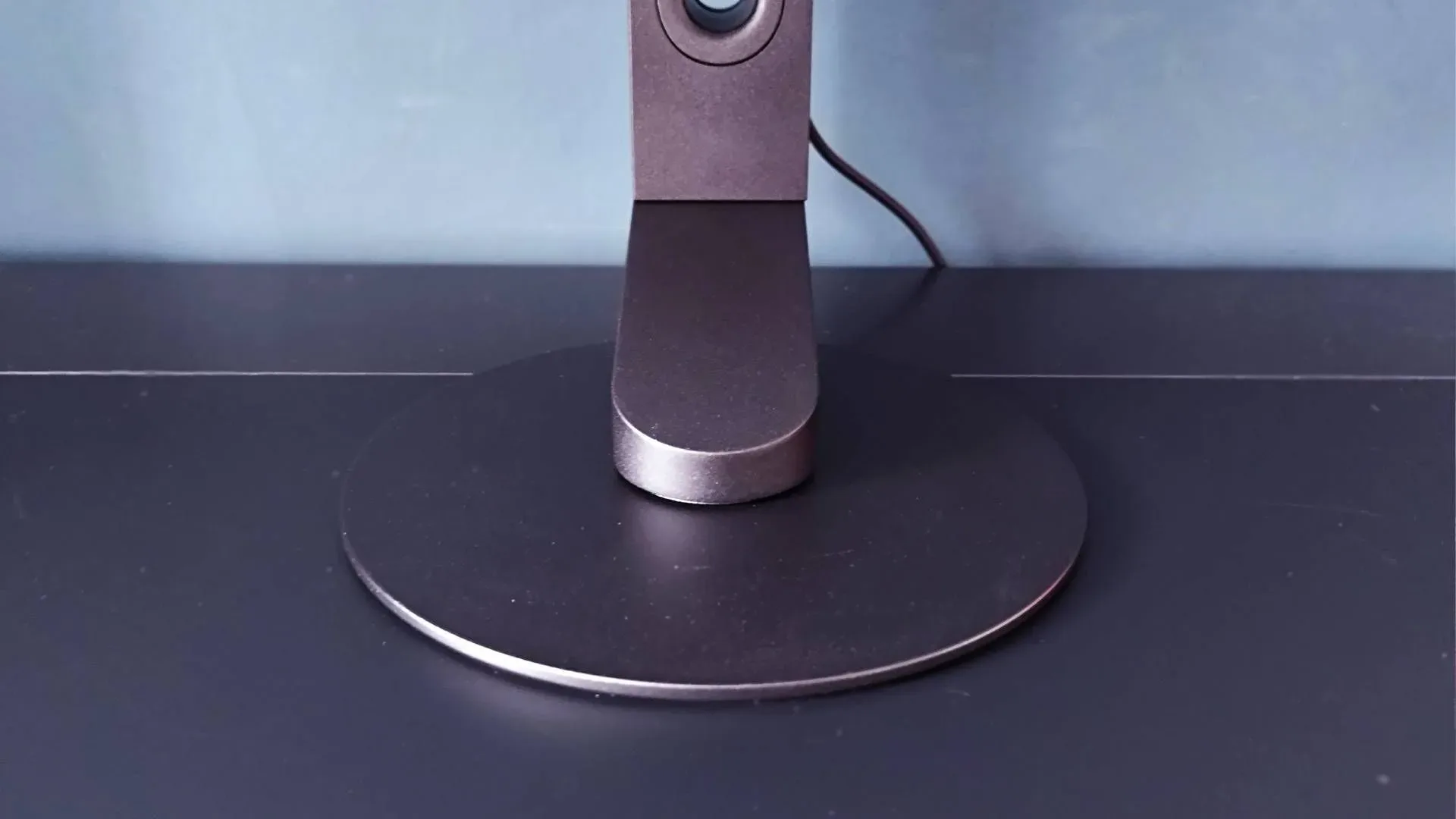
The display’s physical design is likewise streamlined. Sony retains a low-profile rotating disc pedestal and a very thin, 4mm base that can sit flush against a desk, leaving room to slide a keyboard or other equipment across it. The stand provides 360-degree movement and adds 10 degrees of forward tilt. That makes sense for a player who carefully adjusts their viewing position, although the screen cannot rotate into portrait orientation. Anyone hoping to use it as a vertical Discord, chat, or reference panel should take note.
Less impressively, the on-screen display controls are positioned at the rear and there is no included remote. Fast access to picture settings is useful even for an esports monitor, particularly when players want to switch modes or adjust a feature between games. Rear controls are functional, but not the most graceful solution on a display whose menu holds so many specialized settings.
Excellent at its job, awkward outside it
The M10S II can accept a PS5 connection and recognizes the console for automatic picture-mode behavior, but its overall proposition remains awkward for console-first buyers. The monitor has HDMI 2.1, yet its marquee 540Hz and 720Hz capabilities are built around high-end PC performance. At this price, a player principally shopping for a PS5 display may reasonably value 4K resolution and broader console-specific provisions over extreme refresh rates beyond the console use case.
This is especially relevant for players assembling a setup around both PC and PlayStation. A display is a longer-lived and more expensive purchase than many individual accessories, so its suitability across platforms is worth weighing against the immediate thrill of a giant Hz number. Console owners already making hardware choices around physical and digital ownership may find the broader context useful in this look at why a PS5 disc drive can be a practical purchase; the M10S II makes a parallel point in reverse, with its value rising sharply when the owner’s main platform is a very fast PC.
The monitor is also not a sound choice for retro-console experimentation. Tests with an HDMI upscaler found that 720p could appear sharper than mismatched resolutions, but the display forced widescreen in situations where 4:3 presentation was wanted. A 1280 x 960 signal was reportedly squeezed narrower than the intended 4:3 ratio, while 1080p had proper dimensions but looked softer because the scaling was non-integer. That does not undermine the M10S II’s esports mission, but it is an important warning against assuming its lower-resolution mode makes it unusually compatible with older systems.
Who should put the M10S II on the shortlist?
The strongest candidate is a competitive PC player with powerful enough hardware, a game library led by high-frame-rate shooters, and a real interest in visual-motion tuning. That buyer receives a 1440p 540Hz OLED as the normal operating mode, an optional 720Hz route for the narrow range of situations where it makes sense, serious anti-glare performance, and a restrained desk footprint. The richer OLED image and elevated brightness also mean the screen is not confined to esports-only content when used at 1440p.
Players who prioritize 4K, console-centric features, portrait rotation, easy menu access, accurate retro scaling, or a more flexible all-purpose setup should be careful. None of those absences negate the M10S II’s strengths. They clarify Sony’s choice to refine a specialist monitor instead of making a broad flagship for every platform and genre.
Ultimately, the M10S II’s appeal depends on whether its compromise is also your preference: sacrifice resolution in an alternate mode to pursue a staggering 720Hz, while keeping 1440p 540Hz as the primary experience. It is an impressive proposition for the right competitive PC audience. For players outside that group, its price and single-minded design make a more versatile monitor the sensible place to look.