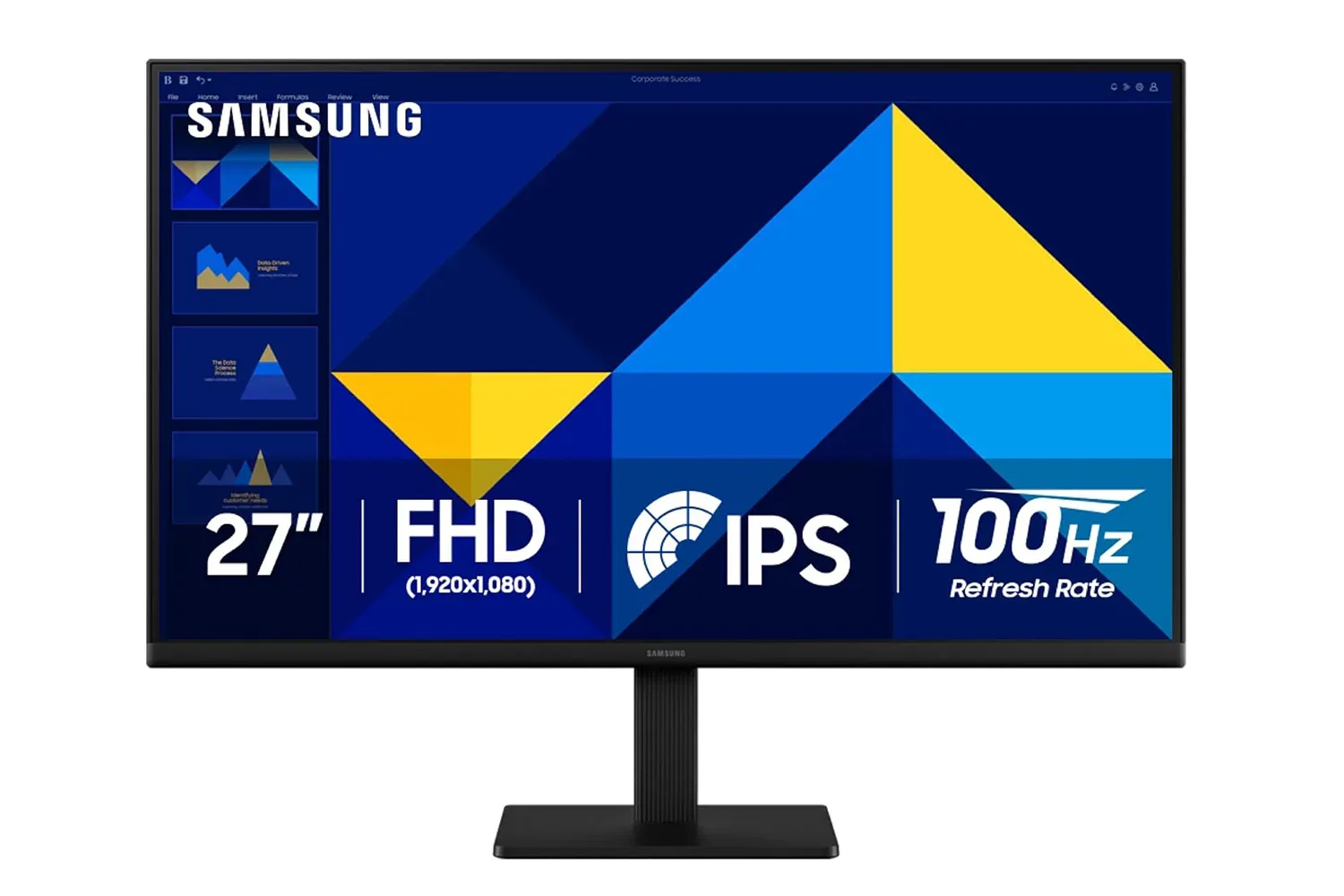
Samsung’s 27-inch S30GD Essential monitor is currently listed at $100 for Prime members, a 33% reduction that puts a full-size IPS display in firmly budget-focused territory. The key specifications are straightforward: a 1920-by-1080 resolution, a 100Hz refresh rate, HDMI and DisplayPort inputs, USB passthrough connectivity, and VESA mount support.
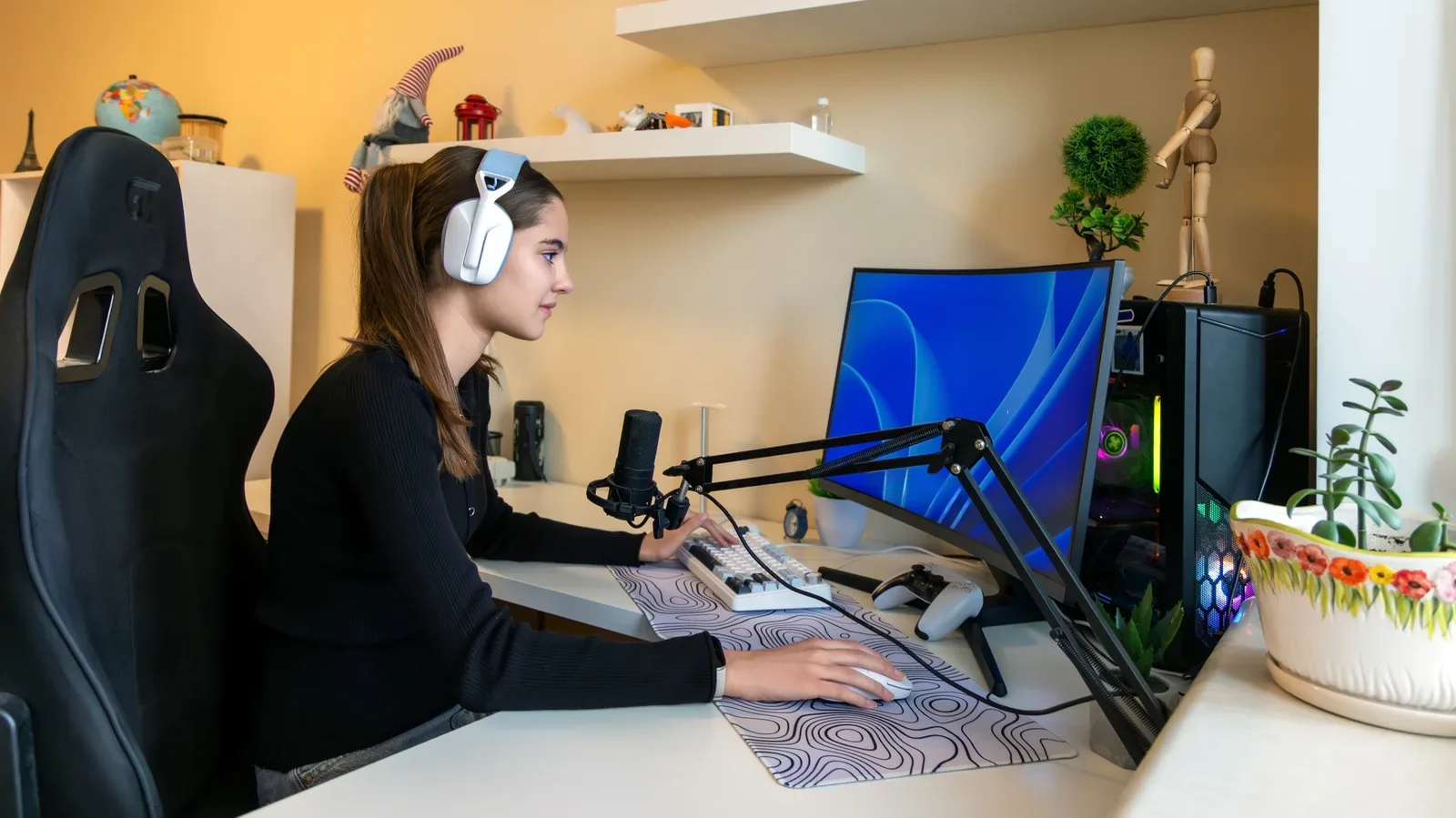
For players building a modest desktop setup—or simply trying to stop treating a laptop screen like a whole command center—the appeal is not that this is an all-purpose premium gaming panel. It is that the S30GD appears to cover the fundamentals for a secondary display without making its buyer pay for resolution, speed, or stand adjustments they may not need. At this price, its strongest case is as a companion screen for guides, chat, streams, browsers, work windows, or older and less demanding games rather than a showcase display for the newest hardware.
What the $100 Samsung S30GD offer includes
The S30GD sits in Samsung’s Essential range, an entry-level office-oriented line. That framing matters. A monitor can be useful for games without being designed around high-end competitive play, and this model’s specification list reflects that distinction.
- Screen size: 27 inches
- Resolution: 1080p, or 1920 by 1080 pixels
- Panel type: IPS
- Refresh rate: 100Hz
- Connections: HDMI, DisplayPort, and USB passthrough
- Stand movement: tilt only
- Mounting: VESA support
- Extras: Game Mode, reduced blue-light options, and flicker-free operation
The listing’s $100 price is tied to Prime eligibility, so it should be treated as a time-sensitive retailer offer rather than a permanent price point. It is also worth separating a discount from a verdict on fit: a low price can make the S30GD attractive, but it cannot change the limits imposed by 1080p at 27 inches or a stand without height and pivot adjustment.
Why IPS is the most meaningful part of the spec sheet
IPS stands for in-plane switching, a display-panel technology generally valued here for consistent color and contrast when the screen is viewed from an angle. Samsung specifies 178-degree viewing angles for this panel. In practical desktop use, that means the picture should remain more stable when someone is looking from beside the user, when the display is not directly in front of the chair, or when it is positioned as an auxiliary screen.
That behavior is particularly helpful for a second monitor. Auxiliary displays tend not to live in the ideal position: they may be turned toward a sofa, angled toward a second seat, or offset to one side while the main screen takes center stage. A panel that holds its image more consistently away from dead center is useful in all of those arrangements.
The alternative panel types named in the listing are VA and TN. The practical distinction presented here is viewing-angle performance: VA and TN options can show more obvious shifts in color and contrast when viewed off-center, while IPS is designed to better preserve the image across its wide viewing angle. That does not make IPS automatically superior for every person or every workload, but it is a sensible priority for a shared or side-mounted 27-inch screen.
For people putting together a desk that serves games, work, and media, the result is less about chasing a spectacular image and more about avoiding an annoying one. If an extra monitor will spend much of its life showing a walkthrough, a Discord window, a music player, an inventory spreadsheet, or a browser, stable off-angle viewing may matter more than a longer list of headline features.
Related coverage includes Samsung's 27-Inch S30GD Monitor Drops to $100 for Prime Members.
100Hz is a modest but real gaming advantage
The S30GD’s 100Hz refresh rate is another important qualifier. Refresh rate is the number of times a monitor can update its image each second. A 100Hz display can refresh up to 100 times per second, compared with 75 times per second on many lower-cost displays. That does not promise that every game will run at 100 frames per second, since game performance also depends on the system and settings. It does mean the monitor has more opportunities to show new frames when the connected device can provide them.
Samsung positions 100Hz as an improvement for fast-moving scenes, where it can reduce visible motion blur and tearing. The benefit is more relevant during gameplay than it is while reading documents or watching ordinary video. For a buyer moving from a 75Hz display, it represents a meaningful paper-spec upgrade without asking them to step into the much higher-refresh territory commonly associated with specialist competitive monitors.
There is an important expectation-setting point, however. The S30GD is still a 1080p, entry-level office monitor. Its 100Hz capability makes it more game-friendly, but it does not transform the product into a premium esports display. Buyers seeking advanced ergonomics, higher resolution, or a substantially faster panel would be looking for a different type of monitor and, typically, accepting a higher cost.
Its built-in Game Mode is intended to automatically adjust picture settings for game content, including contrast and color to aid visibility in darker or high-contrast scenes. That could be useful for someone who prefers a quick preset instead of manually working through display controls. Others may leave it untouched. Either way, it should be viewed as a convenience feature, not the core reason to choose the monitor.
The 27-inch 1080p trade-off
Resolution deserves more attention than it usually gets in a sale headline. At 27 inches, 1080p is described as adequate rather than especially sharp. This does not prevent the S30GD from working well for general computing, streaming, and everyday game use. It does mean buyers should not assume that a larger panel automatically produces a more detailed image.
Resolution refers to the total pixel grid used to create the image. On a 27-inch monitor, those 1080p pixels are spread across a larger physical area than they would be on a smaller screen. The result can be perfectly serviceable for a secondary display, a first monitor, office tasks, and media, but it is not the choice for someone making text clarity or fine detail their primary purchasing priority.
This is where the product’s likely role becomes clear. The S30GD makes the most sense when screen space and usability matter more than maximum sharpness. It can give a player room to keep a game on one screen and supporting windows on another. It can also give a home office a larger canvas without asking the buyer to build the setup around high-resolution content.
It may be especially practical for a mixed-use station where a monitor has to handle a workday and then pull support duty during a game session. The narrow-bezel design and lightweight chassis are relevant in that context: a secondary monitor should add usable space without making a small or shared desk feel needlessly crowded. Those characteristics also complement other compact desktop upgrades, such as the Marshall Stanmore III speaker deal, though prospective buyers should consider their available desk space before adding either device.
Connectivity and ergonomics: the caveat is the stand
The S30GD includes both HDMI and DisplayPort, providing the two standard video-connection options specified for the monitor. That flexibility is useful when the display needs to work in a setup with multiple devices or with an existing cable arrangement. USB ports provide passthrough connectivity as well.
The more significant physical limitation is the included stand. It supports tilt adjustment, allowing the panel to angle up or down, but it does not provide height adjustment or pivot control. In plain terms, the screen can be tipped to improve its viewing angle, but it cannot be raised by its own stand or rotated vertically into portrait orientation.
That will not matter equally to every buyer. If the monitor is going directly in front of a seated user and its default height happens to work, tilt may be all that is needed. But if it will be used to the side of a main display, shared by people of different heights, or intended for a vertical layout, the limitation is more consequential.
VESA mounting is the remedy Samsung identifies. VESA is a standardized pattern of mounting holes on the back of compatible displays, allowing use with an appropriate monitor arm or wall mount. A VESA-compatible arm can address the stand’s missing height and pivot adjustments, but that is a separate piece of equipment. The monitor is therefore best evaluated in two configurations: inexpensive and simple with the stock stand, or more flexible once a compatible mount is added.
Comfort features and who should consider it
Samsung includes reduced blue-light and flicker-free options, both aimed at reducing eye fatigue during long sessions. The listing says these are implemented at the hardware level rather than as software filters, an approach intended to avoid as much color shift across the screen. These features have become common in monitors, but their presence remains useful for a panel likely to be used through work, browsing, streaming, and gaming.
The strongest buyer profile is someone who needs a capable extra screen and understands the compromise package: IPS viewing consistency, 100Hz operation, standard connections, and VESA compatibility in exchange for ordinary 1080p sharpness at 27 inches and limited stand adjustment. It can also work as a first monitor where the priority is keeping the purchase simple while retaining an IPS panel and a refresh rate above 75Hz.
Conversely, the S30GD is a less natural fit for buyers who know they need a height-adjustable stand immediately, want portrait orientation without additional mounting hardware, or place high-resolution detail at the top of their list. The best use of the $100 offer is not to pretend those trade-offs do not exist; it is to recognize that they may be entirely acceptable for a second screen, a basic home office upgrade, or a budget-conscious gaming desk.
Shop the products
Check current price, model and availability at the retailer.