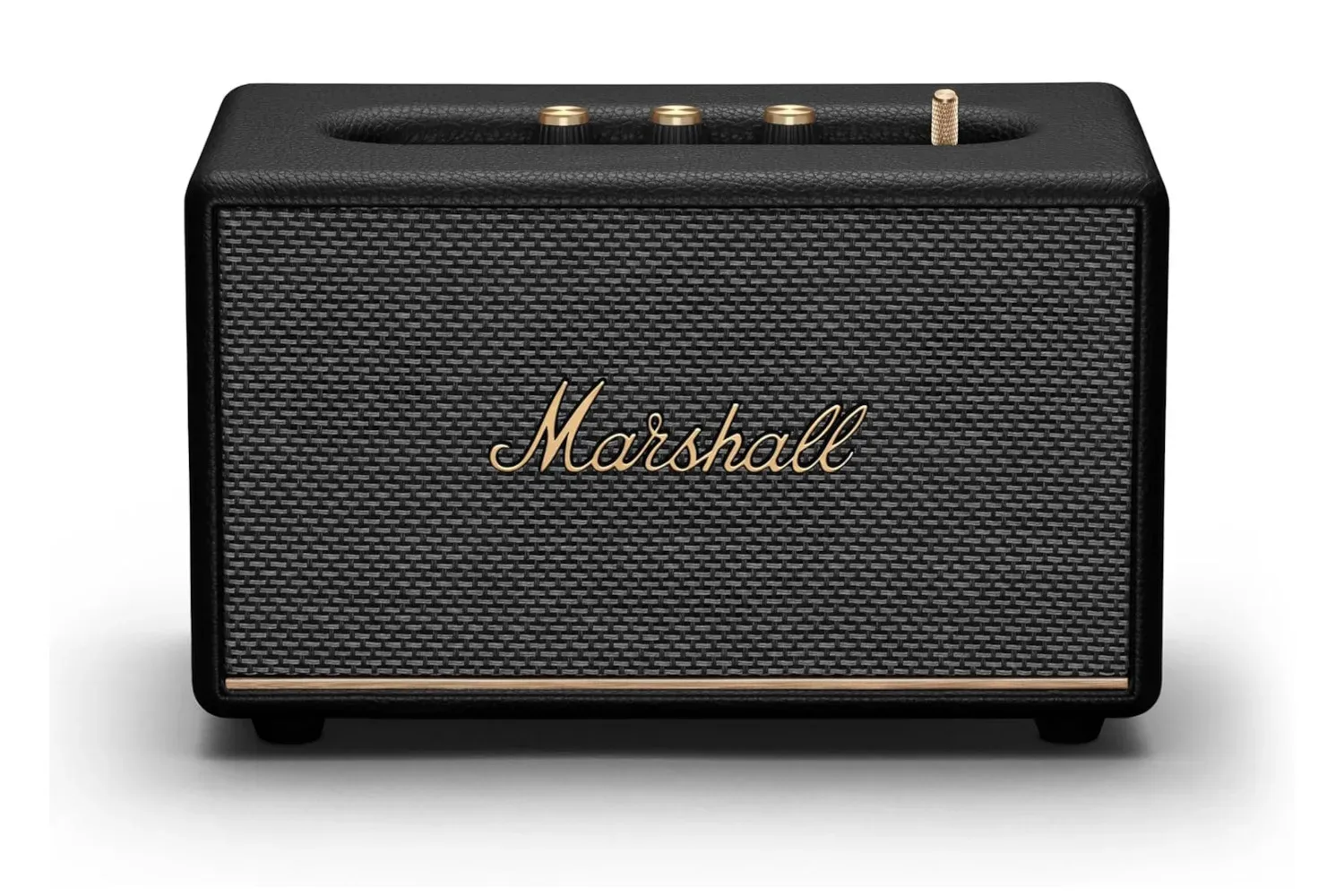
A great gaming setup is not just a screen and a machine. It may include an amplifier, powered speakers, a soundbar, a surround receiver, a subwoofer, a headset dock, a turntable, a streaming speaker, and a small forest of USB chargers. That can make the electricity use of “the sound system” much harder to understand than a single number on a spec sheet suggests.
The useful answer is not a universal monthly bill estimate. It is a measurement project: identify each powered component, establish how long it is used, check what it draws while idle, and convert the result into kilowatt-hours. That approach matters especially for players using desk speakers with a PC, a console connected to a larger home-theatre system, or older audio hardware alongside modern gear.
A typical home sound system may use roughly 20 to 50 watts in standby and rise to 200 watts at maximum volume, but those figures are only a broad reference point. Equipment design, the number of components, listening volume, and whether speakers have their own power supply can all shift the real figure substantially.
Why one setup can cost more than another
Audio equipment does not consume a fixed amount of power at all times. Playback volume is a meaningful variable: more volume requires more energy. So a system used for quiet late-night games may not resemble the same setup during a loud movie or multiplayer session.
The components matter as well. Turntables and CD players generally draw relatively little power. Amplification is more important to investigate, particularly in systems built around unusual combinations of current equipment and vintage analogue hardware. Older amplifiers may be a notable part of a system’s electricity use, while a larger home-theatre arrangement can add further demand simply because it contains more powered equipment.
It is also helpful to distinguish between passive and independently powered speakers. A passive speaker receives its power from the amplifier. A powered speaker has its own power source, so it contributes its own electricity draw to the total. That does not automatically make powered speakers a bad choice; it means their consumption should be included in the audit rather than treated as invisible.
For a gaming desk, the practical lesson is simple: do not calculate only the PC or console. Include the audio hardware that makes the games sound good. If you are repurposing a device for desktop audio, our guide on using an old Android phone as a temporary PC speaker with AudioRelay offers a related example of how a seemingly small extra device can become part of a wider setup.
Watts, watt-hours and kWh: the terms that matter
Watts (W) describe power: the rate at which a device is using electricity at a given moment. A watt figure is therefore useful, but it does not tell you the whole cost story. Time is the other half.
Related coverage includes How to Measure What Your Home Sound System Costs to Run.
Watt-hours (Wh) combine power and time. A 100-watt amplifier used for five hours consumes 500 watt-hours of energy.
Kilowatt-hours (kWh) are the unit commonly used for household electricity billing. One kWh equals 1,000 watt-hours. The 500 Wh example above is therefore 0.5 kWh.
That distinction prevents an easy mistake: a 100-watt device does not necessarily use 100 kWh in a day, a month, or even during a long session. Its energy use depends on how long it operates, and its actual draw can vary with volume and activity.
Start with an inventory, not an estimate
Before buying anything or changing habits, make a list of every relevant item. For a console or PC gaming space, that might include an amplifier or receiver, each powered speaker, a subwoofer, a soundbar, a streaming device used for audio, a headset base, a USB charger, and any battery-powered audio component routinely left connected to power.
- Write down the item and its power rating if you can find it.
- Record a realistic average number of hours it is actively used each day.
- Note whether it remains plugged in and in standby for the rest of the day.
- Flag equipment that changes behaviour with volume, including amplifiers and speakers.
- Keep battery-powered devices and USB chargers on the list rather than assuming their idle use is zero.
Product manuals and manufacturer information can help identify a component’s stated wattage. But a stated specification is not a substitute for observing the setup you actually own. A plug-in watt meter sits between the wall socket and the equipment and measures real consumption. It is a direct way to move from a theoretical number to an observed one.
Measure both gameplay use and idle time
One reading is rarely enough for an audio setup. Take readings at low and high volumes to establish a practical range, since higher volume demands more energy. The goal is not to establish one perfect number for every minute of every game. It is to capture the difference between the way you normally use the system and a louder session.
Then measure standby consumption. Standby power is energy used when a device is not in active use but has not been switched off. Many newer products have low-power standby modes, while older equipment may consume a more significant amount while idle. The amount varies, which is exactly why a meter is more useful than an assumption.
This is the unglamorous part of the audit, but it can be the revealing one. Active use may be limited to a few evening hours; standby can occupy the rest of every day. For a system that remains connected continuously, measure or record that idle draw separately instead of rolling it into an estimated gaming-session number.
Battery-powered components deserve a second look too. Leaving such devices plugged in can degrade their power cells over time, although modern streaming speakers are generally designed with this use in mind. USB chargers can also draw electricity while plugged in and on standby. Individually that may seem minor, but it is sensible to account for them across a whole room or home.
Use the cost formula
Once you know an item’s wattage and the time it is used, the calculation is straightforward:
Daily energy in kWh = (Watts × hours of use) ÷ 1,000
To turn that into a monthly estimate:
Monthly cost = daily kWh × days in the month × your electricity price per kWh
For example, consider a 100-watt amplifier used for five hours a day over 30 days:
- 100 watts multiplied by five hours equals 500 watt-hours per day.
- 500 watt-hours divided by 1,000 equals 0.5 kWh per day.
- 0.5 kWh multiplied by 30 days equals 15 kWh per month.
At an electricity rate of $0.196 per kWh, 15 kWh works out to $2.94 per month, or close to $36 over a year. That rate is only an example; the correct figure for any household is the price on its own electricity bill. The formula itself works wherever you are, provided the local rate is substituted.
For standby, use the same formula, but use the number of idle hours instead. If you have measured different power levels for a low-volume session and a louder session, calculate each separately. Adding those results provides a more honest monthly picture than pretending every use case is identical.
Smart plugs can make the audit easier to maintain
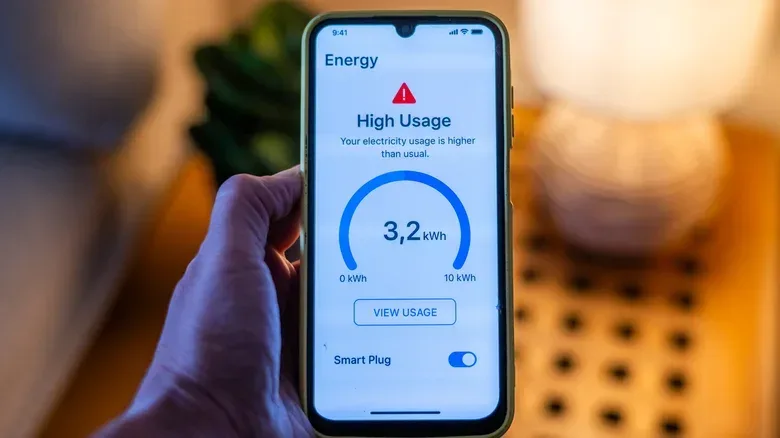
A smart plug can offer two useful functions for this kind of setup: energy data and remote switching. The first can help track consumption over time rather than relying on a single reading. The second allows a user to shut off devices remotely, eliminating standby draw when the equipment does not need to remain available.
That makes a smart plug potentially useful beyond audio. The same method can be applied to other electronics around a gaming room or home, including lighting. But the decision should be based on the behaviour of the individual device. If a piece of hardware needs to stay connected for a particular reason, record that standby cost rather than treating remote shutoff as an automatic rule.
Make changes from measured results, not anxiety
There is no need to turn every sound system into a silent, disconnected shrine to spreadsheet accuracy. The objective is to know what is costing energy, what is barely registering, and where a change is actually worthwhile. A CD player may be a minor line item. A cluster of always-on powered components, older equipment that idles heavily, or chargers left connected around the clock may deserve more attention.
Measure the setup at the volumes you genuinely use, include standby time, calculate with your local electricity price, and reassess when the hardware changes. That produces a practical answer for a gaming sound system without confusing a maximum-volume power figure with a month of real-world use.