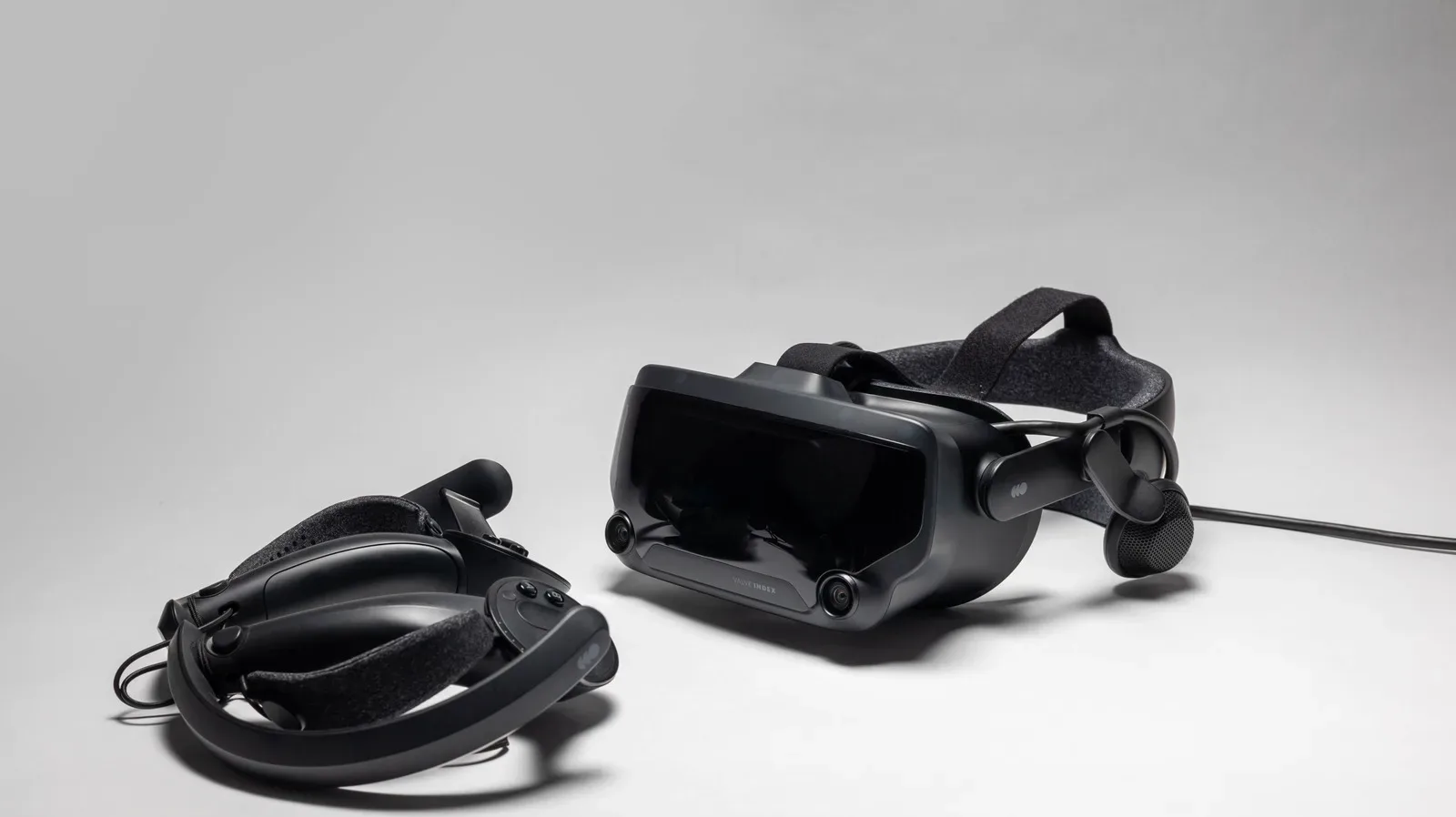
The Pimax Dream Air presents an unusually clear argument for wired PC VR in an era increasingly defined by standalone headsets and wireless streaming: plug directly into a powerful graphics card, skip video compression, and chase the sharpest image possible. On its best days, that argument is extremely persuasive. The headset’s Micro-OLED displays, pancake lenses and remarkably low 170g weight reportedly combine into a PC VR experience that looks spectacular while avoiding the cumbersome feel associated with many high-end headsets.
Then the practical realities arrive. The Dream Air costs $2,000 / £1,542 in its headset-only Lighthouse configuration, while the SLAM package with controllers and inside-out tracking costs $2,299 / £1,774. That puts enormous pressure on every part of the experience to feel dependable. Yet reported software crashes, overlay-related stutters, inconsistent controllers and prominent visible display boundaries make the headset difficult to recommend broadly, however extraordinary its picture can be.
That tension is the real Dream Air story. It is not a simple case of an expensive headset delivering a little more of everything. Rather, it appears to deliver a genuinely distinctive mix of low weight and high-end visual fidelity, while asking buyers to accept a more demanding, less consistent setup than its price suggests.
A lightweight answer to a heavyweight PC VR problem
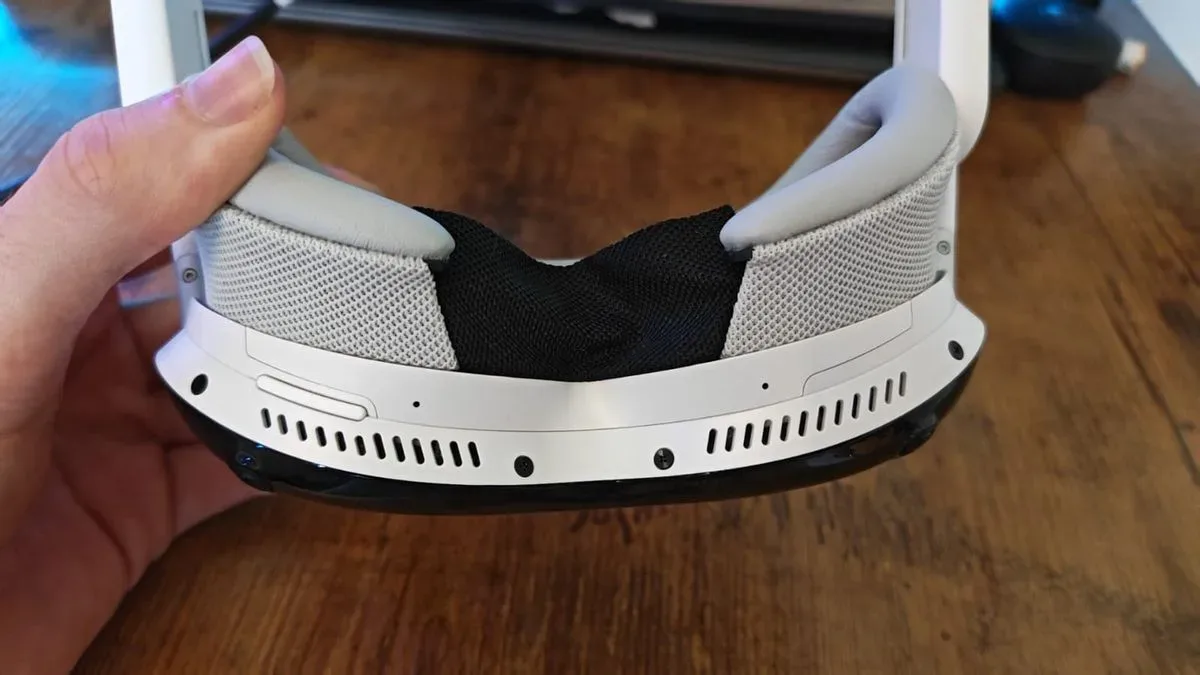
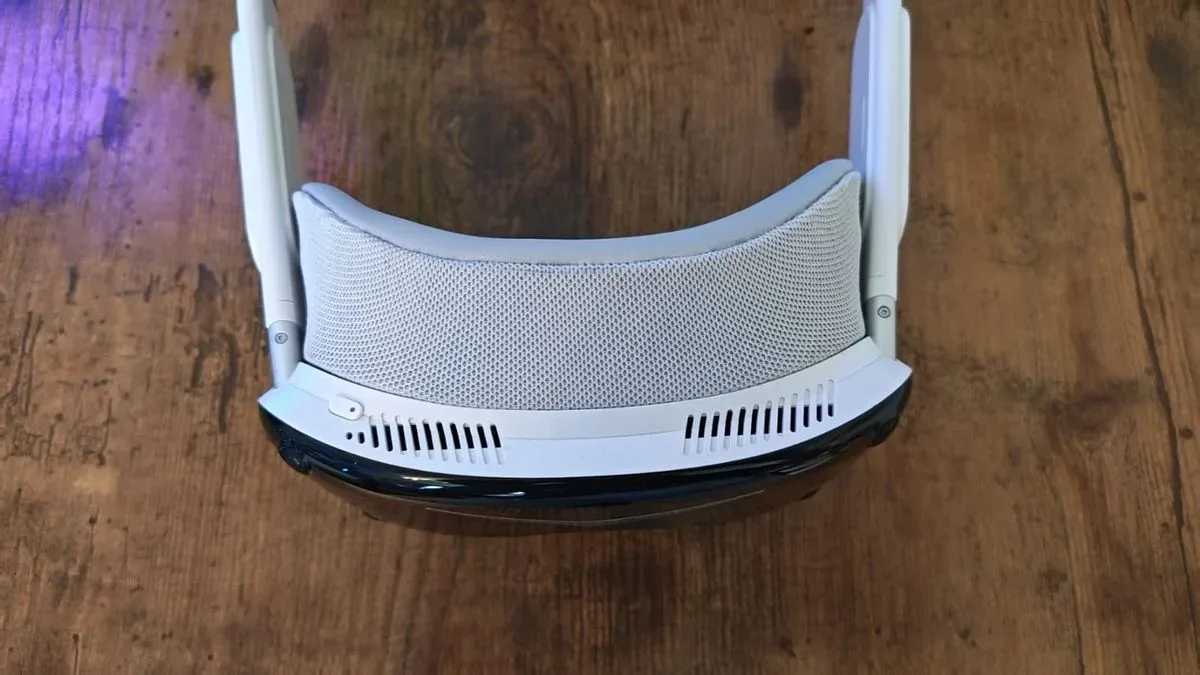
Pimax’s prior Crystal-family products established the company’s focus on image quality, but bulk and fit could make them better suited to stationary simulation play than energetic room-scale VR. Dream Air takes a sharply different physical approach. Its compact visor, fabric-covered construction, padded facial interface and Velcro-fastening head strap aim for something closer to a high-tech pair of goggles than a large headset balanced on the face.
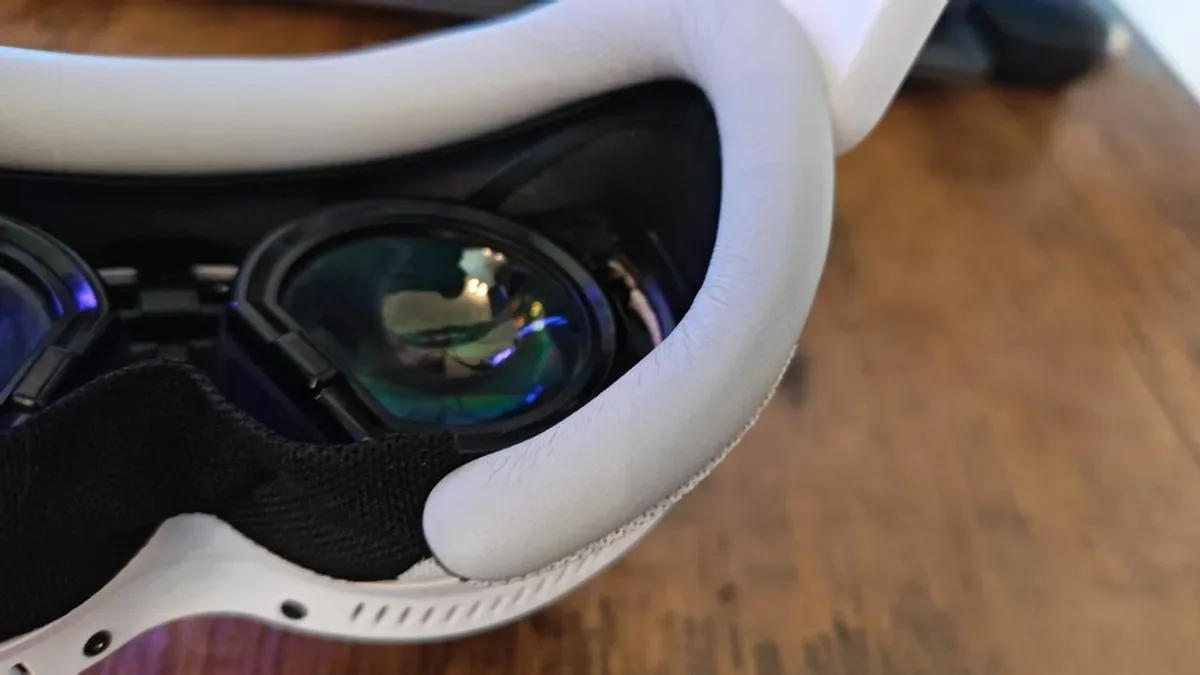
The 170g figure matters beyond a spec-sheet brag. VR comfort is cumulative: a headset that presses on the nose, shifts as the player moves or becomes hot after a short session can undermine even an excellent display. Dream Air’s low mass reportedly makes it easy to forget the hardware is there, and its ventilation helps avoid the sweaty facial feel sometimes associated with enclosed headsets. The facial interface also tapers away from the face, reducing the amount of contact around the wearer’s eyes.
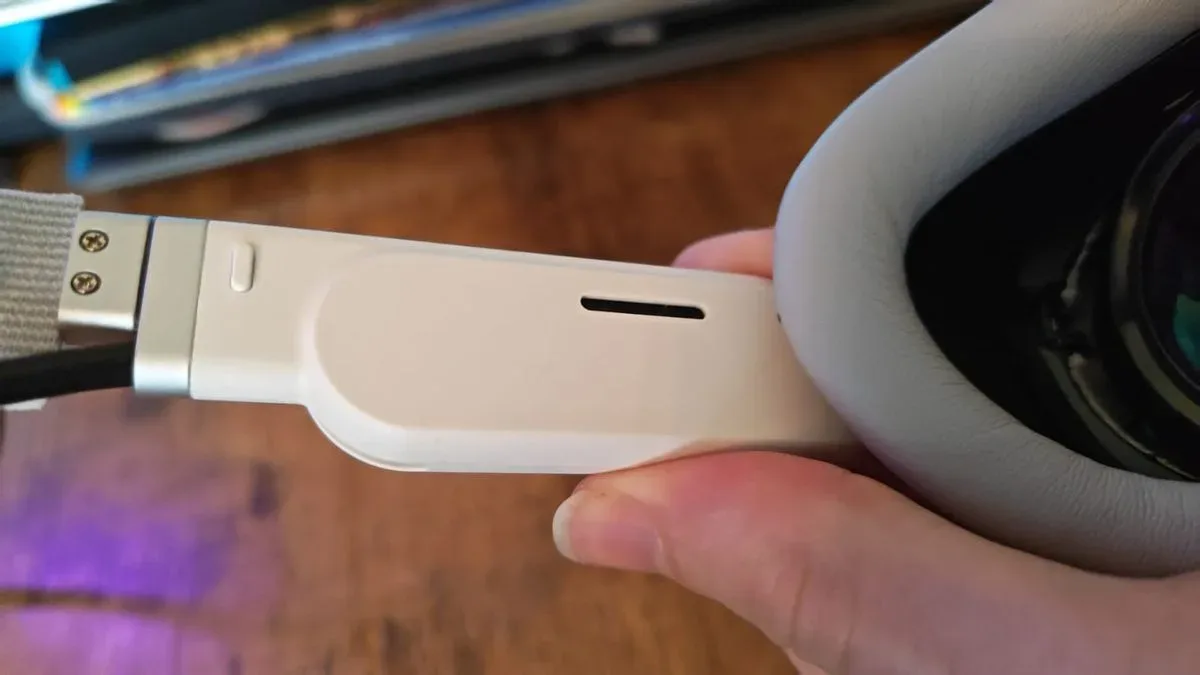
Its cable management appears thoughtfully considered, too. Dream Air is a wired PC headset, requiring USB, DisplayPort and wall power, but there is no connector for the user to manage directly on the headset itself. Cables emerge from the rear, route into a small section around the upper back and then continue to a breakout block. That does not make the system wireless, nor does it eliminate the setup burden, but it potentially reduces the distracting sensation of cables tugging at the visor.
There is a meaningful trade-off to the small form factor. There is reportedly little room inside for glasses, making it a poor fit for players who need to wear them. The headset can also be finicky to position precisely; its ideal placement may sit close to the brow and can shift with facial movement. In VR, where lens alignment determines clarity, a light headset that moves too easily can be almost as frustrating as a heavy one that never settles comfortably.
What the Dream Air’s display specs actually mean
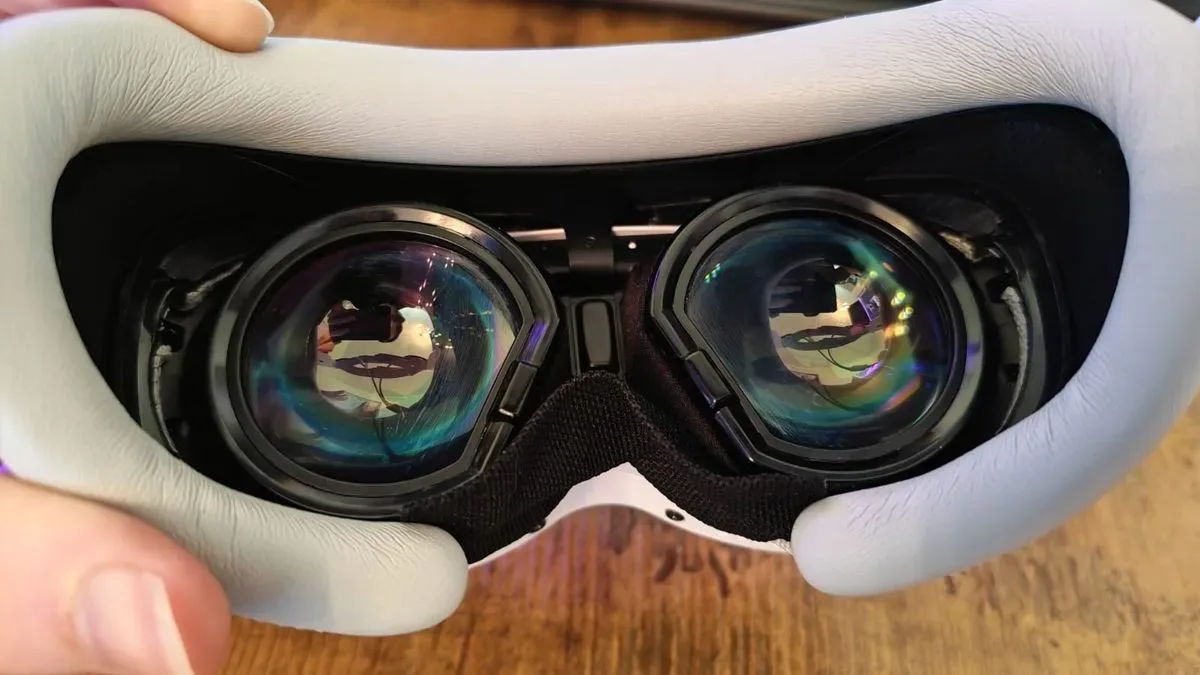
The headline hardware is formidable: Sony Micro-OLED panels with a stated 3,840 x 3,552 resolution per eye, viewed through Pimax’s ConcaveView pancake lenses. Pimax describes Dream Air as the world’s smallest full-feature 8K-resolution VR headset, a claim that should be understood as a combined-resolution marketing description rather than a single 8K panel. The practical point is simpler: each eye receives an exceptionally dense image.
Micro-OLED is a display technology prized in VR for contrast and rich image quality. OLED pixels emit their own light rather than relying on a conventional backlight, which allows deep blacks and strong color. Pancake lenses use folded optics to make a headset thinner than designs that need more physical distance between screens and lenses. Together, those technologies help explain why Dream Air can pursue high fidelity without returning to a giant, front-heavy shell.
The reported result is vivid, extremely clear presentation in games including Walkabout Mini Golf, Half-Life: Alyx and Blade & Sorcery. Stylized scenes can gain color and environmental detail, while more realistic game worlds benefit from improved definition. This is also where a wired DisplayPort connection is central to the pitch. DisplayPort carries the graphics card’s output directly to the headset, avoiding the compression stage used by streamed VR connections. That does not magically make every game run better, but it can preserve fine visual detail when the headset and PC software cooperate.
Dream Air supports eye tracking, which creates the potential for foveated rendering. This technique concentrates rendering quality where a player is looking and reduces detail farther from the gaze point, saving performance because human vision is naturally sharpest at the center. There is reportedly no straightforward foveated-rendering switch in Pimax Play, though users can adjust the image to emphasize the center of the displays and reduce peripheral demands. That distinction is important: eye tracking creates an opportunity for performance optimization, but it does not guarantee that every game or software configuration will use it effectively.
The maximum refresh rate is 90Hz. In plain terms, the display can update up to 90 times per second. Higher refresh rates can improve motion comfort and smoothness, but 90Hz remains a credible target for demanding PC VR, especially at this resolution. The issue is that such a high-resolution headset needs substantial graphics performance to get there consistently.
The visible edge of immersion
Pimax quotes a 110-degree horizontal field of view, putting Dream Air in the same general territory as several major rivals on paper. Field of view, or FOV, is the amount of the virtual scene visible at once. A larger FOV can make VR feel less like peering through binoculars and more like occupying a space.
However, numerical FOV does not tell the whole story. Dream Air’s compact facial interface reportedly makes the border of its visible image more obvious than it is on a Meta Quest 3 or PSVR 2. Instead of fading from awareness, the black frame around the view can remain noticeable, especially in games where the player’s attention is held near the center of the scene. It is a reminder that headset immersion depends not only on the measured field of view, but also on lens geometry, facial fit, the space around the eyes and how readily a player notices the edge of the display.
This is a frustrating limitation precisely because the central image is said to be so impressive. Dream Air seems capable of making a water reflection, an environment texture or a distant game object feel exceptionally present, yet the surrounding visual boundary can pull the wearer back into awareness of the hardware. A headset can be physically light and still leave a perceptual footprint.
Two bundles, two tracking approaches
The $2,000 / £1,542 Lighthouse model is aimed at established wired-PC-VR users who already own compatible base stations and controllers. This version uses outside-in tracking, meaning external base stations track the headset and controllers. It does not include hand tracking or passthrough support.
The $2,299 / £1,774 SLAM version instead includes two controllers and uses four headset cameras for inside-out tracking. Inside-out tracking means the headset watches its surroundings through onboard cameras to establish its position and track controllers. The SLAM package also supports hand tracking and passthrough, the latter allowing camera views of the real environment to be shown inside the headset.
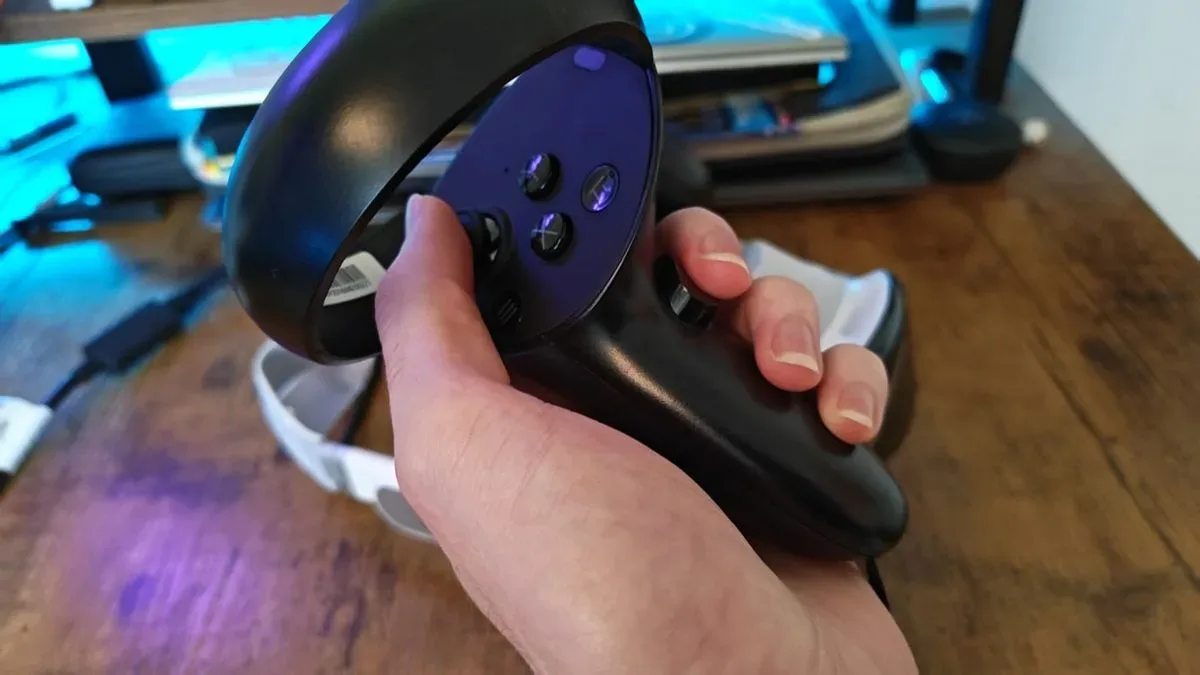
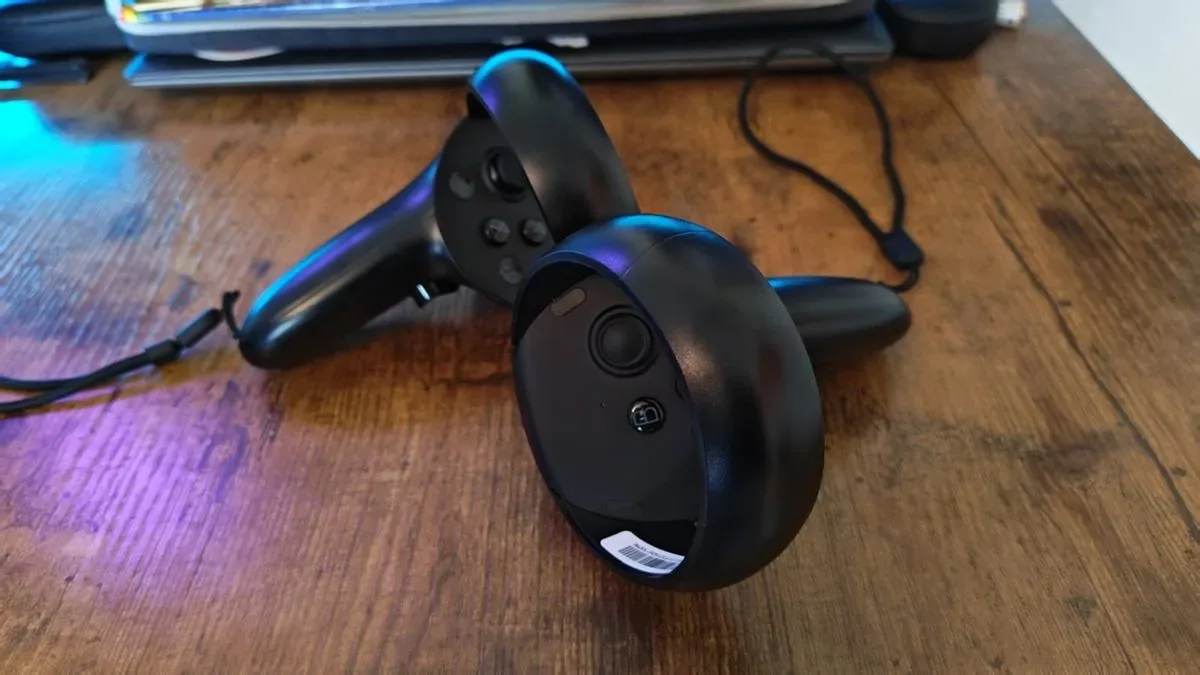
For a newcomer, the SLAM version is clearly the more complete route. But its bundled controllers are one of the major causes for concern. They use a traditional tracking-ring design, have larger-than-usual thumbsticks and reportedly deliver respectable haptic feedback. The physical impression, however, is said to be surprisingly lightweight and hollow next to the premium visor. A premium headset does not need a heavy controller to feel expensive, but it does need controls that feel robust and predictable.
More importantly, controller behavior appears inconsistent. Reports include tracking positions appearing below where hands were held, unwanted twitching while hands remained still, and a left trigger becoming stuck during play. Positional tracking for the headset itself reportedly worked well across different lighting conditions, and controller performance could be strong in Blade & Sorcery. But glitches in a precise game such as Walkabout Mini Golf can spoil a putt or a hole. That inconsistency matters more than a controller’s finish: VR interaction lives or dies on whether virtual hands go where real hands go.
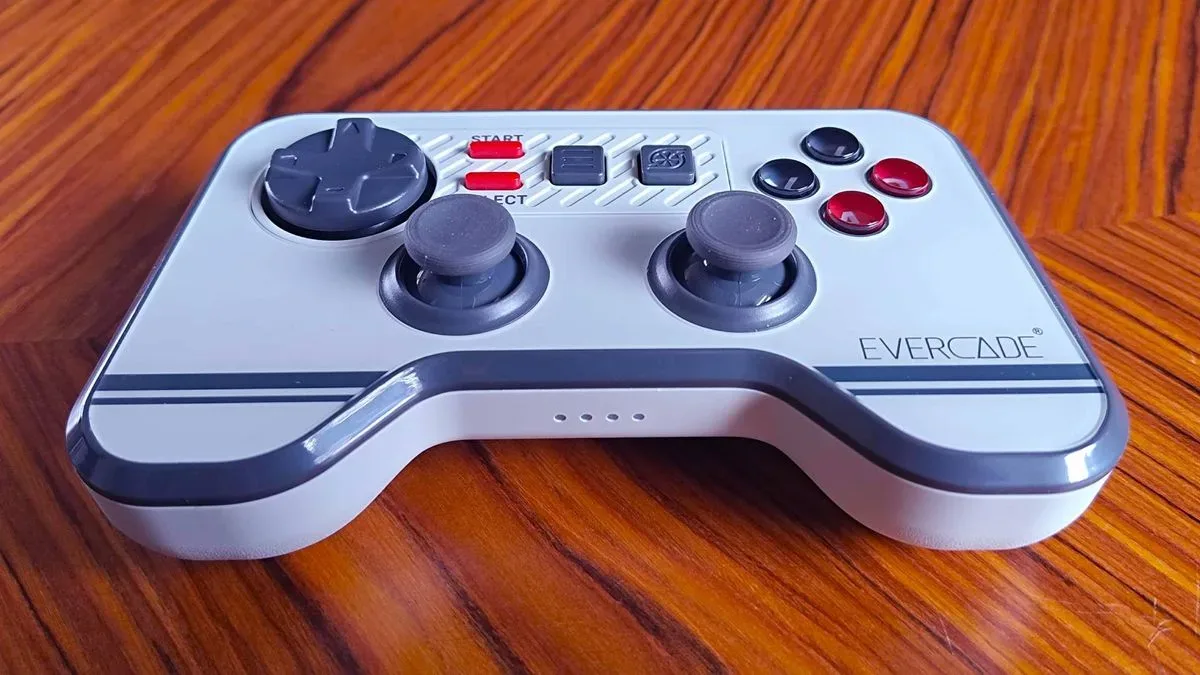
Input hardware is an often-overlooked part of a VR purchase. A conventional controller can be excellent if its ergonomics, tracking and buttons are trustworthy; novelty is not necessary. Even outside VR, dedicated controls can reshape how a platform feels, as seen with hardware such as Evercade’s purpose-built dual-thumbstick wireless controller. Dream Air’s issue is not that its controllers look traditional. It is that reports of erratic tracking and a stuck trigger are hard to square with the premium charged for the full bundle.
Software instability is the bigger warning
The most serious concerns sit in the software stack. Pimax Play handles configuration, firmware updates, room tracking and IPD adjustment. IPD, or interpupillary distance, is the distance between a person’s pupils; getting it right helps align the lenses and screens with the eyes. The headset has only basic physical controls for volume and power, so the companion software is integral rather than optional.
Reports indicate that games could run well by themselves on a PC with an RTX 5080, Intel Core Ultra 7 270K Plus and 32GB of DDR5 memory. The trouble reportedly surfaced when opening either the SteamVR overlay or Pimax’s own overlay: stutters, freezes and even full PC crashes occurred, including after settings and overlay render scale were reduced. Display-border freezing and sudden changes in the detected player height were also observed.
An overlay is a menu or information layer that appears above a game without closing it. SteamVR uses one for social functions, settings and system controls; Pimax offers its own layer for headset controls. The suggested explanation is a conflict or excessive overhead from running multiple overlays at once, but that remains an inference rather than a confirmed diagnosis. The key buyer implication is more concrete: PC VR players commonly use SteamVR to launch and manage games, so instability triggered around overlays is not a minor edge case.
Pimax lists RTX 2070, RTX 3060 or RTX 4060 graphics cards as minimum options for basic Dream Air VR use, while an RTX 5090 is recommended for the best performance. Those recommendations establish a floor and an ideal target, not a promise that every title and software setup will be smooth. Still, the reported issues on a high-end RTX 5080 system make it hard to simply blame insufficient PC power. They also reinforce an important technical reality: high pixel counts multiply GPU workload. Even a visually stunning headset cannot erase the need for a capable PC, careful settings and stable drivers.
Motion-blur options, upscaling and interpolation settings are available to help when a system is not maintaining 90 frames per second. Interpolation attempts to create or predict additional frames between rendered ones, while upscaling renders at a lower resolution before enlarging the image. These tools can sometimes make demanding software more playable, but they are compromises. In reported use, they introduced visual noise and warped motion distortion when the head moved, rather than delivering a clean fix.
Who should seriously consider it?
Dream Air makes the most sense for a narrow, unusually patient audience: enthusiast PC VR players who place maximum image quality and a direct DisplayPort connection above price, who have powerful systems, and who are comfortable working through settings and possible instability. Existing Lighthouse-tracking owners may also see a more specific upgrade path through the headset-only model.
For everyone else, the purchase is harder to justify. The light design and image quality point toward a compelling future for PC VR: less facial weight, thin optics and display technology capable of making virtual spaces richly detailed. But at $2,000 before controllers and tracking in one version—or $2,299 with the more complete SLAM setup—the device is priced as a no-compromise product. Its reported controller faults, visibility of display edges and Pimax Play/SteamVR reliability problems make it feel more like a brilliant but demanding enthusiast device.
The Dream Air may be a glimpse of where premium wired VR should go. Right now, though, it appears to ask buyers to pay for that glimpse while accepting too much uncertainty around the fundamentals.