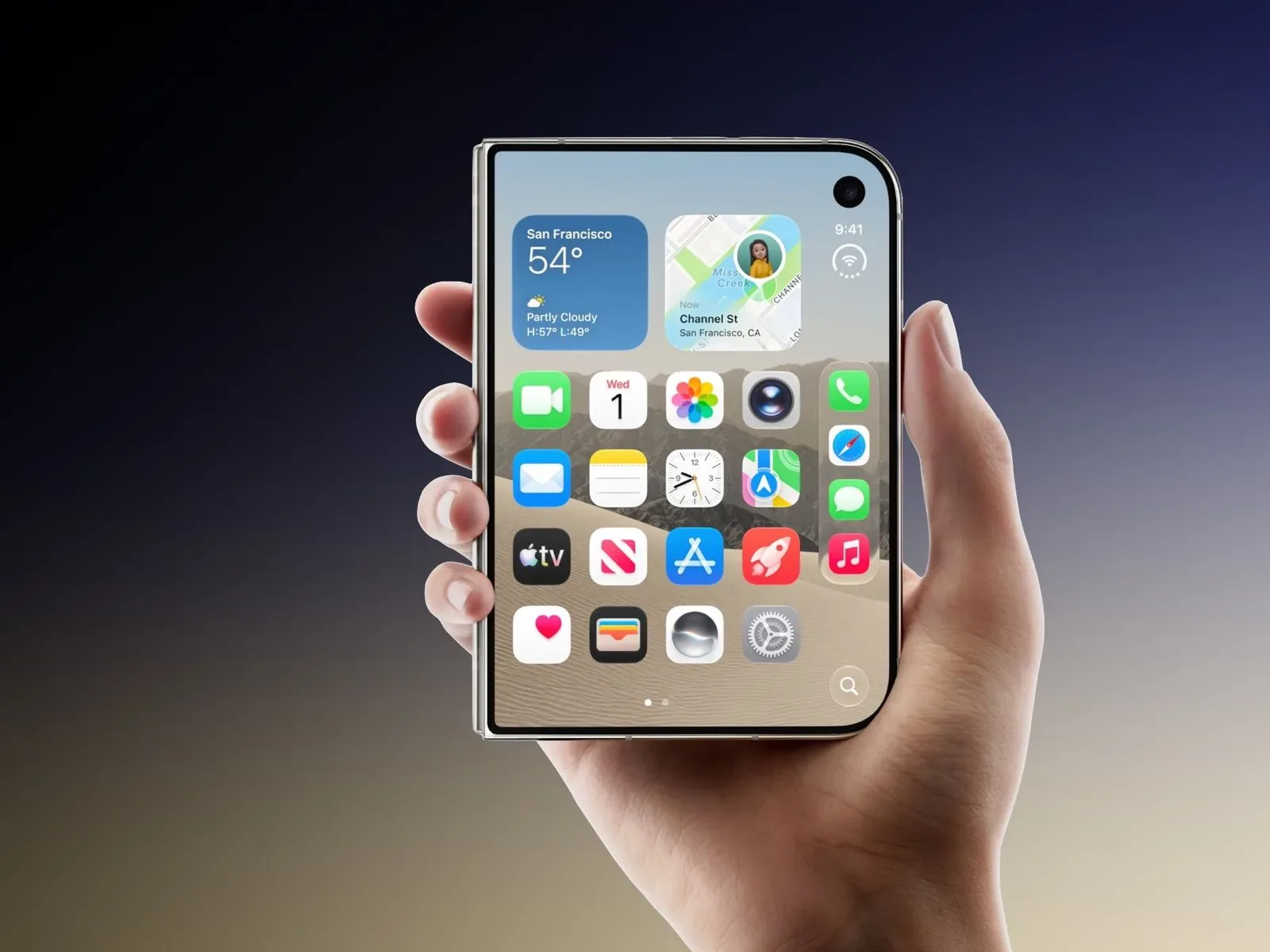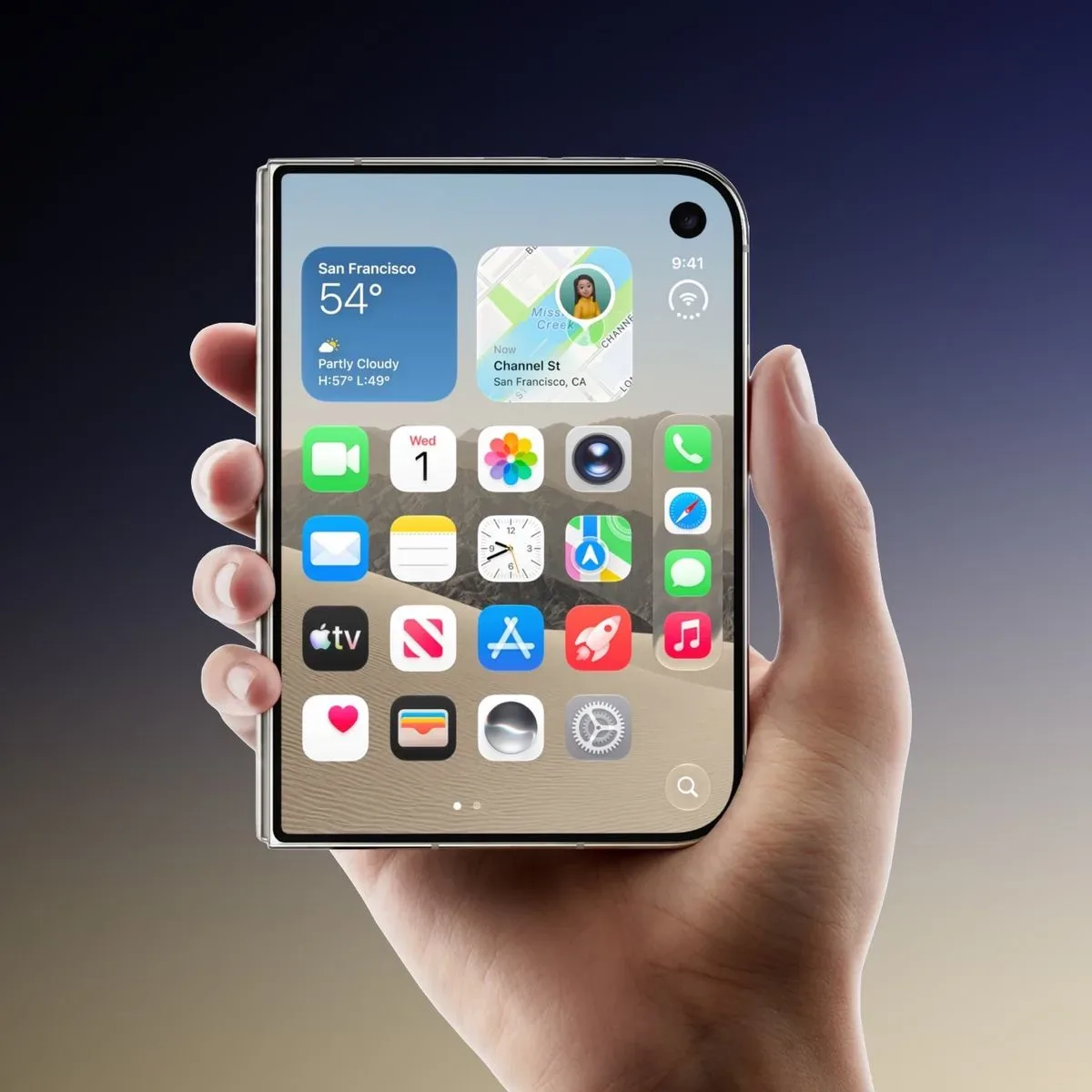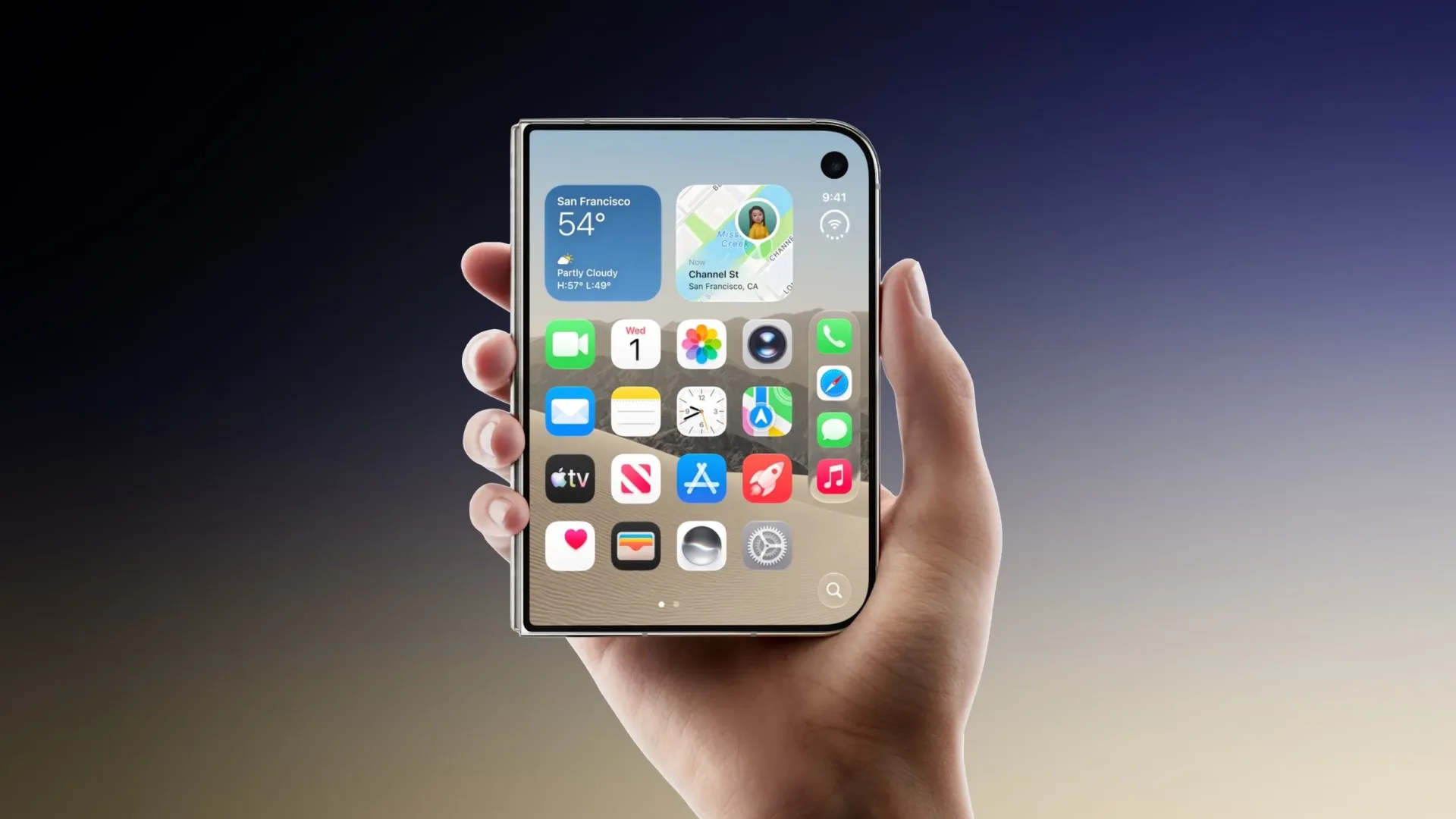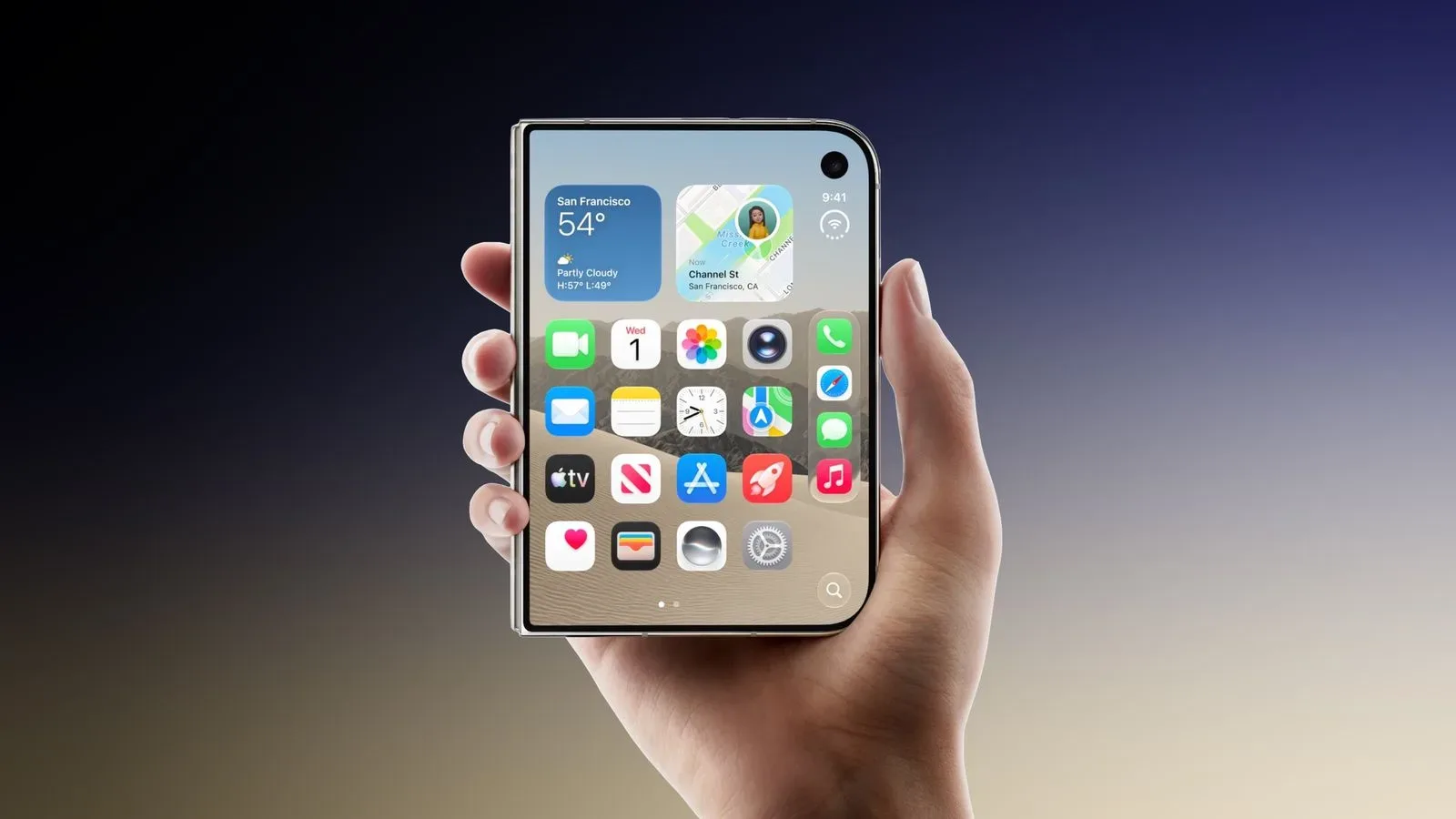
A small Touch ID registration tweak is making the rounds among iPhone Duo owners: rather than enrolling only the pad of an index fingertip, register the lowest portion of that finger as well. The appeal is straightforward. For some people, that lower finger segment is the area that naturally meets the phone’s side button when the device is lifted.
The person who shared the suggestion described the result as “arguably better than Face ID,” because the phone could unlock as part of the pickup motion rather than after a deliberate authentication step. That is a personal assessment, not a universal finding, but another iPhone Duo owner has said the approach worked for them too.
It is the sort of adjustment that sounds almost comically minor until the daily-use logic clicks: authentication is most convenient when it fits a movement a person was already going to make. If an index finger naturally lands on the side button, registering the contact area that actually touches the sensor could reduce failed reads or make unlocking feel more immediate.
The trick is about contact position, not a secret Touch ID mode
Touch ID is Apple’s fingerprint-based authentication system. In this case, the relevant hardware is the sensor associated with the iPhone Duo’s side button. Fingerprint authentication depends on the portion of a finger that meets the sensor during an attempted unlock. Enrolling one area does not necessarily account for every angle or every part of that finger that may make contact in ordinary use.
Many people instinctively register the center of the fingertip pad. That makes sense if the thumb or fingertip is placed intentionally and squarely on the sensor. But a phone’s physical shape, the location of its button and a person’s grip can produce a different contact point. When a user curls an index finger around the side while picking up the handset, the lower section of the finger may arrive at the button first—or be the only section that contacts it reliably.
The suggested setup therefore is not presented as a way to bypass authentication, change the security system or make every Touch ID scan faster. It is a matching exercise: teach Touch ID about the fingerprint area that is most likely to be offered during a particular pickup gesture.
How to test it without overcomplicating things
Interested iPhone Duo owners can add fingerprint information through Settings ➝ Touch ID & Passcode. The key is to use the part of the index finger that tends to rest against the side button in real life, rather than treating enrollment as an abstract exercise with the fingertip alone.
- Pick up the phone normally a few times and notice where the index finger meets the side button.
- Open Settings ➝ Touch ID & Passcode.
- Register the lower portion of the index finger that makes that natural contact.
- Test several ordinary pickups from the positions where the phone is usually kept.
- If the result is less consistent than expected, return to the usual deliberate fingertip placement instead of forcing an awkward grip.
That testing step matters. A setup can appear clever in theory yet be unhelpful if it only works while a user consciously recreates one narrow hand position. The useful benchmark is not whether it succeeds once; it is whether it feels dependable across the quick, distracted motions that happen throughout a day.
Why it may feel faster for some users
The strongest case for this idea is not necessarily raw sensor speed. It is reduced friction. There is a meaningful difference between picking up a phone, adjusting a finger, locating the sensor and then waiting for a successful read, versus picking up the phone with the correct finger placement already happening naturally.
In interface design terms, this is about reducing an extra action. The authentication action remains present, but it is folded into the pickup. That can make the process feel nearly invisible when the grip and the enrolled finger area line up.
There is a useful gaming parallel here. A controller mapping can be technically functional while still feeling wrong if a frequently used command is positioned where a player’s thumb does not naturally rest. A thoughtful remap does not add a new ability; it puts an existing action where the user can reach it with less interruption. This Touch ID suggestion follows the same practical principle, only on a phone’s side button rather than a controller.
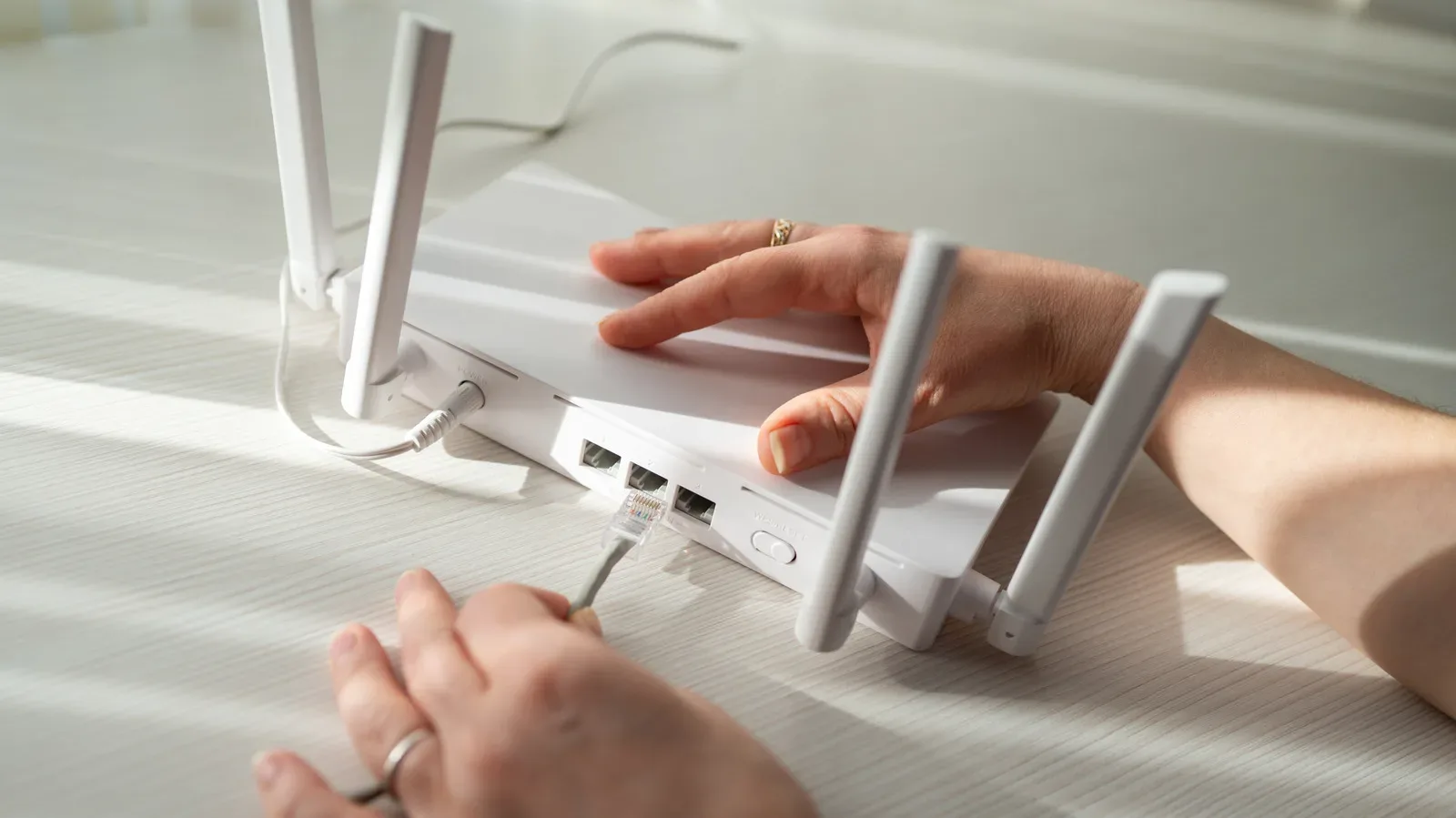
That broader concern—removing small points of friction from a connected setup—also applies to the network side of gaming. Our look at home network mistakes that can sabotage a gaming setup explores a different version of the same idea: seemingly minor configuration choices can be more noticeable in everyday use than their size suggests.
“Better than Face ID” is subjective, and the evidence is limited
The comparison with Face ID should be read as a statement about one owner’s preferred interaction, not a settled verdict on one authentication method defeating another. The supplied reports establish that one iPhone Duo owner proposed the lower-index-finger technique and that another said it worked. They do not establish a broad success rate, a controlled comparison or a guarantee of improved performance.
Grip styles vary considerably. Some people may hold an iPhone Duo such that the lower index finger sits perfectly on the side button. Others may use a thumb, place the index finger higher up, support the phone from its back, hold it in the opposite hand or use a case that changes the feel of the edges and button. For those users, enrolling the lower index finger may bring little benefit.
Even for someone whose hand placement seems compatible, success depends on repeatability. If the contact area drifts from pickup to pickup, the suggested enrollment may not produce the hoped-for seamless unlock. That does not mean the idea is flawed; it means it is ergonomics-dependent. A personal setup adjustment can be excellent for one hand position and irrelevant for another.
Practical takeaway: enroll for the motion you actually use
The most useful lesson is broader than one particular section of one finger. Touch ID enrollment should reflect the way a person actually touches the sensor. If an owner normally unlocks with the side of a thumb, an angled fingertip or the base of an index finger, that real contact pattern is the one worth considering when adding fingerprint data.
The available tip also encourages experimentation without overstating its importance. There is no indication that users need to abandon their current method if it already works well. But for an iPhone Duo owner who regularly experiences a near-miss—where the index finger is already on the side button but the phone does not unlock—the lower-finger registration is a low-stakes setting to try.
At best, it turns a deliberate unlock into part of a natural lift. At worst, it does not suit a particular grip, and the user can continue with the placement that was already reliable. The modest nature of the change is precisely why it is worth testing: it is a configuration adjustment based on one reported real-world habit, not a promise that every iPhone Duo will suddenly feel transformed.