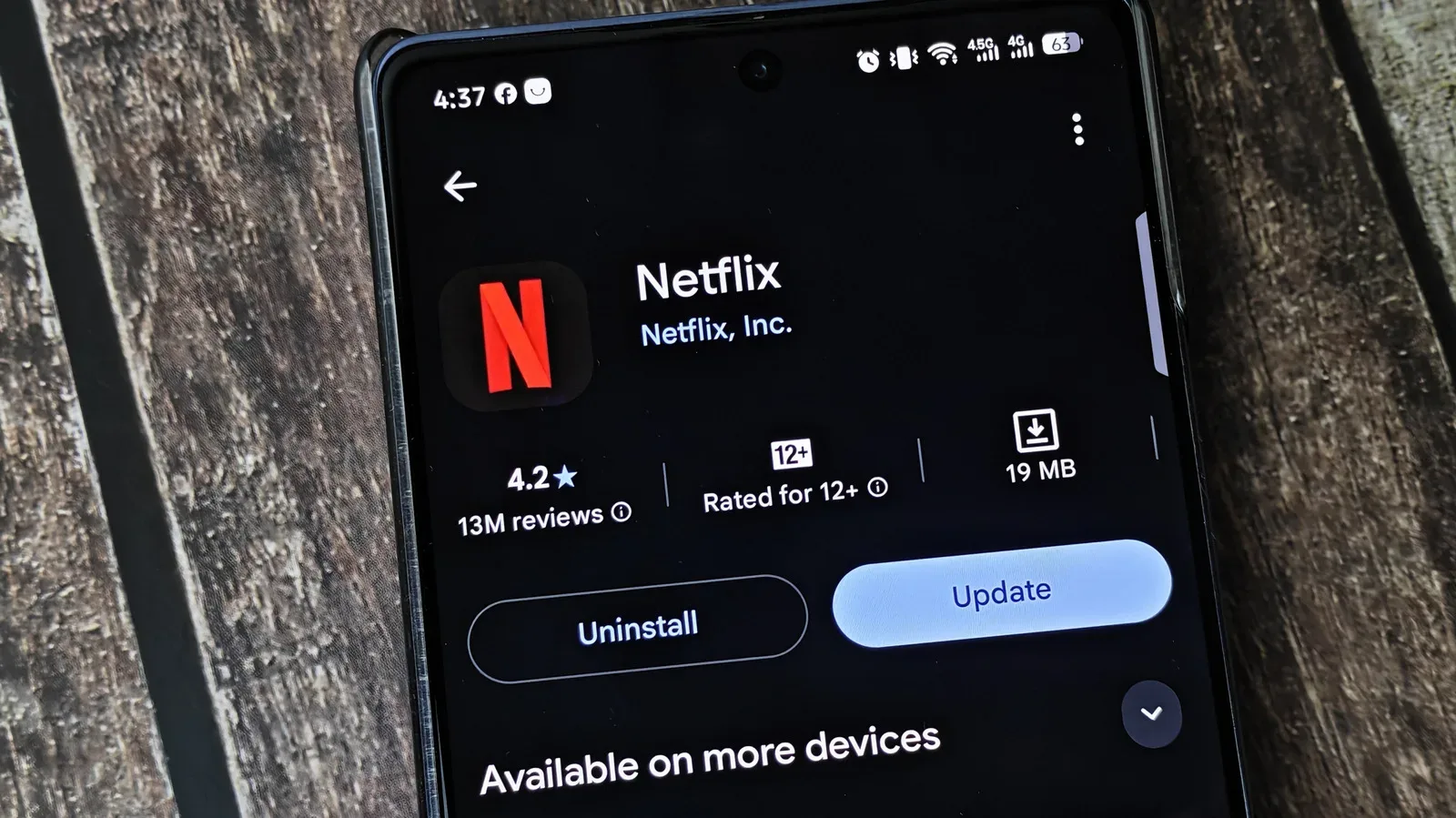
Phone update prompts have a unique talent for appearing at precisely the least convenient moment: when storage is tight, battery is low, the connection is shaky, or somebody is about to leave the house. It is tempting to dismiss them as routine maintenance that can wait indefinitely. But an app version is not just a cosmetic label. It is the build of the software currently handling your account, data, connections and features. Leaving it behind for too long can mean missing new tools, carrying known security weaknesses, or eventually finding that an essential app no longer plays nicely with the phone itself.
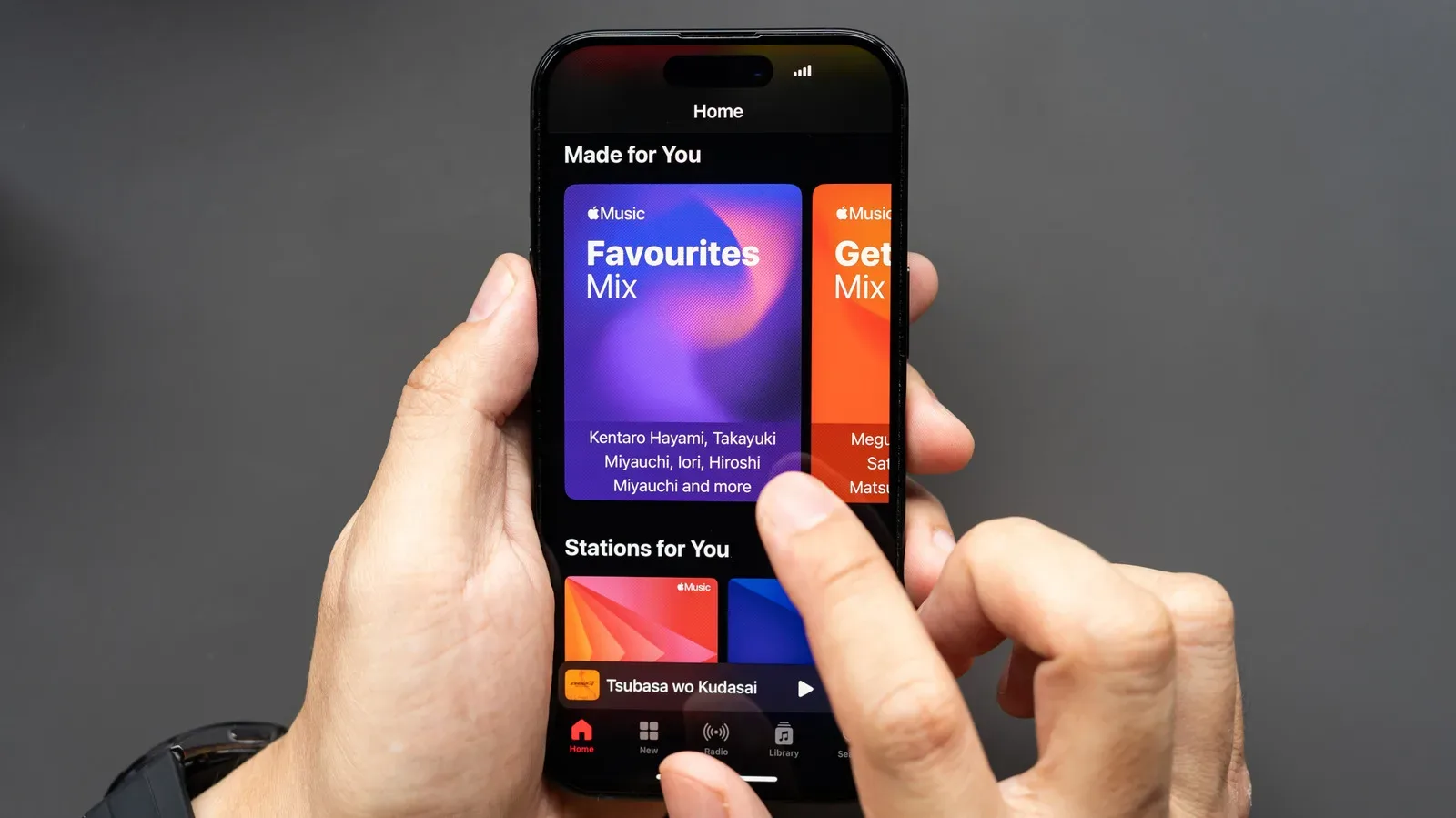
That matters to gamers even when the app in question is not a game. Phones are often the place where people manage platforms, chat with friends, listen to game music, authenticate accounts, follow deliveries, book travel, use maps, or keep up with services that support a gaming life. Nintendo Music is one example of a service whose library can receive fresh tracks through updates. The broader point is simple: the small rectangle in a pocket increasingly connects to many larger parts of a player’s digital routine.
Automatic updates remove much of the burden, but they are not a substitute for occasionally checking what actually installed. Updates can stall, fail, or arrive later than expected. Manual intervention is sometimes necessary; Android Auto is one cited example where an update may need to be started by hand. A practical maintenance habit is therefore less dramatic than “update every notification instantly”: enable automatic updates, then periodically open the relevant store and confirm that no important updates are waiting.
The least visible reason to update is often the most important
Security patches are the strongest argument for keeping apps reasonably current. A security vulnerability is a flaw that could allow an attacker to do something the app was not intended to permit, potentially exposing information or providing a route into a device. A patch is the developer’s corrective code change. It is not a guarantee that every risk disappears, nor does an older version automatically mean a phone is compromised. It does mean that, once a weakness is known and repaired, staying on the older build leaves the repair unused.
The timing matters. A newly discovered flaw is not necessarily immediately exploited. Yet as a security issue becomes known, attackers have more opportunity to examine it and work out how it could be abused. Installing a fix reduces the chance of being exposed if an exploit is developed. The sensible goal is not panic at every alert; it is to avoid treating known fixes as permanently optional.
Operating-system updates deserve attention too, but app updates are their own layer of protection. The operating system governs the phone broadly, while each app has its own code and its own potential flaws. iOS applies stricter isolation between apps than Android, which lowers some avenues of concern, but it does not make iPhone applications immune from security problems. Historical attacks have abused iPhone apps, including unauthorized calls, and an exploit identified in Zoom’s apps earlier in 2026 reportedly enabled control of other people’s devices.
That distinction is useful because it avoids two bad assumptions. The first is that every overdue app update signals an emergency. The second is that a recently updated phone no longer needs updated apps. Neither is a reliable rule. Device security is layered: the operating system, apps and the way services interact all matter.
Features are more than a new button in a new place
The update changes people notice first are usually features and interface revisions. An app may add an option, expand a content library, alter playback controls or reorganize a screen. Examples include song notes in Spotify, more capable playback controls in a podcast app, additional courses in Duolingo, and new music in Nintendo Music. These can sound trivial in a changelog, but they shape whether software fits into a person’s habits.
For game-related services, the connection can be especially direct. A music companion without its newer catalog is a less complete music companion. An app that integrates a newer system feature may need its current version before that feature appears. Uber’s addition of Live Activities on iOS illustrates the principle: updating iOS alone did not make the capability appear in the app; the app itself had to be updated as well.
Compatibility is the ability of separate pieces of software to continue working together as intended. When Android or iOS changes, developers may need to alter their apps so they behave properly on the new version. Keeping only one side current can create a mismatch. A user who updates the phone’s operating system but leaves apps untouched may encounter trouble that is not caused by the phone update alone. Conversely, an app update may prepare an application for an upcoming OS release before the user installs that release.
Not every update will feel like an improvement. Developers can remove a function, change a layout, or introduce a bug that breaks a previously dependable workflow. That frustration is real, particularly with apps used every day. Still, a temporary reluctance to adapt should be weighed against the benefits of subsequent fixes, compatibility work and security patches. Active developers can address widespread regressions, and a later update may repair a problem introduced by an earlier one.
Bug fixes and performance work can be the updates you never notice
A good update can be almost invisible. Developers may repair crashes, streamline a codebase, reduce battery drain or make the same task place less demand on a device. A codebase is the collection of code that makes an application work. Streamlining it generally means changing the underlying implementation so it is easier to run or maintain, without necessarily changing what the user sees on screen.
Those changes are difficult to judge from a short update note because their value is cumulative. An app that crashes less often, consumes less power or responds more smoothly removes friction from daily use. There may be no flashy new icon to point at, but the experience is better precisely because it asks for less attention.
This is particularly relevant to software tied to routine or time-sensitive tasks. A poorly performing app can be merely irritating while browsing at home, but far more disruptive when it is needed for travel, directions, communication or an account task. The same is true of companion services around games and entertainment: when a feature is only useful at a specific time, discovering that an outdated version will not cooperate is a bad moment to begin maintenance.
Why automatic updates still need a human check
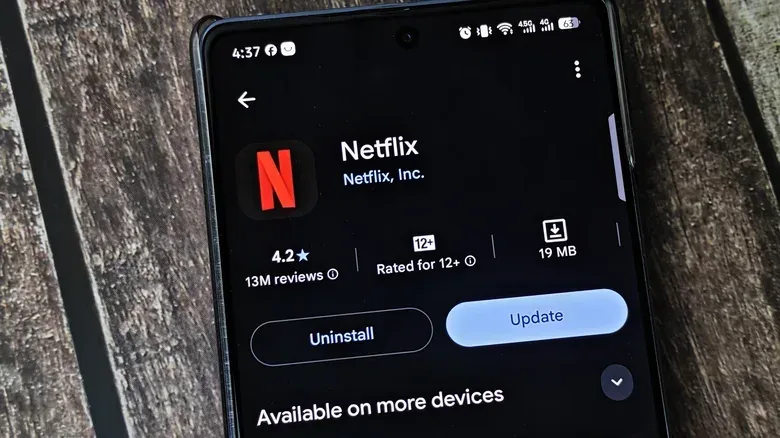
Automatic updates are worth enabling because they reduce the number of decisions a user must make. On iPhone, the cited setting is found at Settings > Apps > App Store > App Updates. On Android, the cited route is within Google Play: tap the profile picture, then go to Settings > Network Preferences > Auto-update apps.
That convenience should be understood as a safety net, not a complete audit. An update might not reach a specific phone immediately, it might fail, or it might remain pending. A periodic manual check answers a basic question that an enabled toggle cannot: are the apps actually current? It also lets users see which software is waiting rather than discovering the backlog only when an app demands an update.
- Turn on automatic updates to handle ordinary maintenance in the background.
- Check the app store manually from time to time for pending or failed updates.
- Pay closer attention to apps that handle personal information or important accounts, because security fixes can matter more there.
- Update before a trip or period without connectivity when possible, rather than waiting for software to force the issue.
- Expect some adjustment after interface changes, but distinguish a preference against a redesign from a genuine bug that may be addressed in a follow-up release.
The offline problem is avoidable
Some apps eventually insist on an update before they will open or continue working. This does not always happen on a convenient schedule. A forced update just after boarding a plane or when heading into an area with poor signal turns a routine download into an immediate obstacle. Regular updates cannot prevent every technical problem, but they greatly reduce the odds that a person’s first encounter with a required version change happens when downloading it is impractical.
That lesson extends to connected games and services. Modern software does not stand still after installation; servers, operating systems, account systems and apps keep changing around it. The ongoing work behind a live product is visible in areas such as discovery and workshop support, issues discussed in the planned changes to S&box’s workshop-led discovery. While that is a different product and situation, it reflects the same reality: digital experiences are maintained over time, and the version a user runs affects what they can access and how reliably it works.
The right response to updates is measured, not obsessive. There is no need to interrupt every task for every minor revision, and it is fair to be cautious when a major redesign lands. But postponing app updates forever is a poor bargain. The tangible rewards include new capabilities and smoother performance; the quieter reward is keeping security and compatibility fixes in place before they are urgently needed.