There is a particular kind of tiny household annoyance that NFC tags are built to eliminate: the moment when you are standing beside the thing you need to deal with, but the relevant app, list, timer or control is buried somewhere on your phone. An NFC tag does not magically automate a whole home on its own. It is a small, programmable sticker that tells a nearby phone to open information or begin an action. But placed thoughtfully, it can turn a physical location into a shortcut.
That has obvious appeal beyond the usual contactless-payment use case. A tag by the console can open a game-night playlist. One on a lending case can carry a calendar reminder. A sticker at the front door can begin an established smart-home routine. One on a fridge can put a shared shopping list in reach before anyone starts the “we have food at home” debate.
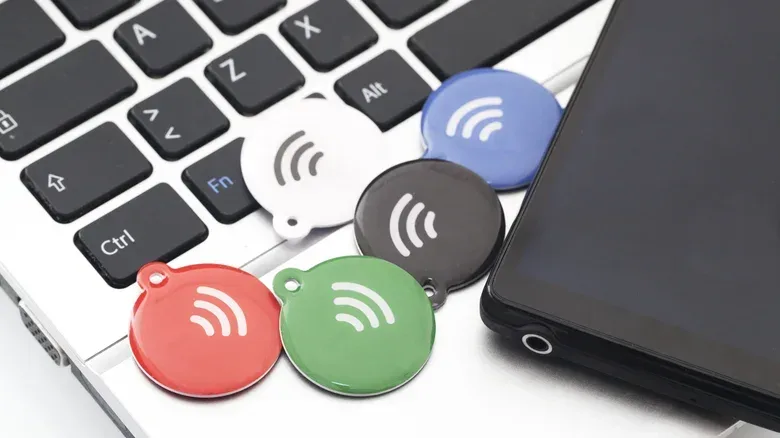
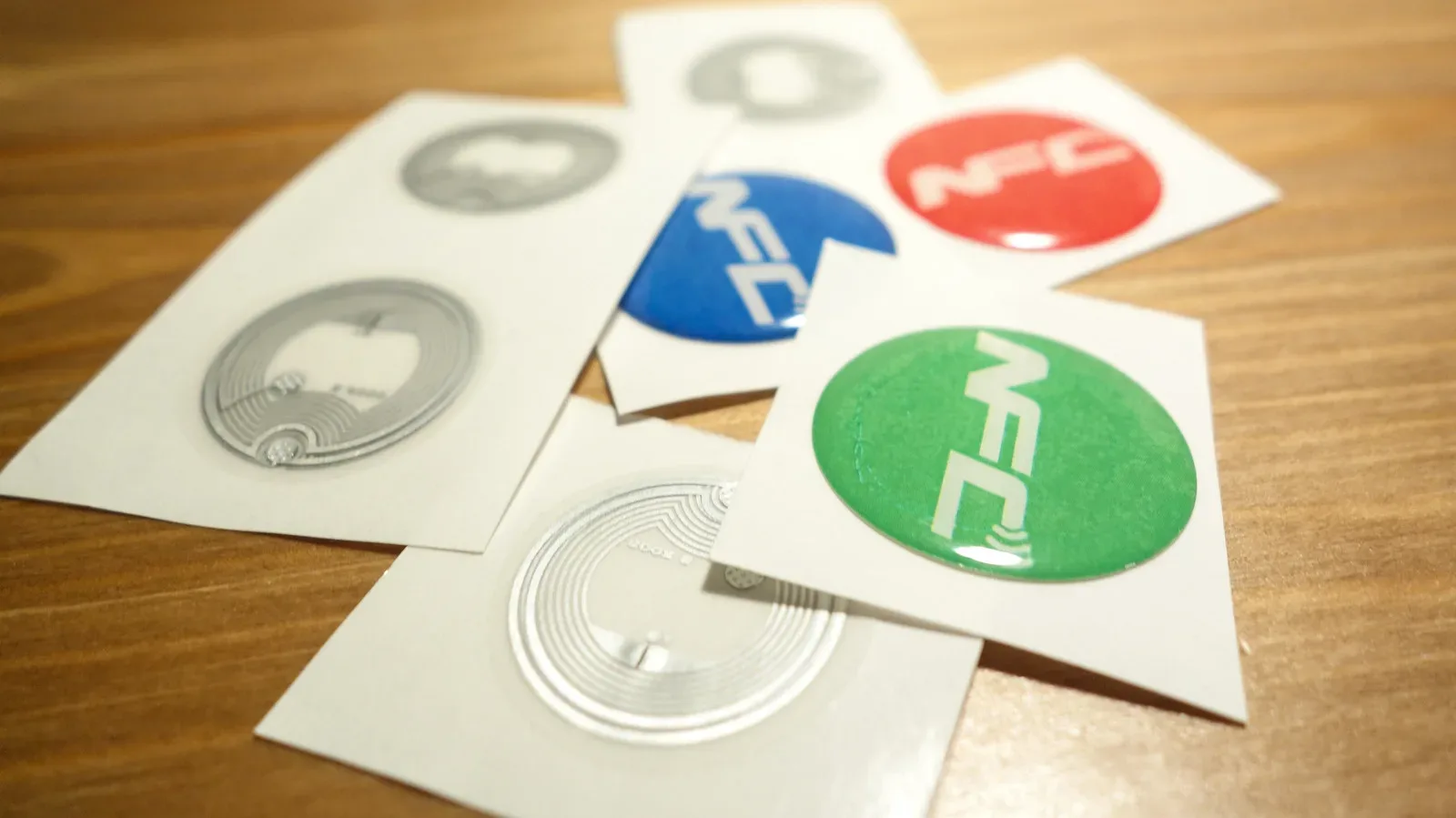
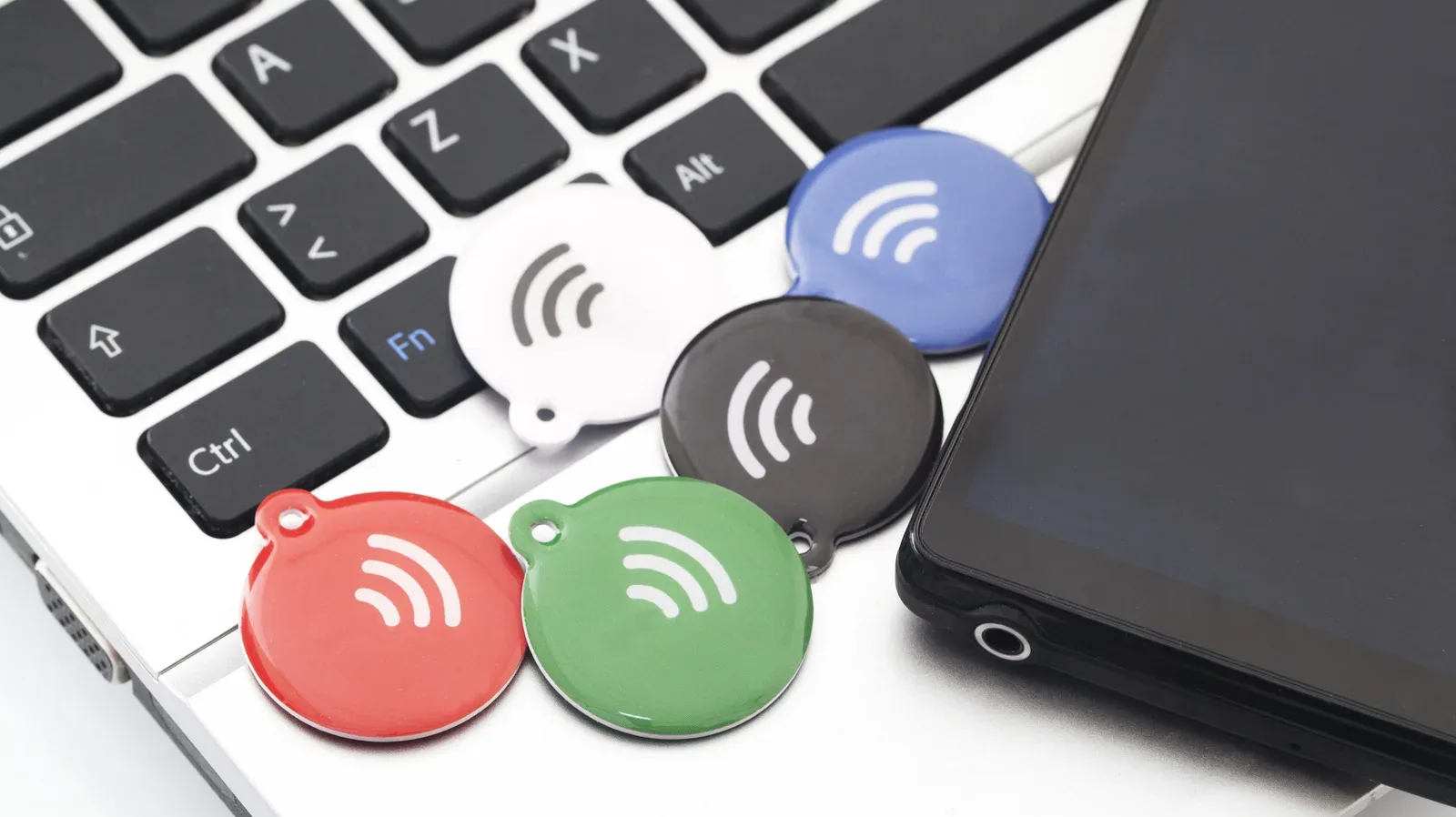
The important word is nearby. NFC means Near Field Communication, the short-range radio technology used by tap-to-pay cards, phone wallets and some transit passes. These tags contain an antenna and need no battery or wall power. Their operating distance is very short—about 1.5 inches at most—so a phone has to be deliberately brought close. That constraint is a feature in many home uses: accidental scans are much less likely than with a voice command or a broad wireless signal.
What an NFC tag actually does
A tag is best thought of as a physical trigger, not a computer. It can store a small record such as a web link, contact information, Wi-Fi details or an application instruction. A compatible phone reads that record. More involved outcomes, including changing a phone setting or controlling smart-home equipment, depend on software on the phone and on the services connected to it.
That distinction matters when planning a setup. Opening a shared shopping list through a URL is simple and broadly useful. Toggling Do Not Disturb or arming an alarm is an automation task: it may require permissions, an automation app and compatible devices. The tag supplies the tap; the surrounding ecosystem supplies the action.
Rewritable NFC stickers are inexpensive, with a 50-pack cited as low as $6.79. Standard stickers are not suitable for every location, however. Metal can block their signal, so a refrigerator, washing machine or other metal appliance calls for an anti-metal NFC tag. Those are designed for the job, but cost more than basic stickers. It is worth checking the intended surface before buying a stack that only works beautifully on cardboard and disappointment.
Android users can begin with NFC Tools, while iPhone users can use Apple Shortcuts; NFC Tools is also available on iOS for additional functions. The platform divide is not cosmetic. In particular, iPhones cannot connect to Wi-Fi directly by tapping an NFC tag, and Shortcuts automations are tied to the phone that created them. A tag that works as a personal iPhone shortcut will not necessarily do the same thing for a guest.
Useful places to put tags, from the kitchen to the game shelf
At the router: guest Wi-Fi without reciting a password
For Android visitors, an NFC tag can store guest-network credentials. In NFC Tools, the relevant record is the Wi-Fi network option under the Write tab. That gives a family member or visitor a quick route onto the guest network without someone having to be present for device-to-device credential sharing.
Related coverage includes 10 practical ways to use NFC tags around your home.
iPhone households need a different expectation. Rather than connecting the guest automatically, a tag can open a URL to a document or note containing the network name and password. Guests still enter the details themselves. It is less elegant, but it is honest about the platform limitation. Use a guest network here rather than making the credentials for every device in the home accessible from a sticker by the router.
In the kitchen: make the location do the remembering
The kitchen is perhaps the clearest argument for NFC. A tag near an oven can start a commonly used timer, such as 25 minutes. A tag on the fridge can open a shared Google Keep or Apple Reminders shopping list. Neither use demands a complicated smart home; the payoff is simply removing the search for the right app at the instant it matters.
A recycling reminder is possible too, although it illustrates the difference between “opens something” and “automates something.” Resetting a repeating routine after the chore is completed can require MacroDroid on Android or a Shortcuts-and-Reminders setup on iOS. Start with the shopping-list link or a timer, validate that the sticker reads reliably in its chosen spot, then graduate to the more elaborate routine if it solves a genuine problem.
By the bed: a deliberate sleep-mode switch
A bedside tag can toggle Do Not Disturb on Android or Sleep Focus on iPhone. This is a more flexible alternative to relying only on a schedule: tapping it makes the decision explicit. Some newer Samsung devices, including the Galaxy Z Fold 8, offer NFC-tagged routines that can trigger a wider bedtime configuration. Other Android devices can pair NFC Tools with NFC Tasks, provided the appropriate permissions have been granted.
The practical benefit is not the thrill of tapping a sticker in the dark. It is that a routine can be anchored to the place where it makes sense. If a gaming session has drifted later than planned, the bedside tag gives you one intentional step between “one more match” and turning notifications down for the night.
At the speakers or desk: music without menu diving
A tag can open and auto-play a chosen Spotify playlist. The basic mechanism uses a Spotify URI—a service-specific link that points to a playlist—rather than an ordinary web address. On Android, that URI can be written as a URL/URI record in NFC Tools. On iPhone, it must be associated with a Shortcut on that specific device to open correctly; it is not a portable, universal party button for every iPhone that visits.
This makes most sense for predictable situations: a game-night mix at the desk, a cleaning playlist by the vacuum cupboard, or music near the kitchen. It is a small convenience, but it has an advantage over a generic smart speaker command: the tag is physically located at the ritual it represents.
On a game case or other loaned item: move the reminder to the borrower
Loans create a simple organizational problem. The owner remembers handing something over; the borrower often means to return it and then does not see the item on a calendar. A rewritable NFC sticker can hold a shareable calendar-event link. Put it on a game case, book, tool or kitchen item, and ask the borrower to tap it when they take the item. The resulting event can carry the return date.
This is one of the rare NFC uses where a physical label and a digital reminder reinforce each other. It also avoids treating a game collection as a pile of anonymous objects. The tag identifies the item at the moment it changes hands. It will not compel anyone to return it, of course; it merely gives their calendar a fair chance to become the responsible adult in the room.
Tags that organize maintenance and personal information
Appliance maintenance is another strong low-drama application. An anti-metal tag on a washing machine, dryer, dishwasher or air-conditioning unit can open a record of the last service or cleaning date and the next due date. A Google Sheet works for logging that information; a Notion database can additionally host calendar reminders. Those reminders will still need to be reset as they occur, so the tag is a reliable doorway into the log, not a substitute for maintaining it.
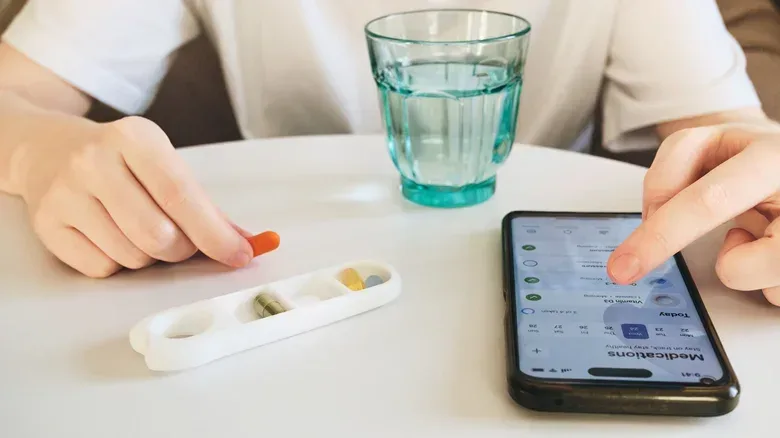
Medication tags take a similar form. A tag placed on a bottle can open a medication app such as Medisafe so the user can clear or manage the reminder already set there. That keeps medication scheduling in the application designed to hold it instead of splitting it across unrelated systems. It is not fully automatic; more complete automation would require Shortcuts plus Reminders on iPhone or MacroDroid on Android. Most importantly, a tag should support a medication routine, not become the sole safeguard for a time-sensitive dose.
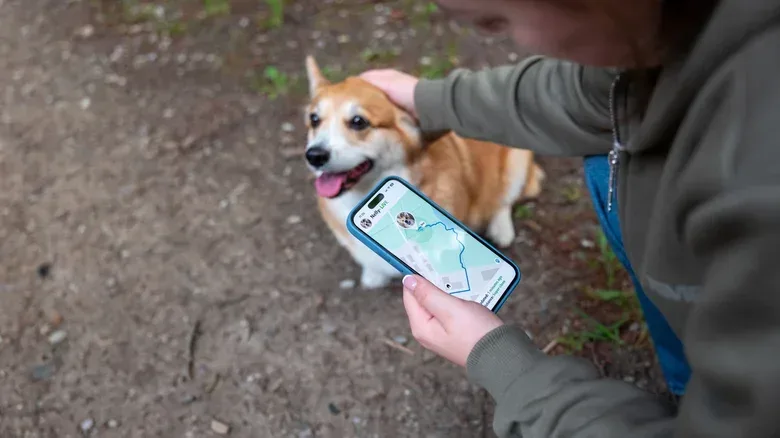
For a pet, an NFC tag can display contact details to the person who finds the animal. A label should plainly instruct the finder to tap it. Privacy deserves more thought than the technical setup: a phone number and a safe meeting-point pin may be preferable to placing a home address on a collar. An AirTag can complement the contact tag, but it should not be mistaken for a real-time GPS tracker.
Security and family-location shortcuts need more care
It is possible to use tags with a compatible home security system through Home Assistant Companion and services such as SimpliSafe or Abode. The sensible physical layout is two clearly differentiated tags: one to arm and one to disarm. Different colors reduce a potentially expensive input error. A single tag can be made to handle different outcomes with if-then logic, but separating the actions is easier to understand in the hurried seconds when someone is leaving the house.
There is a larger practical rule here: do not put high-consequence actions behind an unclear label. A tag should say exactly what it does. Test the routine before depending on it, and keep an ordinary way to operate the security system. NFC’s close-range design is useful, but a sticker near a door is still a physical object that should be placed and labeled thoughtfully.
A fridge tag can also open an existing family-location service such as Find My or Google Maps. The tag does not create location sharing; it only saves the step of locating the correct app. iPhone users may need a device-specific Shortcut to open an app directly. The arrangement works only when location sharing is already enabled by the people involved, making consent and household expectations more important than the sticker itself.
A sensible first NFC project
Start with a URL-based action in the place where you already lose time. A shared list on the fridge, a maintenance log on an appliance, a playlist at a gaming desk or a calendar link on a loaned game are all low-risk trials. They teach the basic process: write the tag, test it with the intended phone, make a label, then confirm it still scans after placement.
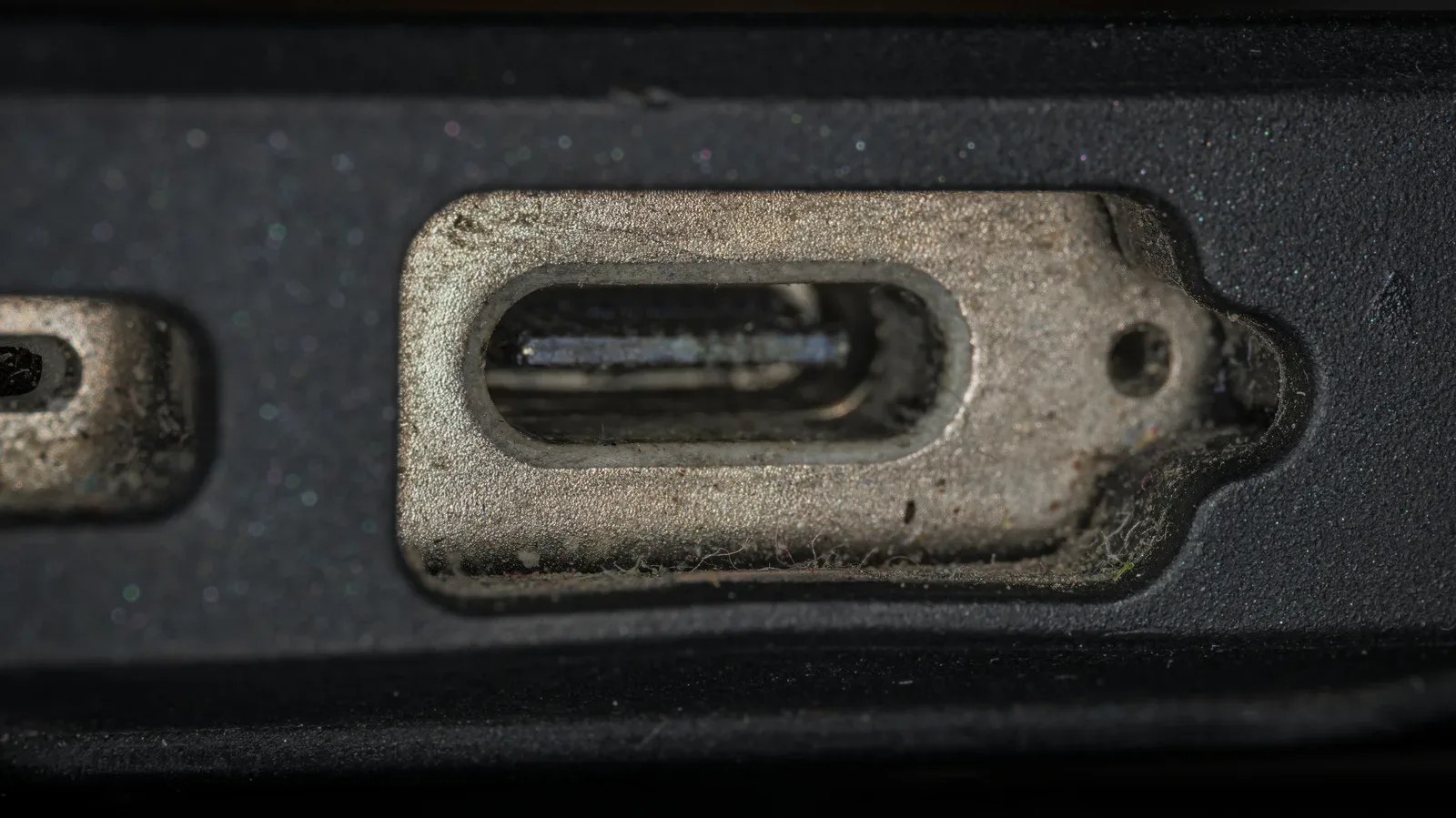
Only after that is stable should you move to phone-setting changes, recurring reminders or security controls. Automations often require permissions and a chain of applications; every additional link is another point at which Android and iOS may behave differently. The same cautious approach applies to the hardware around a desk or console: a cheap shortcut should not distract from basic care such as checking cables and ports. For that side of setup maintenance, see our guide to spotting USB-C port problems and protecting gaming gear.
NFC is at its best when it does not try to impress anyone. The winning tag is the one that is quietly where you need it, performs one understandable job and saves just enough friction that everyone in the house keeps using it.
Shop the products
Check current price, model and availability at the retailer.