Near-field communication, better known as NFC, is one of those technologies people use constantly without necessarily noticing it. Tap-to-pay at a checkout, a phone serving as a hotel key, a transit gate that opens after a quick tap, and a sticker that starts a smart-home routine can all involve NFC.
The small physical NFC tags behind some of those interactions can be especially confusing. They are thin, inexpensive and easy to place almost anywhere, which can make them seem mysterious—or, in some cases, suspicious. But their defining limitation is also their most reassuring characteristic: an ordinary NFC tag has no battery and cannot do anything by itself. It only works when it comes extremely close to a compatible reader.
That makes an NFC tag very different from a location tracker. It is also what makes the technology useful. Rather than broadcasting across a room, a building or a neighborhood, NFC is built around intentional, close-up interactions: tap a phone to a tag, card or reader, and a small exchange of information takes place almost immediately.
What an NFC tag actually is
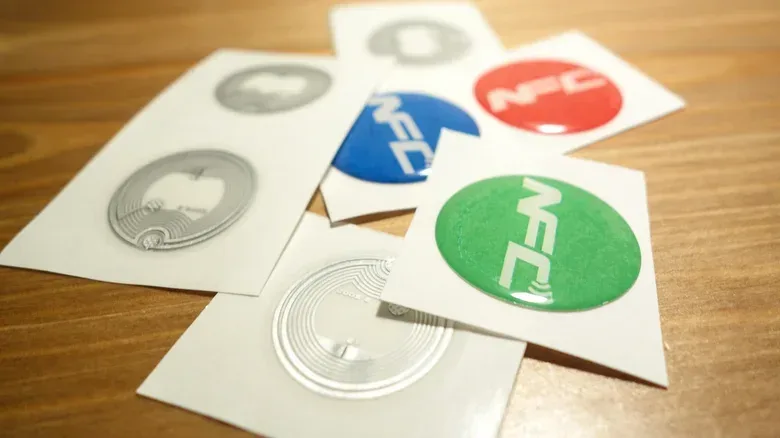
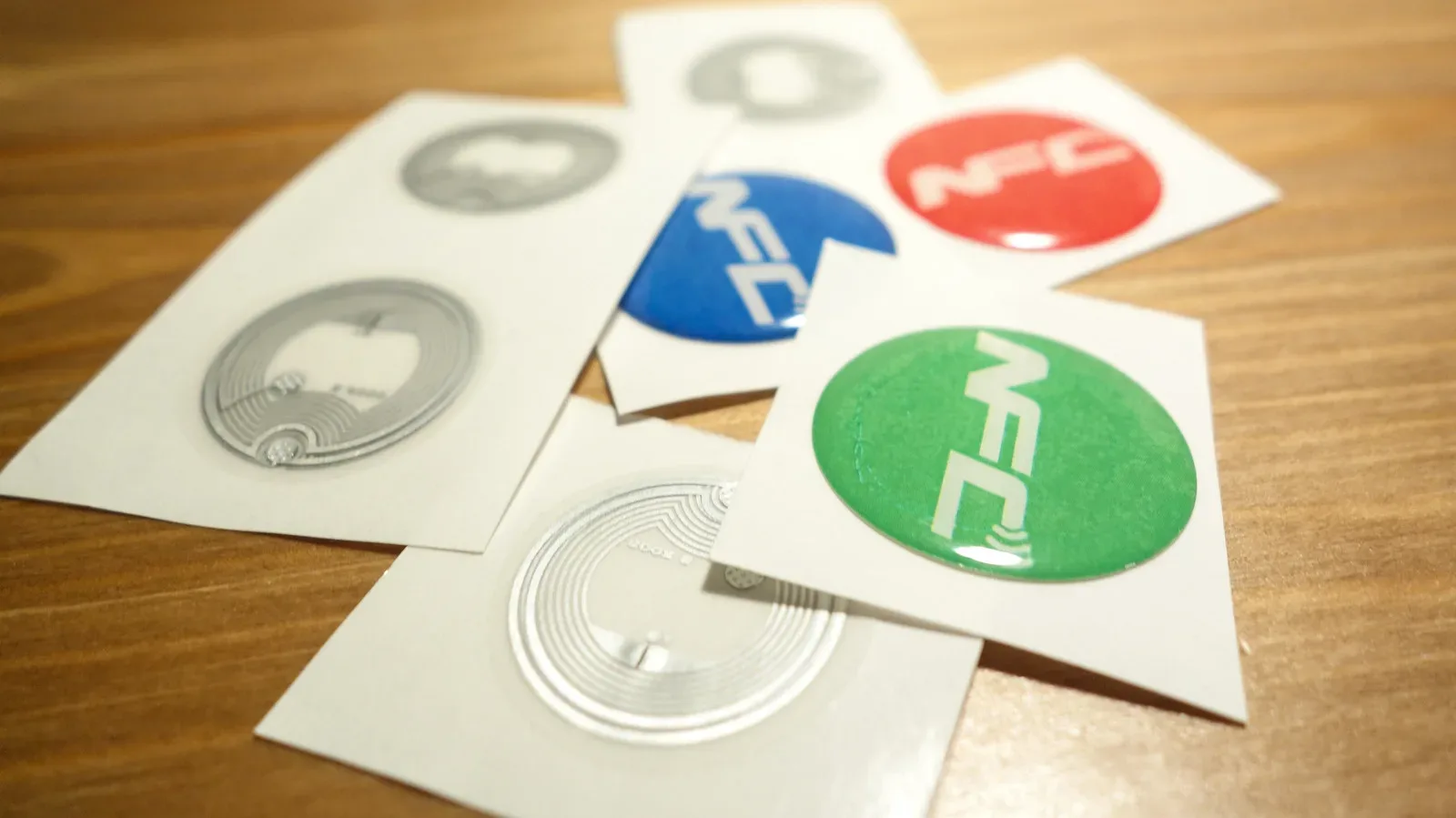
An NFC tag is a compact component with three basic parts: a tiny chip, a small amount of memory and an antenna. The memory can hold a small piece of information or a simple instruction. The antenna allows the tag to communicate when it is brought close enough to a compatible reader, such as an NFC-capable phone or payment terminal.
The important word in NFC is near. NFC is a wireless radio standard, as are Bluetooth and Wi-Fi, but it is designed to operate over a dramatically shorter range. An NFC interaction generally requires the devices to be within less than an inch of one another. A deliberate tap is not merely convenient design; it is central to how the system operates.
That short distance is a meaningful distinction from RFID, or radio-frequency identification. RFID also uses radio waves, and it is related technology, but some forms of RFID can be read from distances reaching hundreds of feet. NFC’s much tighter range is appropriate for actions where proximity is part of the point, including paying at a terminal or opening a door.
Why a battery-free sticker can still communicate
The usual NFC tag does not contain a battery. Instead, it gets the brief power it needs from the reader. When the reader and tag are close enough, the reader energizes the tag through magnetic induction. This is the same underlying concept used in wireless phone charging: energy is transferred over a very short distance without a physical cable.
Once powered, the tag can provide the small amount of stored data the reader is seeking. The entire process is fast enough to feel like a single tap. Crucially, the tag is not continuously awake, transmitting or checking in with the internet. Without a nearby reader to energize it, a conventional tag is inactive.
That limited design explains why NFC tags are cheap and thin enough to appear as stickers, labels or embedded elements in cards and other objects. It also explains why their job is usually modest. They are well suited to a quick instruction, an identification exchange or a link that a nearby phone can open. They are not miniature computers with an independent power supply.
Where NFC shows up
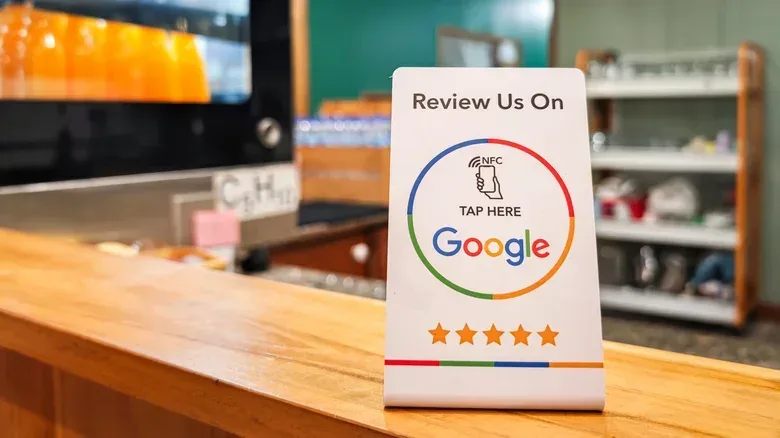
NFC’s small size and low cost have given it a wide range of practical uses. At the simple end, an NFC tag can be placed on a poster, business card, elevator, ski-lift pass or restaurant table. A compatible phone scans the tag and responds to the stored instruction, such as opening a webpage or activating a function.
Restaurants can use a tag to help visitors connect to Wi-Fi and access a menu. A tag can be a physical prompt in a place where typing a long address, searching through an app or navigating a menu would be less convenient.
In a smart-home setup, a tag can effectively become a physical shortcut button. A sticker by the door, for example, could trigger a leaving-home sequence after a phone tap: lights off, blinds closed and an alarm enabled. The tag itself does not perform those tasks. It stores the instruction that tells the phone to begin that routine. That distinction matters when considering both convenience and caution: the tag is a trigger, while the connected phone and smart-home services carry out the broader action.
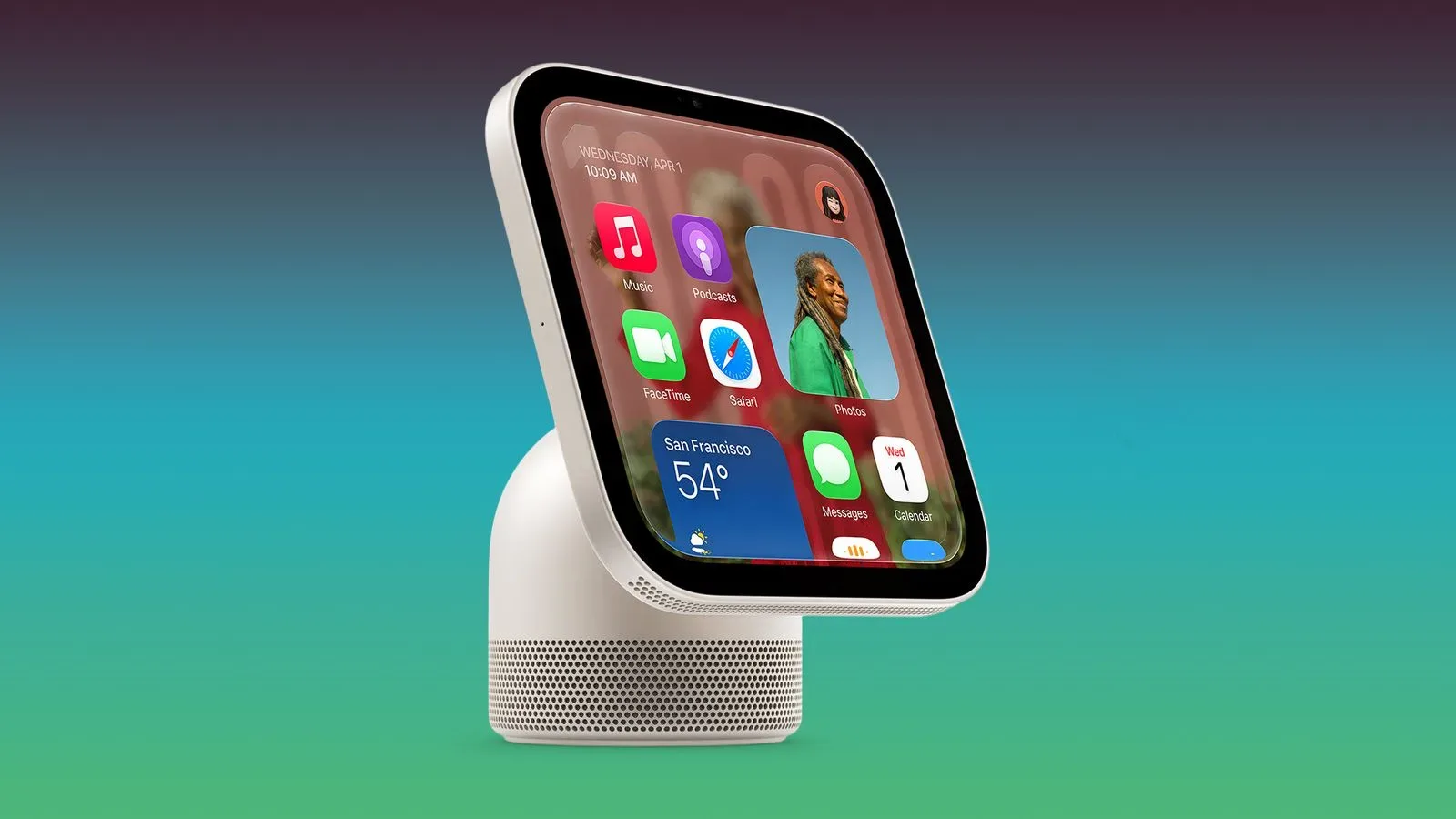
For readers building a living-room setup around voice control and connected devices, it is worth remembering that shortcuts are only as dependable as the devices and services behind them. The recent problems reported by some Apple HomeView owners dealing with Siri timer and music mix-ups are a reminder that an easy trigger does not necessarily eliminate the complexity of the system receiving the command.
When the phone becomes the tag
NFC is not limited to a phone reading a sticker. In some of the most familiar examples, the roles reverse: the phone acts like the NFC credential, while the payment terminal, transit gate or hotel-door reader receives the information.
This is the pattern behind tap-to-pay, phone-based hotel keys and transit access. The reader waits for a nearby compatible phone; the phone activates when brought close enough and supplies the relevant information. This two-way communication capability is one reason NFC can support more than a static label opening a web address.
Apple opened the NFC chip on iPhone to third-party developers with iOS 18.1, allowing apps other than Apple Wallet to use this capability as well. The practical takeaway is that NFC is not solely a payment feature, even if payment is where many people encounter it most often. It is a close-range communication method that can support access, automation and information exchange.
NFC tag versus AirTag: the difference is not subtle
The most persistent misconception is that an NFC tag is a slim tracking device. It is not. An NFC sticker hidden in luggage or attached to clothing cannot independently report a person’s location, because it has neither the battery nor the ability to broadcast a signal on its own.
An Apple AirTag works differently. It contains its own battery and emits a Bluetooth signal. Nearby Apple devices can detect that signal and relay its location back to the owner. The key capabilities involved in tracking—independent power and active signaling—are exactly what a standard NFC tag lacks.
This is more than a technical footnote. If someone finds an unfamiliar NFC sticker on a bag, it may reasonably prompt questions about what action it might try to trigger on a phone. But it is not, by itself, evidence of a live tracker. Its requirement for almost-touching proximity means it cannot follow someone around or send out a location report.
Should NFC stay enabled?
For most people, leaving NFC enabled is a practical choice. It uses very little power and its extremely short working range means it is only activated when a device comes very close to a compatible tag or reader. Everyday uses such as contactless payment, transit access and digital keys depend on that convenience.
There is also a meaningful safeguard around payment functionality. Apple and Android phones generally require the user to unlock the device before NFC capabilities can be activated. That is why a stranger merely brushing close to a pocket should not be able to pull card details from a phone.
There is one stated exception: Express Mode for transit cards. This feature intentionally skips the usual unlock check so a passenger can pass through a gate more quickly. It illustrates the trade-off NFC systems often make: a narrowly scoped convenience feature can reduce friction in a situation where speed is valued.
What to do with an unfamiliar tag
NFC’s short range and lack of a battery reduce the risk of the tag acting as a tracker, but they do not turn every unknown tag into something that should be scanned without thought. A tag can direct a phone to open a webpage or initiate a supported action. As with a QR code on a random poster or a link from an unknown sender, context is useful.
- Consider the setting. A tag that is clearly part of a hotel room key, transit system, restaurant table or smart-home label has an understandable purpose.
- Treat unexpected stickers cautiously. If a tag appears to have been added to an existing sign, device or object without a clear explanation, there is no need to tap it.
- Remember what it cannot do. A conventional NFC tag cannot track a person on its own, because it cannot transmit independently.
- Keep the phone’s normal protections in mind. Phone unlocking is generally required for NFC payment activity, except where a transit Express Mode has been intentionally configured.
These points are not an argument that NFC is dangerous. They are a useful way to separate the realistic concern—an unknown tag may attempt to open something on a phone—from the popular but incorrect fear that every NFC sticker is secretly reporting someone’s location.
How NFC settings differ between Android and iPhone
People who simply prefer not to use NFC can change the setting on many Android phones. The control is generally found in Settings under either Connections or Connected devices, though the exact label varies by brand.
The situation differs on newer iPhones. NFC is always enabled on iPhone XS models and later, and it cannot be switched off. In practice, the short-range design and phone-unlock requirement are the main protections for people using those devices rather than an on/off toggle.
For most users, NFC is best understood as a deliberately local technology. It is not Wi-Fi, Bluetooth tracking or a signal that floats through a home looking for a connection. A tag waits passively until a compatible reader is placed almost directly against it. That modest limitation is precisely why a tiny sticker can be useful as a key, shortcut or menu link without becoming a battery-powered beacon in disguise.