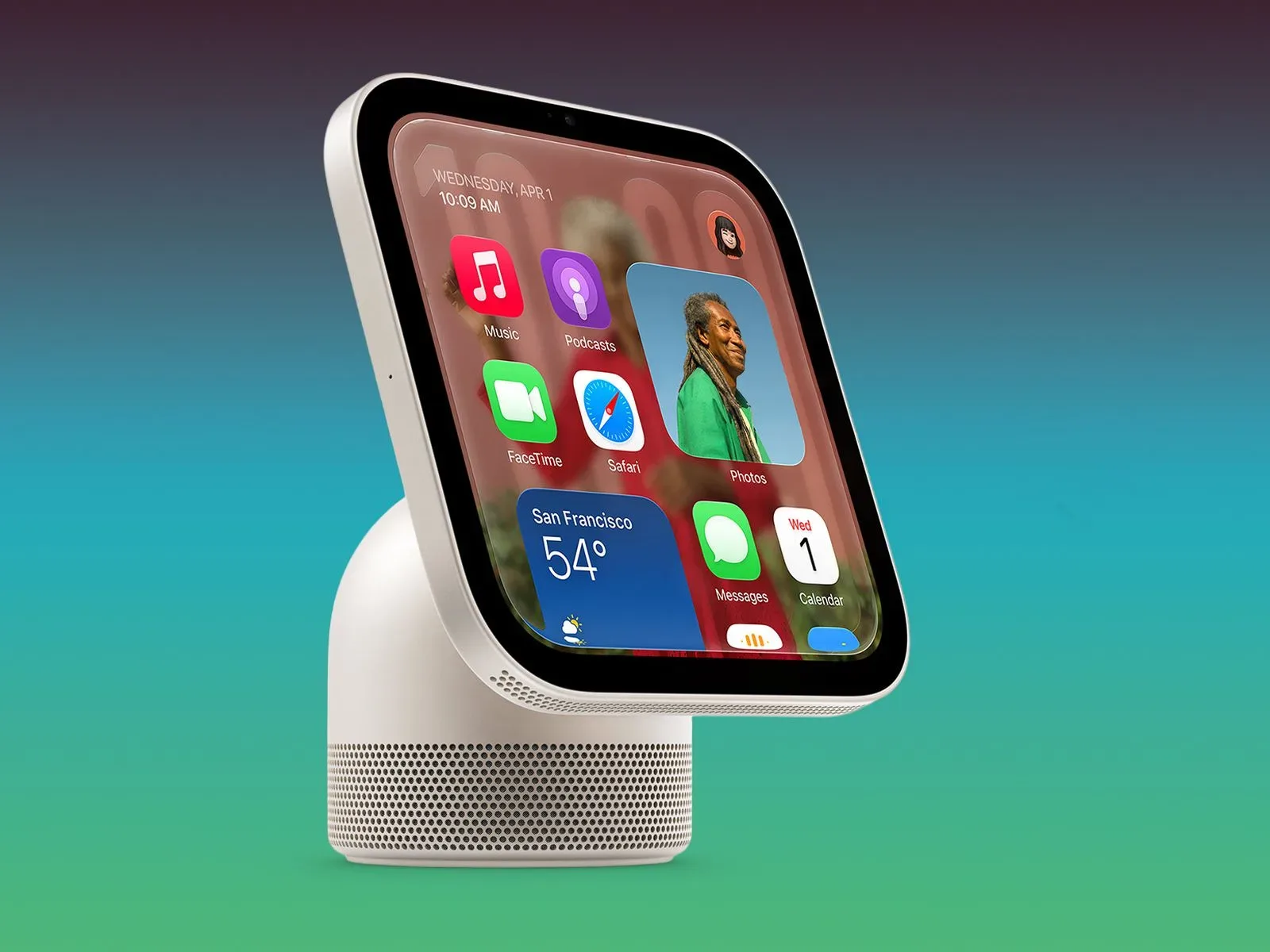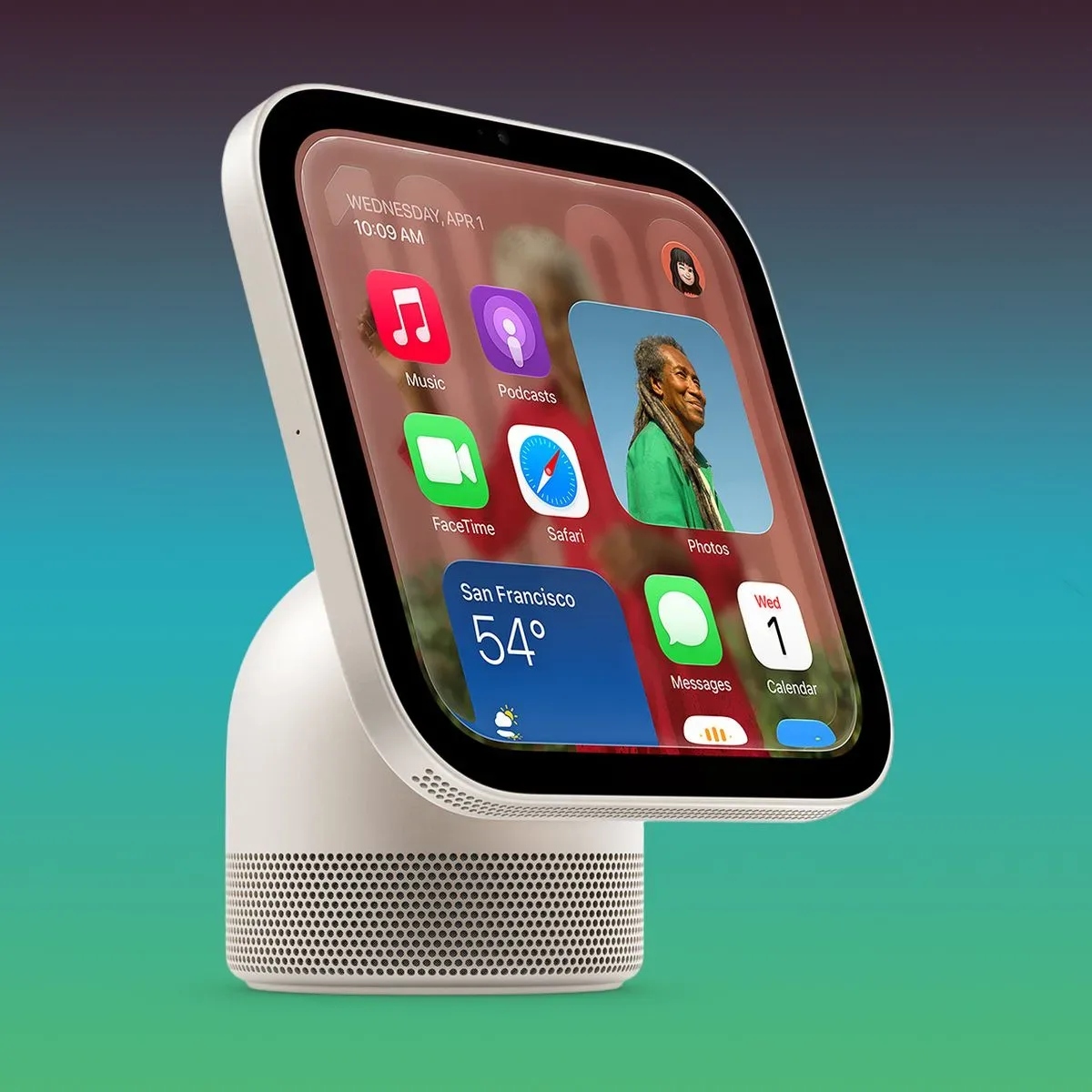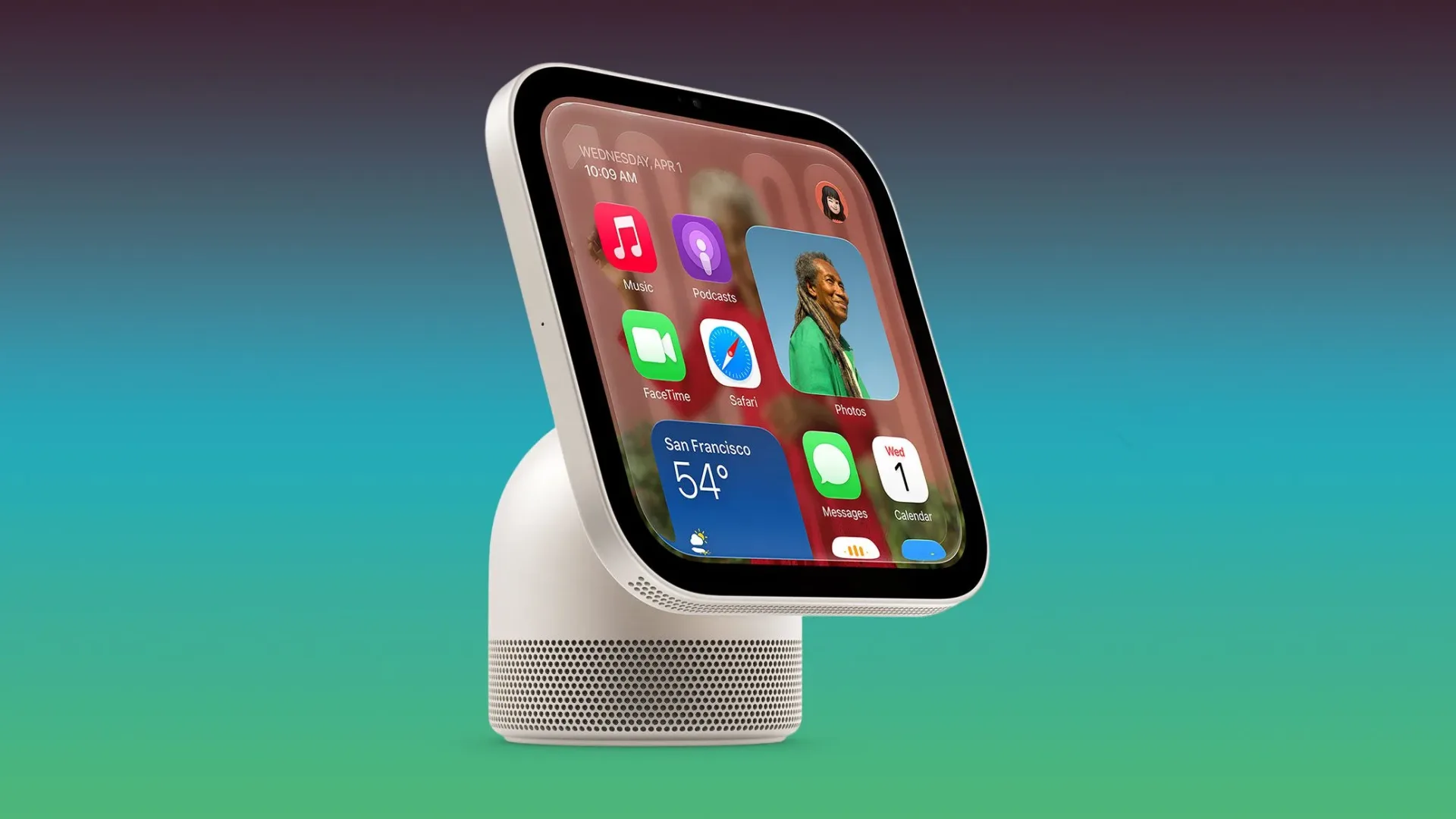
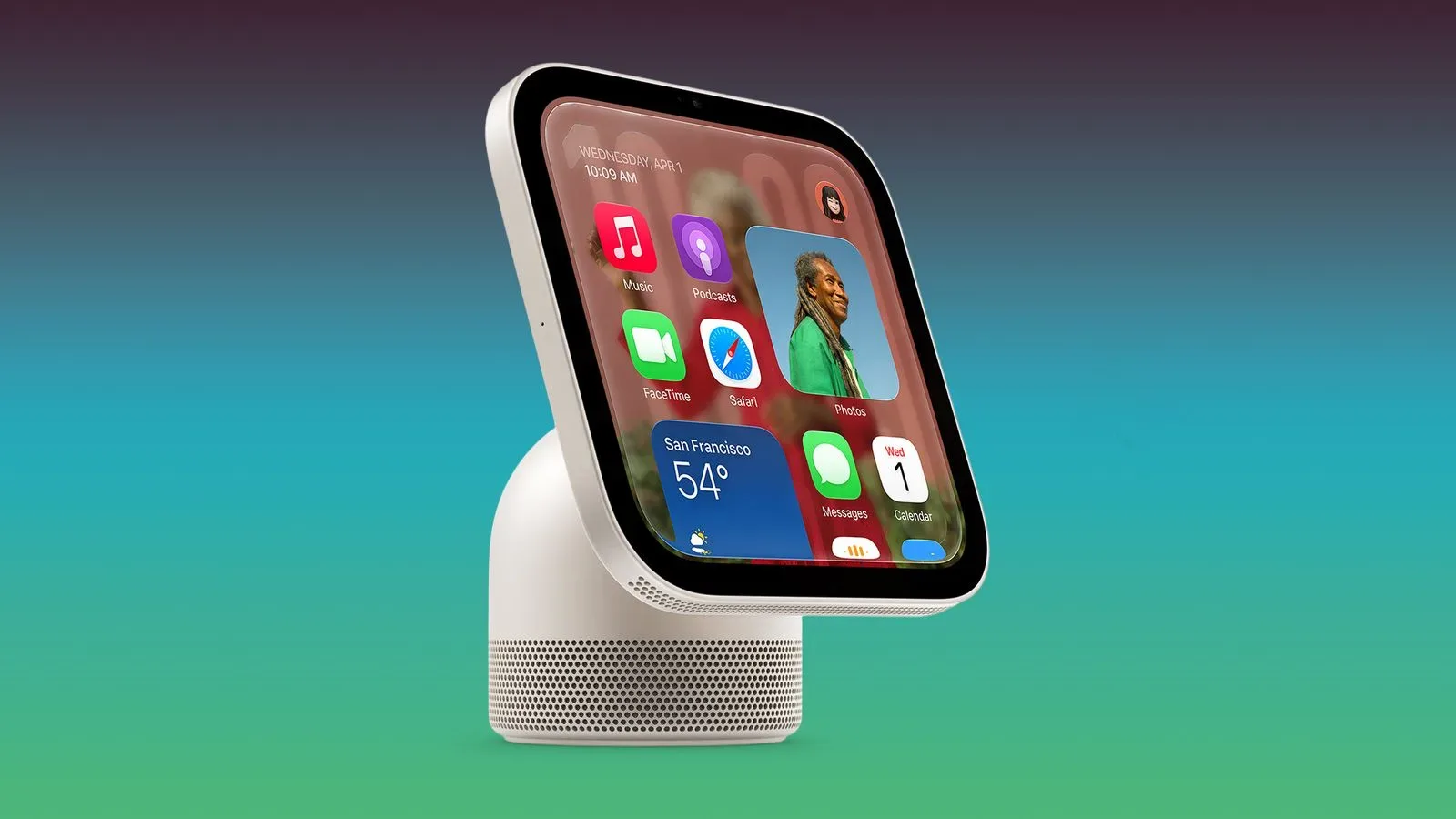
Apple’s new HomeView smart-home hub is already attracting reports of a distinctly un-smart problem: the basics are not always behaving like basics. Several owners say Siri commands for timers, alarms and music are failing, stalling, or reaching the wrong Apple device entirely. A smaller but especially awkward group with more than one HomeView says audio requests intended for one room can instead play somewhere else.
These are owner reports rather than a confirmed, universal product fault, and that distinction matters. Other people say their HomeView units are working normally. Still, the pattern is notable because timers, alarms, voice responses and room-specific music are the everyday jobs a household hub needs to get right. A smart display can survive a slightly odd menu; it has a much harder time living down an alarm request answered with a demand for an update that the device says it has already installed.
The reported problems: timers, Siri, music and room targeting
The most frequently described issue concerns timers and alarms. Some HomeView owners say the device refuses to create them and tells them that a software update is required. The contradiction is that the same unit reports itself as up to date. That creates a frustrating dead end: the user is being told to perform maintenance for which the interface offers no apparent next step.
Another cluster of reports involves Siri itself. Owners describe long waits before a response, sometimes lasting minutes, or a repeated message that Siri is “downloading Siri.” In a voice-operated hub, that is more than a cosmetic delay. The useful part of a spoken command is its immediacy. Asking for a timer while cooking, an alarm before bed, or music in a room is usually meant to eliminate the need to pull out a phone and troubleshoot a screen.
Music handling is also reportedly inconsistent. Some commands fail outright. Others appear to be accepted by HomeView, with Siri visibly listening on the display, but are then carried out on the paired iPhone instead. That makes the distinction between command recognition and command execution important. A device may successfully hear and interpret a request, yet still send the result to an unexpected destination. From the owner’s point of view, the request has not been fulfilled as intended.
For homes using multiple units, the reports become more complicated. A command aimed at one room may cause music to play in another. Multi-room device systems depend on reliable device identity and room assignment: the hub must know which unit heard the request, which room that unit represents, and where the requested playback should start. When any of those relationships becomes confused, the result is the smart-home equivalent of a party guest answering a question meant for somebody in the kitchen.
Why these issues matter more than a minor launch-day annoyance
The reported faults revolve around routine, repeatable tasks, not rare edge cases. A timer and alarm are dependable by design: people use them precisely because they expect a clear acknowledgement and a predictable outcome. Music playback has similar expectations, especially where a home is organized around rooms and shared devices.
That does not prove that every HomeView has a software defect, nor does it tell us how widespread the reports are. Online discussions naturally concentrate problems because people whose hardware works as expected have less reason to post. Yet several separate reports describing broadly related behavior are still useful signals. They identify the areas owners may want to test early: create a timer, set an alarm, request music, check where it plays, and repeat that test with any paired iPhone nearby.
The paired iPhone detail is particularly relevant. One owner said that an AppleCare senior advisor indicated that other customers had seen the timer problem and that a cold reboot of the paired iPhone cleared it. A cold reboot means fully powering a device off and starting it again, rather than merely closing an app or letting the screen sleep. Restarting can refresh a stuck connection or a service state, but it should be treated as a possible workaround reported by an owner, not a guaranteed repair or an explanation of the underlying cause.
Other owners likewise say their problems went away after restarting HomeView, their iPhone, or both. That is encouraging for anyone currently affected, but it also underlines the uncertainty. A temporary recovery after a restart is not the same as confirmation that the problem cannot return, and it does not establish whether the hub, the paired phone, the account connection, or the interaction between them was responsible.
What is confirmed, and what remains unconfirmed
Apple has already released a software update addressing several vulnerabilities involving AirPlay, Messages and Bluetooth. That update is real, but the available information does not connect it to the timer, alarm or music reports. Owners should avoid assuming that a security-focused update necessarily resolves every post-launch behavior issue simply because both are software-related.
Apple has also said that another update due next month will address a separate Siri AI issue. In that case, Siri AI can claim it does not have a camera and prevent recognized users from using voice controls to unlock doors and garages. That planned fix is specifically associated with the camera and voice-unlock problem. There is no confirmation that it will also repair the timer, music-routing, response-delay or room-selection behavior now being described.
Keeping those issues separate is important. “Siri has a problem” is a broad label, but it can cover very different layers of a system: recognition of a user, access to a camera, permission to unlock an entry point, creation of a timer, selection of a playback target, or response speed. A future update may solve one of those things without touching the others.
Practical checks for HomeView owners
Given the limited evidence, the sensible response is measured troubleshooting rather than panic. Owners experiencing these behaviors can begin with a short, reproducible check. The aim is not to diagnose software internals, but to establish exactly what happened and whether a restart changes it.
- Confirm HomeView reports that it is running the current available software.
- Try a simple timer and alarm request, then note the precise response if HomeView asks for an update.
- Request music and check which device actually begins playback, particularly when the paired iPhone is close by.
- In a multi-unit home, make room-specific requests one at a time and verify the room where audio begins.
- If a problem persists, restart HomeView and cold-reboot the paired iPhone, then repeat the same test.
- Record whether the restart fixes the issue, and whether that fix lasts through later requests.
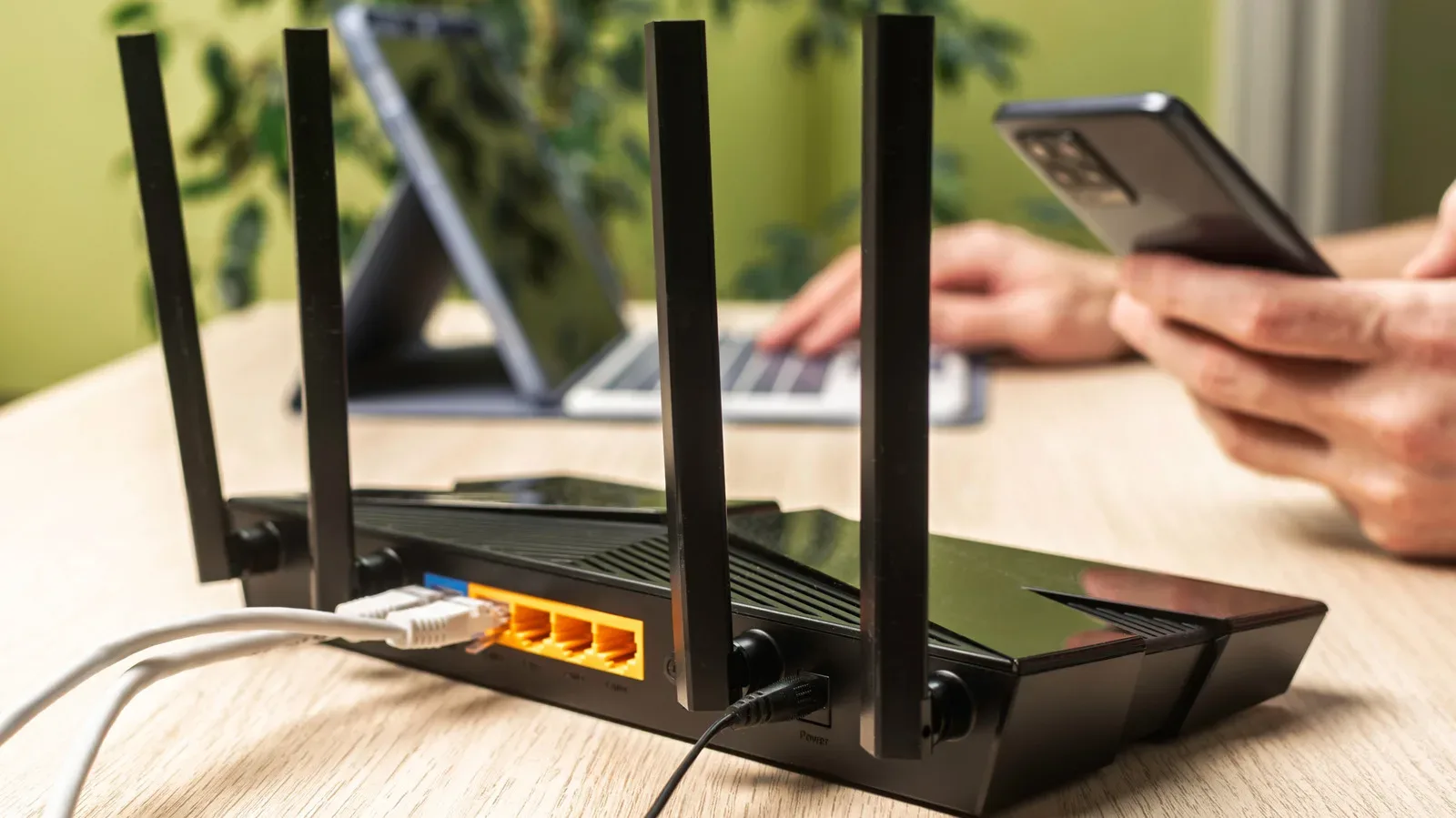
Network conditions can influence connected-home behavior generally, although the current reports do not establish Wi-Fi placement as the cause of these particular issues. It is nevertheless worth making sure the home network itself is not being made harder than it needs to be. Our guide to better Wi-Fi router placement for more reliable connections covers the practical reason positioning can matter for connected devices as well as gaming gear.
A launch-period warning, not a verdict on every HomeView
The fair reading of the situation is narrow. Some HomeView owners are reporting problems shortly after launch, chiefly involving Siri responsiveness, timer and alarm creation, music playback, and room routing. Some report relief after restarting the hub, the paired iPhone, or both. Other owners report no trouble at all.
That means it is too early to treat the reported behavior as universal, or to promise that a particular forthcoming update will cure it. It is equally unhelpful to dismiss it as isolated simply because not every owner sees it. The reports concern functions that are central to the product’s day-to-day role, so they deserve attention while Apple’s software situation develops.
For prospective buyers, the practical implication is to watch for clearer software-update notes and broader owner experience rather than infer too much from a few days of launch feedback. For current owners, a restart is a reasonable first step when the symptoms appear, followed by careful testing of timers and playback destinations. Smart homes are at their best when they disappear into routine. Right now, for a portion of HomeView households, the routine is asking Siri for a timer and getting a side quest instead.