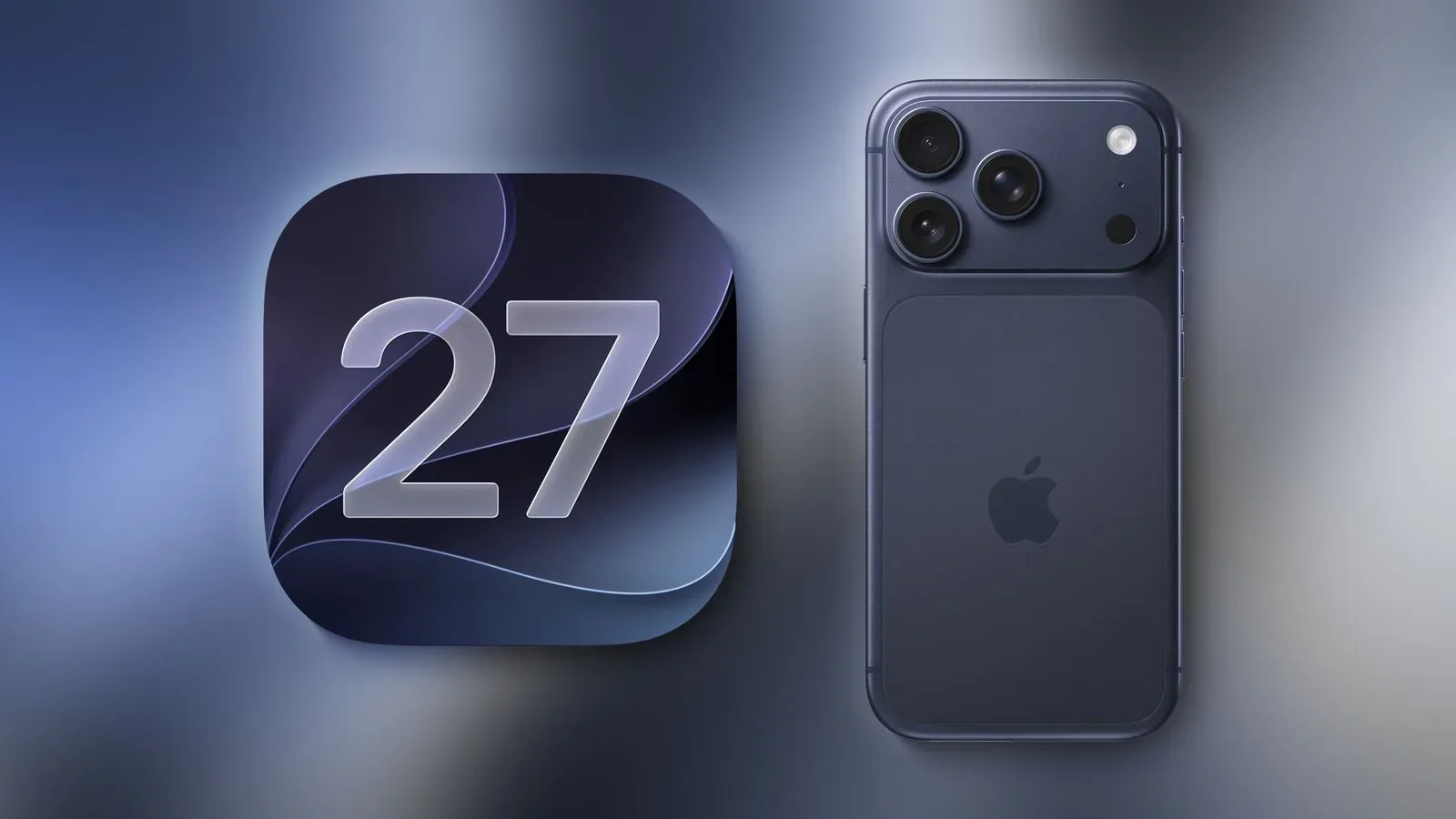
Apple is expected to begin releasing iOS 27 on Monday, September 14, bringing the company’s biggest iPhone software update of the year into the hands of users worldwide. The update is set to add more advanced Siri AI capabilities alongside a broader collection of refinements, improvements, and new features.
The important caveat, as always with a major operating-system launch, is that a launch day is not a universal promise that every iPhone will see the update at the same instant. The available information points to a rollout at roughly 10:00 a.m. Pacific Time, which is 1:00 p.m. Eastern Time. That timing also lines up with the date changing to Tuesday, September 15, across parts of Asia and Oceania.
For people who use an iPhone as part of their gaming setup—whether that means keeping up with friends, managing a game library, reading guides, using a companion app, or simply protecting the device that holds their save-adjacent screenshots—the best launch-day strategy is less about racing the update screen and more about knowing when to check, preparing the phone, and accepting that the first few hours can be busy.
The likely iOS 27 release window
The expected global release time is Monday, September 14 at about 10:00 a.m. PDT. Apple’s regional pages reportedly place the release on September 14 in India, while pages in places such as Singapore and Hong Kong show September 15. Those dates fit a single rollout window rather than separate regional launches.
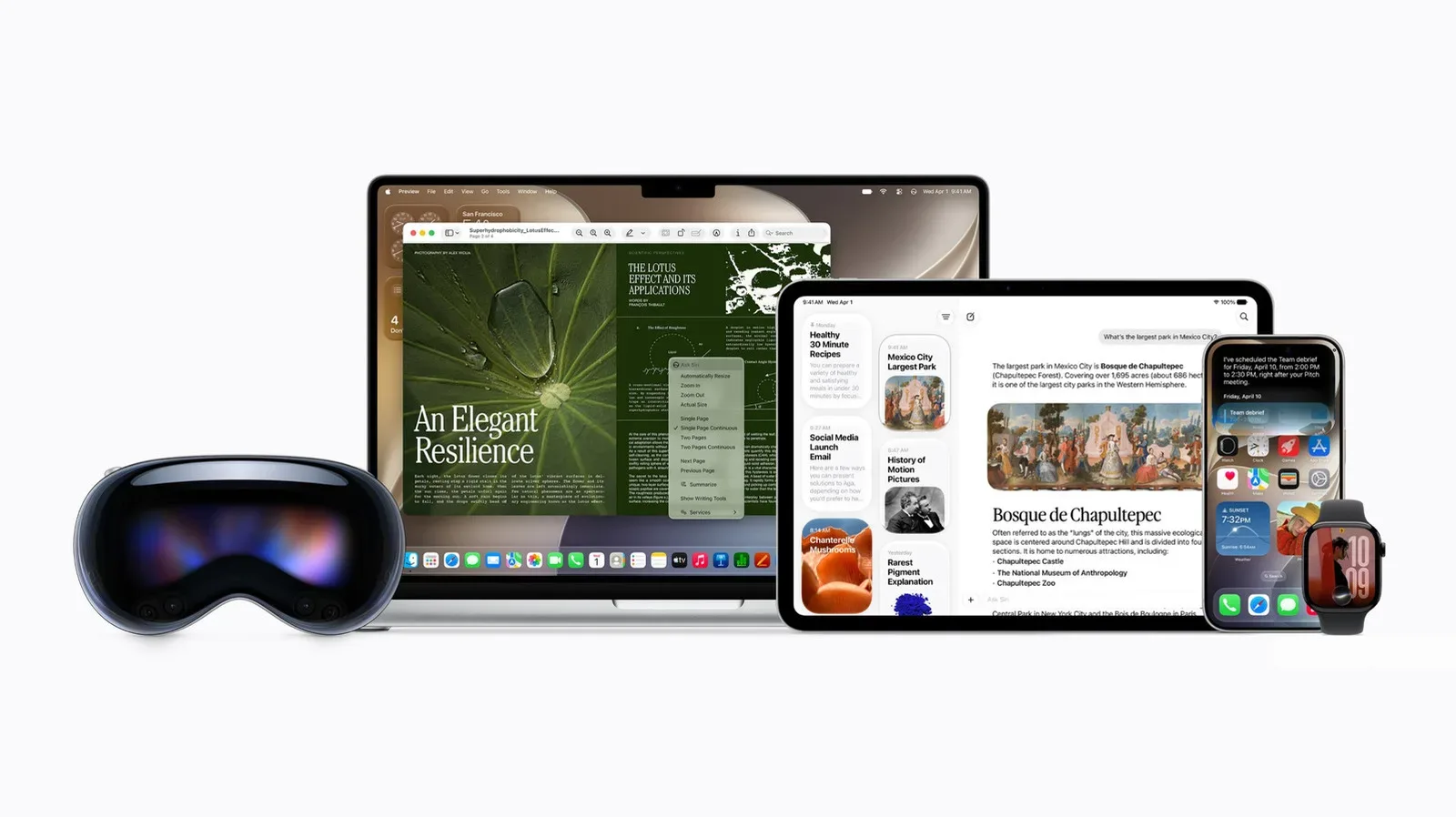
Apple is also expected to release macOS Golden Gate and other members of the OS 27 family around the same time. That makes the day a wider software-release event, not solely an iPhone update.
Because a major software launch depends on servers, network conditions, and the device checking in successfully, the exact moment the update appears can vary. Treat the following times as a useful target rather than a reason to panic-refresh Settings every 15 seconds.
iOS 27 local times around the world
At the anticipated 10:00 a.m. Pacific rollout point, these are the relevant local times for a range of regions:
- United States and Canada, Pacific: 10:00 a.m. PDT
- United States, Mountain: 11:00 a.m. MDT
- United States and Canada, Central: 12:00 p.m. CDT
- United States and Canada, Eastern: 1:00 p.m. EDT
- Canada, Atlantic: 2:00 p.m. ADT
- Puerto Rico: 1:00 p.m. AST
- Brazil East: 2:00 p.m. BRT
- United Kingdom: 6:00 p.m. BST
- Ireland: 6:00 p.m. IST
- Portugal: 6:00 p.m. WEST
- Austria, Belgium, Denmark, France, Germany, Italy, Luxembourg, Netherlands, Norway, Poland, Spain, Sweden and Switzerland: 7:00 p.m. CEST
- Baltic countries and Finland: 8:00 p.m. EEST
- South Africa: 7:00 p.m. SAST
- Saudi Arabia: 8:00 p.m. AST
- United Arab Emirates: 9:00 p.m. GST
- India: 10:30 p.m. IST
- Indonesia, Western: 12:00 a.m. WIB on Tuesday
- China, Hong Kong, Singapore and Taiwan: 1:00 a.m. on Tuesday
- Japan and South Korea: 2:00 a.m. on Tuesday
- Australia, Western: 1:00 a.m. AWST on Tuesday
- Australia, Eastern: 3:00 a.m. AEST on Tuesday
- New Zealand: 5:00 a.m. NZST on Tuesday
Users outside those locations should check a reliable local time-zone conversion from 10:00 a.m. Pacific on September 14. The date listed for a nearby country is not necessarily a substitute for verifying one’s own local time, especially in regions with differing daylight-saving rules.
How to check when the update arrives
Once the rollout window is underway, the usual route on an iPhone is straightforward:
- Open Settings.
- Select General.
- Choose Software Update.
- Give the phone a moment to contact Apple’s servers and check whether iOS 27 is available.
If it does not appear immediately, that alone does not mean anything has gone wrong. A device may need time to complete its availability check, and the update may not surface at precisely the same second for all users. Checking later is a sensible response; it is considerably more effective than assuming a missing button means the rollout has vanished into the same dimension as an unfinished backlog.
Launch-day waiting is normal
Major iOS releases attract enormous simultaneous demand. Millions of people can attempt to download and install an update shortly after it becomes available, which can result in slower download speeds, delays, or a generally sluggish update experience. That is especially worth keeping in mind for anyone trying to update at the very start of the expected window.
A slow download does not automatically indicate a problem with an individual iPhone. It can simply reflect the initial surge of users reaching Apple’s infrastructure at once. Waiting a day or two is a reasonable option for people who do not need iOS 27 immediately and would rather let that early congestion ease.
There is no prize for treating an operating-system rollout like a midnight game launch, particularly if the phone is needed for work, travel, communication, authentication, or keeping tabs on a multiplayer session. The update will still be there after the first wave. A calmer installation window can be the more practical choice.
Before starting the installation
Apple’s basic preparation advice is worth following: make sure the iPhone is fully charged before beginning and use Wi-Fi for the over-the-air update. Major releases can take time from download through installation, so it is better to begin when the phone is not urgently needed.
It also helps to think about timing. Starting an update immediately before leaving home, before a long commute, or moments before an online event is an unnecessary gamble. The process may go smoothly, but the launch-day warning is precisely that it may take longer than expected. Pick a period when waiting is not disruptive.
For iPhone owners with a computer-based routine, there is also no requirement to chase the over-the-air release at the first possible moment. The update can be allowed to arrive when the iPhone is next connected to a computer. That alternative may suit people who prefer to handle a major software change as part of a planned device-maintenance session rather than during the middle of the day.
What iOS 27 means for supported iPhones
Apple says iOS 27 supports iPhone 11 and newer. That answers the core compatibility question for owners of those models, though support for the operating system should not be read as a blanket promise that every individual iOS 27 feature will work identically on every supported device. Feature requirements can differ, particularly where new capabilities are involved.
The headline additions include more advanced Siri AI functions, but users should take a measured approach to expectations until the update is installed and the feature details relevant to their model are clear. A large annual OS release is usually a package of changes rather than one single switch that transforms every workflow at once.
Those building out an Apple setup may also be watching the wider hardware cycle; AirPods 5 pre-orders and current AirPods discounts are part of that broader ecosystem conversation. Still, iOS 27’s immediate story is simple: eligible iPhone owners should expect a September 14 rollout, likely centered on 10:00 a.m. Pacific, with the usual possibility of launch-day delays.
A sensible rollout checklist
- Confirm that your iPhone is an iPhone 11 or newer.
- Use the expected 10:00 a.m. PDT / 1:00 p.m. EDT window as a guide, not a guarantee.
- Check Settings, then General, then Software Update.
- Have the phone fully charged and use Wi-Fi before beginning an over-the-air installation.
- Allow extra time for downloads and installation during the first hours of release.
- Wait until the next day or later if a smoother, less crowded download experience matters more than being first.
- Do not schedule the update around a moment when you absolutely need the phone available.
iOS 27 is expected to land globally in one coordinated wave, even if the calendar says Monday in one place and early Tuesday in another. Check the local time, give Apple’s servers a little breathing room, and let the update process take the time it needs.