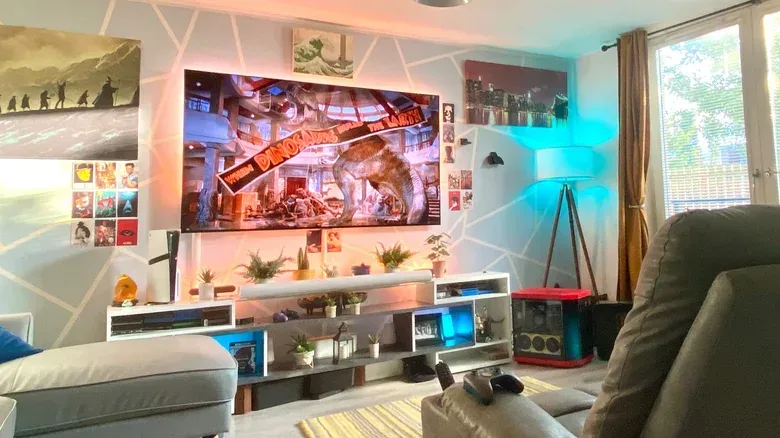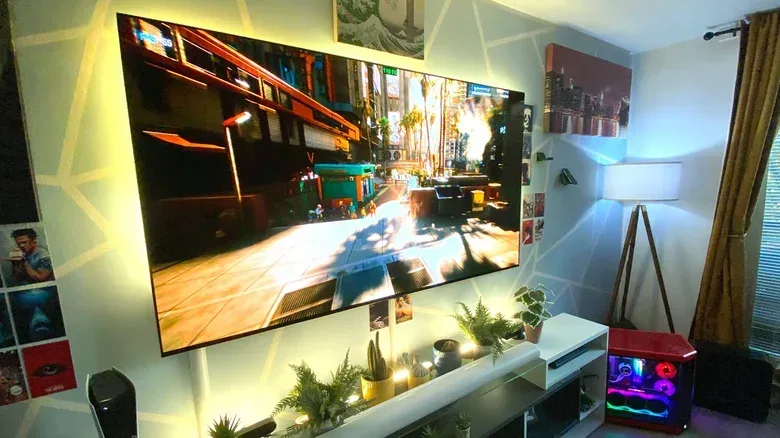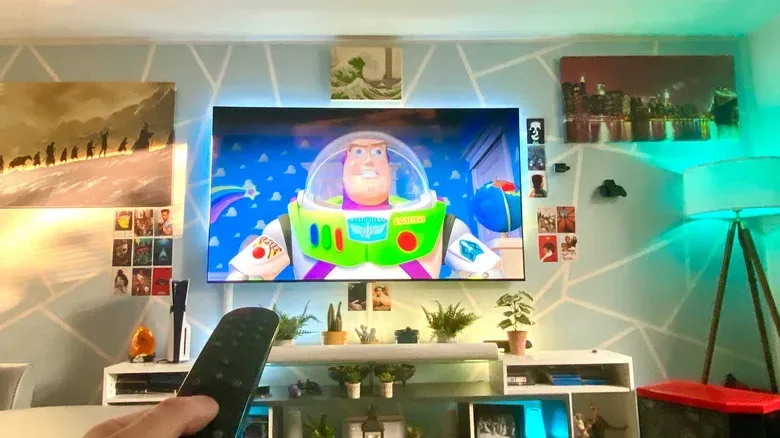
Shopping for a television has become an exercise in resisting the gravitational pull of “go bigger.” Large 4K sets are far more attainable than they once were, thin bezels make them less visually imposing, and a huge panel promises the kind of scale that makes a cinematic single-player game, Sunday movie marathon or split-screen session feel appropriately enormous.
But a screen can be too big for a particular setup. That does not mean there is one universally correct diagonal measurement. It means the display, the sofa, the room layout and the cabinet all need to work together. A 65-inch television may be wonderfully immersive from one seat and tiring from another; an 85-inch model might suit a long room but overwhelm a compact apartment.
The most useful way to approach the question is not “what is the largest TV I can afford?” It is: “How much of my view should the screen occupy from where I actually sit?” That distinction turns vague shopping advice into a practical measurement exercise.
Start with the seat, not the empty wall
Television sizes are measured diagonally, from one corner of the panel to the opposite corner. That familiar 55-, 65- or 75-inch number does not describe a TV’s width, its height, or the distance at which it will be comfortable to watch. Those depend on the screen’s shape and on your seating position.
Before choosing a size, identify the primary viewing spot: the usual position on the sofa or chair, rather than a best-case point achieved only by moving furniture. Measure from that spot to the expected screen position. Then consider whether everyone who watches needs a similarly good view, or whether the television is mainly set up for a single seat.
Room size still matters because it shapes those choices. In a confined apartment, a 55-inch screen may be the biggest panel that can be placed and viewed comfortably. A much larger room can accommodate an 85-inch model or beyond. Neither result is a status symbol or a compromise by default; it is simply the relationship between space and screen.
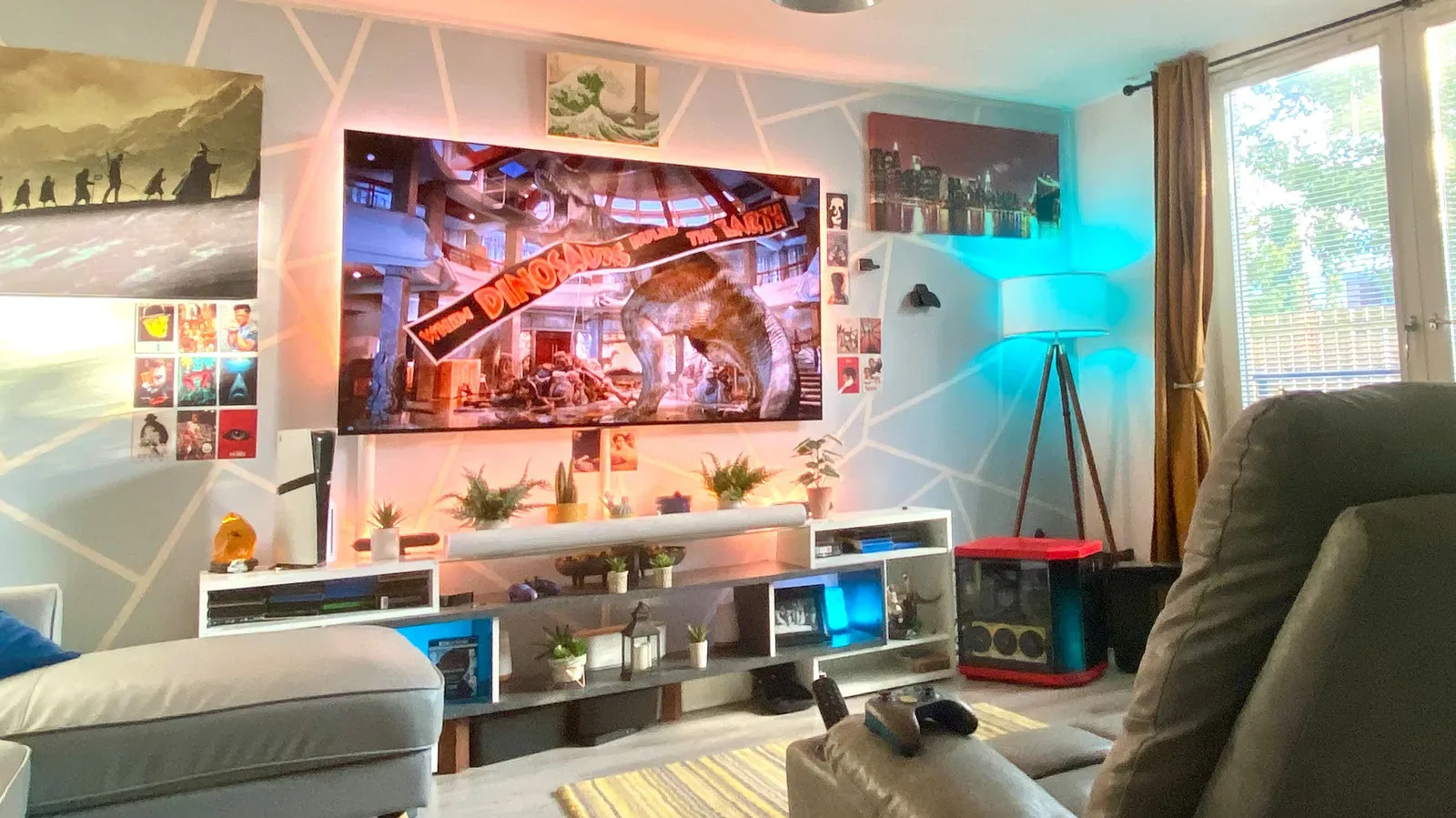
Furniture is part of that relationship. If a bigger screen requires the sofa to sit in an awkward place, blocks a walkway, or forces viewers to watch at an angle, the apparent upgrade can produce a worse daily setup. A TV purchase should fit the room people live in, not a theoretical cinema with no doors, windows or coffee table.
The 30-degree rule: a sensible immersive baseline
A commonly useful target is the 30-degree rule. It means the TV occupies about 30 degrees of the viewer’s horizontal field of view. In plain terms, the screen should feel substantial and engaging without requiring constant neck movement or making the viewer work to take in the full image.
For a 55-inch television, this guideline places the viewer at around 7.5 feet away. That is a useful reference point, not an order to rearrange an entire home around a tape measure. It does, however, show why a screen that seemed huge on a shop floor may be a natural fit once it is viewed across a living room.
“Field of view” is the important technical phrase here. It describes how much of what you can see is taken up by the display. The closer you sit, the more of your view the TV fills. The farther back you move, the smaller and less enveloping it appears. Screen diagonal and seating distance are therefore inseparable: the same TV can feel cinematic at one distance and modest at another.
For many households, 30 degrees is a practical target because it leaves room for preference. It can work well for a broad mix of games, streaming, sports and television, especially when several people share a sofa and do not all sit at the precise center of the screen.
The 40-degree rule: closer to a cinema-style setup
A more aggressive option is the 40-degree rule, which asks the TV to take up 40 degrees of the horizontal field of view. This produces a more cinema-like effect. The image becomes a more dominant part of the room, which can be particularly appealing for visually rich 4K material and big-screen games.
With a 65-inch TV, the 40-degree approach places the viewer about 6.5 feet away. That is markedly closer than many conventional living-room arrangements. It may be an excellent fit for someone who prioritizes a large, enveloping image, but it will not automatically suit everyone sharing the room.
The difference between 30 and 40 degrees is not a fight between a correct answer and a wrong one. It is a choice of viewing style. The first aims for immersive comfort; the second pushes further toward theatrical impact. If the closer target makes you feel like you are scanning the picture rather than enjoying it, it is too close for you, whatever the rule says.
Gamers should treat this as a setup decision rather than a simple “bigger is better” equation. A giant display can give dramatic scale to games designed around landscapes, spectacle and detailed art direction. But games with busy interfaces, maps, inventories or frequent text can make a very close seat less relaxing if your eyes must repeatedly travel across the panel. The content you use most matters as much as the diagonal measurement.
SMPTE distance guidance gives useful reference points
Another way to set expectations comes from the Society of Motion Picture and Television Engineers, often shortened to SMPTE. Its guidance suggests sitting at roughly 1.6 times the diagonal size of the television away from the screen. It is not an exact prescription, but it provides a straightforward yardstick while comparing popular sizes.
- For a 65-inch panel, the reference distance is about 8.8 feet.
- For a 75-inch set, it is a little over 10 feet.
- For an 85-inch screen, it is just over 11.5 feet.
These figures clarify the real commitment behind moving up a size class. A jump from 65 inches to 85 inches is not merely adding a larger rectangle to the same setup. It changes the distance at which the display is likely to feel most natural. If the usual sofa position is well short of that 11.5-foot range, an 85-inch television may still be usable, but it is worth considering whether the intended immersion will become overwhelming.
There is also no need to overstate mathematical precision. Furniture placement, eyesight, screen use and personal comfort are variables no formula can fully settle. Someone who is short-sighted may favor a different arrangement from someone who is not. The practical result is simple: use the numbers to narrow the shortlist, then be honest about how you prefer to watch.
When close viewing stops being comfortable
Watching at an uncomfortably close distance can lead to eye strain and dry eyes during prolonged sessions, although it is unlikely to cause long-term issues. The immediate problem is often less dramatic and more familiar: the viewer feels fatigued because the full frame no longer fits comfortably into their attention.
At too-close distances, the eyes may need to move continually from side to side to follow what is happening across the image. That can be particularly noticeable on a very large screen, where important visual information appears at opposite edges. A TV should draw you into a game or film, not turn every menu and camera pan into a low-key workout for your eyeballs.
This is why “I can physically see it from here” is not the same as “this is a good viewing distance.” The better test is whether you can settle in, see the overall composition easily and keep watching without feeling compelled to shift position or crane your neck.
For a gaming display, it also makes sense to pair physical placement with the console and TV settings that determine what the screen is doing. If a PlayStation 5 is part of the setup, our guide to PS5 settings including VRR, 120Hz, HDR and 3D Audio explains the features worth checking once the screen is in the right place. A larger TV does not replace sound configuration or display settings, but good placement gives those features a better stage.
Why the big-screen trend has momentum
Modern 4K televisions contain roughly 8.29 million pixels. That is a great deal of image information, and a larger screen can make that detail easier to appreciate than a smaller panel. The appeal is understandable: ultra-high-definition content has more room to breathe when the screen is large enough to reveal its texture and clarity.
Cost has also changed the equation. Manufacturing has become more efficient, helping bring larger televisions into more homes. It is possible to find 65-inch 4K models for less than $600, a price level that makes a large panel feel less like a luxury purchase than it did in earlier eras.
Design has helped, too. Older CRT televisions were notably deep and bulky. Modern flat displays, often with slim bezels, take up far less physical depth and can read more like a deliberate part of a room than an enormous box pushed into a corner. In North America, 55-inch and 66-inch TVs are described as the highest-selling sizes, a clear sign that larger panels have become mainstream rather than niche.
Still, affordability should not turn the choice into autopilot. A discounted 75-inch set is only a bargain if it fits the viewing distance, the room and the furniture safely. A 55- or 65-inch display that is comfortable every day is the better purchase than a larger screen that creates awkward viewing or placement problems.
Can the TV be wider than the stand?
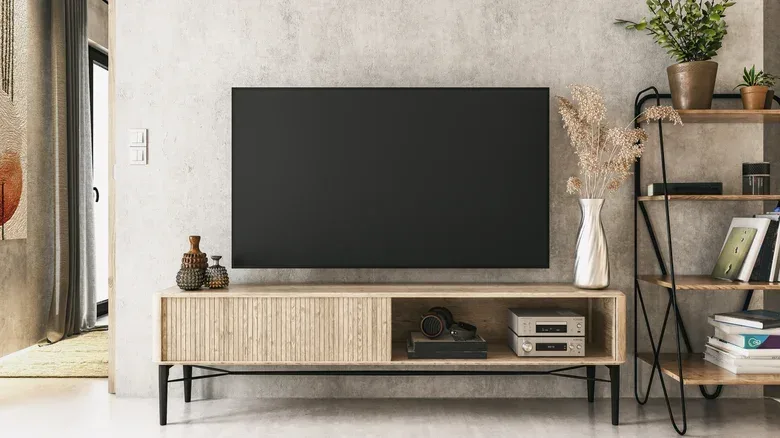
Yes—within limits. Screen overhang, where the left and right edges of the television extend beyond the entertainment unit, is not automatically a problem. If the TV’s actual base fits completely on the stand and the furniture is stable, the wider screen itself does not necessarily create immediate danger. It may be an aesthetic issue for some rooms, but it is not inherently disqualifying.
The important distinction is between the visible panel and the support points. A stand must safely accommodate the television’s feet or central pedestal, depending on the design, and it must meet the television’s weight requirement. Check the TV’s model number and specifications to verify its weight, then compare that with the furniture maker’s stated capacity.
Do not treat this as a formality. A television extending over a cabinet’s edges can be easier to knock over, so the placement deserves added care. And a cabinet intended for a 42-inch TV should not be assumed to be suitable for a 77-inch model simply because the panel can be balanced on top. Stable support matters more than whether the arrangement looks temporarily workable.
A practical decision checklist
- Measure from your normal seat. Use the everyday sofa position, not an imaginary ideal placement.
- Choose a viewing target. Around 30 degrees is a balanced immersive reference; 40 degrees is more cinematic and closer.
- Compare your distance with screen size. SMPTE reference distances are about 8.8 feet for 65 inches, over 10 feet for 75 inches and just over 11.5 feet for 85 inches.
- Consider the content. Think about movies, games, text-heavy interfaces and who will be watching from off-center seats.
- Prioritize comfort over bragging rights. If you need to scan the screen or feel eye strain, increase the distance or choose a smaller panel.
- Verify the furniture. Confirm that the TV base fits and that the stand supports the model’s weight securely.
The ideal TV size is the one that gives the room a satisfying sense of scale without making the screen demanding to watch or risky to place. Bigger can absolutely be better in the 4K era. It just needs enough room—both in front of the panel and beneath it—to earn that title.