Running an AI model on your own computer has an obvious appeal for players, modders and creators who would rather keep prompts, reference material and experiments on their own hardware than send them through a cloud chatbot. It can also mean freedom from subscription plans and cloud-service token limits. But “local AI” does not turn every small desktop into a magic prompt machine. The hardware has to hold the model in memory and process it quickly enough to make the experience useful.
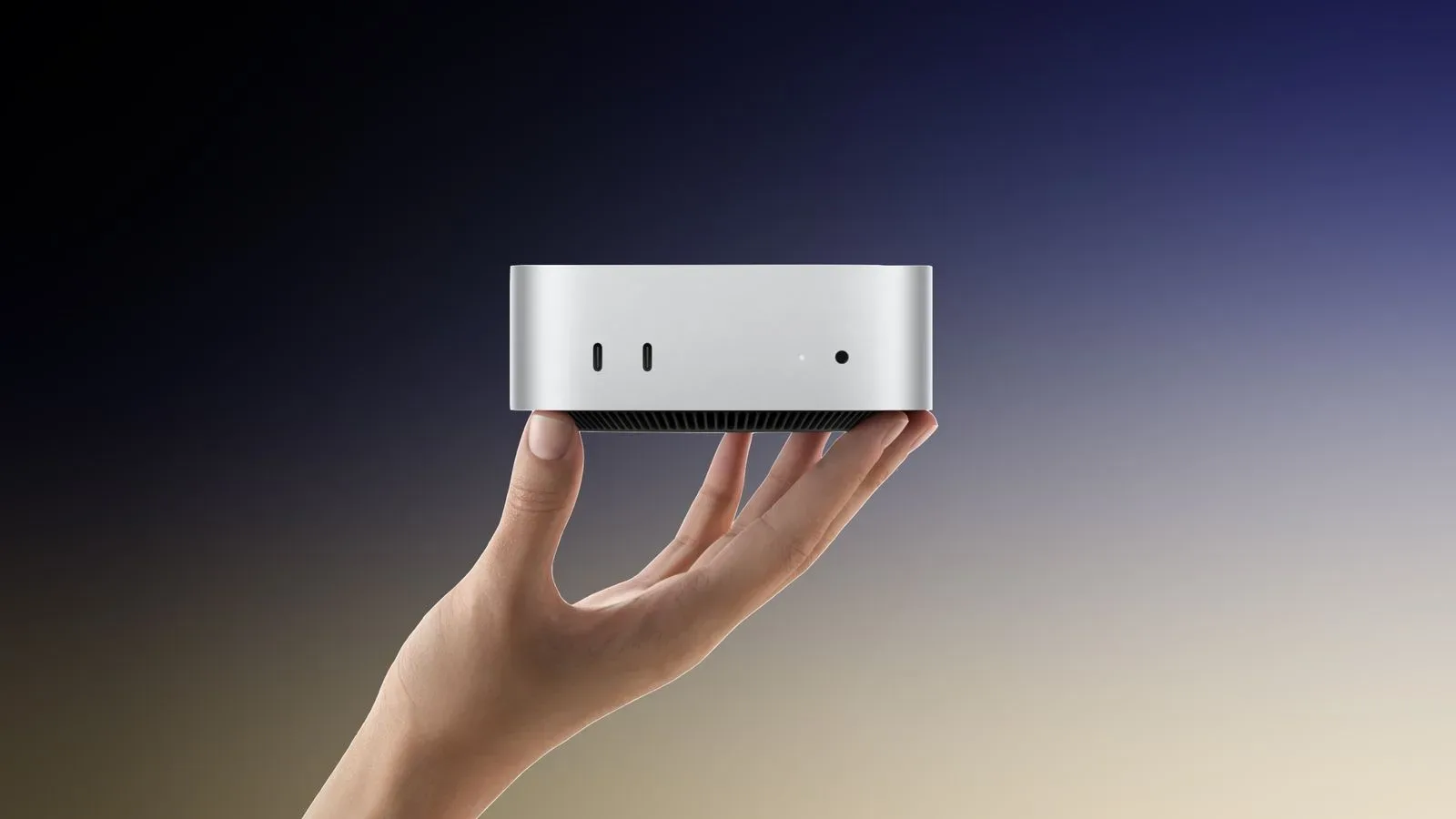
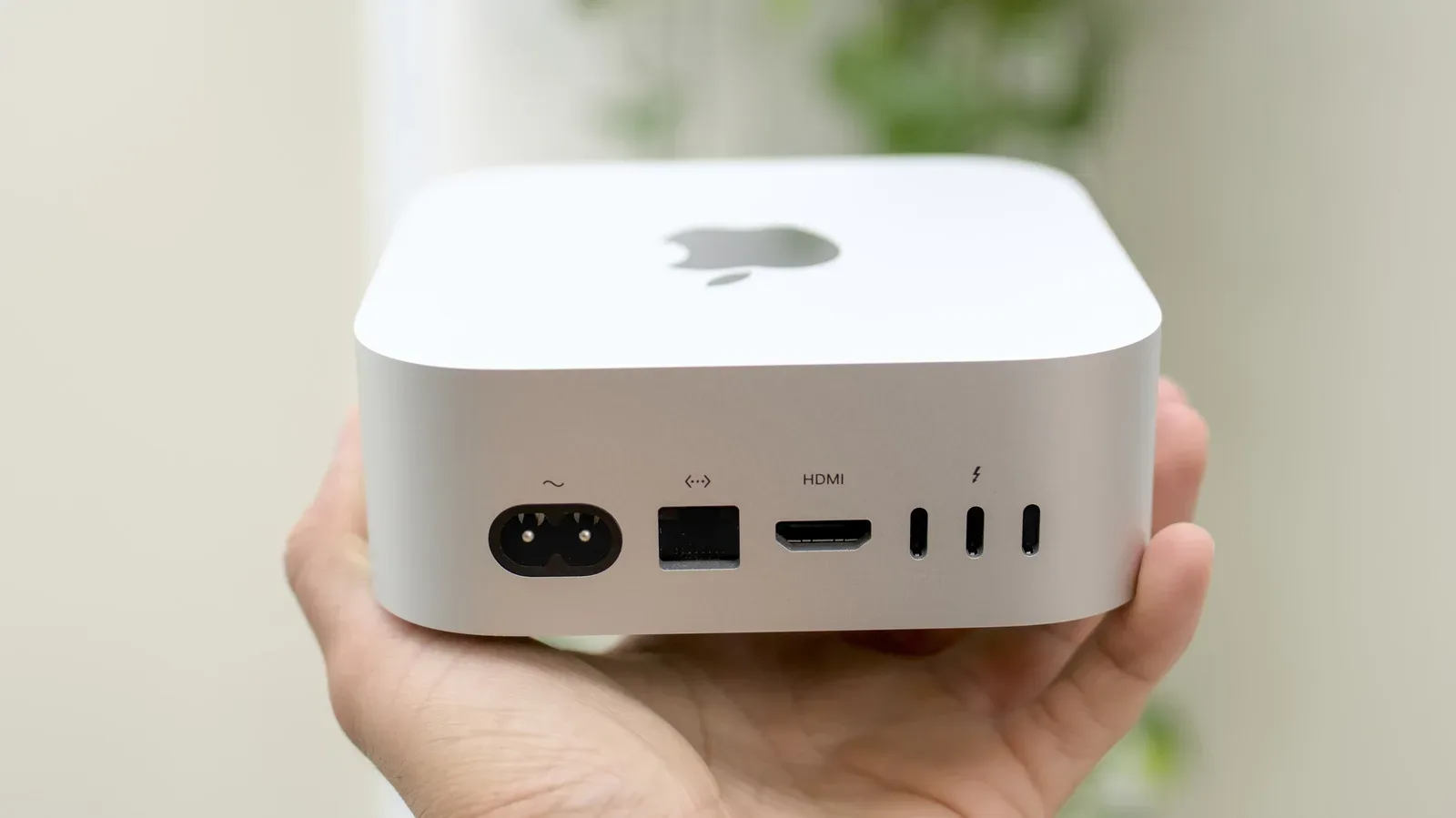
That makes the Mac mini an interesting, slightly unusual candidate. It is not the outright performance choice against a desktop fitted with a strong Nvidia graphics card. In an available llama.cpp comparison using Llama 2 7B in Q4_0 form, an M5 Pro Mac mini reached roughly 67 tokens per second, while an Nvidia RTX 5080 was near 185 tokens per second. That is a major gap for the discrete GPU when the model fits within its video memory.
Yet the Mac mini’s selling point is not that it beats that GPU in raw inference throughput. It is memory capacity. An M5 Pro Mac mini can be configured with as much as 64GB of unified memory, while the RTX 5080 in this comparison has 16GB of VRAM. For someone whose chosen model will not fit entirely into 16GB of graphics memory, the Mac mini can accommodate workloads that the GPU alone cannot.
The short version: a suitably configured Mac mini can be a good local-AI machine for a personal assistant, learning, experimentation and a low-power always-on server. It is less compelling for demanding training work or multiple intensive AI agents, where a desktop PC with an Nvidia GPU is the more appropriate route. The difficult part is being precise about which of those jobs you actually have.
Why memory capacity changes the Mac mini conversation
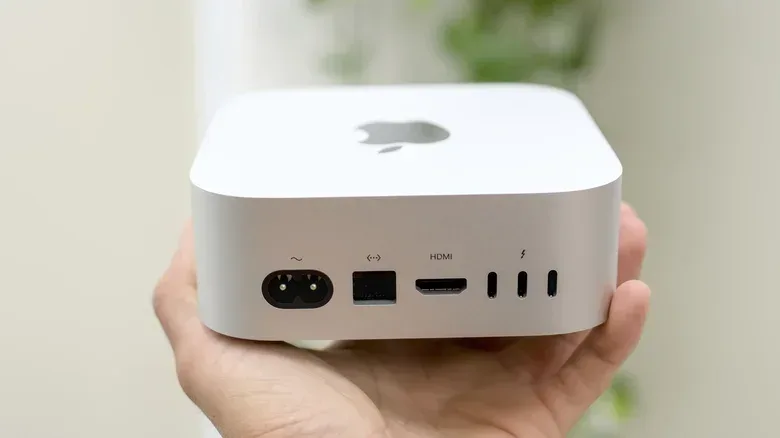
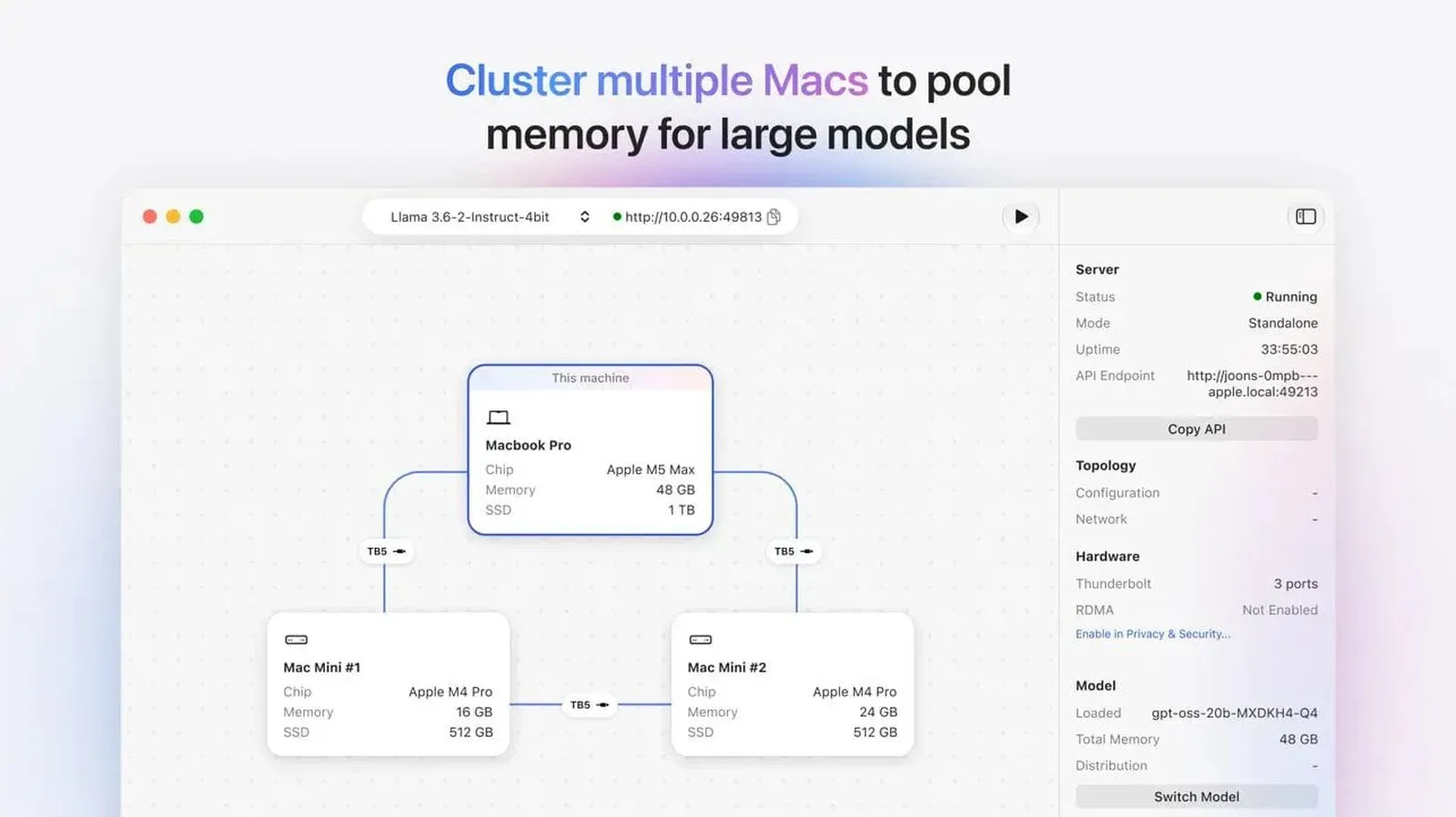
Apple Silicon uses unified memory. Rather than giving the CPU its own main memory and the GPU a completely separate pool of video memory, the CPU and GPU share one memory pool. Mac mini configurations span 16GB to 64GB of unified memory.
For local AI, the capacity of that pool matters because a model has to be accommodated in memory to run effectively. Larger models create a bigger memory requirement, and many conventional desktop GPUs have much less VRAM than a high-memory Mac mini has unified memory. The 64GB M5 Pro configuration is therefore notable next to a 16GB RTX 5080: it gives the Mac a far larger shared pool in which to fit a model.
That distinction is important because a PC is not necessarily unable to load a model larger than its GPU’s VRAM. It can draw on ordinary system memory after the model spills beyond VRAM. The trade-off is performance: moving beyond the graphics card’s dedicated memory can cause a substantial slowdown. In practical buying terms, “my computer has enough total RAM” is not the same thing as “my GPU has enough fast VRAM for this model.”
For a person interested in exploring larger models on a compact machine, the Mac mini’s memory configuration can therefore be more valuable than a simple GPU-core comparison suggests. Capacity is a real capability, not a cosmetic specification.
Related coverage includes Is the Mac mini worth buying for local AI?.
Useful terminology: VRAM, bandwidth and tokens per second
- VRAM is the dedicated memory attached to a discrete graphics card. It is designed for GPU work and is separate from a desktop’s usual system memory.
- Unified memory is the shared CPU-and-GPU memory approach used by Apple Silicon. It can offer a large common pool to both processors.
- Memory bandwidth describes how quickly data can move through memory. Capacity determines whether a workload can fit; bandwidth affects how quickly the processor can keep working with that data.
- Inference is the process of using an already available model to generate an answer or other output. It is different from training a model.
- Tokens per second is a generation-speed measure. A token is a unit of text handled by the model; more tokens per second generally means output arrives faster.
This is why buying for local AI is not just a memory-size contest. A system may have enough memory to host a model but still generate responses more slowly than another system with less capacity and much stronger bandwidth and GPU compute.
The RTX 5080 comparison: faster when its VRAM is enough
The M5 Pro Mac mini versus RTX 5080 benchmark illustrates the central compromise cleanly. With the Llama 2 7B (Q4_0) model used in llama.cpp, the Mac mini generated about 67 tokens per second. The RTX 5080 managed about 185 tokens per second. The GPU’s higher memory bandwidth and raw processing performance give it a substantial advantage for that model.
That result should not be stretched into a claim that one benchmark settles every local-AI decision. It does not. Model choice, model size, the software stack, memory settings and the task all matter. But it does establish the practical direction: when the selected model comfortably fits in the discrete GPU’s VRAM, the dedicated GPU is the speed-first option in this comparison.
For gaming-PC owners, that is a familiar hardware lesson in a different workload. Dedicated graphics hardware is built around high-performance GPU processing and high-bandwidth video memory. A Mac mini’s shared-memory architecture solves a different problem: making a larger pool available in a very compact computer. It does not erase the discrete GPU’s throughput advantage on demanding AI work.
That difference matters most when response speed is central to the job. Serving multiple demanding AI agents, for example, puts a greater emphasis on the system’s ability to process workload after workload. Training models is also identified as a case where a desktop PC, especially one with an Nvidia GPU, is the better fit. Buyers with those requirements should avoid treating a high-memory Mac mini as an all-purpose replacement for a dedicated AI desktop.
Power draw is a meaningful advantage for an always-on role
There is another number that strongly favors the Mac mini for the right setup: power. Apple rates the M5 Pro Mac mini at a maximum of 145W. The RTX 5080 is rated at 360W for the GPU alone. Those figures do not measure identical whole-system scenarios, so they should not be turned into a precise electricity-cost calculation. They do, however, show a clear difference in the stated maximum power requirements of the two products.
That makes the Mac mini attractive as a machine left running to provide local AI access. If the aim is a personal assistant on a desk or a persistent local service rather than the quickest possible generation rate, lower maximum power use can be part of the value proposition. It also reframes the purchase question away from peak benchmark numbers. The best device for a workstation that runs intermittent but heavy workloads may not be the best device for a modest service that stays on around the clock.
It is worth separating that practical benefit from a promise of universal efficiency. Lower rated maximum power does not automatically make any configuration the best choice for every job. A faster GPU may complete some work sooner. Still, for the specific idea of a continuously available local-AI box, the Mac mini’s lower figure is a concrete advantage to weigh alongside its memory ceiling.
The irreversible decision: configure memory for the models you want
The biggest purchasing warning is simple: Apple Silicon unified memory is not a later upgrade. On a conventional Windows desktop, people often have a path to add system memory or replace a graphics card. The Mac mini does not offer that same flexibility for unified memory. The configuration chosen at purchase is the configuration that will define the machine’s AI model capacity.
That means a buyer should start with workload planning rather than with the smallest advertised entry point. Consider the kinds of models you intend to run, whether you expect to experiment with larger models, and whether a personal assistant is the entire mission or merely the beginning. If larger models are important, the memory option should reflect that from the outset.
Storage deserves the same pre-purchase attention. Keeping several models locally requires space, and a collection of models can make storage a practical constraint even when unified memory is sufficient for running one. Memory addresses what can be held for the workload; storage determines how many downloaded models can live on the machine at once. They are related needs, but they are not interchangeable.
Gamers who are accustomed to upgrading a PC over time may find this the least PC-like element of the Mac mini proposition. A carefully chosen configuration can be tidy and capable; a too-small one cannot simply be rescued by adding more unified memory later. For related PC maintenance considerations, see why a gaming PC can wake itself and how to stop it.
Software compatibility comes before hardware enthusiasm
Hardware suitability is only half the decision. A local setup also needs tools that work on the operating system and processor architecture in question. LM Studio and Ollama support Apple Silicon and macOS natively, providing a direct path to downloading and running models locally on a Mac mini.
That native support removes one potential barrier, but it does not mean every workflow will be equally well supported or equally fast. Before committing to a machine, identify the application and model format you expect to use, then confirm that the tools fit macOS and Apple Silicon. This is especially important if the machine has a specialized role beyond a personal assistant.
The sensible order of operations is therefore: define the workload; check whether the relevant tools support the chosen platform; establish the model sizes you want to accommodate; then choose memory and storage. Starting with a processor name or a benchmark score invites an expensive mismatch between the device and the intended use.
Who should choose each approach?
A Mac mini is a sensible fit when:
- You want to run a personal local AI assistant or experiment with models rather than train them.
- Model capacity is more important than absolute generation speed.
- You value access to up to 64GB of shared memory in a compact system.
- You plan to operate a local AI server continuously and place weight on lower maximum power consumption.
- Your preferred workflow works with Apple Silicon and macOS through tools such as LM Studio or Ollama.
A desktop with an Nvidia GPU is the stronger fit when:
- Your models fit in the GPU’s available VRAM and you want much higher inference performance.
- You expect demanding work involving training models.
- You need to serve multiple AI agents with intensive workloads.
- Future upgrades to memory or graphics hardware are a priority.
Ultimately, the Mac mini is neither an automatic bargain nor an automatic compromise for local AI. Its appeal is sharply defined: unusually useful memory capacity for its form factor, native macOS tooling and lower maximum power needs, balanced against slower GPU-oriented performance and no memory upgrade path. If your local-AI plans are personal, experimental and capacity-conscious, it can make a lot of sense. If they are speed-critical, heavily parallel or training-focused, a dedicated Nvidia GPU desktop remains the clearer answer.